Newb X Pineapple Shader For Minecraft 1.21+ – Best Realistic Shader for Minecraft PE (Low-End Friendly)

Newb X Pineapple Shader enhances Minecraft PE graphics with realistic lighting, smooth shadows, vibrant colors, and optimized performance, making it perfect for both low-end and high-end devices.
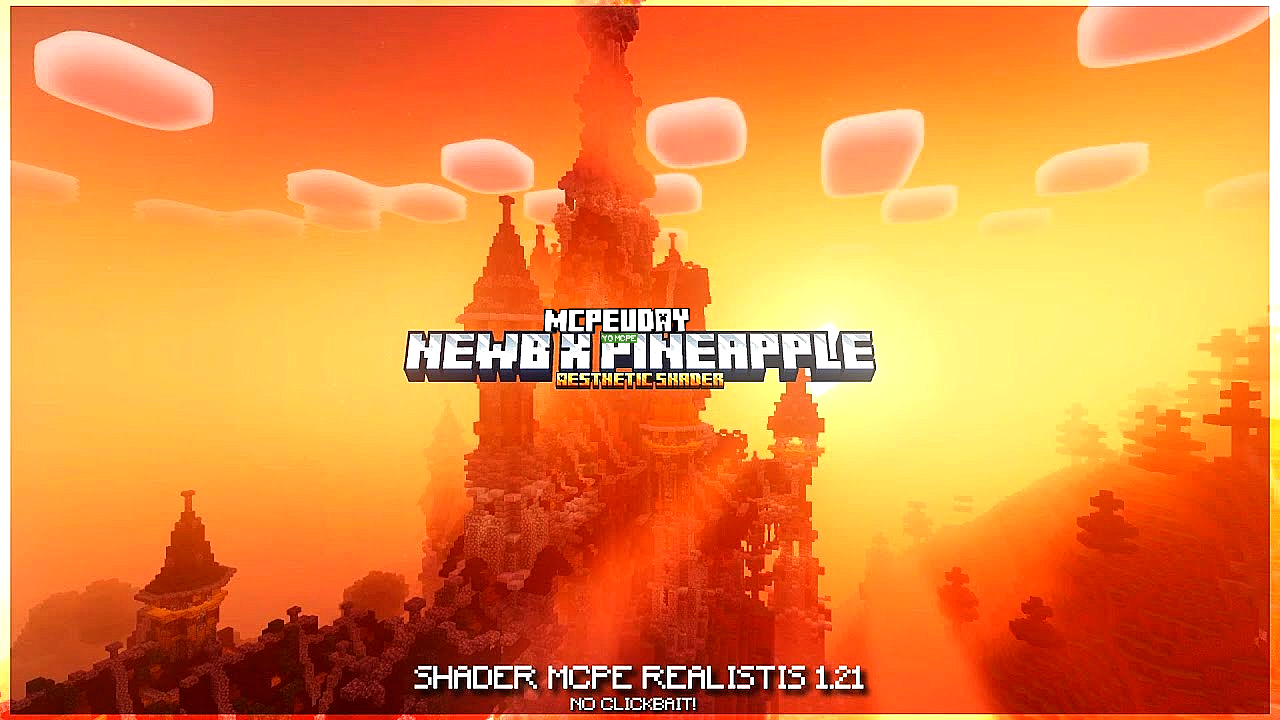
If you are looking for a beautiful yet lightweight shader for Minecraft Pocket Edition, Newb X Pineapple Shader is one of the best options available right now. This shader is specially designed for players who want realistic graphics without lag, even on low-end Android devices.

Unlike heavy shaders that cause FPS drops, Newb X Pineapple Shader focuses on performance optimization, smooth lighting, and natural colors, making your Minecraft world look stunning while keeping gameplay smooth.
- Features of Newb X Pineapple Shader
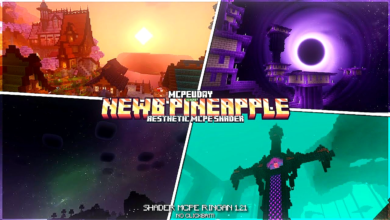
- Screenshots:
- Why Choose Newb X Pineapple Shader?
- Shader Compatibility
- How to Install Newb X Pineapple Shader (MCPE)
- Performance & FPS Review
- Is Newb X Pineapple Shader Safe?
- Pros and Cons
- Conclusion
- FAQ – Newb X Pineapple Shader
- – Newb X Pineapple Shader DOWNLOAD –Download Shader
Features of Newb X Pineapple Shader
Here are the top features that make this shader special:
- 🌞 Enhanced Lighting System – Soft sunlight and realistic brightness
- 🌊 Improved Water Effects – Clear water with smooth reflections
- 🌿 Natural Color Tone – Balanced colors for grass, trees, and blocks
- 🌙 Smooth Shadows – No harsh or dark shadows
- 📱 Low-End Device Friendly – Works smoothly on budget phones
- ⚡ FPS Optimized – Minimal lag and stable performance
- 🌈 Better Sky & Clouds – More immersive day and night cycle
Screenshots:
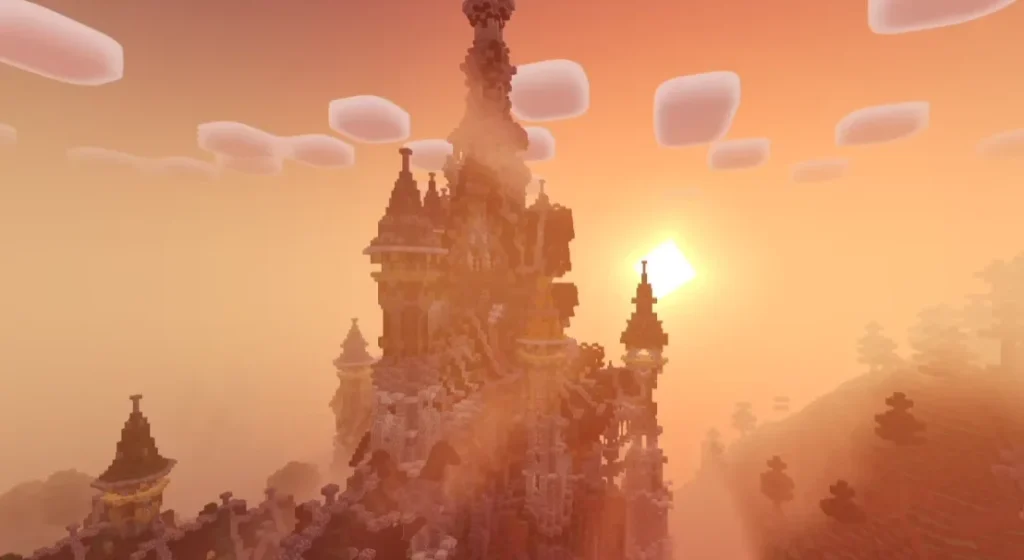
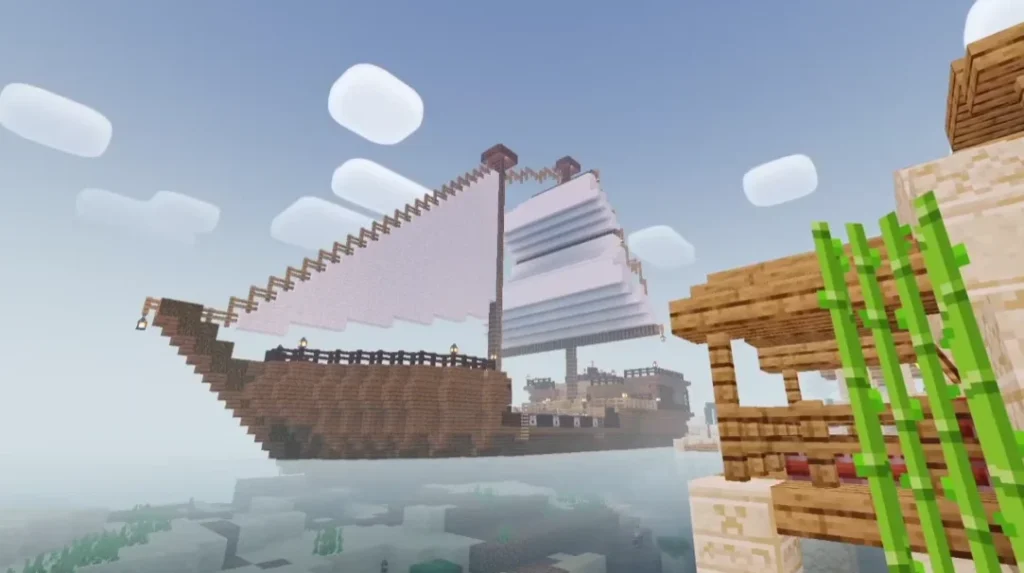
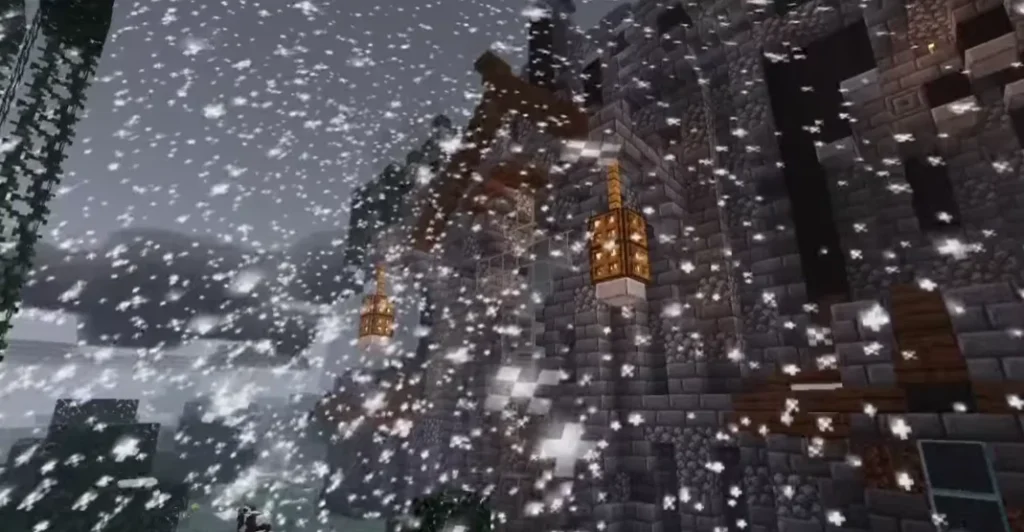
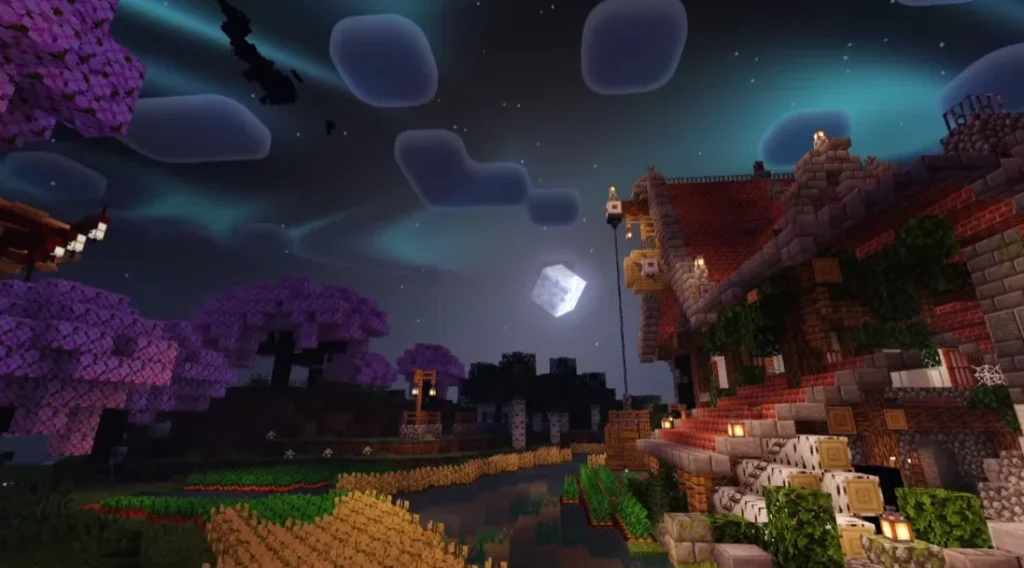
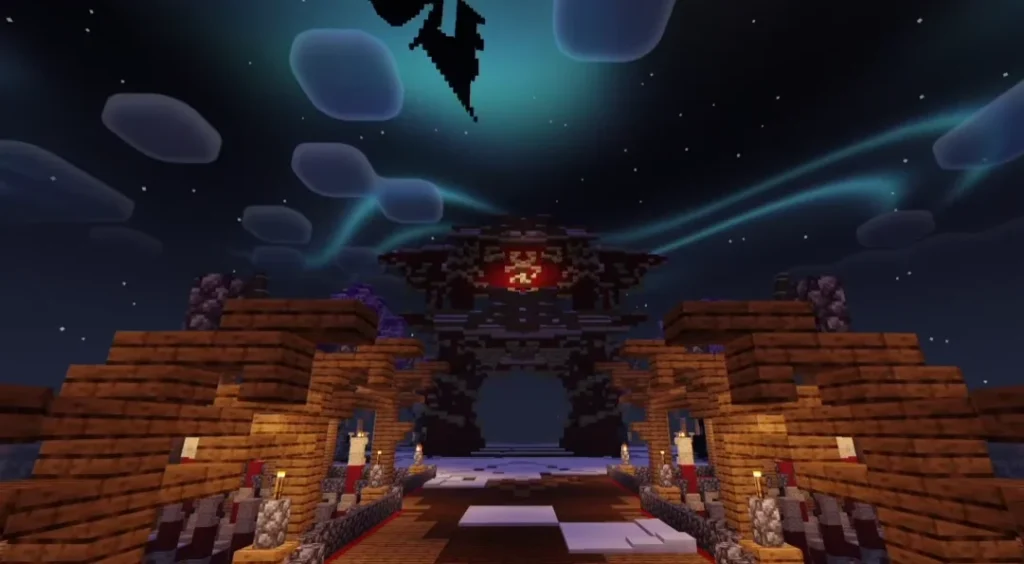
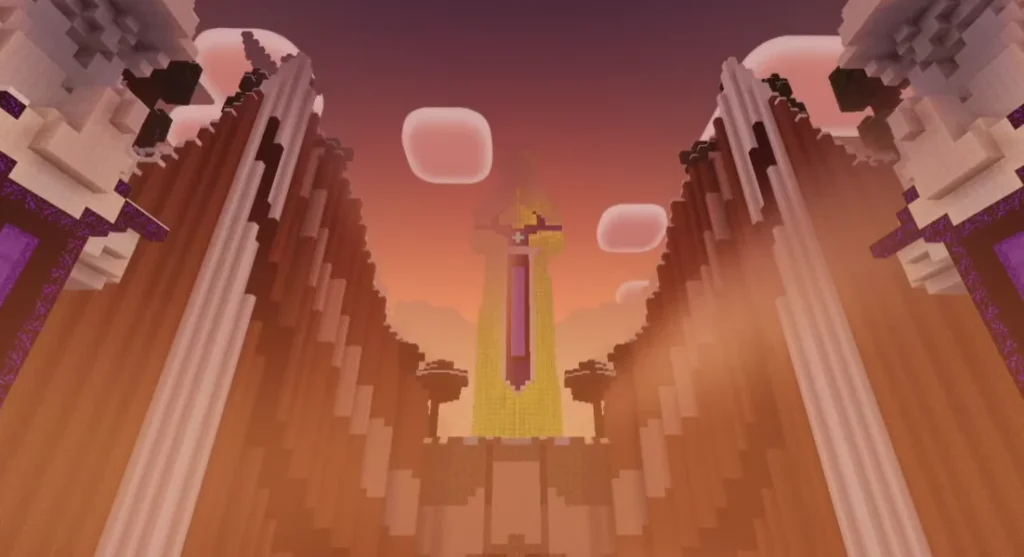
Why Choose Newb X Pineapple Shader?
Many shaders look amazing but are not practical for daily gameplay. Newb X Pineapple Shader is different because:
- It does not overuse heavy effects
- It maintains vanilla Minecraft feel
- It improves visuals without breaking immersion
- It is suitable for survival, creative, and multiplayer worlds
This shader is perfect for YouTubers, builders, and casual players who want good visuals + smooth gameplay.
Shader Compatibility
Newb X Pineapple Shader supports:
- ✔ Minecraft PE / Bedrock Edition
- ✔ Android Devices
- ✔ MCPE Latest Versions (varies by update)
- ✔ Survival & Creative Mode
Note: Shader support may vary depending on Minecraft updates.
How to Install Newb X Pineapple Shader (MCPE)
Follow these simple steps:
- Download the Newb X Pineapple Shader file
- Open the file using Minecraft
- Minecraft will automatically import the shader
- Go to Settings → Global Resources
- Activate the shader pack
- Restart the world and enjoy enhanced graphics
Performance & FPS Review
One of the biggest advantages of Newb X Pineapple Shader is its excellent performance optimization. Even devices with 2GB–3GB RAM can run this shader smoothly.
- Low-end devices: ✅ Stable FPS
- Mid-range devices: ✅ Smooth gameplay
- High-end devices: ✅ Best visual quality
Is Newb X Pineapple Shader Safe?
Yes, Newb X Pineapple Shader is safe to use if downloaded from a trusted source. It does not modify game files in a harmful way and works within Minecraft’s resource system.
Pros and Cons
Pros
- Lightweight and optimized
- Beautiful lighting effects
- Works on low-end devices
- Easy to install
Cons
- Limited advanced ray-tracing effects
- Shader support depends on Minecraft updates
Conclusion
Newb X Pineapple Shader is a perfect balance between performance and beauty. If you want a shader that enhances Minecraft PE graphics without lag, this is one of the best choices available. It keeps the game smooth, natural, and visually pleasing for all types of players.
FAQ – Newb X Pineapple Shader
Q1. Is Newb X Pineapple Shader free?
Yes, the shader is completely free to use for Minecraft PE players.
Q2. Does this shader work on low-end devices?
Yes, it is specially optimized for low-end and budget Android devices.
Q3. Can I use this shader in survival mode?
Absolutely. It works perfectly in survival, creative, and multiplayer worlds.