NEWB X MJ Shader enhances Minecraft PE graphics with realistic lighting, soft shadows, vibrant colors, and smooth performance, making your survival and creative worlds look stunning.
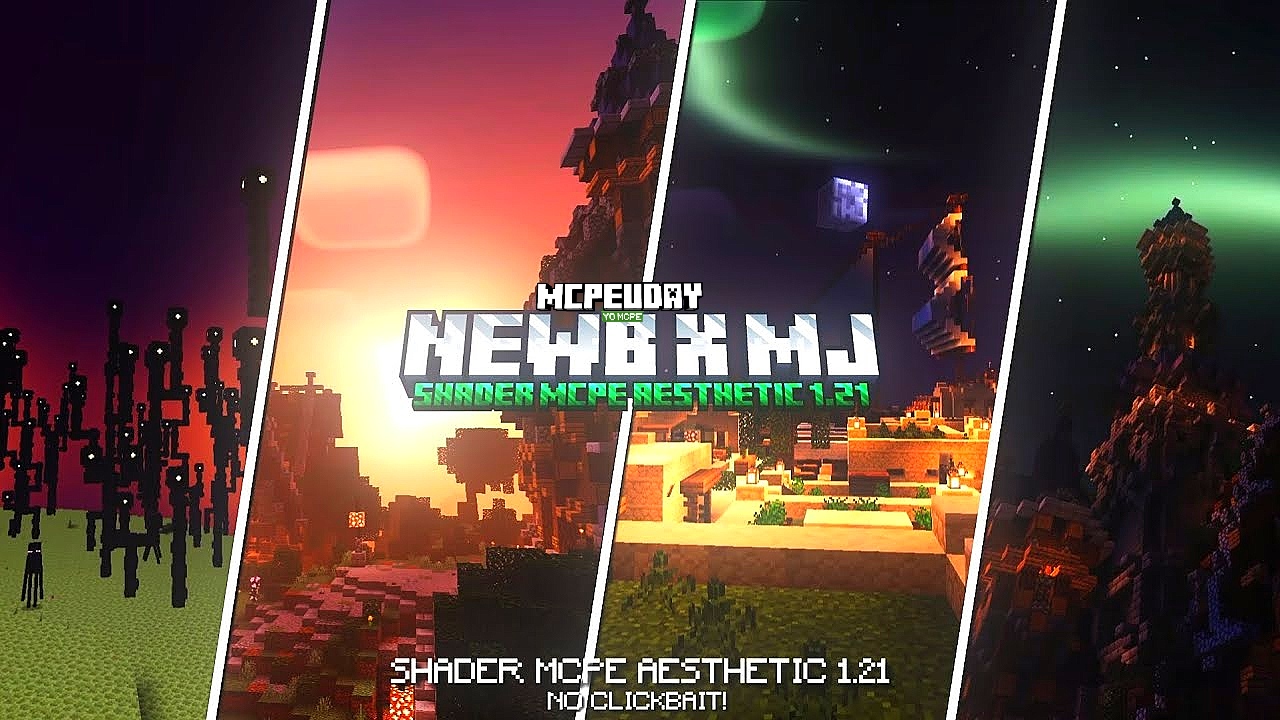
If you are searching for a powerful yet smooth shader for Minecraft Pocket Edition, then NEWB X MJ Shader is one of the best choices available right now. This shader is specially designed for Minecraft Bedrock / MCPE players who want realistic graphics without lag.

Unlike heavy shaders that reduce FPS, NEWB X MJ Shader focuses on balanced visuals and performance, making it perfect for both low-end and high-end devices. From realistic sunlight to soft water reflections, this shader completely changes the look of your Minecraft world.
Key Features of NEWB X MJ Shader
🌞 Realistic Lighting System
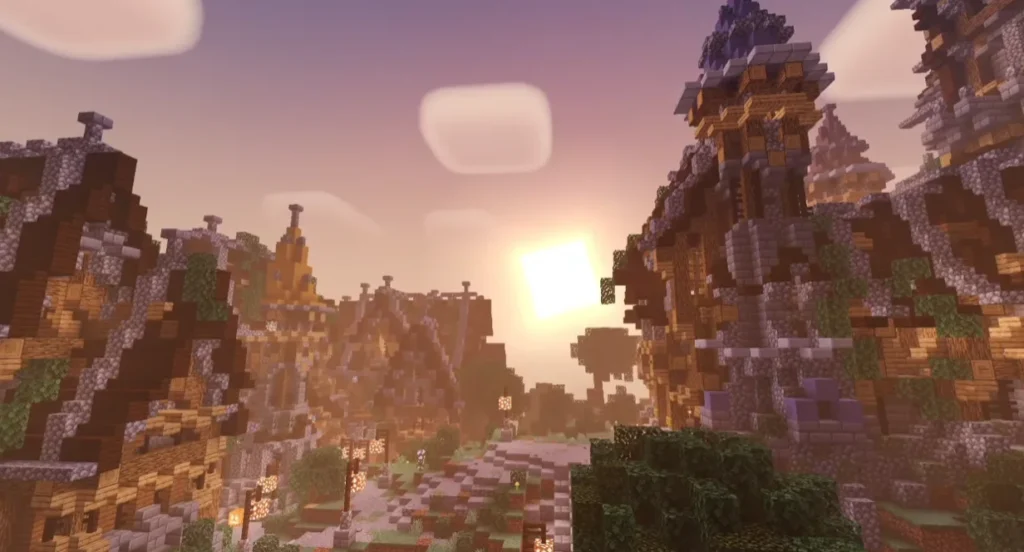
The shader adds natural sunlight and moonlight, creating realistic day and night cycles. Shadows move smoothly as the sun changes position.
🌊 Enhanced Water Effects
Water looks more realistic with soft reflections, light waves, and clear textures, improving oceans, rivers, and lakes.
🌈 Vibrant & Natural Colors
Grass, trees, sky, and blocks appear more colorful but not over-saturated, keeping the Minecraft feel natural.
⚡ Smooth Performance (Lag-Free)
NEWB X MJ Shader is optimized for stable FPS, even on mid-range or low-end Android devices.
🌙 Improved Night Atmosphere
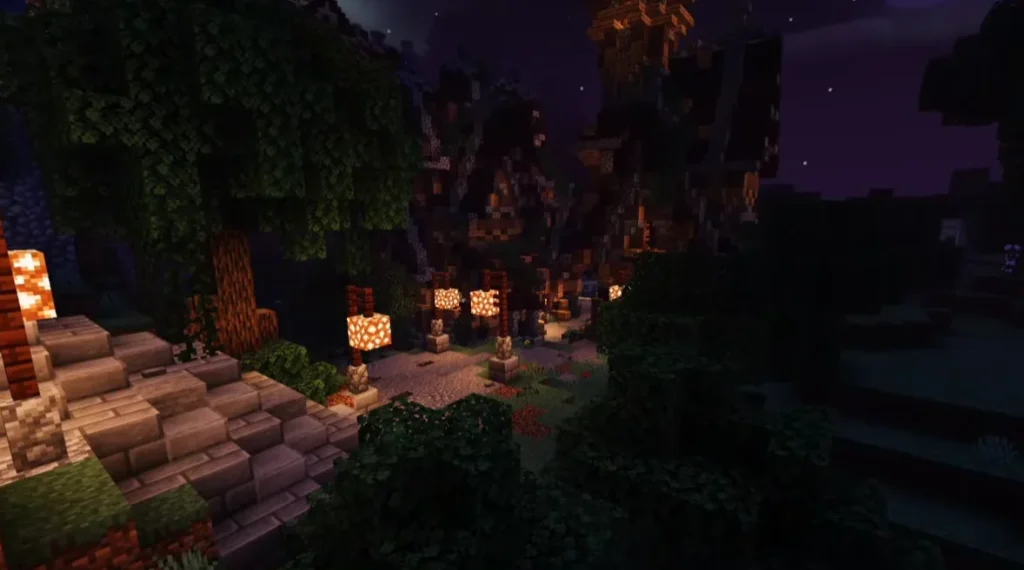
Night time feels more immersive with soft darkness, glowing light sources, and visible stars.
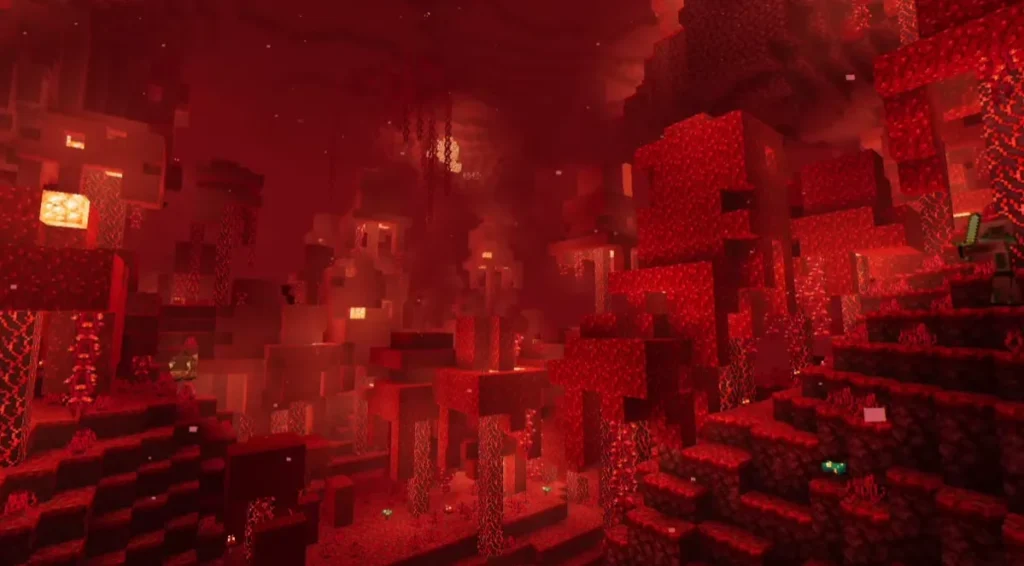
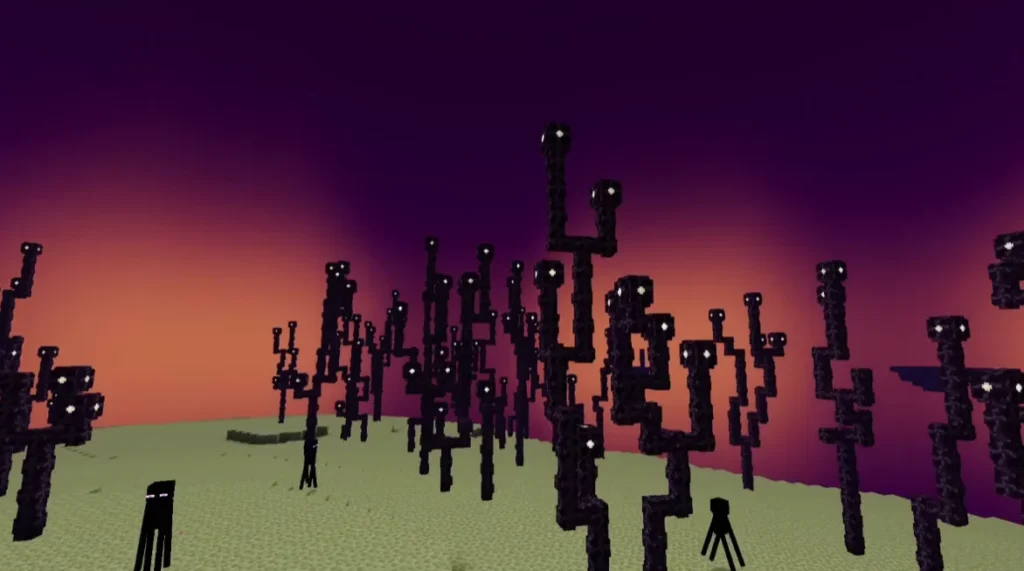
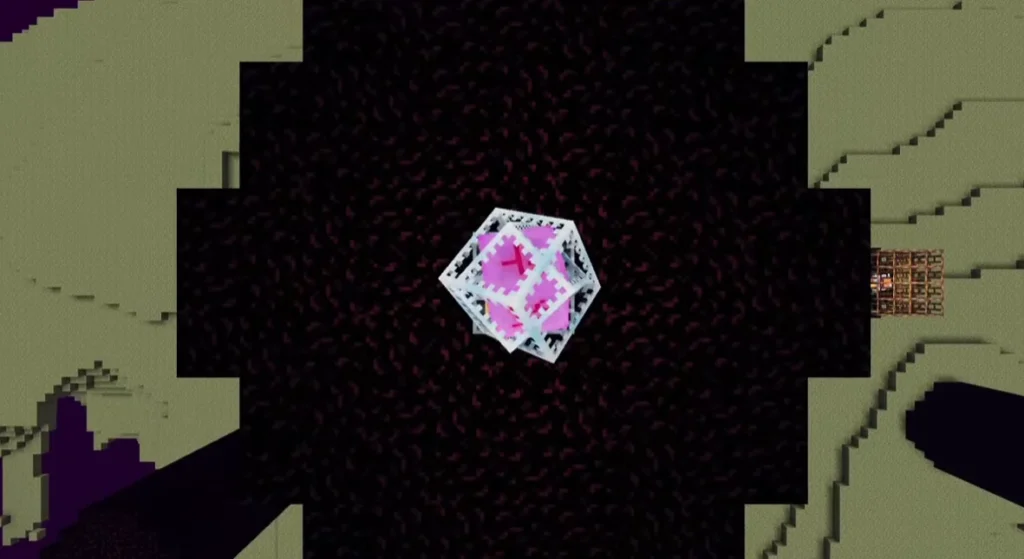
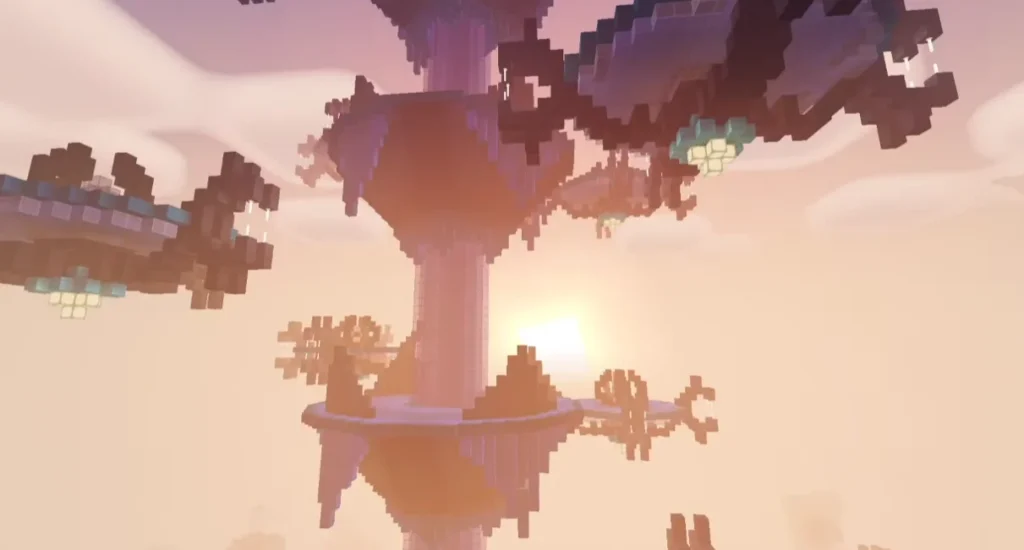
Screenshots:
Why Choose NEWB X MJ Shader?
Many shaders focus only on graphics, but NEWB X MJ Shader focuses on both beauty and performance. That’s why it is popular among MCPE survival players, builders, and content creators.
Benefits:
- No extreme lag
- Works smoothly on most devices
- Easy to install
- Regularly updated
- Compatible with latest Minecraft versions
Compatibility & Requirements
- ✅ Minecraft Bedrock / Pocket Edition
- ✅ Android & iOS supported
- ✅ Works with RenderDragon
- ✅ Compatible with latest MCPE versions
⚠️ Note: Shader performance may vary depending on your device.
How to Install NEWB X MJ Shader in Minecraft PE
- Download the NEWB X MJ Shader (.mcpack) file
- Open the file using Minecraft
- Minecraft will automatically import the shader
- Go to Settings → Global Resources
- Activate NEWB X MJ Shader
- Restart your world and enjoy enhanced graphics
Best Use Cases
- Survival worlds
- Creative builds
- Realistic city maps
- YouTube & gameplay recording
- Roleplay servers
Is NEWB X MJ Shader Safe?
Yes, the shader is safe to use if downloaded from trusted sources. It does not modify game files or require risky permissions.
Final Verdict
If you want a realistic, smooth, and visually impressive shader for Minecraft PE, then NEWB X MJ Shader is a must-try. It delivers premium visuals without sacrificing performance, making it one of the best shaders for Minecraft Bedrock Edition.
– NEWB X MJ Shader DOWNLOAD –
Download Shader
Frequently Asked Questions (FAQ)
❓ What is NEWB X MJ Shader?
NEWB X MJ Shader is a Minecraft PE shader that improves lighting, shadows, colors, and water effects for a more realistic experience.
❓ Is NEWB X MJ Shader free?
Yes, it is completely free to use for Minecraft Bedrock Edition.
❓ Does NEWB X MJ Shader work on low-end devices?
Yes, it is optimized for smooth performance and works well on most low-end and mid-range devices.
1 thought on “NEWB X MJ Shader for Minecraft PE (MCPE) – Ultra Realistic Graphics, Smooth FPS & Stunning Lighting (2026)”