NEWB X MAZ Shader enhances Minecraft PE graphics with realistic lighting, smooth shadows, vibrant colors, and optimized performance, giving players a cinematic and immersive gameplay experience.
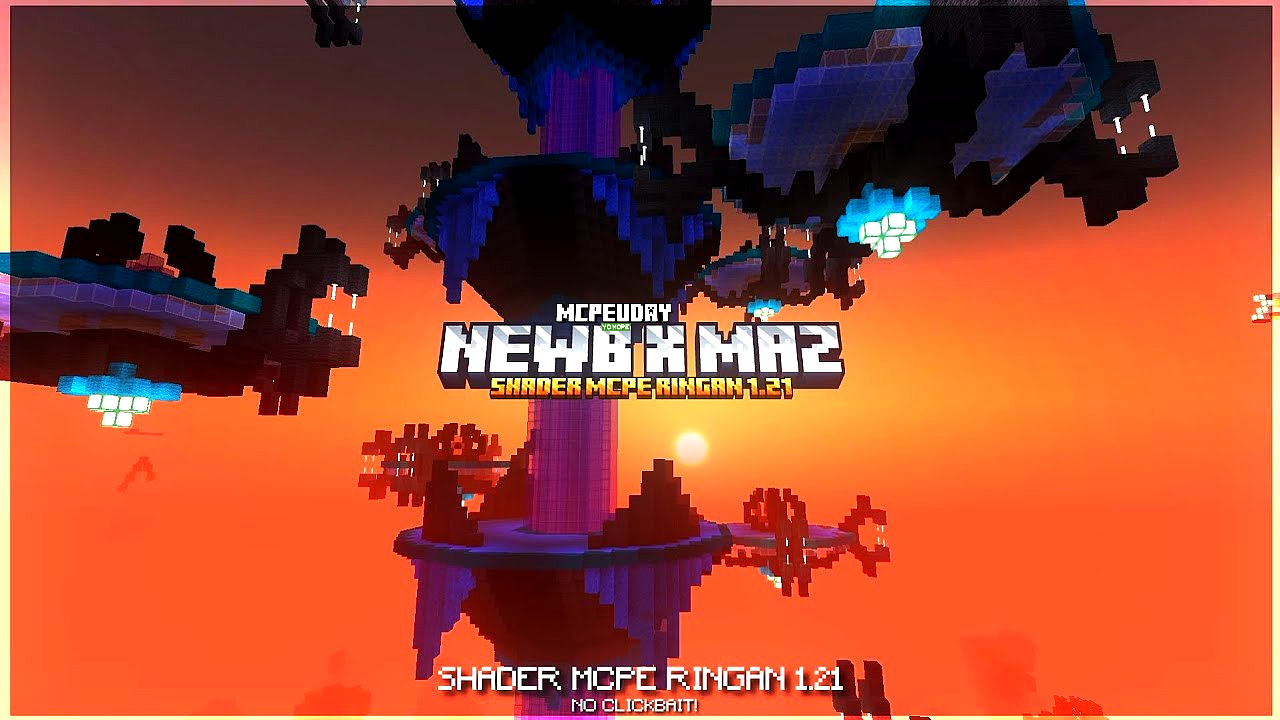
Minecraft PE is already a creative sandbox game, but its default graphics feel basic for many players. That’s where NEWB X MAZ Shader comes in. This shader is specially designed for Minecraft Bedrock / MCPE, offering stunning visual upgrades without sacrificing performance. Whether you play survival, creative, or adventure maps, this shader makes your world look alive.

What is NEWB X MAZ Shader?
NEWB X MAZ Shader is a custom graphics shader for Minecraft Pocket Edition and Bedrock Edition. It focuses on realistic lighting, soft shadows, enhanced water effects, and natural colors, while remaining lightweight and smooth on low-end devices.
- What is NEWB X MAZ Shader?
- Key Features of NEWB X MAZ Shader
- Screenshots:
- Why Use NEWB X MAZ Shader in Minecraft PE?
- Compatibility & Requirements
- How to Install NEWB X MAZ Shader (Step-by-Step)
- Performance & FPS Experience
- Is NEWB X MAZ Shader Safe to Use?
- Conclusion
- FAQ – NEWB X MAZ Shader
- – NEWB X MAZ Shader DOWNLOAD –Download Shader
Unlike heavy shaders that cause lag, NEWB X MAZ Shader is optimized for stable FPS and smooth gameplay.
Key Features of NEWB X MAZ Shader
Here are the main highlights that make this shader special:
- 🌤️ Realistic Lighting System – Natural sunlight and moonlight effects
- 🌊 Enhanced Water Reflections – Clear, reflective, and realistic water
- 🌳 Improved Colors & Textures – More vibrant and immersive environment
- 🌫️ Smooth Shadows – Soft shadows without performance drops
- 📱 Low-End Device Friendly – Works smoothly on most Android devices
- ⚙️ Bedrock Optimized – Fully compatible with MCPE & Minecraft Bedrock
Screenshots:
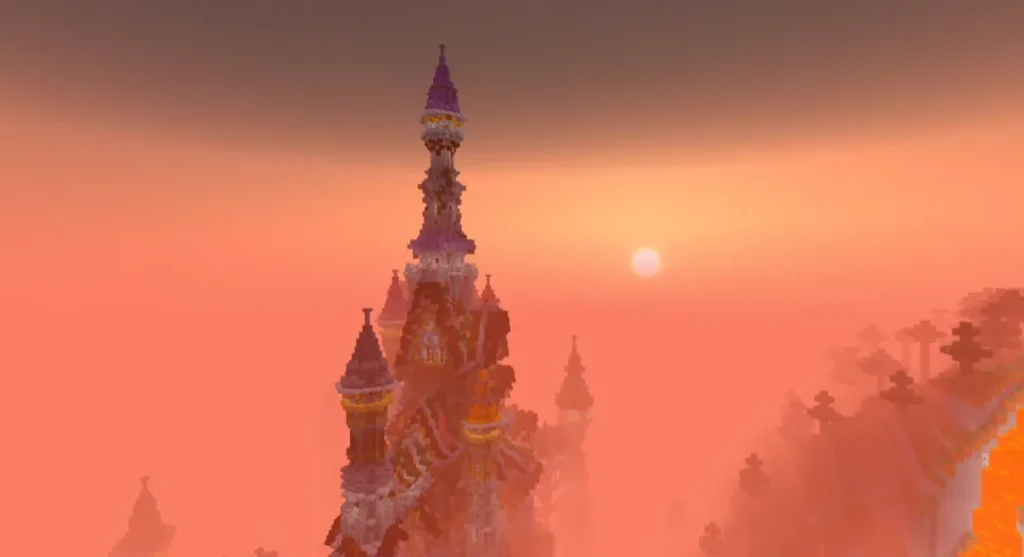
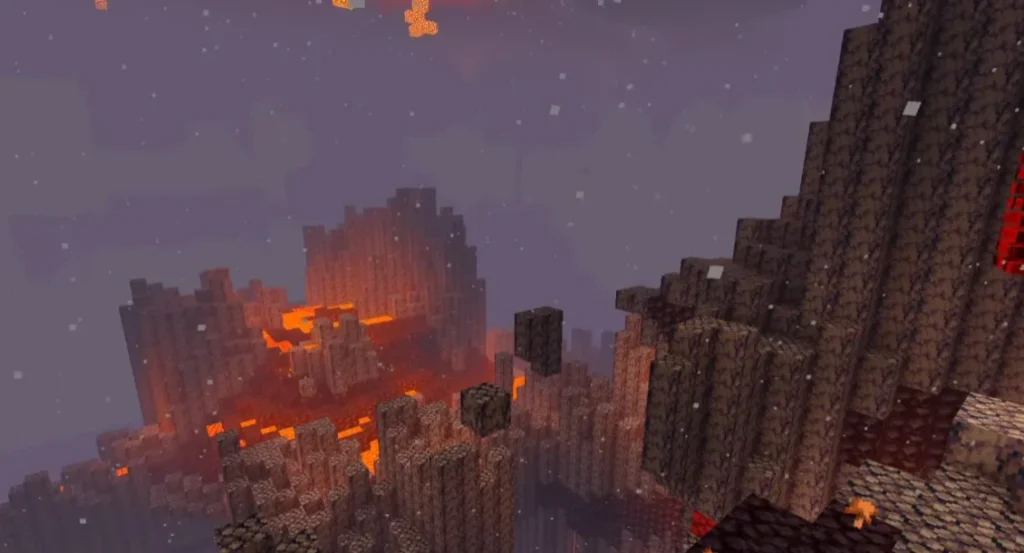
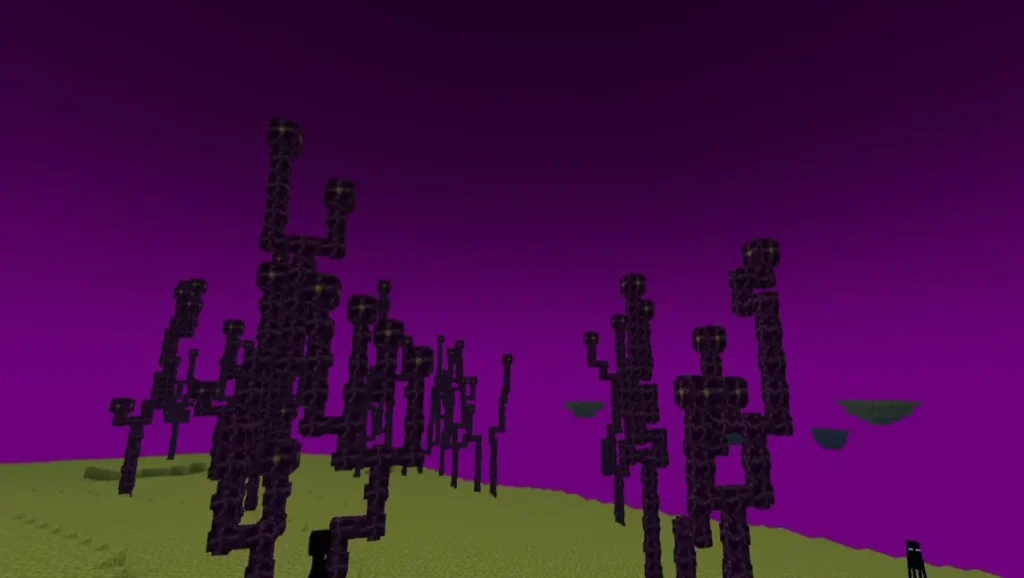
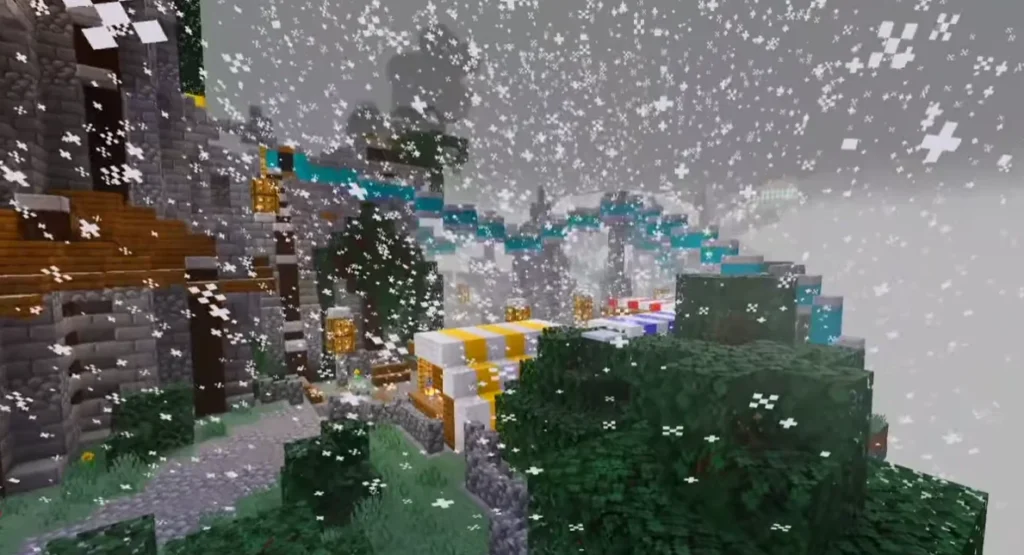
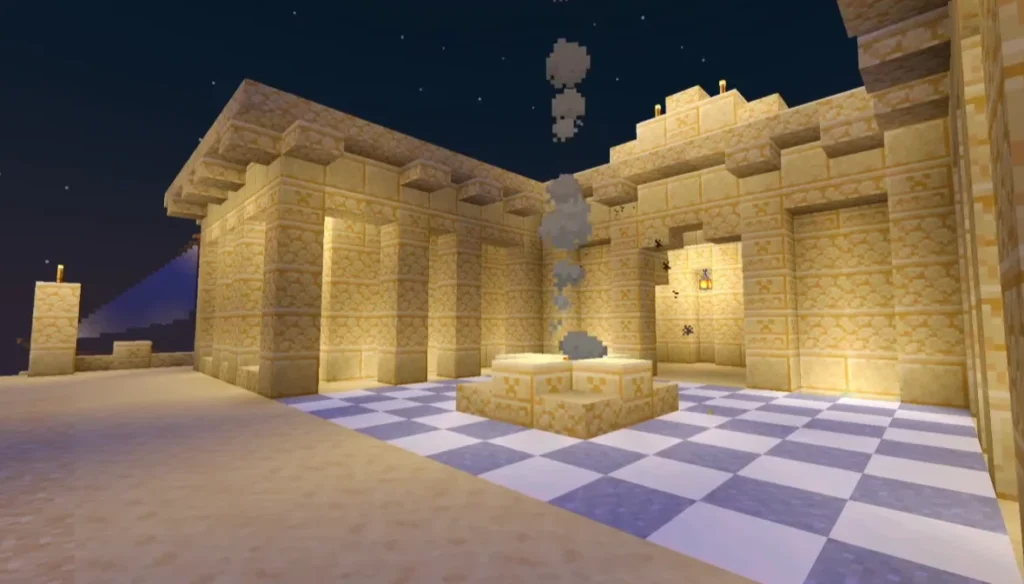
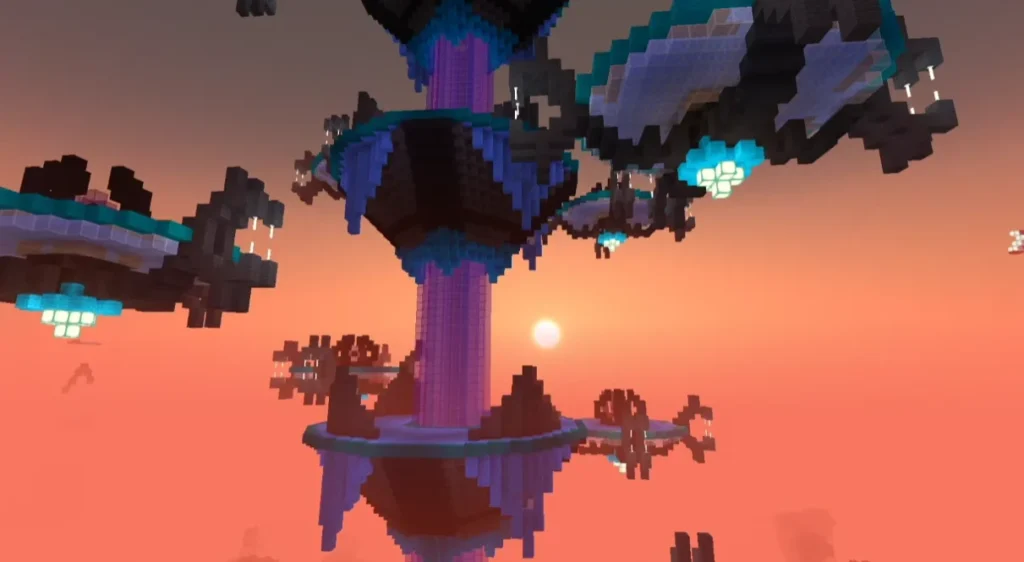
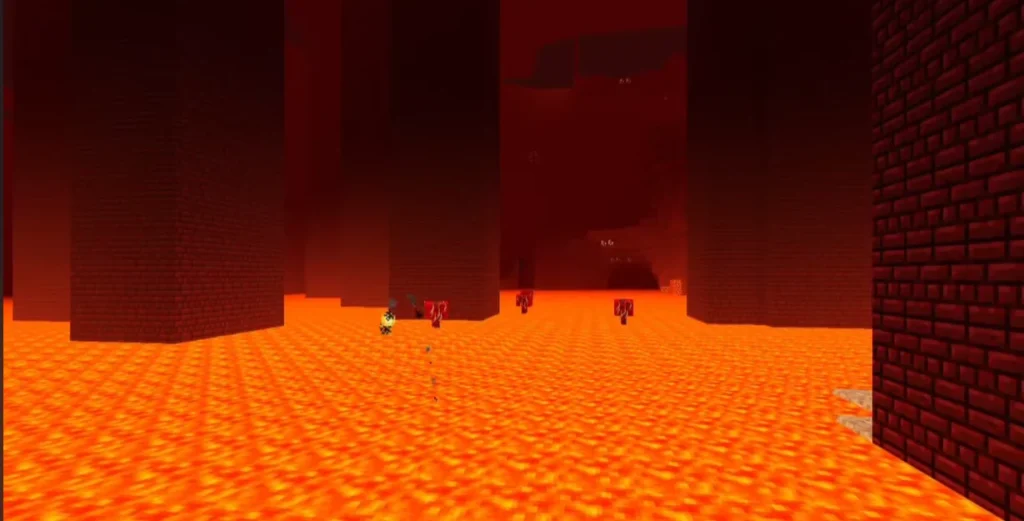
Why Use NEWB X MAZ Shader in Minecraft PE?
Many shaders look good but cause lag or crashes. NEWB X MAZ Shader is different because it balances visual quality and performance. It’s ideal for players who want better graphics without overheating their device.
This shader improves:
- Survival immersion
- Cinematic builds
- Adventure and RPG maps
- Screenshot and video quality
Compatibility & Requirements
- Minecraft Version: Bedrock / MCPE (latest versions supported)
- Platform: Android, iOS, Windows 10/11 (Bedrock)
- RAM Requirement: Minimum 2GB recommended
- No Root Required
How to Install NEWB X MAZ Shader (Step-by-Step)
- Download the NEWB X MAZ Shader (.mcpack) file
- Open the file using Minecraft
- Minecraft will automatically import the shader
- Go to Settings → Global Resources
- Activate NEWB X MAZ Shader
- Restart the game and enjoy enhanced graphics 🎮
Performance & FPS Experience
One of the best things about NEWB X MAZ Shader is its FPS stability. Even on mid-range or low-end devices, the shader maintains smooth gameplay. You can also disable extra effects if you want maximum performance.
Is NEWB X MAZ Shader Safe to Use?
Yes. NEWB X MAZ Shader is:
- ❌ No viruses
- ❌ No scripts or cheats
- ✅ 100% safe resource/shader pack
- ✅ Does not affect multiplayer or servers
Conclusion
If you’re looking for a realistic yet lightweight shader for Minecraft PE, NEWB X MAZ Shader is an excellent choice. It enhances lighting, water, and colors while keeping performance smooth. Perfect for survival players, builders, and content creators.
FAQ – NEWB X MAZ Shader
Q1. Is NEWB X MAZ Shader free to use?
Yes, NEWB X MAZ Shader is completely free to download and use.
Q2. Does NEWB X MAZ Shader work on low-end devices?
Yes, it is optimized for low and mid-range devices with stable FPS.
Q3. Is this shader compatible with the latest Minecraft version?
Yes, it supports the latest Minecraft Bedrock and MCPE versions.