Vibrant Aura Shader for Minecraft (2026) – Make Your World Look Cinematic & Ultra-Realistic

Vibrant Aura Shader enhances Minecraft graphics with realistic lighting, dynamic shadows, glowing effects, and vibrant colors, giving your world a cinematic and immersive visual experience.
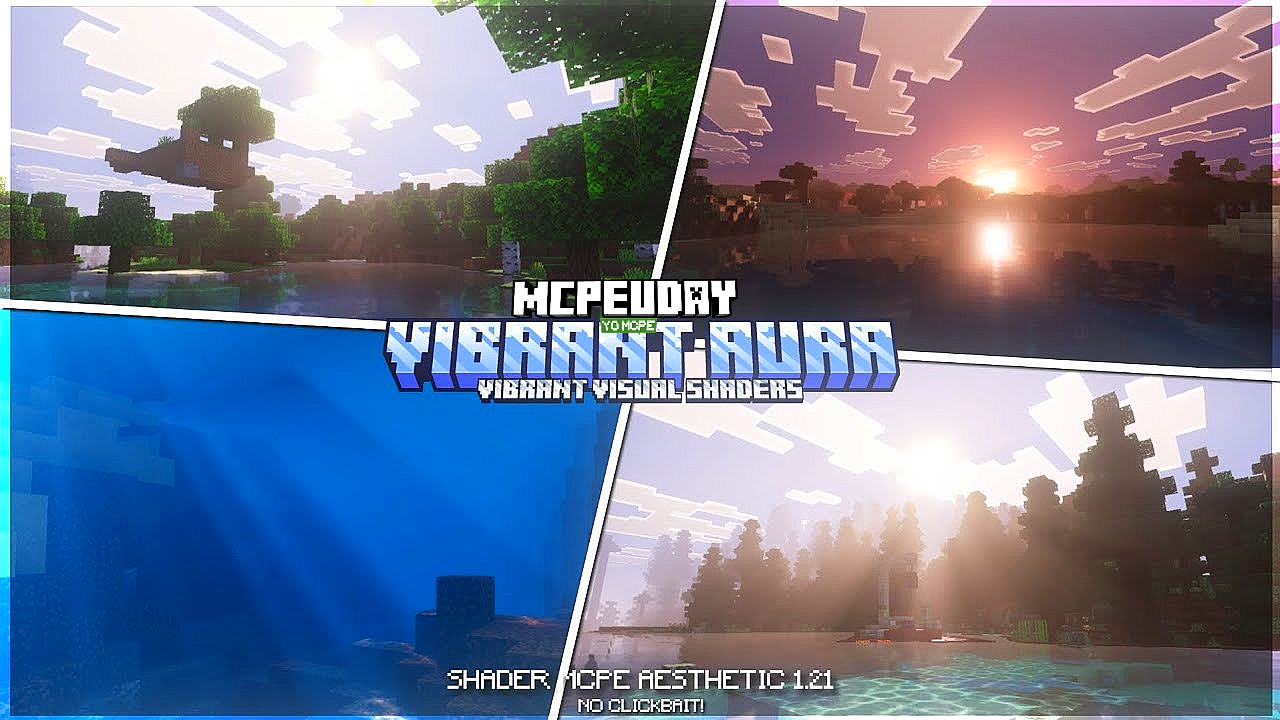
Minecraft is known for its simple blocky graphics, but shaders can completely transform the game’s visual experience. Vibrant Aura Shader is one of the most visually impressive shader packs designed to enhance lighting, shadows, reflections, and colors while keeping gameplay smooth and immersive.

This shader is perfect for players who want realistic visuals, cinematic lighting, and a vibrant atmosphere without sacrificing performance. Whether you are exploring caves, building modern houses, or recording gameplay videos, Vibrant Aura Shader makes everything look stunning.
- What is Vibrant Aura Shader?
- Key Features of Vibrant Aura Shader
- Screenshots
- Why Use Vibrant Aura Shader?
- Compatibility & Requirements
- How to Install Vibrant Aura Shader (Step-by-Step)
- Performance & Optimization
- Best Settings for Smooth Gameplay
- Is Vibrant Aura Shader Safe?
- Conclusion
- Frequently Asked Questions (FAQ)
- – Vibrant Aura Shader DOWNLOAD –Download Shader
What is Vibrant Aura Shader?
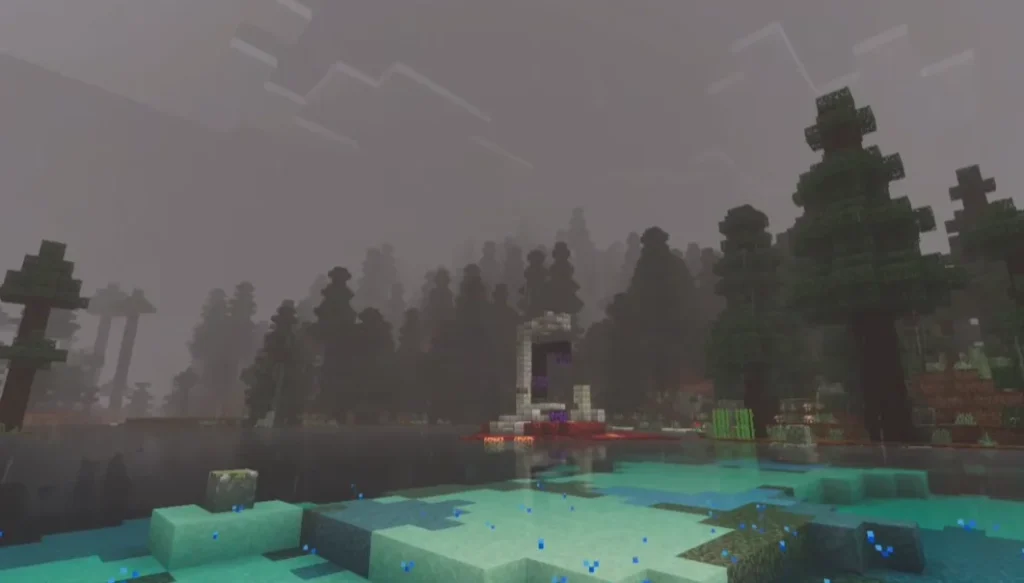
Vibrant Aura Shader is a Minecraft shader pack that improves the game’s graphics by adding advanced lighting effects, soft shadows, glowing textures, enhanced skies, and water reflections.
It is compatible with popular shader loaders like OptiFine (Java Edition) and Shader-supported launchers for Bedrock/MCPE. The shader focuses on visual beauty while remaining optimized for mid-range devices.
Key Features of Vibrant Aura Shader
🌟 Realistic Lighting
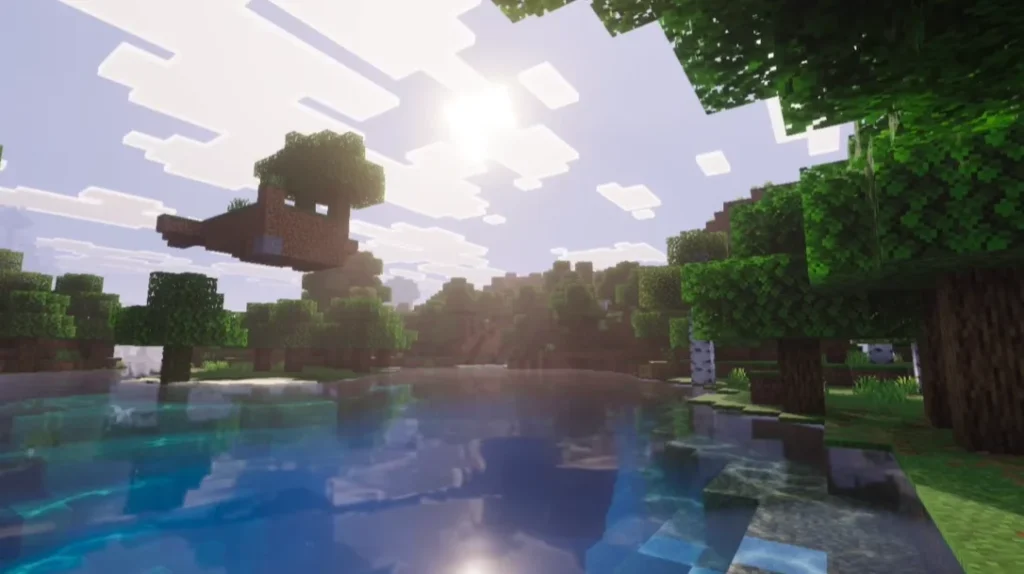
- Dynamic sunlight and moonlight
- Smooth light transitions between day and night
- Natural indoor and outdoor lighting
🌈 Vibrant Colors
- Enhanced saturation without overdoing it
- Natural-looking grass, trees, and biomes
- Beautiful color balance for builds
🌊 Improved Water Effects
- Reflective water surfaces
- Smooth wave animations
- Realistic underwater lighting
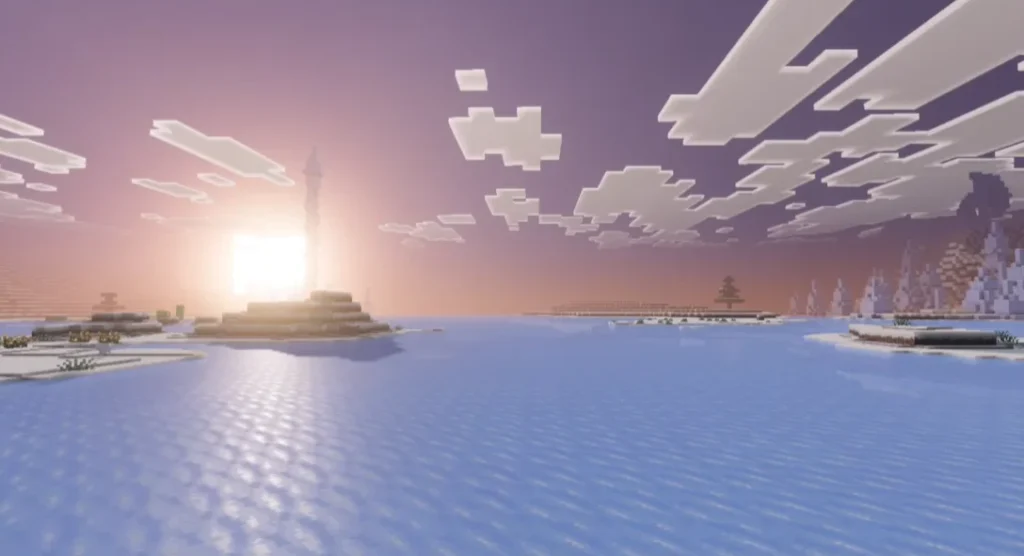
☁️ Dynamic Sky & Clouds
- High-quality sky gradients
- Volumetric clouds
- Realistic sunrise and sunset effects
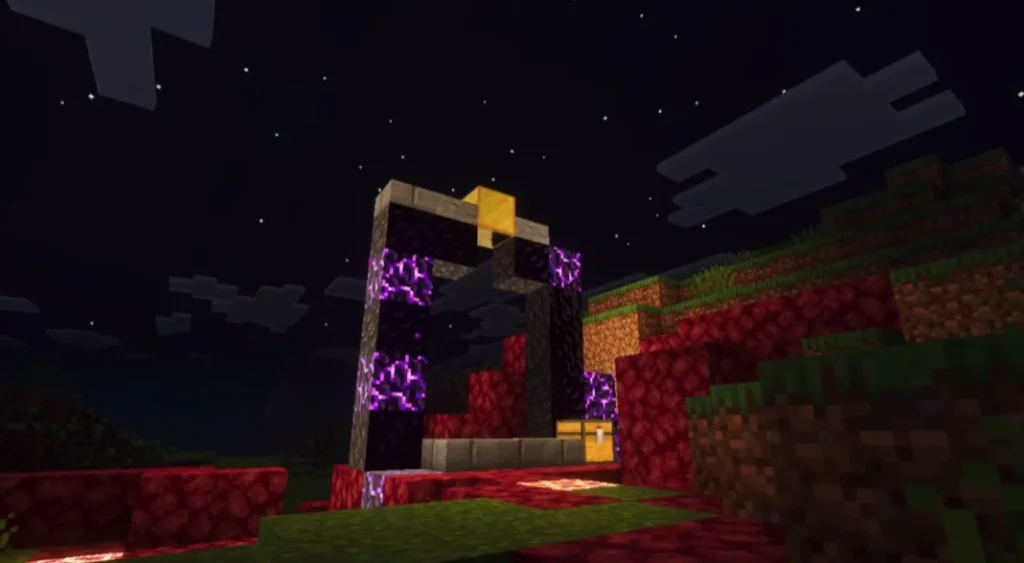
🔥 Shadow & Glow Effects
- Soft and realistic shadows
- Glow effects for lava, torches, and lanterns
- Better depth perception in caves
Screenshots
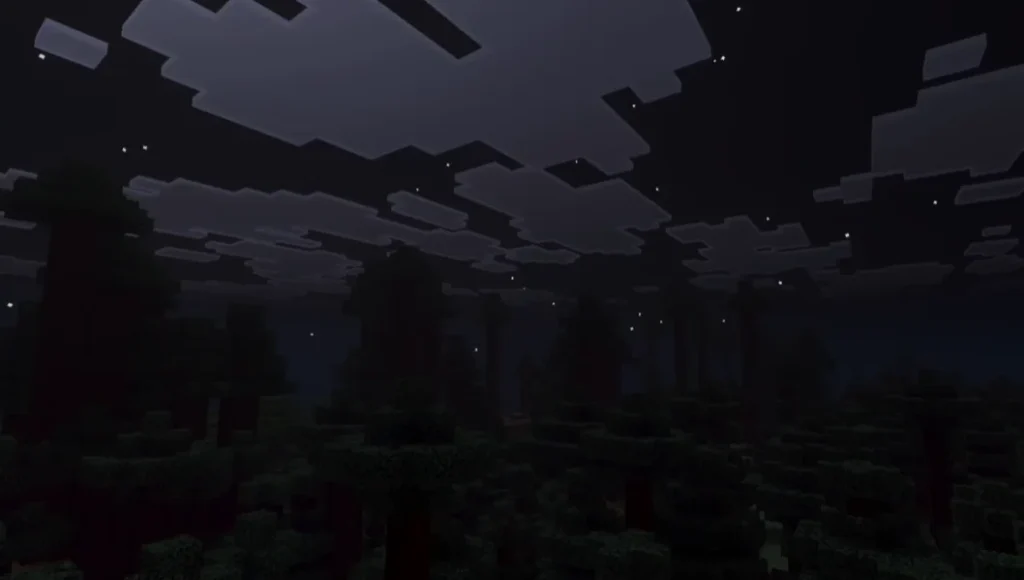
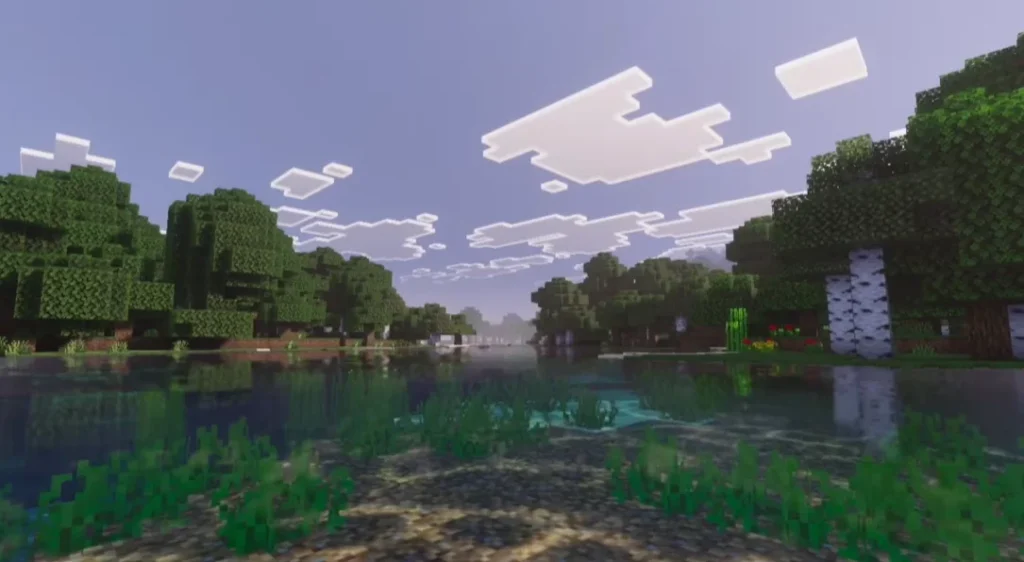
Why Use Vibrant Aura Shader?
If you want a shader that:
- Looks realistic but not too dark
- Works well on low to mid-end devices
- Enhances gameplay immersion
- Is great for YouTube, screenshots, and builds
Then Vibrant Aura Shader is an excellent choice.
Compatibility & Requirements
✅ Supported Versions
- Minecraft Bedrock / MCPE (Shader-supported versions)
💻 System Requirements
- Android / PC with shader support
- At least 2GB RAM recommended
- Updated GPU drivers for Java Edition
How to Install Vibrant Aura Shader (Step-by-Step)
For Minecraft Java Edition
- Install OptiFine for your Minecraft version
- Download the Vibrant Aura Shader (.zip file)
- Open Minecraft → Options → Video Settings → Shaders
- Click Shaders Folder and paste the shader file
- Select Vibrant Aura Shader and enjoy
For Minecraft MCPE / Bedrock
- Download the shader file
- Open it using Minecraft
- Apply it from Global Resources
- Restart your world
Performance & Optimization
Vibrant Aura Shader is optimized for smooth gameplay. You can adjust:
- Shadow quality
- Light intensity
- Water reflections
- Cloud effects
Lowering these settings improves FPS on weaker devices.
Best Settings for Smooth Gameplay
- Medium shadow quality
- Disable volumetric clouds on low-end devices
- Reduce reflection resolution
- Enable dynamic lighting only if FPS is stable
Is Vibrant Aura Shader Safe?
Yes. Vibrant Aura Shader is safe to use as long as you download it from trusted sources. It does not modify core game files and works purely as a visual enhancement.
Conclusion
Vibrant Aura Shader is a perfect shader pack for Minecraft players who want beautiful visuals, realistic lighting, and vibrant colors without heavy performance loss. It enhances every aspect of the game—from landscapes to builds—making Minecraft feel fresh and modern.
If you love immersive gameplay and cinematic graphics, this shader is definitely worth trying.
Frequently Asked Questions (FAQ)
Q1. Is Vibrant Aura Shader free to use?
Yes, Vibrant Aura Shader is completely free to download and use.
Q2. Does Vibrant Aura Shader work on low-end devices?
Yes, it is optimized for low to mid-end devices, but performance depends on your settings.
Q3. Is Vibrant Aura Shader available for MCPE?
Yes, it supports Minecraft Bedrock/MCPE versions that allow shaders.