If you’re looking for a lightweight yet realistic Minecraft PE shader, then NEWB X Daylight Shader is one of the best options available. This shader is specially designed for Minecraft Bedrock Edition (MCPE) and focuses on improving natural daylight, shadows, and color balance without affecting performance.
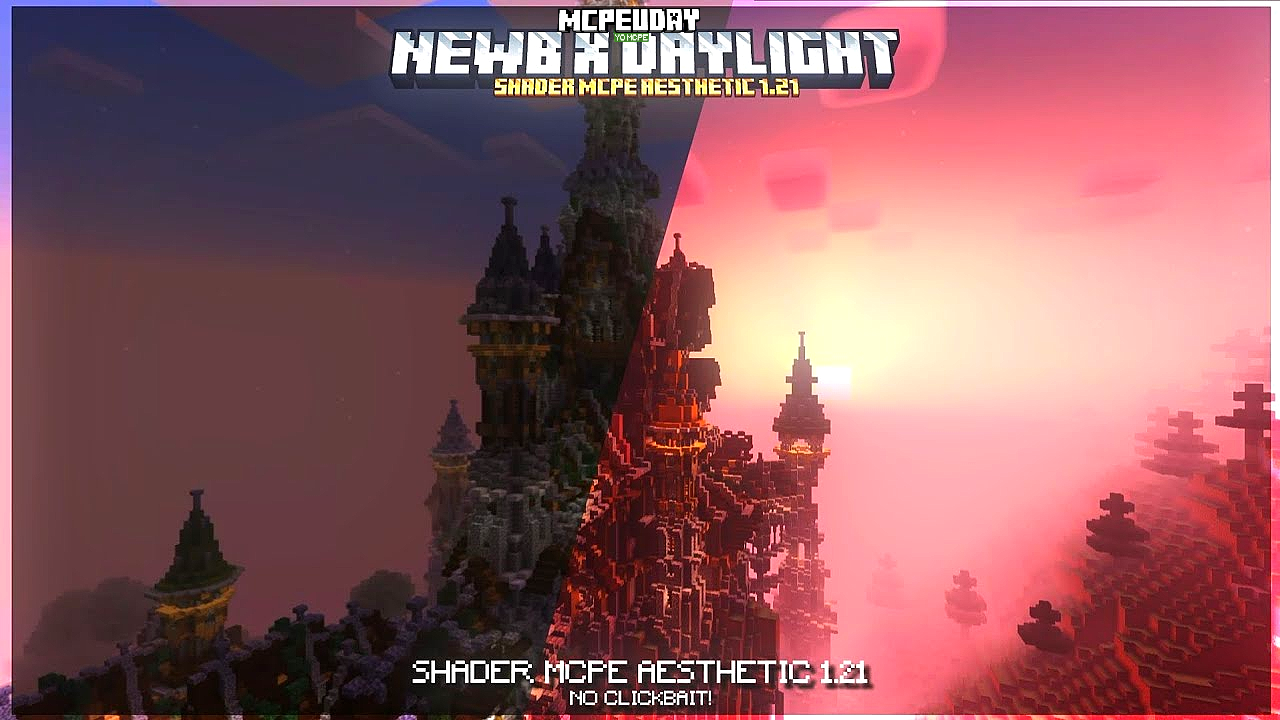
Unlike heavy RTX-style shaders, NEWB X Daylight Shader keeps your game smooth while delivering a visually stunning experience.

🌅 What is NEWB X Daylight Shader?
NEWB X Daylight Shader is a realistic Minecraft Bedrock shader pack that enhances:
- Natural sunlight
- Soft shadow effects
- Sky brightness
- Water reflections
- Grass & foliage colors
It is optimized for mobile devices, meaning you can enjoy beautiful graphics without FPS drops.
✨ Key Features of NEWB X Daylight Shader
1️⃣ Ultra Realistic Sunlight
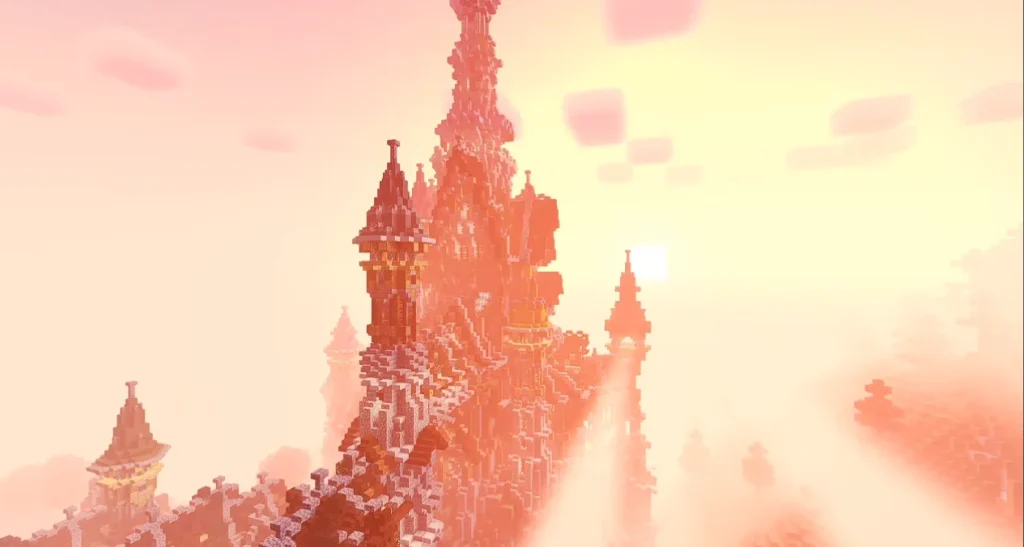
The shader improves daylight brightness and makes the sun look more natural and dynamic.
2️⃣ Smooth & Soft Shadows
Shadows become softer and more realistic without making the game dark.
3️⃣ Performance Friendly
This Minecraft PE shader is optimized for low-end and mid-range devices.
4️⃣ Enhanced Sky & Clouds
Brighter sky colors with smooth cloud movement.
5️⃣ Better Water Effects
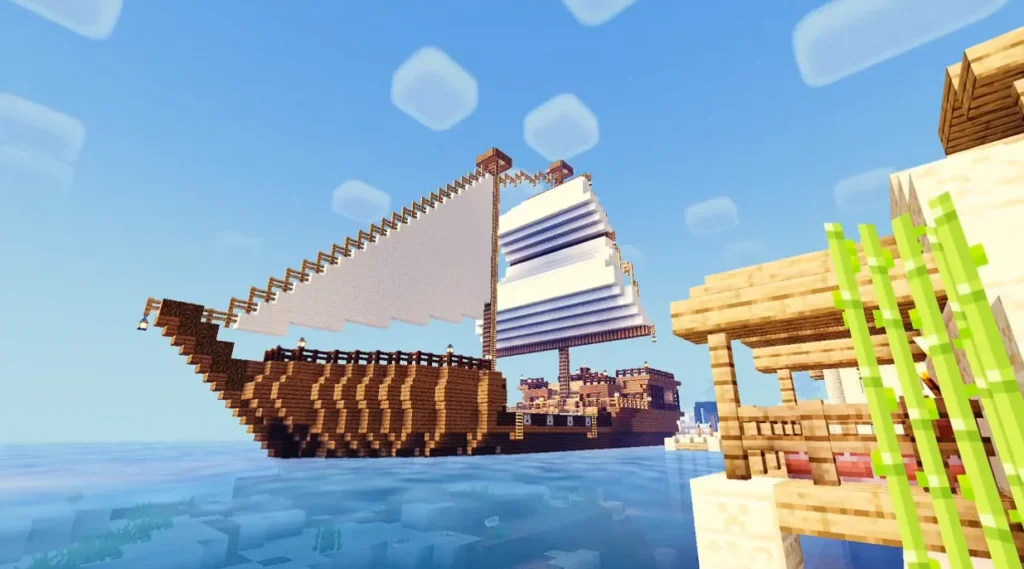
Improved water transparency and subtle reflection effects.
6️⃣ Natural Color Grading
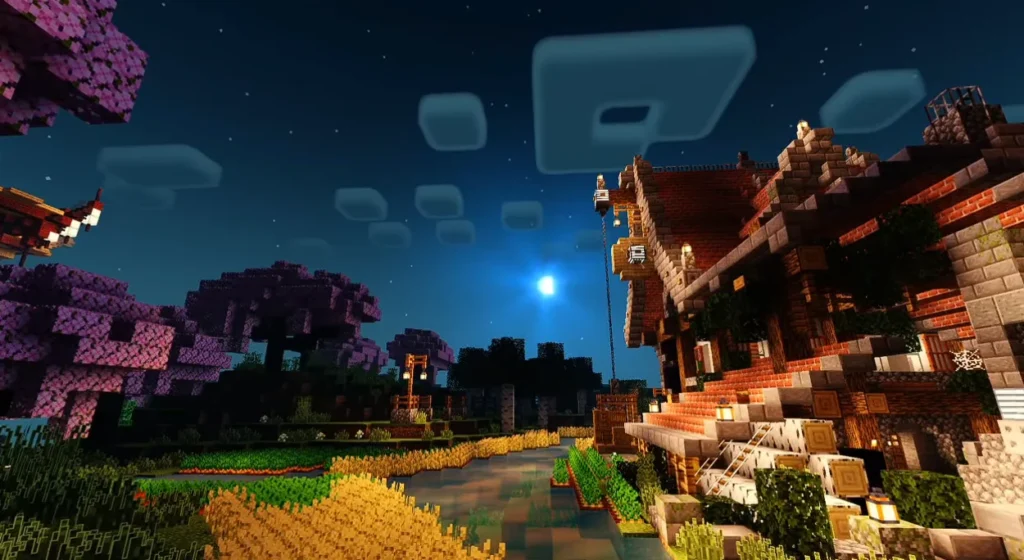
Blocks, grass, and trees look more vibrant but not over-saturated.
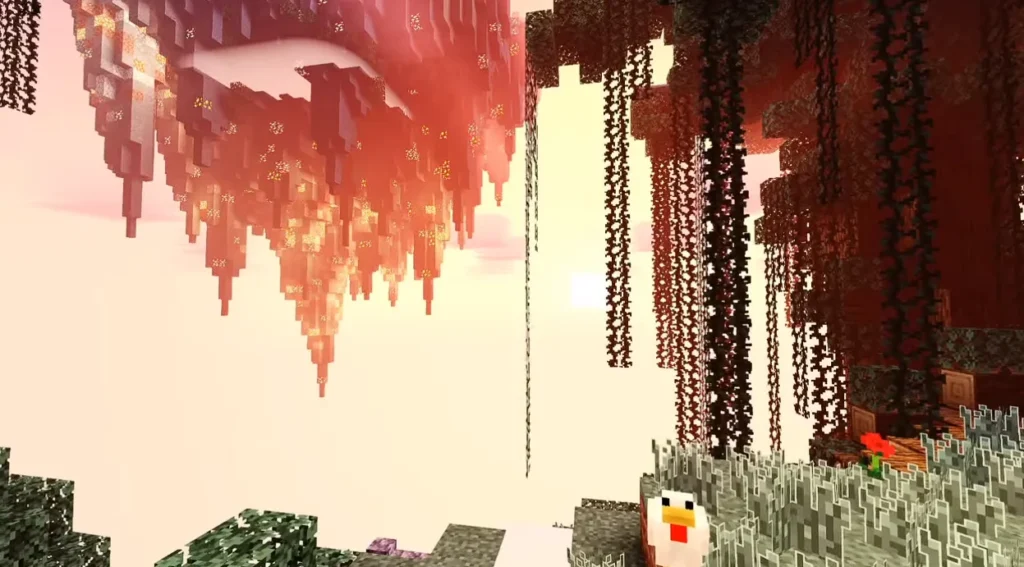
Screenshots:-

🎮 Why Choose NEWB X Daylight Shader?
Many Minecraft players want better graphics but hate lag. NEWB X Daylight Shader is the perfect balance between:
✔ Visual quality
✔ Smooth gameplay
✔ Low device load
✔ Stability
It is ideal for survival gameplay, YouTube recordings, and aesthetic builds.
📱 Compatibility
- Minecraft Bedrock Edition
- Minecraft PE (Latest Version Recommended)
- Android Devices
- iOS Devices (If supported by version)
- Works best without RTX enabled
📥 How to Install NEWB X Daylight Shader in Minecraft PE
Follow these simple steps:
- Download the NEWB X Daylight Shader file (.mcpack).
- Open the file using Minecraft.
- Wait for the import process to complete.
- Go to Settings → Global Resources.
- Activate the shader pack.
- Restart the game.
- Enjoy enhanced daylight visuals!
🚀 Performance Tips
To get the best experience:
- Turn off fancy graphics if using a low-end device.
- Reduce render distance for better FPS.
- Close background apps.
- Use latest Minecraft version.
🧠 Is NEWB X Daylight Shader Safe?
Yes. As long as you download the shader from a trusted source, it is completely safe and does not modify core Minecraft files.
🎯 Final Verdict
If you want a Realistic Minecraft Bedrock Shader that improves daylight, enhances colors, and keeps your FPS stable, then NEWB X Daylight Shader is definitely worth trying.
It’s lightweight, beautiful, and perfect for everyday gameplay.
❓ Frequently Asked Questions (FAQ)
Q1: Is NEWB X Daylight Shader available for Minecraft Java Edition?
No, it is mainly designed for Minecraft Bedrock / PE edition.
Q2: Does NEWB X Daylight Shader cause lag?
No, it is optimized for smooth performance, even on mid-range devices.
Q3: Can I use this shader with texture packs?
Yes, it works with most texture packs unless they conflict with lighting settings.