What You Should Know Before Downloading Sodium Mod V6
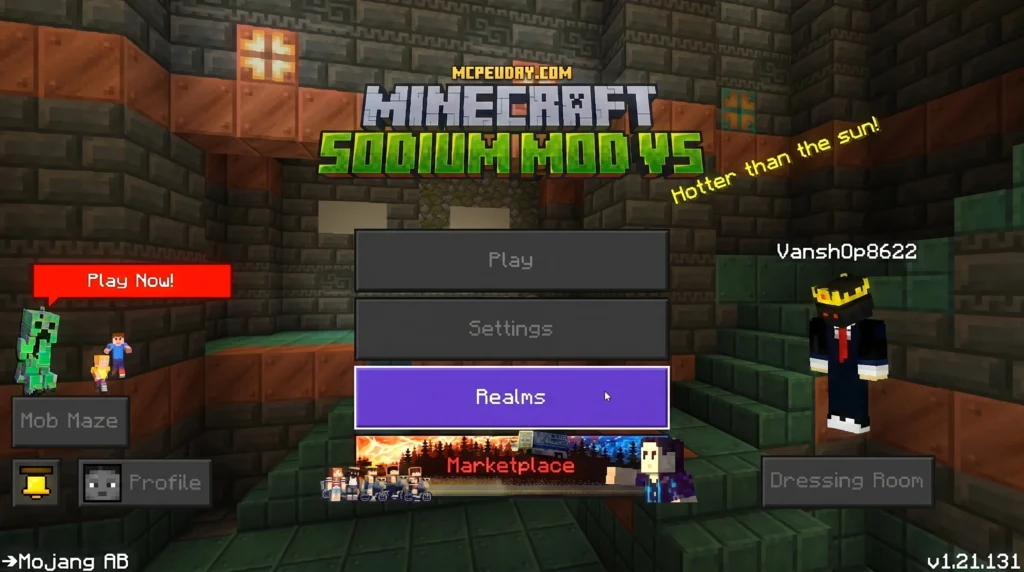
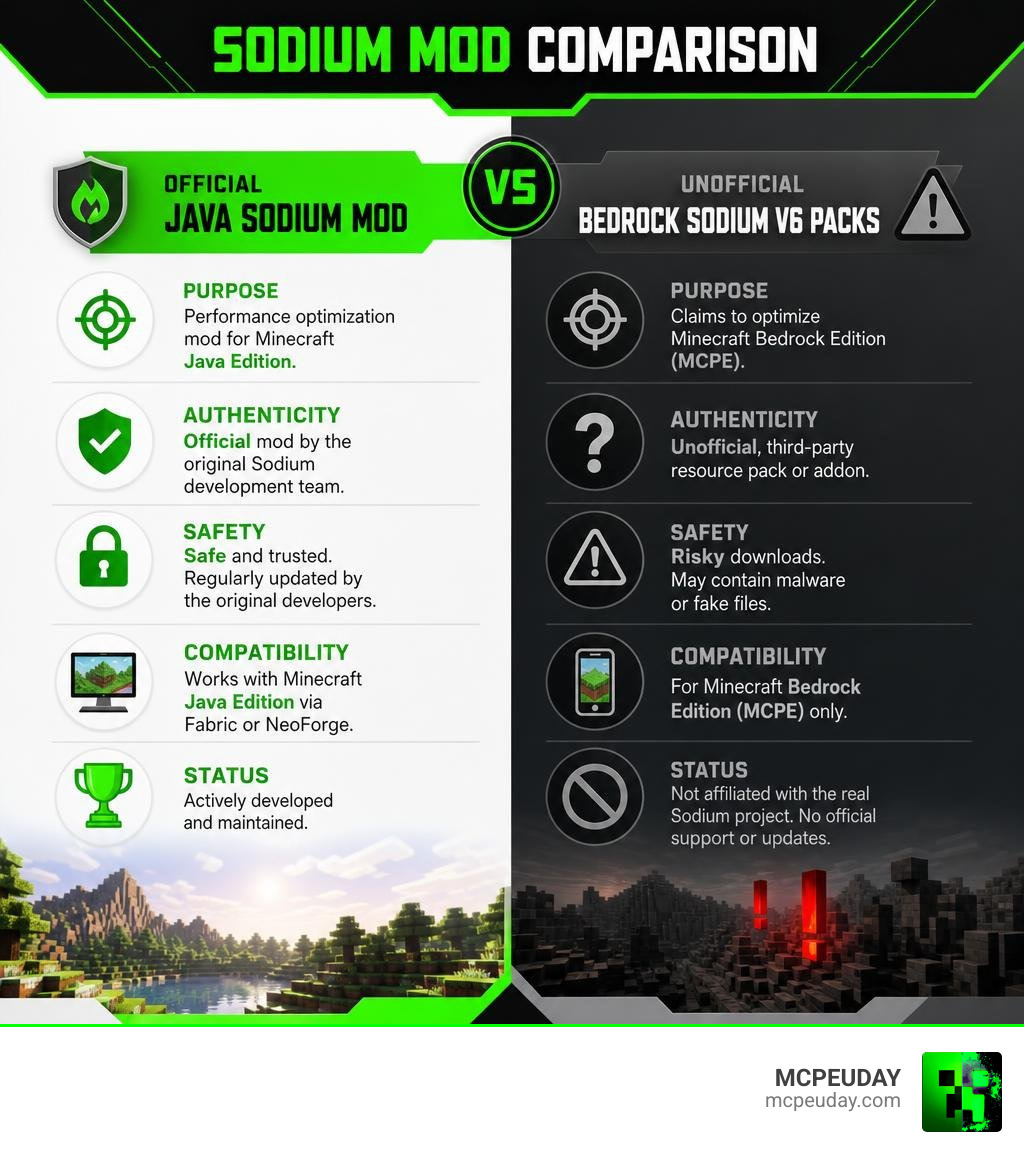
Sodium Mod V6 is not an official release from the real Sodium development team. Here’s the quick answer if you just want the facts:
- What it claims to be: A performance optimization mod for Minecraft Bedrock Edition (MCPE) with features like FPS boost, particle reduction, and a cleaner UI
- What it actually is: An unofficial, third-party resource pack or addon — not connected to the real Sodium mod
- Is it safe? Sites like 9Minecraft that host it carry real risks of malware and fake downloads
- Is there a real Sodium for Bedrock? No — the official Sodium mod only works on Java Edition via Fabric or NeoForge
- Best safe option for Bedrock: Adjust your in-game video settings or use trusted resource packs from official sources
The real Sodium mod — built by the CaffeineMC team — has over 149 million downloads on Modrinth and is one of the most trusted performance mods in Minecraft history. It completely rewrites Java Edition’s rendering engine to deliver serious FPS gains.
But if you play on Bedrock or MCPE, that version simply doesn’t exist for your platform — and some sites are taking advantage of that confusion.
This article breaks down exactly what Sodium Mod V6 is, what risks come with downloading it, and how to safely boost your Minecraft performance no matter what platform you’re on.
Unveiling the Truth Behind Sodium Mod V6
We all love a smooth, lag-free Minecraft experience. There is nothing worse than sliding down to single-digit frame rates right as a Creeper sneaks up behind you. Because the official Sodium mod is famous for saving Java players from this exact nightmare, it is no surprise that Bedrock and MCPE players are searching for a way to get those same benefits.
This brings us to the mysterious Sodium Mod V6. If you have searched online for MCPE performance boosters, you have likely run into downloads promising to bring the legendary power of Sodium to your mobile device or Windows 10/11 Bedrock edition.
What is Sodium Mod V6 for MCPE?
Let us clear up the confusion right away: Sodium Mod V6 is an unofficial port. It is not an actual code-level rendering engine rewrite like the real mod. Instead, it is a resource pack or behavior pack (.mcpack) designed to mimic the appearance of Sodium’s user interface while applying basic visual tweaks to reduce lag.
When you install this pack on Bedrock, it attempts to boost your performance using a few tricks:
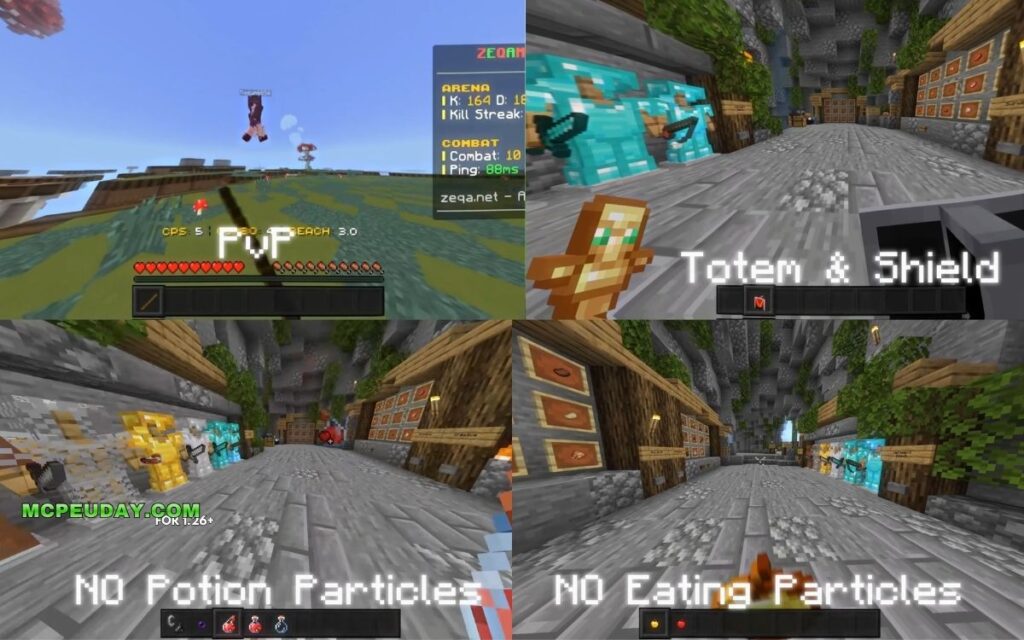
- Particle Reduction: It disables or reduces heavy particle effects like rain splashes, smoke, and potion bubbles.
- Clean UI: It simplifies the in-game menus to make them load faster and look less cluttered.
- Low Chunks & Fog Tweaks: It optimizes how fast fog renders to help your device handle lower render distances smoothly.
While these tweaks can help low-end phones run the game a tiny bit better, they are not doing any complex graphic rendering magic. It is essentially a glorified “FPS Boost” resource pack wearing Sodium’s name as a badge.
Official Sodium vs. Unofficial Bedrock Ports
To understand why this distinction is so important, we have to look at the official project. The authentic Sodium mod is developed by CaffeineMC. It is an open-source masterpiece built specifically for the Java Edition of Minecraft, running on mod loaders like Fabric and NeoForge.
The developers write Sodium in Java, utilizing modern OpenGL techniques (specifically requiring OpenGL 4.5 or newer) to completely replace Minecraft’s rendering pipeline. You can see the actual development and code updates directly on their GitHub repository. Because Bedrock Edition is written in C++ and utilizes a completely different rendering engine called RenderDragon, Java mods cannot run on Bedrock.
Any download claiming to be “Sodium Mod V6” for MCPE is a third-party creation using the famous name to get clicks.
Comparing the Real Sodium Mod with Unofficial Bedrock Packs
To help you see the differences clearly, we have put together a quick comparison. The real Java mod changes how the game processes graphics at a system level, whereas Bedrock “ports” like V6 can only change the visual assets the game loads.
| Feature | Official Java Sodium Mod | Unofficial Bedrock “Sodium V6” |
|---|---|---|
| Platform | Java Edition (PC) | Bedrock Edition / MCPE (Mobile, Win 10/11) |
| Mod Loader | Fabric, NeoForge, Quilt | None (Installed as a Resource/Behavior Pack) |
| How It Works | Rewrites the rendering pipeline via OpenGL 4.5/4.6 | Disables particles, simplifies UI, lowers textures |
| Performance Gain | Up to 300% FPS boost, 90% stutter reduction | Minor lag reduction on low-end devices |
| Official Developers | CaffeineMC | Unknown third-party creators |
| Safe Download Sources | Official Sodium on Modrinth or Sodium on CurseForge | Shady third-party modding blogs |
As you can see, the two are completely different beasts. If you are playing on PC Java Edition, you should always stick to the official releases on trusted platforms to ensure your game runs perfectly and stays secure.
Safety Risks and How to Verify Minecraft Mods
When we look for ways to optimize our games, we sometimes let our guard down. Shady websites know how desperately players want to fix their frame rate drops, and they use highly searched terms like Sodium Mod V6 to lure unsuspecting players into downloading dangerous files.
Risks of Downloading Sodium Mod V6 from Unofficial Sites
If you search for “Sodium Mod V6”, you will likely find links on third-party sites like 9Minecraft or other unmoderated forums. Downloading files from these sites carries serious risks:
- Malware and Adware: The download buttons on these sites often redirect you to malicious landing pages. You might end up downloading an executable file (.exe) or a malicious application instead of a safe
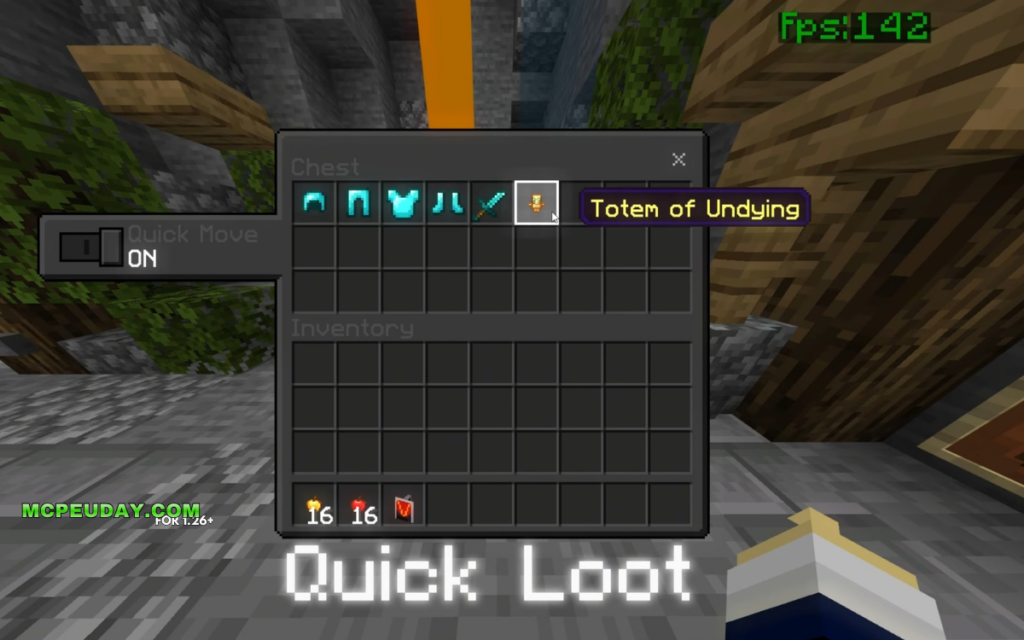
.mcpackfile. - Fake Features: Many of these sites advertise fake features like “Quick Loot” or “X-Ray” bundled with the pack, which are often just clickbait to get you to click through ad shorteners.
- Device Security: For mobile players (Android/iOS), downloading unofficial files from untrusted web browsers can expose your device to background trackers or annoying adware that spams your phone with notifications.
How to Verify if a Mod is Safe and Legitimate
We want you to keep your gaming setup safe! Before you download any mod, addon, or resource pack, use our quick checklist to verify its safety:
- Check the Source: Legitimate Java mods are hosted on Modrinth or CurseForge. For example, you can track the real Sodium Version History on Modrinth to see authentic, scanned updates.
- Look at the File Extension: Bedrock resource packs should end in
.mcpackor.mcaddon. If a download link for a Bedrock optimization pack asks you to download a.zipfile that contains an.exeor an.apkfile, close the tab immediately! - Analyze Community Feedback: Safe mods have active communities, github star ratings, and transparent review sections. If a download page has disabled comments or is filled with obviously fake reviews, avoid it.
Safe Ways to Optimize Minecraft Bedrock Edition
If you are playing on Bedrock/MCPE, do not lose hope! While you cannot run the real Sodium mod, there are plenty of official, safe ways to boost your performance without risking your device’s safety.
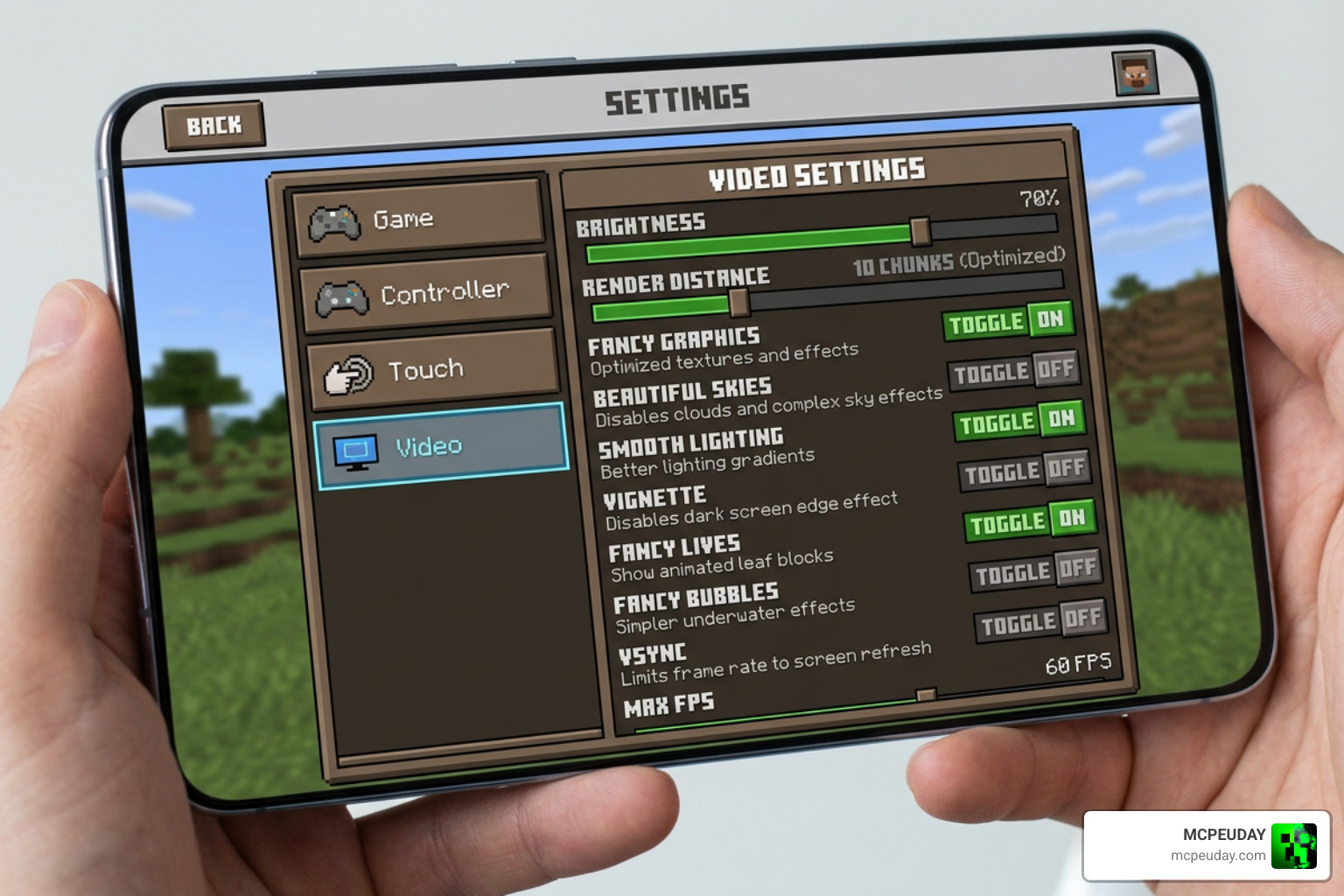
Minecraft Bedrock uses the RenderDragon engine, which is highly optimized out of the box. However, you can squeeze out even more frames by adjusting your settings:
- Lower Your Render Distance: This is the single biggest performance killer. Dropping your render distance by just a few chunks can instantly double your frame rate.
- Toggle Fancy Graphics Off: Turn off “Beautiful Skies”, “Smooth Lighting”, and “Fancy Graphics” in your video settings. The game will still look great, but your GPU will thank you.
- Limit Particle Effects: Turn down your in-game particle settings.
- Use Trusted Resource Packs: If you want an FPS boost pack, get them from trusted community hubs or directly from our curated collections rather than random search engine results.
Frequently Asked Questions About Minecraft Optimization
Is there an official Sodium mod for Bedrock Edition?
No. CaffeineMC does not develop or support an official version of Sodium for Bedrock Edition or MCPE. The mod relies on Java-specific rendering mechanics that do not exist in the Bedrock C++ codebase.
What is the latest official version of the Sodium mod?
As of June 2026, the official Sodium mod is actively maintained for Java Edition. Stable releases like Sodium 0.6.6 for Fabric 1.21.4 and Sodium 0.6.13 for Fabric 1.21.1 have millions of combined downloads. Always check official platforms to get the newest, safest updates.
Can resource packs actually boost FPS in MCPE?
Yes, but only to a minor degree. Resource packs can boost your FPS by lowering texture resolutions (like using 8×8 textures instead of 16×16) or by disabling heavy visual effects like particles and fog. They cannot, however, change how the game engine itself renders blocks.
Conclusion
At the end of the day, your safety and your device’s health are far more important than a minor FPS boost. Sodium Mod V6 is an unofficial name slapped onto a Bedrock resource pack, and downloading it from unverified, sketchy sites is simply not worth the risk of catching malware.
If you want to keep your game running smoothly and safely, we have got your back. We make sure all of our recommended downloads are thoroughly vetted and safe for your devices.
Ready to upgrade your mobile game safely? Explore safe MCPE and Bedrock resources on MCPEUDAY to find legitimate, virus-free resource packs, shaders, and addons that will make your Minecraft worlds look and run beautifully!
1 thought on “Sodium Mod V6 (26.x, 1.21) – MCPE/Bedrock Mod”