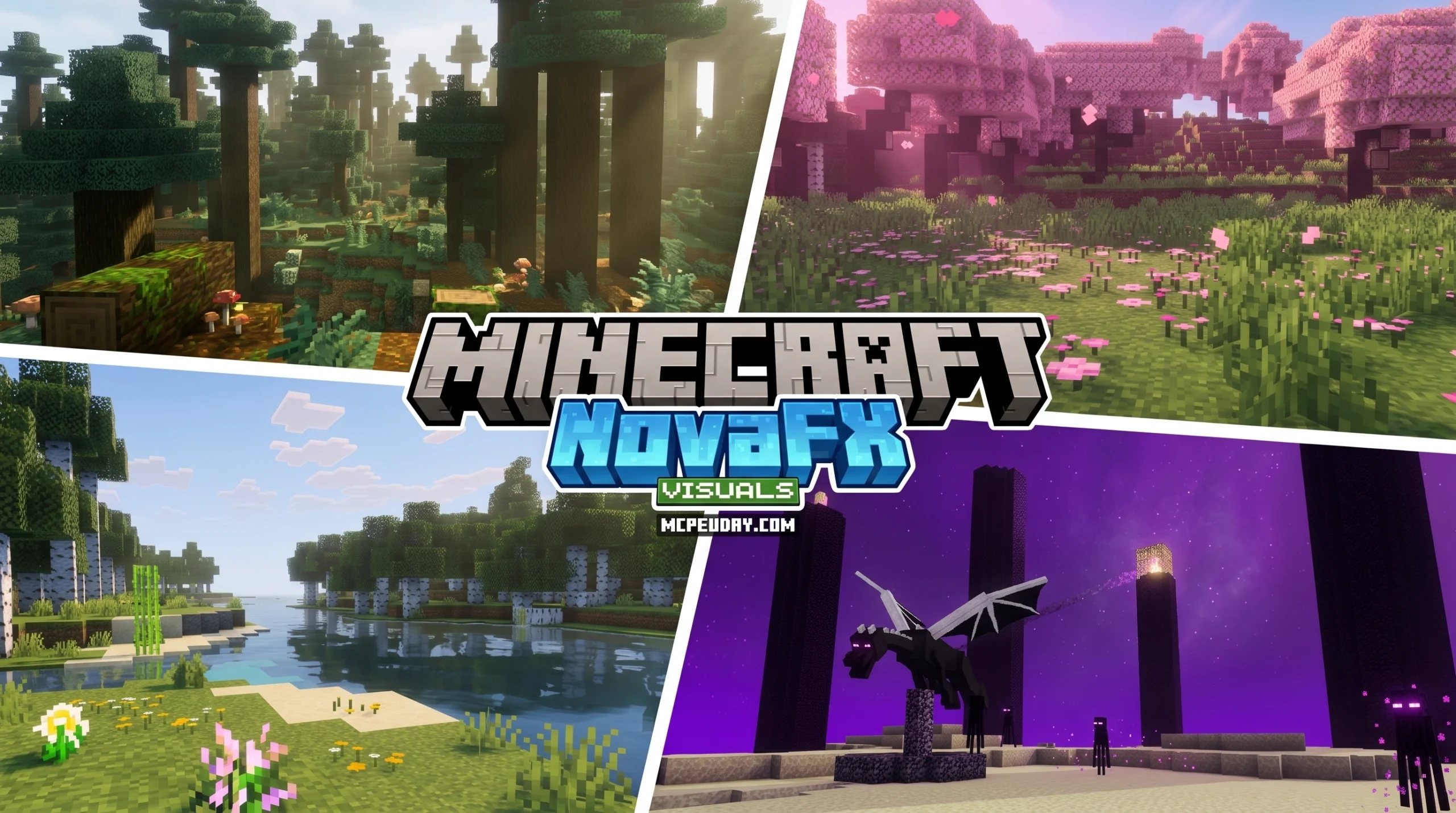
What the NovaFX Visuals SHADER Does for Minecraft Bedrock
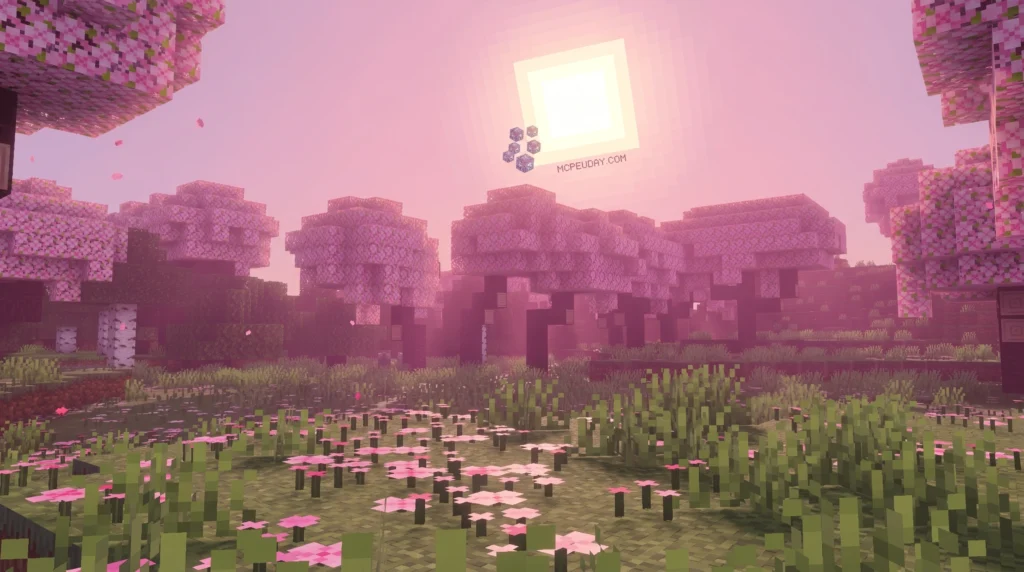
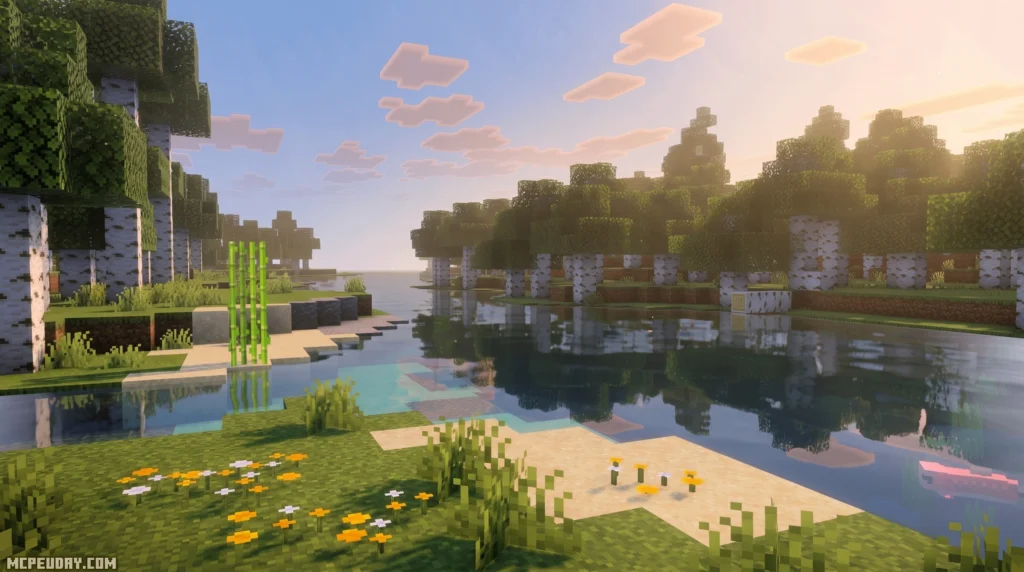
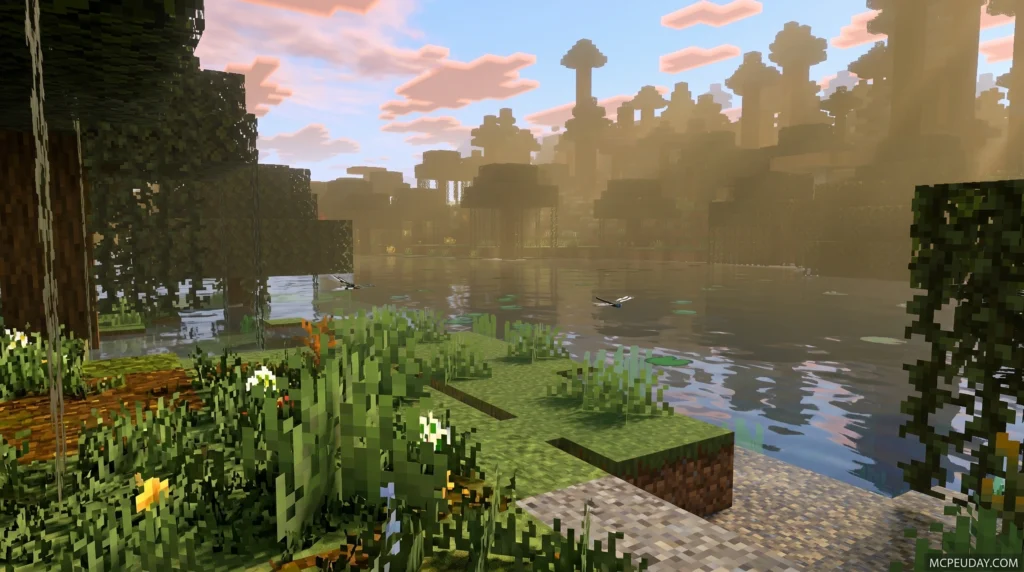
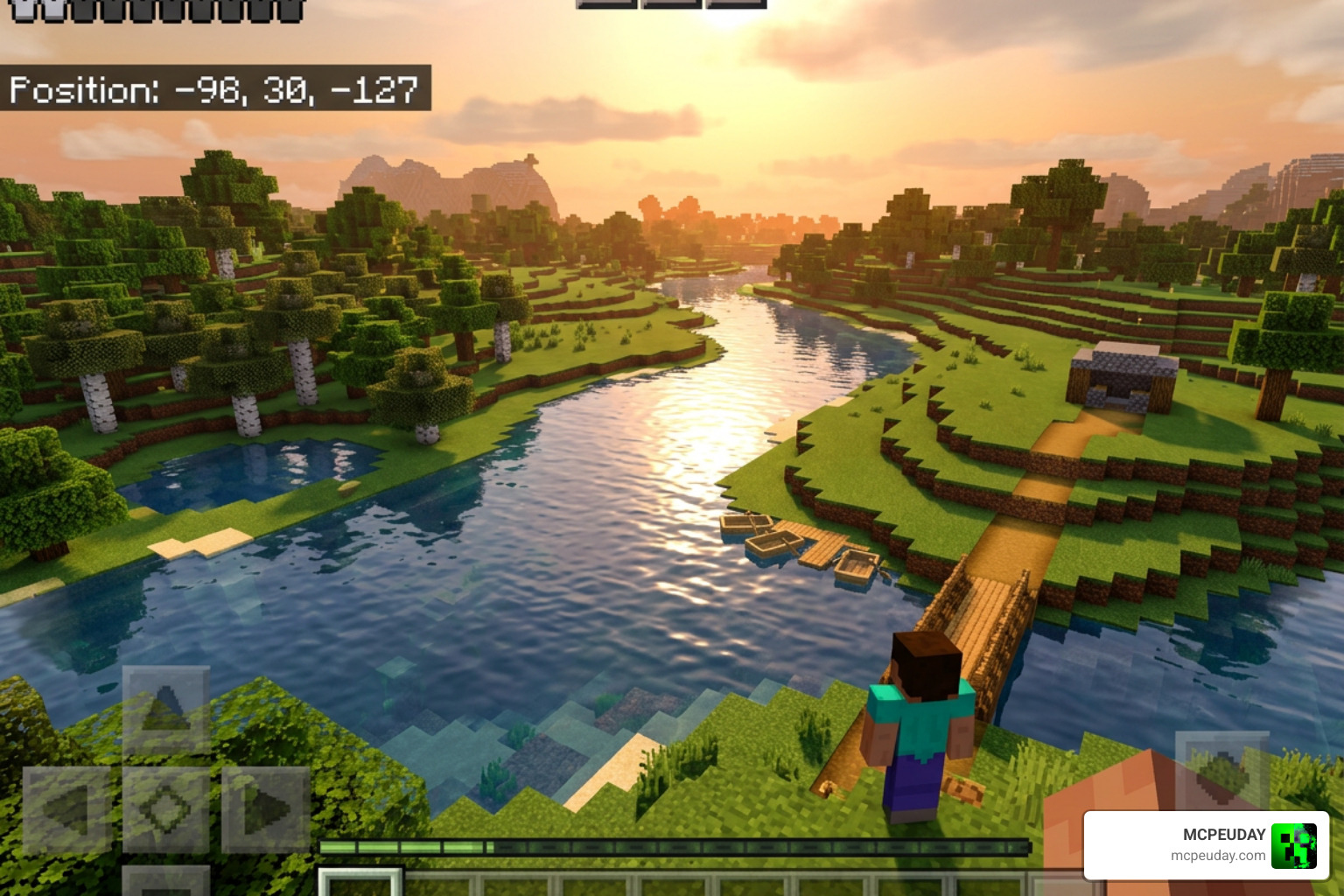
The NovaFX Visuals SHADER is a dedicated shader pack built exclusively for Minecraft Bedrock’s Vibrant Visuals rendering mode — and it’s one of the most complete visual overhauls available for Bedrock players right now.
For years, Bedrock and MCPE players had to rely on basic resource packs or unstable, third-party shader modifications that frequently broke with every minor game update. The introduction of the Render Dragon engine initially restricted custom shaders, but the release of the official deferred rendering pipeline (Vibrant Visuals) has completely changed the game. Creators now have the tools to build true, modern shaders that rival Java Edition’s OptiFine or Iris setups. The NovaFX Visuals SHADER is at the forefront of this graphical revolution.
Quick answer for what you’re looking for:
- What it is: A Minecraft Bedrock shader pack focused on lighting, atmosphere, water, and PBR materials
- Who it’s for: Bedrock/MCPE players running Vibrant Visuals mode on version 1.21+
- Key features: Soft glow lighting, animated water caustics, biome-specific fog, ACES tone mapping, 1,400+ PBR texture sets
- Download size: 5.48 MB (v2.9.0)
- Popularity: 140,000+ downloads
- User rating: 3.4 / 5
- Resolution options: Two subpacks to match your device’s hardware
Most Bedrock shaders make small tweaks. NovaFX Visuals goes much further — reworking how light, color, water, fog, and materials all look and feel together. It replaces the flat, static lighting of vanilla Minecraft with a dynamic, living environment where light behaves naturally.
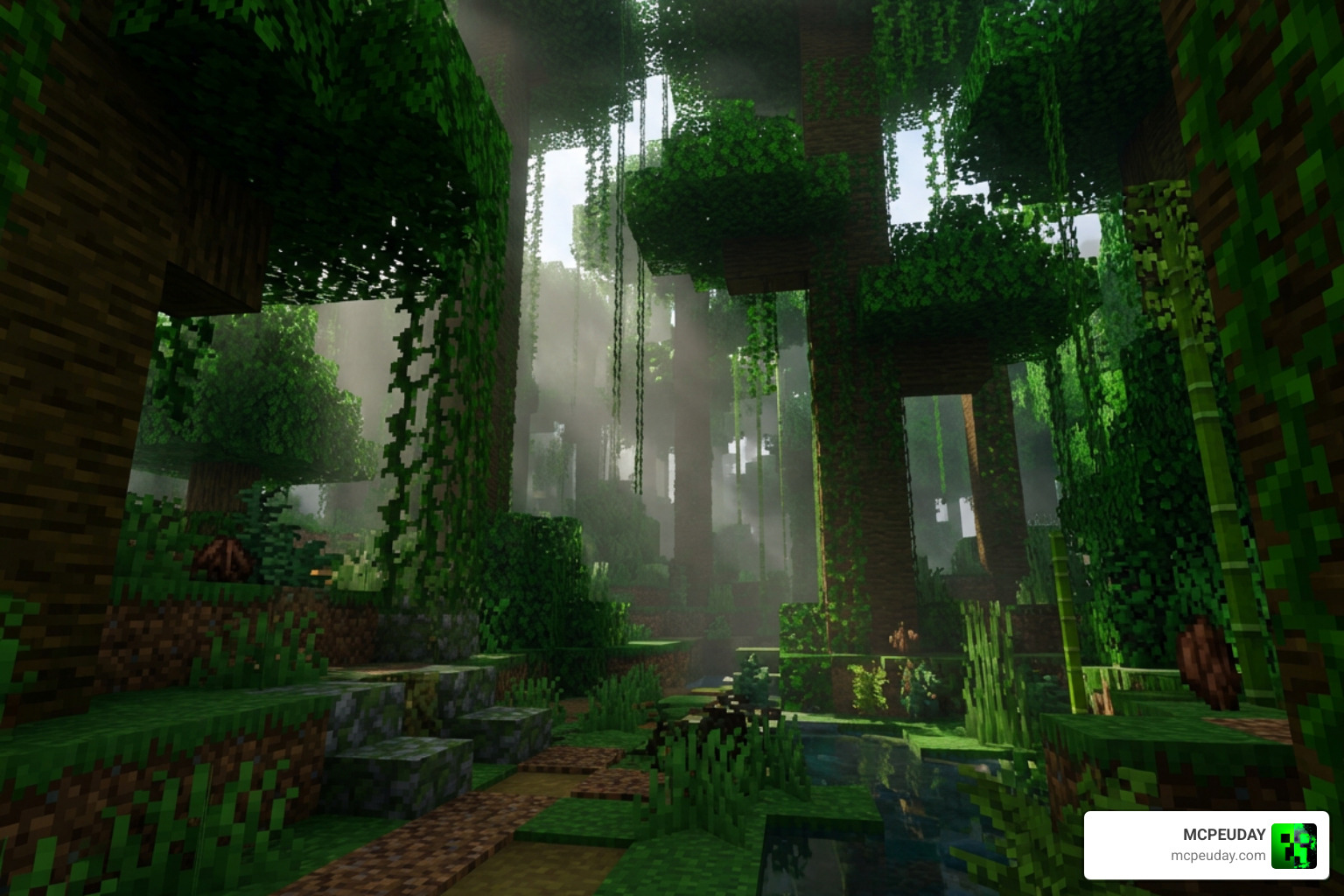
Imagine checking your base after sunset and noticing every torch, candle, and lantern casting its own distinct warm or cool glow. Or walking from a dense jungle into a frozen tundra and watching the whole visual mood shift around you. That’s the kind of immersion this shader is built to deliver.
It has racked up over 140,000 downloads, and with its 5.48 MB package size, it stays surprisingly lightweight for what it offers. Whether you are exploring deep underground caverns or building massive structures on the surface, this shader completely redefines your visual experience.
Key Features of the NovaFX Visuals SHADER
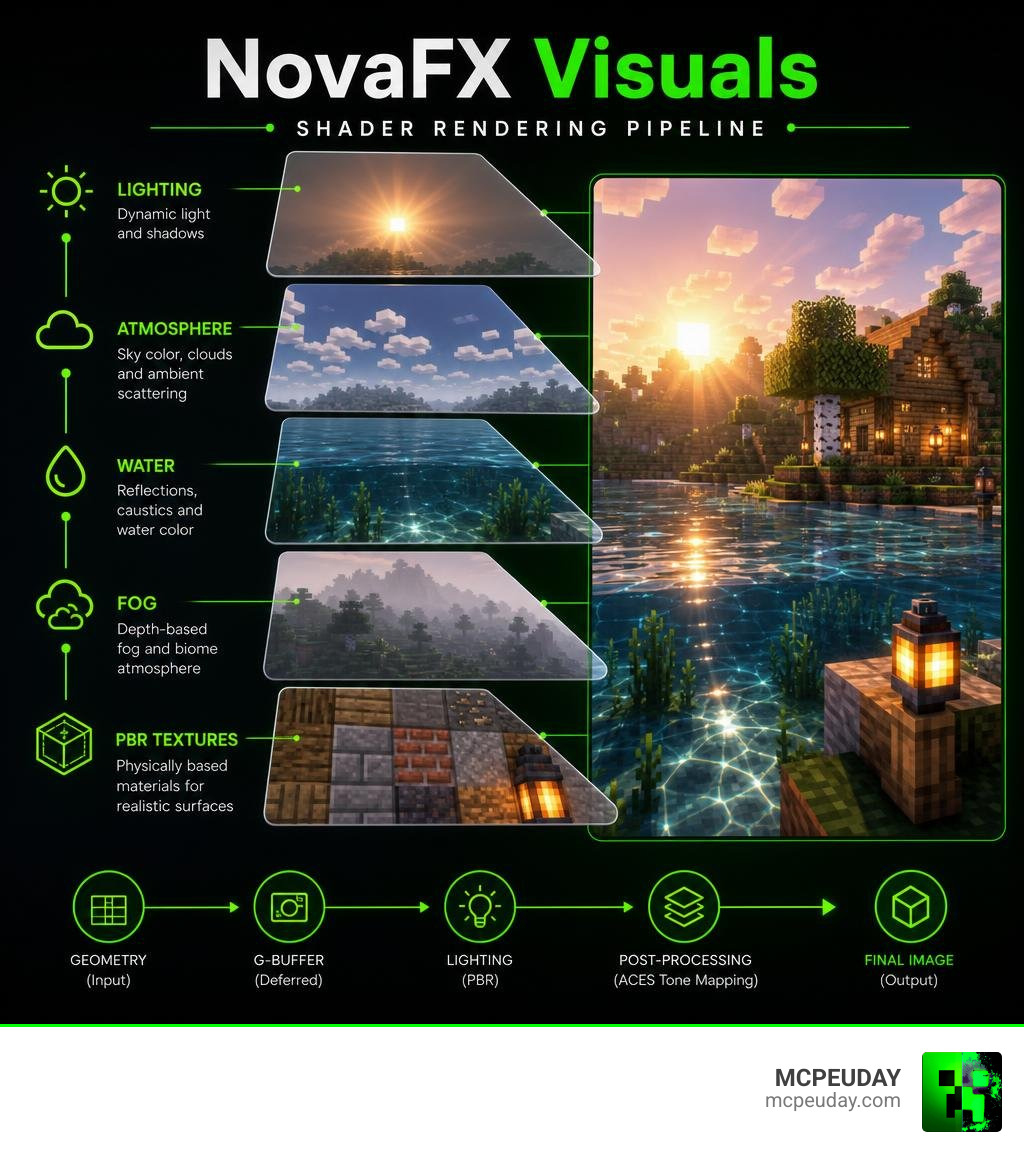
When we look at modern Bedrock shaders, the NovaFX Visuals SHADER stands out because it doesn’t just slap a basic color filter over your game. It utilizes Bedrock’s new deferred rendering pipeline (Vibrant Visuals) to calculate realistic lighting and shadows in real-time.
By integrating deeply with the modern Bedrock graphics engine, we get access to three-zone color grading and ACES tone mapping. ACES, or the Academy Color Encoding System, is the industry standard for managing color across different digital mediums, widely used in professional filmmaking and high-end video games. This means that shadows aren’t just “dark grey blocks” anymore; they have realistic color depth and soft transitions that mimic how the human eye adjusts to light. If you want to see how this compares to other visual options, you can check out the NovaFX Visuals Shader on MCPEUDAY.
Advanced Lighting and Soft Glow Effects in NovaFX Visuals SHADER
The lighting engine inside this shader has been meticulously hand-tuned. The creators configured custom sun and moon illuminance curves that favor warm, natural color temperatures during the golden hours and crisp, cool tones at night.
Instead of harsh, pixelated shadows, we get beautifully diffused soft shadows that stretch naturally across the terrain. Point lights have also received massive upgrades. Different blocks now emit distinct color profiles to match their physical properties:
- Torches and Candles: Emit a warm, cozy amber glow.
- Lanterns: Provide a bright, clean, stable light.
- Soul Fire and Soul Lanterns: Cast an eerie, pale blue illumination.
- Glowstone: Radiates a rich, intense golden light.
- Redstone Components: Give off a subtle, low-intensity crimson hum.
- Sculk Blocks: Whisper with a deep, dark-veined organic glow.
These lighting upgrades work hand-in-hand with custom particle blooms. For players who love a clean, dreamy atmosphere, pairing these features with the Nova Bloom Shader creates an incredibly cozy aesthetic.
Physically-Based Rendering and Water Caustics
One of our favorite parts of this pack is the material system. The NovaFX Visuals SHADER features over 1,400 PBR (physically-based rendering) texture sets. Physically-based rendering is a computer graphics approach that seeks to render images in a way that models the flow of light in the real world. These textures tell the engine exactly how metallic, rough, or smooth a block is, allowing light to bounce off surfaces realistically. Iron blocks glint in the sun, while wet mud has a realistic, damp sheen. Copper blocks will reflect light differently depending on their level of oxidation, and gold blocks will have a distinct metallic luster that changes dynamically as the sun moves across the sky.
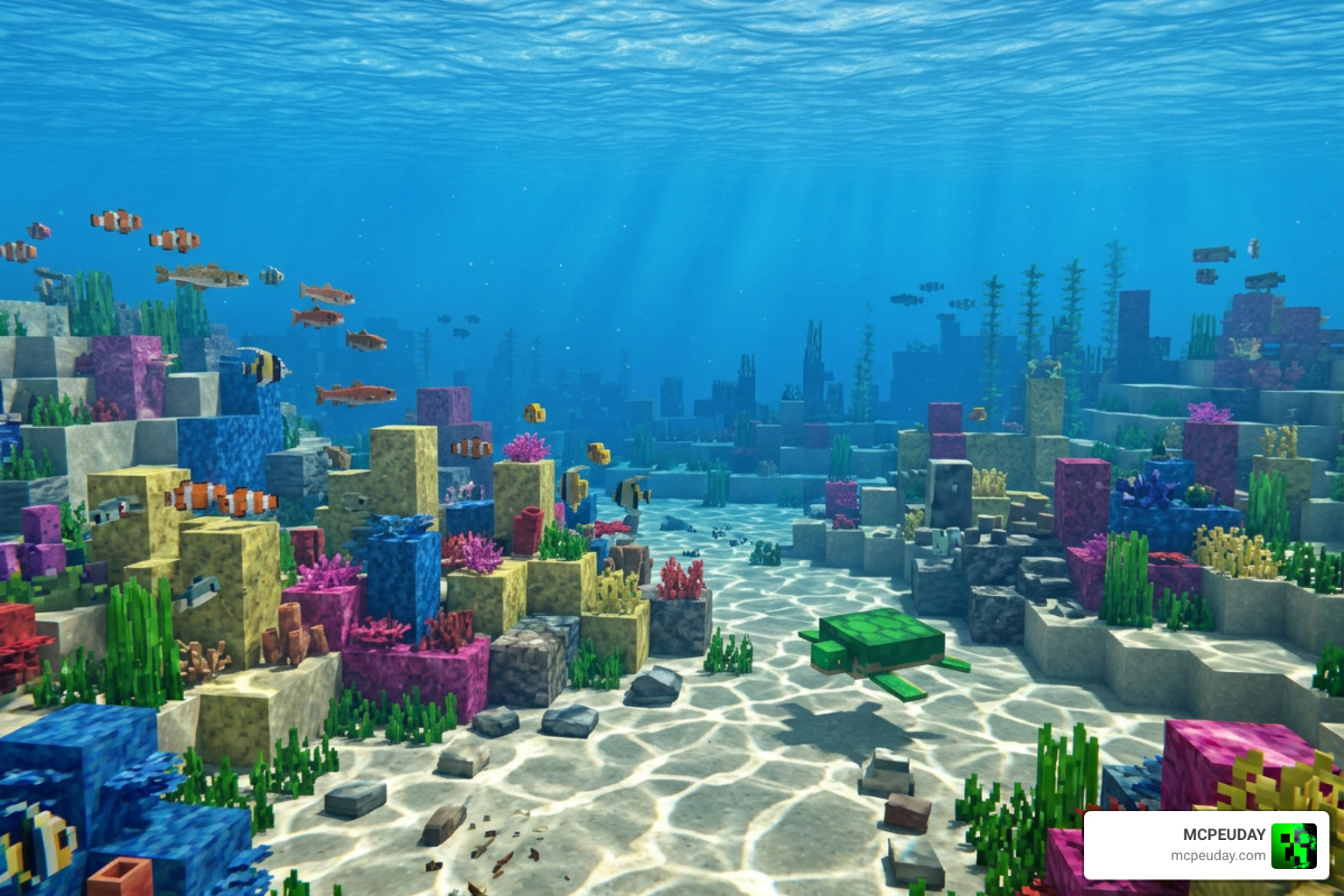
The water rendering is equally impressive. It uses a physically-based water simulation that includes:
- Animated water caustics that dance across the ocean floor.
- Dynamic wave simulations that react to weather.
- Adjustable chlorophyll and sediment concentrations, which make swamp water look appropriately murky while tropical reefs stay crystal clear.
Performance, Subpacks, and Hardware Compatibility
Because deferred rendering is highly demanding, we need to talk about hardware scaling. Unlike traditional shaders that only modify basic vertex data, deferred rendering utilizes the GPU’s compute shaders to calculate lighting, shadows, and reflections on a per-pixel basis. This means your device’s graphics processor has to work significantly harder.
The shader’s file size has actually shrunk over time due to better optimization. The older v2.6.0 package was a heavier 7.73 MB, whereas the streamlined v2.9.0 package sits at a much more efficient 5.48 MB.
To keep your frame rates smooth, the pack comes with two resolution subpacks that allow you to scale the visual complexity down if your device starts to struggle.
| Specification | NovaFX Visuals v2.9.0 | NovaFX Visuals v2.6.0 |
|---|---|---|
| Package Size | 5.48 MB | 7.73 MB |
| Core Rendering Mode | Vibrant Visuals (Deferred) | Vibrant Visuals (Early build) |
| PBR Textures Included | Yes (Over 1,400 sets) | Yes |
| Optimization Level | High (Two subpacks included) | Medium |
| Primary Focus | Performance & Stability | Feature Testing |
Optimizing the NovaFX Visuals SHADER for Mobile Devices
If you are playing on an Android device, performance is always a balancing act. Modern high-end chipsets like the Snapdragon 8 Gen 1 (or newer) and Apple’s A15 Bionic can handle the high-resolution subpack with ease. However, for mid-range or older devices, thermal throttling and battery drain can quickly become issues.
To get the most out of this shader without turning your phone into a pocket-heater, we recommend dropping the resolution subpack slider to the lower tier in your resource settings.
This preserves the beautiful ACES color grading and soft point lights while reducing the rendering load on your mobile GPU. For a detailed breakdown of how to get the smoothest frame rates on mobile, check out our Best Render Dragon Shaders Guide.
Step-by-Step Installation Guide for Android and Bedrock
Ready to transform your game? Installing the shader is incredibly simple thanks to the .mcpack format.
- Download the File: Grab the official
.mcpackfile from our secure servers at the NovaFX Visuals Shader Download page. - Open with Minecraft: Once downloaded, tap or double-click the file. Your device should automatically open Minecraft and import the pack.
- Enable Experiments: Because this uses the advanced rendering pipeline, make sure you have “Vibrant Visuals” or “Deferred Technical Preview” enabled in your Minecraft video settings.
- Activate the Resource Pack: Go to your Global Resources (or your specific world settings), select NovaFX Visuals, and activate it. Use the gear icon on the pack to select your preferred resolution subpack.
Frequently Asked Questions about NovaFX Visuals SHADER
What Minecraft Bedrock versions does NovaFX Visuals support?
The NovaFX Visuals SHADER is fully optimized for Minecraft Bedrock 1.21 and above. Because it relies on the modern Render Dragon engine features, it is not backward compatible with older legacy engines (pre-1.19).
How do I change the resolution subpacks in NovaFX?
Go to your Minecraft Settings > Global Resources > Active Packs. Click on NovaFX Visuals and tap the gear/settings icon. Slide the resolution slider to your desired performance profile, then restart your game to let the new textures load.
Does NovaFX Visuals support Render Dragon’s Vibrant Visuals?
Yes, absolutely! It is built specifically to take advantage of the Vibrant Visuals deferred rendering engine, which allows for genuine real-time shadows, atmospheric fog, and physically-based materials.
Conclusion
If you want to experience Minecraft Bedrock with realistic lighting, gorgeous water physics, and responsive environmental atmospheres, the NovaFX Visuals SHADER is a must-have. It strikes a fantastic balance between high-end visual realism and mobile-friendly optimization.
Be sure to explore our other curated graphics options in our guide to the Top 3 Realistic Shaders to find the perfect look for your virtual worlds!
1 thought on “NovaFX Visuals Shader (26.x, 1.21) – MCPE/Bedrock Shader”