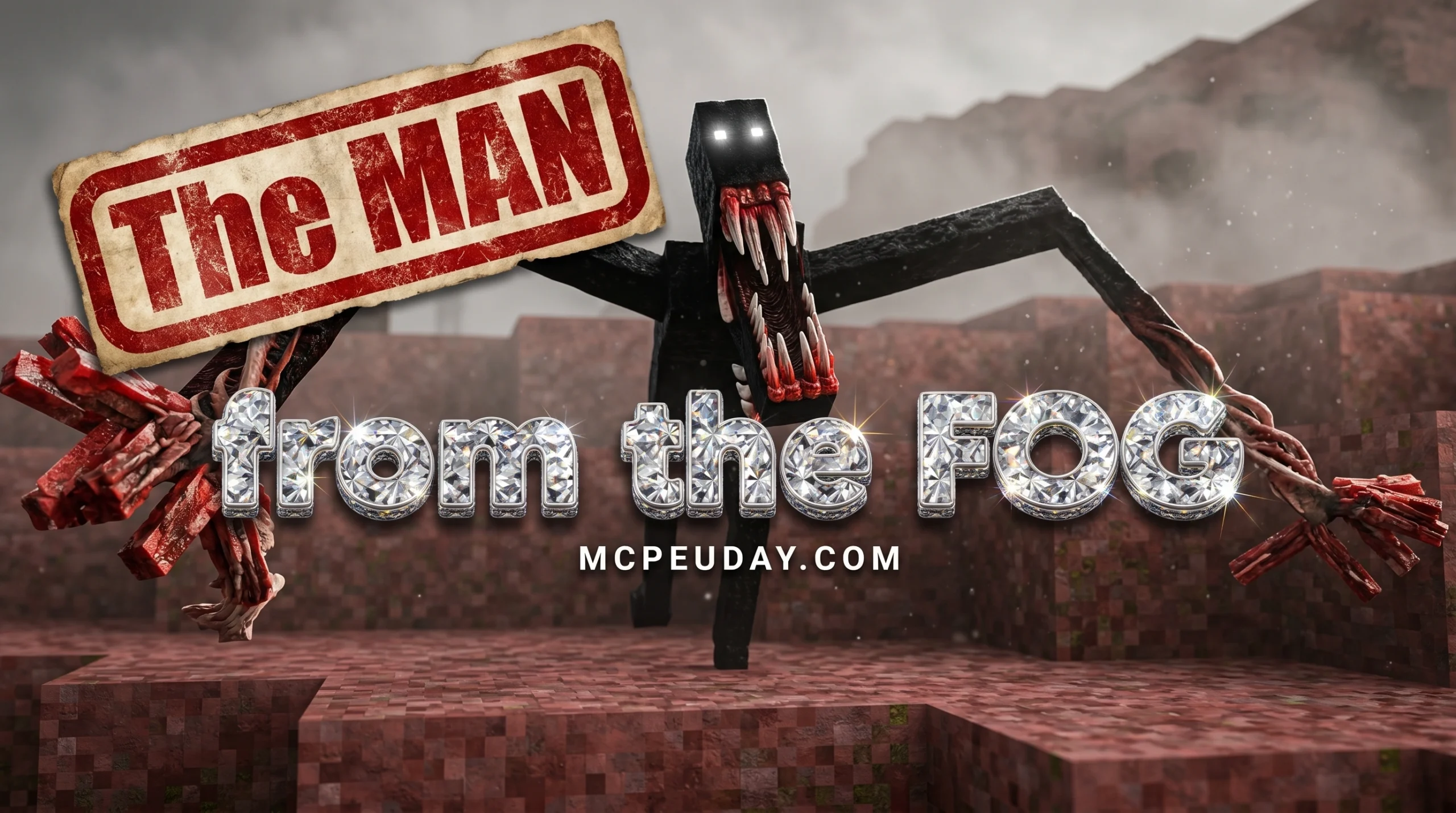
What is The Man from the Fog Addon?
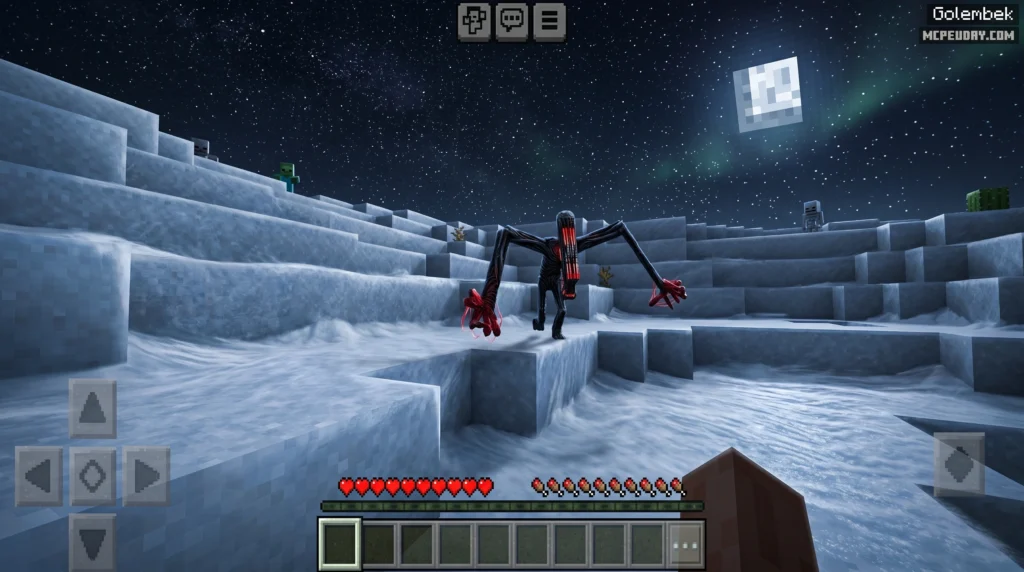
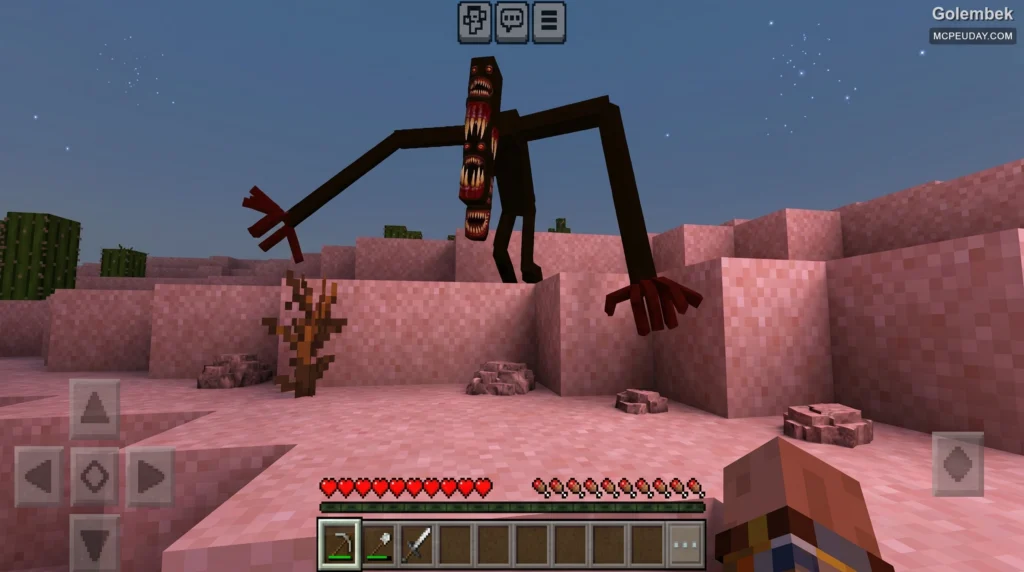
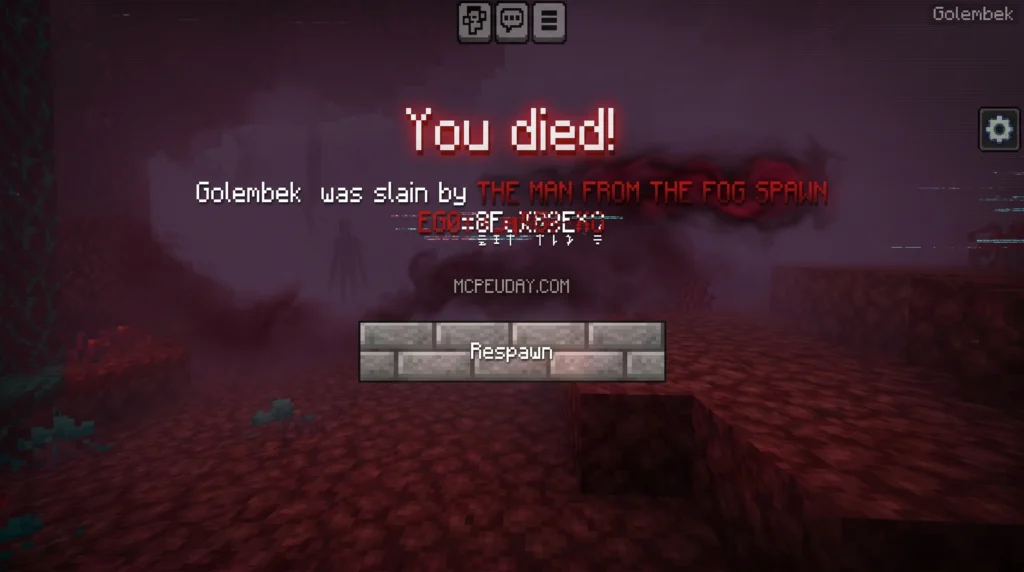
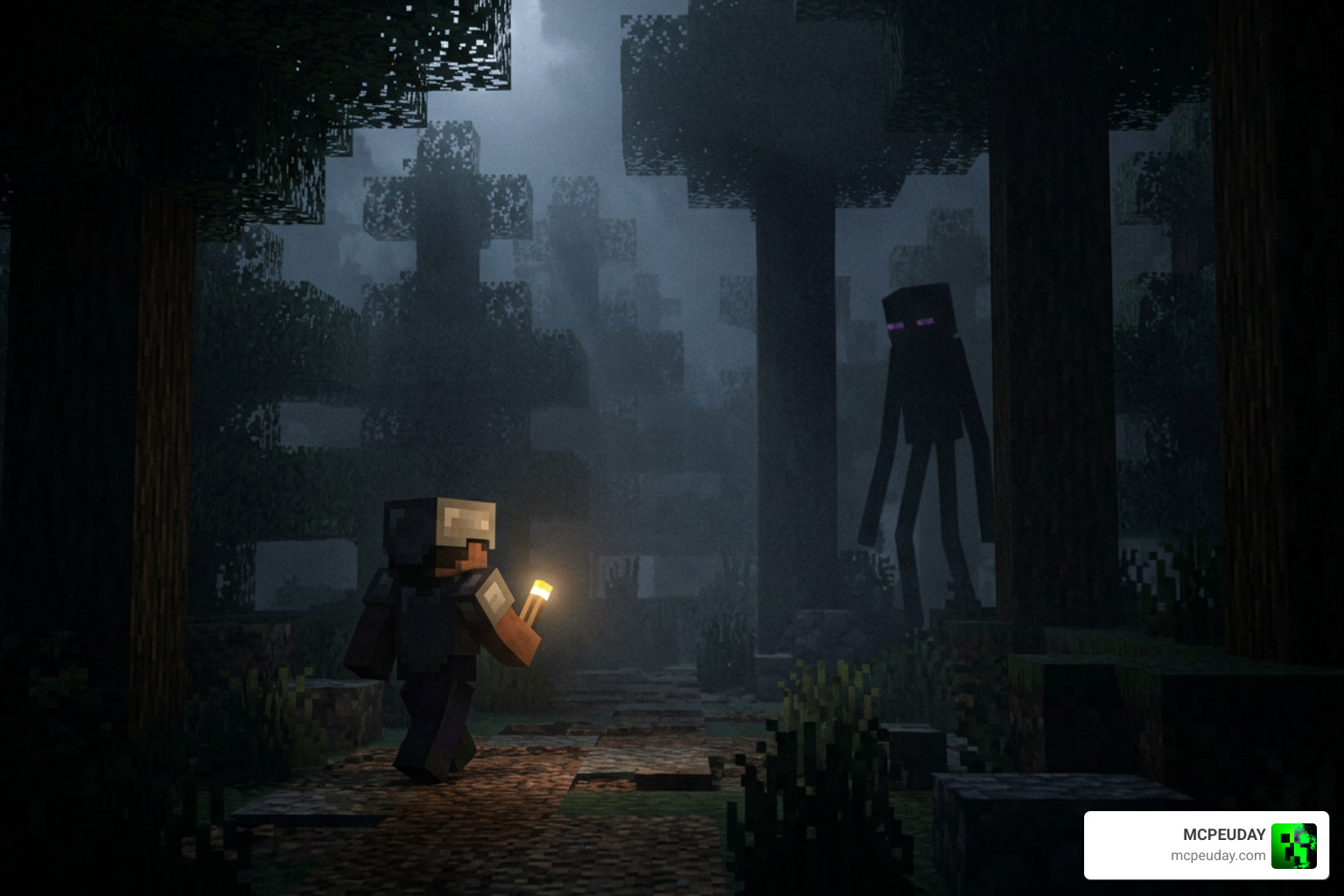
The Man from the Fog Addon is a horror survival addon for Minecraft Bedrock Edition that adds a terrifying, fog-dwelling entity that stalks, hunts, and torments players across their world.
Quick Answer: What You Need to Know
- What it is – A horror addon that adds a tall, mysterious entity that stalks players in fog and darkness
- Versions supported – Minecraft Bedrock/MCPE v1.18.30 through v1.21.94 (multiple versions available)
- How to install – Download the
.mcaddonfile, enable three experimental features, apply both packs, and launch your world - Key experimental features required – Custom Biomes, Upcoming Creator Features, and Holiday Creator Features
- Stats – The standard version has 300 hearts of health and deals 15 hearts of damage per hit
If you just want to survive, the most important thing to know is that this entity starts spawning more aggressively after about 8 in-game days — so your first week is your window to prepare.
The addon has exploded in popularity across the Minecraft community, with multiple versions and remakes now available — including a highly-rated Bedrock port, an aggressive remastered edition, and a revamp called The Fogwalker. With so many versions out there, knowing which one to download and how to install it correctly can get confusing fast.
That’s exactly what this guide covers.
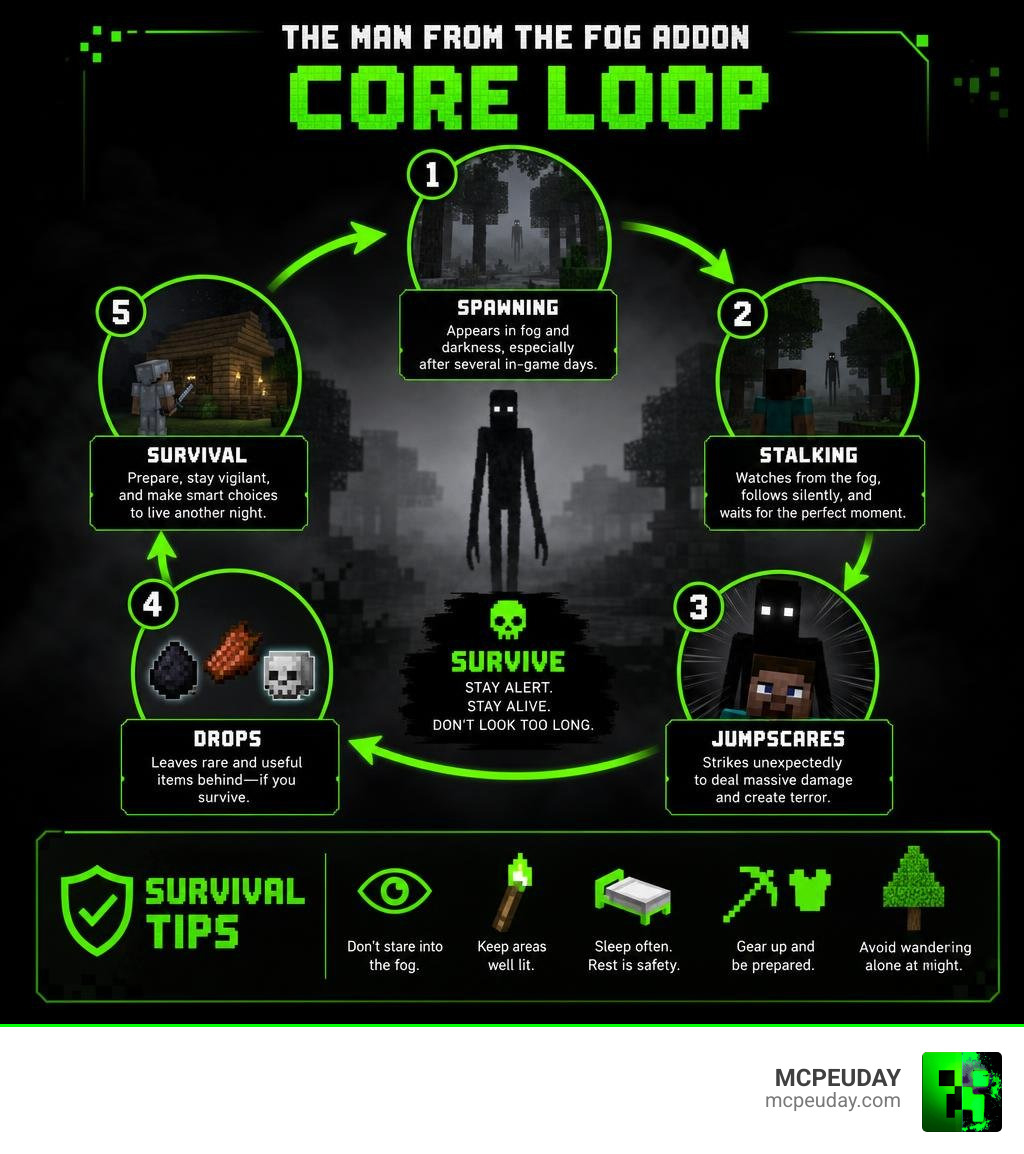
At its core, The Man from the Fog Addon is designed to transform Minecraft from a peaceful sandbox game into a deeply unsettling, psychological horror experience. Unlike standard hostile mobs that simply walk toward you and attack, this entity plays mind games. It lurks at the edge of your render distance, hides behind trees, crawls under roofs, and watches you from the fog.
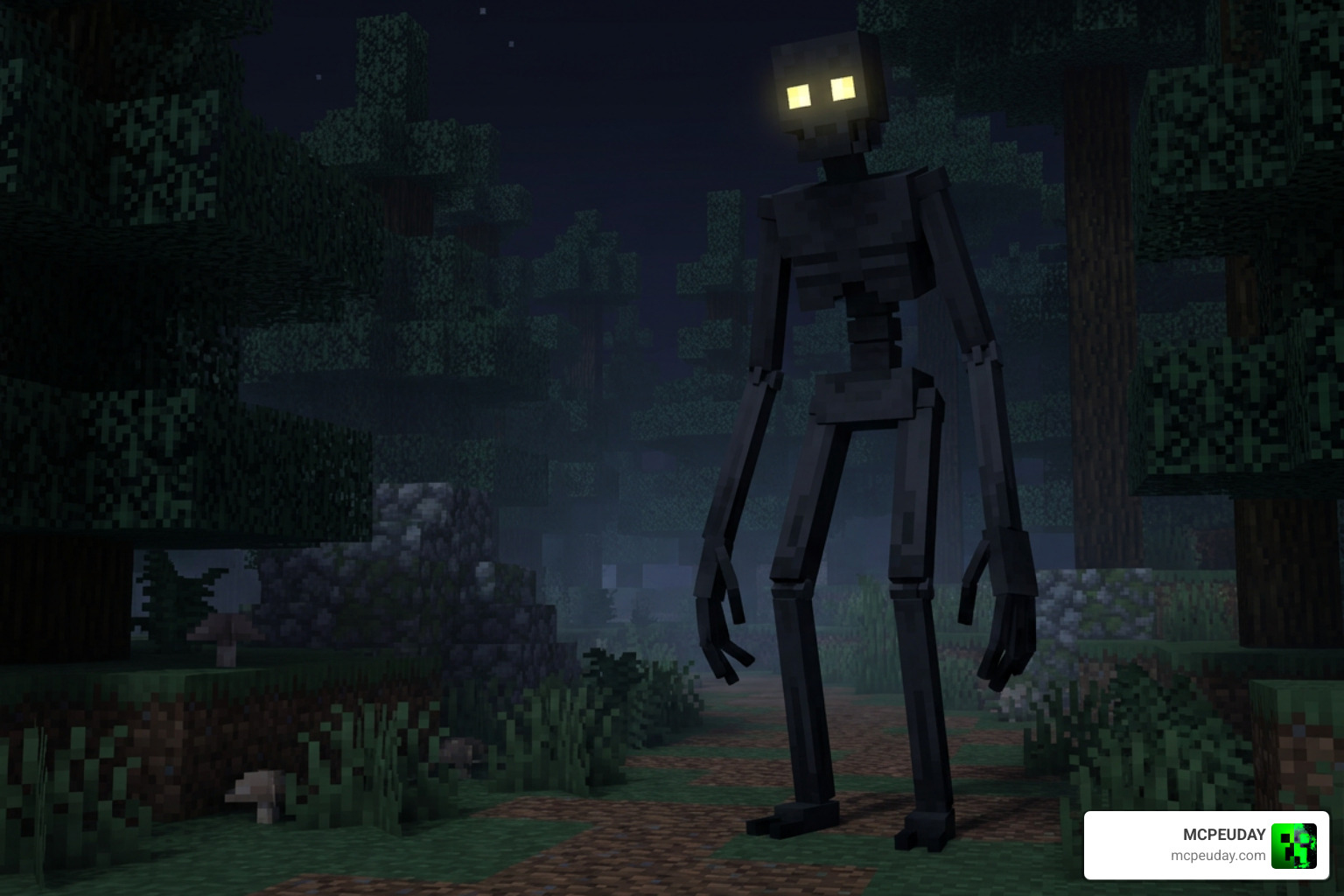
This addon brings the spine-chilling mechanics of modern PC horror mods directly to mobile devices, consoles, and Windows 10/11 platforms running Minecraft Bedrock Edition. If you want to see how this addon stacks up against other terrifying creations, check out our comprehensive Best Minecraft Horror Mods for Java & Bedrock 2026 Guide.
Origin of The Man from the Fog Addon
The legend began on the Java Edition of Minecraft. The original Java mod was created by the talented developer M_Productions, designed to make players fear the night and the thick fog. You can find the original Java file hosting on The Man From The Fog – Minecraft Mods – CurseForge.
As the mod’s popularity skyrocketed, Bedrock creators stepped up to bring this nightmare to the pocket and console communities. Talented developers like NetherPhanTom and others worked tirelessly to port and remake the experience. Today, Bedrock players can enjoy highly accurate ports that capture the essence of the original Java mod. If you enjoy this style of gameplay, you will also love exploring the Dwellers Mod 26.x 1.21 Horror Addon for MCPE.
Java Mod vs. Bedrock Port Differences
While the Bedrock ports aim for 100% accuracy, there are subtle differences in execution. The Bedrock version has been optimized to prevent the performance drops and lag commonly associated with complex entity AI on mobile devices.
| Feature | Original Java Mod | Bedrock Port / Addon |
|---|---|---|
| Pathfinding AI | Advanced, but can occasionally get stuck on complex modded terrain | Highly optimized pathfinding designed to navigate hills, rivers, and boats smoothly |
| Customization | Controlled via config files | Handled via subpacks (e.g., Day/Night spawning toggles) and host-only items |
| Visual Effects | Particle-based fog and custom shaders | Custom resource packs compatible with Bedrock’s engine and Vibrant Visuals |
| Modded Dimensions | Supports custom dimension mods | Spawns in vanilla dimensions and popular Bedrock custom biome addons |
Entity Stats, Behaviors, and Abilities
To survive the night, we need to understand exactly what we are up against. This entity is fast, smart, and completely relentless.
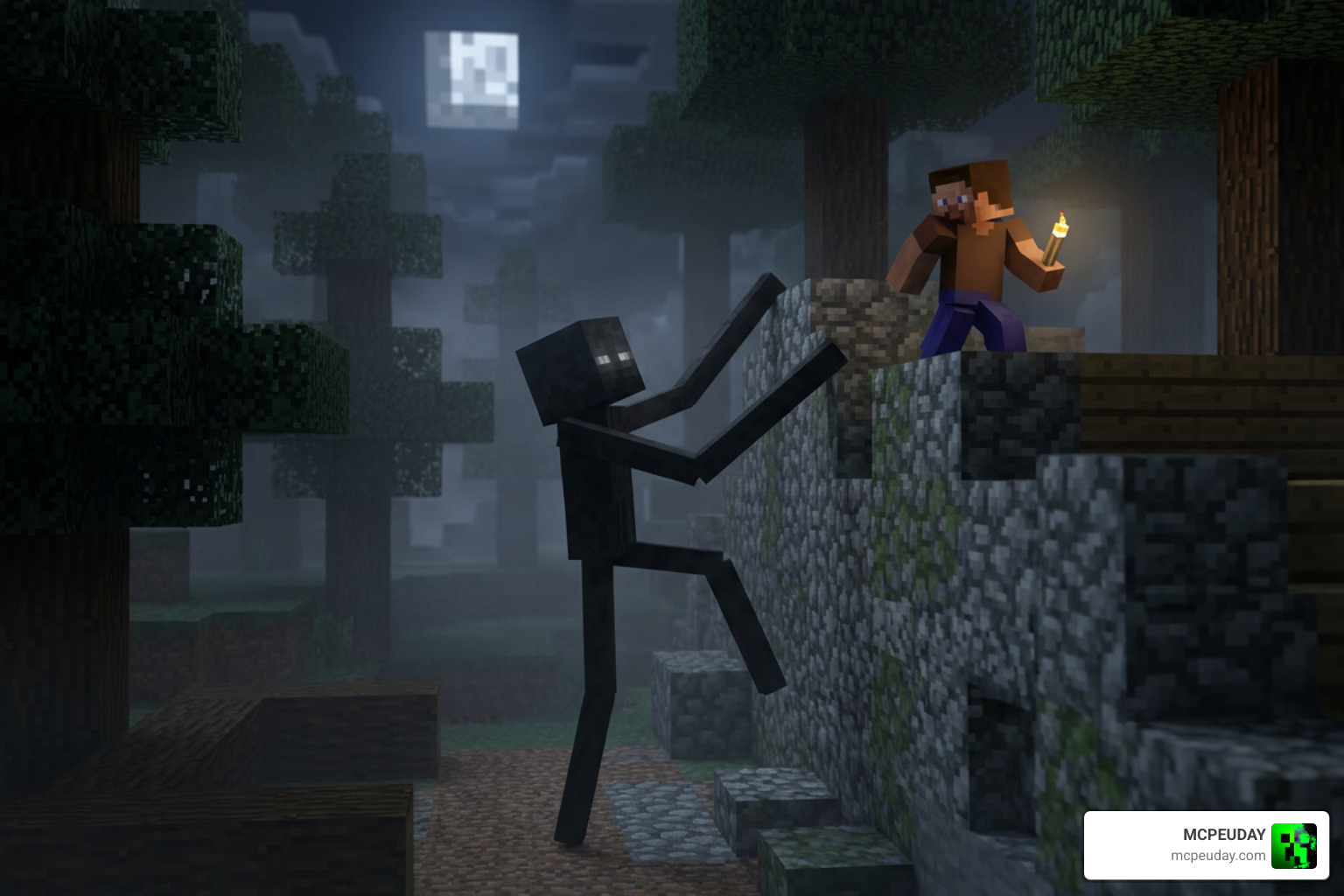
When the entity spots you, it doesn’t just run; it pathfinds with terrifying speed. It can climb vertical walls, squeeze through tight spaces, and even break down certain blocks to reach its prey. The sheer panic it induces is comparable to other top-tier horror creations, such as the Pale Mangler Dweller Addon 1.21 Scary MCPE Horror Mod.
Stalking AI and Spawning Mechanics of The Man from the Fog Addon
The spawning mechanics are designed to build tension over time:
- The Early Days: During your first 4 in-game days, the entity will rarely show itself. You might hear an eerie whisper or catch a glimpse of a tall figure standing under a tree before it vanishes.
- The Escalation: After day 4, it begins spawning occasionally during the day. By day 8, the spawn rate increases drastically, turning night-time resource gathering into a high-stakes survival run.
- The Hanging State: One of its most terrifying behaviors is spawning in a hanging state under roofs, ledges, or tree branches. If you ignore it, it may creep closer. If you approach it directly, it will suddenly disappear into thin air.
- The Disappear Timer: If you manage to hide inside a secure shelter, the entity won’t wait outside forever. A shortened disappear timer ensures that it vanishes after a while, though its presence will prevent you from sleeping while it is active.
For players who enjoy this level of psychological torment, the legendary Herobrine Reawakened Addon 1.21 1.26: The Ultimate Horror Experience in Minecraft PE offers a similarly intense stalking AI.
Custom Items, Drops, and Structures
The Bedrock port isn’t just about a single mob; it adds world-building elements that make your survival journey feel like a true horror movie:
- Tear of the Man: A rare and valuable drop obtained if you somehow manage to defeat the entity. It can be used to craft unique protective items.
- Cassette Recorder & Cassettes: Scattered throughout the world, these items allow you to play eerie, lore-filled audio recordings that explain where this entity came from.
- Cultist Villager & Cultist House: You may stumble upon creepy, abandoned Cultist Houses in your world. These structures contain dark secrets, loot, and sometimes a Cultist Villager who holds mysterious trades.
How to Download and Install the Addon in 5 Easy Steps
Ready to face the fog? Follow our step-by-step installation guide to get the addon running perfectly on your Bedrock or MCPE world.
Before starting, make sure your game version is compatible (v1.18.30 through v1.21.94+). If you are running other spooky addons like the Anomaly Mod 26.x 1.21 Horror Addon for MCPE, make sure to back up your worlds first!
Step 1: Download the Addon Files
First, download the official .mcaddon file. We provide safe, direct, and up-to-date download links right here on MCPEUDAY. Make sure to download both the Resource Pack and Behavior Pack elements, which are usually bundled together in a single .mcaddon file for easy importing. If you want to expand your horror library even further, you can also download the Dwellers Mod 26.x 1.21 Horror Addon for MCPE while you are at it.
Step 2: Enable Experimental Features
This is the most critical step! Because this addon uses advanced custom AI and scripting, it will not function without experimental toggles.
When creating or editing your world, scroll down to the Experiments tab and toggle the following settings to ON:
- Beta APIs (required for the custom pathfinding and scripts)
- Custom Biomes
- Holiday Creator Features
- Upcoming Creator Features
Step 3: Apply Resource and Behavior Packs
Once the file is imported into Minecraft, go to your world settings:
- Select Resource Packs and activate The Man from the Fog Resource Pack.
- Select Behavior Packs and activate The Man from the Fog Behavior Pack.
- Ensure that the addon is set above other packs in your active list to prevent compatibility conflicts.
For a smoother setup process with similar mods, check out our guide on The Anomaly Minecraft Mod 2026: Phases, Entity Forms, Survival Tips & Install.
Step 4: Configure Subpacks and Settings
Some Bedrock versions allow you to configure the experience before launching:
- Subpack Selection: In the resource pack settings, click the gear icon to choose your preferred subpack. You can toggle between “Night-Only Spawning” or “Day & Night Spawning.”
- Vibrant Visuals: If you use the Vibrant Visuals pack, activate it on top of the main resource pack and turn up your game’s Bloom slider to make the entity’s eyes glow with a haunting intensity.
- Host Configuration: When entering the world, the host player will receive a special configuration item to adjust spawn rates and toggle block-breaking settings.
Step 5: Launch Your World and Survive
With everything configured, hit Play!
To survive your first few days, we highly recommend building a secure, well-lit underground bunker. Avoid staying near large glass windows, and always keep a shield and a fast weapon on hand. If things get too intense, you can always compare your survival strategies with our tips for the Herobrines Horror Remake Addon: When Minecraft Turns Into a Creepy Nightmare.
Frequently Asked Questions
If you run into any issues while trying to survive the fog, check out these quick answers to common questions. For more technical troubleshooting, visit our guide on the Inside the System Mod 1.21 Creepy Horror Mod for Minecraft Java.
What are the health and damage stats of the entity?
The stats depend on the specific version of the addon you install:
- Standard Addon / Port: The entity features 300 hearts of health and deals a brutal 15 hearts of damage per hit.
- Aggressive Remastered Version: For hardcore players, this version boosts the difficulty significantly. The entity has 677 health points and deals a massive 97 damage per strike, making it an absolute killing machine.
Can the entity spawn in other dimensions?
Yes! While it primarily stalks the Overworld, the advanced AI allows it to spawn in other dimensions. It can appear in the Nether and the End, as well as popular modded dimensions like The Aether, The Erebus, and The Twilight Forest if you have those addons active.
How do you stop the entity from breaking blocks?
If you don’t want your beautiful builds ruined, you can disable block breaking. Use the host-only configuration item given to the world creator to toggle block destruction off. Alternatively, you can run specific function commands in the chat to adjust the entity’s behavior settings. If you prefer horror addons that don’t mess with your world’s blocks, you might want to look at the Poppy Playtime 5 Addon 1.21 Horror Mod for MCPE Download.
Conclusion
The Man from the Fog Addon is a must-have for any Minecraft Bedrock player looking to inject pure, adrenaline-pumping terror into their survival worlds. With its advanced stalking AI, haunting visual design, and deep customization options, it completely changes how you experience the game.
We at MCPEUDAY are dedicated to bringing you the absolute best horror mods, graphics packs, and gameplay addons. Download the files, enable your experiments, and see if you have what it takes to survive the fog!
Ready for more thrills? Head over to our Best Minecraft Horror Mods for Java & Bedrock 2026 Guide to discover your next nightmare. Good luck, and watch the tree lines!