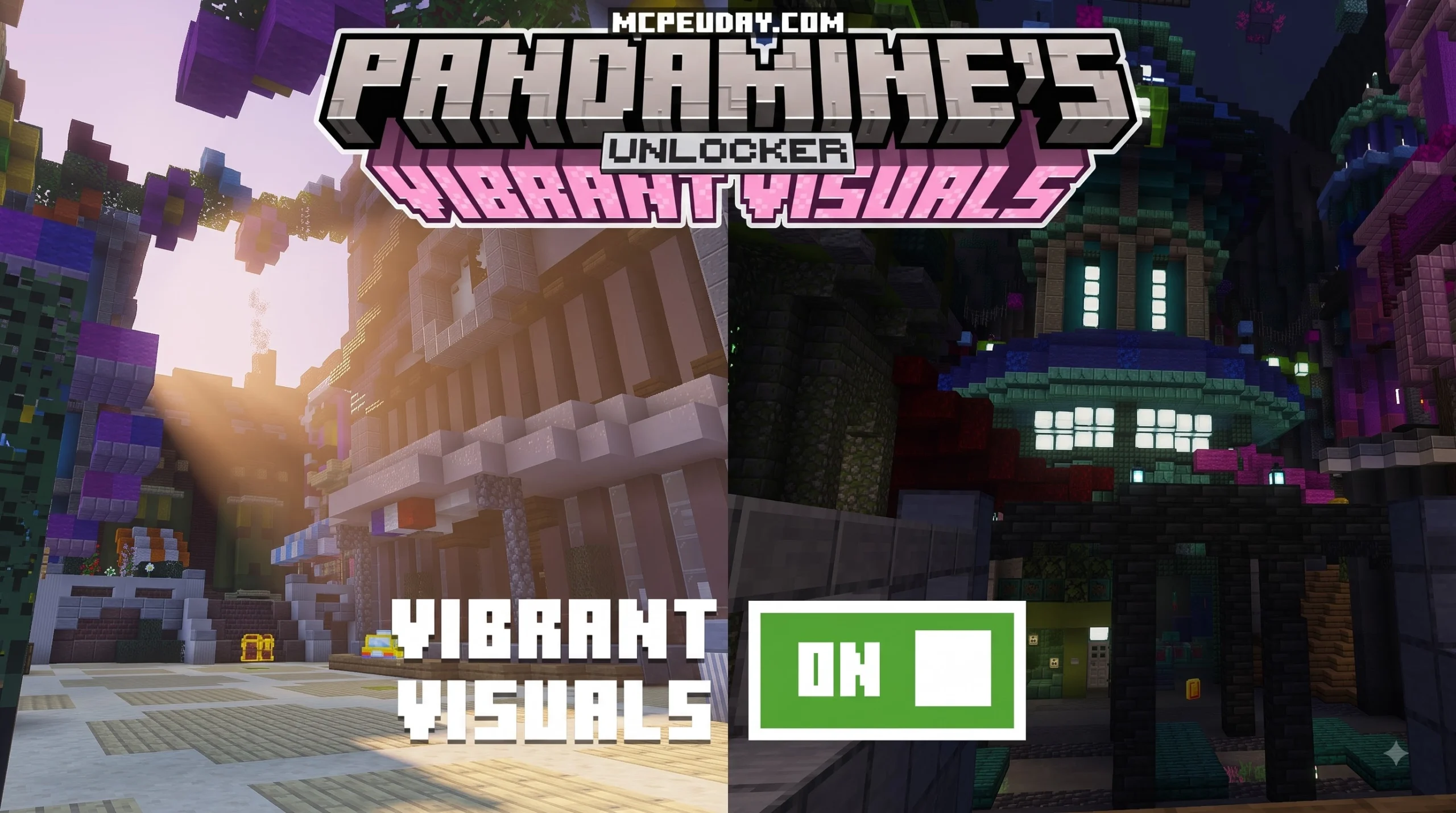
What Is the Vibrant Visuals Unlocker and How Does It Work?
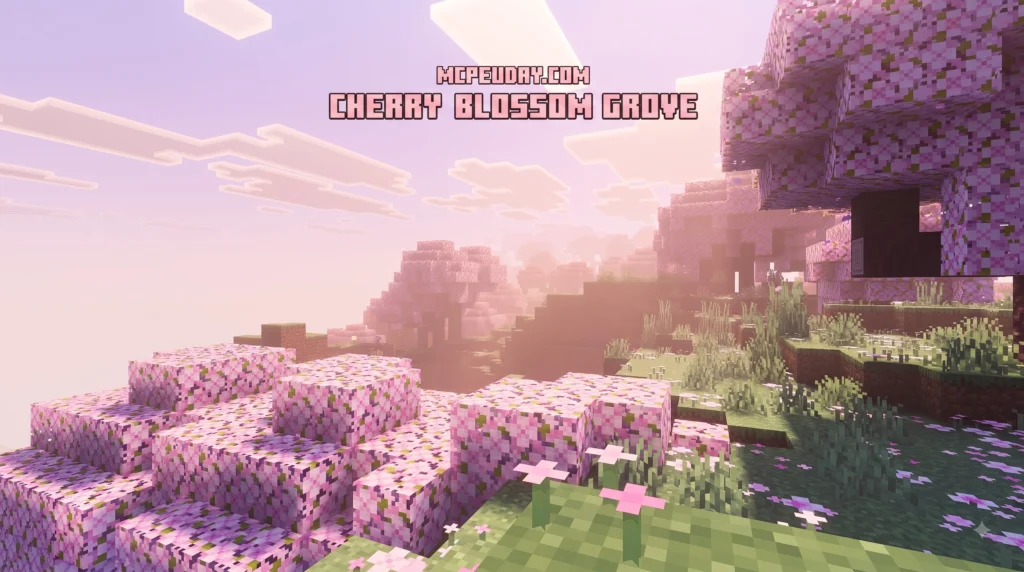
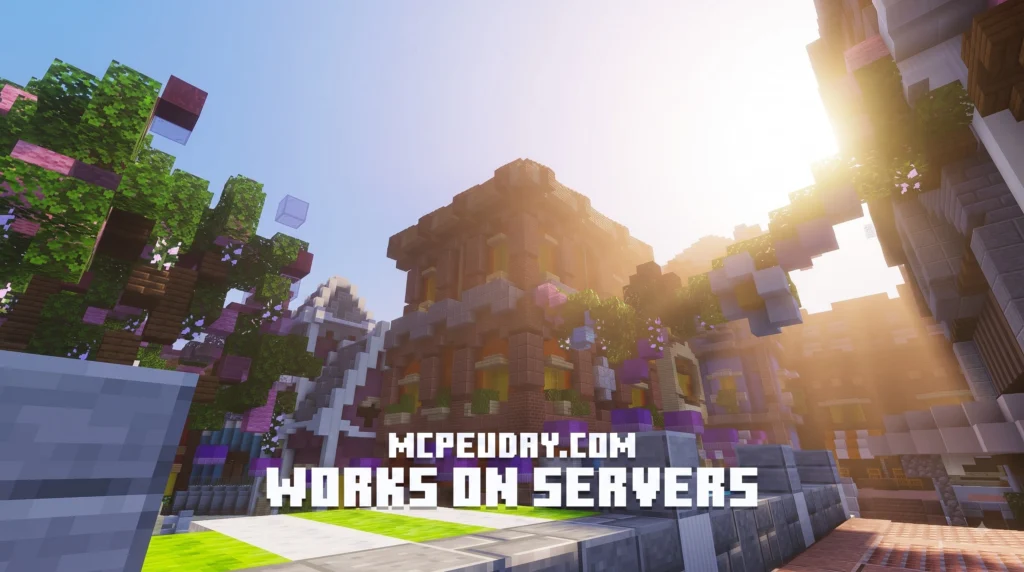
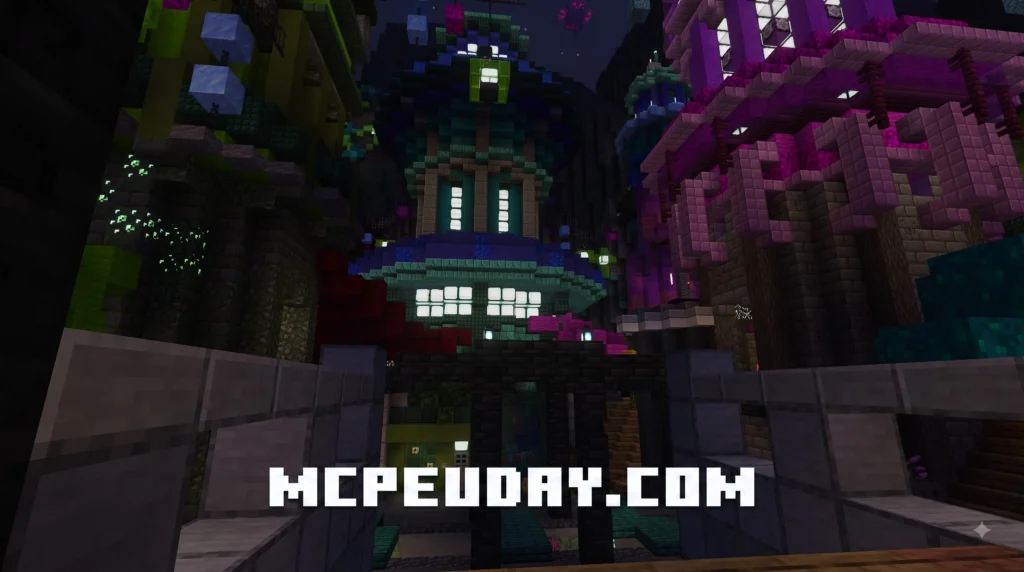
The Vibrant Visuals Unlocker is the key to activating Minecraft: Bedrock Edition’s powerful new rendering engine — and here’s the quick answer on how to get started:
- Open Minecraft Bedrock Edition on your device.
- Go to Settings > Video Settings > Graphics Mode.
- Select “Vibrant Visuals” from the drop-down checklist.
That’s it. No downloads, no third-party tools — the feature is built right into Bedrock Edition.
Minecraft’s graphics just got a serious upgrade. Vibrant Visuals brings directional lighting, volumetric fog, and atmospheric effects to Bedrock Edition — all powered by a Physically Based Rendering (PBR) pipeline.
The best part? It makes zero changes to gameplay. You can toggle it on or off without affecting your server, your worlds, or other players.
Whether you want cinematic lighting for an adventure map or a moody horror atmosphere, this rendering engine hands you the controls.
I’m UDAY GAMER, and in this guide I’ll walk you through everything you need to know — from enabling Vibrant Visuals in-game to exploring other unlocker tools across different platforms.
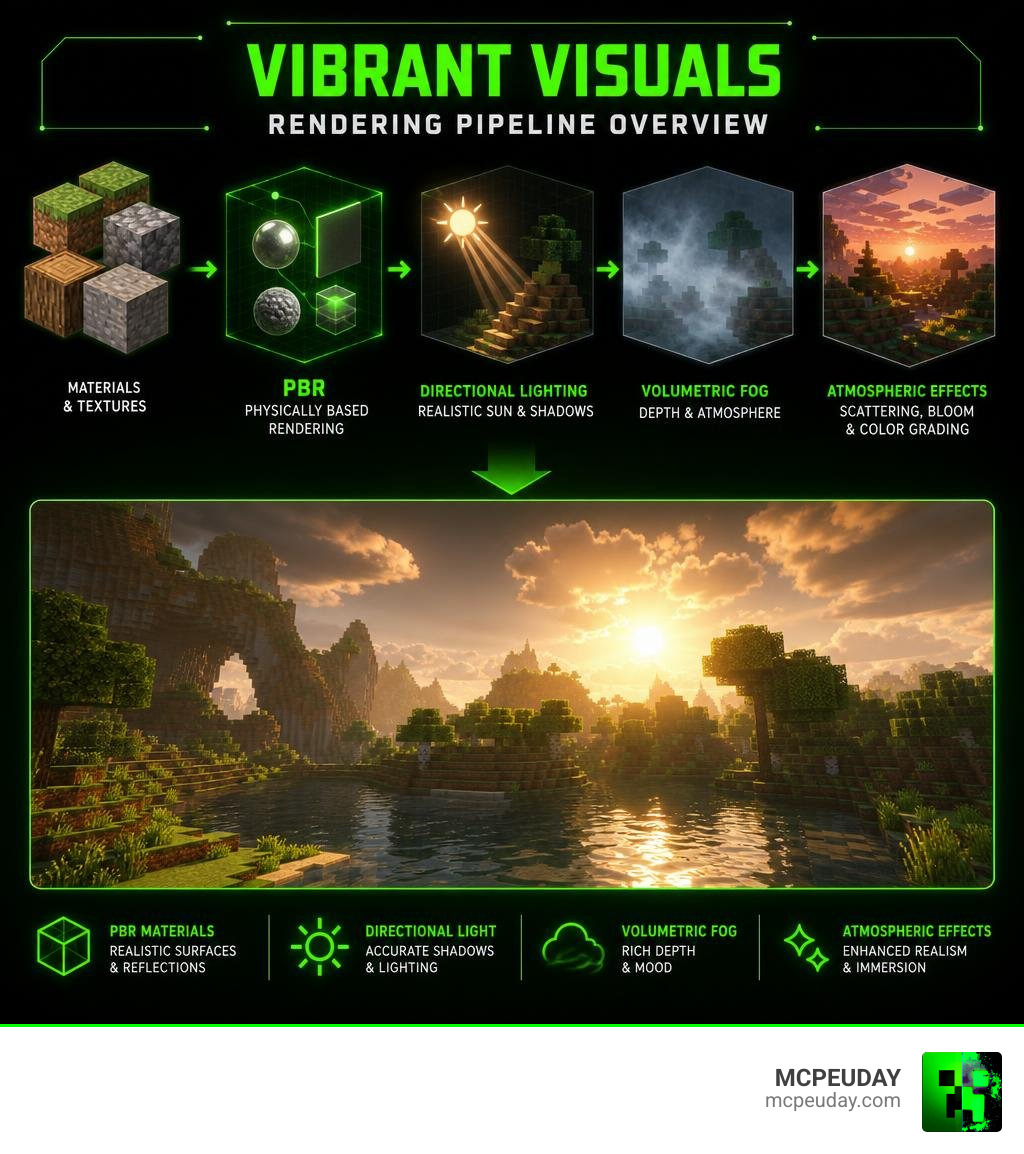
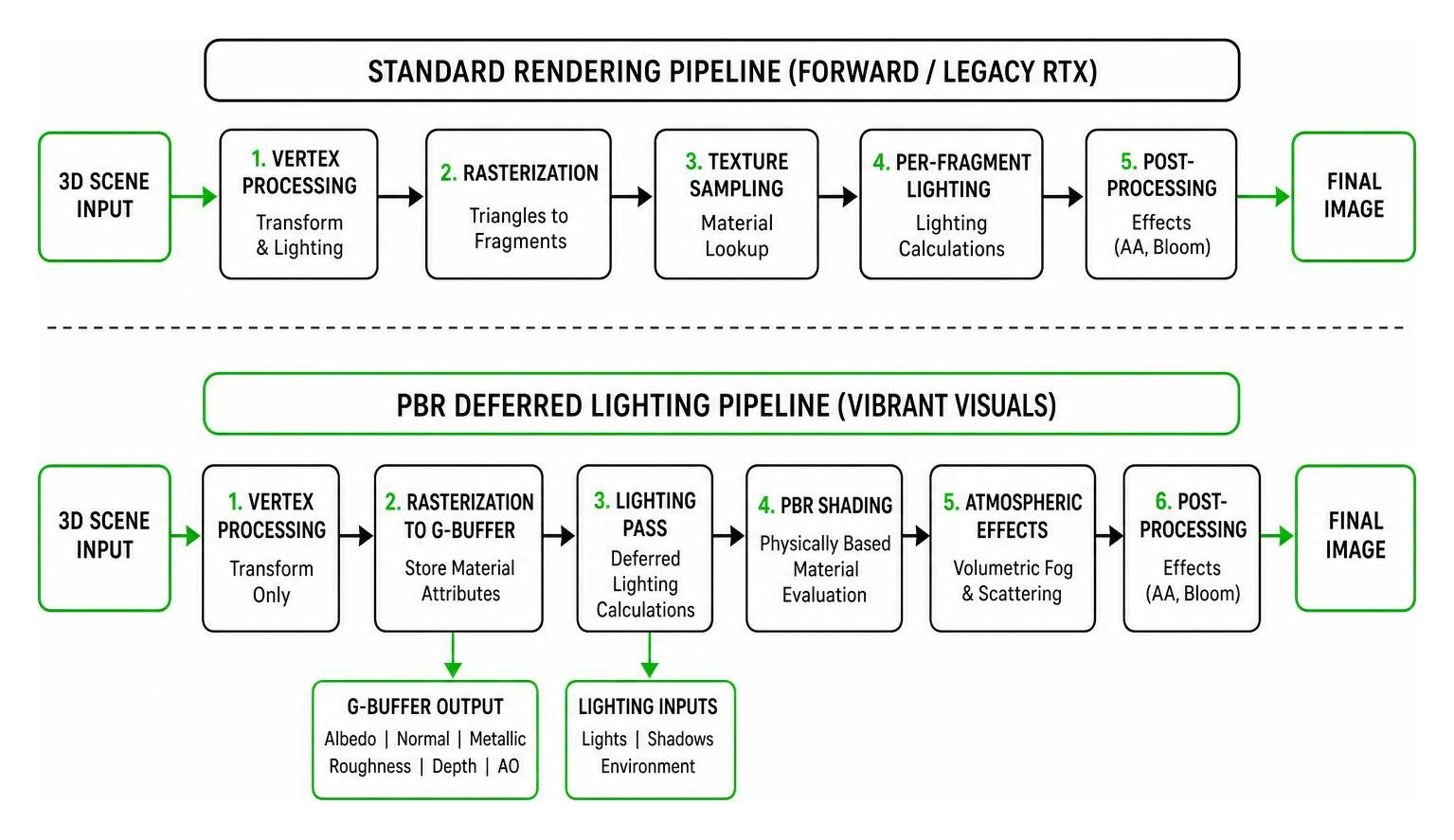
The core technology behind the Vibrant Visuals Unlocker is Minecraft’s brand-new Physically Based Rendering (PBR) pipeline. This pipeline is used for deferred lighting and ray tracing, allowing the game to combine texture-mapped surface details with multiple illumination sources.
Unlike standard graphics settings, this rendering engine gives you precise control over the atmosphere. You can adjust the intensity and color of the sun and moon, which directly affects bloom activation, exposure sensitivity, and shadow angles. This is perfect for creating custom thematic moods, such as spooky horror maps or cinematic adventure worlds.
If you want to dive deeper into the technical details behind this engine, you can read the official Vibrant Visuals documentation on Microsoft Learn. Additionally, if you are a Java player looking for similar graphical overhauls, check out the Vibrant Visuals Java Edition resource page.
How to Enable the Vibrant Visuals Unlocker in Bedrock Edition
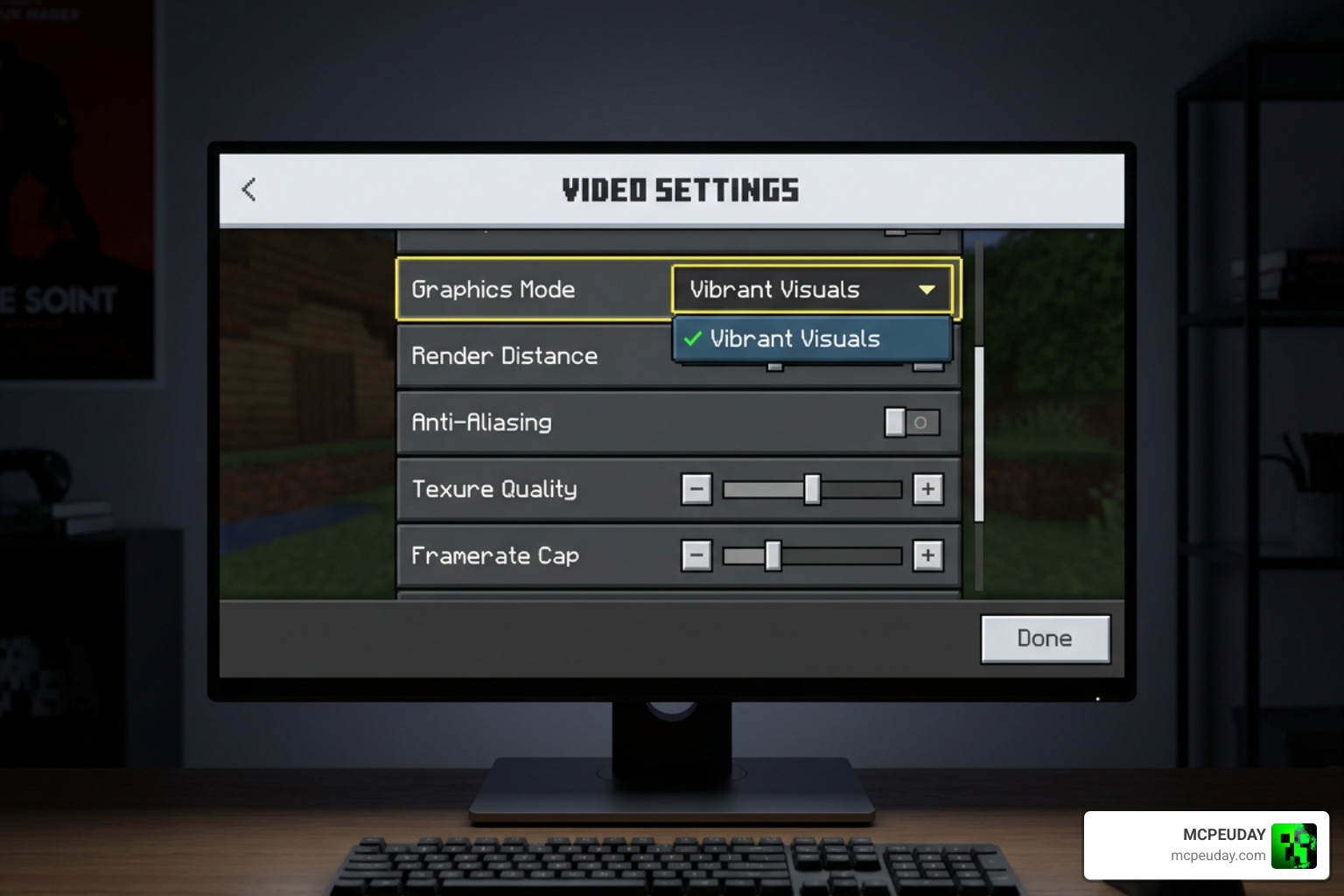
Activating this feature in Minecraft: Bedrock Edition is incredibly simple. Because it is built directly into the game’s core engine, players do not need to install complicated third-party software to unlock basic deferred lighting.
For creators who want to build their own custom resource packs utilizing these features, you must manually opt into the new system. You can do this by adding the “pbr” capability string to your pack’s manifest.json file. This tells the game engine to process your custom textures using the deferred lighting pipeline.
That while the Vibrant Visuals Unlocker is completely backwards-compatible with standard worlds, you should not expect these new PBR capabilities to be fully compatible with the older, deprecated RTX pipeline. It is always a best practice to design your resource packs specifically around the new PBR pipeline to ensure all atmospheric effects render correctly.
Troubleshooting the Vibrant Visuals Unlocker
One of the biggest advantages of this graphics upgrade is that it runs entirely locally. This means you can toggle the settings on your own device without causing any compatibility issues with multiplayer servers.
However, because deferred lighting calculations are hardware-intensive, you may experience a performance impact depending on your device’s GPU. If you experience frame drops, we recommend reducing your render distance or adjusting the volumetric fog quality in your video settings.
Step-by-Step Guide to Installing the Graphics Pack
If you want to take your graphics to the next level, you will want to pair the Vibrant Visuals Unlocker with a dedicated PBR resource pack. Here is how to do it in three easy steps:
- Step 1: Download a PBR-Compatible Pack
Head over to our shader directory at MCPEUDAY and download a high-quality PBR resource pack designed for Bedrock Edition. - Step 2: Import the Pack into Minecraft
Locate the downloaded.mcpackfile on your device and double-click it. Minecraft will open automatically and import the resource pack. - Step 3: Activate and Toggle Settings
Navigate to Settings > Global Resources, activate your new pack, and then go to Video Settings to ensure your Graphics Mode is set to “Vibrant Visuals”.
To help you understand how this new rendering system compares to traditional ray tracing, we have put together a quick comparison table:
| Feature | Bedrock PBR (Vibrant Visuals) | Standard RTX |
|---|---|---|
| Hardware Requirements | Mid-range to High-end mobile & PC | High-end RTX-enabled GPUs only |
| Atmospheric Effects | Volumetric fog, custom sun/moon colors | Path-traced global illumination |
| Backwards Compatibility | Fully compatible with standard worlds | Requires dedicated RTX worlds |
| Execution | Runs locally on the client side | Requires hardware-level ray tracing support |
Exploring Other Software and Device Unlocker Tools
While we love upgrading our Minecraft graphics, the term “unlocker” is used across many different software and hardware utility tools. Let’s take a look at some other popular unlockers used in the tech and gaming communities.
LabVIEW VI-Unlocker and Adobe Illustrator Plugins
For developers and engineers, the LabVIEW VI-Unlocker is a well-known open-source reverse-engineering tool. It supports all LabVIEW file versions starting from version 6 and later.
Under the hood, the tool works by modifying password-protected virtual instruments (VIs). It overwrites the BDPW block with an empty password hash and recalculates the necessary block hashes. It leverages LabVIEW’s built-in MD5 hash function (GetMD5Digest), which runs roughly 10 times faster than standard G-code implementations. You can explore the source code and documentation directly via the README.md for VI-Unlocker on GitHub.
Graphic designers also use specialized workflow tools like the Unlocker Tool for Adobe Illustrator. This handy plugin supports Illustrator versions 2020 through 2026 (64-bit). It allows you to lock and unlock vector elements directly on your artboard with a single click, bypassing the tedious layers panel. You can find more details on how to install it via the Unlocker Tool for Adobe Illustrator download page.
VG QuickUnlocker and Mobile Carrier Unlock APKs
If you are dealing with mobile devices, you might have run across the VG QuickUnlocker Tool V1.0 (released in 2025). This lightweight utility is designed to help users bypass Android security locks, including FRP (Factory Reset Protection), Mi Accounts, and screen locks with a single click. It supports various Mediatek and Qualcomm devices. You can read more about its features on the VG QuickUnlocker Tool V1.0 information page.
For general carrier and device unlocking, there is also the Vibrant unlock APK. This utility has been updated as recently as June 2026, offering compatibility for Android versions ranging from legacy Gingerbread (2.3) all the way up to Android 15. The Android 15 package is incredibly lightweight at just 4.26 MB and was last updated on 20 February 2026. You can find the installation files at the Vibrant unlock APK download page.
Modding Assets and Achievements in Vibrant Venture
Switching gears back to gaming, let’s talk about the vibrant indie platformer Vibrant Venture. If you want to customize your gameplay experience, you can actually edit the game’s 2D sprites and audio files using the Unity Asset Bundle Extractor (UABE).
To edit textures, you can extract the game’s .assets files using UABE, export the sprites as .png or .tga files, modify them in your favorite image editor, and then import them back. For audio modifications, you will need to match the original audio track’s offset and size parameters (m_Offset and m_Size) to prevent the game from crashing. For a complete walkthrough of this process, check out the Editing Textures and Audio Tutorial on GameBanana.
Frequently Asked Questions
How do you unlock an LG or Samsung phone using unlock codes?
To unlock a carrier-locked LG or Samsung phone, you generally need an official network unlock code provided by your carrier or a reputable SIM unlocking service. Once you have the code, insert a SIM card from a different network, power on the device, and enter the code when prompted. For Samsung devices, some utility tools can also enable ADB (Android Debug Bridge) by putting the device into Test Mode using the dial code *#0*# to bypass carrier restrictions.
How can users unlock an AT&T iPhone or Verizon phone?
To unlock an AT&T iPhone, you must submit an official unlock request through the AT&T website. Your device must meet their eligibility requirements, such as being fully paid off. For Verizon, the carrier automatically unlocks most phones 60 days after purchase, provided the device is not flagged for fraud or reported lost.
What are the achievements in Vibrant Venture and how can they be unlocked?
As of Beta 7.0.0, Vibrant Venture features a total of 33 unique Steam achievements. These range from standard level progression to quirky secrets. For example, you can unlock the “Top Hat Toppler” achievement in level 3-3 by double-jumping near the wall to crumble Senior Rockly and knock his hat off. Another fun achievement is “Secret Talent,” which requires you to find the hidden character Juniper in all 12 levels she resides in and then speak with her in Cornucopia Town. You can find a complete list of these challenges on the Achievements – Vibrant Venture Wiki.
Conclusion
Whether you are using the Vibrant Visuals Unlocker to transform your Minecraft worlds with stunning PBR lighting, or utilizing utility tools to customize your favorite software, unlocking new capabilities is a fantastic way to elevate your digital experience.
At MCPEUDAY, we are dedicated to bringing you the absolute best and most up-to-date resources for Minecraft Bedrock and Java Edition. Ready to completely change how your game looks? Explore more shaders and graphics mods on our site today!