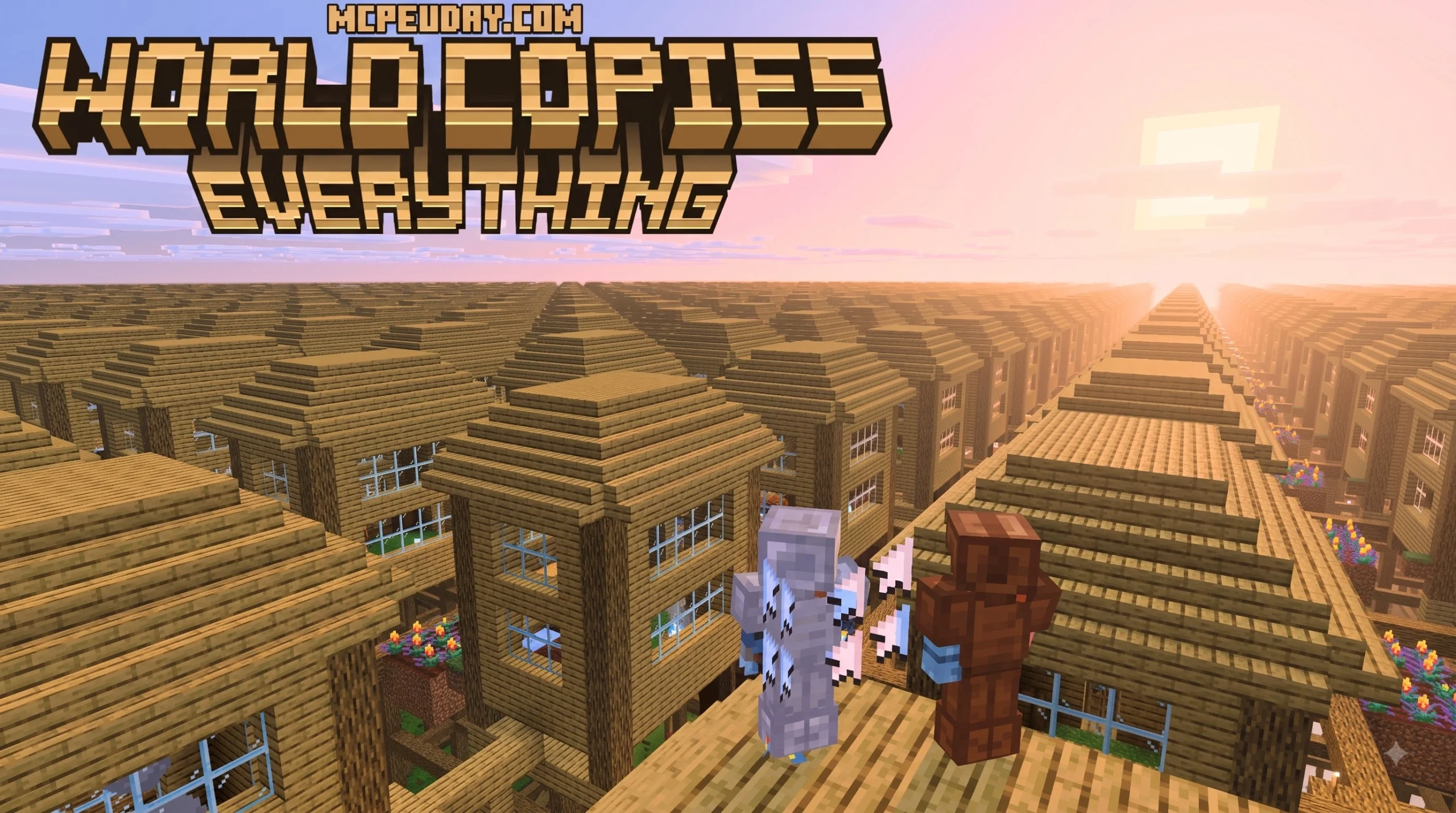
World Copies Everything Addon for Minecraft PE/Bedrock: Features and Overview
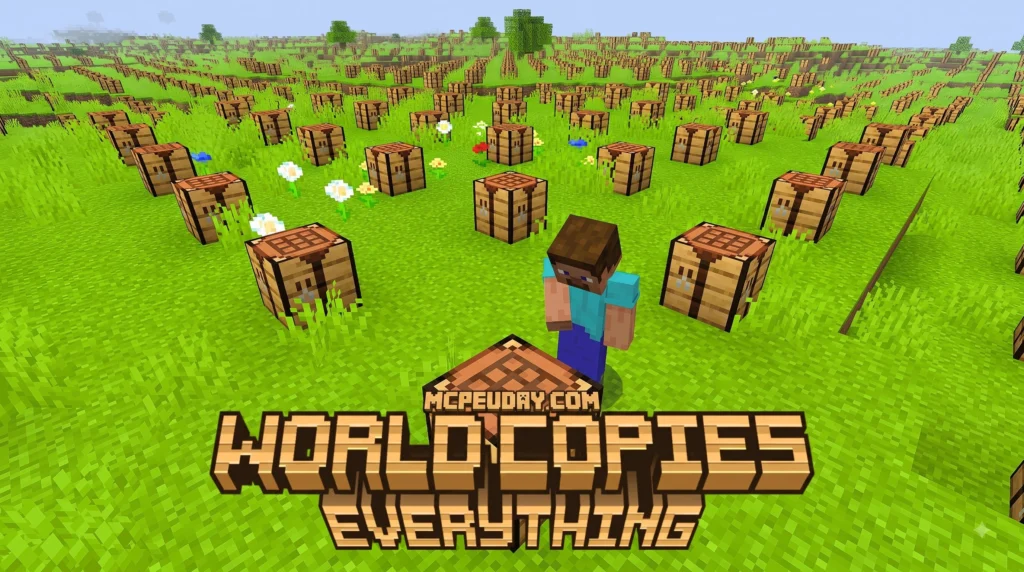
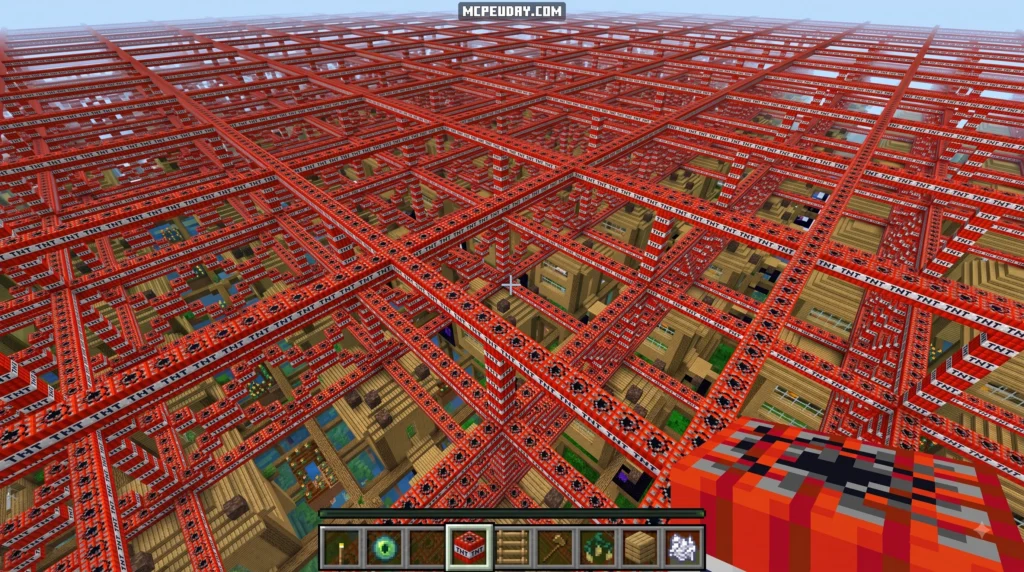
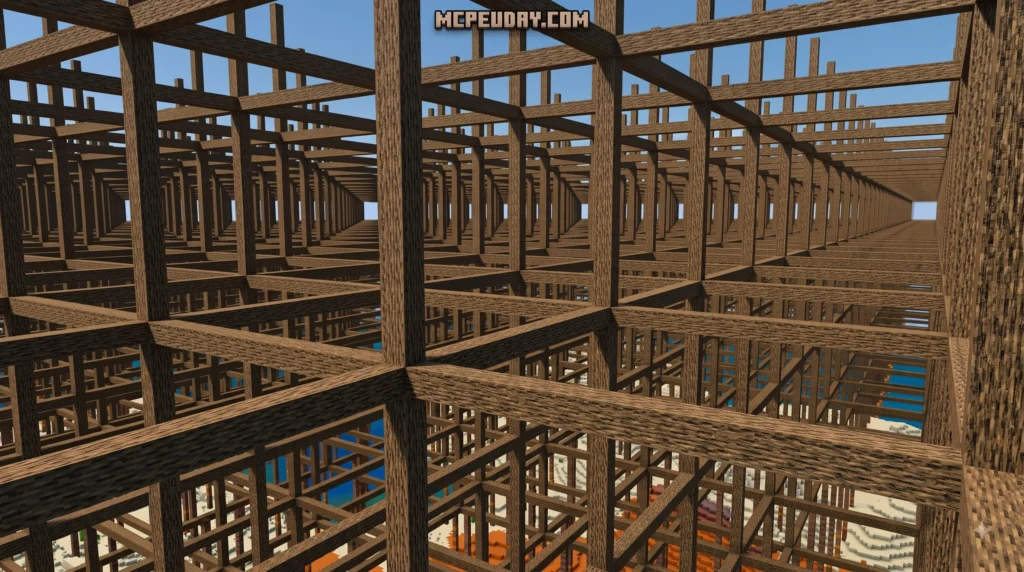
The World Copies Everything Addon for Minecraft PE/Bedrock brings robust, Java-inspired structure manipulation directly to portable devices and consoles. Instead of spending hours placing thousands of blocks individually, builders can execute massive architectural changes using intuitive selection tools, clipboard commands, and automated shape generators. Whether you are constructing sprawling medieval castles, terraforming vast mountain ranges, or copying complex Redstone contraptions, this utility dramatically speeds up your workflow.
At its foundation, the system relies on defining target regions using special items or slash commands. Once selected, these block volumes can be moved, duplicated, rotated, replaced, or erased in seconds. Beyond basic copy-and-paste functionality, advanced terrain generation tools allow creators to apply mathematical noise algorithms to construct custom mountain ranges, detailed cave networks, and natural foliage distributions effortlessly across your world environment.
Core Tools of World Copies Everything Addon for Minecraft PE/Bedrock
Mastering this addon comes down to understanding its primary toolset. Players can acquire these tools directly from the Creative inventory or through in-game commands:
- Selection Wand (
bn:selection_wand): The core item used to define the two opposite corners of a cuboid selection region. Sneaking while holding the tool opens contextual menus for fine-tuning coordinates, adjusting selection bounds, and viewing total block counts in real time. - Clipboard Commands (
bn:copy,bn:cut,bn:paste):bn:copysaves selected blocks relative to your player position and orientation.bn:cutremoves the selected blocks while storing them in temporary memory.bn:pasteinserts the copied structure at your current location, aligning with your current facing direction. - History Tools (
bn:undo,bn:redo): Mistake-friendly history buffers allow you to instantly revert unwanted placements or restore undone actions without permanent world damage. This gives builders total freedom to experiment with massive structural edits safely. - Palette Management: Lets builders set weighted block combinations (for example, 70% stone, 20% cobblestone, and 10% andesite) to generate varied, natural textures during fills, wall generation, and brush operations.
Java Parity vs World Copies Everything Addon for Minecraft PE/Bedrock
For years, Bedrock players lacked access to the deep world-editing capabilities available on Java Edition. Modern Bedrock scripting engine updates have closed this gap significantly, bringing powerful editing tools to mobile devices, consoles, and Windows PCs alike.
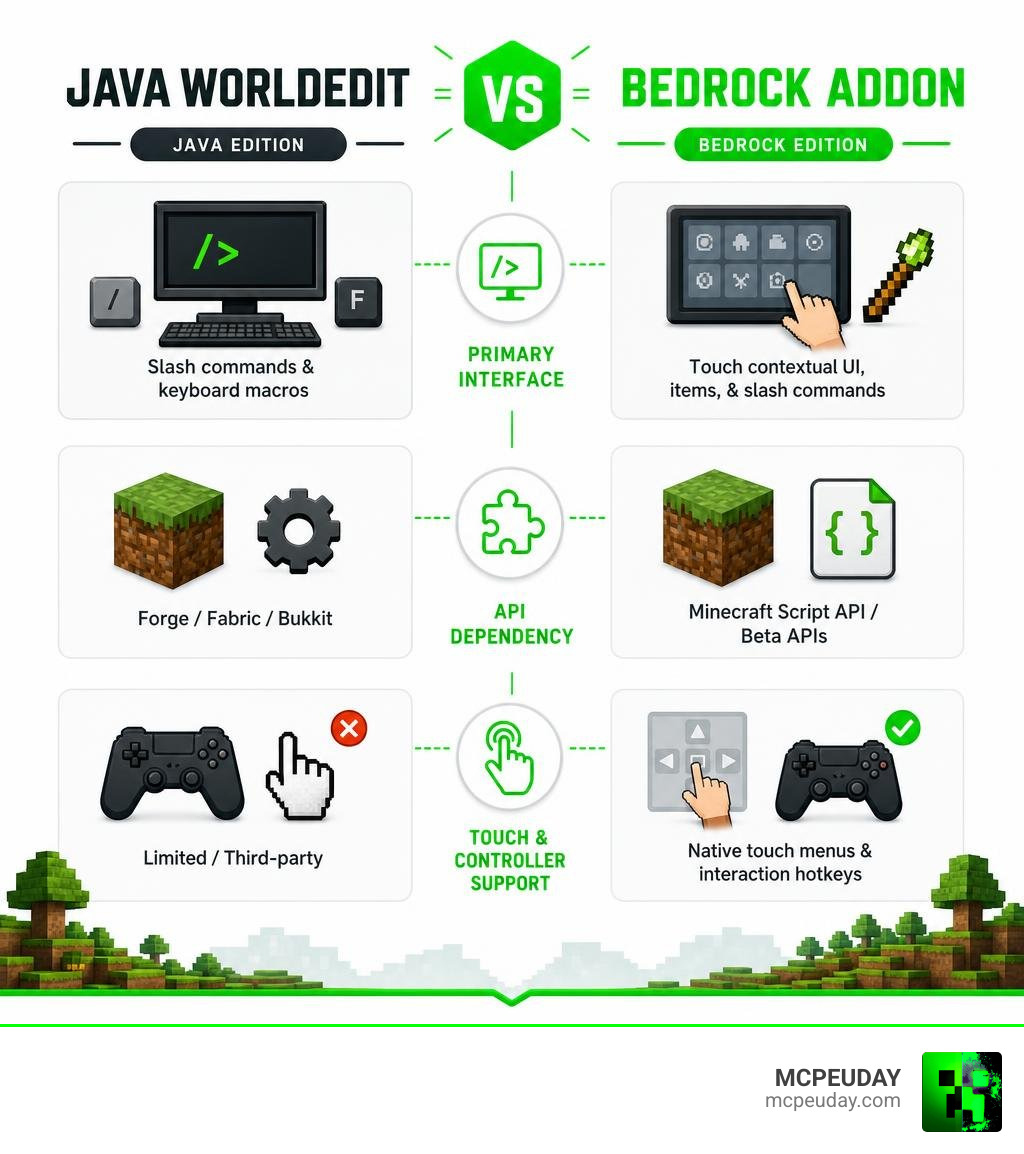
| Feature | Java WorldEdit Mod | Bedrock WorldEdit Addon |
|---|---|---|
| Primary Interface | Slash commands & keyboard macros | Touch contextual UI, items, & slash commands |
| API Dependency | Forge / Fabric / Bukkit | Minecraft Script API / Beta APIs |
| Touch & Controller Support | Limited / Third-party | Native touch menus & interaction hotkeys |
| Experimental Flag | Not required | Version dependent (1.21.50+ native support available) |
| Installation Format | .jar files | .mcaddon / .mcpack archives |
While Java mods handle ultra-large block fills slightly faster due to Java JVM memory handling, the Bedrock addon bridges the gap for mobile, console, and cross-play environments by introducing physical item-based controls that do not require rapid keyboard typing.
How to Download and Install World Copies Addon on Bedrock
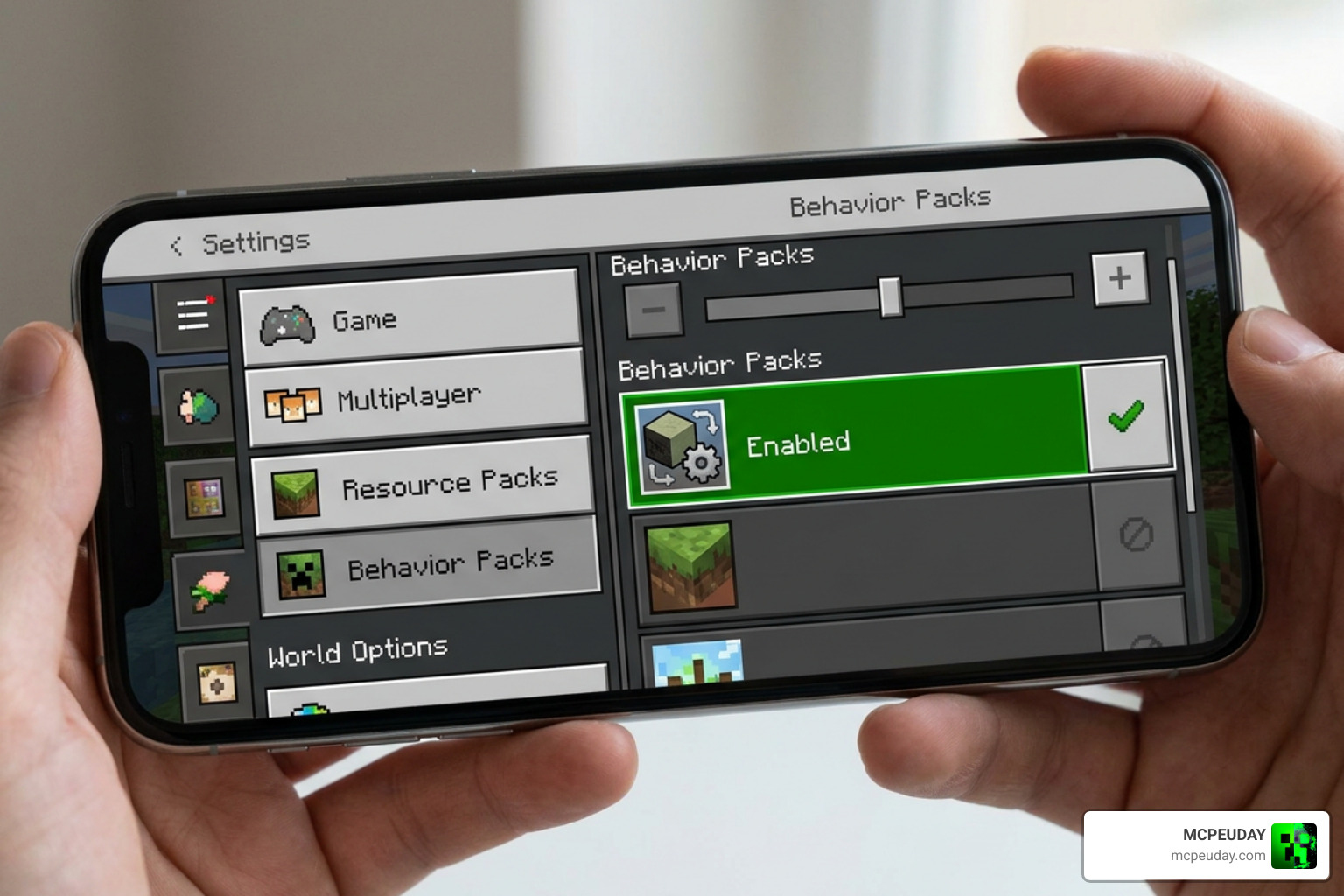
Installing addons on Minecraft PE and Bedrock is straightforward once you understand how package files operate within the Bedrock engine structure.
All Minecraft file extensions (.mcworld, .mcpack, .mcaddon) are standard ZIP archives configured for automatic extraction. An .mcaddon file is a composite package containing both the Behavior Pack (BP) logic and the Resource Pack (RP) textures required for full functionality.
Installing .mcaddon and .mcpack Files Locally
To install the pack locally on your mobile device, tablet, or Windows PC:
- Download the official
.mcaddonfile from a trusted community source or dedicated file repository. - Open your device file manager, tap the downloaded
.mcaddonfile, and select Minecraft to open it. The game will launch automatically and import both the Behavior Pack and Resource Pack. - Create a new world or select the settings gear icon next to an existing saved world.
- Navigate to Behavior Packs under the Add-Ons section and activate the pack. Verify that the matching pack under Resource Packs activates automatically.
- If using a build release that relies on experimental features, toggle Beta APIs under the Experimental Gameplay settings.
- Launch your world to start utilizing powerful structure building and copy tools.
For manual folder placement on PC or Android devices, extract the file contents and place the behavior folder into development_behavior_packs and the resource folder into development_resource_packs inside the local com.mojang system directory.
Setting Up the Addon on Multiplayer Servers
Using the addon on multiplayer dedicated Bedrock servers or hosting services requires specific server configuration steps to ensure all connected players can interact with the tools:
- Create a local single-player world on your device and enable the required experimental toggles (such as Beta APIs).
- Export or upload this pre-configured world save directly to your multiplayer server’s
worldsdirectory. - Install the Behavior Pack and Resource Pack into the server’s root
packsfolder or upload them through your server host web console. - Configure the server’s
world_behavior_packs.jsonandworld_resource_packs.jsonfiles to reference the exact UUID and version numbers listed in the pack’smanifest.jsonfile. - Restart the server and invite your friends to start collaborative building projects across platforms.
If you are looking for community help or technical discussions regarding custom build setups, check out threads like Copy/paste like world edit – MCPE: Mods / Tools across building forums.
Advanced Landscaping Tools and Procedural Generation
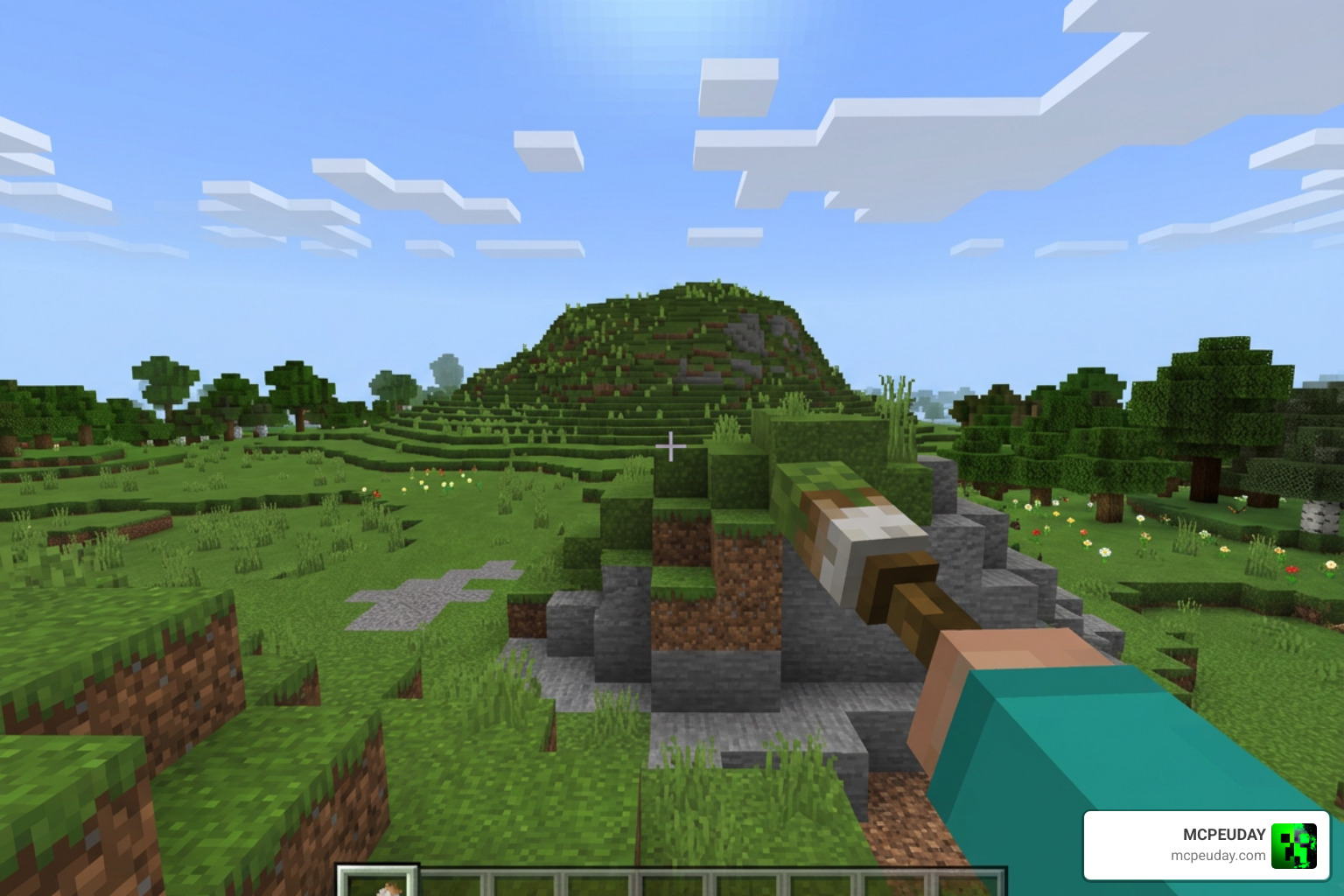
Beyond basic copying and pasting, the World Copies Everything Addon for Minecraft PE/Bedrock provides powerful tools for shaping natural landscapes, sculpting custom mountains, and decorating biomes in record time.
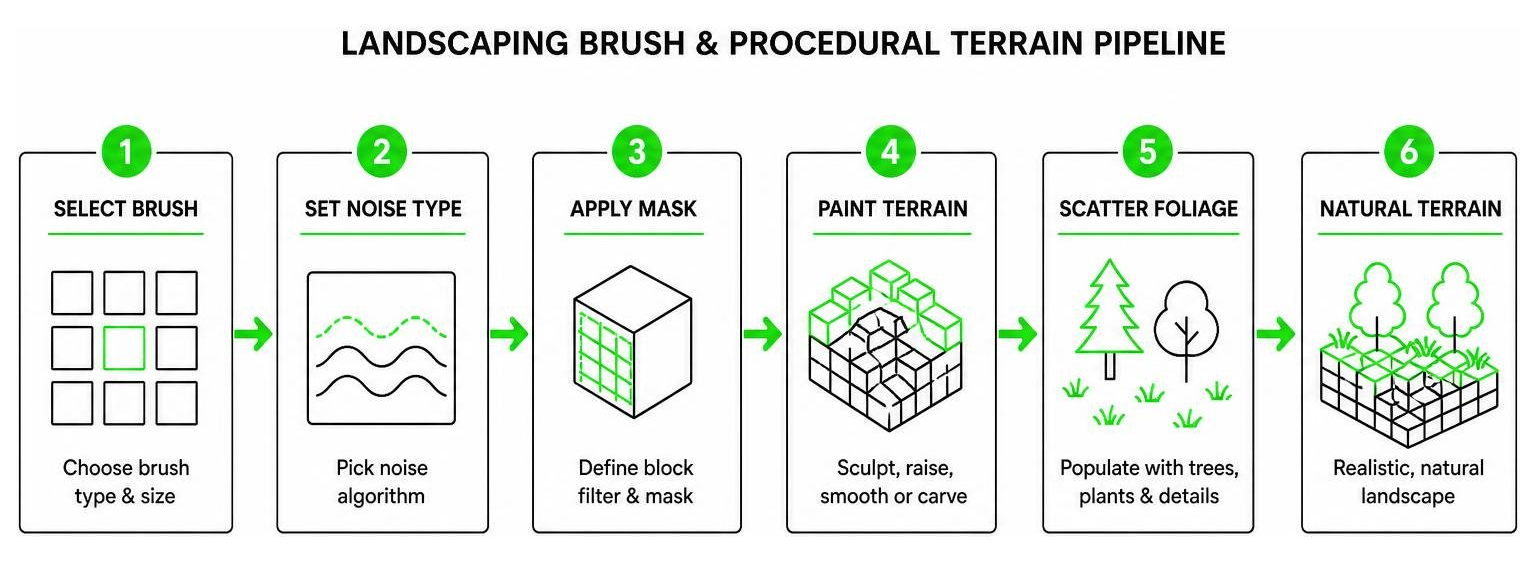
- Noise Algorithms: Includes mathematical noise generation types like Simplex, FBM (Fractal Brownian Motion), and Worley noise. These tools let you procedurally generate realistic terrain heightmaps, custom hills, and organic cavern networks without sharp, unnatural edges.
- Paint Brushes & Masks: Assign specific block filters using advanced mask options. For instance, you can set a brush to replace only grass blocks with stone, leaving surrounding air, water, and structures completely untouched.
- Height Brushes: Smooth out jagged block edges, raise hills gradually, or dig custom river beds in real time simply by looking at target blocks and holding your designated brush item.
- Foliage Scatter: Automatically populate bare terrain with custom densities of trees, flowers, rocks, fallen logs, and grass without having to place every individual plant manually.
World Backups, Limitations, and Troubleshooting
Because script-driven addons interact deeply with world files and block buffers, practicing proper world maintenance keeps your builds safe from potential corruption, lag spikes, or unexpected performance drops.
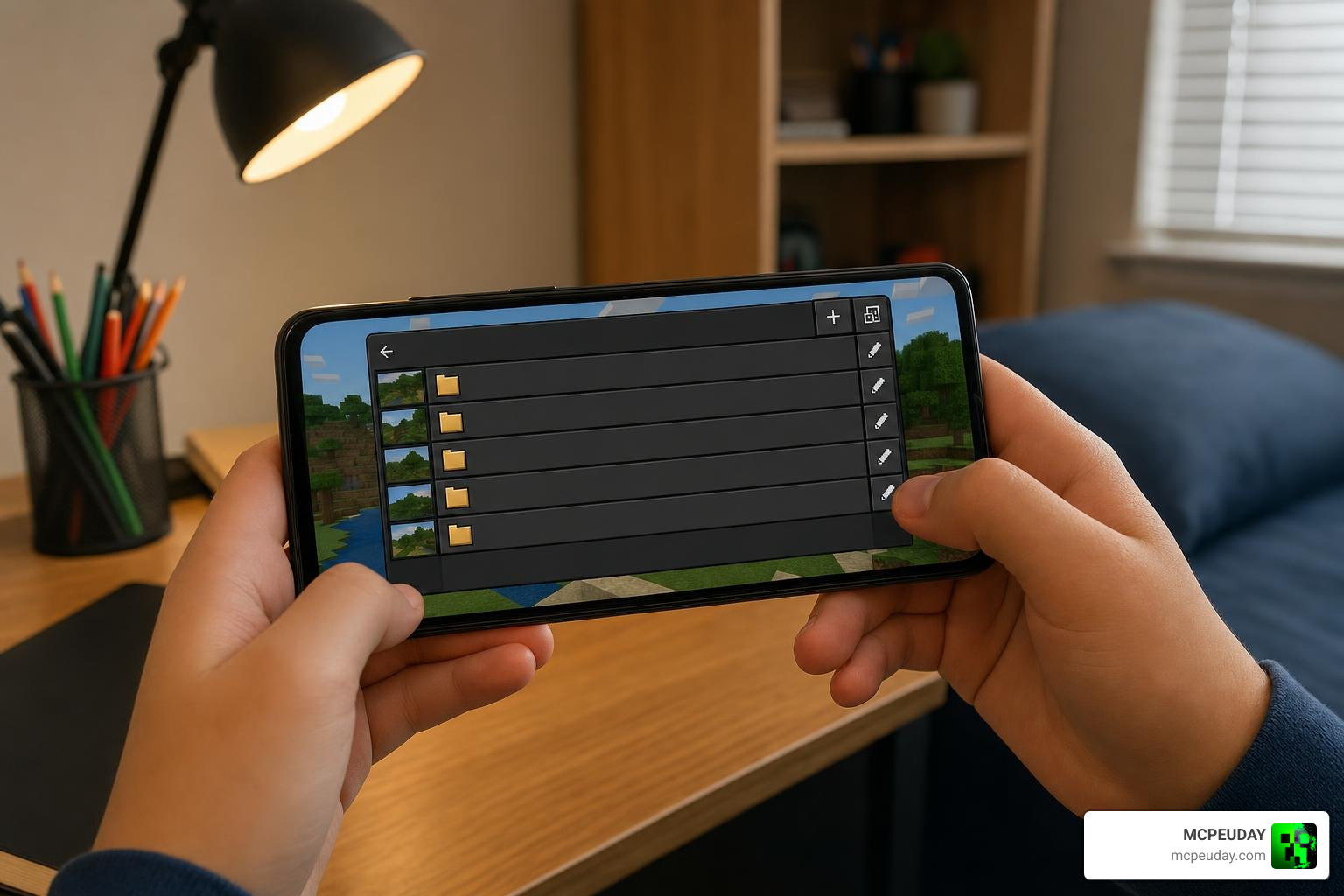
- Always Back Up Your World: Before applying large structural updates or editing thousands of blocks at once, duplicate your world via the main Bedrock menu or manually copy the saved world folder from the
minecraftWorldsdirectory. - Memory & Script Limits: Placing millions of blocks in a single command can exceed mobile device memory limits or trigger script execution timeouts. Break massive edits into smaller sub-selections to ensure smooth processing.
- Auto Spectator Feature: To prevent players from clipping inside heavy solid geometry when pasting massive structures, the addon can automatically shift Creative mode players into Spectator Mode whenever block collisions are detected during paste operations.
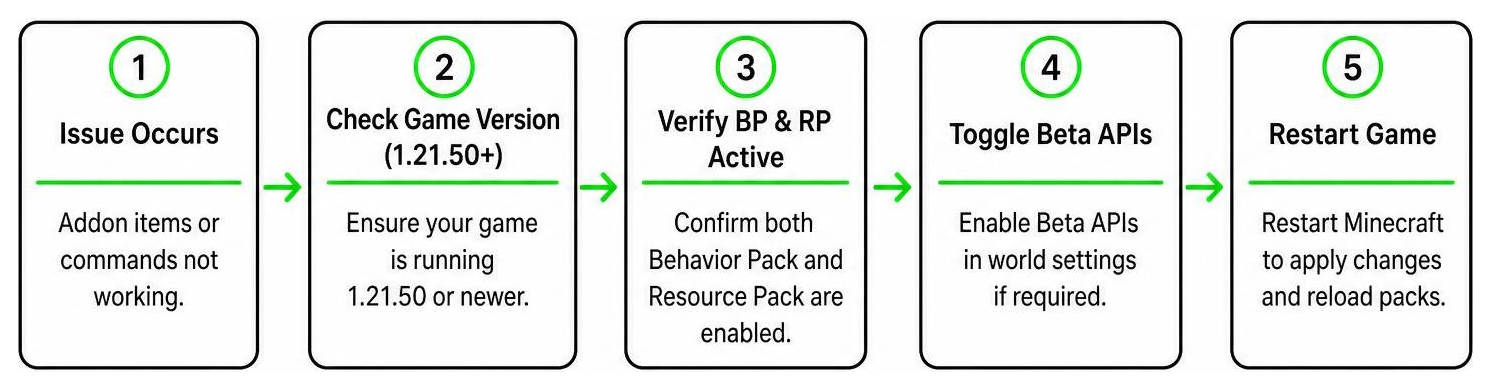
- Troubleshooting Missing Packs: If commands or items fail to load in game, ensure both the Resource Pack and Behavior Pack share matching UUID versions in their manifest files, and confirm your game client is running Minecraft 1.21.50 or newer.
Frequently Asked Questions
Does the addon require experimental gameplay features?
Requirements depend on the exact addon release version installed. Modern builds targeting Minecraft 1.21.50 or newer run natively using standard Bedrock scripting APIs without needing experimental toggles. However, older builds or preview releases require turning on Beta APIs inside your world settings screen.
How do I get the selection wand tool in MCPE?
You can grab the selection wand from the Creative inventory under the items tab or run the slash command /give @s bn:selection_wand. Holding the tool and sneaking opens full contextual menus for coordinate selection, rotation adjustments, and clipboard manipulation.
How do you undo accidental structure edits?
If a paste operation goes wrong or corrupts an existing building, immediately execute the bn:undo command or use the history wand tool. This restores the affected block region back to its exact state prior to the command execution.
Conclusion
The World Copies Everything Addon for Minecraft PE/Bedrock transforms complex building tasks on mobile, PC, and console platforms into simple operations. By mastering the selection wand, clipboard utilities, and terrain generation brushes, you can realize ambitious architectural and terraforming projects in a fraction of the time. Always back up your saved worlds before attempting massive block pastes, keep your game updated to version 1.21.50 or higher, and explore our collection to Browse More MCPE Mods and Addons to elevate your gameplay experience!