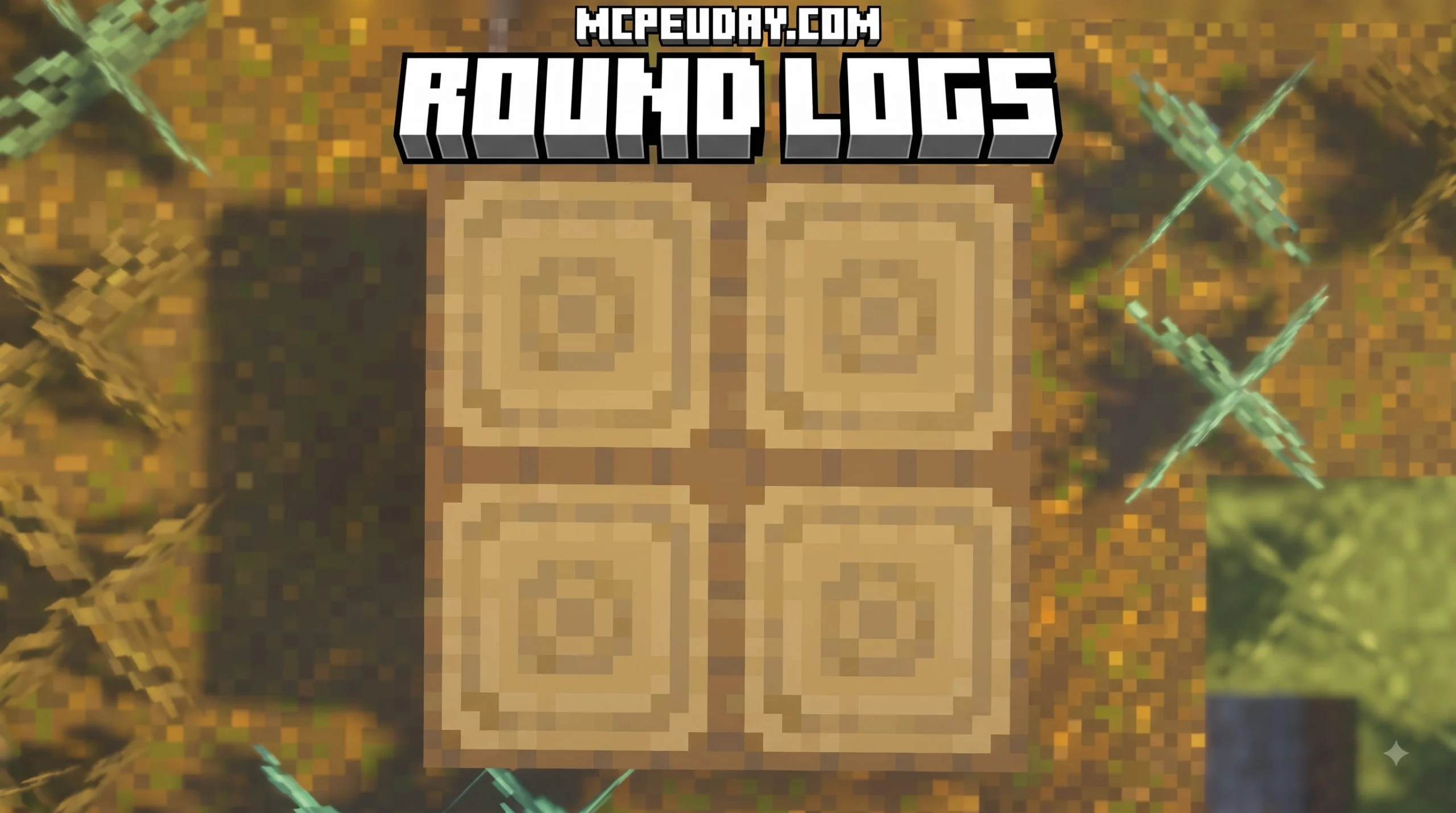
Round Logs Addon for Minecraft PE/Bedrock: A More Natural Wood Look

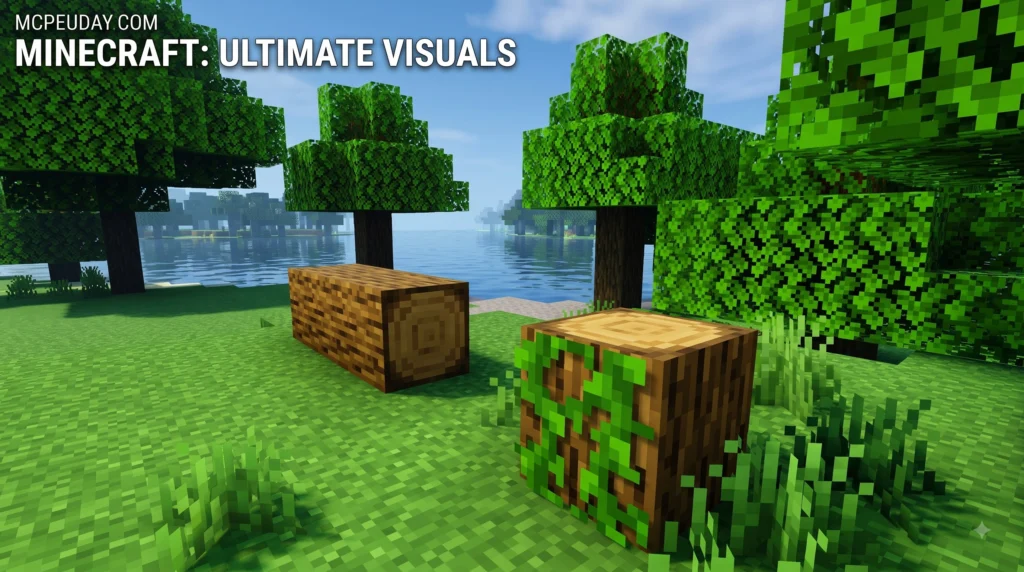
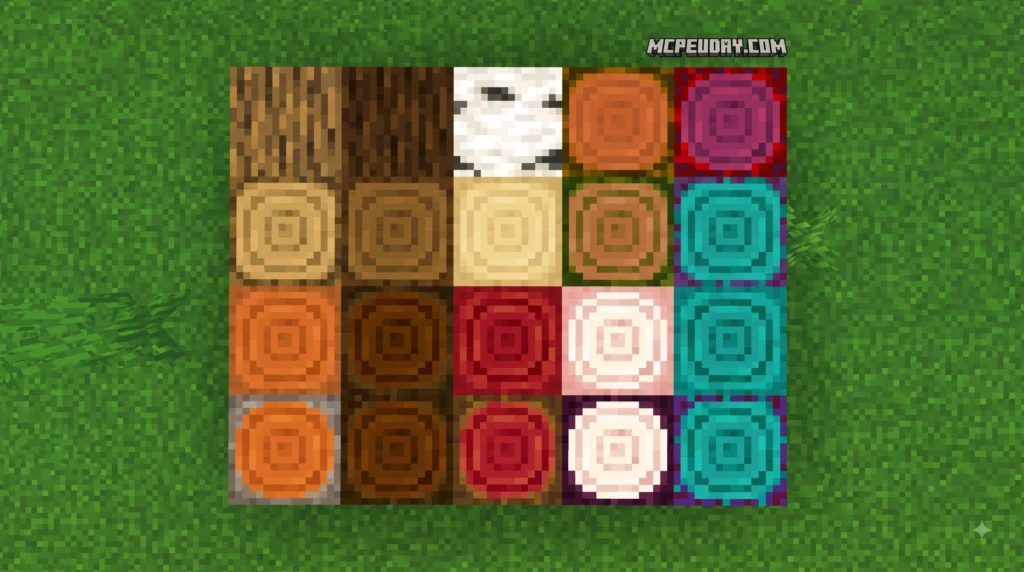
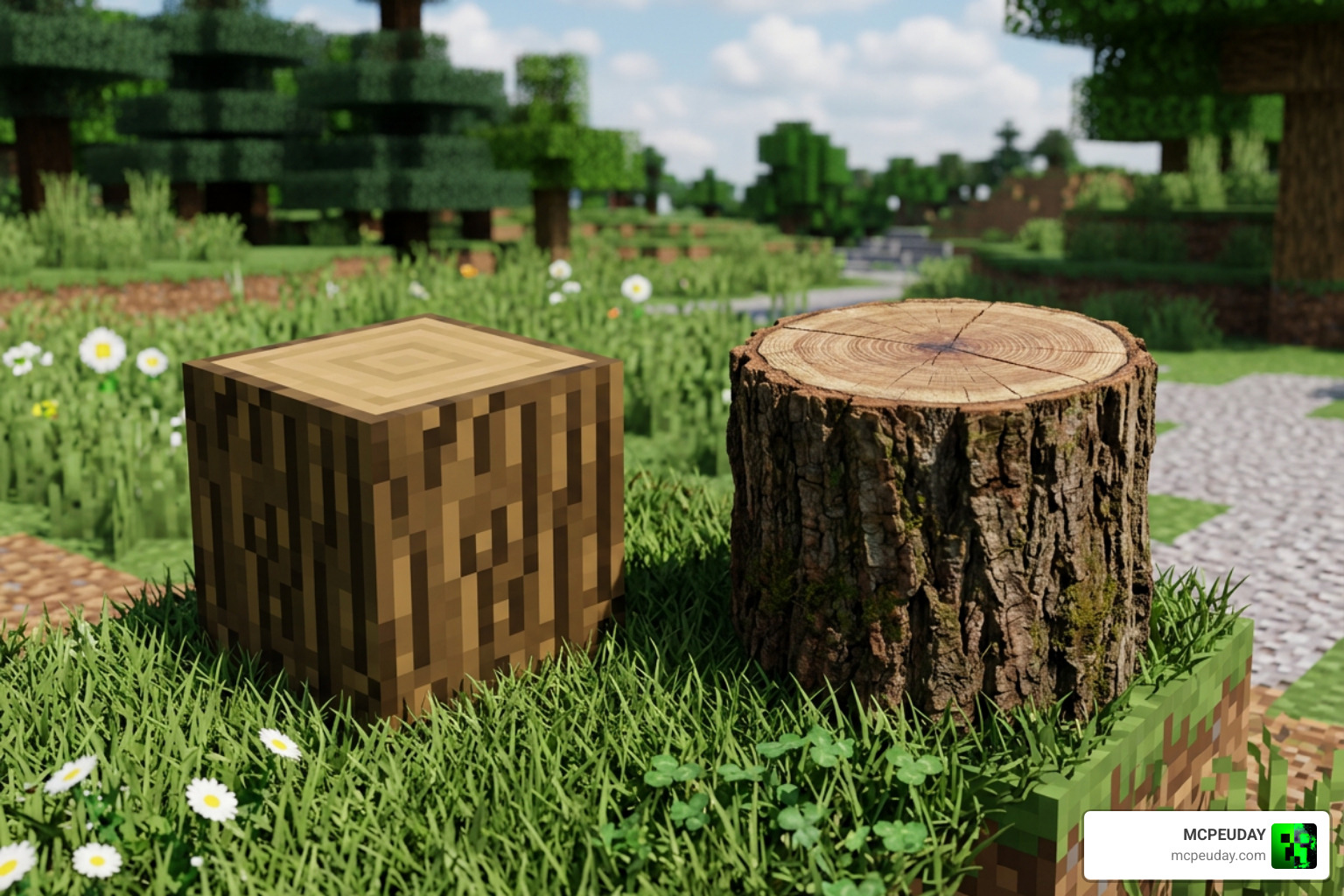
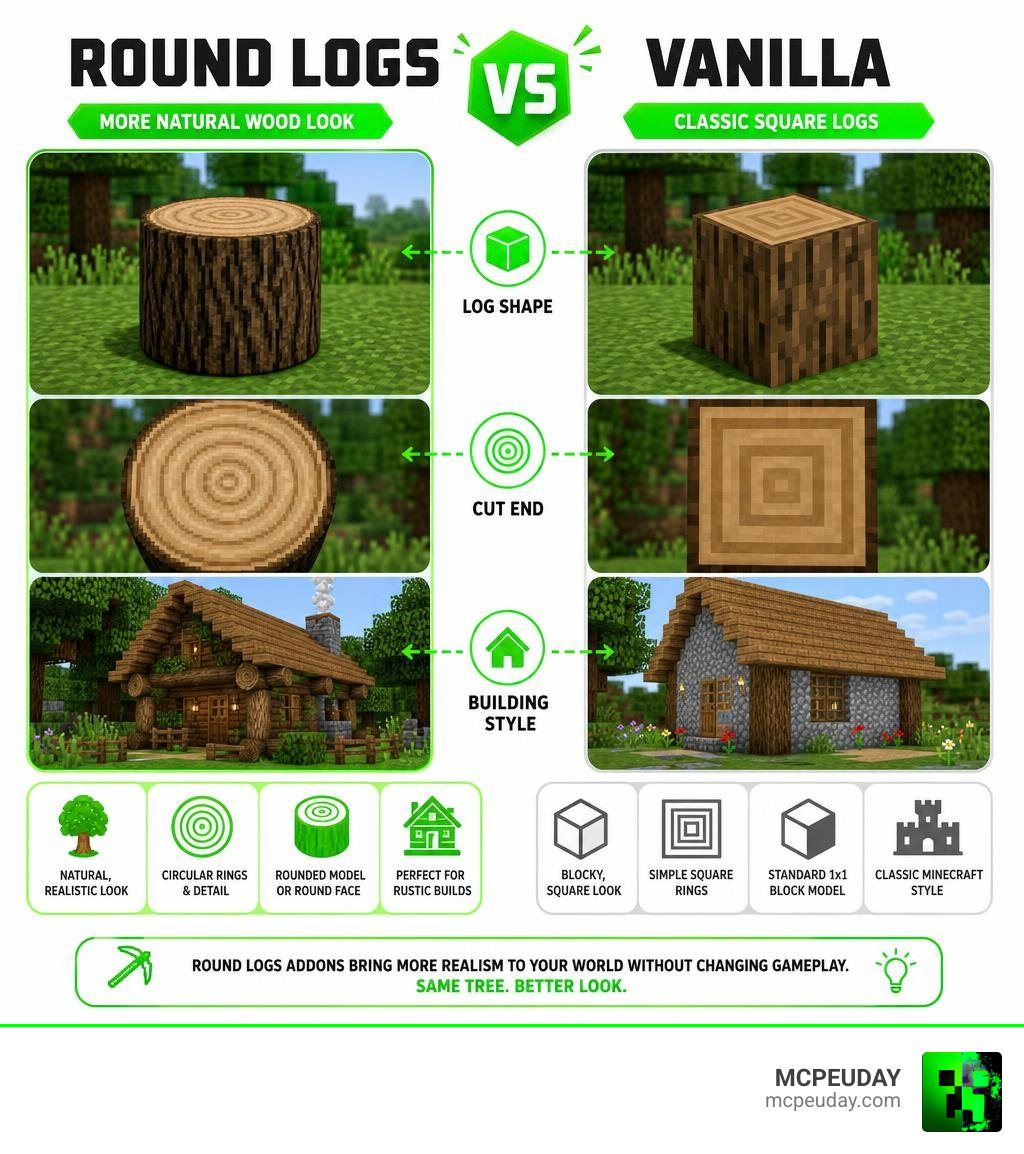
Round Logs Addon for Minecraft PE/Bedrock makes tree trunks and wooden blocks look less like perfect cubes and more like real timber. Depending on the pack you install, this can mean rounded 3D log shapes, more detailed circular tree rings on cut ends, or both. By upgrading default block models into smooth organic tree trunks, builders can establish a distinct Vanilla+ aesthetic that transforms plain forests into immersive, natural environments without altering core survival mechanics.
| Feature | Vanilla logs | Round logs packs |
|---|---|---|
| Log shape | Square 1×1 blocks | Rounded 3D model or round-looking cut face |
| Cut end | Flat, simple texture | Circular rings and a more natural cross-section |
| Building style | Classic blocky Minecraft | Rustic cabins, forests, barns, and villages |
| Requirements | No pack needed | Usually a resource pack; no OptiFine on Bedrock |
For Minecraft Bedrock 1.21, compatible packs normally import as standard .mcpack or .mcaddon files and must be enabled in the world’s Resource Packs settings. Put the round-log pack above conflicting texture packs in your active list so its custom block models or re-worked surface art are not replaced by lower-priority resources.
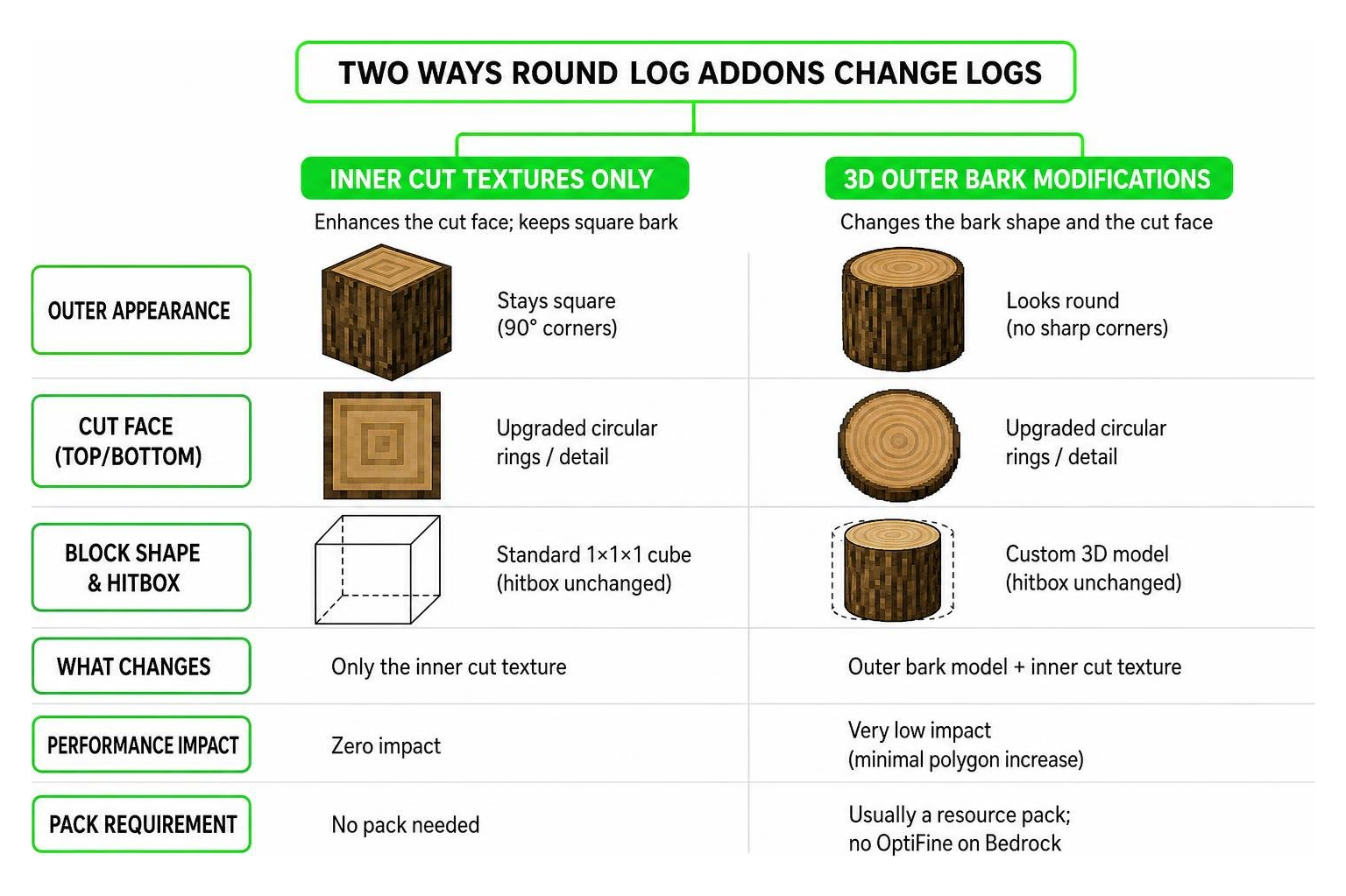
The important detail is that not every round logs download does the exact same job. Some custom creations only improve the inner cut texture while leaving bark and overall block shape unchanged. Others use Bedrock’s native JSON geometry models to make the outside bark of tree trunks appear noticeably rounder as well. This guide helps you choose the right style, install it cleanly across your mobile or desktop devices, and avoid common pack priority conflicts.
I’m UDAY GAMER, and next I’ll break down exactly what these addons change before we get to the three simple setup steps.
What Is the Round Logs Addon for Minecraft PE/Bedrock?
Minecraft’s default block architecture relies on rigid 1×1 cubic block models for tree trunks. The Round Logs Addon for Minecraft PE/Bedrock replaces these sharp-cornered blocks with custom block models or re-worked surface art. By introducing custom 3D geometry or rounded trunk overlays, these packs provide a Vanilla+ visual realism without altering core gameplay mechanics or breaking vanilla world balance.
| Feature Comparison | Vanilla Square Logs | 3D Custom Geometry Logs | Cut-Face Texture Addons |
|---|---|---|---|
| Corner Appearance | 90-degree blocky corners | Rounded 3D custom geometry | Standard 90-degree block outer shape |
| Tree Rings Visual | Flat pixelated squares | Detailed circular tree rings | Ultra-detailed organic inner cut rings |
| Performance Impact | Standard baseline | Very low (minimal polygon bump) | Zero performance impact |
| Compatibility | Universal | High (requires top resource priority) | Universal across all packs |
Popular community creations highlight how much softer forest environments and timber structures feel when sharp cubic edges are smoothed out. Whether you are constructing a rustic wooden cabin or wandering through dense taiga biomes, modifying standard log geometry brings a subtle level of environmental depth that complements both vanilla textures and high-definition resource packs.
Inside Textures vs Outside Appearance Changes
When selecting a pack, you will notice two main design philosophies across available downloads:
- Full 3D Geometry Overhauls: These addons reshape the actual outer bark model, removing the harsh 90-degree block edges to create a cylindrical trunk model in the game engine.
- Inner Cut Face Enhancements: Certain packs modify only the inner cut texture while leaving the outer bark geometry square. This adds detailed, organic circular tree rings to log cross-sections without tweaking outer block hitboxes or changing how blocks align adjacent to other structures.
Platform Availability Across Java and Bedrock Editions
Round log modifications are popular across both Java and Bedrock platforms. On Java Edition, 3D block model packs utilize custom block JSON definitions and optional client-side mod loaders to render detailed tree trunks.
For Bedrock Edition (MCPE, Windows 10/11, mobile devices, and consoles), round logs are distributed in single-click .mcpack files. Native Bedrock rendering allows these custom geometry and texture tweaks to function seamlessly across mobile devices, tablets, and desktop setups, while also supporting high-definition texture formats up to 32x or 64x resolution.
How to Install the Round Logs Addon in 3 Simple Steps
Installing custom geometry or texture packs on Minecraft PE and Bedrock 1.21 is quick when following the proper installation sequence. If you are new to Bedrock add-ons in general, the official Minecraft help site also provides a useful overview in its Minecraft Add-Ons for Bedrock Versions FAQ.
Step 1: Download the Round Logs Addon for Minecraft PE/Bedrock
Download your chosen Round Logs Addon for Minecraft PE/Bedrock file directly onto your mobile device or PC. Ensure the file extension ends in .mcpack or .mcaddon. If your browser automatically downloads the file as a compressed .zip folder, simply rename the file extension back to .mcpack so your operating system recognizes it as a Minecraft resource file.
Step 2: Import .mcpack File and Set Pack Priority
Open your downloaded file using Minecraft PE or Bedrock Edition. The game will automatically boot up and display an “Import Started” notification at the top of your screen, followed by a successful import message.
Once imported, navigate to Settings > Global Resources > My Packs. Activate the round logs pack, and make sure to move it to the top of your active resource pack list. Placing it above all other packs ensures its custom block geometry overrides default vanilla blocks or conflicting texture packs in your active list hierarchy.
Step 3: Configure World Settings and Test Logs
To test your new visual additions, open a new or existing world’s settings menu:
- Go to Resource Packs under the world settings tab and confirm the pack is active for that specific world.
- Enter the world, chop down an Oak or Spruce tree, and inspect the logs placed on the ground or in trees.
- Verify that both placed blocks and natural trees exhibit smooth round edges or realistic tree rings on their cross-sections.

Compatibility, Mods, and Addon Integration
A major benefit of using the Round Logs Addon for Minecraft PE/Bedrock is its standalone rendering. It runs natively within Bedrock’s engine without requiring OptiFine or additional client-side mod loaders. Because it uses standard JSON block geometry definitions, you can easily combine it with custom shaders, atmospheric lighting packs, and custom resource packs.
Furthermore, top-tier round log packs offer built-in compatibility with custom biome modifications, ensuring that modded tree trunks adopt the same organic look as standard vanilla woods.
Supported biome and dimension categories include:
- Custom forest and taiga biome expansions (such as Biomes O’ Plenty style mods)
- Overworld flora overhauls (such as Oh The Biomes You’ll Go style packs)
- Custom sky dimension mods (such as The Aether custom wood types)
- Nether wood variants including Crimson and Warped stems
- End dimension custom trees and custom wood blocks
Using the Round Logs Addon for Minecraft PE/Bedrock with TreeCapitator
Combining aesthetic mods with gameplay addons yields a fantastic survival experience. Pairing round logs with a TreeCapitator addon lets you chop down an entire rounded tree trunk with a single axe swing. When you break the bottom log of a massive custom tree, the collapsed log items inherit the smooth texture models immediately upon falling, providing maximum survival efficiency without sacrificing visual realism.
Visual Impact on Wooden Builds and Bedrock Performance
Using rounded logs radically transforms built structures. Rustic wooden cabins, timber bridges, decorative fences, medieval barns, and village houses gain a hand-crafted, realistic aesthetic that eliminates the harsh blockiness of standard cubic builds.
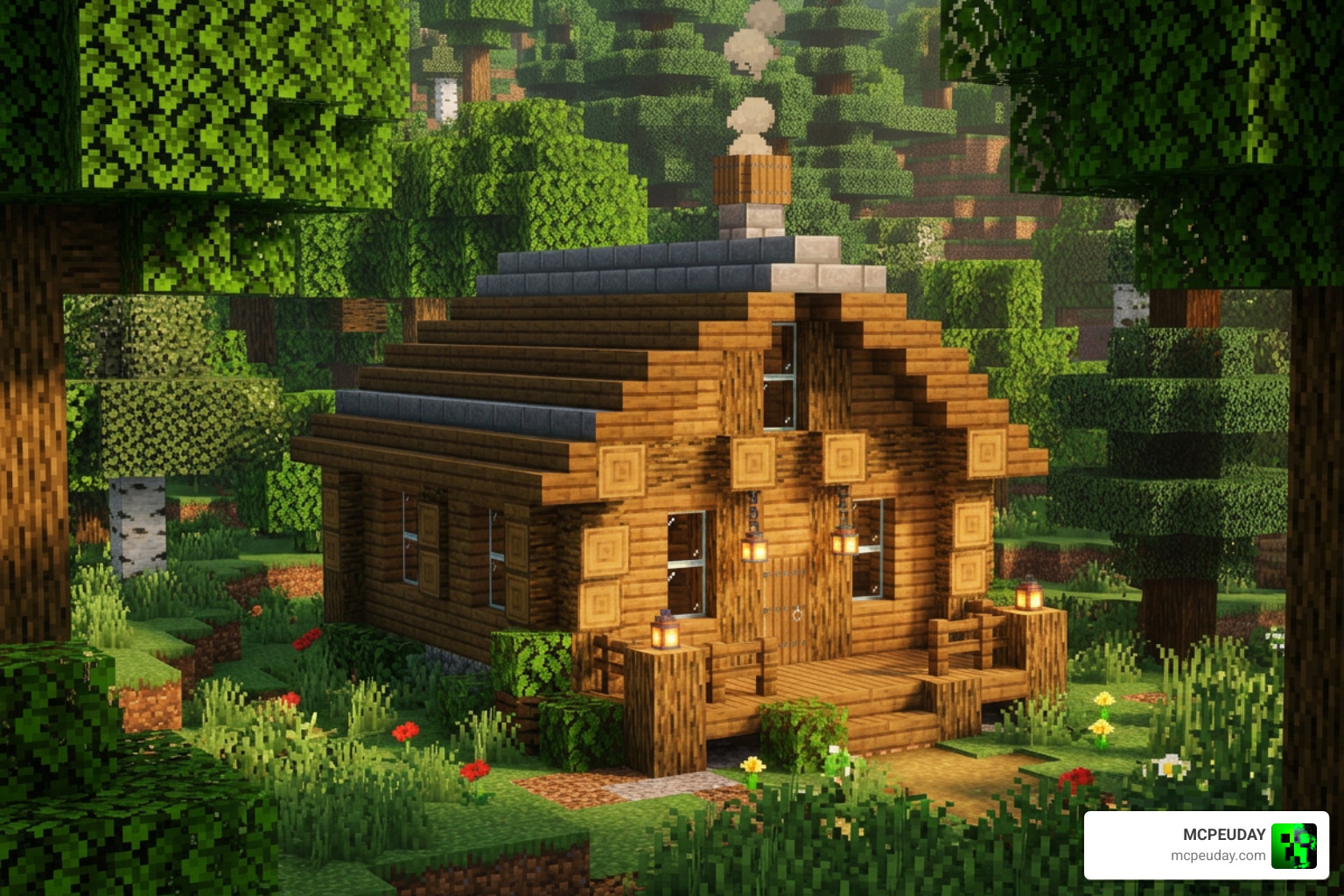
Despite adding complex visual details, performance impact remains minimal across all devices. Bedrock Edition processes simple JSON geometry models easily, preserving stable FPS rates on low-end mobile hardware, budget smartphones, and tablets.
If you encounter missing textures or purple-black error grids on custom block faces, enable the Content Log feature in Settings > Creator. You can view detailed JSON syntax logs on Windows at %APPDATA%\logs or on Android inside your game data directory (/storage/emulated/0/Android/data/com.mojang.minecraftpe/files/games/com.mojang/logs) to identify syntax conflicts or missing texture references quickly.
Frequently Asked Questions About Round Logs
Does the Round Logs Addon require OptiFine or additional mods on Bedrock?
No. Bedrock Edition handles custom geometry natively through its resource pack engine. You do not need OptiFine, client-side script loaders, or external mods to render 3D round log models on MCPE or Windows 10/11.
Does the addon affect all tree types in Minecraft Bedrock 1.21?
Yes, most quality packs apply uniform texture and geometry updates across all vanilla wood variants, including Oak, Birch, Spruce, Jungle, Acacia, Dark Oak, Mangrove, Crimson stems, Warped stems, and Cherry wood.
How do I troubleshoot texture errors with Round Logs on MCPE?
If textures fail to load or display missing texture grids, ensure the pack is placed at the top of your resource hierarchy in Global Resources. If you are developing or editing custom packs, store your files in the development_resource_packs folder to clear asset cache conflicts and inspect error messages via the Content Log.
Conclusion
Upgrading your game with the Round Logs Addon for Minecraft PE/Bedrock is one of the easiest ways to give your worlds a fresh, natural look without changing base gameplay or performance. Whether you prefer full 3D trunk geometry or detailed inner tree rings, installation takes just a few clicks.
By removing harsh blocky corners and enhancing organic landscapes, your survival builds and natural forests will look far more atmospheric and realistic.
Looking for more ways to customize your Bedrock experience? Explore more mods and addons on MCPEUDAY to discover the best graphics packs, survival enhancements, and custom worlds available today!
1 thought on “Round Logs Addon (26.x, 1.21) – MCPE/Bedrock Mod”