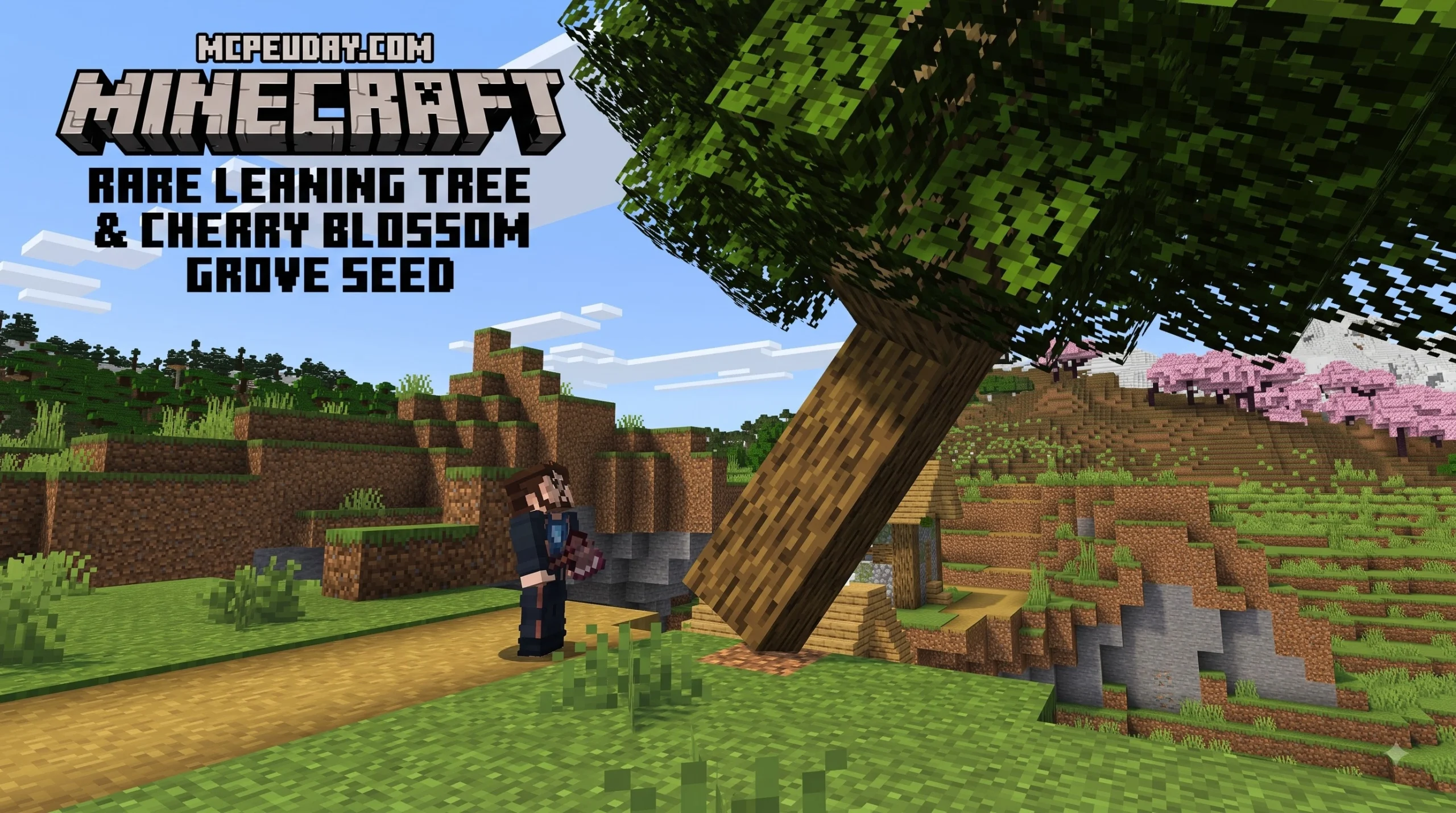
Tree Physics Addon for Minecraft PE/Bedrock: The Quick Answer
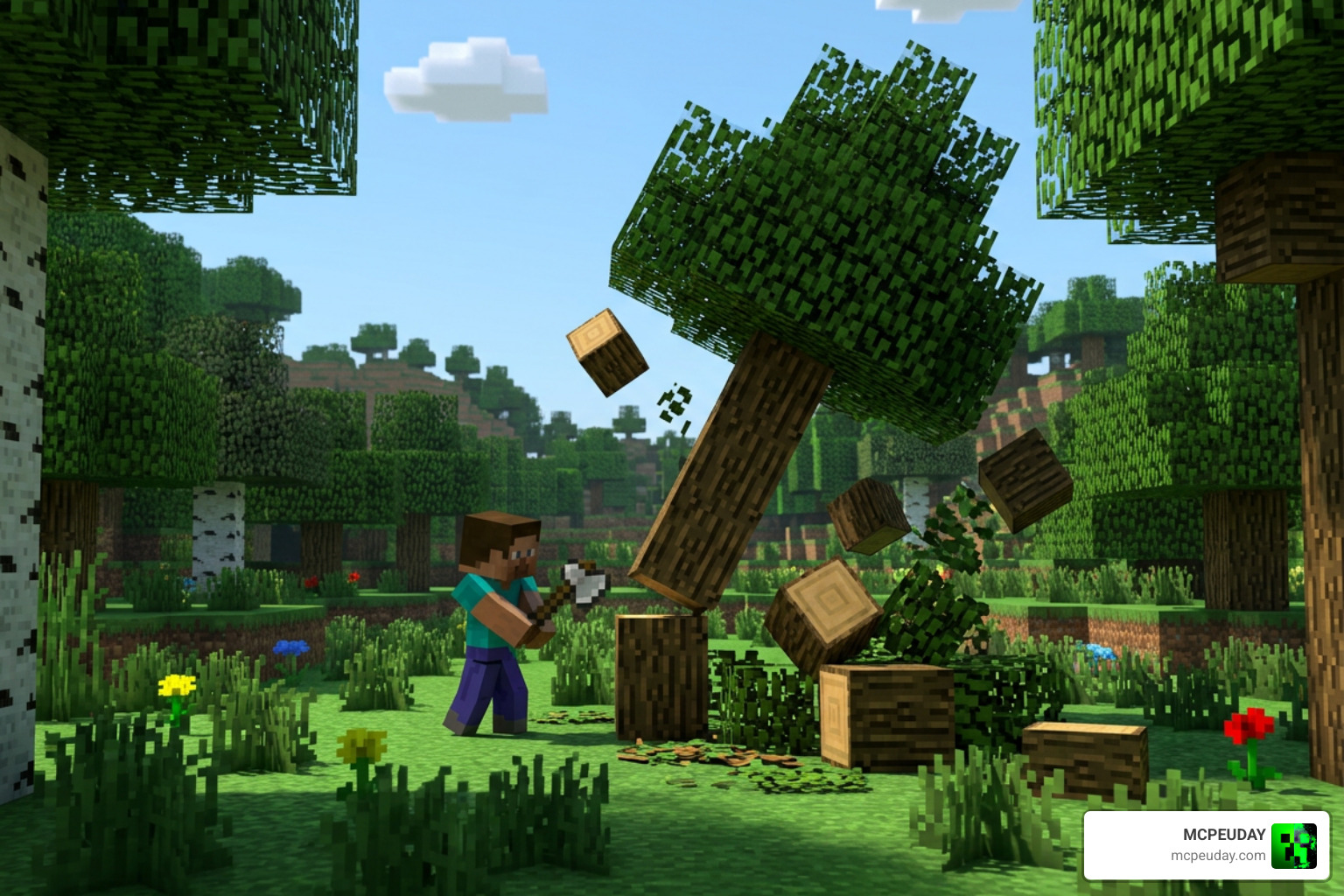
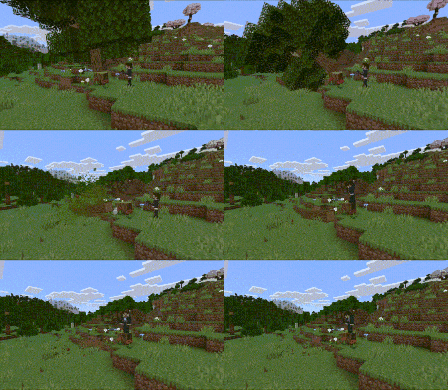
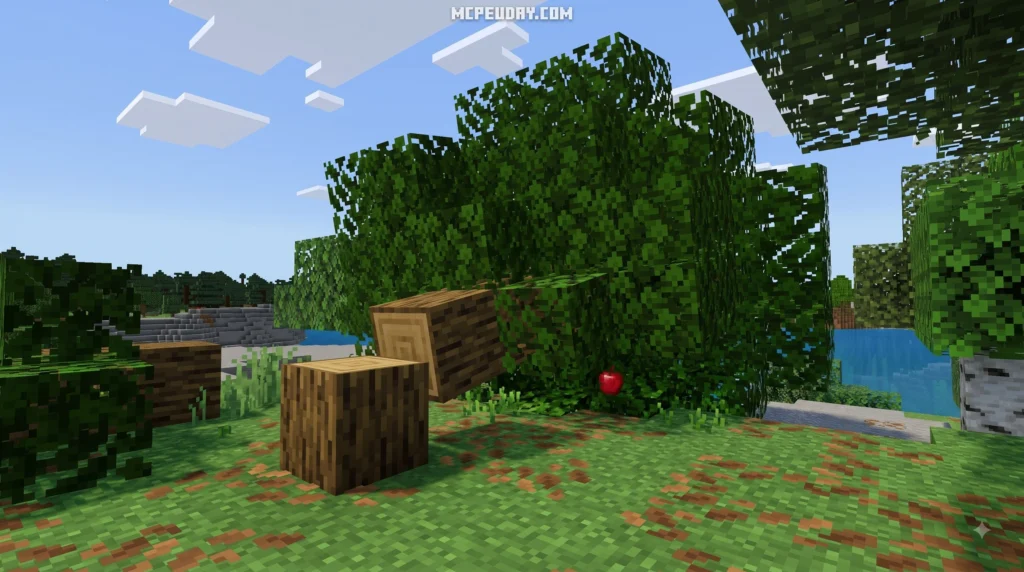
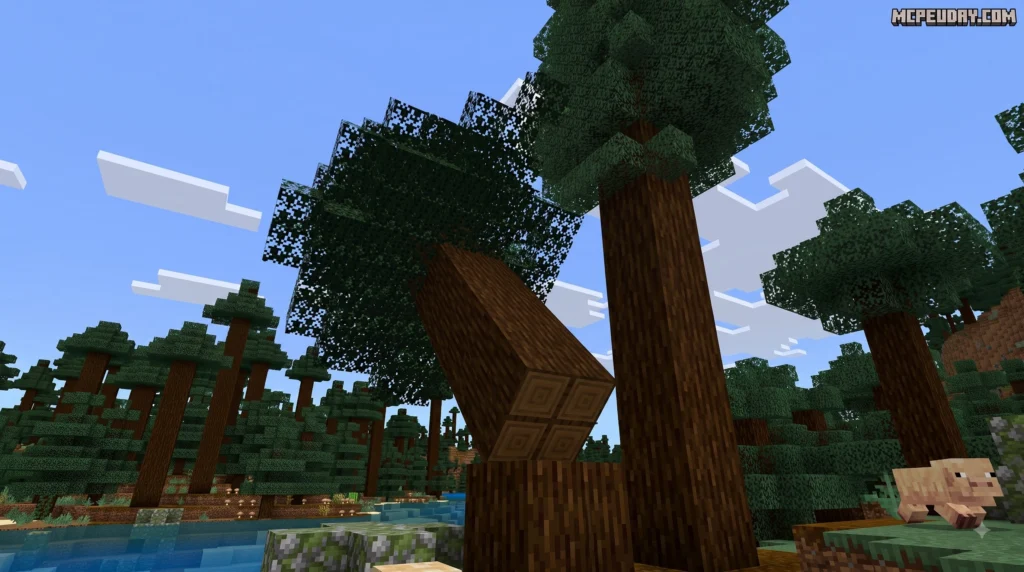
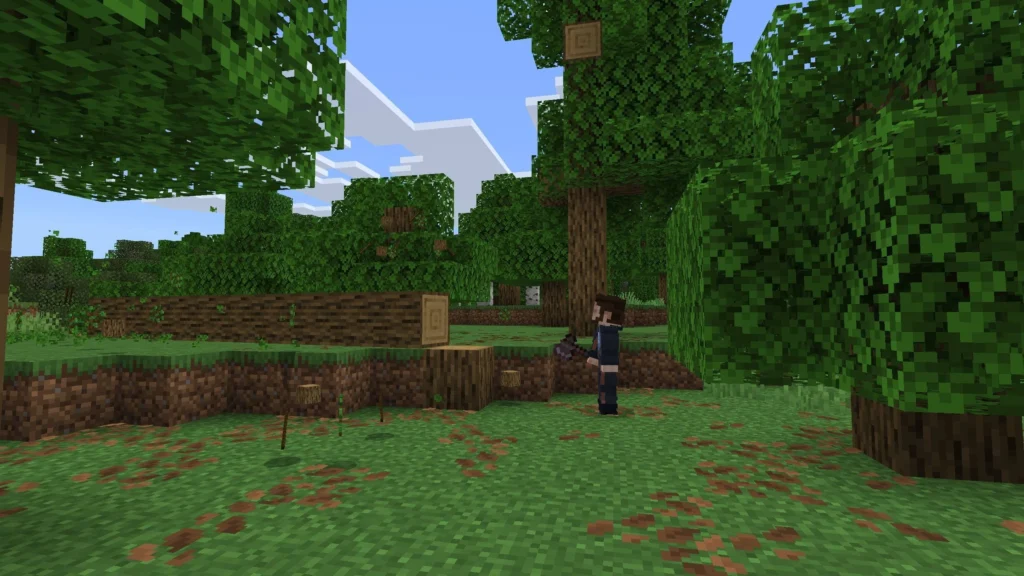
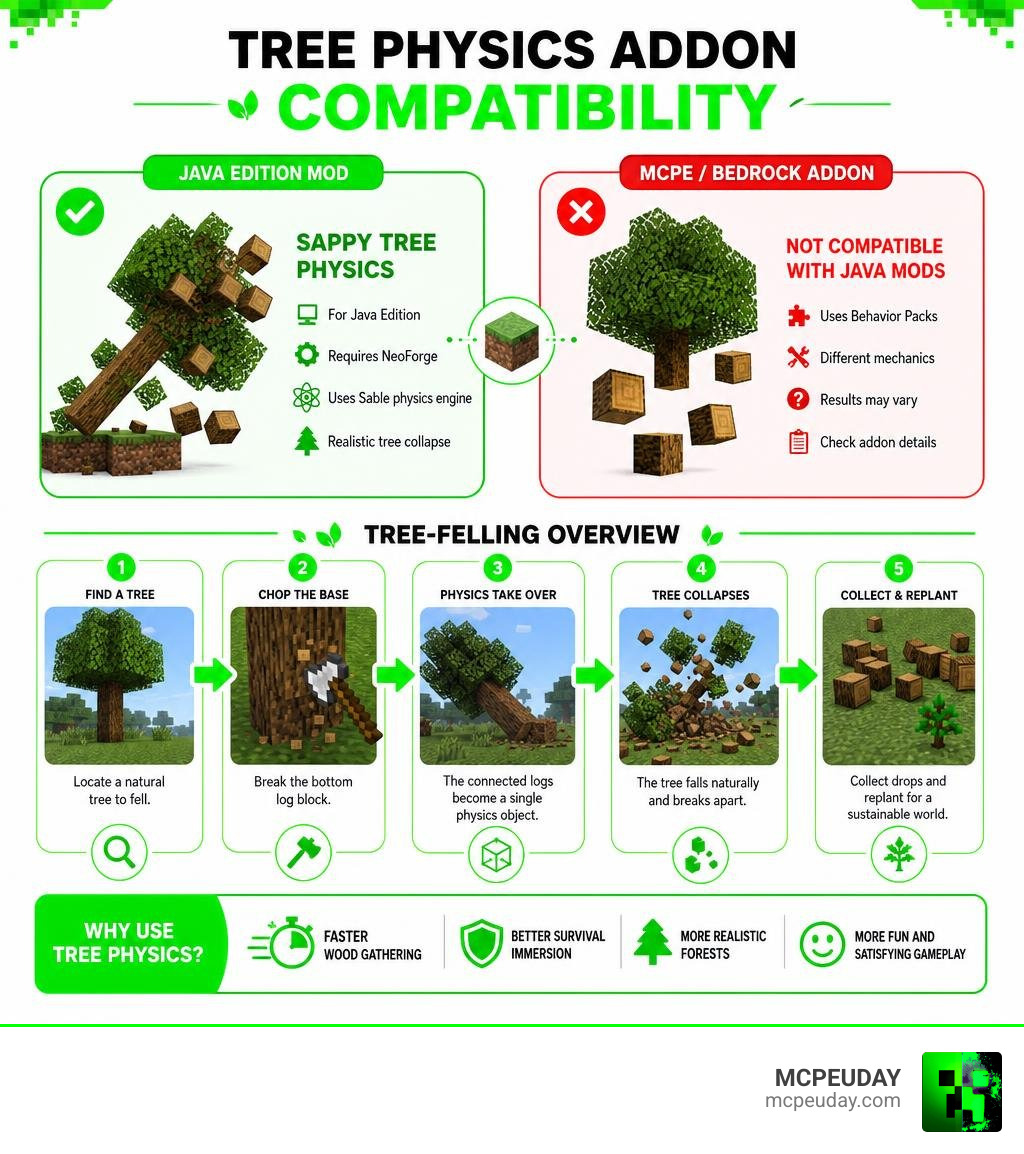
Searching for a Tree Physics Addon for Minecraft PE/Bedrock usually means you want a behavior pack that makes tree chopping feel far more realistic, eliminating the eye-sore of floating tops and unchopped canopies left hanging in mid-air. However, players looking for exact porting of the famous Sappy Tree Physics project should note that it is a Minecraft Java Edition mod, built on NeoForge using the custom Sable physics engine library rather than a native mobile or Bedrock addon format.
| What you need to know | Quick answer |
|---|---|
| Does Sappy Tree Physics work on MCPE/Bedrock? | No. It is specifically engineered for Java Edition using NeoForge and Sable. |
| What does it do on Java? | Breaking a single log block can make the entire connected tree tumble down as a dynamic physics entity. |
| Are Bedrock tree addons available? | Yes, Bedrock behavior packs offer tree-felling features, though they utilize native scripts and custom block updates rather than Java physics engines. |
| Can every addon protect wooden builds? | Not always. You should always check the addon’s natural-tree detection algorithms and version notes before harvesting near custom structures. |
Why is this feature so popular? In default survival Minecraft, gathering stacks of wood from tall jungle trees, dark oak, or huge spruce trees can feel like a tedious climbing chore. High-quality tree-felling addons and physics mods solve this by allowing complete trees to fall dynamically when harvested at the base. This drastically speeds up resource gathering, enhances survival immersion, and keeps forest landscapes looking clean and pristine.
This guide breaks down the essential differences between Java-only Sappy Tree Physics features and what Minecraft PE and Bedrock players should realistically expect when installing a compatible tree-felling behavior pack in their worlds. I am UDAY GAMER, and next we will examine how these tree-felling mechanics function during active gameplay.
How the Tree Physics Addon for Minecraft PE/Bedrock Works
Understanding the mechanics behind real-time tree physics helps explain why realism mods and behavior packs have become essential for survival gameplay in 2026. In vanilla Minecraft, chopping down a wood block breaks only that isolated coordinate, leaving unchopped logs and leaf canopies floating unnaturally in the air. Physics mods and behavior packs completely reshape this interaction.
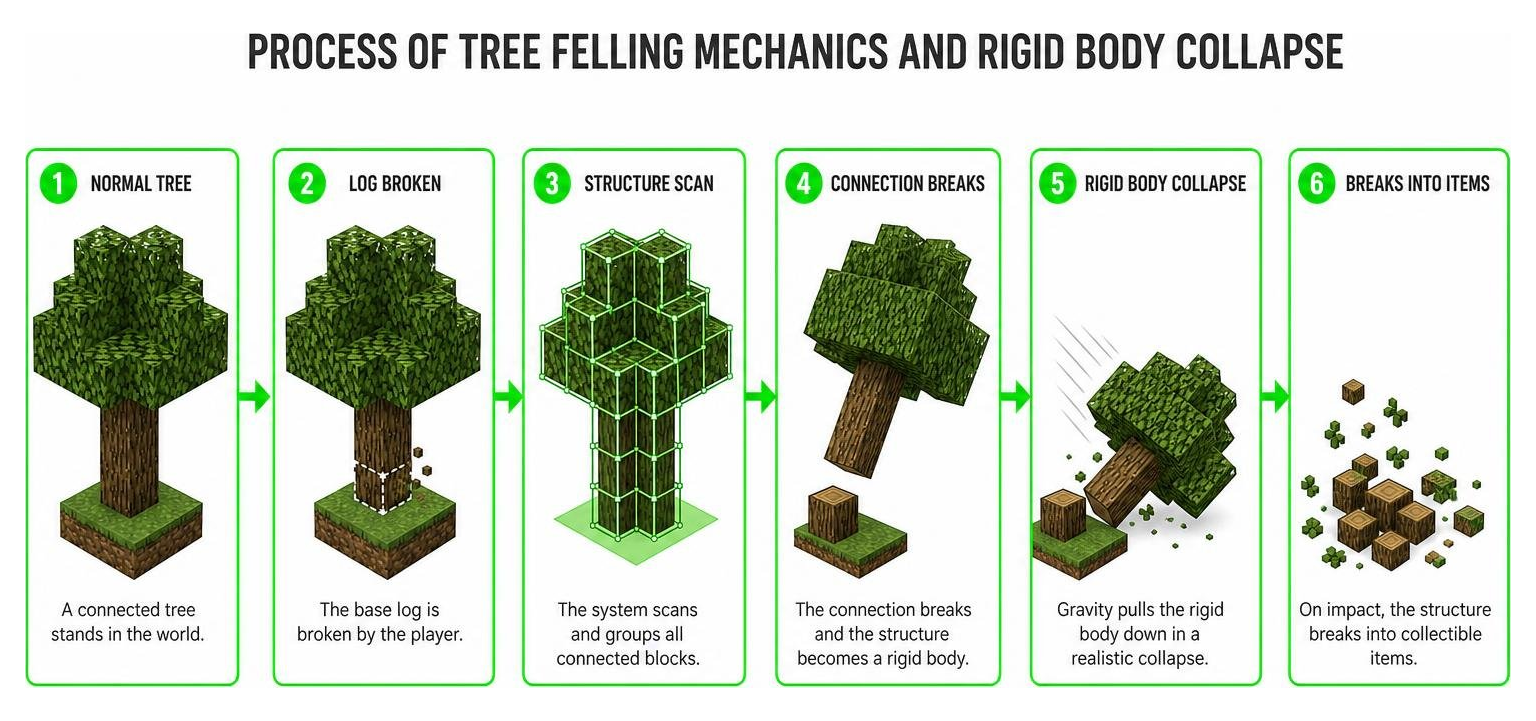
When playing with Java modifications like Sappy Tree Physics—which you can explore further on Modrinth or reference on Modpack Index—the entire tree structure is transformed into a dynamic rigid body entity powered by the Sable physics engine. Rather than popping instantaneously into item drops or leaving floating artifacts, the entire tree sways, tilts, and collapses under gravity like a real falling trunk.
How Felling Mechanics Impact Tree Physics Addon for Minecraft PE/Bedrock Gameplay
The moment an axe strikes and breaks the base trunk log, the tree physics system launches an instant recursive scan across all connected wood, leaf, and decorative blocks. Once the structural baseline breaks, the entire assembly—including limbs, branches, leaves, and attached vines— collapses toward the ground in a fluid, unified tumbling motion.
This fundamentally improves resource gathering in survival mode. Players no longer need to construct temporary dirt towers or climb high into giant jungle or dark oak trees to gather remaining timber. The entire tree falls to your feet, and upon hitting the terrain, the falling entity disintegrates into standardized, collectable item stacks, making forest harvesting both visually thrilling and highly efficient.
Distinguishing Natural Trees vs Player Buildings in Tree Physics Addon for Minecraft PE/Bedrock
A frequent concern among builders is whether a Tree Physics Addon for Minecraft PE/Bedrock or Java mod will accidentally destabilize wooden cabins, log bridges, or timber bases. To protect player effort, modern physics systems incorporate intelligent safety verification algorithms that distinguish natural trees from artificial constructions.
Natural tree verification runs several diagnostic checks before activating collapse:
- Ground Connection Analysis: Scanning for natural soil blocks such as dirt, grass, podzol, or moss directly under the lowest log.
- Canopy Presence Check: Verifying that matching, valid leaf blocks are attached to the upper section of the log pillar.
- Pattern Recognition: Assessing root depth, stem thickness, and branch spacing before granting physics permissions.
If you remove a log block from a player-constructed wooden cabin, the system detects the absence of a natural canopy and soil foundation, leaving your structural walls completely intact.
System Requirements, Bedrock Compatibility, and Java Mod Comparison
To prevent installation confusion, it is vital to understand the fundamental code differences between Java mods and Bedrock behavior packs. Sappy Tree Physics was built natively for Minecraft Java Edition on the NeoForge modding API, leaning heavily on native compiled C++ bindings provided by the Sable physics engine framework.
Conversely, Minecraft Bedrock Edition (running across mobile platforms, Windows 10/11, and gaming consoles) utilizes a C++ core with JavaScript and JSON behavior pack scripting. While Bedrock supports custom animations, script-driven block felling, and tree-capitator addons, calculating full real-time rigid body physical collisions operates differently compared to Java. You can watch recent demonstrations of Bedrock capabilities in this Minecraft Bedrock physics video clips highlight.
| Feature | Sappy Tree Physics (Java Edition) | Bedrock Tree Physics Addons |
|---|---|---|
| Engine Framework | NeoForge + Sable Physics Engine | Bedrock Addon / Behavior Pack / Script API |
| Physics Type | True Rigid Body Collisions | Animated Felling / Recursive Block Breaking |
| Platform | PC (Java Edition) | Android, iOS, Windows, Consoles (MCPE/Bedrock) |
| Configuration | In-game Keybind GUI & JSON Config | Pack Settings & Script Modules |
| In-Game Block Registration | Supported via ‘O’ Keybind | Varies by Addon / Script capabilities |
Performance Configuration and Size Limits
Processing dynamic physical simulations or recursive block scans for massive trees with thousands of leaf blocks demands significant processing power. To ensure smooth gameplay on mobile hardware and low-end devices, physics mods provide detailed performance limits:
- Leaf Scan Radius: Limits how far out from the main trunk the engine will scan for attached foliage, preventing infinite scanning loops across overlapping forest canopies.
- Tree Size Limit: Sets a hard cap on the total number of connected blocks allowed to trigger physical collapse at once.
- Physics Lifetime: Controls the duration in seconds that a falling tree physical entity remains active before breaking down into pickable item drops, protecting server frame rates during large-scale harvesting.
Fine-tuning these configuration limits guarantees stable frame rates on smartphones and multiplayer realms without sacrificing visual quality.
Customization: In-Game GUI and Command Management
A key feature of sophisticated physics modifications is on-the-fly configuration. Players can register custom wood types or new tree species directly inside the active game world without editing raw configuration files or restarting the client.
By default, looking directly at any target block and pressing the designated configuration keybind (default key ‘O’) opens an interactive registration GUI screen directly on your overlay.
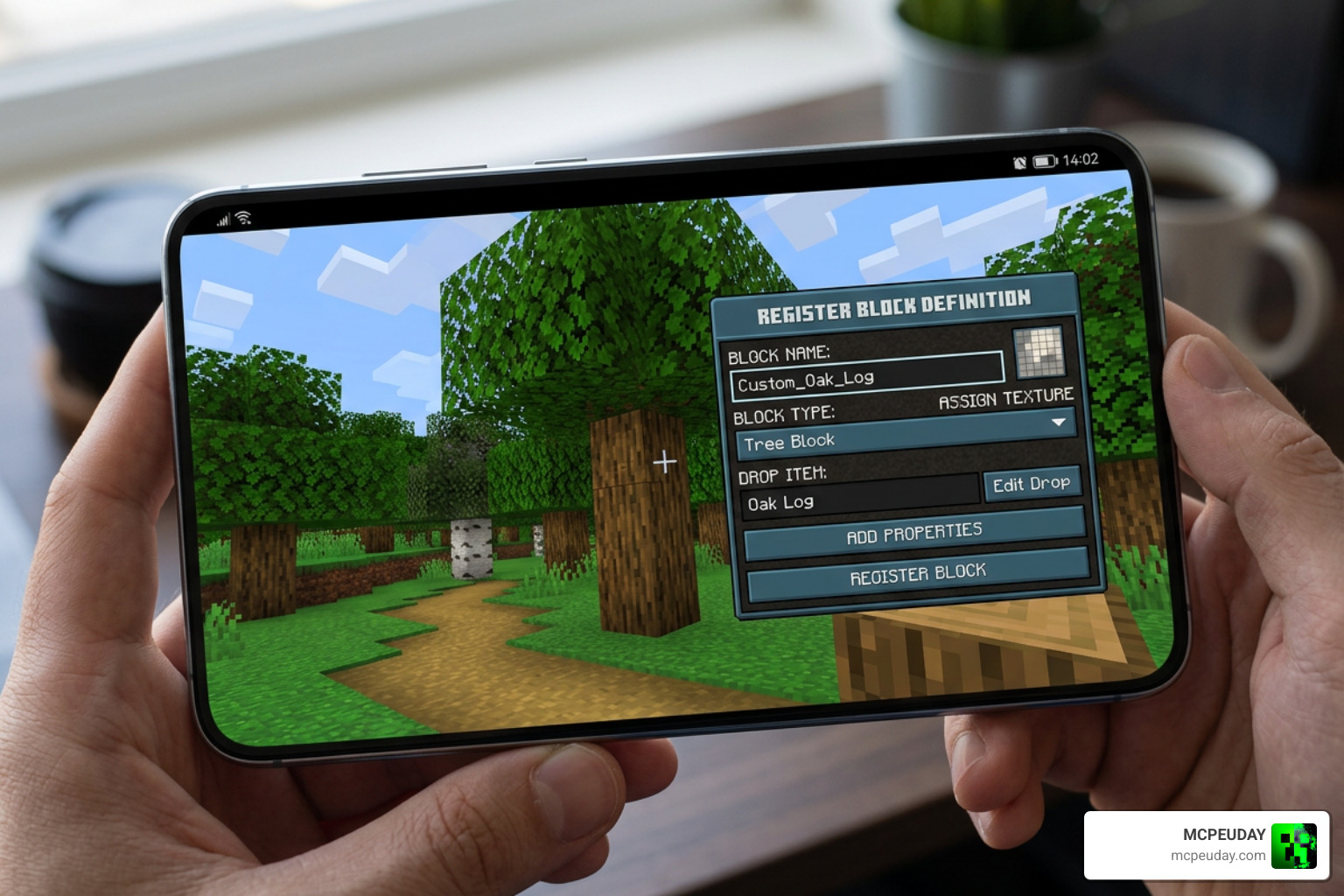
Server administrators and players with Level 2 operator permissions can manage physics rules and definitions using formatted chat commands:
/treephysics reload– Instantly reloads configuration files and species definitions from memory./treephysics definition add <species> <role>– Manually tags the targeted block with a tree species name and functional role./treephysics definition list– Displays all registered species and block mappings in the chat output window./treephysics decoration list– Lists all foliage, epiphytes, and hanging plants configured to collapse alongside trees.
Adding Custom Modded Trees and Public Decorations
When playing with expansive biome or flora mods, you will likely encounter non-vanilla timber species and decorative hanging foliage. The dynamic registration system makes linking modded content seamless.
For example, if a mod introduces custom wood like Malum Soulwood or hanging epiphytes like Spanish moss, you can bind them in a few quick steps:
- Target your crosshair directly at the modded block (e.g.,
malum:soulwood_log). - Press the ‘O’ keybind to bring up the block registration menu.
- Assign its structural role (Log, Leaf, Decoration, or Public Decoration).
- Enter the tree species identifier and confirm your selection.
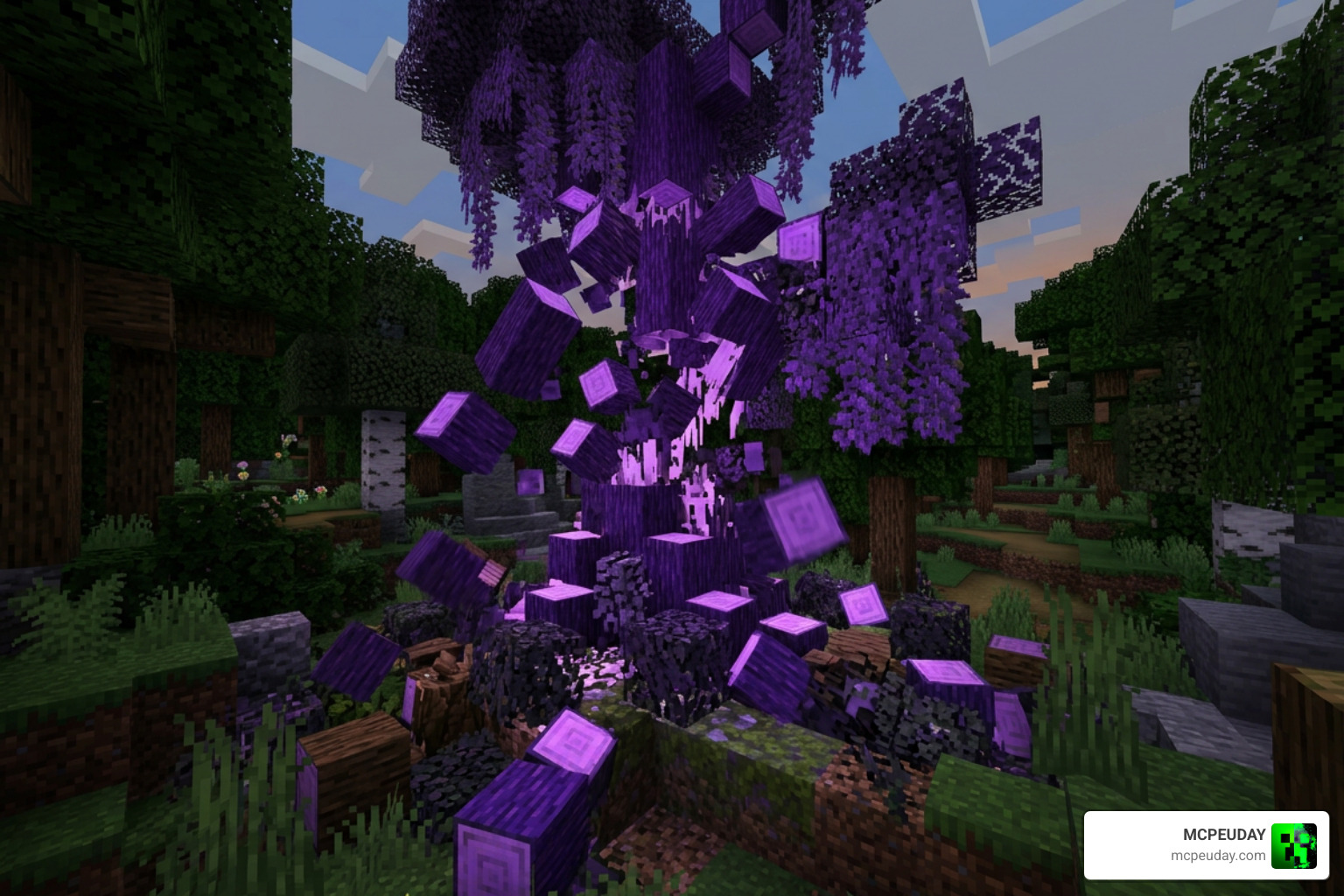
Assigning hanging plants to the Public Decorations category ensures that whenever a surrounding tree tumbles, any attached moss or vines fall naturally along with it, regardless of the core tree species.
Frequently Asked Questions About Tree Physics Addon for Minecraft PE/Bedrock
Is Sappy Tree Physics available for Minecraft PE/Bedrock Edition or only Java?
Sappy Tree Physics is strictly a Java Edition modification built for NeoForge and the Sable physics engine. Minecraft Bedrock and MCPE players should use Bedrock-native tree-felling behavior packs designed specifically for the C++ engine architecture.
How do players add custom modded trees using the keybind GUI?
Simply aim your crosshair at the target custom block, press the default ‘O’ keybind to launch the registration GUI, select the structural role (Log, Leaf, Decoration, or Public Decoration), specify the tree species identifier, and save the definition.
Will chopping a log inside a wooden house trigger physics to break the structure?
No. The system uses natural tree verification algorithms to scan for natural soil blocks beneath the base and connected canopy foliage above before enabling physics. Player-built cabins and log structures lack these natural markers, keeping your builds safe from collapsing.
Conclusion
Integrating realistic tree felling into your world completely reshapes survival wood gathering, converting a slow, repetitive task into an impressive, dynamic event. Whether you rely on Java rigid-body physics engines like Sappy Tree Physics or install optimized tree-felling behavior packs on Bedrock mobile devices, modern logging mechanics bring incredible vitality to Minecraft forests.
At MCPEUDAY, we are dedicated to providing the most detailed guides, downloads, and performance updates across all versions of Minecraft. Explore more MCPE and Bedrock addons to discover the latest behavior packs, graphics mods, and gameplay tweaks to elevate your survival adventure today!