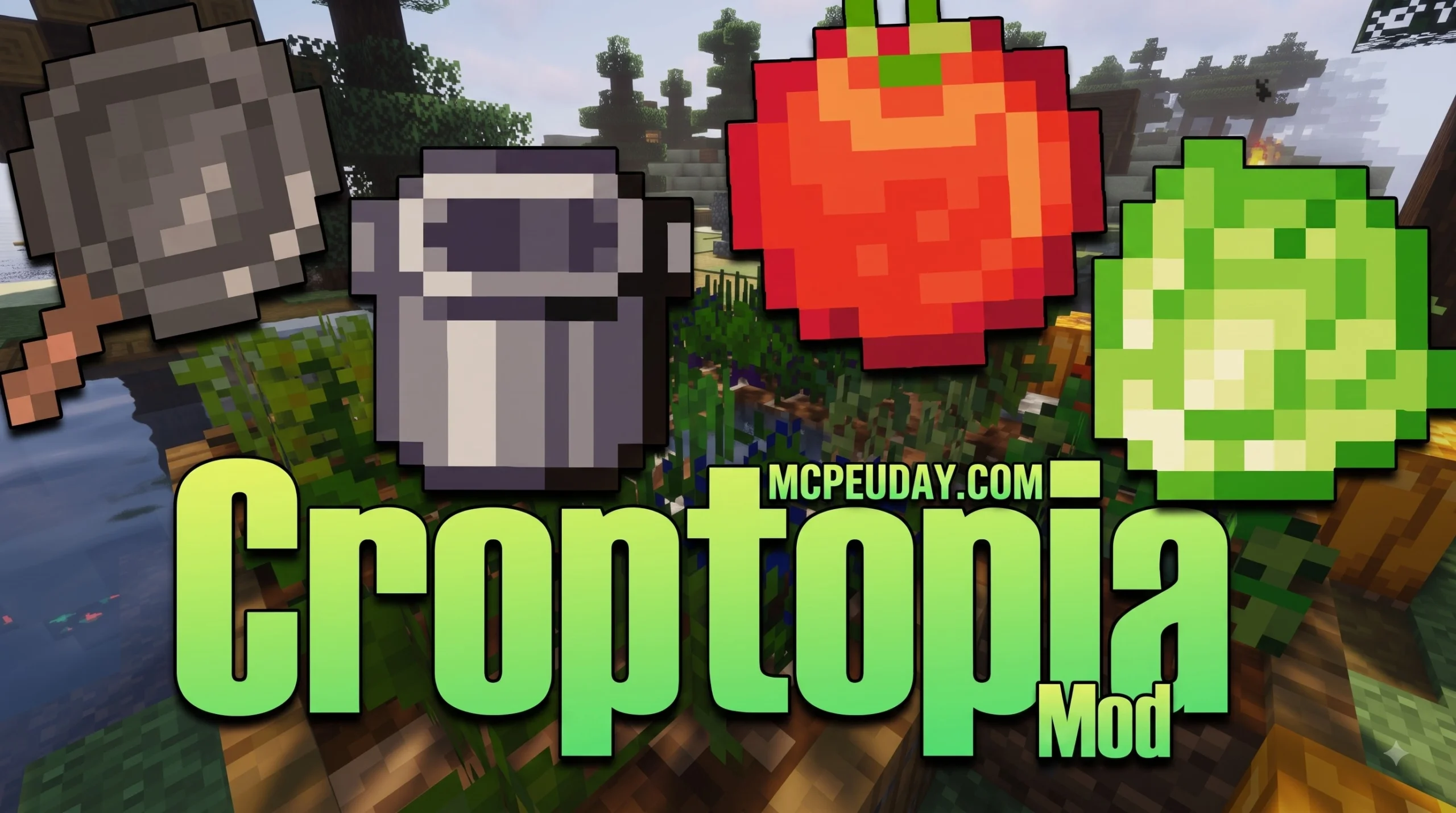
Why the Croptopia Mod Makes Minecraft Farming More Fun
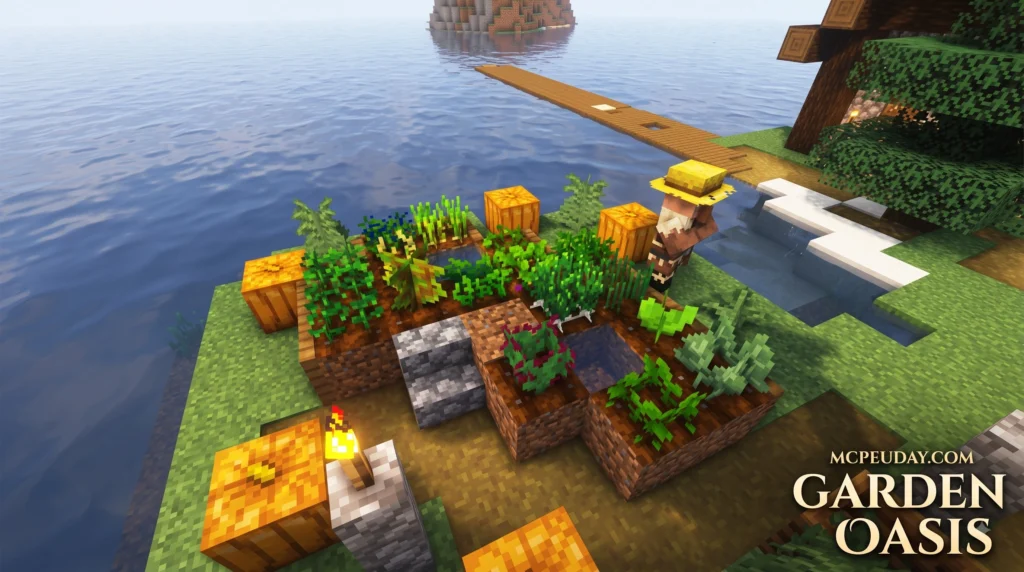
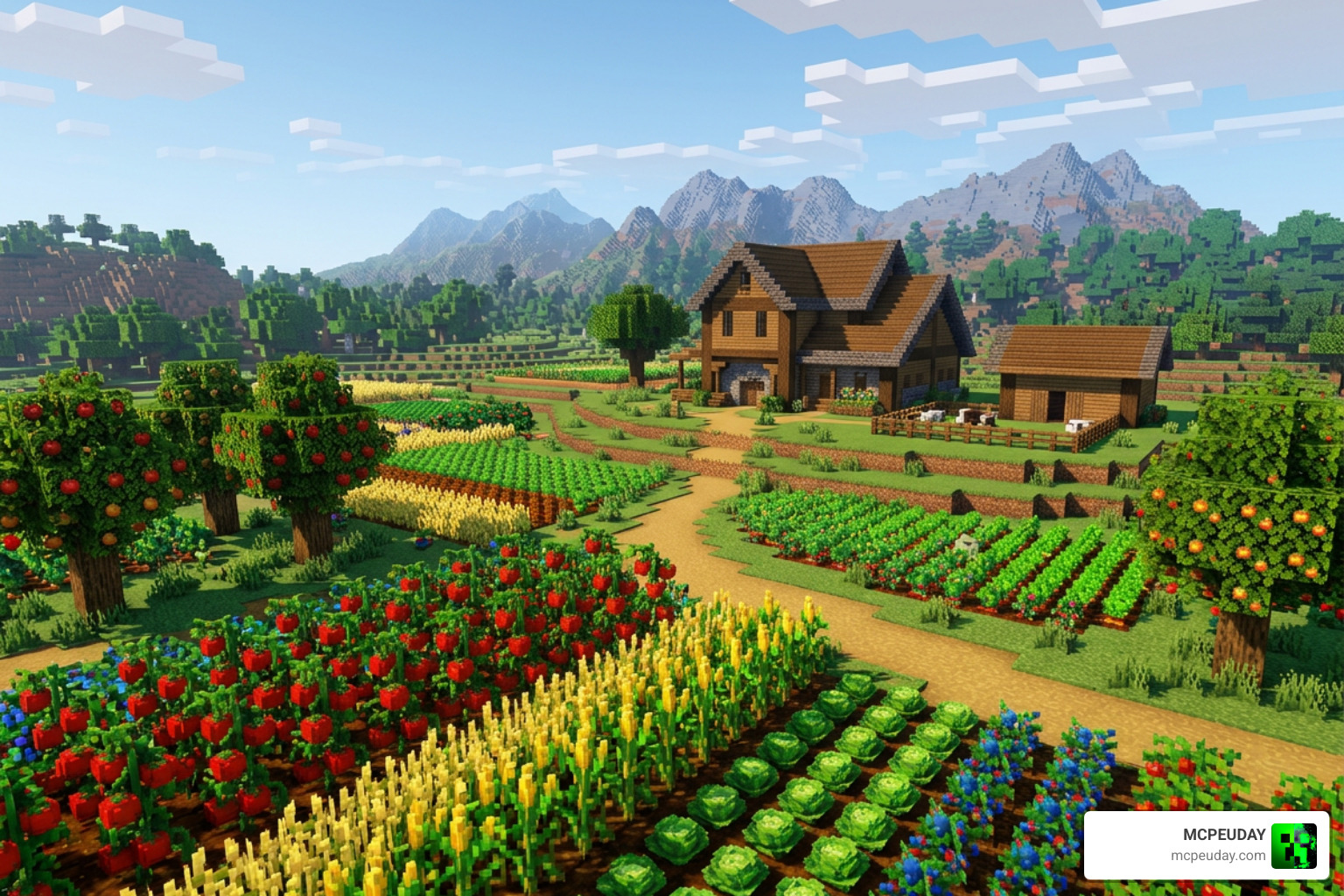
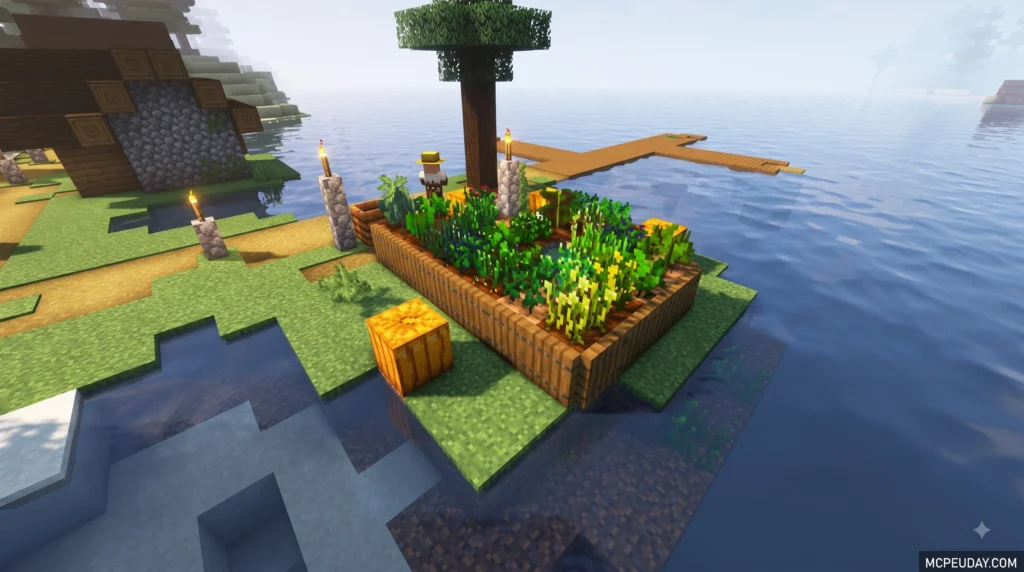
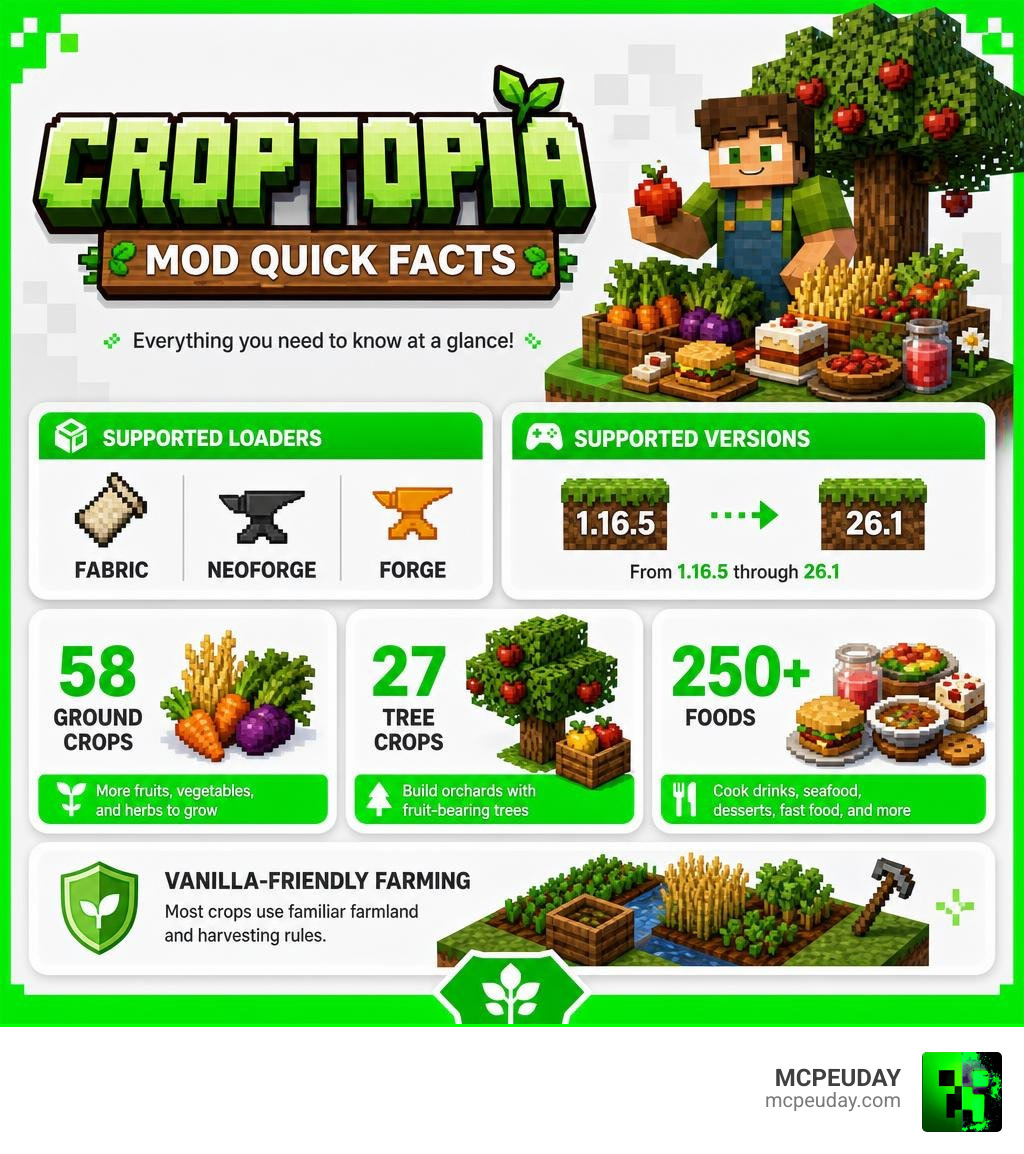
Croptopia Mod is a Minecraft farming and food expansion that adds dozens of crops, fruit trees, and more than 250 foods. It supports Fabric, NeoForge, and Forge across Minecraft versions from 1.16.5 through 26.1, but you must download the file that matches both your game version and mod loader.
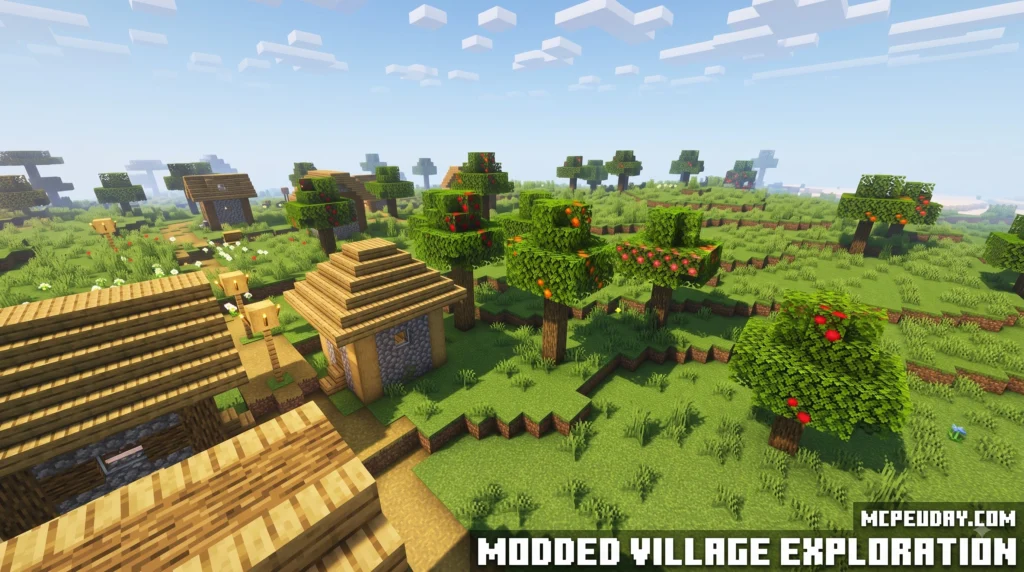
In vanilla Minecraft, survival nutrition often quickly devolves into eating endless stacks of cooked porkchops, golden carrots, or baked potatoes. While functional, standard food mechanics leave little room for culinary exploration or farming creativity. Croptopia completely transforms this experience by introducing a vibrant agricultural ecosystem into your worlds without altering core game mechanics.
| Quick fact | What it means |
|---|---|
| 58 ground crops | More fruits, vegetables, and herbs to grow |
| 27 tree crops | Build orchards with fruit-bearing trees |
| 250+ foods | Cook drinks, seafood, desserts, fast food, and more |
| Vanilla-friendly farming | Most crops use familiar farmland and harvesting rules |
Croptopia is a strong choice for players who want a larger kitchen without turning Minecraft farming into a complicated tech system. You can explore biomes for seeds, grow ingredients on standard farmland, and turn a basic survival farm into a full food setup. Whether you are building a cozy cottage garden or managing a massive server farm, Croptopia makes crop gathering rewarding at every stage of survival play.
In this guide, I am UDAY GAMER, and I will help you get Croptopia installed correctly before you start planting and cooking.
What is the Croptopia Mod? Overview and Core Features
Created on September 18, 2020, by developer thethonk and maintained actively by top contributor ExcessiveAmountsOfZombies (with over 490 contributions), the Croptopia Mod has grown into one of the most beloved farming mods in the Minecraft community. The project has gathered 99 stars, 80 forks, and 99 watchers on GitHub, along with a comprehensive 64-page Fandom wiki.
At its core, Croptopia floods Minecraft’s food economy with immense variety while respecting vanilla mechanics. Instead of building complex machinery or overhaul mechanics, the mod expands agricultural choices horizontally. You can explore our extensive Crops Database to view full plant registries.
When exploring newly generated chunks, players encounter wild crop bushes spawning naturally in biomes ranging from dense warm forests to arid desert oases. Breaking these wild crops yields initial seeds and produce that can be replanted at home.
| Crop Category | Count | Primary Biome Spawns | Key Products & Harvests |
|---|---|---|---|
| Ground Crops | 58 planted crops | Plains, Swamps, Forests, Savannas, Deserts | Tomatoes, Garlic, Strawberries, Beans, Herbs |
| Tree Crops | 27 tree variants | Jungles, Forests, Plains, Taigas | Apples, Almonds, Oranges, Bananas, Olives |
Beyond fruits and vegetables, Croptopia introduces over 250 distinct culinary delights, ranging from refreshing iced beverages and hearty seafood dishes to fast-food burgers and gourmet desserts. Every food item provides unique hunger and saturation values, rewarding players who curate diverse meal plans rather than relying on a single food source.
How to Download and Install Croptopia Step-by-Step
Setting up Croptopia in your Minecraft client takes less than 15 minutes. Whether you manage mods through the CurseForge launcher, Modrinth App, Prism Launcher, or install them manually into your .minecraft directory, following a clean installation workflow ensures seamless performance and avoids launch crashes.
Croptopia Mod Requirements and Supported Mod Loaders
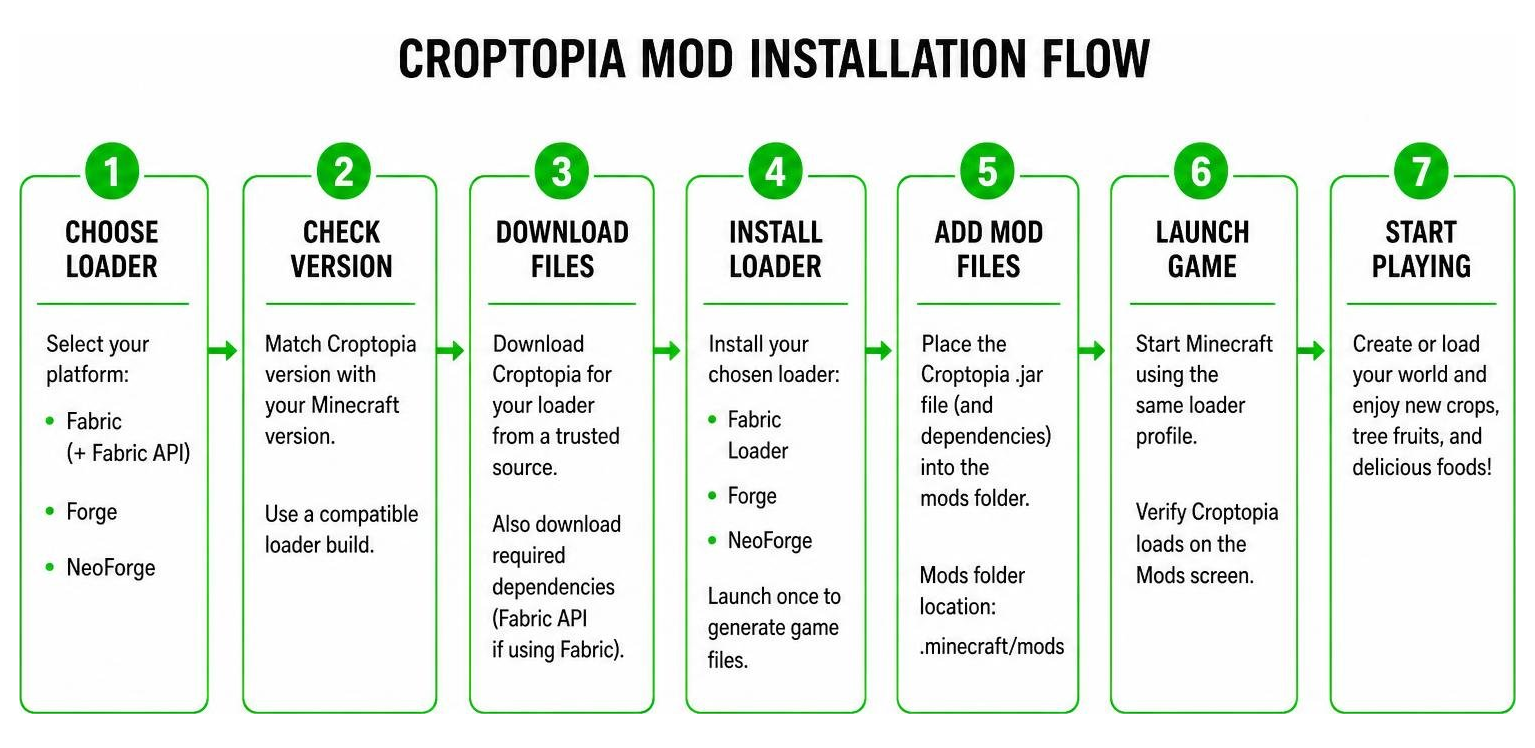
Before downloading any files, verify your target mod loader platform. Croptopia offers native build downloads across three primary loaders:
- Fabric: Requires the Fabric Loader and the Fabric API dependency jar.
- Forge: Standard Forge installation for legacy and modern setups.
- NeoForge: Built for modern Minecraft releases up to version 26.1.
Croptopia maintains compatibility across Minecraft releases spanning 1.16.5 through 26.1. Always match the exact version of Minecraft, the mod loader, and Croptopia to prevent game initialization errors.
Step-by-Step Guide to Install Croptopia Mod
- Download the Mod File: Locate the official Croptopia Mod page on CurseForge or trusted repositories and download the
.jarfile matching your Minecraft version and mod loader. - Install Required Dependencies: If you run Fabric, download the corresponding version of Fabric API. If you want in-game recipe browsing, we also recommend installing Patchouli and Just Enough Items (JEI).
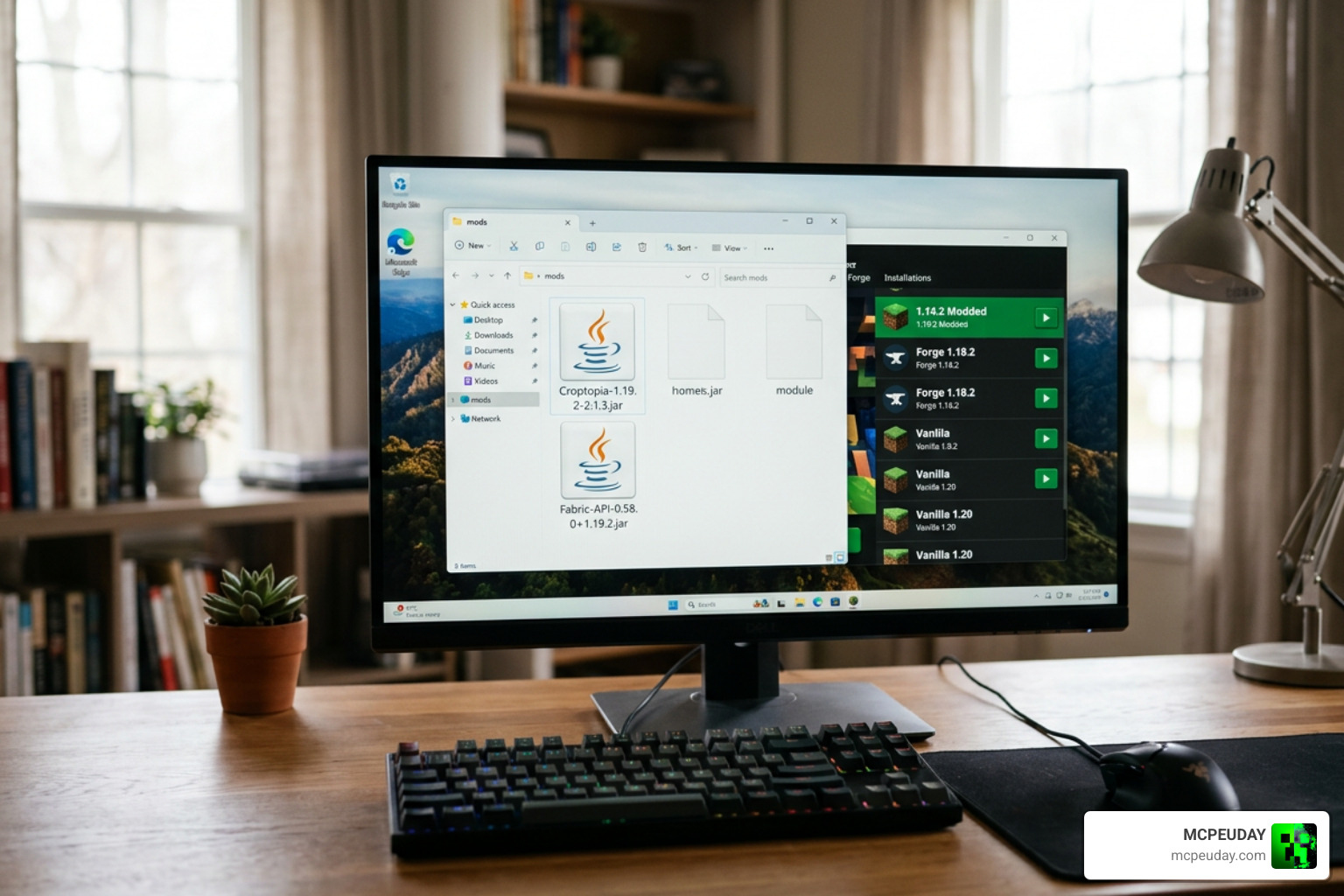
- Locate Your Mods Folder: Press
Win + R, type%appdata%\.minecraft(or navigate to your custom launcher folder), and open themodsfolder. - Transfer Files: Drag and drop the downloaded Croptopia
.jarfile and its dependency jars directly into themodsfolder. - Configure and Launch: Select your Fabric, Forge, or NeoForge profile in the Minecraft launcher and launch the game to verify that the mod loads without errors.
Farming Mechanics: Crops, Saplings, and Special Resources
Farming in Croptopia follows intuitive vanilla logic with several convenience tweaks designed to make large-scale agriculture effortless and fun.
Ground crops grow standard stages on farmland and do not require a direct water block adjacent to every single crop tile—standard hydrated or irrigated farmland rules apply smoothly. Furthermore, Croptopia features an automated planting trick: if you place seeds in the 4 inventory slots directly to the right of your hoe on your hotbar, tilling soil automatically plants those seeds in one motion! This convenience feature significantly speeds up early-game farm setup.
Gathering Seeds and Crafting Fruit Saplings
Finding seeds and building your starting stock is a rewarding survival activity:
- Breaking Wild Grass: Standard grass breaking yields random Croptopia seed drops across different biomes.
- Looting Structures: Village chests, shipwreck supply crates, and dungeon chests frequently contain rare crop seeds and fruit items.
- Crafting Fruit Tree Saplings: You don’t have to search forever to build an orchard. Simply combine 2 identical fruits with any standard vanilla sapling in a crafting table to create a custom fruit sapling.
- Leaf Transformation: You can also right-click matching leaf blocks on existing trees using a fruit sapling to transform them into fruit-bearing tree crops instantly.
Cinnamon Bark and Salt Harvesting
Croptopia features exclusive natural resources tucked away in specific biomes:
- Cinnamon Trees: Naturally spawning in jungle biomes, cinnamon trees provide spice for baked goods. Equip an axe and right-click or strip the cinnamon tree logs to gather valuable cinnamon bark.
- Salt Ores: Submerged along sea beds and river depths, salt ores yield salt when harvested using a shovel. Mining salt unlocks the amusing in-game advancement “Sadly, Won’t Give More FPS”—a lighthearted nod to the popular performance mod Sodium!
Completing these tasks logs progress under the official Croptopia Advancements menu, guiding players through biome collection challenges and culinary milestones like the Forestree Territree achievement.
Culinary Arts: Cooking Tools, Patchouli Integration, and Recipes
Once your fields are flourishing, it is time to build your dream kitchen. Croptopia introduces specialized crafting gear that turns raw produce into high-satiety meals.
Essential kitchen tools include:
- Cooking Pot: Crafted using 5 iron bars; used for boiling soups, stews, and broths.
- Frying Pan: Crafted using 5 iron bars; essential for searing meats, making stir-fries, and cooking breakfasts.
- Mortar and Pestle: Mashes spices, seeds, and nuts into flours, seasonings, and pastes.
- All Purpose Food Press: Crafted using 1 hopper and 2 pistons; squeezes fruits and olives into juices, oils, and plant milks.
- Kitchen Knife: Slices vegetables, filleting raw fish, and preparing ingredients.
Croptopia integrates seamlessly with the Patchouli mod. By combining 3 Croptopia crops with a vanilla book on a crafting table, you create the interactive Croptopia Cookbook. This guide lists every single recipe, utensil requirement, and cooking combination right inside your world. Additionally, Croptopia utilizes standard item tags, providing full compatibility with Farmer’s Delight and various seasonal mods, allowing players to integrate Croptopia ingredients directly into cookware from other popular mods.
Frequently Asked Questions about Croptopia
How do you harvest crops without breaking them in Croptopia?
Simply right-click any fully grown ground crop or fruit tree leaf. The ripe crops or fruits will drop into your inventory, leaving the plant intact at stage zero to regrow automatically without requiring replanting.
How do you craft the Patchouli recipe book?
Combine 1 standard Vanilla Book with any 3 Croptopia crops or fruits in your 3×3 crafting grid. This generates the complete in-game recipe guide powered by the Patchouli mod.
Does Croptopia require special farmland to grow crops?
No. All Croptopia ground crops grow on standard vanilla tilled farmland, and fruit saplings plant directly on standard dirt or grass blocks.
Conclusion
The Croptopia Mod is the perfect addition for any Minecraft player looking to transform standard survival farming into a rich culinary journey. With 58 ground crops, 27 fruit tree variants, and over 250 craftable food items, you will never have to live on plain baked potatoes again.
At MCPEUDAY, we strive to bring you the best guides, add-ons, and mod resources to upgrade your Minecraft adventures. Check out our latest downloads and Explore More Minecraft Mods on MCPEUDAY today to enhance your world!