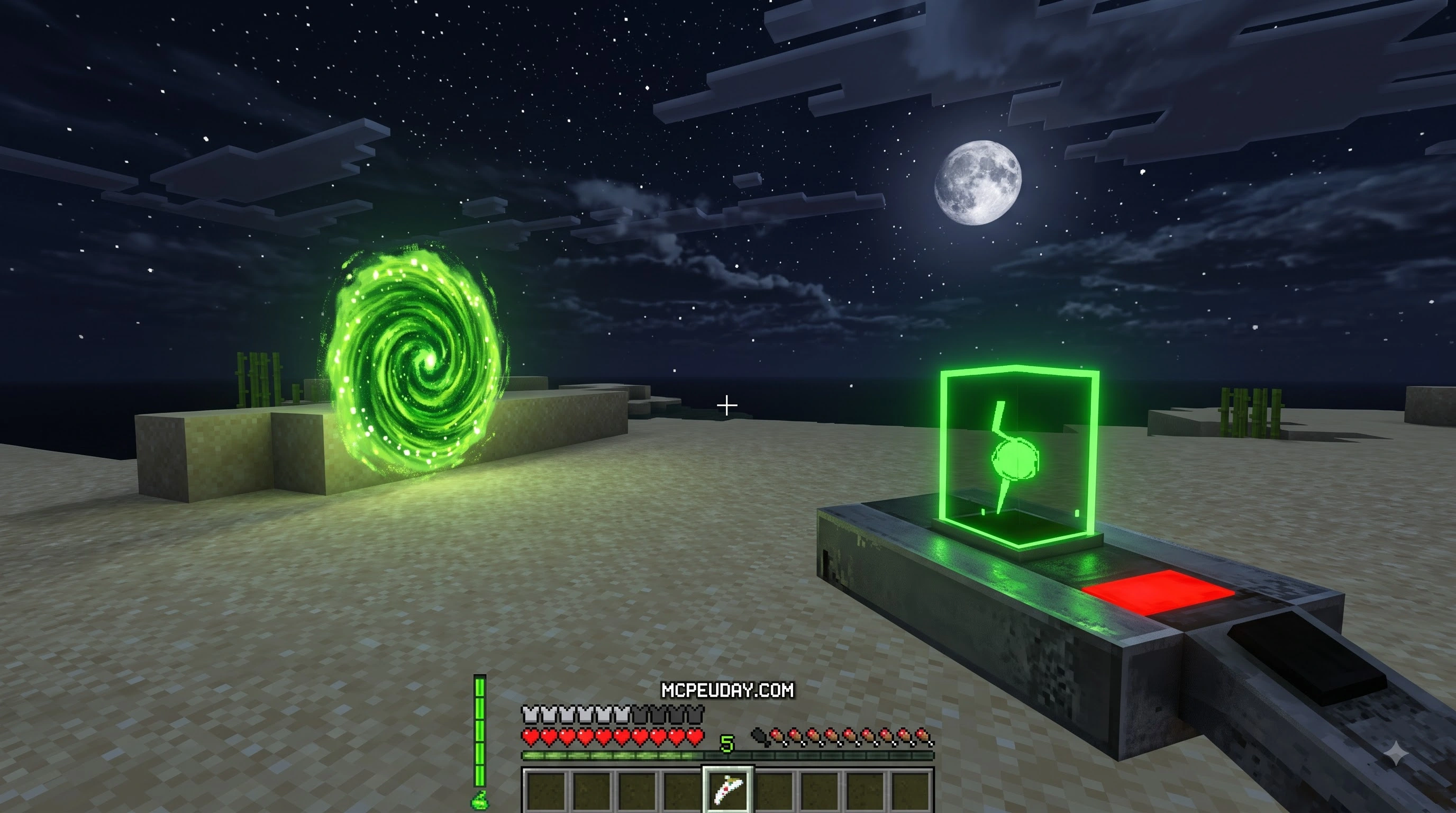
CWhat is the Portal Gun Addon for Minecraft PE/Bedrock?
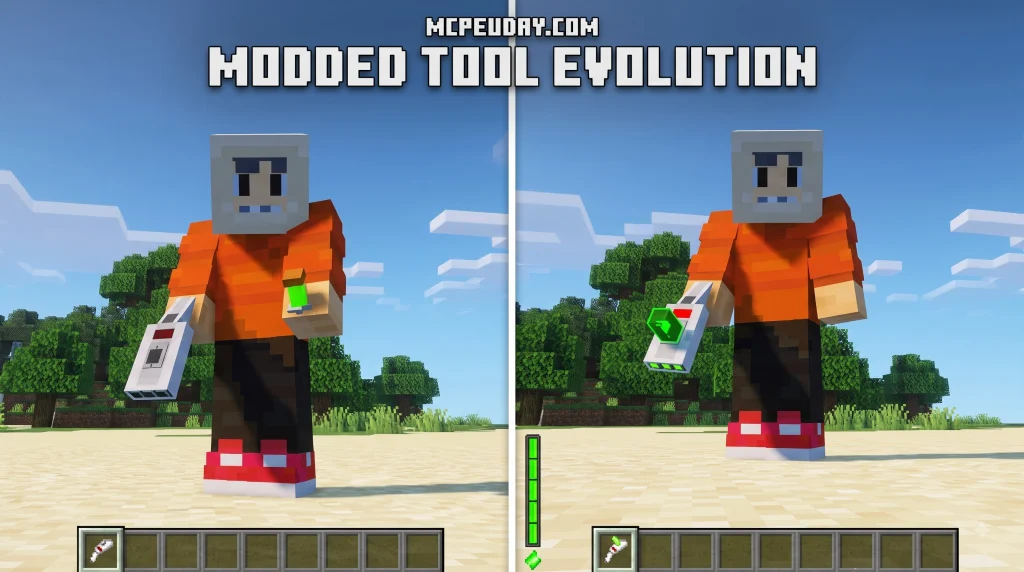
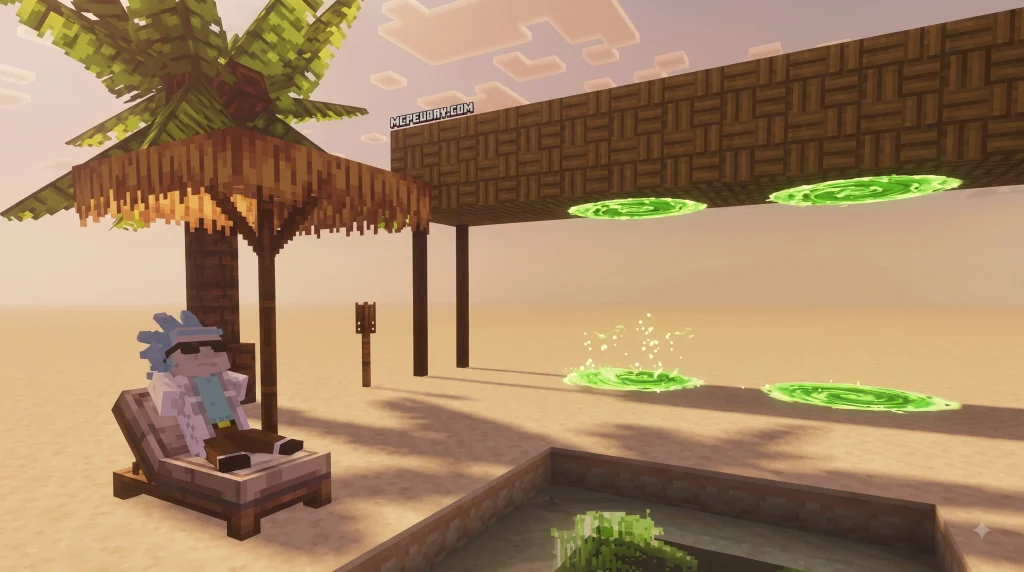
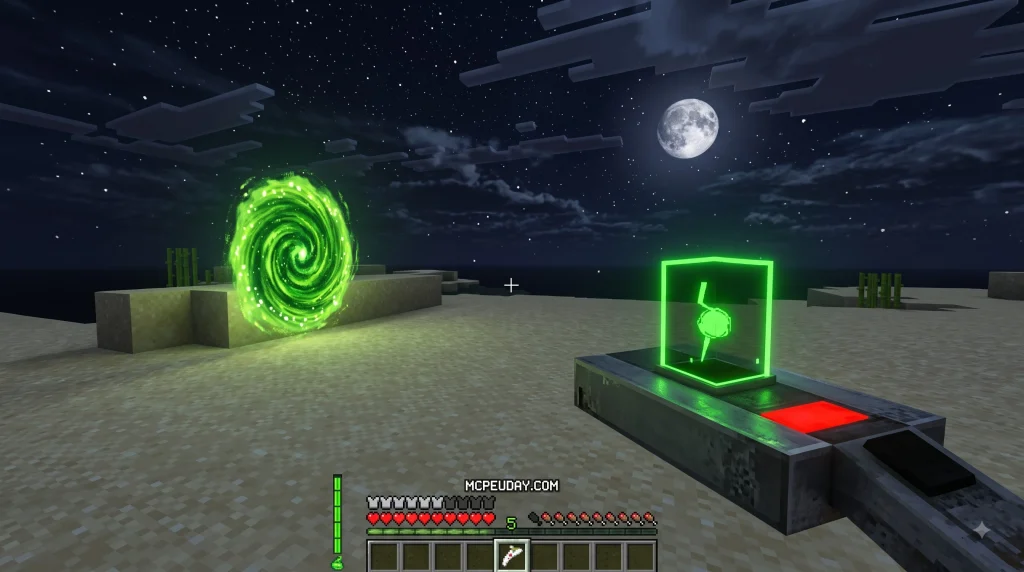
The Portal Gun Addon for Minecraft PE/Bedrock brings Valve’s famous Aperture Science technology straight into your pocket or desktop world. At its heart, this addon grants you the legendary Handheld Portal Device—better known as the Portal Gun—allowing you to bend space and instantly travel across long distances within your Minecraft universe.
Instead of walking through boring tunnels, building long railway systems, or spending minutes traveling between distant survival bases, you can place a pair of connected portals on almost any solid block. Stepping into one instantly teleports you out of the other with zero loading screens. With over 10 million downloads across various community platforms, it is easily one of the most beloved gameplay modifications available for Bedrock Edition.
The addon officially supports Minecraft Bedrock versions 1.16.0 and above, meaning over 90% of active Bedrock players can jump straight into the action without compatibility hurdles. Whether playing in single-player survival mode or designing custom test chambers in creative mode, the mechanics blend smoothly into the game’s native engine. Along with the primary portal device, the pack frequently includes iconic items like the Aperture Science Handheld Portal Device variants, Long Fall Boots to eliminate fall damage, and the trusty Weighted Companion Cube, making it a complete treatment for puzzle lovers and survival builders alike.
Key Features and Portal Mechanics
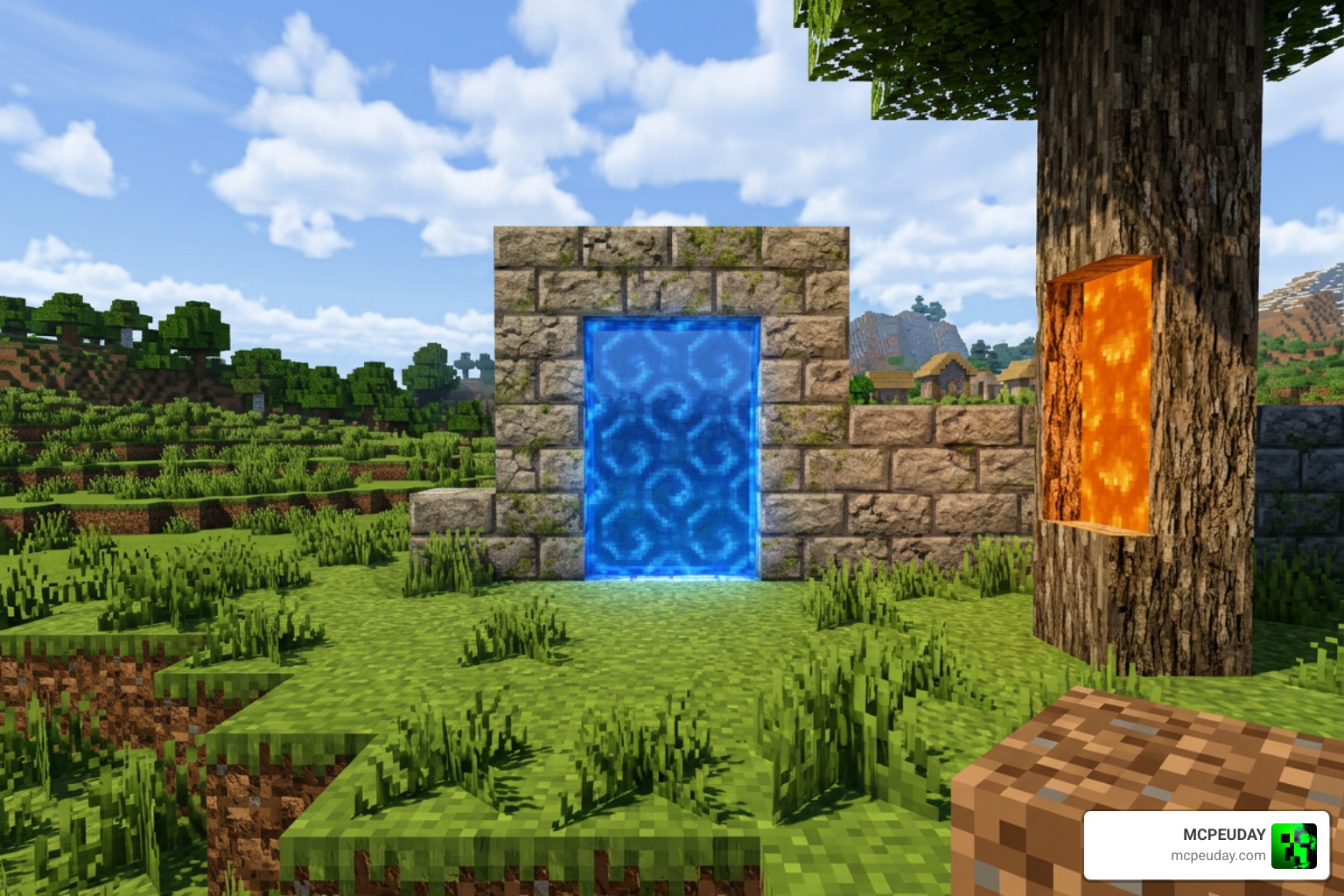
This addon goes far beyond adding a simple single-item texture or basic command teleportation. It delivers a rich, interactive gameplay package with over 20 different portal-related items, custom blocks, and advanced physics mechanics designed to completely change how you navigate and manipulate your world.
- Dual-Portal System: Shoot a blue portal on one wall and an orange portal on another to create a seamless, two-way spatial wormhole across your world.
- Custom Sounds & VFX: Experience authentic Aperture Science audio cues, realistic portal placement sound effects, and vibrant custom particle rings.
- Gravity Mechanics: Pick up blocks, aggressive mobs, and gravity-defying objects directly using the secondary utility grab modes on specialized portal devices.
- Companion Cubes: Decorative and puzzle-oriented utility blocks that can be placed, pushed, or carried across gaps to trigger weighted pressure plates.
- Long Fall Boots: Equippable armor items that protect players from all vertical impact and gravity-related fall damage when exiting high-altitude portals.
Controls for the Portal Gun Addon for Minecraft PE/Bedrock
Using the portal device on mobile touch screens, key mappings, or gamepads requires learning a few quick, intuitive interactions:
- Firing Portals: On touch devices, tap or hold the screen while holding the device. Tap directly to fire the primary (Blue) portal, and sneak (crouch) while tapping to fire the secondary (Orange) portal. If you are using a controller or keyboard, use your standard attack and place-block triggers.
- Picking Up Objects: Face a Companion Cube, redstone block, or designated entity and long-press or press the interact button while holding the gravity utility gun to grab, hover, and carry it across your world.
- Resetting Portals: Sneak and look directly down at the ground while firing to clear your active portal positions and start fresh with new placement coordinates.
Comparison with Original Portal Game Mechanics
While the addon does an incredible job porting complex spatial mechanics into Minecraft’s block engine, there are a few technical differences worth keeping in mind:

| Feature | Original Portal Game | Minecraft PE/Bedrock Addon |
|---|---|---|
| Momentum Physics | Complete kinetic energy preservation (“Flinging”) | Partial momentum conservation based on Bedrock engine limits |
| Block Placement | Smooth surfaces only | Snaps directly to the 1×1 voxel block grid |
| Entity Transport | Seamless transport for player, objects, and turrets | Full player transport; mob and item transport varies by mobile hardware |
| Portal Placement Surface | Specific conductor panels | Almost any solid, non-transparent Minecraft block |
How to Download and Install the Addon Safely
Staying safe while downloading community content is essential for maintaining smooth device performance. To keep your system clean, always obtain files from verified sources and check compatibility with updates announced on official Minecraft.
Step-by-Step Installation for Mobile and PC
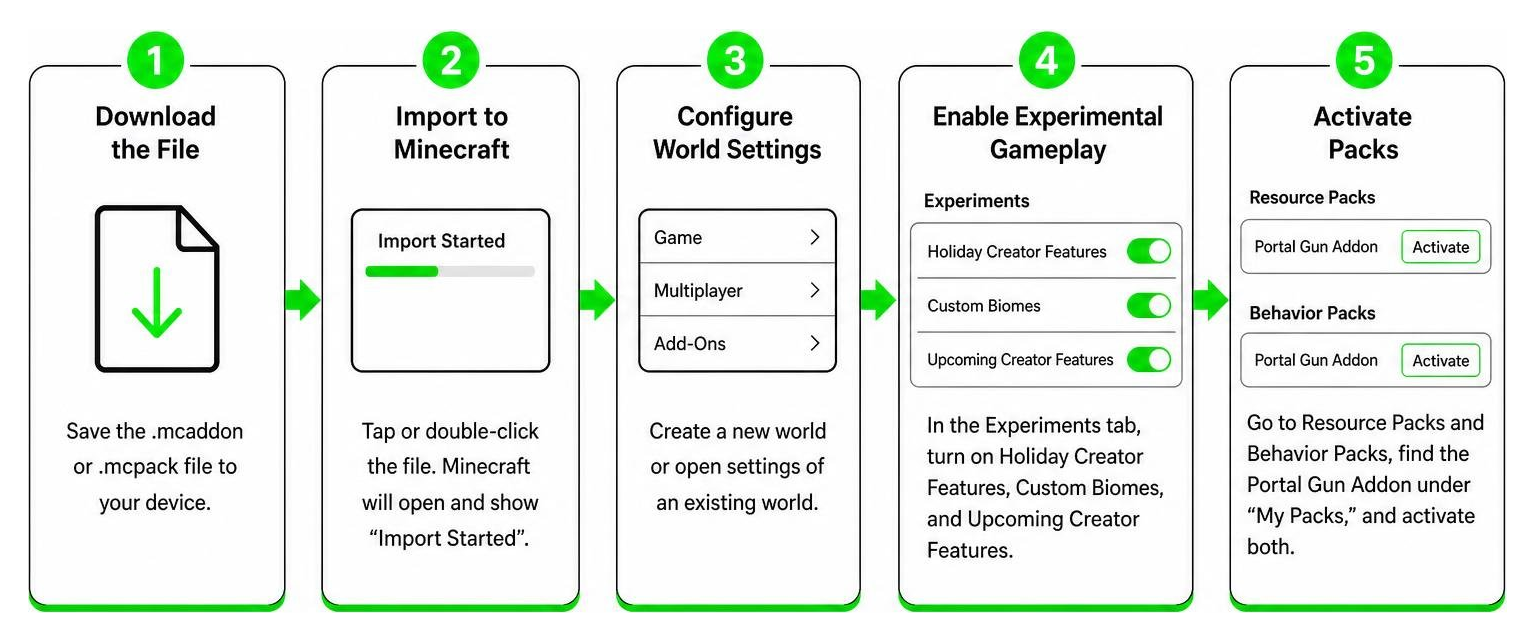
- Download the File: Save the
.mcaddonor.mcpackfile directly to your Android, iOS, or Windows storage drive. - Import to Minecraft: Tap or double-click the downloaded file in your file manager. Minecraft will launch automatically and display an “Import Started” message at the top of your screen.
- Configure World Settings: Open the world edit menu for an existing world or start a brand new world creation screen.
- Enable Experimental Gameplay: Scroll down to the Experiments tab in the world settings menu and turn on Holiday Creator Features, Custom Biomes, and Upcoming Creator Features toggles.
- Activate Packs: Go to Resource Packs and Behavior Packs in the world menu, locate the Portal Gun Addon under “My Packs,” and click Activate for both sections to ensure full script execution.
Troubleshooting the Portal Gun Addon for Minecraft PE/Bedrock
If your portals aren’t showing up correctly or physics scripts fail to fire, don’t worry—most common issues have quick, straightforward solutions:
- Invisible Portals or Missing Textures: Ensure both the Resource Pack and Behavior Pack are enabled on the target world simultaneously. If custom textures remain missing, navigate to main video settings and clear your active resource cache.
- Portals Won’t Open: Double-check that all Experimental Gameplay toggles are switched ON in your specific world configuration menu before loading into the level.
- Addon Conflicts: Other heavy mods that alter player animations, UI elements, or custom item behaviors can conflict with portal scripts. Try disabling extra behavior packs to isolate and resolve technical overlap.
Multiplayer Gameplay and Performance Optimization
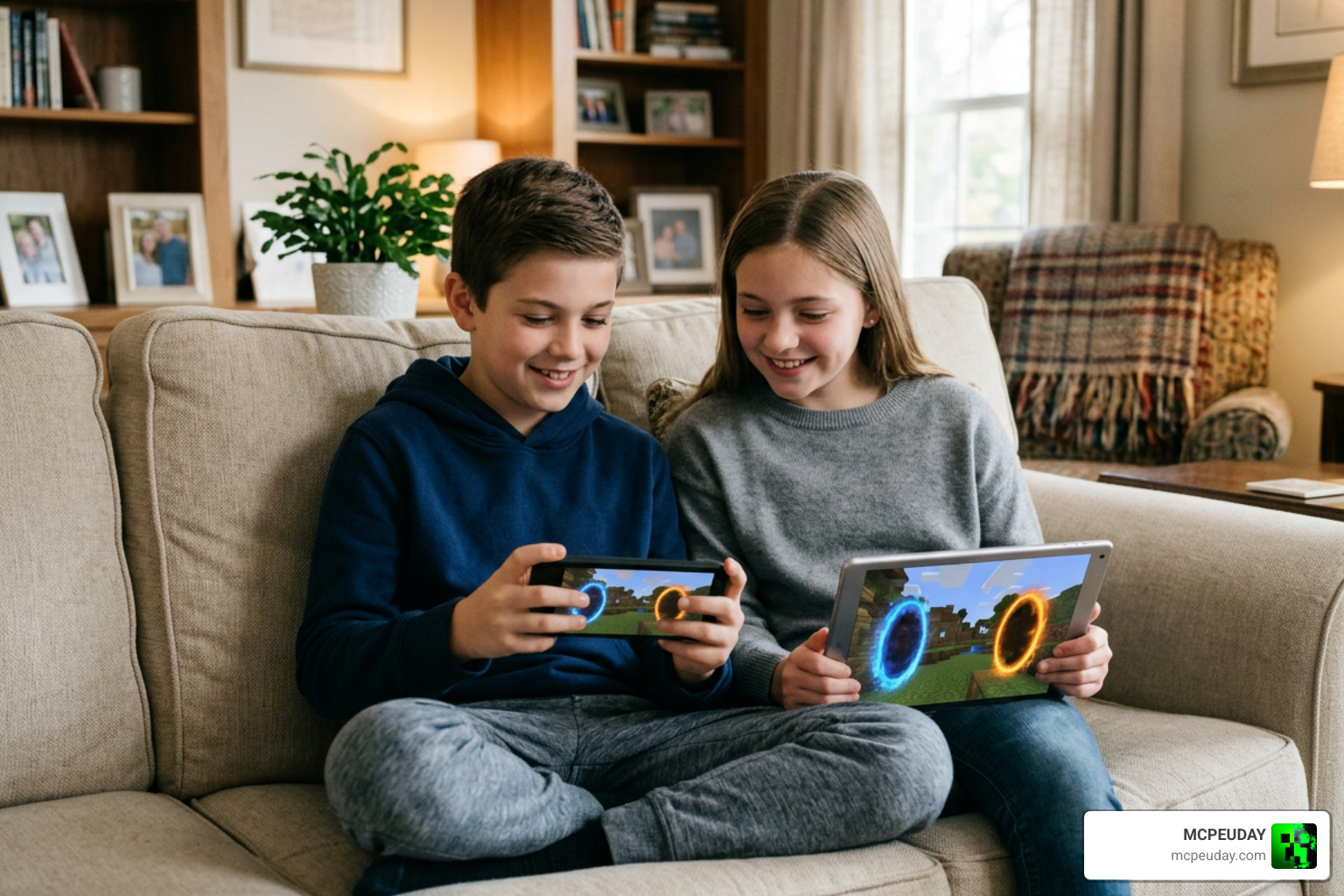
You don’t have to venture through Aperture Science test chambers alone! The addon supports up to 4 players in multiplayer mode, enabling dynamic co-op puzzle maps, custom obstacle courses, and exciting speedrun challenges with your friends.
When running multiplayer sessions on mobile hardware or local LAN connections, the host player’s device acts as the primary server processor. To ensure smooth, lag-free gameplay and consistent teleportation logic for everyone connected, follow these practical optimization tweaks:
Recommended Settings and Resource Packs
- Particle Effects: Lower in-game particle settings to “Minimum” in video options if players experience frame dips when multiple portals are fired at once.
- Render Distance: Set the host’s render distance between 8 and 12 chunks on mobile devices to free up active memory for real-time teleportation physics and entity processing.
- Particle Shaders: Avoid pairing complex graphical shaders or high-resolution texture packs with the addon on low-end hardware, as rendered portal entities require extra dedicated RAM.
- Entity Despawning: Keep active item drops to a minimum around portal locations to prevent physics engine slowdowns during intense co-op puzzle sessions.
Frequently Asked Questions About Minecraft Portal Addons
Is the Portal Gun Addon compatible with Minecraft Bedrock 1.21+?
Yes! Modern versions of the portal addon receive routine community updates to maintain full functionality across Bedrock versions 1.16 through 1.21+. Always verify that your installed resource pack and behavior pack match your active Minecraft client build to avoid scripting errors.
Can you use the Portal Gun Addon on multiplayer servers?
You can use the addon on private multiplayer worlds, local LAN sessions, and dedicated Bedrock servers that permit custom behavior packs. Make sure the option “Require players to accept resource packs to join” is enabled in your server properties so all connected players download necessary assets automatically.
How do you fix portal placement lag on mobile devices?
Portal placement lag on Android or iOS is usually caused by excessive particle spawning or limited available system memory. Turn down your graphic particle settings in the main video options, close unneeded background applications on your mobile device, and lower your world render distance to boost frame rates instantly.
Can you craft the Portal Gun in survival mode?
Yes, most releases of the addon include balanced crafting recipes for survival mode. You typically need materials like iron ingots, obsidian, redstone dust, and ender pearls or nether stars to construct the primary portal device at a crafting table.
Conclusion
The Portal Gun Addon for Minecraft PE/Bedrock brings one of gaming’s most iconic mechanics into your favorite sandbox world. Whether you want to build elaborate custom test chambers, speed up your survival travel across massive distances, or solve cooperative puzzles with friends in multiplayer, this pack offers incredible replay value with simple installation steps.
For the best experience, always match the addon version to your active Minecraft Bedrock build, enable both the behavior and resource packs, and test new worlds before adding the pack to an important survival save. A quick backup can prevent progress loss if a future Bedrock update changes experimental features or custom item behavior.
Ready to explore even more game-changing mods, custom tools, and vibrant graphics upgrades for your Bedrock worlds? Explore Minecraft Addons on MCPEUDAY to discover our complete collection of checked, high-quality content for your next Minecraft adventure!
