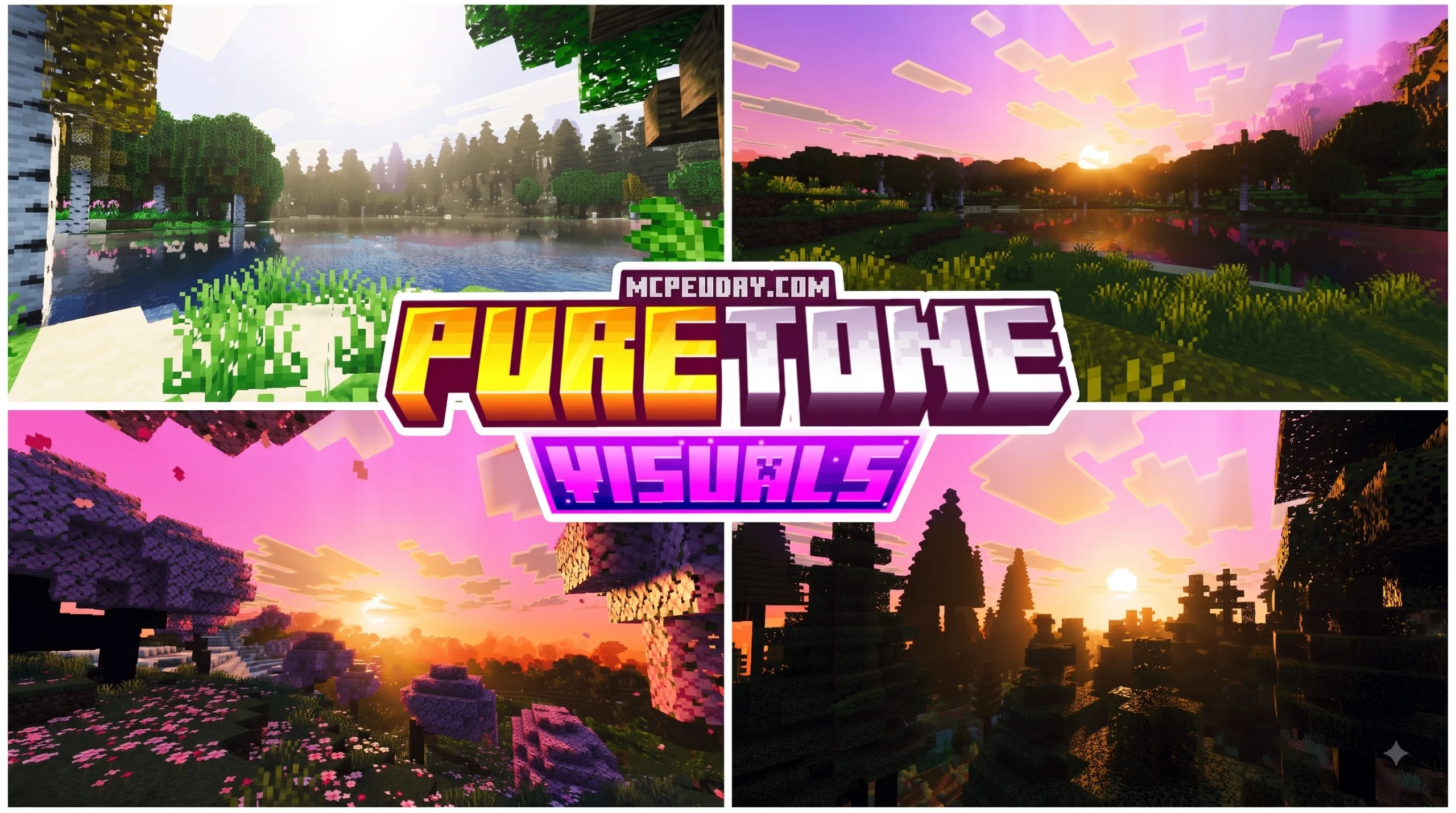
Get PureTone Visuals Shader for Minecraft PE/Bedrock
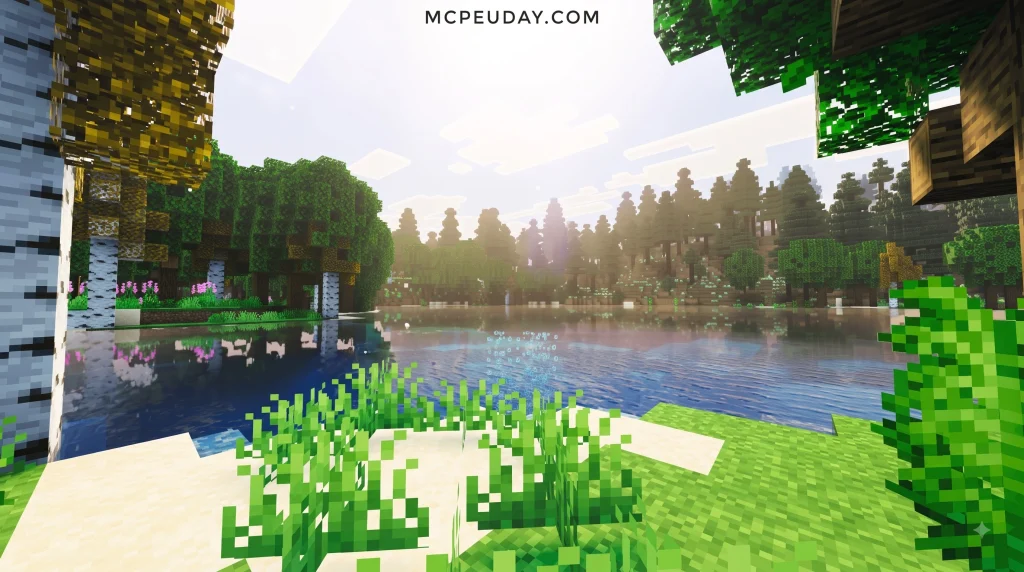
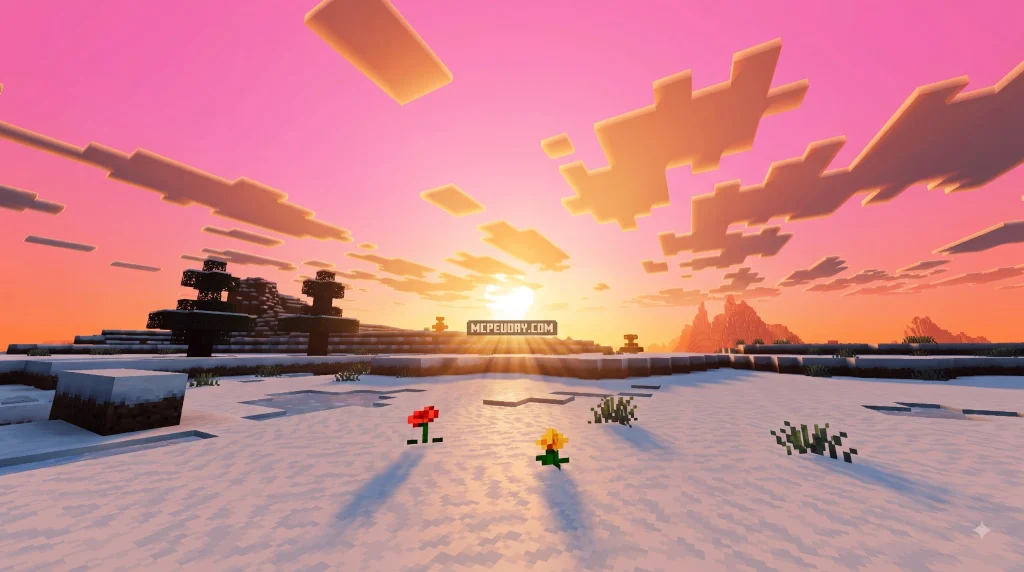
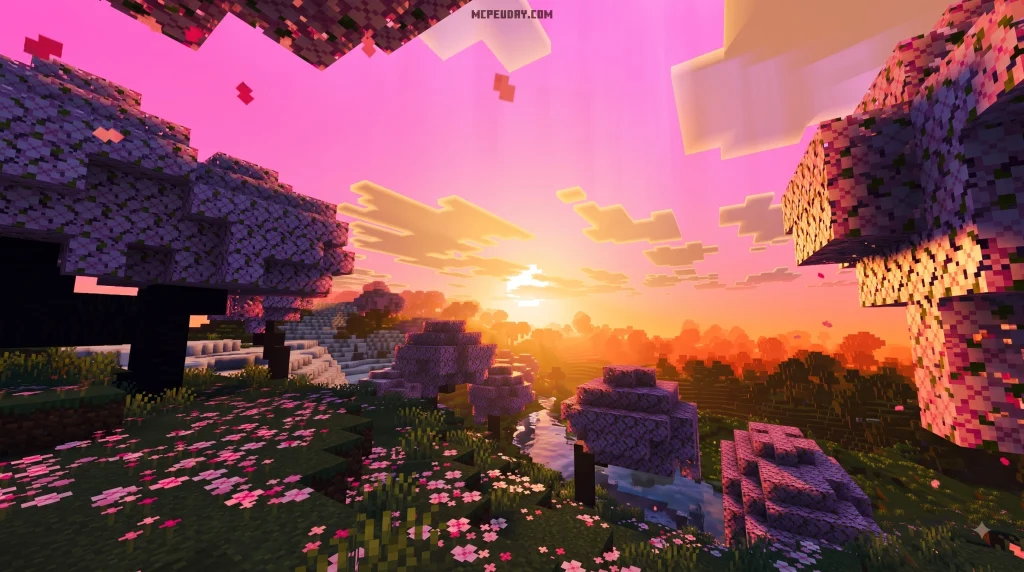
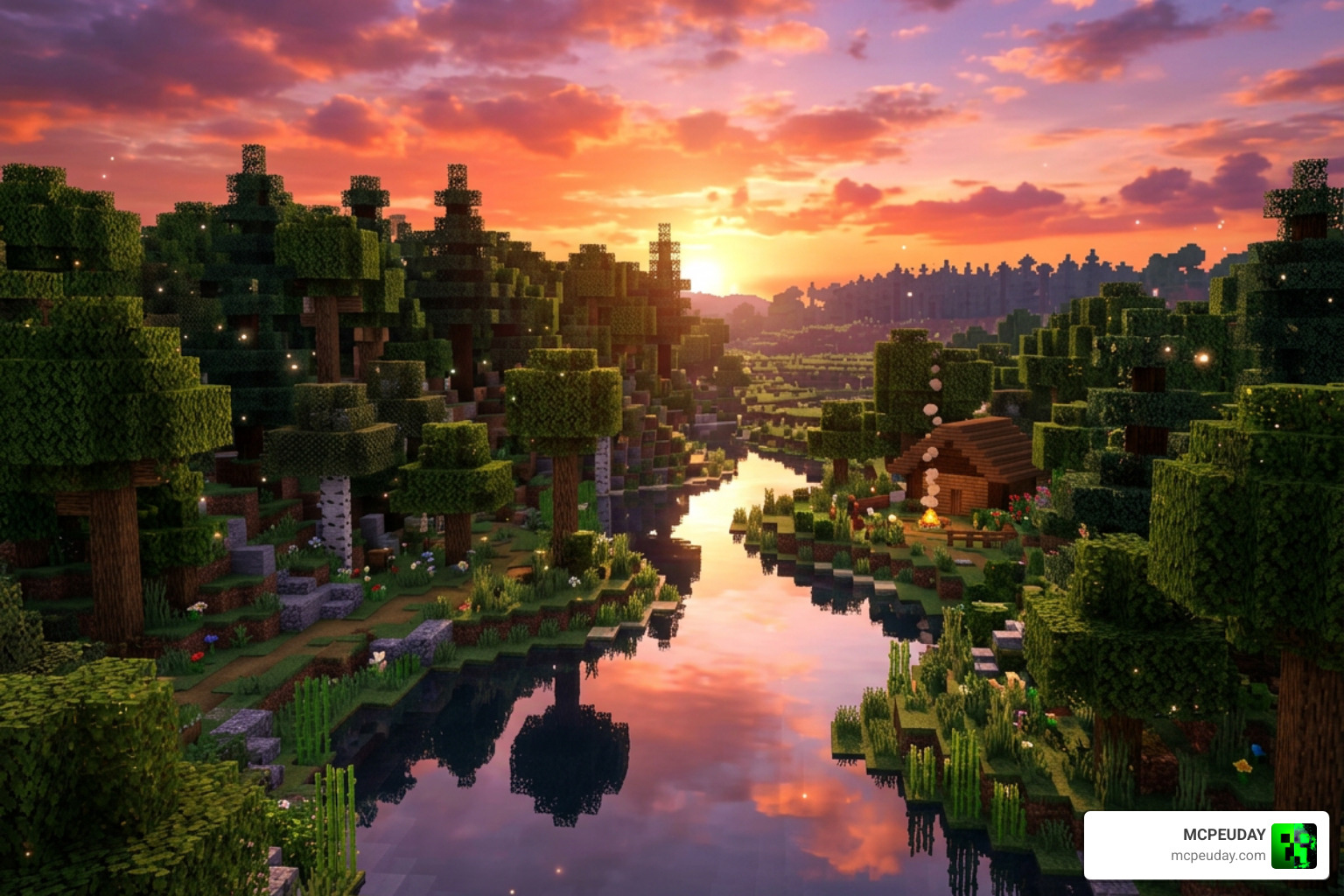
PureTone Visuals Shader for Minecraft PE/Bedrock is designed to give your world a more vivid look, with lighting, colors, and visual effects that can react to sound where the supported setup allows it.
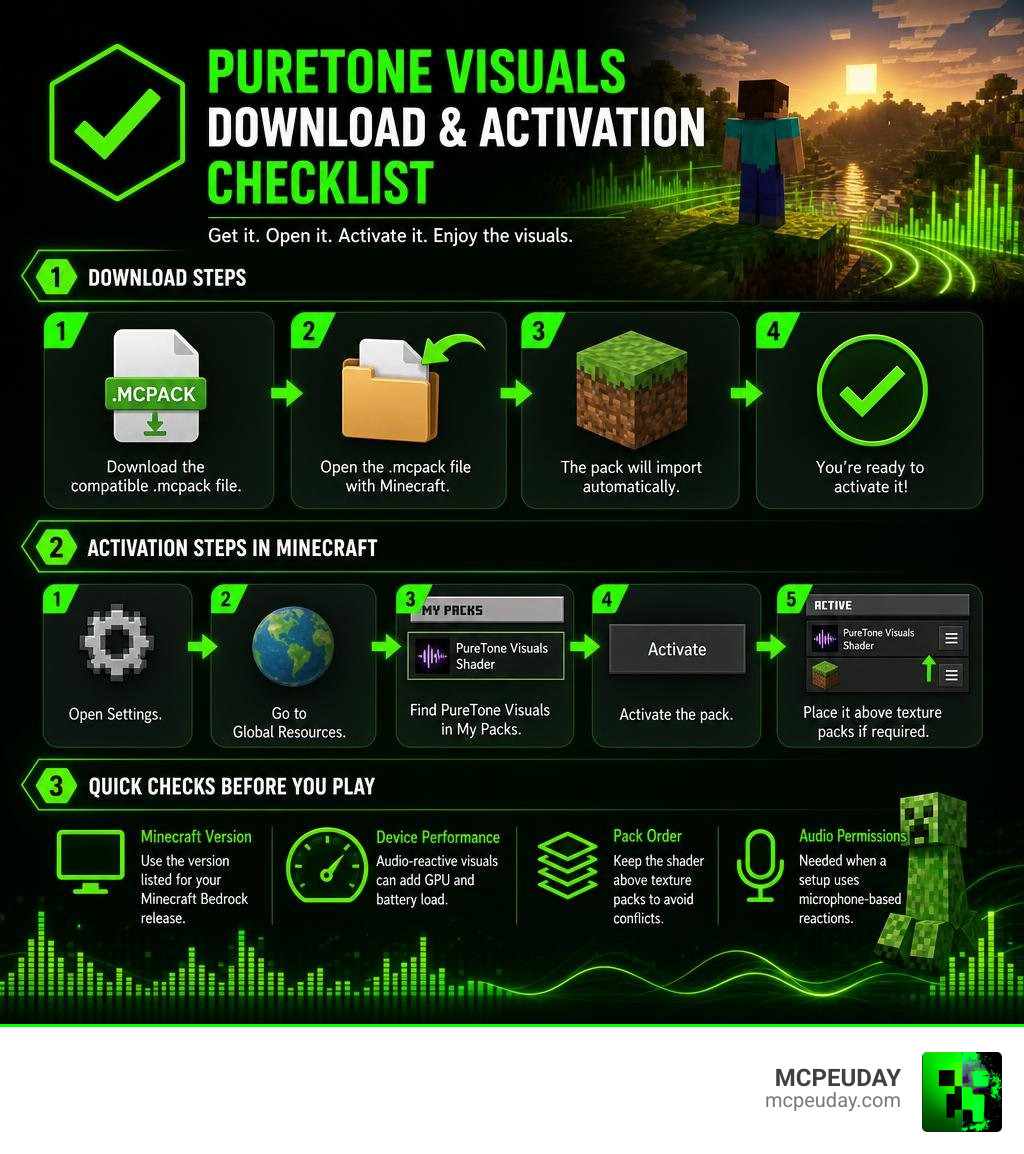
To get it, download the compatible .mcpack file, open it with Minecraft, then activate it under Settings > Global Resources > My Packs. Use only the version listed for your Minecraft Bedrock release, and keep it above texture packs in the active-pack order when required.
| What to check | Why it matters |
|---|---|
| Minecraft version | RenderDragon updates can affect shader compatibility |
| Device performance | Audio-reactive visuals can add GPU and battery load |
| Pack order | Prevents texture conflicts and missing effects |
| Audio permissions | Needed when a setup uses microphone-based reactions |
This guide covers the download and installation process for Minecraft PE, Android, iOS, and Windows Bedrock, plus the basics of audio-reactive visuals and performance settings.
I am UDAY GAMER, and next I will explain what PureTone Visuals Shader is meant to change in your Minecraft world.
What is PureTone Visuals Shader for Minecraft PE/Bedrock and How Does It Work?
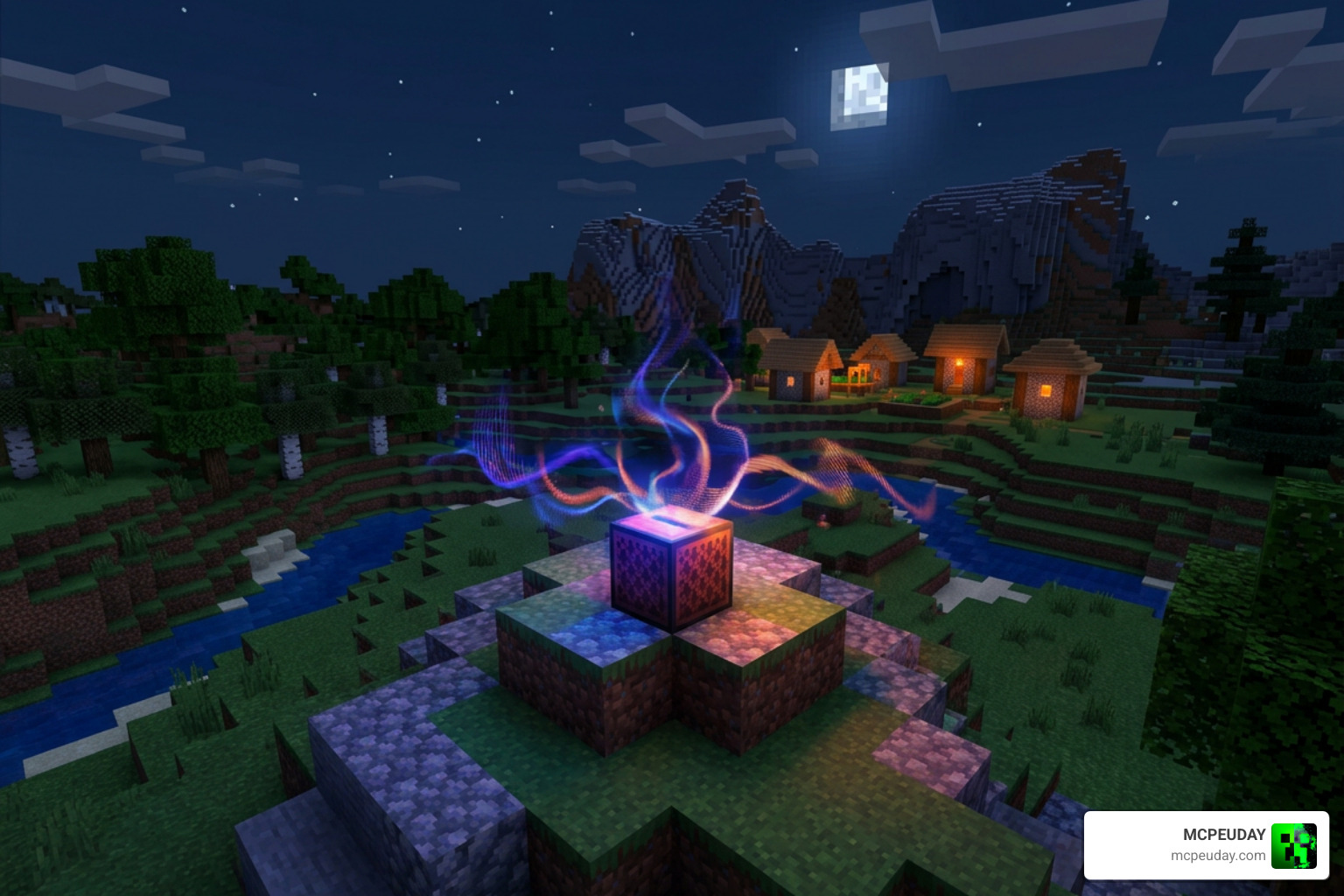
The PureTone Visuals Shader for Minecraft PE/Bedrock brings a fresh visual dynamic to the Minecraft Bedrock engine by blending enhanced atmosphere, atmospheric glow, and real-time audio reactivity. Unlike standard static visual tweaks, this shader pipeline reacts dynamically to sound waves, creating light pulses, bloom intensity shifts, and subtle fog color movements synced to sound frequencies. Whether you are exploring underground caverns or building elaborate redstone setups, every audio trigger alters the surrounding environmental ambiance.
At its core, the shader taps into digital signal processing (DSP) concepts to translate acoustic changes into graphical shaders. When an explosion occurs, a disc plays on a jukebox, or external audio passes through a connected analyzer tool, the visual output dynamically responds with synchronized light waves and color gradients across your surroundings. This continuous signal mapping ensures that ambient exposure levels adapt smoothly to peak volume changes and steady rhythm loops.
Understanding Audio-Visual Synchronization in PureTone Visuals Shader for Minecraft PE/Bedrock
Audio-visual synchronization works by sampling sound sources from your gaming session. These sources generally fall into three categories:
- In-Game Sound Effects: Sharp acoustic spikes, such as thunder strikes, warden sonic booms, or creepers detonating, drive instant high-frequency visual flashes and dramatic brightness pulses.
- Background Music and Jukebox Discs: Sustained melodic audio streams modulate ambient light levels and atmospheric fog hues smoothly over time, creating an immersive rhythmic backdrop.
- Microphone Input: For setups equipped with active voice capture, low-frequency pitch registers or voice volume can trigger direct lighting pulses in real time.
By breaking down raw PCM audio data into readable numerical values, the rendering pipeline can alter scene exposure, visual chromatic aberration, and water surface ripple intensity directly in tune with what you hear. This continuous numerical translation ensures seamless frame transitions without sudden graphical tearing or audio delay.
Technical Architecture Behind PureTone Visuals Shader for Minecraft PE/Bedrock
To understand how high-fidelity graphics operate on modern platforms, we can look at official updates like Minecraft’s Vibrant Visuals which showcase how the RenderDragon graphics engine manages deferred lighting and material properties. Modern engine pipelines utilize specialized data buffers to pass atmospheric parameters efficiently without overloading the device CPU.
On the audio processing side, standalone tools and custom companion bridges built in Rust frequently drive external audio analysis. Rust ecosystem libraries offer reliable real-time signal processing:
- cpal: Handles cross-platform low-level audio input and output streams with minimal overhead.
- rodio: Manages audio playback, mixing, and stream controls across active gaming sessions.
- symphonia: Decodes various audio formats cleanly without high processor load.
Together, these backend audio structures convert raw audio signals into uniform numerical buffers that can be fed into Minecraft Bedrock’s shader parameters.
Key Features, Audio Processing, and Performance Optimization
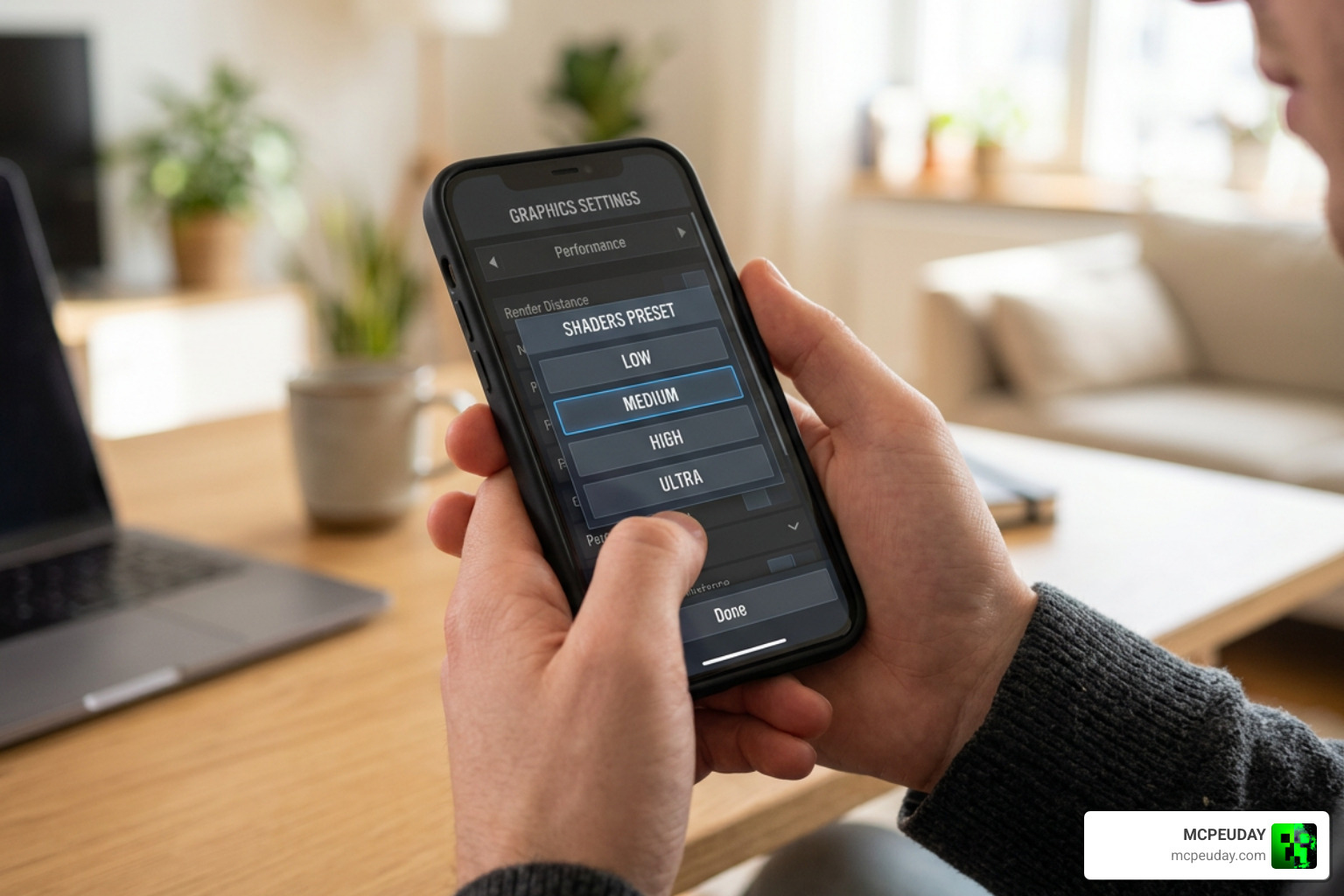
When running dynamic shader packs on mobile devices, resource management is key. The PureTone Visuals Shader for Minecraft PE/Bedrock provides selectable visual tiers so you can find the perfect balance between frame rate stability and glowing visual effects. Managing graphics settings properly helps prevent thermal throttling during extended gaming sessions.
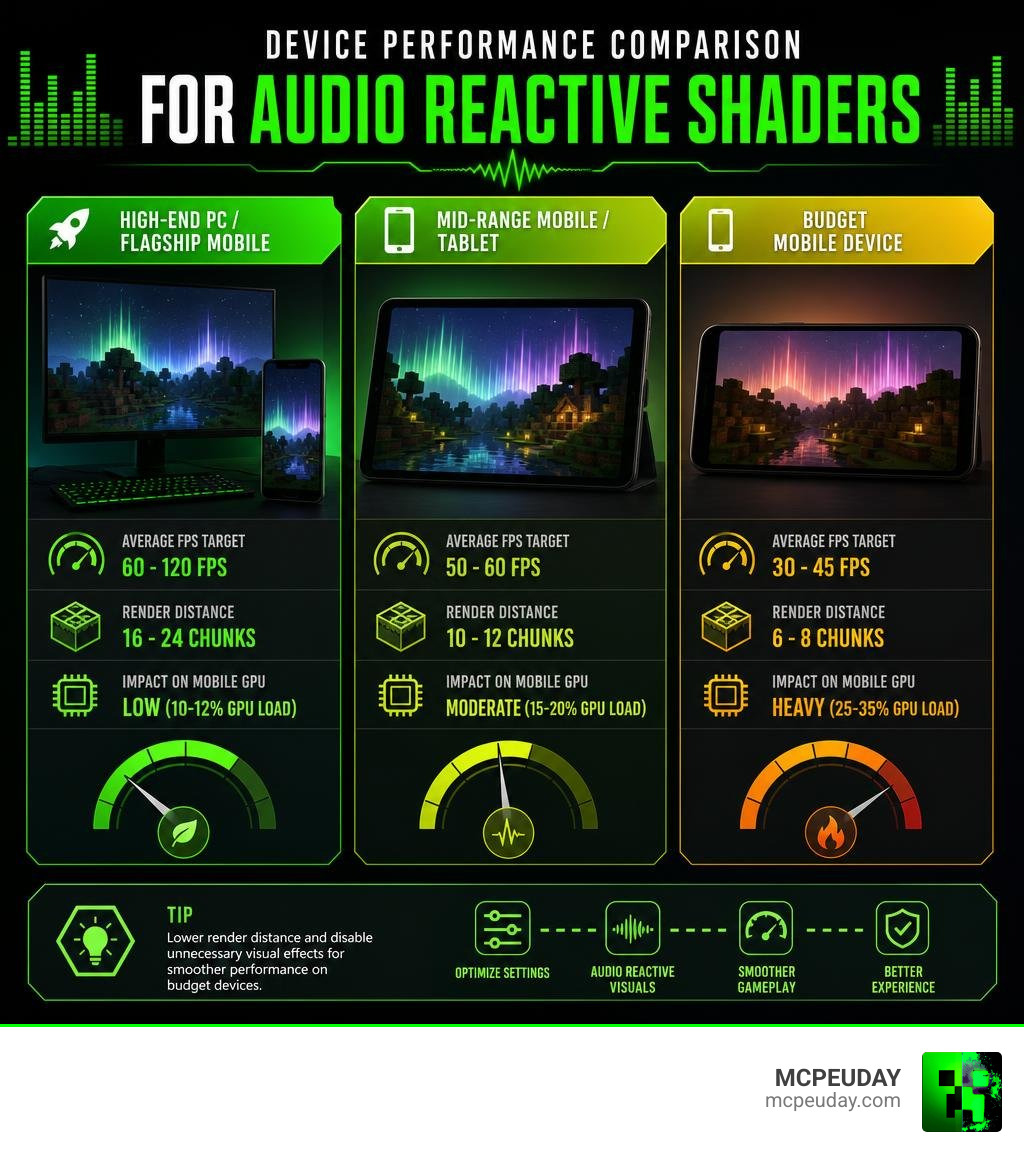
| Device Tier | Average FPS Target | Render Distance Recommendation | Impact on Mobile GPU |
|---|---|---|---|
| High-End PC / Flagship Mobile | 60 – 120 FPS | 16 – 24 Chunks | Low (10-12% GPU load) |
| Mid-Range Mobile / Tablet | 50 – 60 FPS | 10 – 12 Chunks | Moderate (15-20% GPU load) |
| Budget Mobile Device | 30 – 45 FPS | 6 – 8 Chunks | Heavy (25-35% GPU load) |
To maintain smooth gameplay on lower-end devices, we recommend dropping your render distance by 2 to 4 chunks. This simple tweak typically recovers 15 or more FPS without ruining your overall view. Additionally, disabling fancy graphics features like smooth lighting or high-resolution particle effects can give budget smartphones much-needed thermal headroom.
Developer Audio Integration: Rust Crates and FFT Signal Processing
For developers interested in how audio spectrum analysis powers visual shaders, the magic lies in the Fast Fourier Transform (FFT). Using Rust crates like spectrum-analyzer, incoming audio buffers undergo real-time mathematical transformation:
- Audio Buffering: Sound card data is captured in short, continuous PCM buffer windows to preserve timing accuracy.
- Frequency Division: The FFT algorithm breaks down the raw sound buffer into distinct frequency bands (Bass, Mid, Treble) for individualized processing.
- Data Uniform Calculation: Amplitude values for each frequency range are converted into floating-point numbers between 0.0 and 1.0.
- Shader Variable Injection: These values drive uniform shader inputs, directly altering vertex movement, light intensity, and screen-space bloom.
Customizing Visual Preferences and Sound Reaction Sensitivity
You can adjust visual behavior through configuration toggles to match your personal playstyle:
- Color Palette Selector: Choose between natural vivid tones, cool neon undertones, or dark atmospheric lighting presets.
- Frequency Sensitivity Sliders: Fine-tune how strongly bass hits or vocal sounds cause lighting intensity pulses across your display.
- Ambient Bloom Multiplier: Control the softness and spread of glowing light around torches, glowstone, and lava blocks.
- Reactive Water Motion: Toggle whether nearby audio bass pulses physically affect water surface ripple animations in rivers and oceans.
How to Download and Install PureTone Visuals Shader on MCPE and Bedrock
Installing the shader on your device takes just a few simple steps. Follow this process to get everything up and running smoothly:
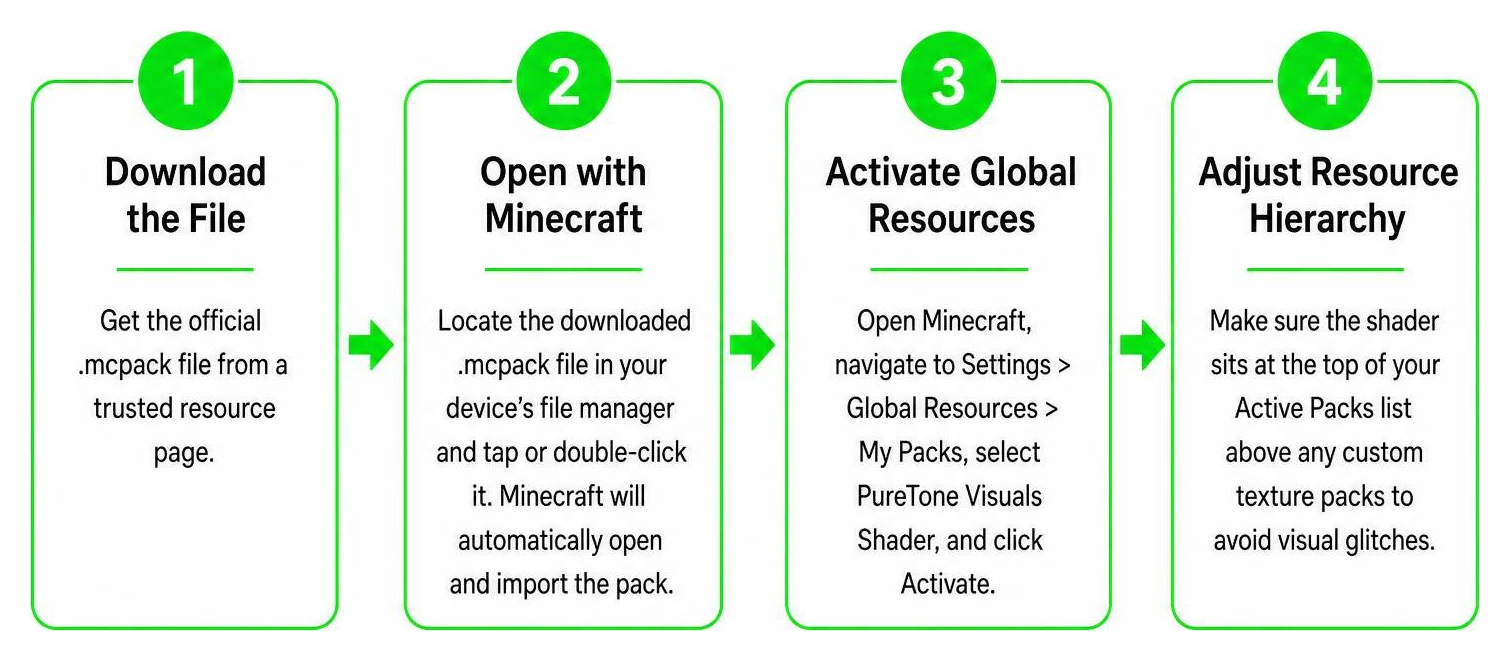
- Download the File: Get the official
.mcpackfile from a trusted resource page. - Open with Minecraft: Locate the downloaded
.mcpackfile in your device’s file manager and tap or double-click it. Minecraft will automatically open and import the pack. - Activate Global Resources: Open Minecraft, navigate to Settings > Global Resources > My Packs, select PureTone Visuals Shader, and click Activate.
- Adjust Resource Hierarchy: Make sure the shader sits at the top of your Active Packs list above any custom texture packs to avoid visual glitches.
Platform Differences: Minecraft PE vs Bedrock Edition Setup
While the overall process is straightforward across platforms, operating systems handle permissions and graphics pipelines slightly differently:
- Android (MCPE): Ensure your file manager has permission to open
.mcpackfiles directly in Minecraft. If using audio-reactive microphone input features, grant audio recording permissions under Android App Settings. - iOS (MCPE): Download the file via Safari, tap Share, and select Copy to Minecraft. Ensure background permissions allow sound analysis if prompted.
- Windows 10/11 Bedrock: Double-clicking the
.mcpackfile immediately imports it. Windows desktop hardware offers the highest compatibility for real-time external desktop audio routing.
Frequently Asked Questions about PureTone Visuals Shader
Does PureTone Visuals Shader work with all Minecraft Bedrock 1.21 and 26.x versions?
Yes, the shader is built specifically to operate within the modern RenderDragon engine architecture used in Minecraft Bedrock versions 1.21 and 26.x. Always make sure your game client is fully updated to prevent missing texture errors or black screen crashes. Furthermore, the shader functions on single-player worlds, local LAN games, and dedicated Bedrock servers without needing server-side installations.
Can I use PureTone Visuals Shader alongside custom texture packs?
Yes! You can combine PureTone Visuals Shader for Minecraft PE/Bedrock with your favorite custom block texture packs. Just make sure to place the shader pack higher than your texture packs in the Active Packs list under Global Resources. Running two full shader engines at once will cause RenderDragon engine conflicts, so combine texture packs with a single shader pack for the best results and visual stability.
Why is the audio-reactive effect not syncing with my microphone or music?
If visual elements are not pulsing along with sound, check the following:
- Verify that system microphone and audio permissions are granted to Minecraft or the companion sound router app in your OS settings.
- Ensure your device output volume is not set to zero or muted, as zero-volume streams supply no dynamic PCM data.
- Check that the sensitivity sliders in the shader settings menu are turned up high enough to detect subtle sound frequencies.
- Confirm that no secondary background equalizer apps are blocking low-level audio capture streams on your desktop or mobile device.
Conclusion
The PureTone Visuals Shader for Minecraft PE/Bedrock transforms your survival worlds and custom builds by marrying rich atmospheric graphics with real-time sound reactivity. Whether you are exploring dark caves lit by pulsating torchlight or building base structures synced to your favorite background soundtrack, this shader offers an immersive graphics experience built for modern Bedrock performance.
Ready to explore even more ways to upgrade your game’s visual appeal? Explore more shader updates on MCPEUDAY to discover top-rated shaders, realistic lighting packs, and performance guides tailored for mobile devices and PC setups!