Scroll down to D0vvnl0ad
What Is the Newb x Daydream Shader for Minecraft PE/Bedrock?
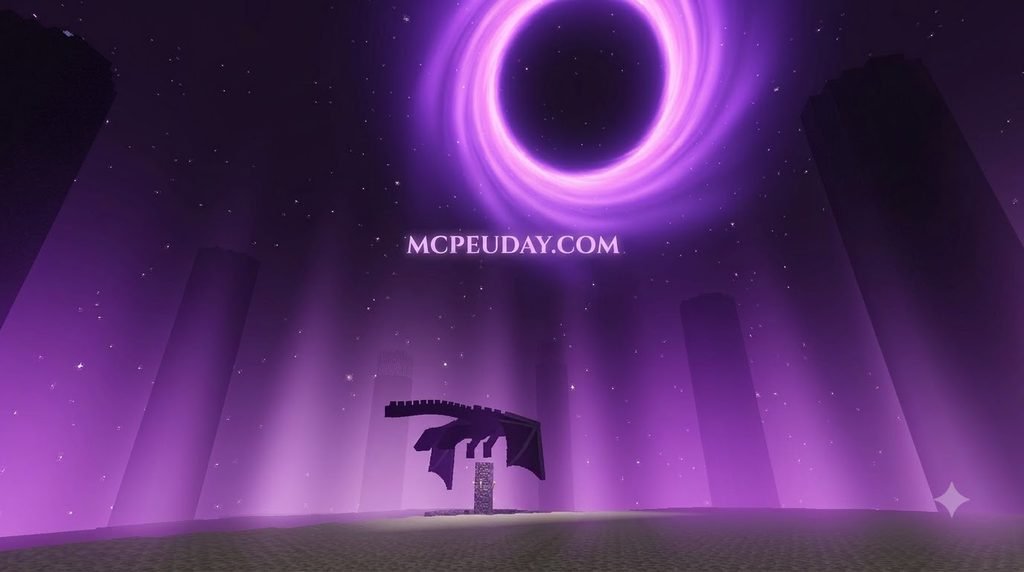
To install the Newb x Daydream shader for Minecraft PE/Bedrock in three steps: download the verified .mcpack file for your Minecraft build, use a device-specific loader such as MBL2 on Android or BetterRenderDragon on Windows 10/11, and then activate the pack under Settings > Global Resources > My Packs while enabling Fancy Graphics and Smooth Lighting. After applying it, restart Minecraft so the RenderDragon engine can load the new visual pipeline.
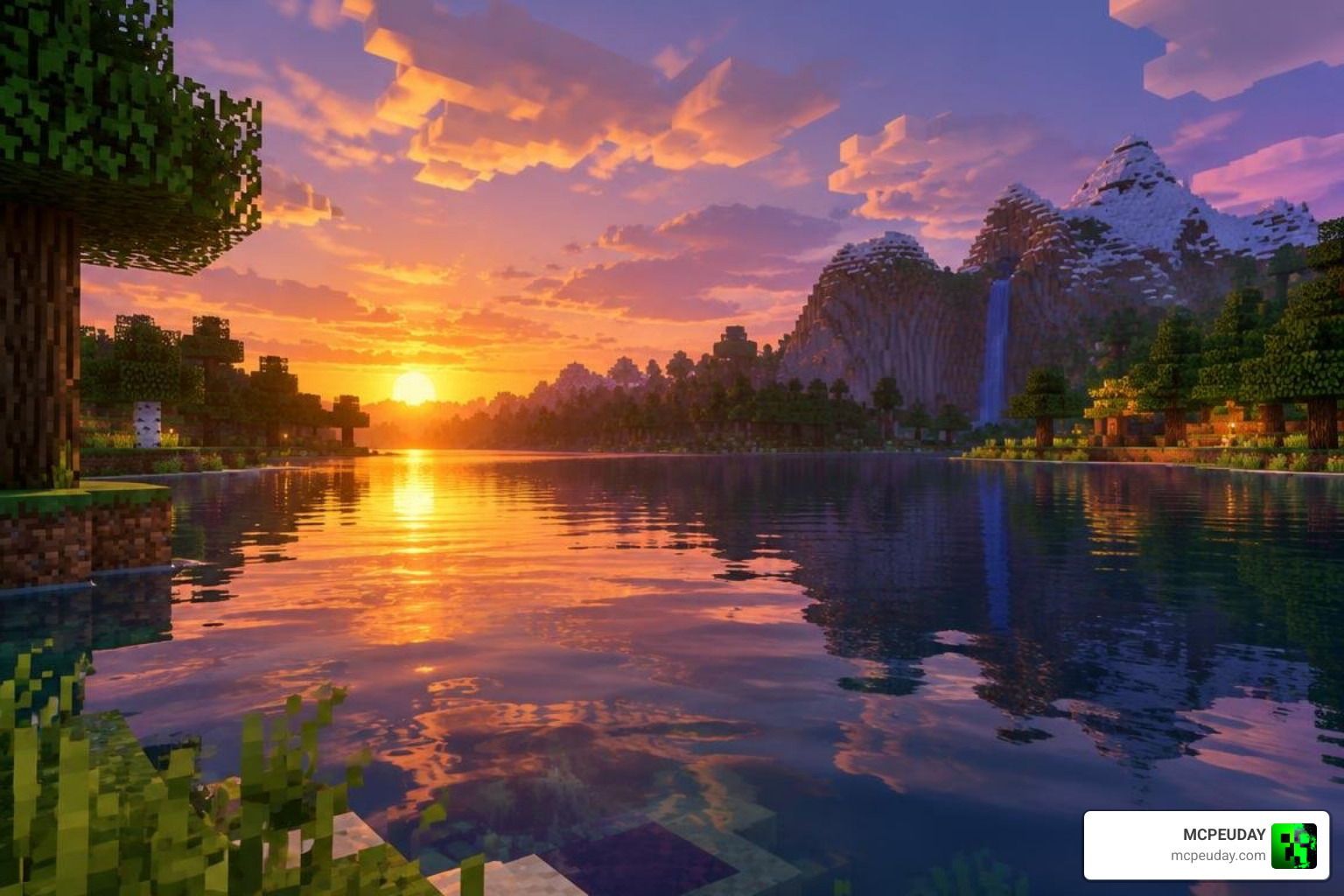
Minecraft’s transition to the RenderDragon engine completely altered how visual packs function across Bedrock platforms. Traditional custom shaders stopped working natively, leaving mobile and PC players searching for workarounds. That is where community-driven visual packs stepped in. We have seen the original Newb Shader family amass over 1.2 million downloads over its lifetime, establishing itself as the gold standard for non-RTX enhancement packs.
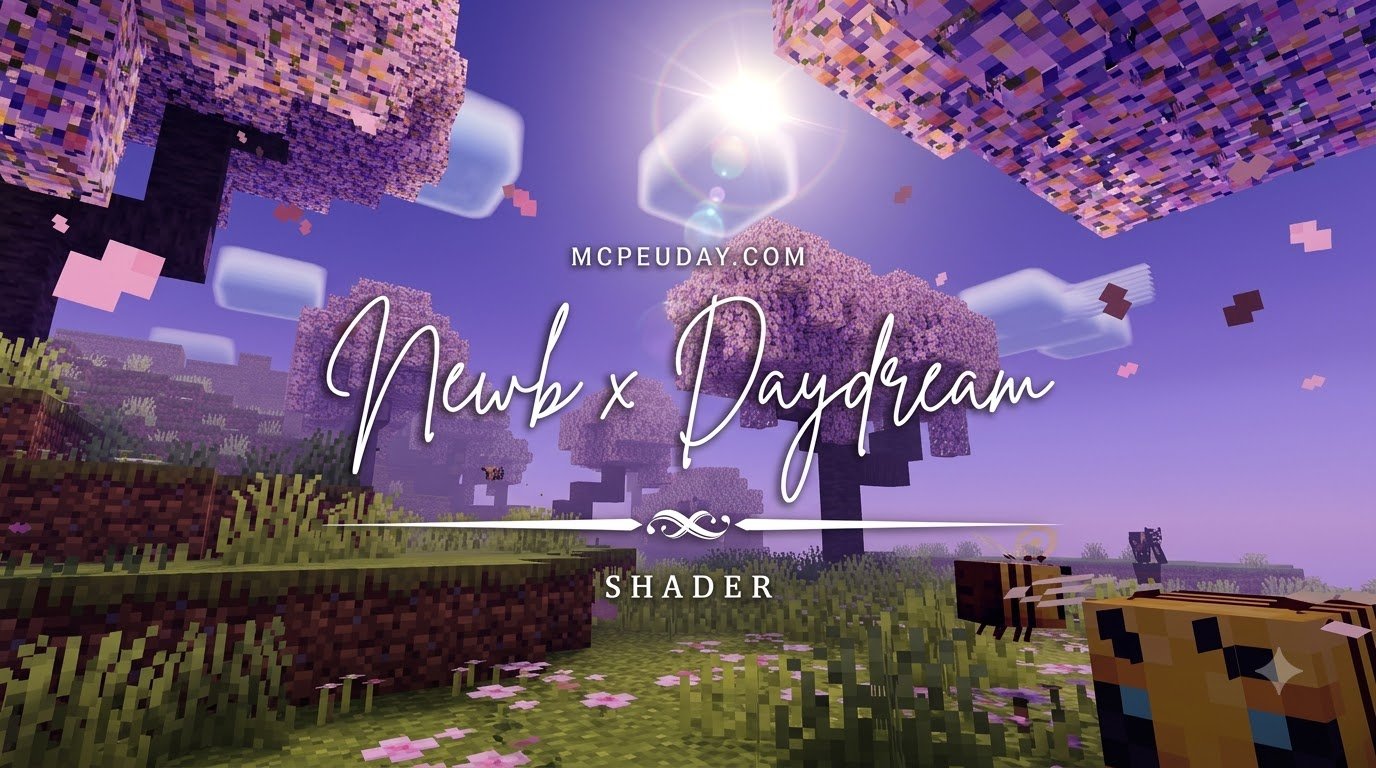
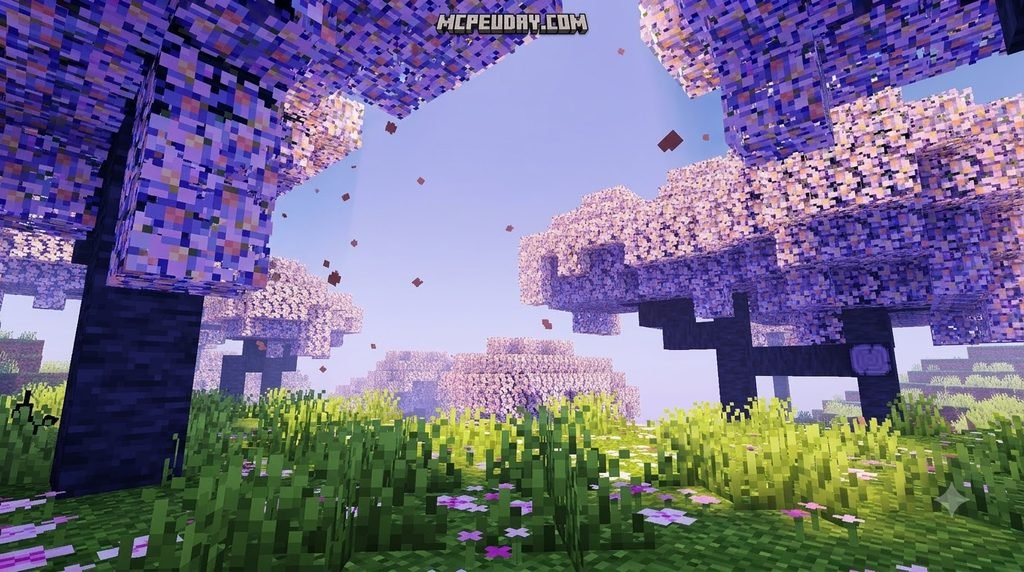
The Newb x Daydream Shader is an artistic, high-performance preset tailored specifically for the RenderDragon pipeline. Unlike hardware ray-tracing (which requires dedicated RTX cores), this shader utilizes smart rasterization techniques to simulate high-end visual fidelity on standard mobile GPUs and integrated graphics chips. It brings dreamy, atmospheric color balance, enhanced world lighting, and dynamic weather directly to your screen without melting your device or causing intense battery drain during extended play sessions.
Key Differences: Daydream vs. Dawn and Unwind Variants
The Newb modding ecosystem offers several custom flavors, with Dawn and Unwind being two widely circulated sister editions. While Newb X Dawn focuses on sharp, dramatic lighting with deep contrast gradients, the Daydream variant emphasizes a soft, ambient warmth suited for peaceful exploration and scenic base building.
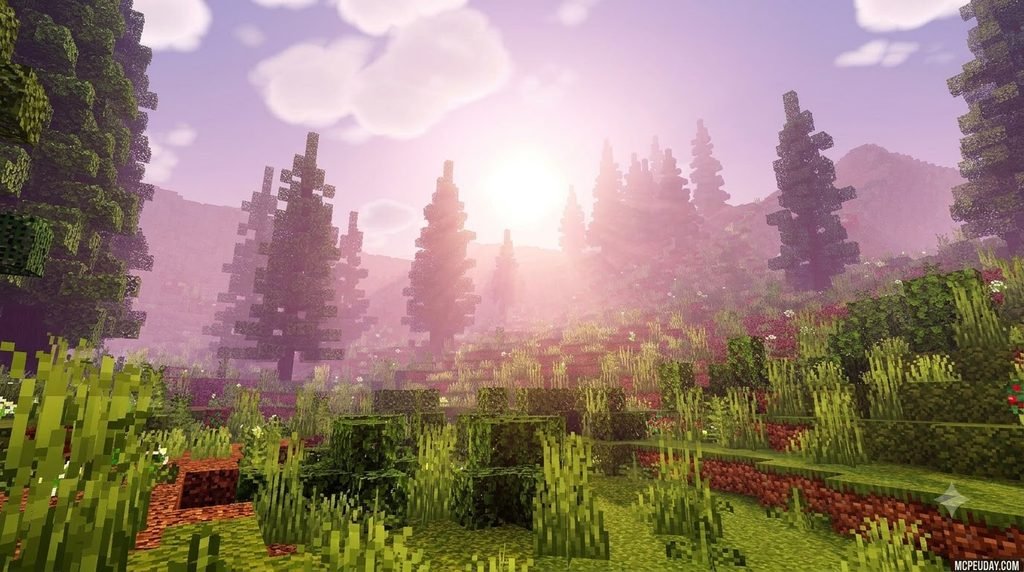
- Color Palette: Dawn features intense oranges and vibrant violet tones during transitions, whereas Daydream softens the daylight into warm honey hues and dreamy pastels that make sunsets feel painterly.
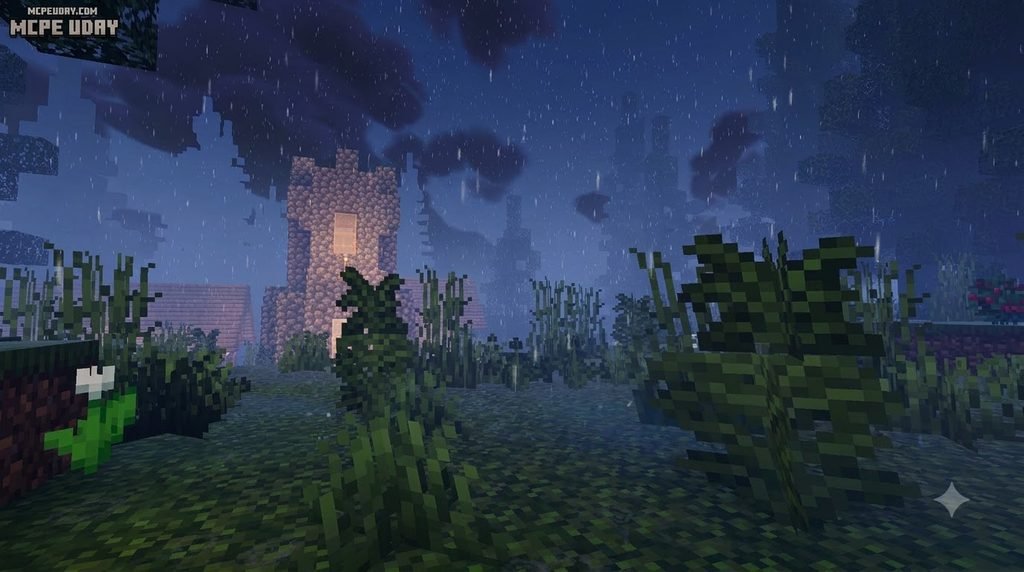
- Atmospheric Fog: Daydream incorporates a thicker, rolling volumetric haze across swamp, ocean, and mountain biomes, creating an ethereal, storybook atmosphere compared to Unwind’s minimalist fog.
- Cloud Styling: Daydream favors fluffy, rounded cloud layers that drift smoothly across varying altitudes, whereas other editions stick closer to blocky, semi-vanilla cloud structures.
Standard vs. Lite Version Performance
To ensure every player gets smooth gameplay, the pack is split into two distinct editions: Standard and Lite. If you are gaming on a high-end setup, the Standard build delivers the full visual suite. If you are using a budget smartphone or an older tablet, the Lite edition scales back memory-heavy rendering passes so your frame rate stays responsive.
| Visual Feature | Standard Edition | Lite Edition |
|---|---|---|
| Volumetric Clouds | Multi-layered, soft density | Single-layer, optimized |
| Water Reflections | Real-time sky & terrain bounce | Static specular highlights |
| Foliage Swaying | Full leaves, vines, & tall grass | Light wave on crops only |
| Cosmic Night Sky | Shooting stars & nebula haze | Clear moon with basic stars |
| Average FPS Impact | Moderate (15–25% drop) | Minimal (3–7% drop) |
Key Visual Features and Enhancements
When you load into your world, the visual transformation is immediately noticeable across every biome and dimension. We have rigorously tested these graphical features to ensure they provide maximum aesthetic polish without breaking your render loop or causing excessive memory consumption.
Dynamic Skies, Sunsets, and Cosmic Night Effects
The skybox receives a complete visual upgrade. During the day, you will notice gradual color shifts that transition from clear morning blue to deep amber twilights. At night, the sky comes alive with subtle celestial textures, twinkling constellations, and occasional falling stars that make nocturnal exploration feel cinematic. Custom aurora borealis effects can even be spotted in cold tundra biomes, giving frozen peaks a mystical charm. Travel into the End dimension, and the void sky transforms with dark, swirling cosmic energy that adds immense weight to Ender Dragon boss encounters.
Realistic Water, Lighting, and Environmental Foliage
Water rendering introduces realistic transparency, gently moving caustic patterns, and adaptive surface sheen that reflects the overhead skybox dynamically as daylight shifts. When diving below the surface, the pack maintains crystal-clear underwater visibility paired with subtle sunbeam rays filtering through the ocean depths. On land, the environment feels alive thanks to continuous waving animations on tree leaves, hanging vines, tall grass, and crops. Artificial light sources—like torches, lanterns, and campfires—cast a warm, rich glow that makes nighttime bases feel cozy and secure. Glowing ores and shiny armor accents also pop with extra clarity in dark caverns, improving spatial awareness while mining underground.
How to Install Newb x Daydream Shader in 3 Easy Steps
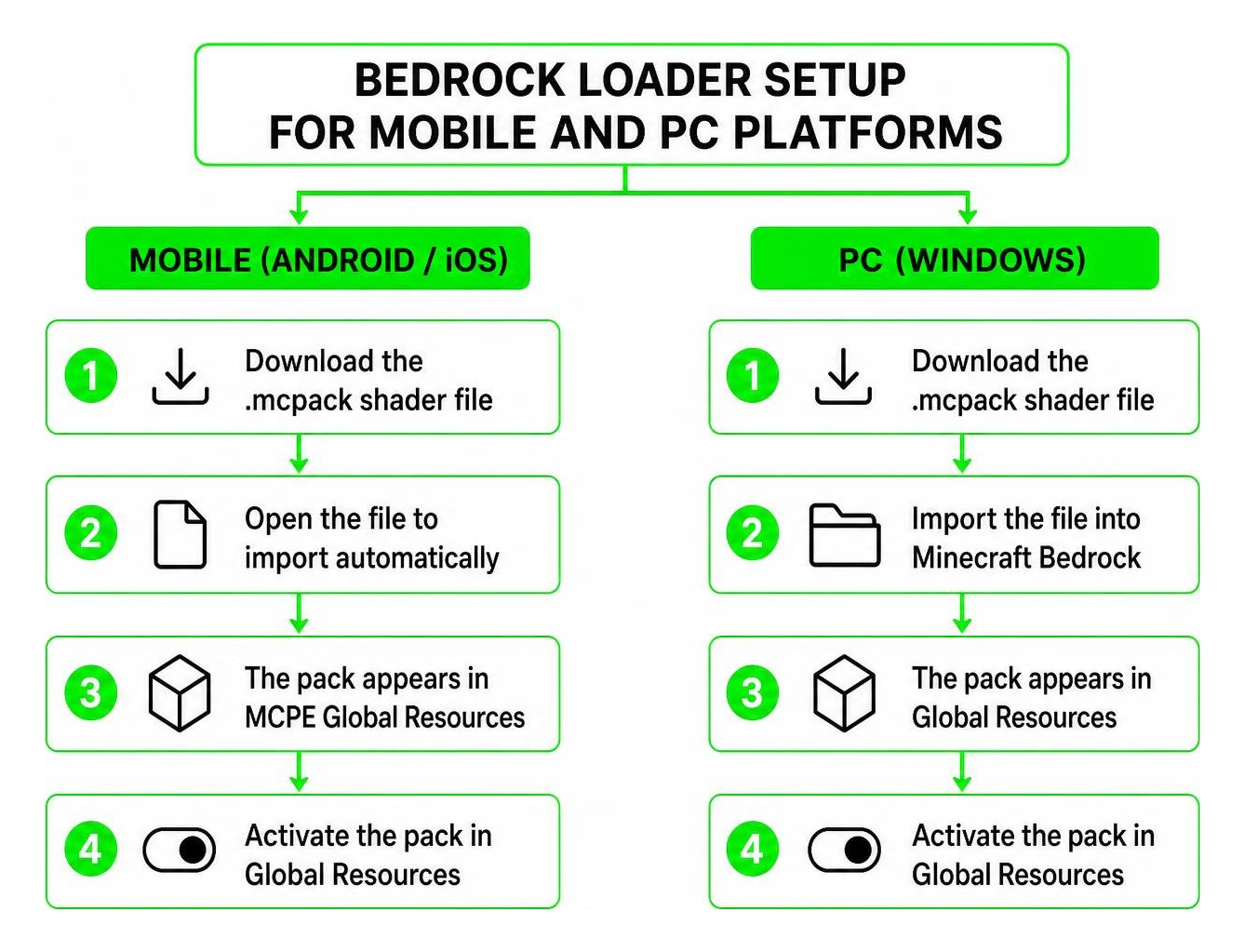
Installing custom packs on Bedrock requires following the exact setup steps for your specific operating system.
Step 1: Download the Verified Shader Pack
First, download the correct .mcpack file for your current Minecraft build. You can grab the verified Newb x Daydream Shader for MCPE 1.21 to ensure broad compatibility with Bedrock versions 1.21 through 1.26.x. Always make sure you download verified packages to prevent corrupted texture archives or missing asset folders.
Step 2: Set Up Device-Specific Loaders (Android, iOS, Windows)
Because the RenderDragon engine restricts unauthorized runtime shader injections by default, your device requires the appropriate loading method:
- Android: Use a trusted tool like MB Loader (MBL2) or an updated patched APK that enables custom
material.binloading. - Windows 10/11: Use loader tools such as BetterRenderDragon or Matject to point Bedrock toward the modified shader subpack files.
- iOS: Open the downloaded
.mcpackdirectly in the iOS Files app and select Open with Minecraft to let the game automatically import the asset manifest.
Step 3: Activate Global Resources and Configure Video Settings
- Launch Minecraft and navigate to Settings > Global Resources > My Packs.
- Select the pack and tap Activate. Move it to the top of your active resource hierarchy.
- Open your in-game Video Settings and toggle Fancy Graphics and Smooth Lighting to ON.
- Restart Minecraft to clear cached shaders from system memory.
Platform Troubleshooting and Optimization Tips
System Requirements for Newb x Daydream Shader for Minecraft PE/Bedrock
To maintain a stable 60 FPS while exploring dense forest biomes or complex redstone builds, ensure your device meets these hardware recommendations:
- Android: Qualcomm Snapdragon 680 / Helio G88 or better (Adreno 610+ or Mali-G52+), paired with at least 4 GB RAM.
- iOS: Apple A11 Bionic processor or newer (iPhone 8 Plus, iPad 8th Gen, and up) running the latest iOS release.
- Windows PC: Intel Core i3 8th Gen / AMD Ryzen 3 3200G with integrated graphics or dedicated GPU, along with 8 GB system RAM.
Resolving Common Glitches and Version Incompatibilities
- Dark or Black Swaying Leaves: If leaf blocks turn solid black while waving, update your shader package to build 16.55 or newer, which resolves leaf litter lighting bugs across custom biome colormaps.
- Invisible Sun on iOS: Ensure you are using the latest version of the pack where sky layer clipping coordinates have been patched for modern iOS display ratios.
- Rain Particles Inside Underground Caves: Turn your render distance down by 2–4 chunks and verify that smooth lighting is set to maximum in your video settings to fix occlusion culling glitches.
- Loud Block Breaking Sounds on Android: When using MBL2, audio frequency bugs can occasionally occur due to patched audio hooks. Reset your audio sliders in the game settings or restart the loader to restore normal sound balance.
- Stuttering on Mid-Range Phones: Switch from the Standard subpack to the Lite preset within the resource pack settings slider, and limit chunk simulation distance to 4 chunks for smoother performance.
Frequently Asked Questions About Newb x Daydream Shader
Does Newb x Daydream shader for Minecraft PE/Bedrock require an RTX graphics card?
No, it does not require an RTX card or ray-tracing support. The shader is designed using traditional rasterized shader techniques, allowing it to run smoothly on standard mobile phones, budget tablets, and non-RTX PCs. This is one of the key advantages of the Newb x Daydream shader for Minecraft PE/Bedrock over ray-traced alternatives.
Is the shader compatible with Minecraft Bedrock 1.21 and newer versions?
Yes. The shader codebase supports Minecraft Bedrock versions 1.21 all the way through the 1.26 release line (including sub-patches like 1.26.23). Always ensure your loader tool matches your current game build.
Can Newb x Daydream be used alongside custom texture packs and add-ons?
Yes. You can run custom texture packs, UI cleanups, and gameplay add-ons alongside this shader. For the best visual results, place the shader pack at the very top of your Active Packs list in Global Resources so its lighting and sky materials take priority.
Conclusion and Next Steps
Upgrading your Bedrock visuals does not require an expensive gaming rig or complicated setup routines. With the Newb x Daydream pack, you get vibrant sunsets, crystal-clear water, and ambient plant animations on virtually any device. Take a moment to back up your favorite worlds, grab the right build for your phone or PC, and transform your exploration today.
For broader technical context on the rendering engine that powers these visual improvements, see RenderDragon.
Looking to try out more high-performance lighting overhauls, custom skyboxes, and visual packs? Be sure to explore top Bedrock graphics packs curated by our team to find the perfect look for your next survival adventure!