Scroll down to D0vvnl0ad
What Is the Outline X-Ray Addon for Minecraft PE/Bedrock?
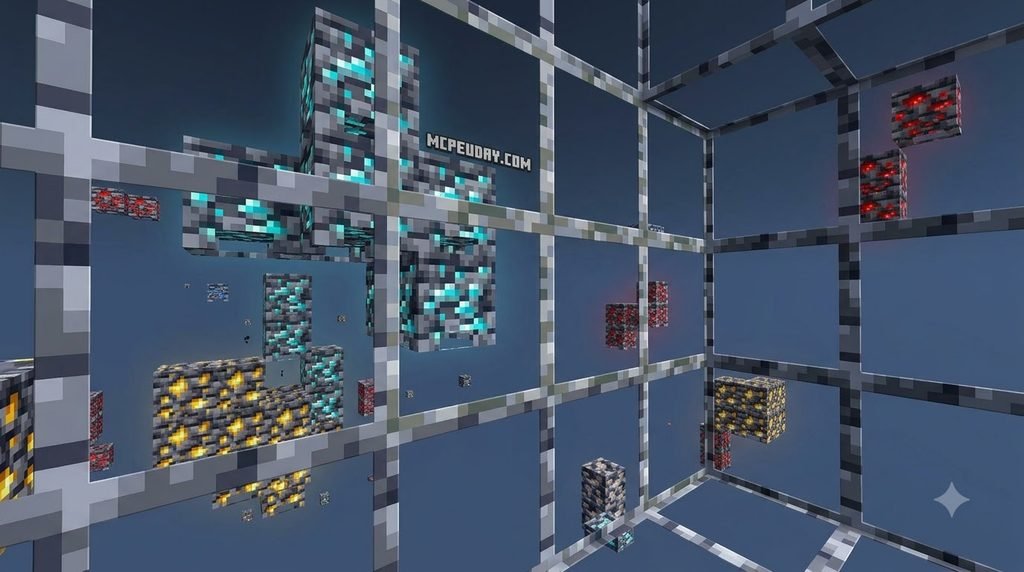
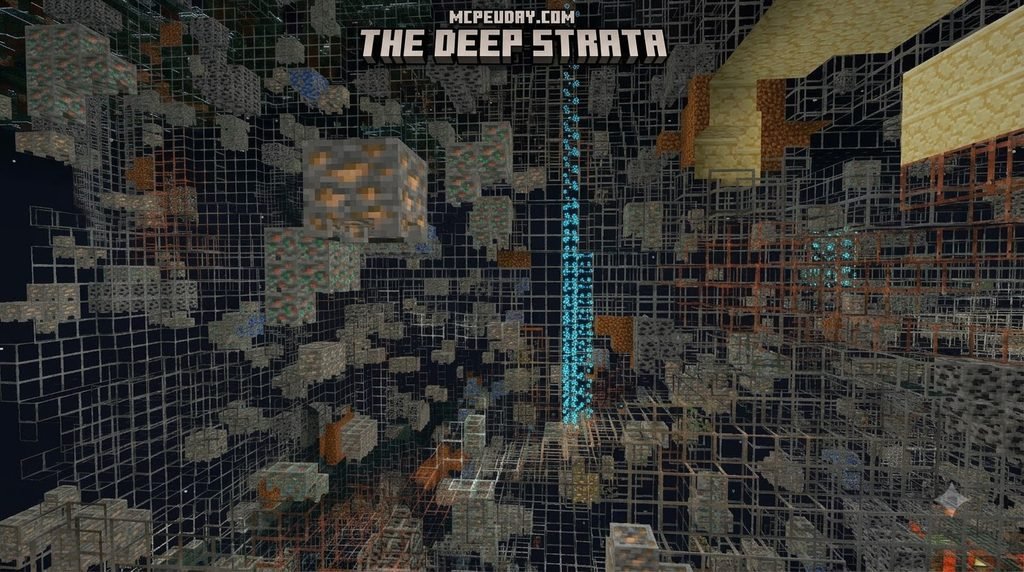
The easiest way to get an Outline X-Ray Addon for Minecraft PE/Bedrock is to download a current .mcpack from a trusted MCPE addon source, import it into Minecraft, and activate it under Settings > Global Resources > My Packs. For behavior-pack versions, hold a dirt block and sneak to toggle the ore glow. This gives you immediate ore visibility without replacing your whole world view.
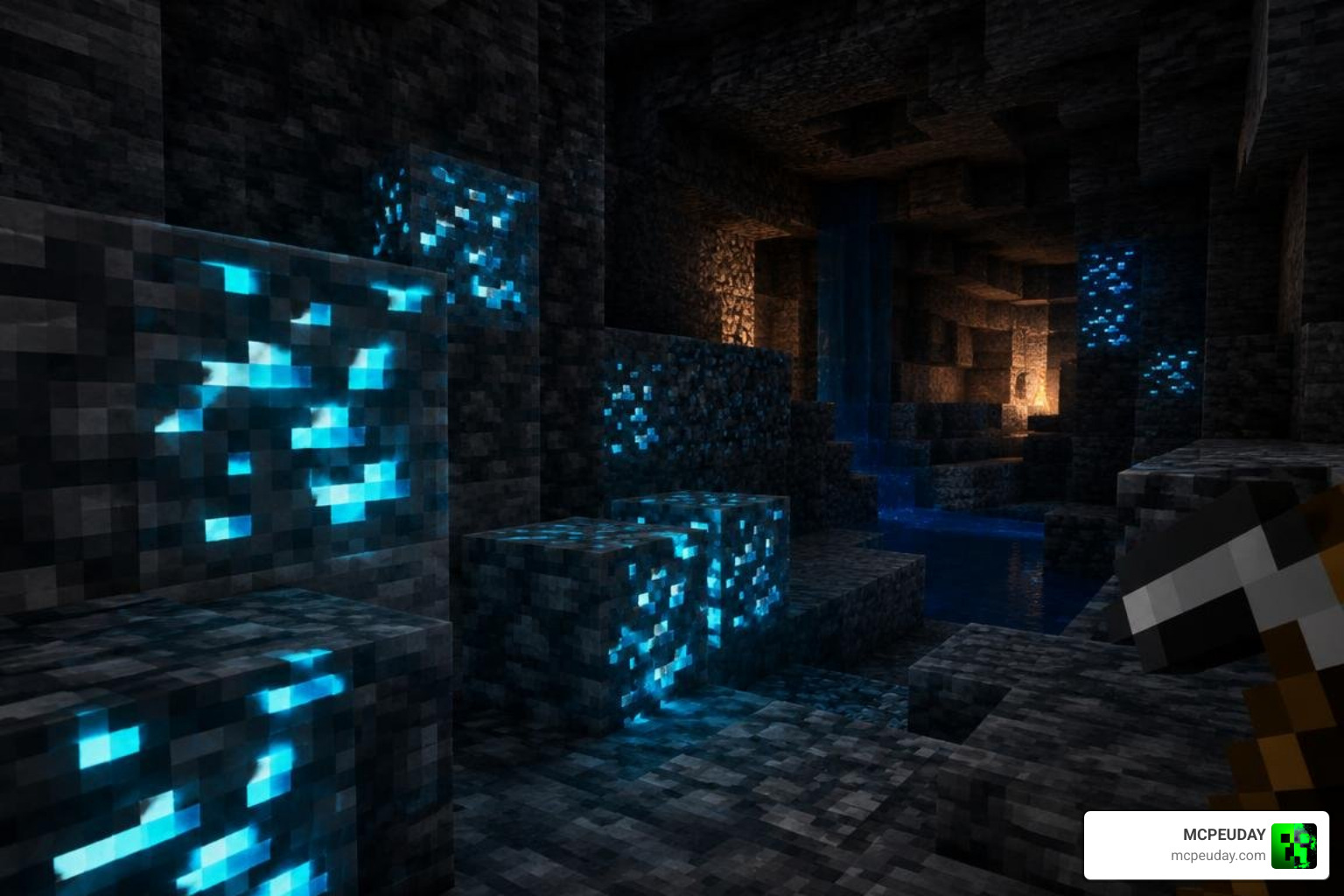
Mining in Bedrock Edition can consume hours of your playtime. You dig endless branch mines, break hundreds of pickaxes, and navigate dangerous lava pools just to walk away with a handful of diamonds. In deepslate layers where block toughness slows down tool durability, finding hidden mineral veins by chance requires immense time and resource investment. The Outline X-Ray Addon for Minecraft PE/Bedrock changes this dynamic by transforming how subterranean resources appear on your screen.
Instead of turning entire stone layers into completely empty voids—which can disorient you and cause accidental falls into cave ravines—an outline addon draws crisp, bright borders around valuable blocks. This allows you to track diamond veins, emerald deposits, gold clusters, and netherite scrap without losing your footing or sense of depth. You maintain complete situational awareness of approaching mobs, hidden lava reservoirs, and sudden cliff drops.
Whether you are exploring massive caves or hunting ancient debris in the Nether, these visual helpers let you locate targets through solid stone while preserving the surrounding cave architecture. Many players also pair this kind of pack with other visual upgrades, since a well-organized resource list keeps outlines, lighting, and texture details working together instead of conflicting.
Patched Resource Packs vs. Vanilla Behavior Packs
When downloading an outline addon, you will encounter two main package types:
- Resource Pack Only (Patched Minecraft): Designed for modified clients that bypass default rendering limitations. This package alters block transparency and outlines directly within the visuals without executing server-side scripts.
- Behavior Pack Version (Vanilla Bedrock): Built for standard, unpatched Minecraft clients. Because pure Bedrock resource packs cannot always render geometry through opaque terrain on their own, behavior pack versions apply custom scripts or entity effects to make ores shine.
Choosing the wrong format causes loading failures. If you play on an unmodded client, choose the behavior pack configuration or a specialized texture pack designed for vanilla rendering. Testing both formats on a fresh world can help you confirm which one loads correctly on your specific device before committing to a full survival playthrough.
Core Features of the Outline X-Ray Addon for Minecraft PE/Bedrock
Modern packs offer several features to enhance your mining sessions:
- Targeted Ore Glow: Highlighting covers Overworld minerals, Nether quartz, ancient debris, and End stone structures.
- Dirt Block Activation Trigger: Several behavior addons use an intuitive toggle: hold a standard dirt block in your main hand and sneak (crouch) to activate the glowing overlay. Releasing sneak returns the screen to normal rendering.
- Infested Block Markers: Silverfish blocks feature bright red indicators to prevent unexpected monster swarms in strongholds.
- Render Dragon Optimization: Textures are built to cooperate with the Render Dragon engine, maintaining high frames per second (FPS) on entry-level hardware.
Together, these features mean you spend less time guessing where ore veins might be hiding and more time actually mining efficiently, which is especially valuable if you are trying to gear up quickly for a Nether expedition or a large-scale building project.
Compatibility and Performance Across Bedrock Editions
Bedrock updates frequently, and major versions—ranging from Minecraft 1.21.20 up through 1.21.132, as well as modern 26.0 to 26.10 updates—can alter visual pipelines. Updated outline packs address these engine shifts to ensure textures render smoothly without visual stuttering or broken lighting models.
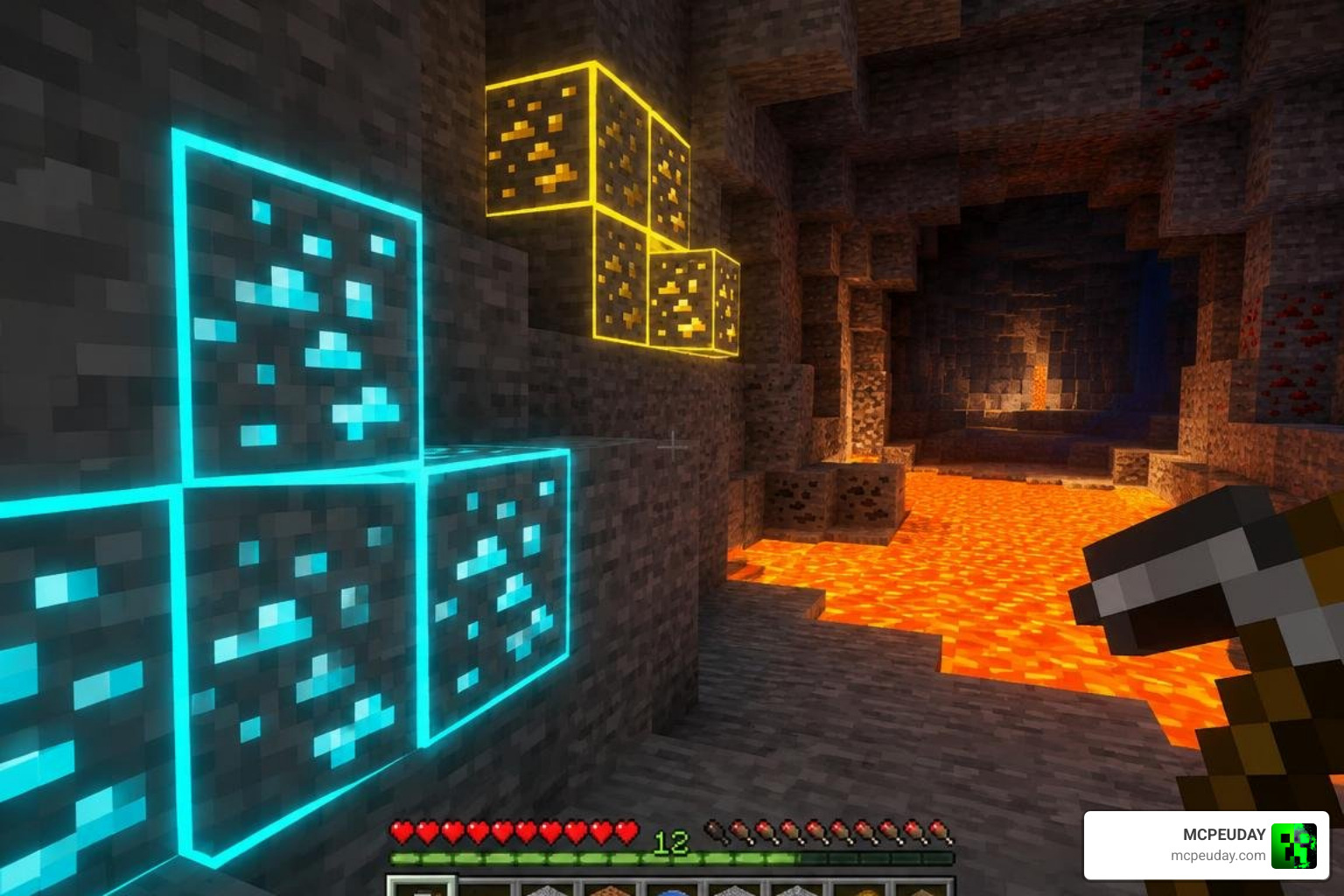
Because well-crafted outline packs only adjust block borders and selective transparency, they place minimal strain on your GPU compared to heavy shaders. Devices with lower memory, including budget mobile phones, older tablets, and portable gaming setups, can easily maintain stable frame rates while searching for materials underground. This makes outline packs a practical choice for players who want visual clarity without sacrificing the smooth performance needed for combat or building sessions.
Achievements, Survival Mode, and Realms Compatibility
A major benefit of pure visual packs is their ability to work in Survival Mode without disabling Xbox achievements.
Because standard texture adjustments do not activate internal cheat flags, you can earn achievements, gather trophies, and join friends on Minecraft Realms with full visual support intact. If a pack requires a behavior pack component, check your world settings, as custom behaviors on local worlds can occasionally restrict achievement tracking. Reviewing pack documentation before importing it into a Realms world can save you from accidentally locking your friend group out of achievement progress mid-season.
Bedrock Addons vs. Java X-Ray Packs
Players moving between editions often ask how Bedrock addons compare to popular Java packs.
| Feature / Aspect | Bedrock Outline Addons | Java X-Ray Packs |
|---|---|---|
| Engine Base | Render Dragon Engine | Standard Java Pipeline / OptiFine |
| Package Format | .mcpack / .mcaddon | .zip Resource Pack |
| Vanilla Achievements | Retained with Resource Packs | N/A (Java Advancements Unaffected) |
| Activation Methods | Dynamic Sneak Trigger or Texture swap | Visual toggle / Fullbright mods |
| Compatibility | Mobile (iOS/Android), Windows, Consoles | Windows, macOS, Linux (Java Only) |
Java Edition relies on alternate file formats and modification loaders like Fabric or Forge to achieve outline rendering, whereas Bedrock Edition utilizes .mcpack files that install natively across mobile, console, and desktop platforms. Understanding these structural differences helps explain why a pack built for one edition will never simply drag-and-drop into the other without conversion.
Installation Guide for Server and Client Devices
Installing an outline pack is straightforward on any Bedrock platform. Follow our step-by-step breakdown to get started quickly.
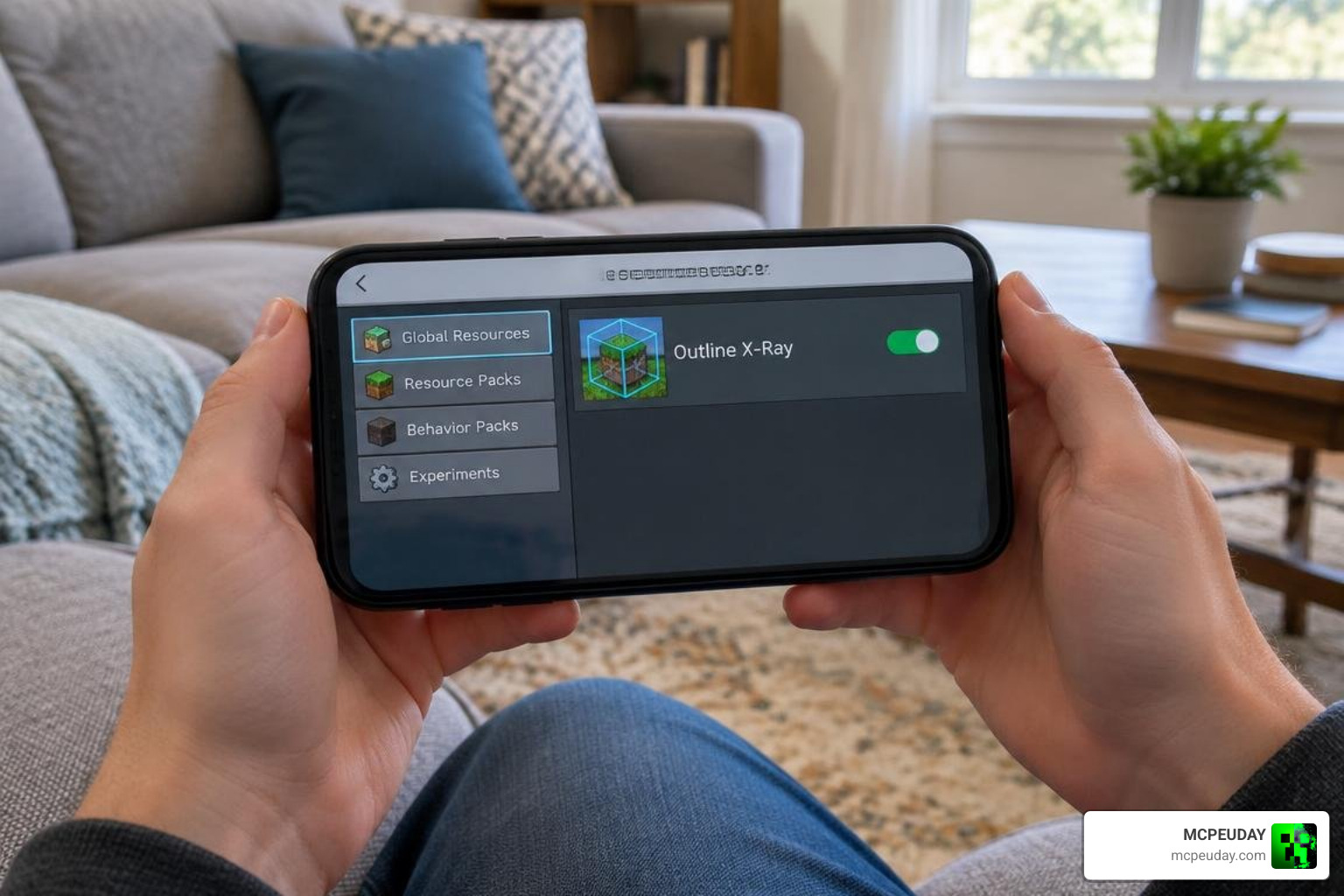
Installing the Outline X-Ray Addon for Minecraft PE/Bedrock on Mobile and PC
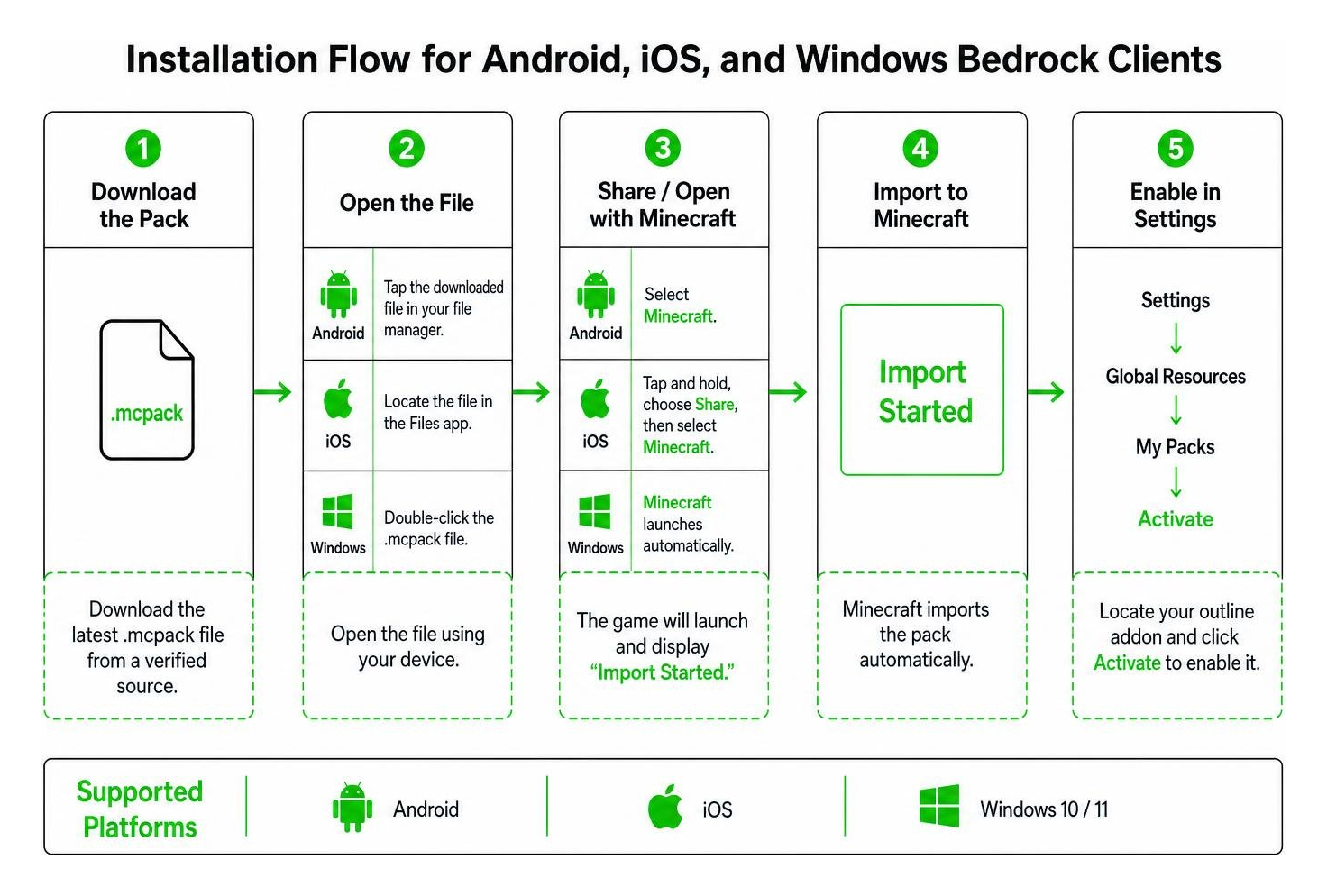
- Download the Pack: Download the latest
.mcpackfile from a verified source. - Android Setup: Tap the downloaded file in your file manager and select Minecraft to open it. The game will launch and display “Import Started.”
- iOS Setup: Locate the file in the Files app, tap and hold, choose Share, and select Minecraft.
- Windows 10 / 11: Double-click the
.mcpackfile to automatically launch Minecraft and import the files. - Enable in Settings: In Minecraft, navigate to Settings > Global Resources > My Packs, locate your outline addon, and click Activate.
Always ensure that the pack is moved to the top position in your active resources list. If other texture overhauls or UI packs sit above it in the priority order, their block textures will take precedence and hide the outline glows.
Setting Up Outline X-Ray on Dedicated Bedrock Servers
If you manage a multiplayer environment and want to allow ore visibility for everyone, you can install the addon directly on your host.
- Access your server directory via FTP or your host control panel.
- Upload the unzipped pack folder into the
resource_packsandbehavior_packsfolders as appropriate. - Add the pack’s UUID and version number to your server’s
world_resource_packs.jsonandworld_behavior_packs.jsonfiles. - Set
require-resource-packs=trueinserver.propertiesif you want joining players to download the pack automatically.
Troubleshooting Visual Glitches and Fair Play Ethics
When running visual mods on Bedrock, you may occasionally run into rendering issues:
- Solid Black Blocks: If stone appears pitch black instead of transparent, your pack may conflict with recent Render Dragon lighting updates. Update to the latest version of the addon or move the pack to the very top of your Active Packs list.
- Missing Glowing Effect: For behavior packs with sneak triggers, verify that you are holding a standard dirt block in your main hand while crouching.
- Texture Conflicts: Disable external shader packs or UI overhauls that might override block face definitions.
- Pack Loading Failures: If the import prompt reports a missing dependency or duplicate UUID error, clear the Minecraft development cache or delete previous versions of the pack before re-importing.
Fair Play & Ethics: While using outline addons in singleplayer worlds or private servers with friends is completely fine, public multiplayer servers usually classify any X-ray utility as an unfair advantage. Server anticheat plugins can track abnormal mining patterns and issue automatic bans. Always verify server guidelines before connecting with visual addons enabled, and consider asking server admins directly if you are unsure whether visual mining aids are permitted before you start exploring their world.
Frequently Asked Questions About Outline X-Ray Addons
Does the outline X-ray addon disable achievements in Bedrock?
No. As long as you use a client-side resource pack, Minecraft treats the addon as a visual texture modification. Your Xbox achievements remain fully enabled in standard Survival worlds and Realms.
Why do surrounding blocks appear completely black?
This glitch happens when a pack designed for older rendering pipelines runs on modern Render Dragon builds. Ensure your pack is updated for your specific game build and positioned at the top of your resource hierarchy.
How do you trigger the ore glow effect in-game?
In behavior-based packs, equip a standard dirt block in your character’s primary hand and hold down the sneak/crouch button. The glow script will highlight nearby valuable ores until you stand up or switch items.
Conclusion
Finding rare materials does not have to be an exhausting grind. By installing an outline X-ray addon, you can spot diamond clusters, netherite, and essential building ores quickly while keeping your game looking clean and readable.
Ready to transform your world with new gameplay features? Be sure to explore the latest Minecraft mods and addons on MCPEUDAY for fresh tools, shaders, and adventures!