AZUKE X Shader transforms Minecraft PE with realistic lighting, soft shadows, animated water, and smooth performance, making your world visually stunning without heavy lag.
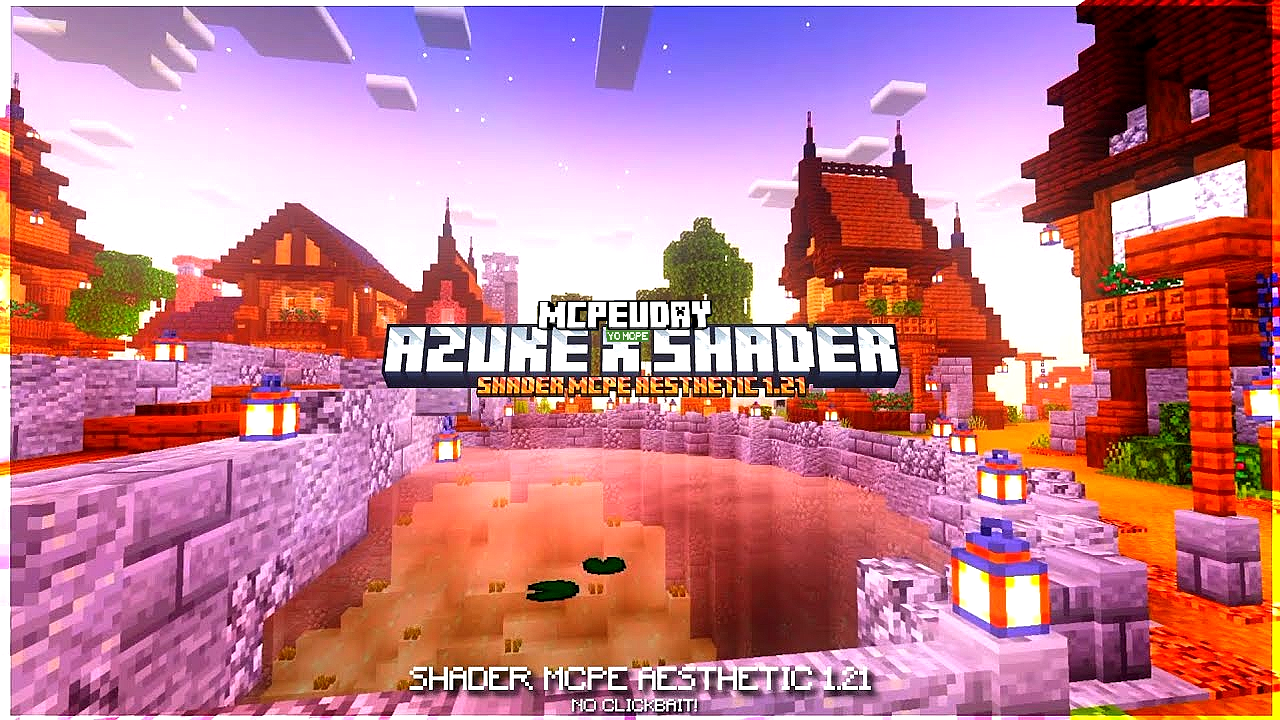
Minecraft PE is fun, but its default graphics can feel simple. AZUKE X Shader completely changes that by adding realistic lighting, dynamic shadows, improved water effects, and smoother visuals. This shader is specially optimized for Minecraft Bedrock / Pocket Edition, giving your world a premium look without killing performance.

Whether you love survival, creative builds, or cinematic gameplay, AZUKE X Shader makes Minecraft feel more immersive and alive.
What is AZUKE X Shader?
AZUKE X Shader is a lightweight yet powerful shader pack designed for Minecraft PE and Bedrock Edition. It enhances the game’s visual quality while keeping FPS stable, even on low-end devices.
Unlike heavy shaders that cause lag, AZUKE X Shader focuses on balance — beauty with performance.
Key Features of AZUKE X Shader
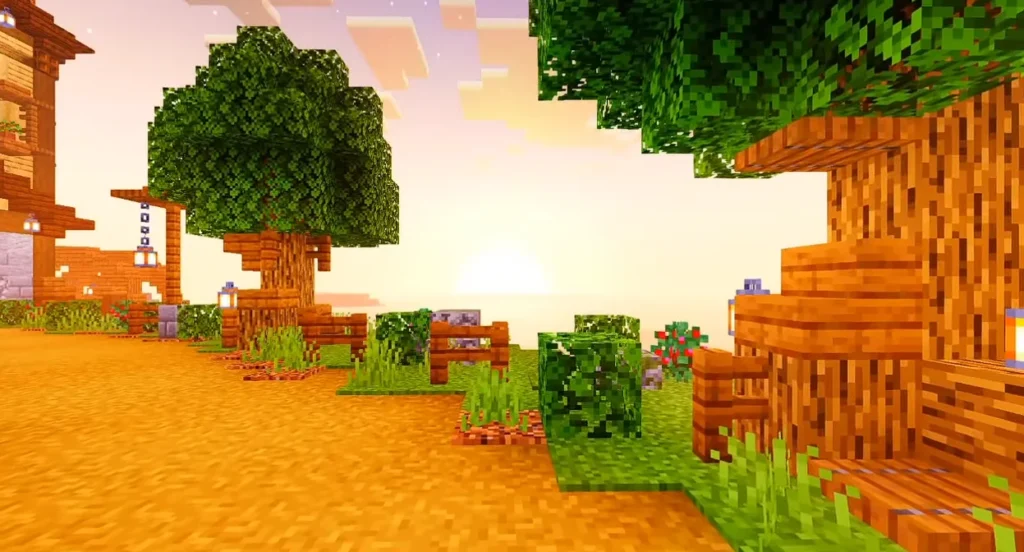
🌅 Realistic Lighting
- Natural sunlight and moonlight
- Smooth brightness transitions
- Better day and night visuals
🌊 Enhanced Water Effects
- Clear and reflective water
- Smooth wave animation
- More realistic underwater look
🌿 Improved Shadows
- Soft and dynamic shadows
- Better depth perception
- Enhanced block realism
🔥 Optimized Performance
- Runs smoothly on most devices
- Minimal lag compared to heavy shaders
- Perfect for survival gameplay
🌈 Vibrant Colors
- Natural color tone
- Better grass, trees, and sky
- No over-saturation
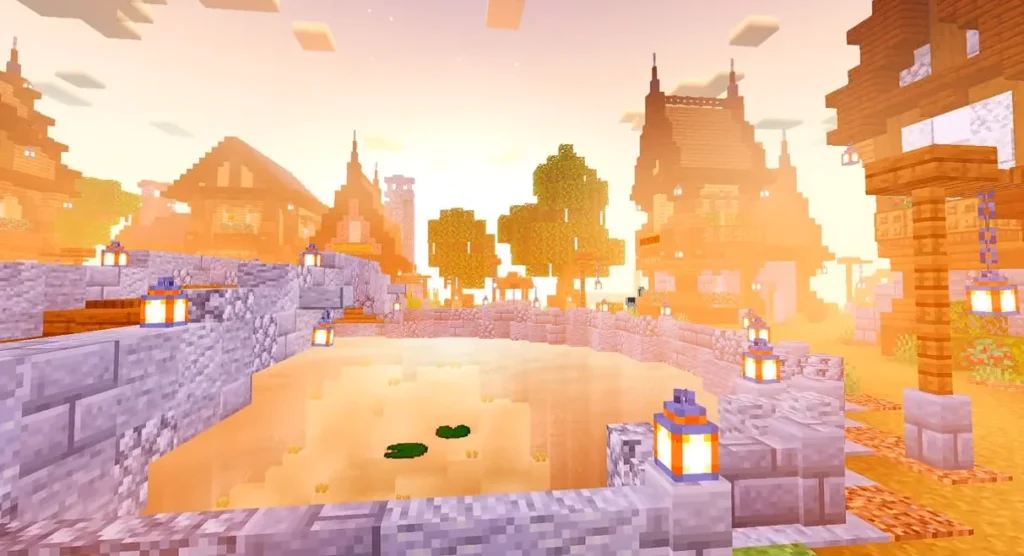
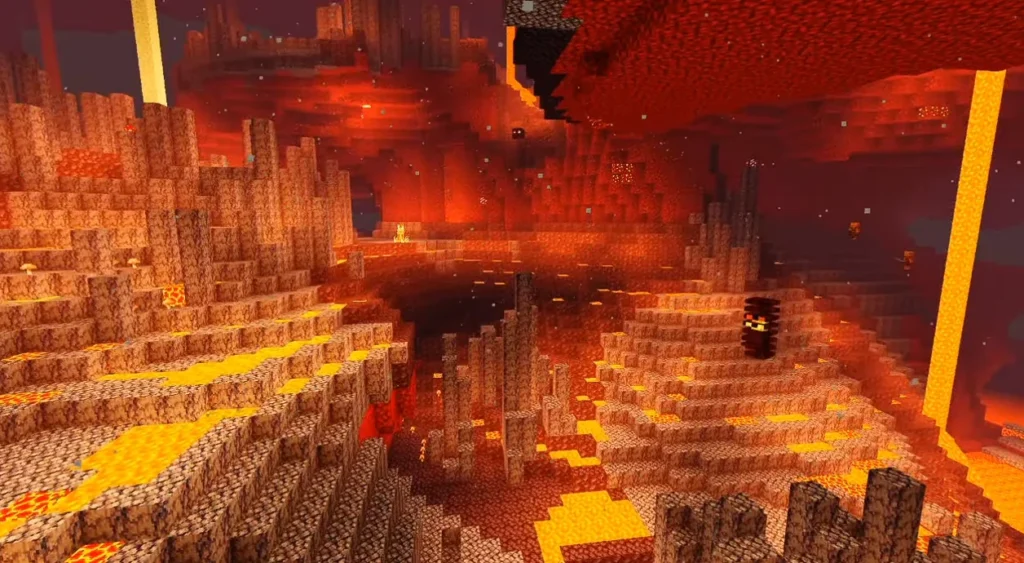
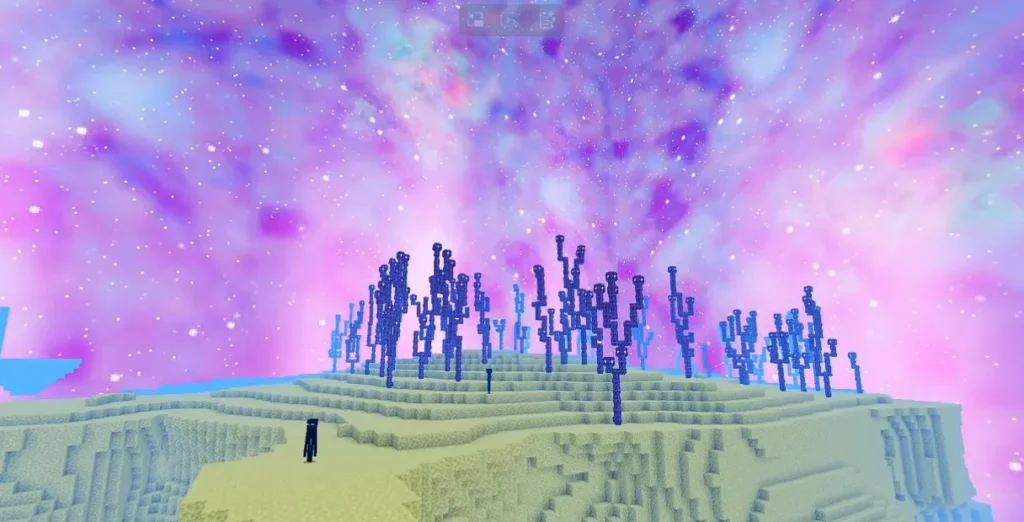
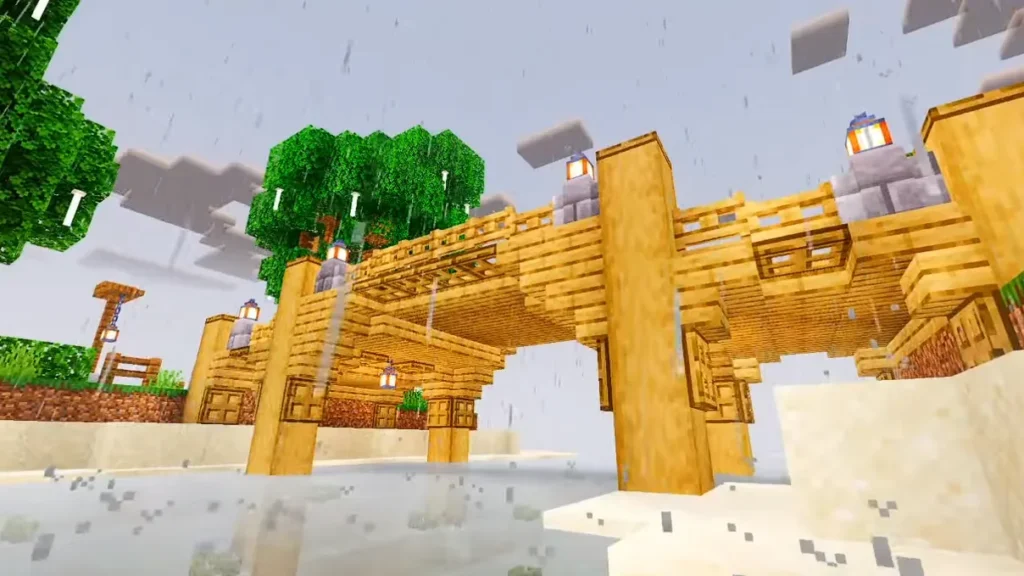
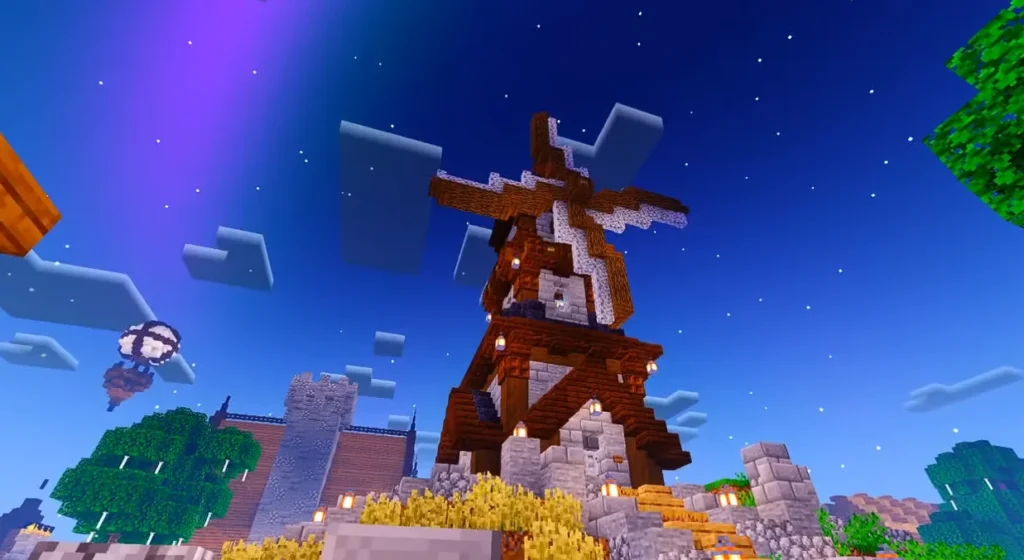
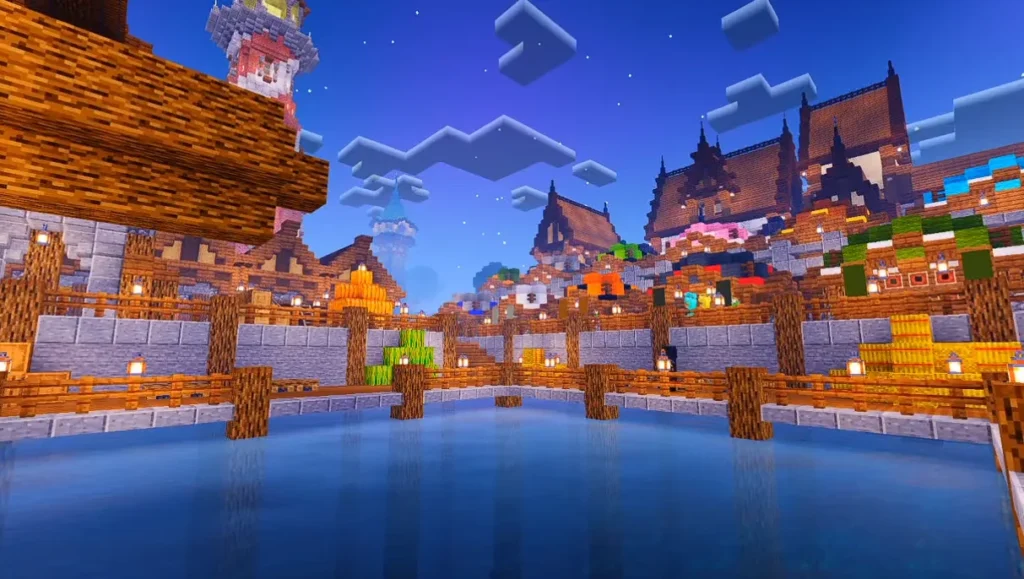
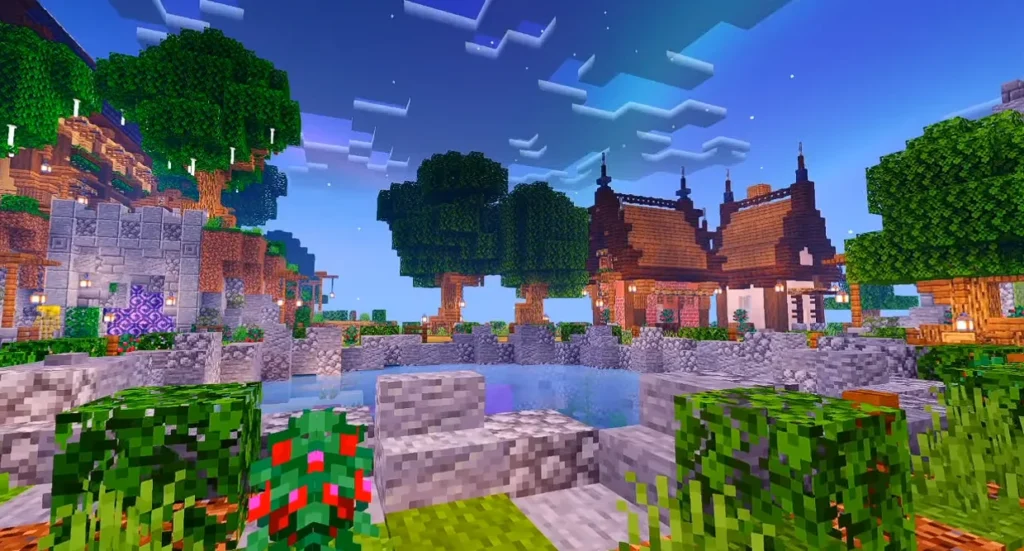
Screenshots:-
Why Choose AZUKE X Shader?
AZUKE X Shader is perfect for players who want realistic graphics without sacrificing FPS. It works great on both low-end and high-end Android devices and delivers consistent performance.
If you want a shader that looks beautiful, feels smooth, and doesn’t crash your game, AZUKE X Shader is a smart choice.
Compatibility & Requirements
- Minecraft Version: Bedrock / Pocket Edition
- Supported Platforms: Android (Some versions may work on iOS)
- Render Dragon Support: Limited (depends on MC version)
- Device Requirement: Low to Mid-range devices supported
How to Install AZUKE X Shader (Step-by-Step)
- Download the AZUKE X Shader file (.mcpack)
- Open the file using Minecraft
- Minecraft will automatically import the shader
- Go to Settings → Global Resources
- Activate AZUKE X Shader
- Restart your world and enjoy enhanced graphics
Best Settings for Smooth Performance
- Turn off extra graphic options if FPS drops
- Use medium render distance
- Close background apps on mobile
These settings help maintain smooth gameplay with realistic visuals.
Is AZUKE X Shader Safe?
Yes, AZUKE X Shader is safe to use if downloaded from a trusted source. It does not modify core game files and works as a visual enhancement only.
Final Verdict
AZUKE X Shader is one of the best shaders for Minecraft PE if you want realistic visuals, smooth FPS, and an immersive experience. It’s lightweight, beautiful, and easy to install — perfect for everyday gameplay.
FAQ – AZUKE X Shader
Q1. Is AZUKE X Shader free to use?
Yes, AZUKE X Shader is completely free to download and use.
Q2. Does AZUKE X Shader support Minecraft Bedrock Edition?
Yes, it is designed for Minecraft Bedrock and Pocket Edition.