Why the Better Smelters Addon Is a Game-Changer for Valheim Players
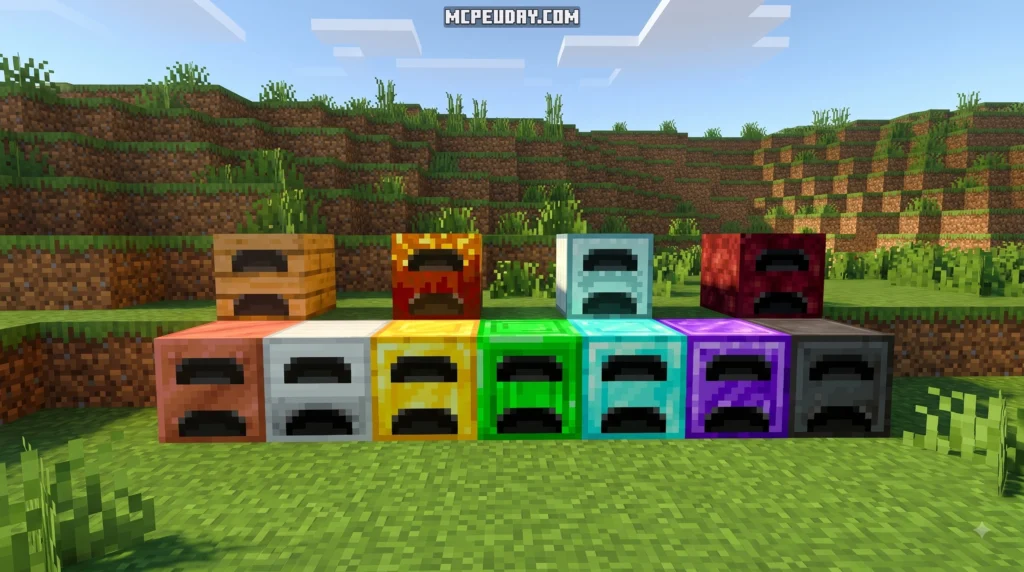
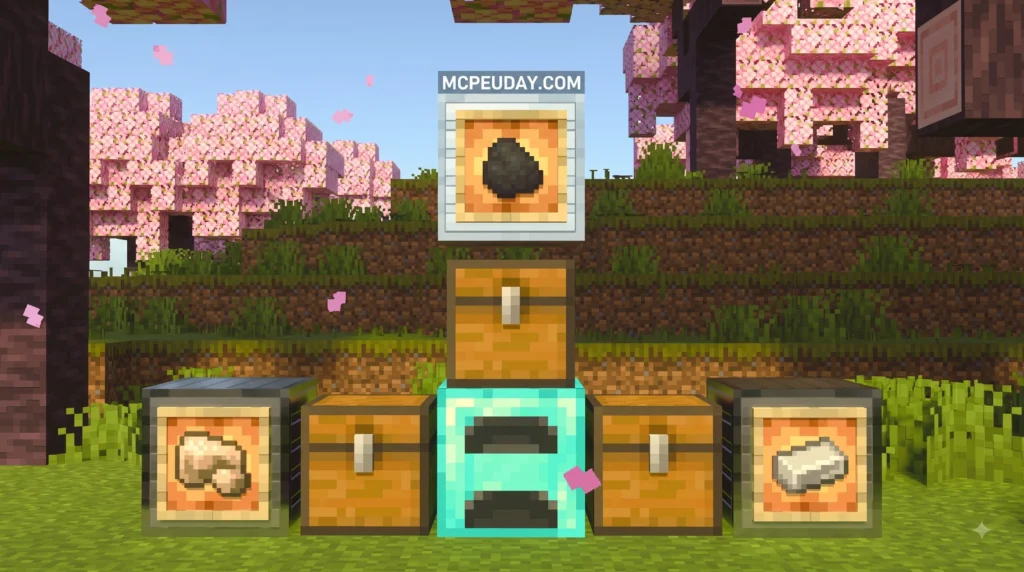
The Better Smelters Addon is a Valheim mod that lets you customize your smelting structures — including ore capacity, fuel limits, processing speed, and alternative fuels — so you spend less time babysitting furnaces and more time exploring.
Here is a quick overview of what it does:
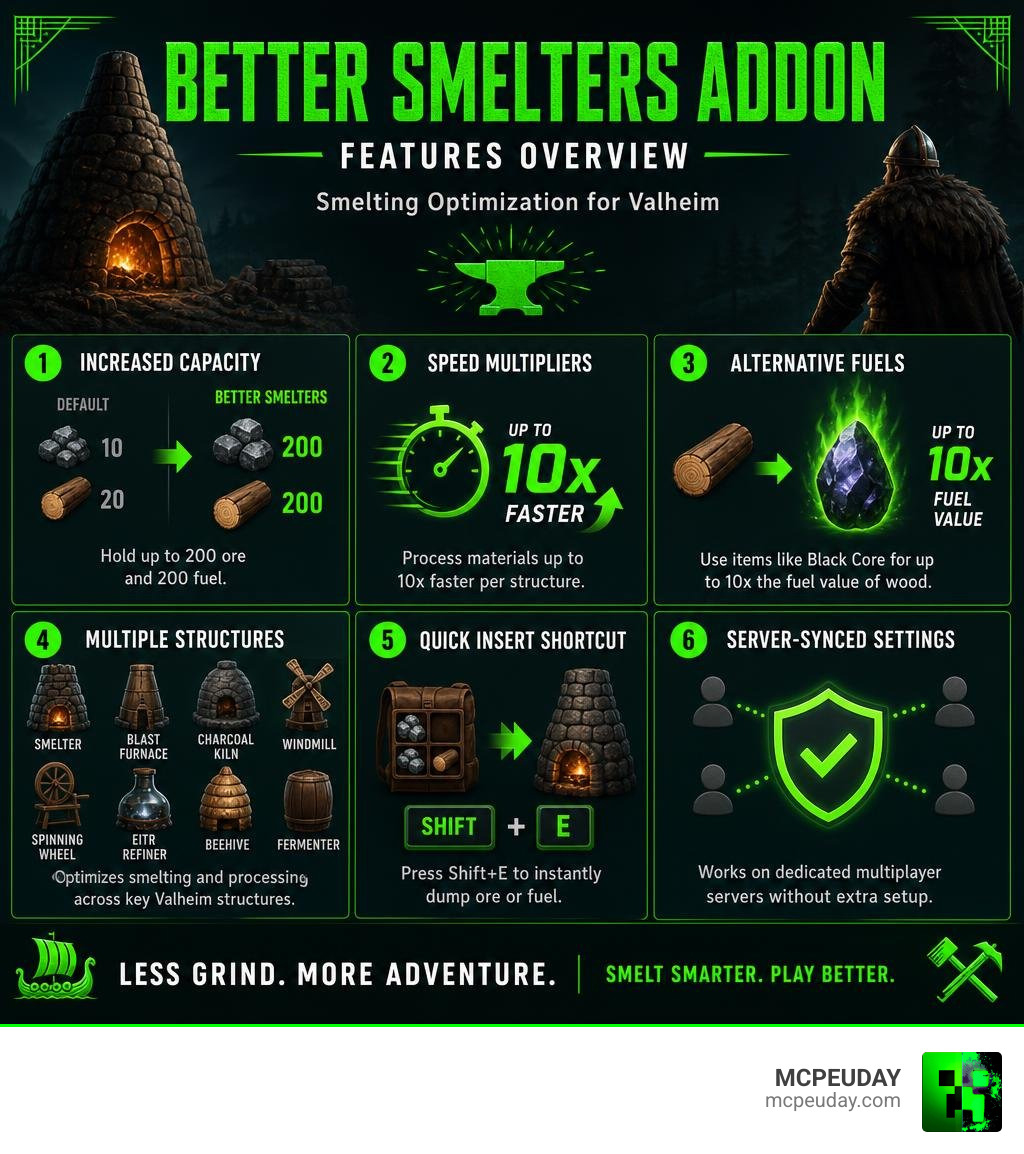
- Increases ore and fuel capacity — smelters can hold up to 200 ore and 200 fuel (default is 10 ore / 20 fuel)
- Adds speed multipliers — process materials up to 10x faster per structure
- Supports alternative fuels — use items like Black Core for up to 10x the fuel value of standard wood
- Covers multiple structures — Smelter, Blast Furnace, Charcoal Kiln, Windmill, Spinning Wheel, Eitr Refiner, Beehive, and Fermenter
- Quick Insert shortcut — press Shift+E to instantly dump ore or fuel from your inventory
- Server-synced settings — works on dedicated multiplayer servers without extra setup
If you are tired of running back to your base every few minutes just to reload a smelter, this mod solves that frustration completely. With over 25,000 downloads on Thunderstore, it is one of the most popular quality-of-life mods in the Valheim community.
I am UDAY GAMER from MCPEUDAY, and in this guide I will walk you through everything this mod offers — from installation to advanced configuration — so you can get the most out of it right away.
What is the Better Smelters Addon and How Does It Work?
To understand how the Better Smelters Addon works, we have to look at the underlying framework. The mod, officially known as BetterSmelting on Thunderstore, is built on the BepInEx framework, which is the gold standard for Unity-based game modding in Valheim. You can easily find it on the BetterSmelting | Thunderstore – The Valheim Mod Database .
Once installed, the mod intercepts the vanilla game logic for resource-processing structures. Instead of relying on hardcoded limits, it reads your custom preferences from a configuration file. This allows you to scale up production speeds and capacities to match your specific playstyle, whether you are playing solo or on a massive multiplayer server.
Core Features of the Better Smelters Addon
At its core, the mod is all about removing artificial bottlenecks. In vanilla Valheim, you are constantly running back and forth to reload ten pieces of ore or twenty pieces of coal.
With this addon, we can completely customize:
- Maximum Ore Capacity: Push the limit from the default 10 all the way up to 200 items.
- Maximum Fuel Capacity: Increase fuel storage from the default 20 up to 200 units.
- Speed Multipliers: Adjust how fast items process with a multiplier range from 0.1x (for a hardcore, slow-burn experience) up to 10.0x (for near-instant results).
These settings can be applied globally across all structures or tweaked individually for specialized setups.
Quick Insert Shortcut (Shift+E)
One of our favorite quality-of-life additions in this mod is the Quick Insert shortcut. Instead of standing in front of your smelter and repeatedly pressing the interact key to load ore and fuel one by one, you can simply hold Shift and press E.
This shortcut automatically scans your inventory and deposits all valid ores and fuels into the targeted structure in a single frame. It saves countless clicks and makes managing a large-scale smelting facility feel incredibly smooth.
Advanced Customization: Speed Multipliers and Alternative Fuels
For players who love to optimize their bases, the configuration file is where the real magic happens.
When you modify your settings, you will find options for overall global speeds as well as per-structure overrides. It is important to know how these settings interact. The per-structure speed multipliers stack multiplicatively with the global SmeltingSpeedMultiplier setting.
To visualize how this works, look at this simple calculation process:

If your global multiplier is set to 2.0 and your specific Blast Furnace speed multiplier is set to 1.5, your Blast Furnace will process items at 3.0x the vanilla speed. This stacking mechanic gives you incredibly fine control over your base’s industrial output.
Alternative Fuel Ratios and Coal Equivalents
Tired of cutting down entire forests just to keep your smelters running? The alternative fuels system completely changes your logistics. The mod allows you to configure non-standard fuel types and define their coal-equivalent ratios.
For example, you can adjust the WoodFuelRatio or even use high-tier items. A rare item like a Black Core can be configured to provide up to 10x the fuel value of standard wood. This means a single high-tier fuel insertion can keep your automated systems running for hours.
Supported Structures Beyond the Smelter
While “Smelters” is in the name, this addon actually improves almost every processing structure in Valheim. Here is what you can customize:
- Charcoal Kiln: Speed up wood-to-coal conversion and increase total wood capacity.
- Windmill: Enable the Windmill Ignore Wind Requirement feature to keep your barley flour processing at maximum speed even during dead-calm weather.
- Spinning Wheel: Process flax into linen thread significantly faster.
- Eitr Refiner: Manage refined eitr production with customized fuel and soft tissue capacities.
- Beehive: Increase the maximum honey storage from 4 to 20 so you do not have to harvest them every single day.
- Fermenter: Speed up your potion brewing times to get back into the fight faster.
Multiplayer Integration and Compatibility Considerations
If you run a dedicated server in the US, Europe, or Russia, you will be happy to know that the mod fully supports server-synced configurations.
When a player connects to a dedicated server running this mod, the server’s configuration file overrides the client’s local settings. This client-side enforcement prevents players from using modified speeds or capacities that differ from the host’s rules, ensuring a fair and balanced cooperative environment.
Compatibility with Other Valheim Mods
Because this mod edits core structure behaviors, we recommend keeping an eye on potential mod conflicts. Large overhaul mods like Valheim Plus can sometimes conflict if they try to edit the same smelter values.
To prevent issues, we highly recommend:
- Backing up your world save files before installing or updating any mods.
- Disabling overlapping smelting features in other multi-tool utility mods.
- Checking the BepInEx console log during startup to ensure there are no loading errors.
BetterSmelting (Thunderstore) vs. Better Settlements: Smelters (Steam Workshop)
It is easy to get confused because of the similar names, but there is another mod called “Better Settlements: Smelters” available on the Steam Workshop. However, these two mods are completely different games and systems!
While BetterSmelting is a Valheim mod on Thunderstore, Better Settlements: Smelters is a mod for the game Soulash 2, which you can find here: Subscribe to download Better Settlements: Smelters .
To help you understand the differences, we have put together this comparison:
| Feature / Detail | BetterSmelting (Thunderstore) | Better Settlements: Smelters (Steam Workshop) |
|---|---|---|
| Target Game | Valheim | Soulash 2 |
| Primary Platform | Thunderstore | Steam Workshop |
| Core Function | Modifies vanilla processing speeds, fuel types, and capacities | Adds specialized buildings (Bronze & Steel smelters) to avoid unwanted metal byproducts |
| Uninstallation | Safe to remove mid-game | Dangerous to remove; can permanently break existing save files |
| Popularity Stats | 25,000+ Downloads, 6 Likes | 1,556 Unique Visitors, 1,472 Subscribers, 28 Favorites |
Choosing the Right Better Smelters Addon for Your Game
If you are playing Valheim, the Thunderstore mod is the obvious choice. It gives you raw control over your existing base structures. If you are playing Soulash 2 and want to fix economic roleplaying pain points by building dedicated alloy facilities, then the Steam Workshop mod is the one you need. Just remember to back up your saves before subscribing to the Steam Workshop version!
Frequently Asked Questions about Better Smelting
Can I run all ores through the Blast Furnace?
Yes! By default, the vanilla Blast Furnace only accepts high-tier ores like black metal and flametal. However, by enabling the AllOresInBlastFurnace setting in the configuration file, you can run copper, tin, and iron through your blast furnace as well.
Does the Better Smelting mod work on dedicated servers?
Absolutely. To set it up, simply place the mod file inside your dedicated server’s BepInEx plugins folder. Once configured on the server, all connecting clients will automatically sync to those exact settings, keeping gameplay consistent for everyone.
How do I install the BetterSmelting mod?
To install the mod, follow these simple steps:
- Download and install the BepInEx framework for Valheim.
- Download the BetterSmelting mod package from Thunderstore.
- Extract the contents of the zip file and place the mod’s DLL file into your Valheim BepInEx/plugins folder.
- Launch the game once to generate the configuration file, which you can then edit inside the BepInEx/config directory.
Conclusion
Whether you want to build a massive automated industrial hub or just want your beehives to hold more honey, the Better Smelters Addon is a must-have tool for customizing your Valheim journey. It takes away the tedious chore of manual loading and lets you focus on the best parts of the game.
Ready to explore more incredible gaming enhancements? Check out our dedicated collection of MCPE Bedrock Addons on MCPEUDAY to find the latest mods, shaders, and gameplay updates for your favorite games!
