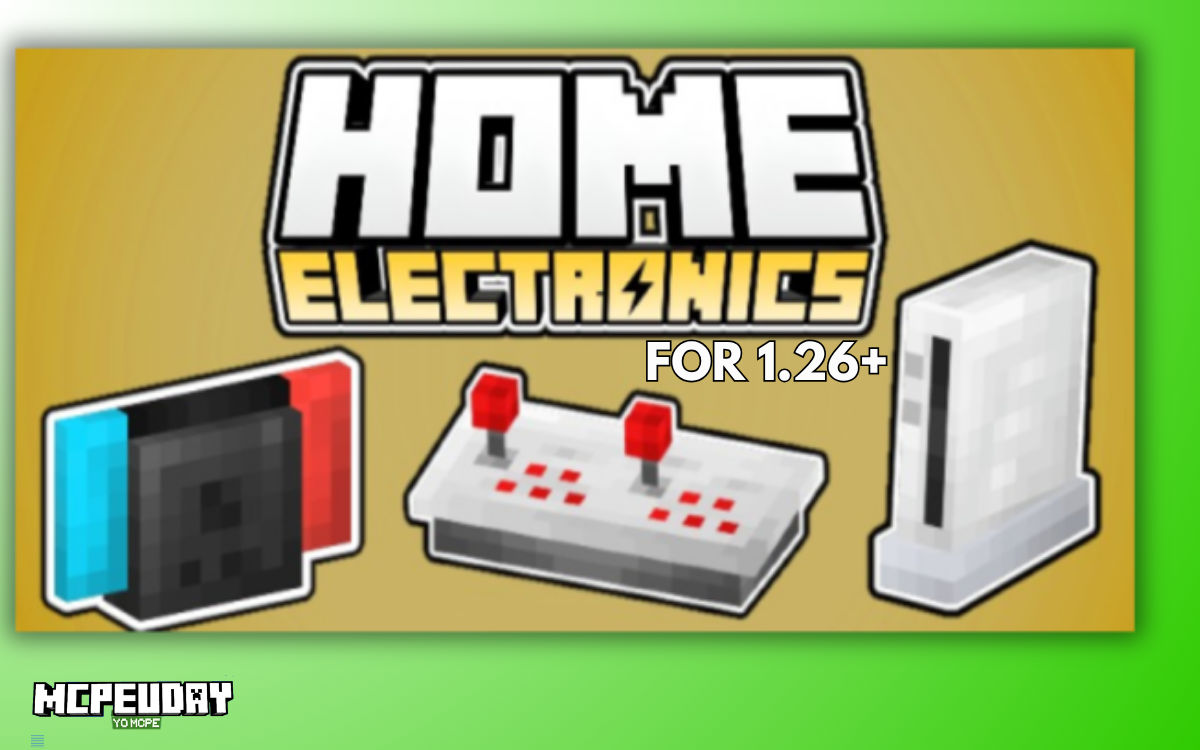
If your Minecraft house looks good but still feels empty, you’re not alone. Most players can build amazing structures, but interiors often feel lifeless and unrealistic.
That’s exactly where the Home Electronics Addon (1.26, 1.21) comes in.
This Mod/Addons adds modern electronics, interactive furniture, and realistic home items to Minecraft PE/Bedrock, helping you transform simple builds into fully immersive living spaces.
In this guide, you’ll learn:
- What this addon adds
- Key features (with real use cases)
- How to install it properly
- Tips to use it like a pro
Table of Contents
What is Home Electronics Addon in MCPE?
The Home Electronics Addon is a Minecraft Bedrock add-on that introduces modern devices like TVs, computers, consoles, and more into your world.
Unlike basic furniture mods, this addon focuses on:
- Interactive elements (not just decoration)
- Real-life inspired electronics
- Mobile-friendly gameplay
It helps your builds feel lived-in, not just designed.
Key Features of Home Electronics Addon (1.26 / 1.21)
1. Modern Electronics & Appliances
You get a wide variety of items like:
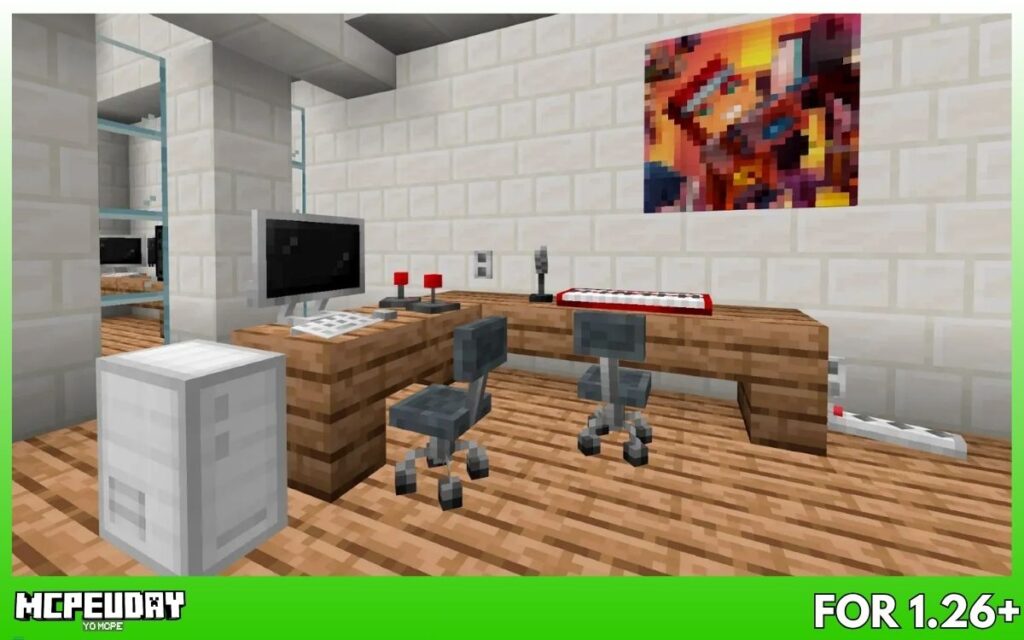
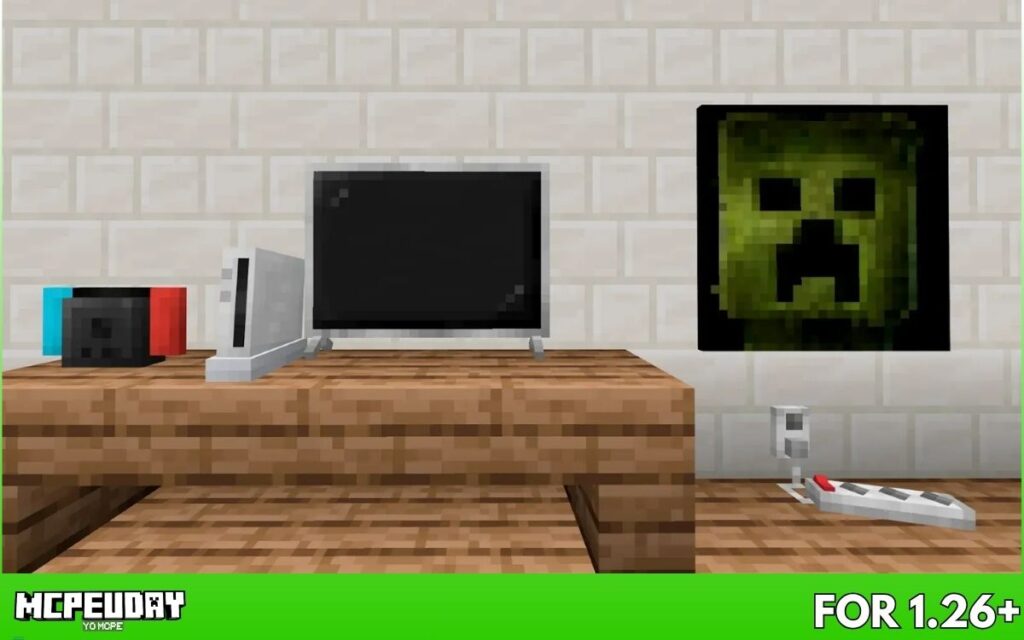
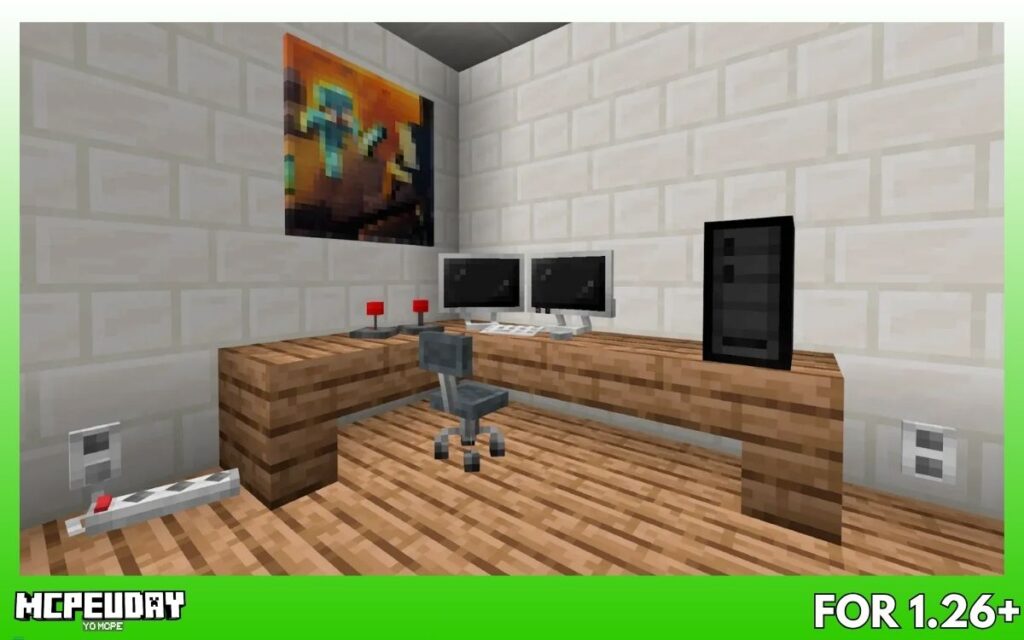
- TVs and monitors
- Gaming consoles
- Computers and laptops
- Toasters and kitchen electronics
- Power outlets and strips
These items are designed to match modern homes and offices.
2. Interactive Furniture (Game-Changer 🔥)
This is what makes the addon special.
- Chairs you can sit on
- Devices you can open/close
- Electronics that respond to interaction
Instead of static decoration, your house actually feels usable.
3. Entertainment & Sound Features
Some items like:
- Electric piano
- Gaming setups
…can even produce sound or animation, adding realism and immersion.
4. Retro + Modern Decor Combo
You also get:
- Gamepads & joysticks
- Posters and display items
- Antennas and retro electronics
This lets you design both:
- Modern apartments
- Retro gaming rooms
5. Survival + Creative Mode Support
- In Creative Mode: access all items instantly
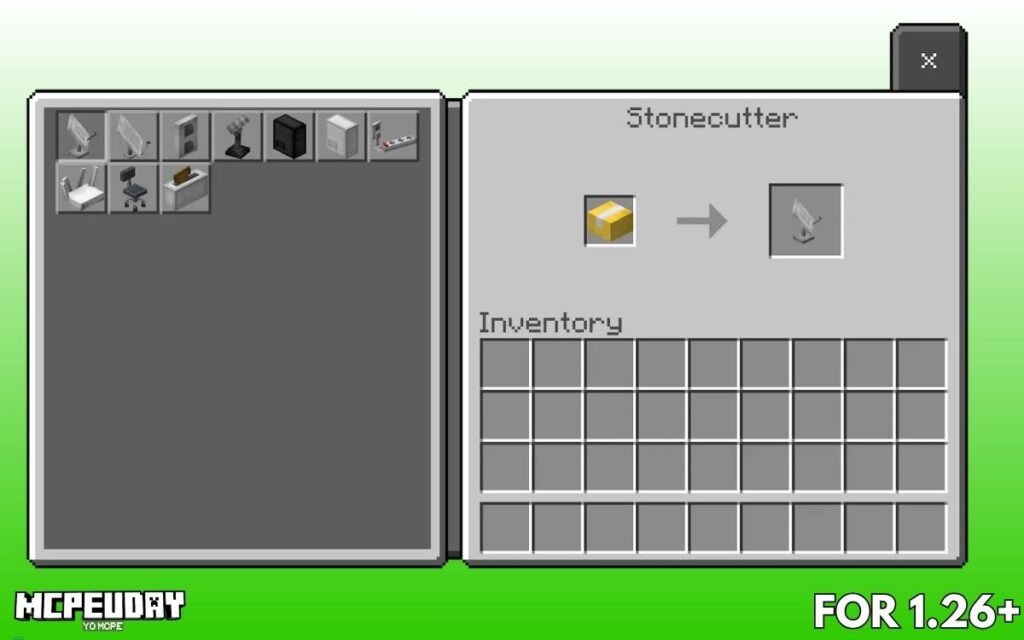
- In Survival Mode: craft using clay + stonecutter
This makes it usable for both builders and survival players.
Screenshots
How to Install Home Electronics Addon (Step-by-Step)
Follow this simple process:
- Download the
.mcaddonfile - Open it with Minecraft
- Import the addon
- Enable:
- Behavior Pack
- Resource Pack
- Turn on Experimental Features (important)
- Enter your world
If items don’t show, restart the game once.
Best Ways to Use This Addon (Pro Tips)
🏠 Living Room Setup
- TV + sofa + console
- Creates realistic entertainment space
🎮 Gaming Bedroom
- Gaming chair + monitor + console
- Perfect for modern builds
🧑💻 Office Setup
- Computer + rotating chair
- Ideal for roleplay or city maps
🏙️ Apartments & Cities
- Adds realism to compact builds
- Makes every room purposeful
Performance Tips (Important for Mobile Users)
To avoid lag:
- Don’t place too many electronics in one room
- Spread items across different areas
- Lower render distance if needed
The addon is optimized for mobile, but heavy usage can still affect performance.
Pros and Cons
✅ Pros
- Interactive items (not just decoration)
- Realistic modern electronics
- Easy to use (no redstone required)
- Works in survival + creative
❌ Cons
- Requires experimental settings
- Too many items can cause lag
- Some features are decorative only
Common Issues & Fix (Very Important ⚠️)
Many players face addon issues in Minecraft 1.21.
From community discussions:
“addons… need updates to work with 1.21”
Fix:
- Always download the latest version
- Enable experimental features
- Avoid outdated addons
FAQ (SEO + Featured Snippet Ready)
Is Home Electronics Addon free?
Yes, it’s completely free to download and use.
Does it work on Minecraft 1.21?
Yes, but make sure you use the updated version (v26 or latest).
Can I use it in survival mode?
Yes, you can craft items using clay and a stonecutter.
Is it safe for mobile devices?
Yes, but avoid overloading your world with too many items.
Final Verdict: Is It Worth Installing?
If you love:
- Modern house builds
- Interior design
- Roleplay worlds
Then this addon is 100% worth it.
It doesn’t just decorate your house — it brings it to life.
Author (E-E-A-T Section)
Written by: Trotamundos872
Minecraft content writer & addon tester
I personally review and test MCPE addons to ensure they work smoothly on mobile devices and provide real gameplay value.