Luxen Visuals Shader transforms Minecraft with realistic lighting, smooth shadows, fresh colors, and immersive reflections. Perfect for survival, building, and exploration without lag, even on mid-range devices.
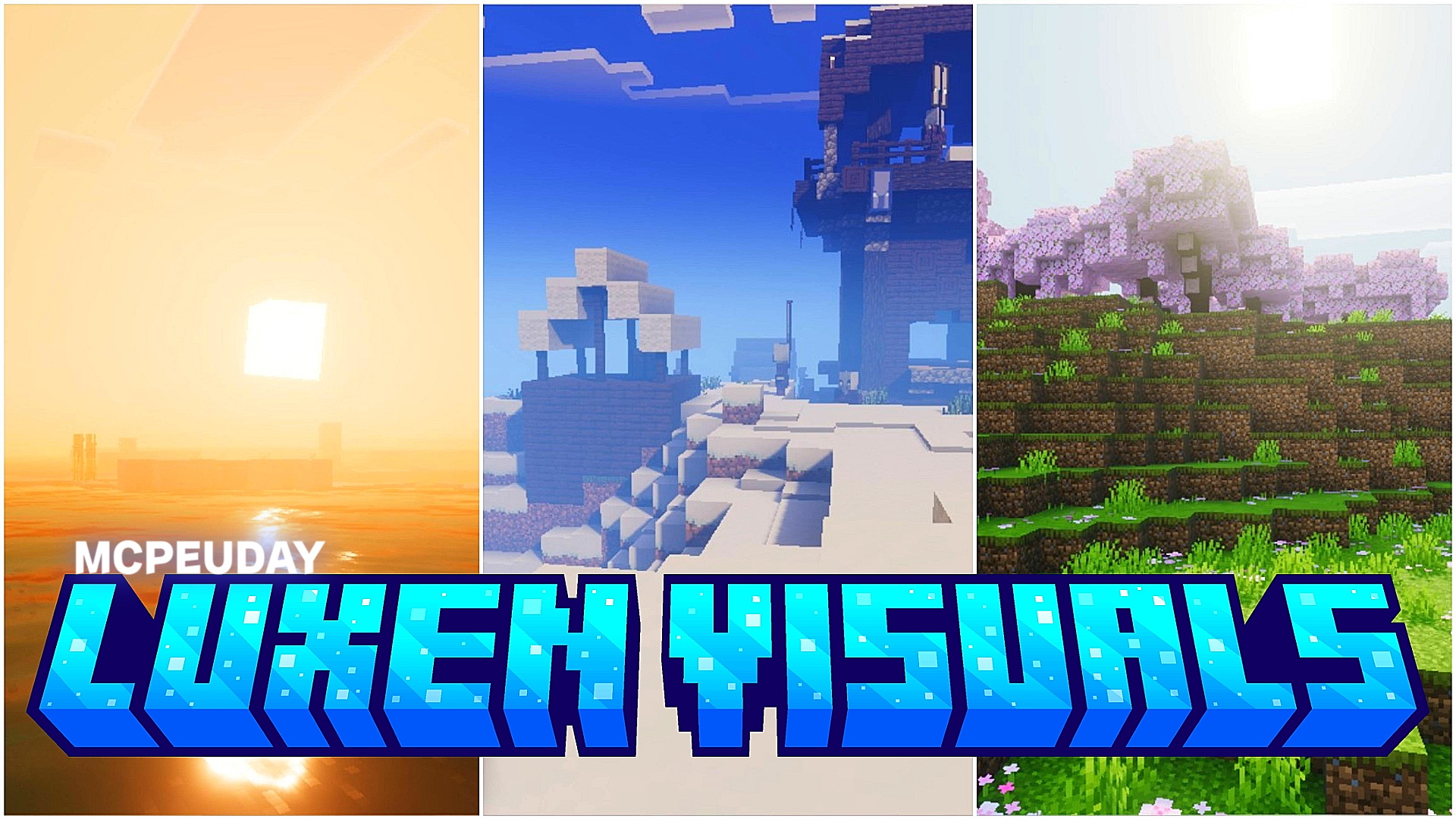
Luxen Visuals Shader BY:- Xythen
What is Luxen Visuals Shader?
Luxen Visuals Shader is a stunning Minecraft shader pack designed to bring the game to life.
It improves lighting, shadows, reflections, water, skies, and overall atmosphere, while still keeping smooth performance.
Players love it because it looks beautiful and runs fast, even on average hardware.
🌅 Visual Improvements & Features
Here are the core features that make Luxen Visuals Shader special:
✨ 1. Realistic Lighting System
- Soft sunlight and moonlight
- Vibrant day and warm evening tones
- Shadows react naturally with terrain & blocks
🌫️ 2. Dynamic Shadows
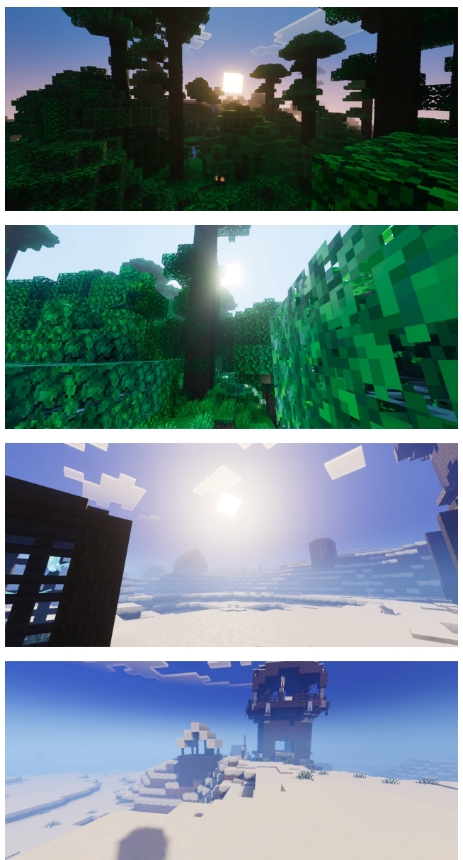
- Smooth shadows under trees and buildings
- Direction changes with sun and time
- Perfect for screenshots and cinematic videos
🌊 3. Water Enhancement
- Crystal-clear waves
- Subtle ripples along the surface
- Realistic reflections
🌦️ 4. Weather Effects
- Beautiful rain
- Fog during mornings
- Bright sunshine after storms
🎨 5. Colorful World
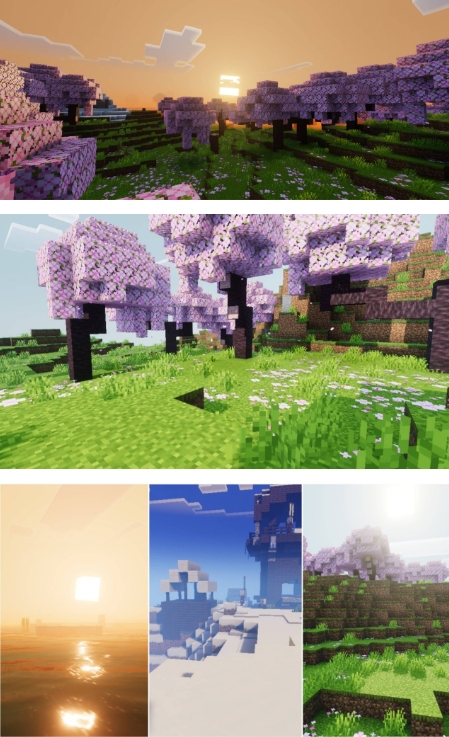
Luxen Visuals Shader adds warm, bright and clean colors to:
- Grass
- Leaves
- Sky
- Blocks
- Mobs
It makes the world look alive, not washed out.
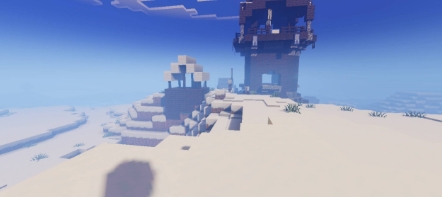
Screenshots:
💻 Performance & Compatibility
🟢 Works Great On:
- Low-End PC ✦ Medium ✦ High-End
- Minecraft Java Edition
- Fabric / Forge Shaders
It is optimized for performance, so even modest systems can run it smoothly.
⚙ Recommended:
- 4GB RAM
- GPU with OpenGL support
- Latest Shader Loader
No crazy specs required.
🔧 Installation Guide (Simple Steps)
- Install OptiFine or Iris Shaders
- Launch Minecraft
- Go to Video Settings > Shaders
- Click Open Shader Folder
- Put Luxen Visuals Shader.zip inside
- Select and Apply
Done! Enjoy stunning visuals.
🎮 Why Players Love Luxen Visuals Shader
✔ Very realistic lighting
✔ Perfect balance of beauty & performance
✔ Great for survival and exploration
✔ Amazing for building & cinematic screenshots
✔ Easy to install
✔ No lag on normal systems
This shader makes Minecraft look like a new game without destroying FPS.
📌 Best Use Cases
- Survival Worlds
- SMP Servers
- Building & Architecture
- Adventure Maps
- YouTube Videos
- Screenshots & Cinematics
You can enjoy both gameplay + visuals at the same time.
🟢 Conclusion
Luxen Visuals Shader is one of the best shaders for Minecraft if you want:
- Realistic lighting
- Smooth shadows
- Beautiful skies
- Balanced performance
It is simple, fast, beautiful, and perfect for everyday play.
-Luxen Visuals Shader DOWNLOAD-
—
—