Shaders can completely transform the way you experience Minecraft, but most of them are heavy and kill FPS on low-end PCs.
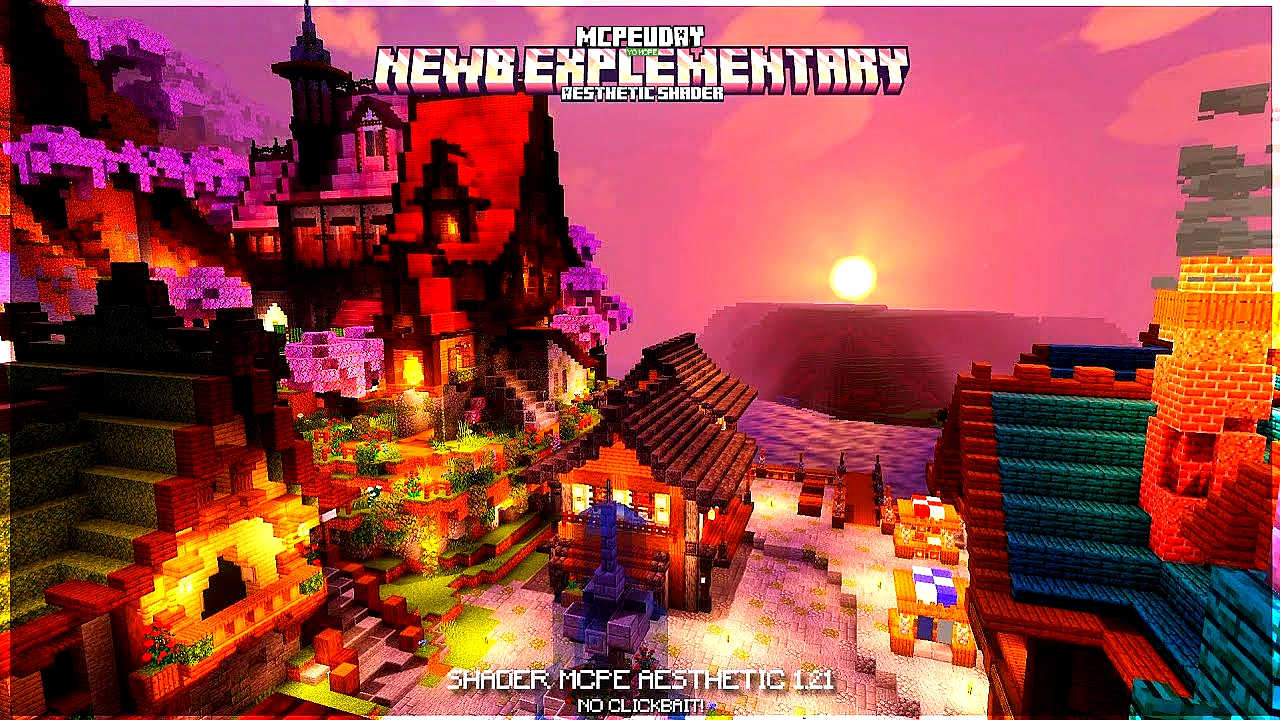
That’s where the NEWB Explementary Edition Shader comes in — a lightweight shader pack designed for smoother gameplay without sacrificing visuals.
In this guide, I’ll explain:
- What the NEWB Explementary Edition Shader is
- How it works
- Step-by-step installation
- Best settings for performance and visuals
- Common issues and how to fix them
- Whether it’s worth using in 2026
Let’s dive in.
🧠 What Is the NEWB Explementary Edition Shader?
The NEWB Explementary Edition Shader is a custom shader pack for Minecraft that enhances lighting, shadows, water, and atmosphere while keeping performance optimized for many systems — especially mid-range and low-end computers.

Unlike ultra-realistic shaders, it focuses on:
✔ Smooth lighting
✔ Soft shadows
✔ Vibrant skies
✔ Moderate reflections
✔ Good performance
In simple terms:
It makes Minecraft look cleaner and nicer without dropping your FPS too much.
⚙️ How It Works (Beginner-Friendly Explanation)
Shaders change how light and shadows behave in Minecraft.
Instead of flat lighting like vanilla Minecraft — where everything looks plain — shader packs add:
➤ Dynamic Lighting
Lights react realistically to how you move around the world.
➤ Improved Shadows
Shadows react to the sun, blocks, and player movement.
➤ Water Enhancements
Water looks smoother and more reflective — but not too heavy.
➤ Atmospheric Effects
Sky, clouds, and colors feel more natural.
The NEWB Explementary Edition Shader keeps these upgrades lightweight so that players with older or less powerful GPUs can still enjoy better visuals.
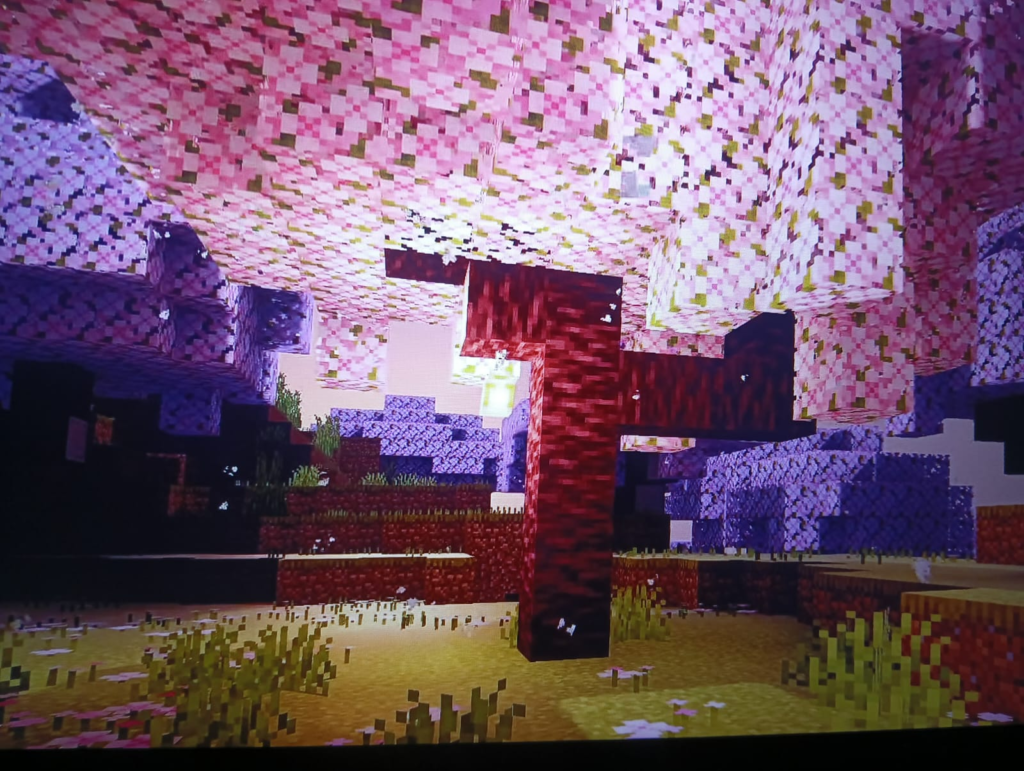
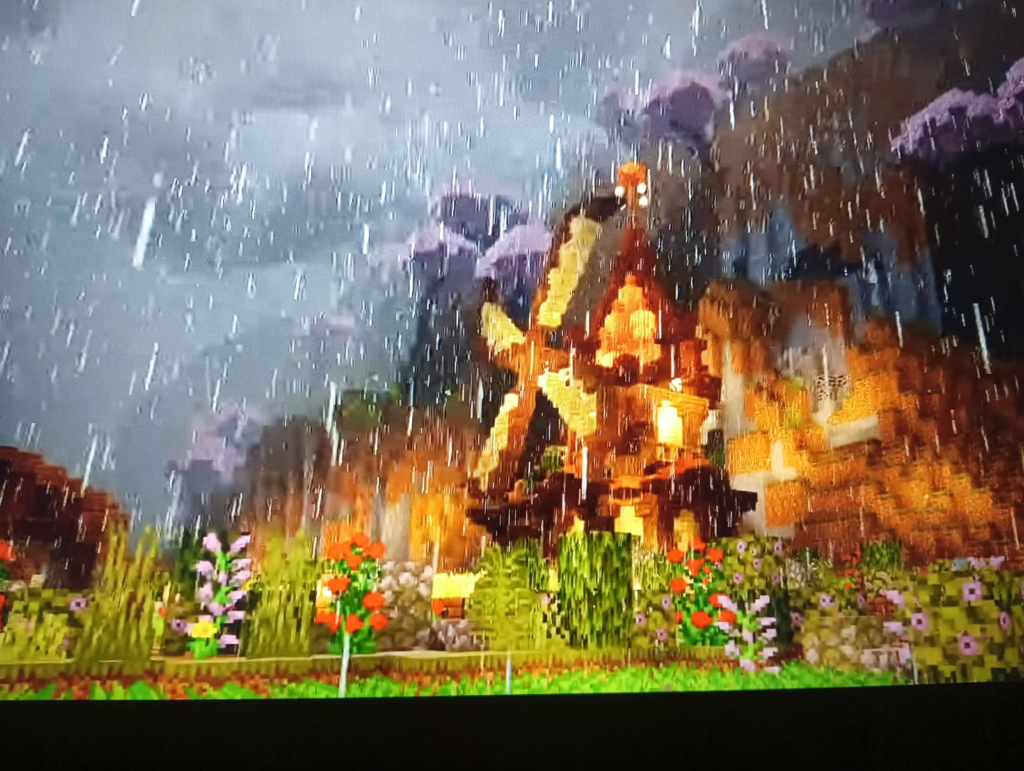
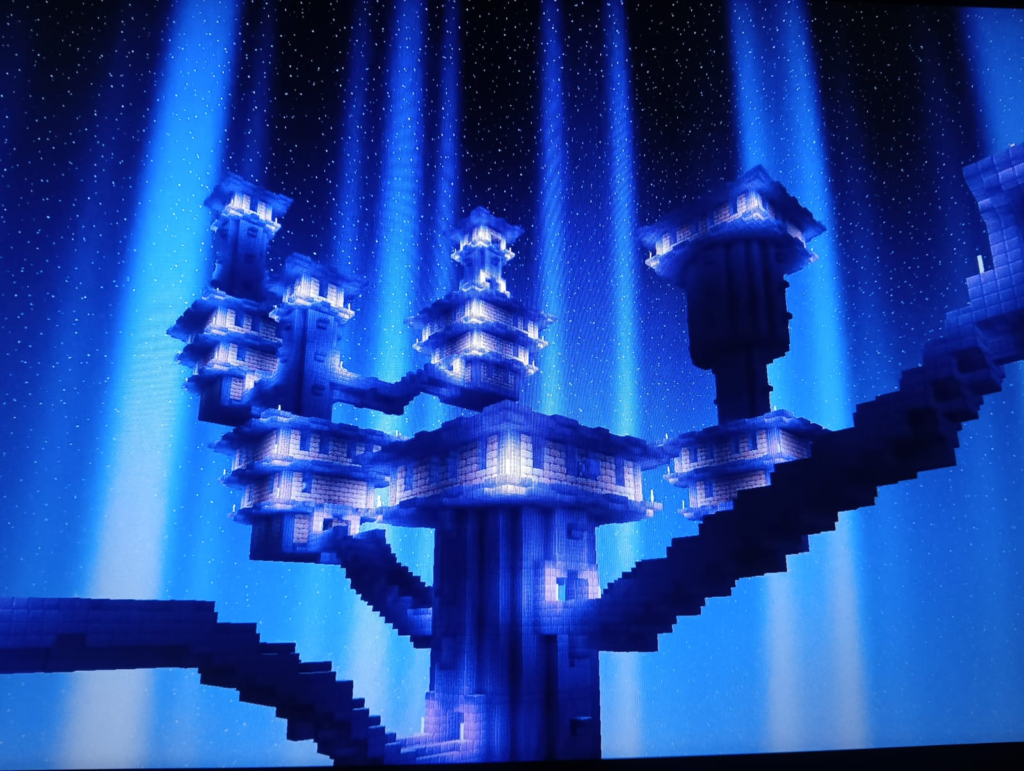
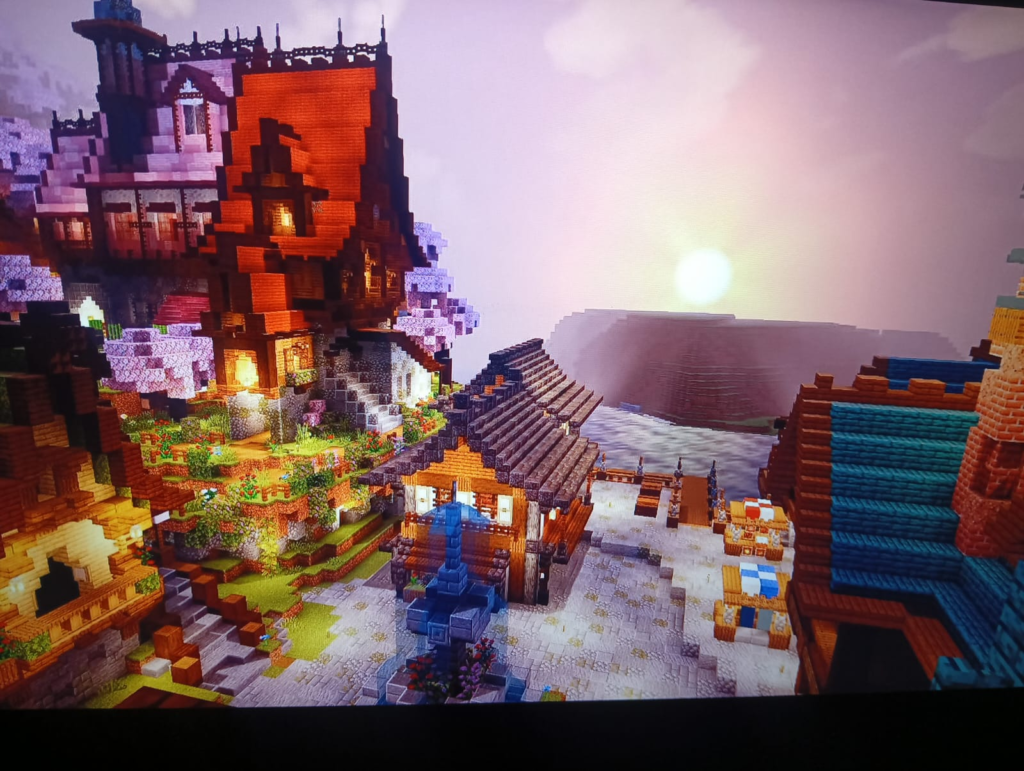
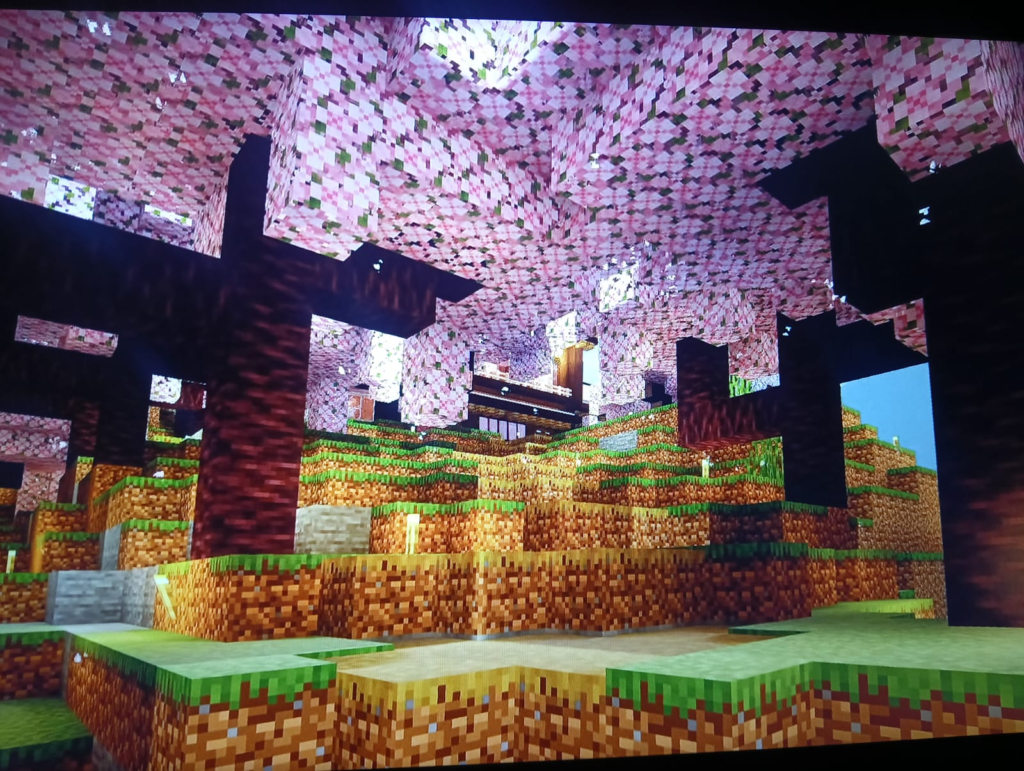
Screenshots:-
🚀 How to Install NEWB Explementary Edition Shader (Step-by-Step)
Even if you’re new to Minecraft shaders, you can install it in a few minutes.
✅ Step 1: Install OptiFine or Iris
Most shaders require one of these:
- OptiFine — Common for Forge/vanilla installs
- Iris Shaders — For Fabric users
Install one of these and launch Minecraft once.
✅ Step 2: Download the Shader Pack
You’ll get a .zip file for the shader pack.
🔹 DO NOT unzip it.
Keep it as a .zip — Minecraft reads it that way.
✅ Step 3: Place It in the Shaders Folder
In Minecraft:
Options → Video Settings → Shaders → Shaders Folder
Move the .zip file into the shaders folder.
✅ Step 4: Select the Shader
Back in the shaders menu:
➡️ Choose NEWB Explementary Edition Shader
Wait a few seconds — loading finishes automatically.
Done!
⚡ Best Settings for Smooth Performance
Even lightweight shaders can impact FPS. Here’s how to optimize:
🔧 Recommended Settings for Low-End PCs
| Setting | Recommendation |
|---|---|
| Shadow Quality | Low |
| Render Distance | 8–12 chunks |
| Volumetric Lighting | Off |
| Entities/Particles | Minimal |
| Clouds | Off |
| Render Clouds | Off |
These settings give a good balance between visuals and performance, especially on older hardware.
📊 Performance Expectations
Here’s a rough estimate of what you might see:
| System Type | Vanilla FPS | With NEWB Explementary |
|---|---|---|
| Low-End Laptop | ~80 FPS | ~45–60 FPS |
| Mid-Range PC | ~150 FPS | ~100–120 FPS |
| High-End PC | 250+ FPS | 180+ FPS |
Your results may vary depending on your GPU, RAM, and Minecraft version, but this shader is known for being light.
⭐ Why This Shader Is Great for Beginners
Here’s what makes the NEWB Explementary Edition Shader a good starting choice:
✔ No Complex Installation
Just install OptiFine/Iris and drop in the shader.
✔ No Heavy Graphics
Compatible with many systems.
✔ Looks Better Than Vanilla
Improves visuals without dramatic graphical overload.
❓ FAQ – Common Questions Beginners Ask
Q: Do I need a special Minecraft version?
✔ Usually, shaders work best with matching OptiFine versions.
✔ Check the shader’s download page for exact compatibility.
Q: Does it work with mods like Forge or Fabric?
✔ Yes — combined with OptiFine (Forge) or Iris (Fabric).
Q: Can shaders make my game unstable?
✔ Sometimes. Lowering settings usually fixes performance issues.
⚠️ Common Issues & Fixes
❌ Shader Not Showing
✔ Make sure the .zip file is in the correct folder
✔ Don’t unzip the shader
❌ FPS Drops
✔ Lower shadow resolution
✔ Reduce render distance
✔ Turn off volumetrics
❌ Crashes on Load
✔ Check version compatibility between OptiFine/Iris and your Minecraft version
✔ Use the correct launcher
🔍 Final Thoughts — Is It Worth Using?
YES — especially if:
- You want better visuals without lag
- You don’t have a gaming GPU
- You’re new to shaders
The NEWB Explementary Edition Shader is designed with balance in mind — making it one of the better lightweight shader options for many players.