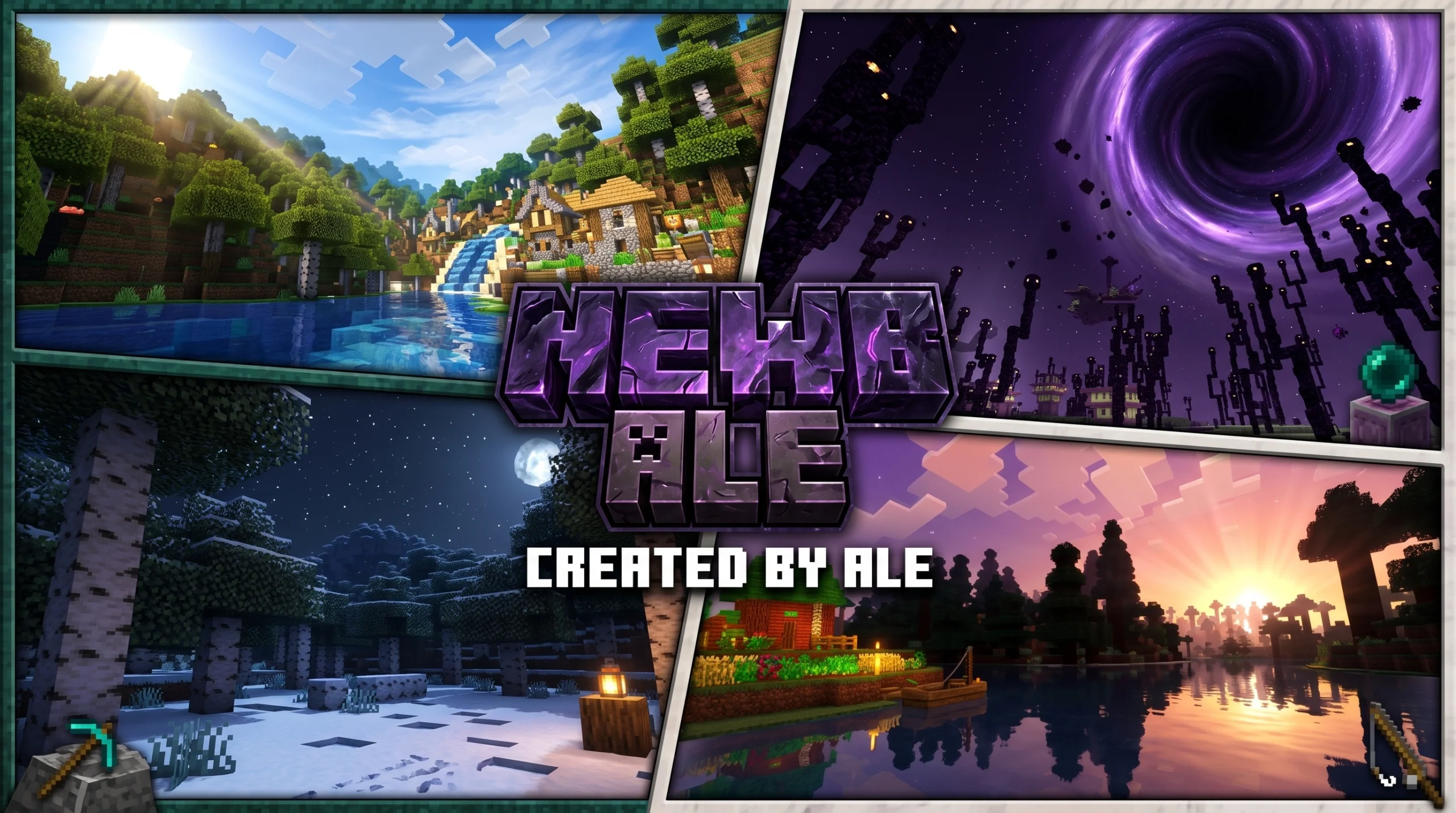
What Newb X Ale Renewed Fixed for RenderDragon Actually Does (And Why It Matters)
Newb X Ale Renewed Fixed | Support RenderDragon is an updated, community-built shader for Minecraft Bedrock Edition that brings realistic visuals — like dynamic lighting, water reflections, and volumetric clouds — to devices that can’t run RTX or heavy shader packs.
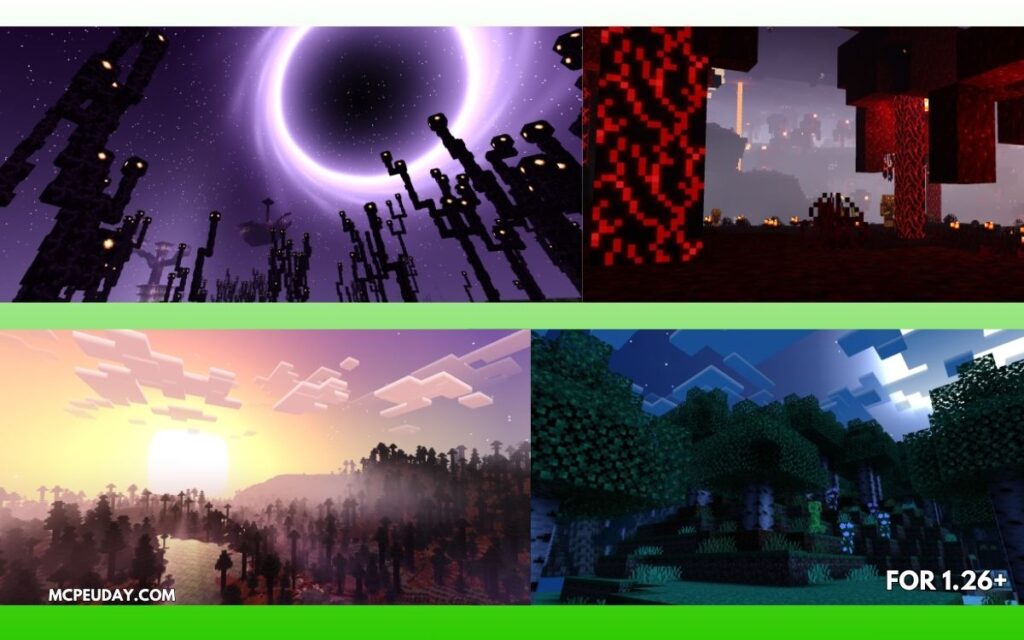
Quick Answer:
- What it is: A fixed and renewed version of the Newb X Ale shader, built on the open-source Newb X Legacy codebase
- Who it’s for: Android, Windows, and iOS players on Minecraft Bedrock 1.21.100 and above
- What you need: A patched APK or MB Loader (Android), or BetterRenderDragon v1.6.2 (Windows)
- Three versions available: Low, Medium, and Ultra — pick based on your device’s power
- Key fix: This “Renewed Fixed” version resolves RenderDragon compatibility issues from earlier releases
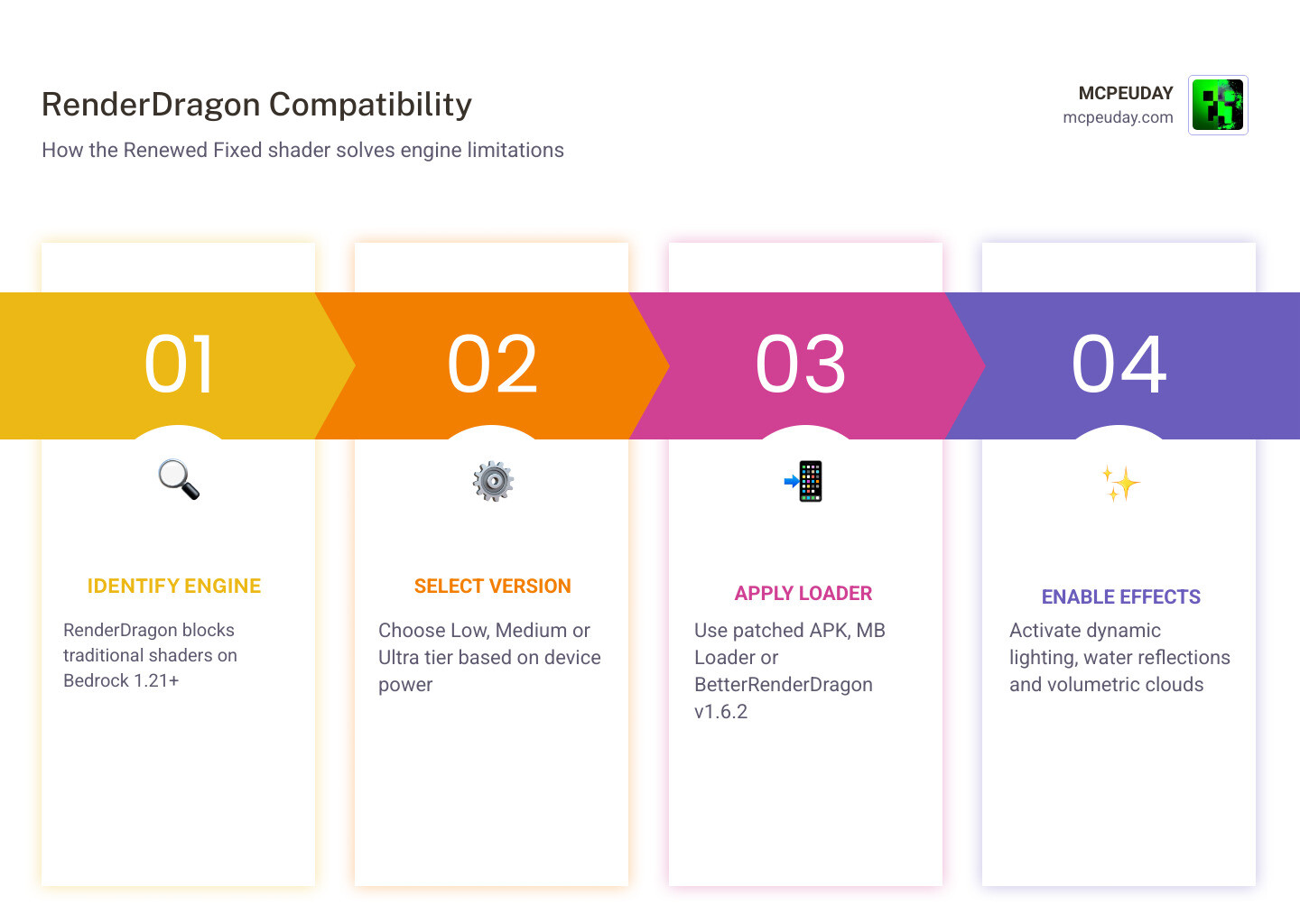
Minecraft Bedrock uses a rendering engine called RenderDragon, which blocks most traditional shaders from working out of the box. That’s a real headache for players who want better-looking graphics without switching to Java Edition.
This shader solves that problem. It draws visual inspiration from well-known shader packs — including the ESTN Shader, Super Duper Graphics Pack, and Ultra Realism Shader — and packages them into a lightweight, RenderDragon-compatible format.
It has earned an average rating of 4 out of 5 from 45 users, and the underlying Newb X Legacy repository has gathered 183 stars and 98 forks on GitHub — a solid sign of community trust.
What is Newb X Ale Renewed Fixed | Support RenderDragon?
To understand why the Newb X Ale Renewed Fixed | Support RenderDragon shader is such a massive milestone for the Bedrock community, we have to look back at where it all started.
Historically, Minecraft Bedrock used a rendering system that allowed simple .mcpack files to modify skies, water, and shadows without much hassle. When Mojang introduced the RenderDragon engine, it changed how materials were compiled. Suddenly, old GLSL/HLSL shaders stopped working entirely.
To bridge this gap, talented developers created Newb X Legacy, an open-source, lightweight vanilla-style successor to the classic GLSL Newb Shader. Built by developer VeteranDev, Newb X Legacy was designed to be highly customizable under the MIT license, encouraging other creators to build their own variants.
This open-source foundation paved the way for a brilliant collaboration. Developer Ale took the core architecture of Newb X Legacy and combined it with the rich visual styles of the ESTN Shader, the legendary Super Duper Graphics Pack, and the Ultra Realism Shader. The result of this collaborative renewal is a pack that provides dramatic visual upgrades without tanking your frame rate. For a deeper dive into the original release’s history and its foundational features, you can check out our comprehensive guide on the Newb X Ale Shader For Minecraft Pe Bedrock Best Realistic Shader For Low End Devices.
The “Fixed” tag in this version represents crucial community-driven patches that prevent rendering bugs, correct sky glitching on mobile platforms, and optimize material compilation for the latest versions of Minecraft Bedrock (up to version 1.26.20 in May 2026).
Key Visual Features of Newb X Ale Renewed Fixed | Support RenderDragon
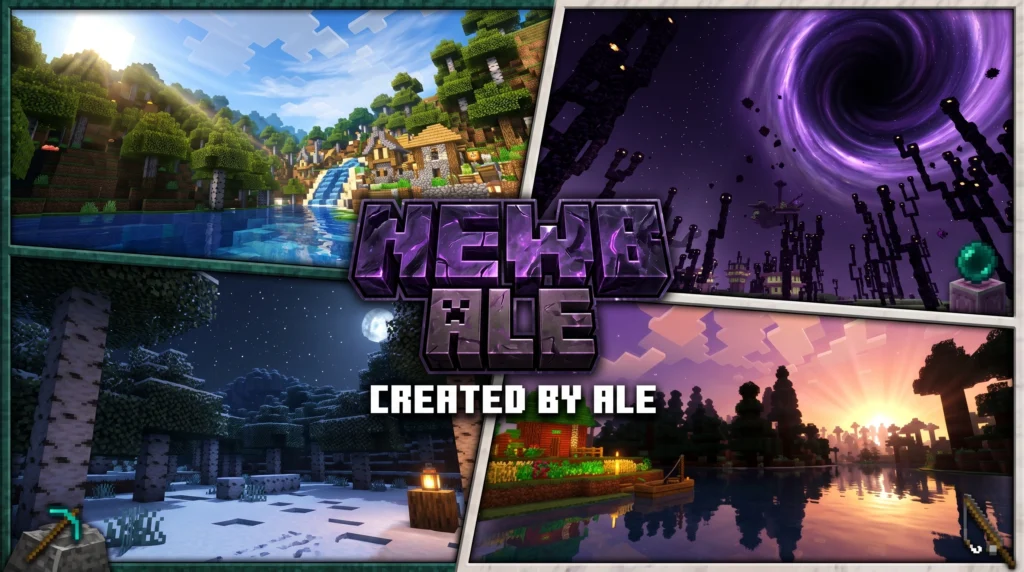
So, what does this shader actually do to your virtual world? Instead of going for pure, resource-heavy photorealism, the Newb X Ale Renewed Fixed | Support RenderDragon pack focuses on enhancing the vanilla art style. It adds depth, atmosphere, and warmth where it matters most:
- Sun Rays & Volumetric Lighting: Beautiful light shafts pierce through tree leaves and cloud gaps during sunrise and sunset.
- Realistic Shadows: Soft, dynamic shadows block out light naturally under structures, trees, and terrain, giving the world a true sense of depth.
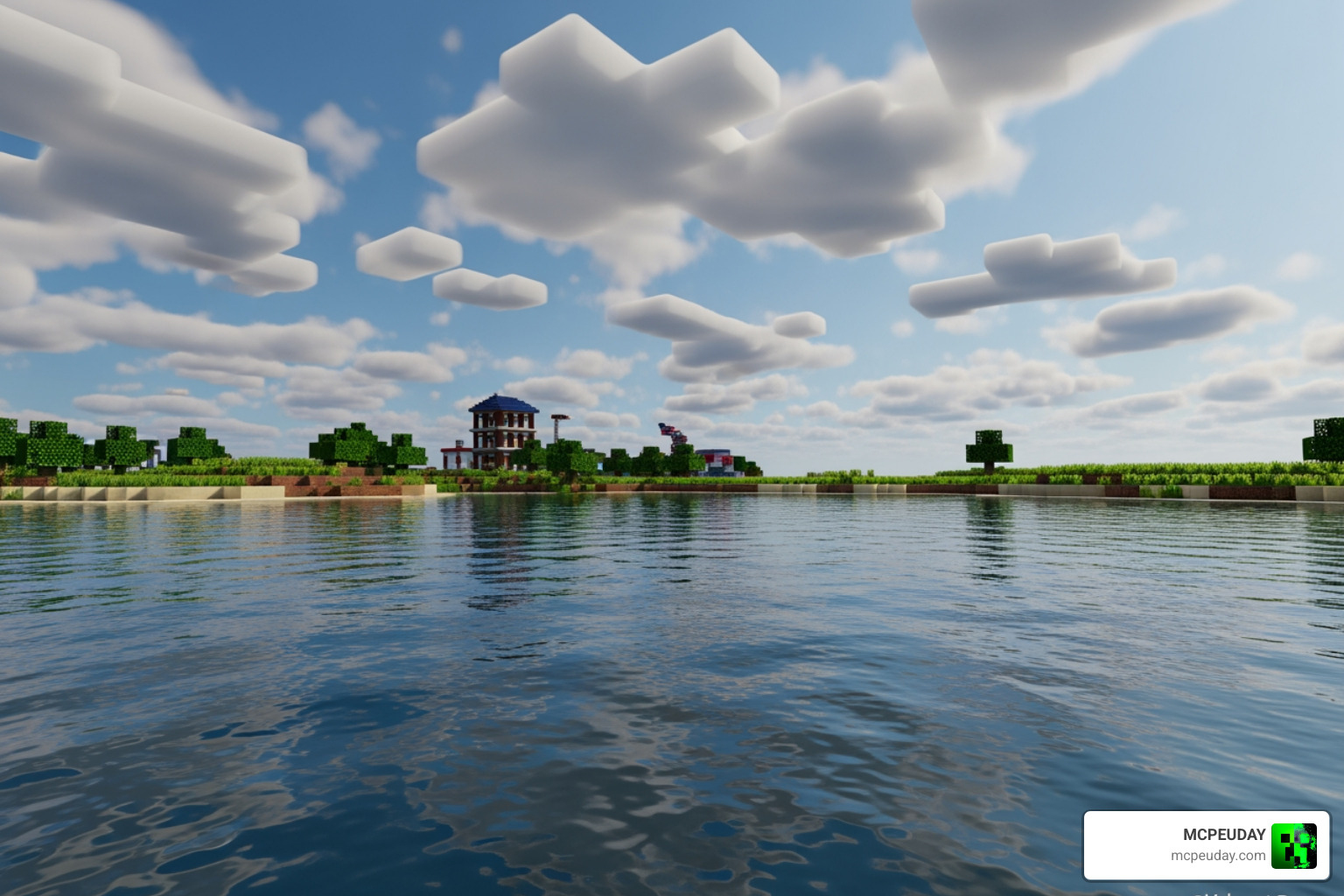
- Advanced Water Effects: The water is no longer a flat, semi-transparent blue sheet. It features realistic surface reflections, gentle wave animations, and clear underwater visibility with light refraction.
- Java-Like Lighting & Warmth: The shader replicates the warm, cozy torchlight and ambient glow typically found in Java Edition’s Complementary Shaders.
- Atmospheric Clouds: Say goodbye to flat, blocky clouds. The shader introduces multi-layered, volumetric clouds that shift and change shape dynamically.
If you are eager to download the latest files and see these features in action, you can find the direct package download on the Newb X Ale Renewed Shader for Minecraft.
Device-Specific Performance Tiers (Low, Medium, Ultra)
One of our favorite things about this shader is its accessibility. The creators knew that Bedrock players run the game on everything from budget Android phones to high-end gaming rigs. To accommodate everyone, the shader is split into three distinct performance tiers:
| Shader Tier | Visual Features Included | Performance Impact | Recommended Hardware |
|---|---|---|---|
| Low | Warmer lighting, basic soft shadows, shiny blocks, simple volumetric clouds, beautiful water, rain effects. | Very Low (5-10% FPS drop) | Budget Android devices, older iPhones, low-end laptops. |
| Medium (Default) | Everything in Low + realistic sunset/sunrise gradients, improved Java-like ambient lighting, enhanced underwater visuals. | Low-Medium (10-20% FPS drop) | Mid-range Android phones, modern tablets, standard PCs. |
| Ultra | Everything in Medium + moving plants, waving leaves/flowers/crops, double-layer volumetric clouds, realistic water reflections. | Medium-High (20-35% FPS drop) | High-end mobile devices, modern iPads, gaming PCs. |
By separating these profiles, you can easily perform some performance tuning. If you experience micro-stutters or frame drops on the Ultra version, simply step down to the Medium or Low version to enjoy a smooth, optimized 60 FPS gameplay experience.
How to Install and Fix the Shader on Different Platforms
Because RenderDragon does not officially support custom shaders, installing them requires a few workarounds. You can’t just double-click an .mcpack file and expect it to work on a vanilla client. You must use platform-specific patches and tools to bypass RenderDragon’s security layer.
Additionally, make sure you enable Experimental Options (specifically “Beta APIs” or any custom graphics toggle available in your version) in your world settings before loading up your save.
Setting Up Newb X Ale Renewed Fixed | Support RenderDragon on Android
There are two primary methods to run this shader on Android: using a patched Minecraft APK or utilizing the MB Loader (MaterialBinLoader).
Method 1: The MB Loader APK (Highly Recommended)
This is the cleanest method because it doesn’t require you to manually patch your main game application.
- Download the MB Loader APK from our recommended resource links.
- Install the MB Loader app on your Android device.
- Download the Newb X Ale Renewed Fixed | Support RenderDragon resource pack.
- Import the
.mcpackfile into Minecraft. - Open the MB Loader app, and use it to launch Minecraft.
- Go to Settings > Global Resources, activate the shader pack, and enjoy!
Method 2: Using a Patched APK
If you prefer a standalone patched client:
- Back up your worlds to an external drive or cloud storage.
- Uninstall the official Minecraft app from your phone.
- Download and install the pre-patched Minecraft APK (compatible with your current version, e.g., 1.21.20+ up to 1.26.20).
- Download the shader pack, open it with the patched Minecraft app to import it, and activate it under Global Resources.
Setting Up on Windows and iOS
Windows 10 & 11 Installation
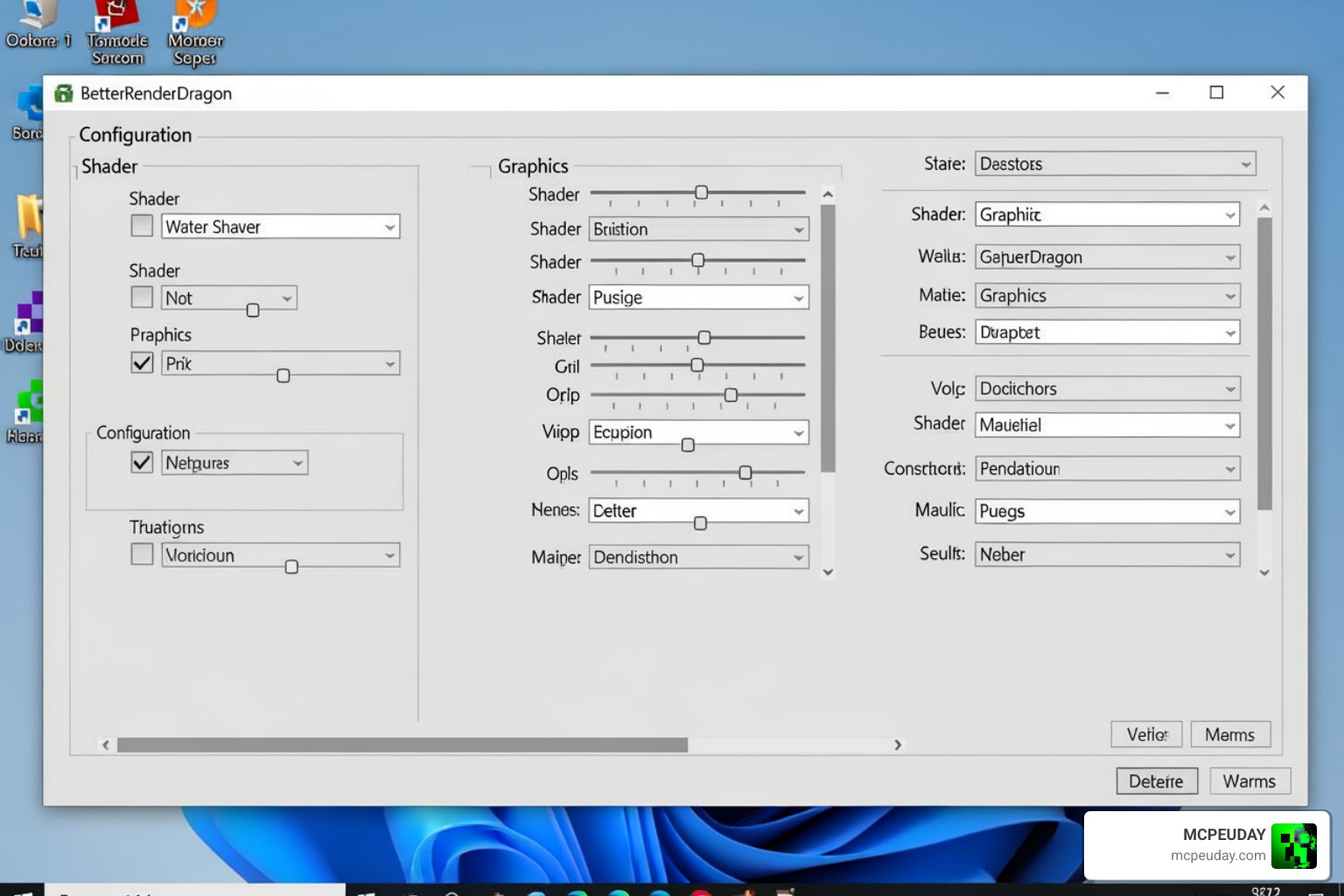
Windows players have the most robust tool for running RenderDragon shaders: BetterRenderDragon.
- Download and install BetterRenderDragon v1.6.2 (or the latest version compatible with your Minecraft build).
- Ensure you have the MaterialBinLoader mod enabled inside the BetterRenderDragon configuration menu.
- Download the Windows-specific version of the shader pack.
- Import the
.mcpackfile into your game. - If BetterRenderDragon fails to load the materials automatically, you can manually replace the game’s
material.binfiles. Locate your Minecraft installation folder, navigate to therenderer/materialsdirectory, and replace the default files with the compiled shader files.
iOS Installation
Running shaders on iOS is slightly more restrictive due to Apple’s closed ecosystem.
- Your iOS device must be jailbroken or capable of sideloading modified apps (using tools like AltStore or Sideloadly).
- Install a patched version of Minecraft IPA that supports custom shader materials.
- Import the shader
.mcpackand apply it via Global Resources.
Troubleshooting Common RenderDragon Shader Issues
Even with a perfect setup, custom shaders can occasionally run into hiccups. Here are the most common issues and how to fix them:
- The “Half-Sky” or Glitched Sky Bug: On some Android devices, you might see a weird line across the sky or only half of the sky rendering. To fix this, ensure you have deleted all previous versions of the shader before installing the “Renewed Fixed” edition. Old cached shader files can conflict with new rendering instructions.
- Missing Player Shadows: If player shadows are missing or look blocky, check your shader tier. The “Low” tier disables complex dynamic shadow maps to save processing power. Switch to “Medium” or “Ultra” to restore them.
- Black Screen on Startup: This usually happens on Windows if your BetterRenderDragon version is outdated or if you placed the
material.binfiles in the wrong directory. Ensure you are using BetterRenderDragon v1.6.2 or newer, and verify your game files. - Community Support: If you run into an unusual device-specific bug, we highly recommend joining the official Newb Community Discord server. The community is incredibly active and regularly posts nightly builds and hotfixes for niche hardware configurations.
Frequently Asked Questions About RenderDragon Shaders
Which Minecraft Bedrock versions are supported?
The Newb X Ale Renewed Fixed | Support RenderDragon shader officially supports Minecraft Bedrock versions 1.20.0 through 1.26.20. It is fully compatible with newer releases like 1.21.100+ and works beautifully on Android, Windows, and iOS.
Do I need a patched APK to run this shader on Android?
Yes, you need either a patched Minecraft APK or the MB Loader APK. Because the vanilla Minecraft client from the Google Play Store blocks unauthorized modifications to its rendering engine, these third-party loaders act as a bypass to inject the custom shader materials.
What should I do if BetterRenderDragon is not working on Windows?
If the automated loader in BetterRenderDragon fails, you can perform a manual installation. Unpack the shader .mcpack file using a zip extractor, locate the compiled material.bin files inside, and manually copy-paste them into your Minecraft app installation folder’s material directory.
Conclusion
The Newb X Ale Renewed Fixed | Support RenderDragon shader is a triumph of community development. It proves that even with the limitations of the RenderDragon engine, Bedrock players can still enjoy breathtaking, Java-like visuals without needing an expensive RTX graphics card.
Whether you are playing on a budget mobile phone or a high-end PC, the customizable Low, Medium, and Ultra tiers ensure you don’t have to compromise on performance. If you want to keep customizing your game with the absolute best add-ons, texture packs, and modifications, we invite you to Explore more Minecraft Bedrock resources right here on MCPEUDAY! Happy building, and enjoy your beautiful new views!