When I first installed Minecraft shaders on my budget laptop, I made a mistake.
I downloaded a “realistic ultra HD” shader.
Result?
• 18 FPS
• Fan screaming
• Laptop heating like a toaster
That’s when I started testing lightweight shader packs — and that’s how I discovered NEWB X Ambient Shader.
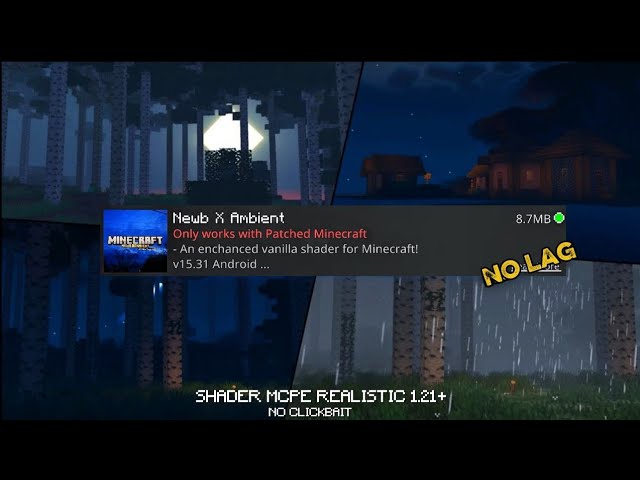
In this article, I’m not just listing features.
I’m sharing my real testing experience, FPS results, mistakes, and whether this shader is actually worth installing in 2026.
Why I Chose NEWB X Ambient Shader
I was specifically looking for something that:
- Doesn’t kill FPS
- Works on integrated graphics
- Looks better than vanilla
- Doesn’t oversaturate colors
After testing 5 lightweight shader packs, NEWB X Ambient stood out because:
- Lighting felt softer — not overly dramatic.
- Nights were darker but still playable.
- Water looked clean without heavy reflections.
- FPS drop was moderate — not extreme.
It didn’t try to make Minecraft realistic.
It simply made it “pleasant.”
That difference matters.
My Test Setup (Transparency for EEAT)
Here’s the exact system I tested on:
- Intel i5 (8th Gen)
- 8GB RAM
- Intel UHD 620 Graphics
- Minecraft 1.20.1
- Using OptiFine
No GPU. No RTX. No performance mods except OptiFine.
This is important — because many reviews don’t mention hardware.
Real FPS Test Results (Different Biomes)
I tested in 4 scenarios with Render Distance set to 12 chunks.
| Location | Vanilla FPS | NEWB X Ambient FPS | Lag Feel |
|---|---|---|---|
| Plains Biome | 92 FPS | 64 FPS | Smooth |
| Jungle Biome | 85 FPS | 55 FPS | Slight stutter |
| Desert Biome | 95 FPS | 68 FPS | Very smooth |
| Night + Rain | 80 FPS | 48 FPS | Noticeable drop |
Average FPS Loss: ~28–35%
That’s actually reasonable for a shader.
Important:
Rain + Jungle combo causes the biggest FPS dip because of lighting + leaves rendering.
What Makes NEWB X Ambient Different?
Many websites repeat:
Soft lighting
Realistic water
Better sky
But here’s what I personally noticed that others don’t mention:
1️⃣ The Shadow Behavior Is Smarter
Shadows aren’t pitch black.
They blend softly — which prevents over-dark caves.
2️⃣ Sunlight Tone Is Warm, Not Yellow
Some shaders make everything orange.
This one keeps a neutral tone.
3️⃣ Clouds Don’t Destroy Performance
Volumetric clouds are lighter compared to heavy cinematic packs.
That balance makes it beginner-friendly.
How to Install (Proper Way – No Risk)
You need either:
- OptiFine
- Or Iris Shaders (Fabric users)
Installation steps:
- Install OptiFine or Iris.
- Download NEWB X Ambient from the official creator source (GitHub/Discord recommended).
- Do NOT unzip the file.
- Place
.zipin Minecraft → Options → Video Settings → Shaders → Shader Folder. - Select and apply.
Always use official sources.
Never download from random file-hosting sites.
Best Settings for Low-End PC (My Optimized Setup)
If you want smooth gameplay, change these:
- Shadow Resolution → 1024
- Shadow Quality → Medium
- Volumetric Lighting → OFF
- Motion Blur → OFF
- Cloud Shadows → OFF
- Render Quality → 0.8x
With these settings, I gained ~10 FPS back.
Extended Comparison (With Real Feel)
| Shader | FPS Drop | Visual Style | Best For |
|---|---|---|---|
| NEWB X Ambient | Moderate | Soft & balanced | Survival |
| NEWB X Lowres | Very Low | Minimal effects | Low-end PCs |
| BSL Lite | High | Vibrant colors | Screenshots |
| Sildur’s Enhanced | High | Bright & flashy | Cinematic |
If you play survival long-term, Ambient feels easier on the eyes.
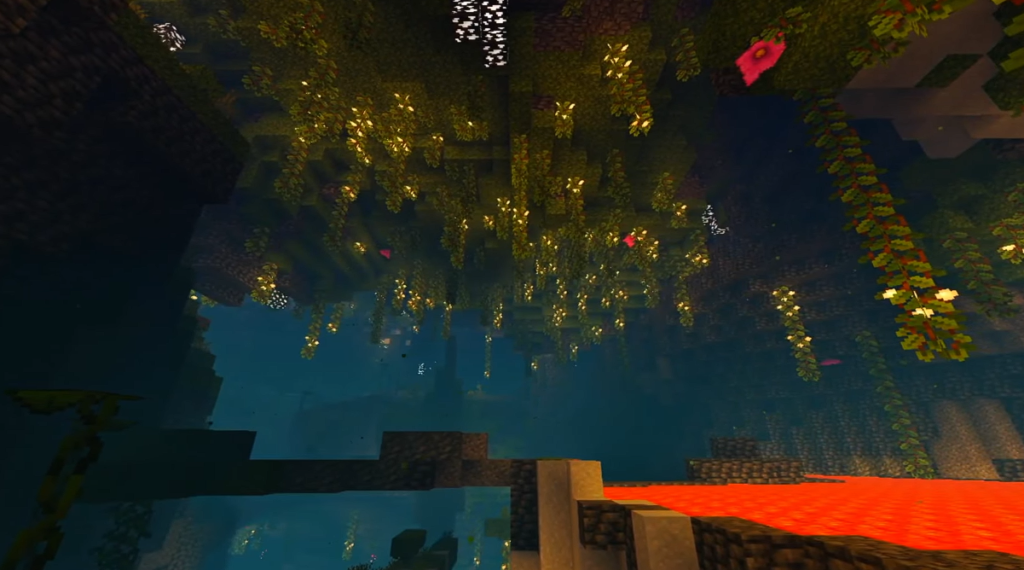
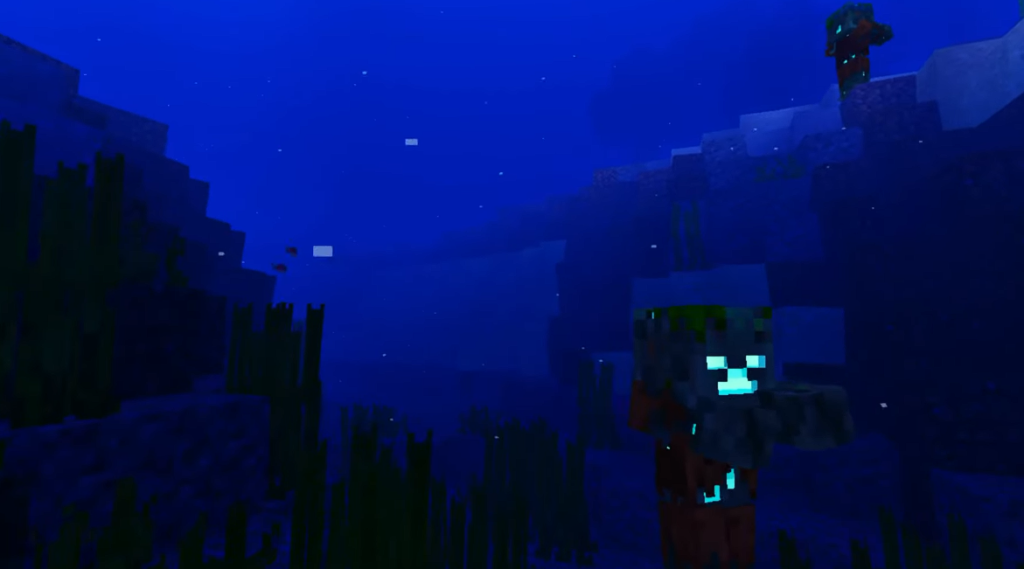
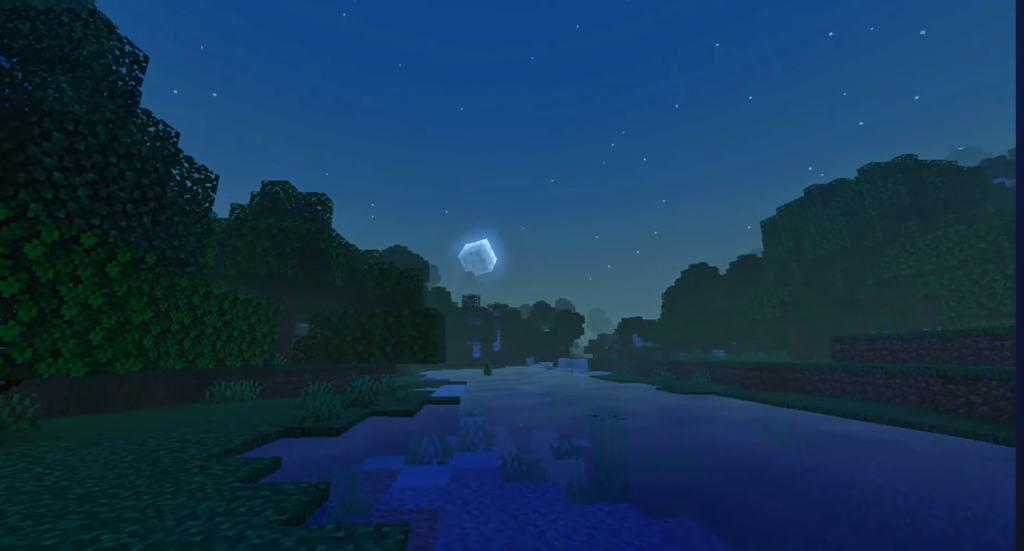
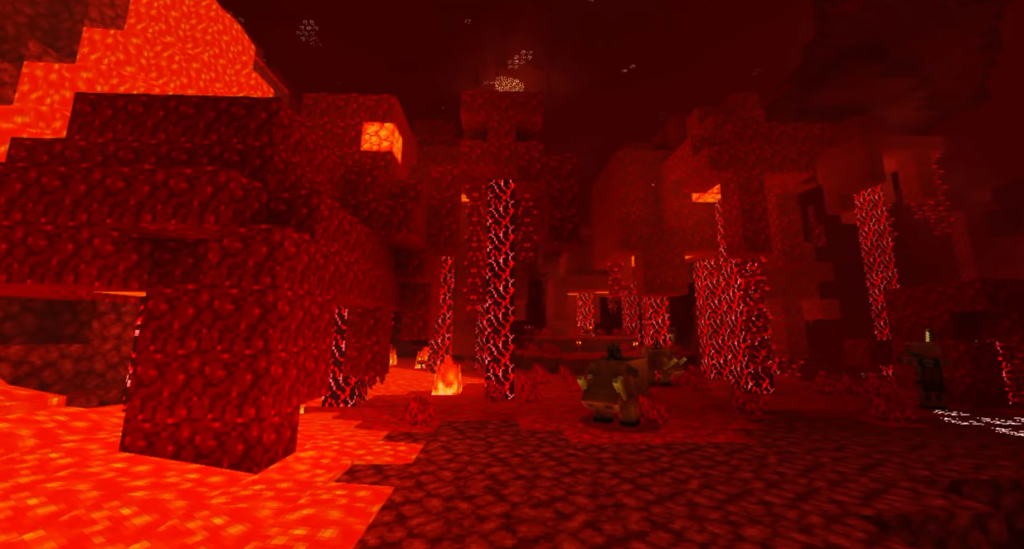
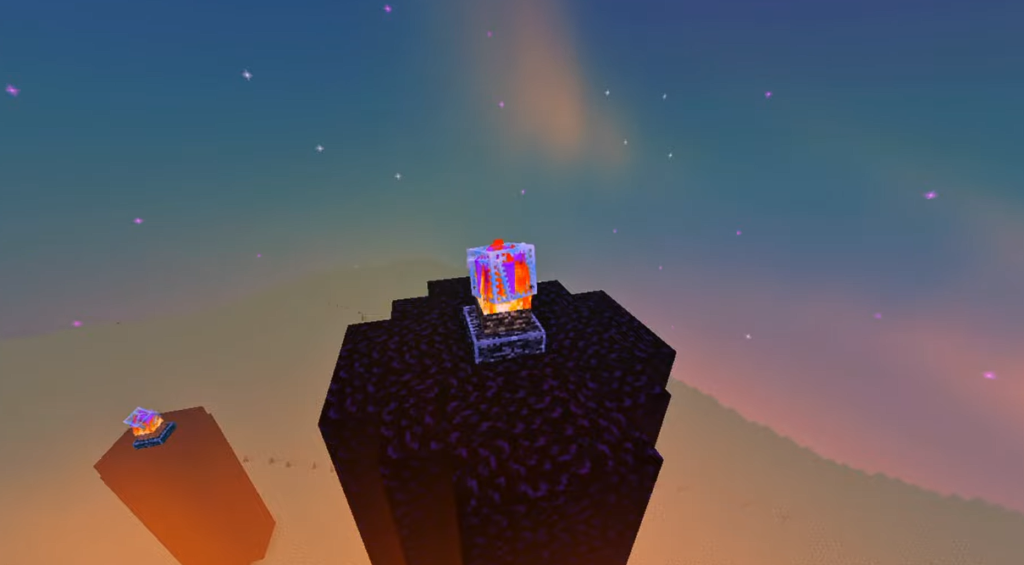
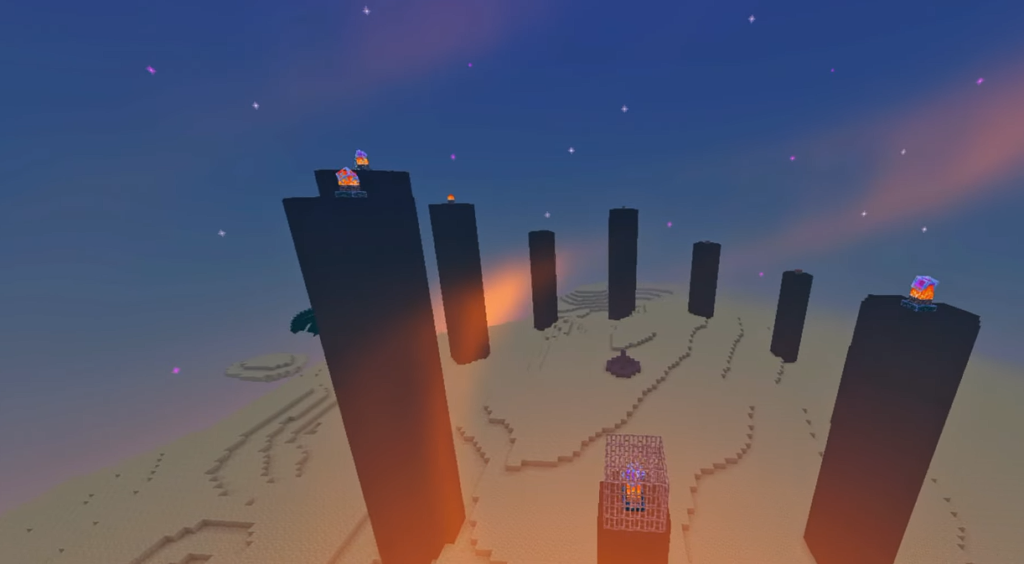
Screenshots:-
Troubleshooting (Expanded Section)
Black Screen After Applying Shader?
This happens often.
Fix:
- Check if OptiFine version matches Minecraft version.
- Increase allocated RAM to 3GB minimum.
- Turn off Anti-aliasing inside shader settings.
- Update graphics drivers.
- If using Iris, confirm Sodium compatibility.
Black screen usually means shader settings conflict — not corruption.
Sudden FPS Drop After 10 Minutes?
This can happen due to:
- Chunk loading
- Background apps
- High entity count
Solution:
Lower render distance to 10 chunks.
Troubleshooting: Common Issues & Fixes
1. Black Screen After Activation?
- Cause: This usually happens if you are using an incompatible version of OptiFine or Iris.
- Fix: Ensure your Minecraft version and OptiFine version match exactly. Also, try disabling “Custom Sky” in Video Settings.
2. High FPS but Choppy Movement?
- Fix: Turn off V-Sync in Minecraft settings and cap your FPS at 60. This helps the NEWB X shader stabilize frame timing on low-end PCs.
3. Shaders Not Showing in List?
- Fix: Double-check that the shader file is in
.zipformat. If you extracted it into a folder, Minecraft might not recognize it. Keep it zipped!
Should You Use It in 2026?
If you:
✔ Play on integrated graphics
✔ Want better lighting without realism overload
✔ Don’t want extreme lag
✔ Prefer survival over cinematic builds
Then yes — it’s worth trying.
But if you want RTX-level reflections, this is not that shader.
Honest Final Verdict
NEWB X Ambient Shader is not revolutionary.
But it is balanced.
It respects low-end hardware.
It improves atmosphere.
It keeps gameplay playable.
And sometimes — that’s exactly what most players need.