NEWB X LMI Shader enhances Minecraft PE with realistic lighting, dynamic shadows, vibrant colors, smooth water reflections, and optimized performance, giving players a stunning yet lag-free visual experience.
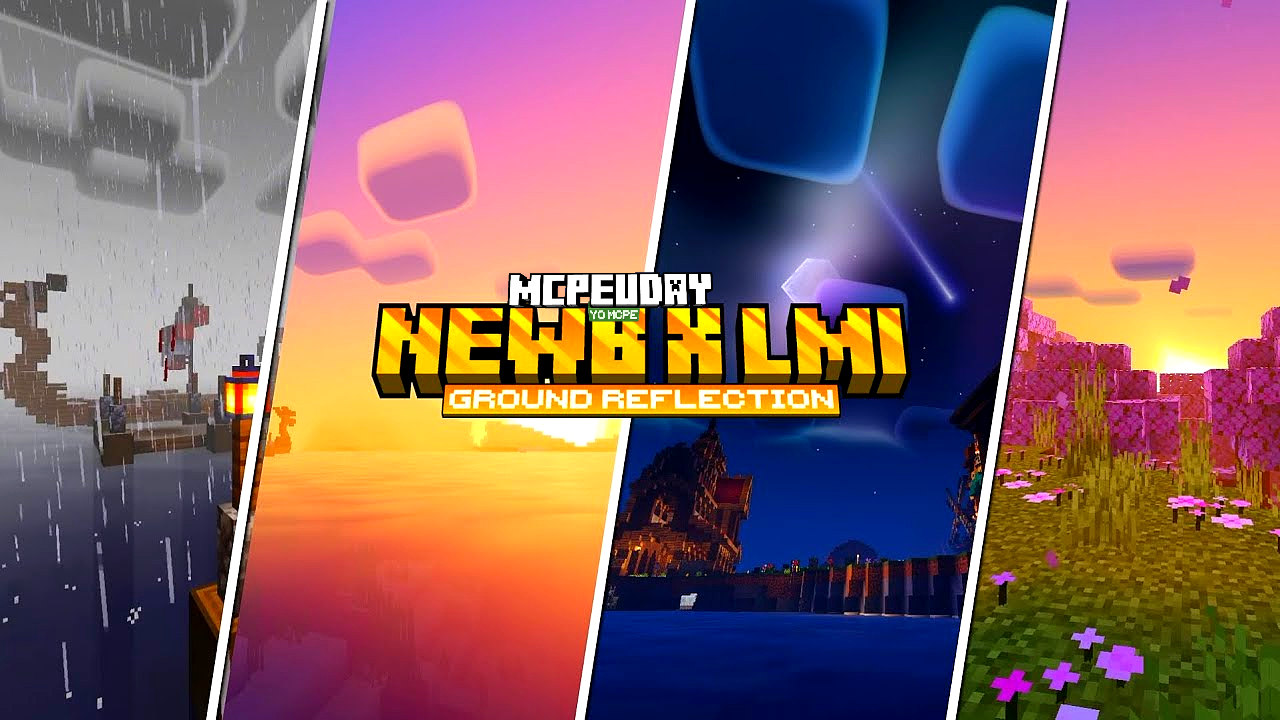
If you want to completely transform the look of your Minecraft world without heavy lag, NEWB X LMI Shader is one of the best realistic shader packs available for Minecraft PE. It upgrades lighting, sky, water, and overall textures while maintaining smooth gameplay performance.

Unlike many heavy shaders that reduce FPS, this shader is optimized for both low-end and high-end Android devices, making it perfect for survival players, builders, and content creators.
🌅 What is NEWB X LMI Shader?
NEWB X LMI Shader is a lightweight yet powerful realistic shader for MCPE designed to improve:
- Sunlight and moonlight effects
- Water transparency and reflections
- Realistic sky colors
- Soft dynamic shadows
- Natural color grading
It creates a cinematic Minecraft experience while keeping the gameplay smooth.
✨ Key Features of NEWB X LMI Shader
1️⃣ Realistic Lighting System
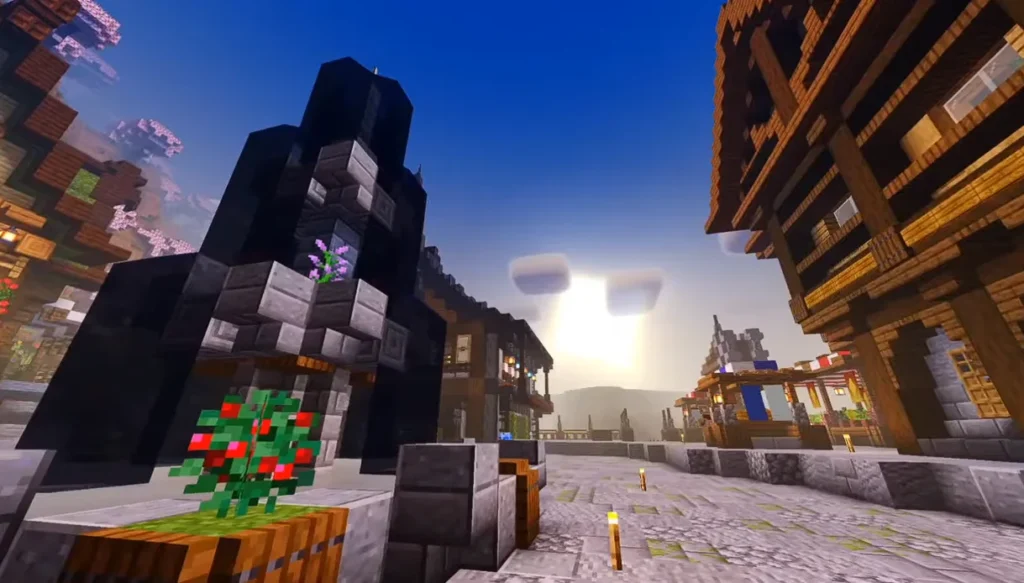
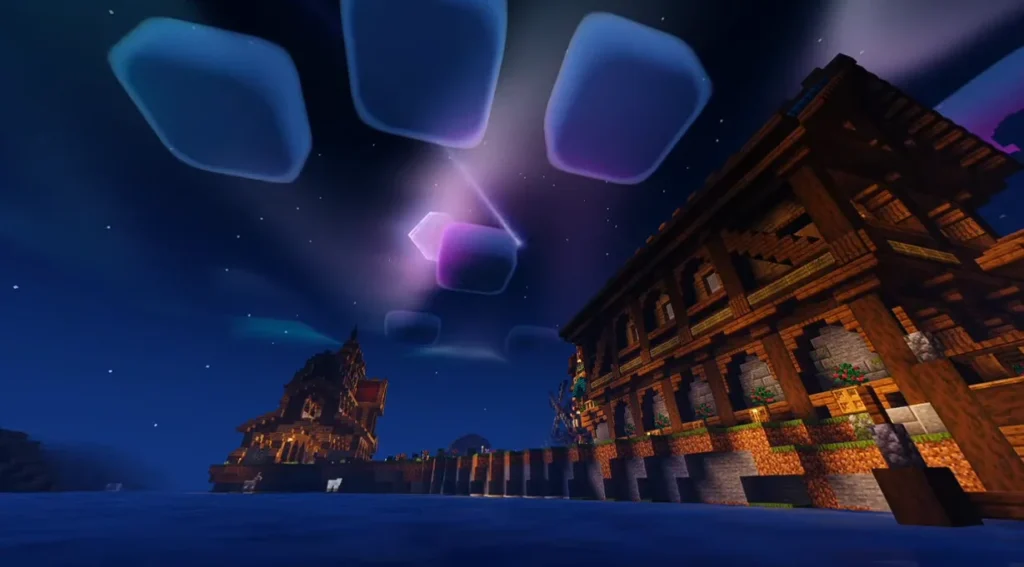
The shader adds enhanced sunlight rays, warm sunsets, and natural night brightness. Torches and glow blocks emit smoother light.
2️⃣ Beautiful Water Effects
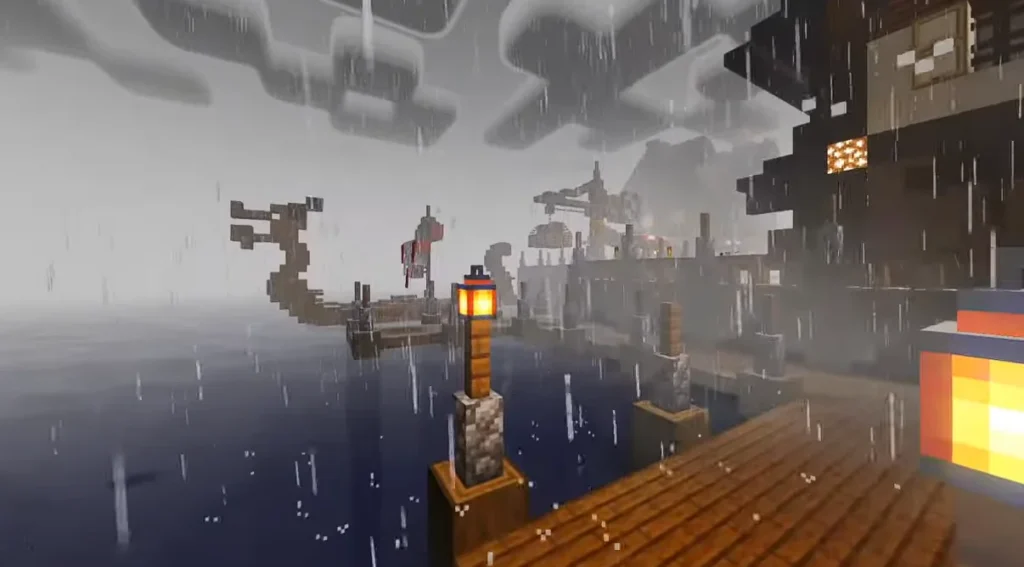
Water becomes clearer, reflective, and animated. Rivers, oceans, and lakes look more alive and realistic.
3️⃣ Smooth Shadow Rendering
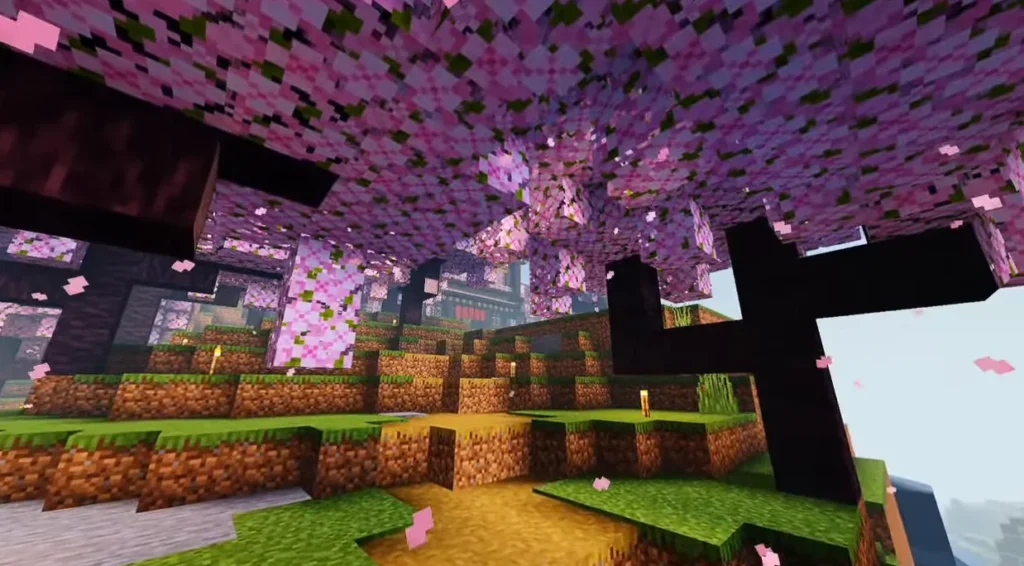
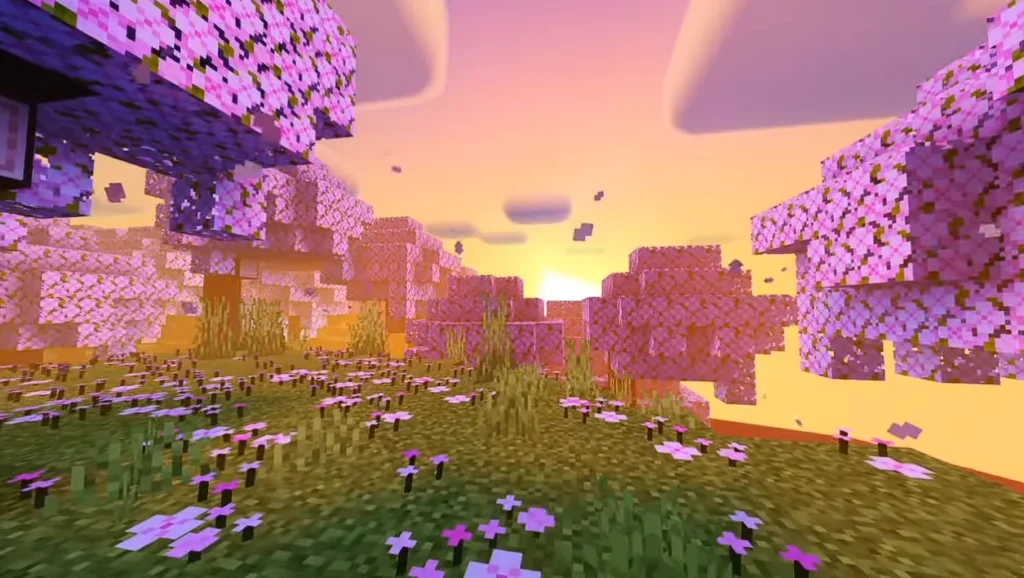
Soft shadows make buildings and trees look more detailed and immersive.
4️⃣ Vibrant Sky & Clouds
Improved sky gradients and dynamic clouds make the environment visually stunning.
5️⃣ Optimized for Better FPS
Unlike heavy RTX-style shaders, NEWB X LMI Shader is optimized to run smoothly even on medium devices.
6️⃣ Enhanced Color Balance
Blocks look more natural, not over-saturated or too dark.
Screenshots:-
📱 Compatibility & Requirements
- Works with Minecraft PE / Bedrock Edition
- Supports latest Minecraft versions
- Android devices (Low to High-end)
- Requires shader support enabled in settings
🛠 How to Install NEWB X LMI Shader in Minecraft PE
Follow these steps:
- Download the NEWB X LMI Shader file (.mcpack).
- Open the file with Minecraft.
- Wait for the import process to complete.
- Go to Settings → Global Resources.
- Activate the shader pack.
- Restart your world.
Now enjoy ultra-realistic Minecraft graphics!
🎮 Why Choose NEWB X LMI Shader?
There are many Minecraft PE shaders available, but NEWB X LMI stands out because:
✔ Lightweight performance
✔ Realistic visuals
✔ Smooth gameplay
✔ Easy installation
✔ Suitable for survival & creative mode
It balances performance and graphics perfectly.
⚠ Important Tips for Best Performance
- Turn off unnecessary background apps.
- Use compatible Minecraft version.
- Adjust render distance according to device capability.
- Restart the game after enabling shader.
🏁 Final Verdict
If you are searching for a Realistic Shader for MCPE that improves lighting, shadows, and water without destroying FPS, then NEWB X LMI Shader Download is absolutely worth trying.
It gives your Minecraft world a premium look while staying smooth and stable.
❓ Frequently Asked Questions (FAQ)
Q1: Is NEWB X LMI Shader free?
Yes, it is generally available for free for Minecraft PE players.
Q2: Does it support the latest Minecraft PE version?
Yes, it supports most updated Bedrock versions.