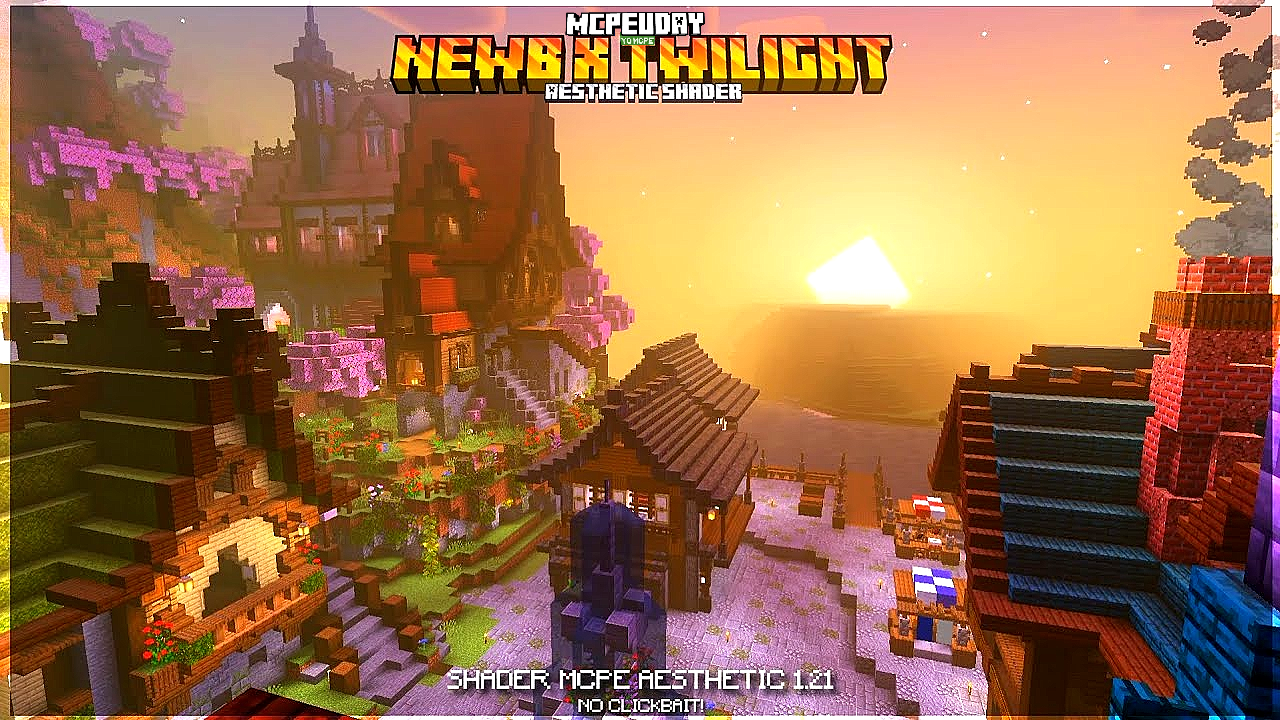
If you’re a Minecraft player and you want shaders that look beautiful but still run smoothly, you’ve probably heard of NEWB X Twilight Shaders.
In this guide, you’ll learn:
✅ What NEWB X Twilight Shaders are
✅ Why beginners love them
✅ How they work
✅ How to install them step-by-step
✅ Best settings for smooth performance
✅ Pros & cons
Let’s jump in!
🔮 What Are NEWB X Twilight Shaders
NEWB X Twilight Shaders are a lightweight shader pack made for Minecraft players who want:

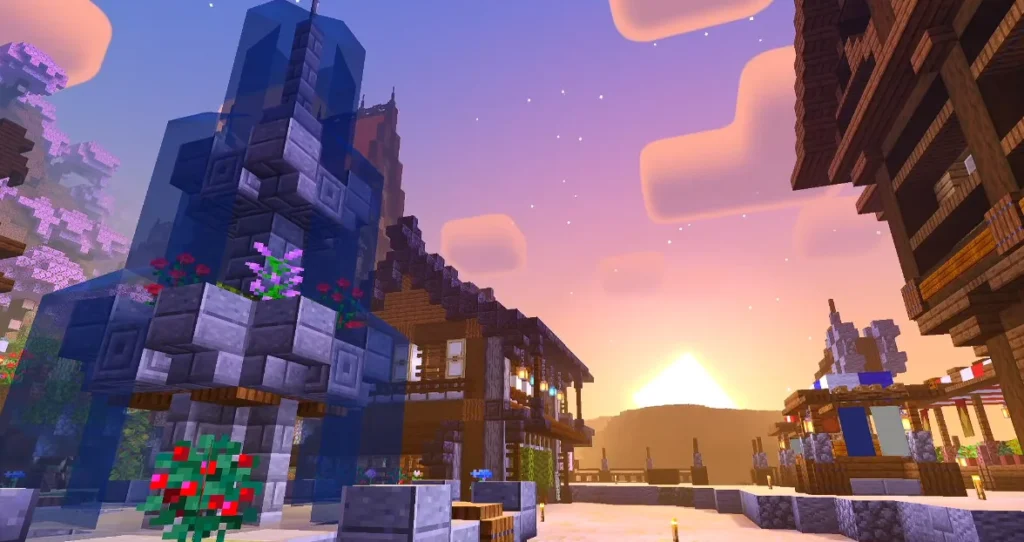
🌇 Better lighting
🌙 Richer sunsets
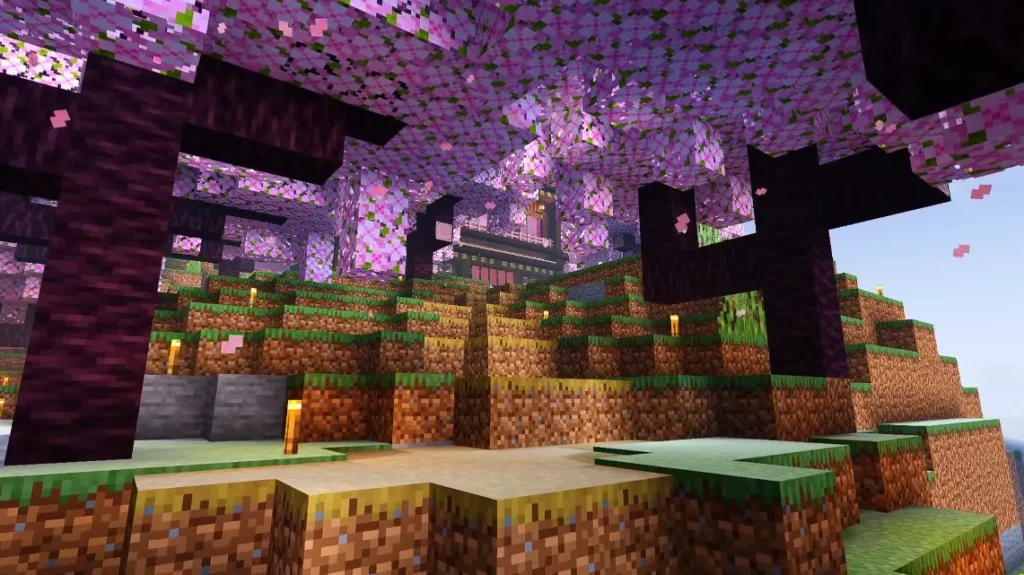
✨ Softer shadows
💧 Smooth water reflections
🚀 Good FPS performance
Unlike heavy shader packs that require top-tier computers, these are tailored for:
✔ Beginners
✔ Low-to-mid-range PCs
✔ Players who want balance — visuals without lag
Think of it as:
“Minecraft, but more magical and vibrant — without turning your PC into a furnace.”
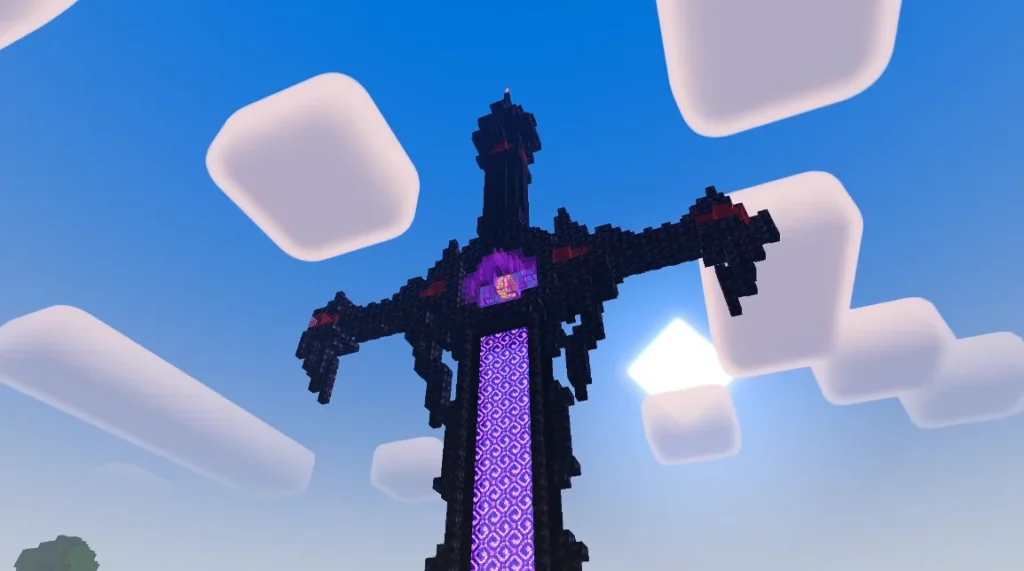
Screenshots:-
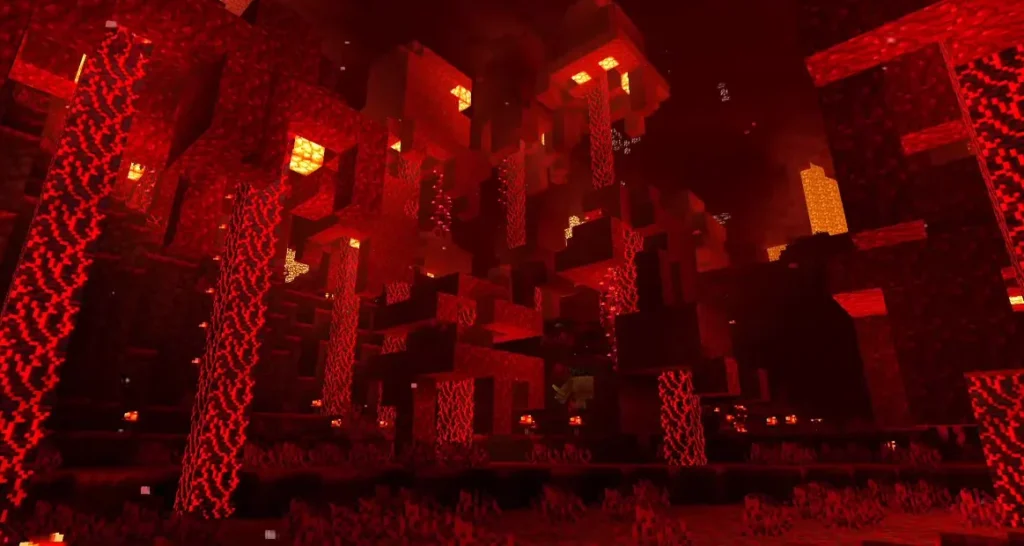
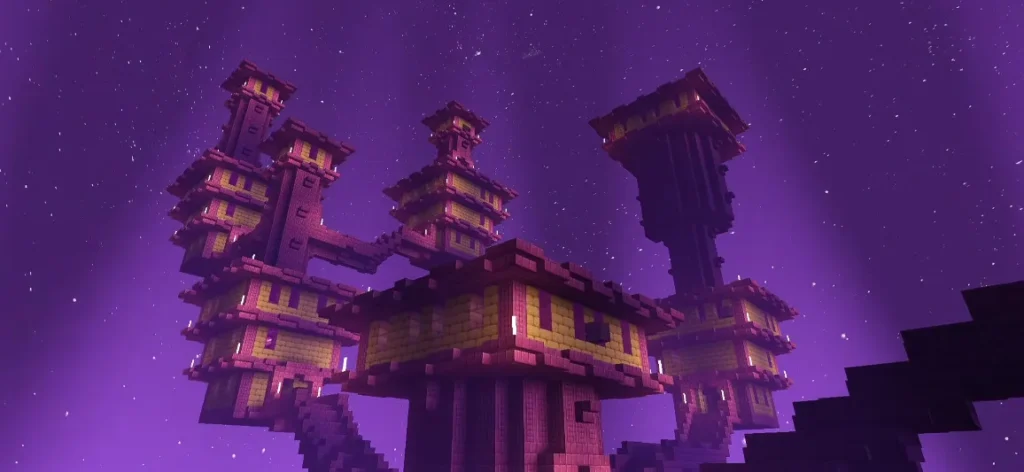
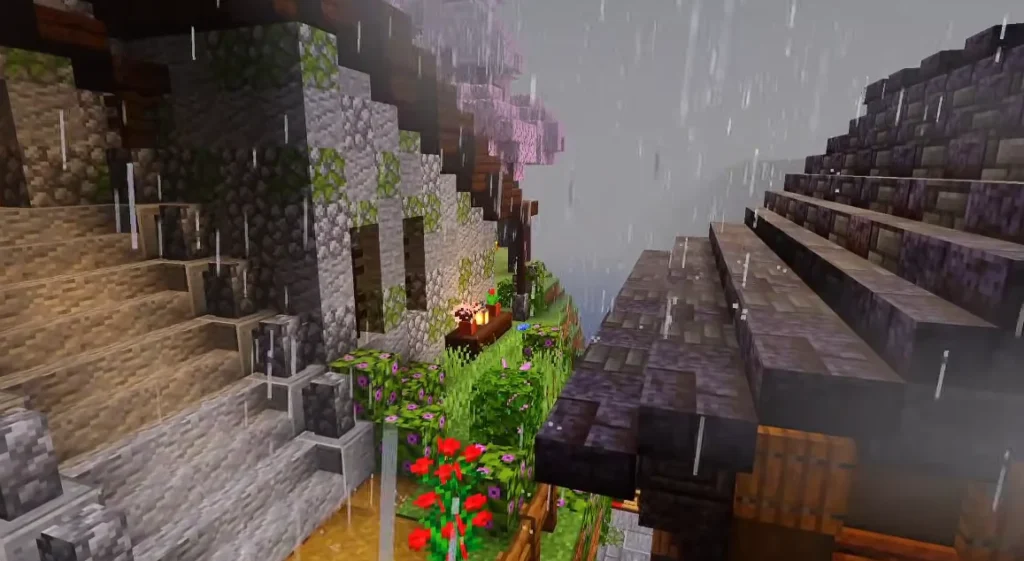
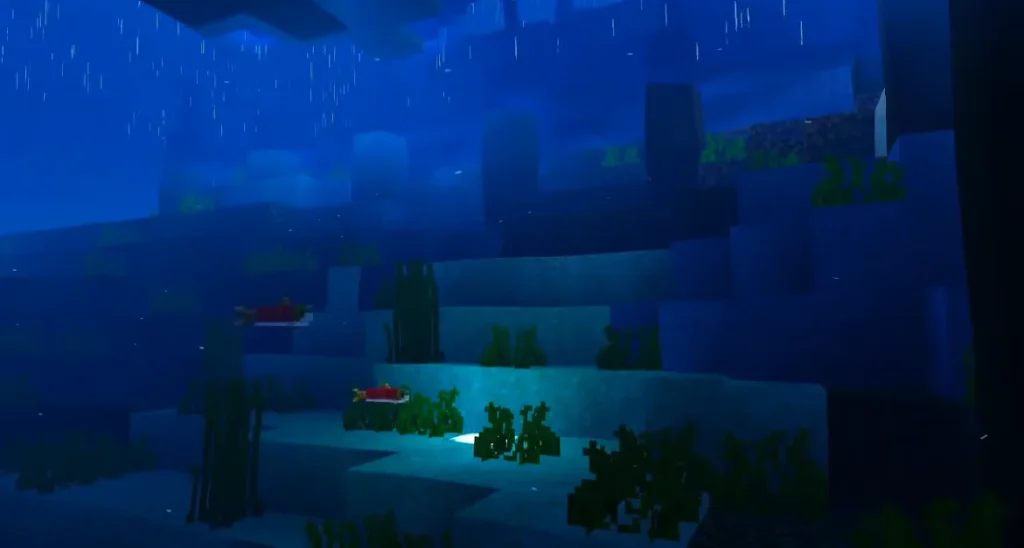
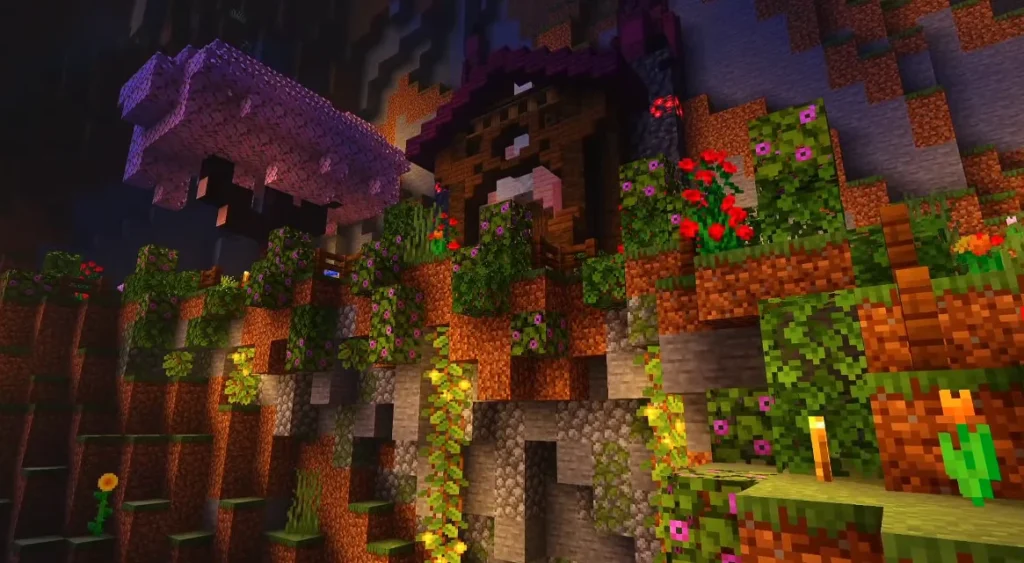
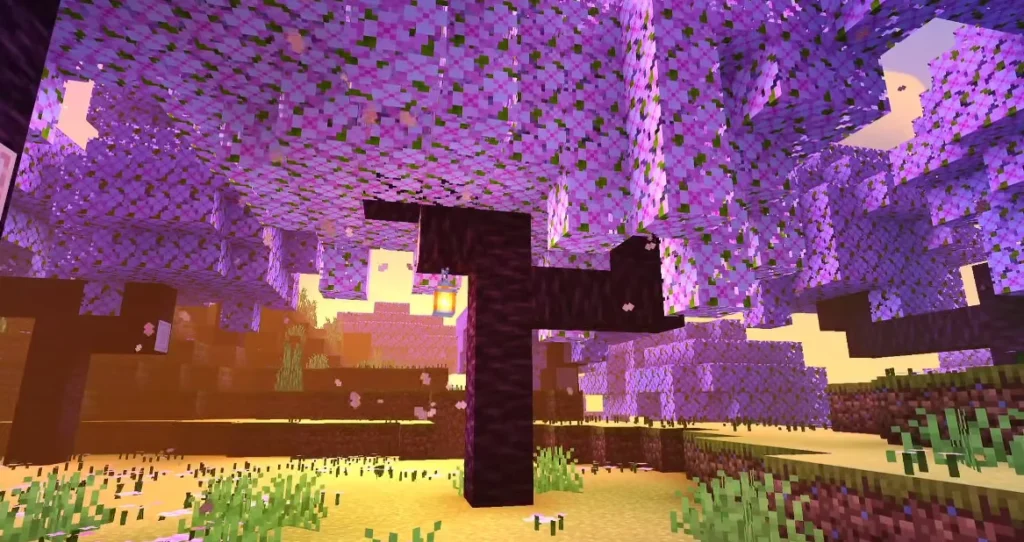
🌟 NEWB X Twilight vs Other Shader Packs
Here’s how it compares:
| Shader Pack | Visual Quality | Performance Friendly | Best For |
|---|---|---|---|
| NEWB X Twilight | ⭐⭐⭐⭐ | ⭐⭐⭐⭐ | Low/Mid PCs |
| Ultra Realistic Shaders | ⭐⭐⭐⭐⭐ | ⭐⭐ | High-End PCs |
| Vanilla (No Shader) | ⭐★ | ⭐⭐⭐⭐⭐ | All PCs |
So if you want better visuals — without killing FPS, this pack is one of the best starting points.
⚙️ How Do NEWB X Twilight Shaders Work?
Shaders change the way Minecraft renders:
🎨 Lighting
🌅 Sky color and gradients
🌊 Water reflections
🕶 Shadows
💡 Ambient brightness
But NEWB X Twilight does it in a way that keeps:
✔ Smooth gameplay
✔ Balanced visuals
✔ Not too heavy on your CPU/GPU
Because it doesn’t use ultra-complex lighting algorithms.
🧠 System Requirements (Estimated)
Although it varies depending on your setup, this shader pack works well on:
💻 Low-End Laptops: ✔ Good
🖥 Mid-Range PCs: ✔ Excellent
🏎 High-End PCs: ✔ Best performance
If your PC can run Minecraft smoothly, this shader pack should too — with proper settings.
🛠 How to Install NEWB X Twilight Shaders (Easy Steps)
Even if you’ve never installed shaders before, follow these:
✅ Step 1 – Install OptiFine or Iris
You need one of these first:
🔹 OptiFine (For standard Minecraft)
🔹 Iris Shaders (For Fabric users)
After installation, launch Minecraft once.
✅ Step 2 – Download the Shaders Pack
Download NEWB X Twilight Shader (.zip file)
Do NOT unzip it.
✅ Step 3 – Open Minecraft
Go to:
📌 Minecraft → Options → Video Settings → Shaders
✅ Step 4 – Click “Shaders Folder”
Drag the shader .zip file into the Shaders folder.
✅ Step 5 – Select NEWB X Twilight in the shaders menu
Click “Done”. Your game should reload with the new visuals.
🧩 Best Settings for Smooth Performance
If your PC struggles, tweak these:
🔹 Shadow Quality: Medium / Low
🔹 Render Quality: 0.9x – 0.6x
🔹 Volumetric Lighting: Off
🔹 Clouds: Off
🔹 Motion Blur: Off
🔹 Antialiasing: Off
These settings help you keep high FPS without losing the shader effects.
📈 How Much FPS Impact to Expect?
Performance varies by system, but in general:
📊 Low-End PC: –20-40% FPS
📊 Mid-Range PC: –10-25% FPS
📊 High-End PC: Minimal impact
Compared to ultra shaders, this is much lighter.
🧠 Tips for Beginners
Here’s how to make the most of your shader experience:
🎯 1. Start on Lower Render Distance
This gives better FPS with shaders on.
🎯 2. Resize Clouds or Turn Them Off
Clouds often cost FPS with shaders.
🎯 3. Adjust Shadows First
Shadows have the biggest performance impact.
🎯 4. Test in Peaceful or Creative Mode
Before using in big multiplayer servers.
👍 Pros and Cons (Honest)
✅ Pros
✔ Great visuals without heavy performance cost
✔ Easy to install
✔ Works well on low/mid PCs
✔ Doesn’t change core gameplay
❌ Cons
✘ Not ultra-realistic (for players wanting cinematic effects)
✘ Less advanced than high-end shaders
🏁 Final Verdict
NEWB X Twilight Shaders are ideal for:
✔ Beginners
✔ Low-end & mid-range systems
✔ Players who want balance — visuals + performance
If you want your Minecraft world to feel more alive without lag, this shader pack is one of the best choices to start with.