Solum Visuals Shader instantly upgrades Minecraft with lifelike lighting, cinematic skies, and water reflections — making your world immersive. Easy to install and optimized for performance, it’s a top choice for realism lovers.
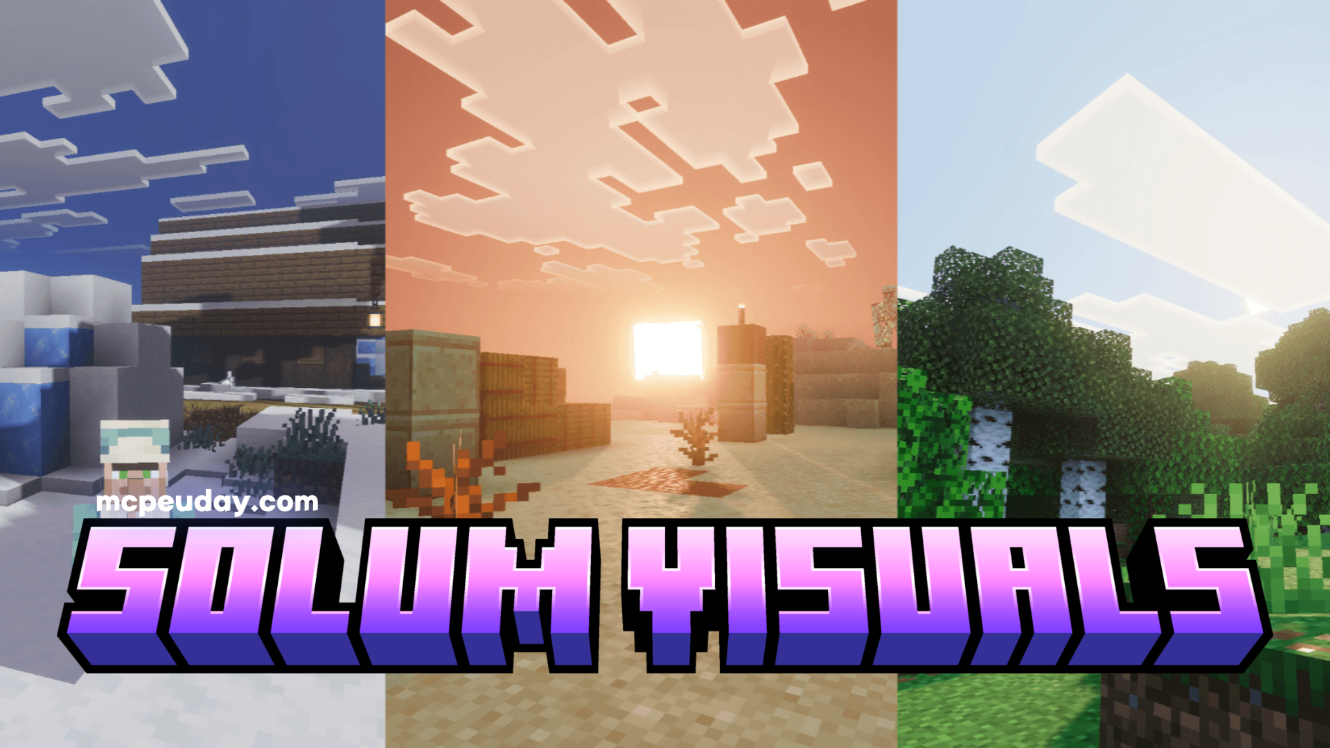
Shader by:- VoxenMC2
If you’ve grown tired of Minecraft’s default graphics and crave a more immersive, cinematic experience — you’re not alone. Many players seek a shader pack that blends beauty with performance. Enter Solum Visuals Shader, a modern shader pack designed to bring realistic lighting, atmospheric skies, and smooth water effects to your Minecraft world. Whether you’re building epic landscapes or just exploring, this shader pack transforms ordinary blocks into a visually stunning environment.
Why Solum Visuals Shader Stands Out
Unlike many shaders that sacrifice performance for appearance, Solum Visuals strikes a balance. It’s optimized for a broad range of systems — from mid-range laptops to high-end gaming rigs. The result: cinematic visuals without crippling FPS drops.
Key Features
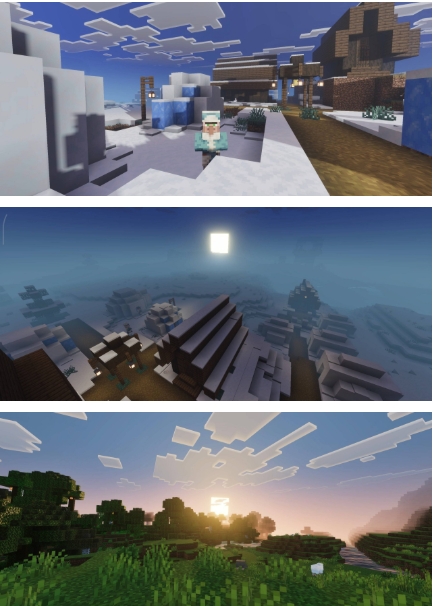
- Realistic dynamic lighting: Soft shadows, realistic light diffusion, and ambient occlusion make caves, forests, and buildings feel alive.
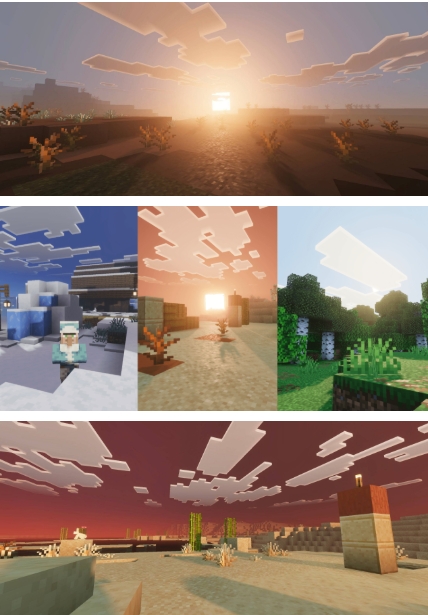
- Cinematic skies & volumetric clouds: Dramatic sunrise, sunset, and realistic cloud movement add atmosphere to every biome.
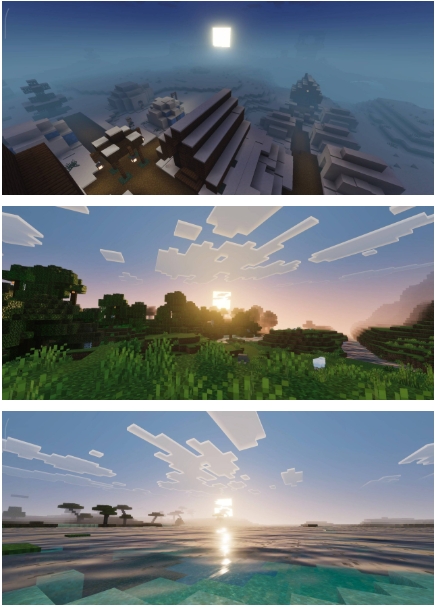
- Water reflections & realistic water shader: Water surfaces reflect the world around them with ripples, waves, and realistic transparency.
- Enhanced colors and contrast: Vibrant greens for grass and leaves, deeper stone textures, and balanced contrast for a rich, polished world.
- Performance-friendly optimizations: Lower-resolution shadow maps for weak GPUs, optional features toggle, and smooth frame rates even with moderate hardware.
Advantages & Use Cases
- For builders: When you build large structures — castles, cities, or redstone contraptions — Solum Visuals makes them look cinematic, like screenshots from a game trailer.
- For explorers: Biomes feel significantly more immersive: forests glow softly through light shafts, oceans shimmer under realistic water — turning exploration into a visual treat.
- For streaming / content creation: With realistic visuals and cinematic atmosphere, gameplay videos and screenshots look professional and compelling.
- For low-to-mid systems: Because of its optimization, even players without powerful PCs can enjoy beautiful graphics without severe lag.
Screenshots:
Compatibility & System Requirements
- Minecraft versions supported: 1.19.x, 1.20.x — best results with the latest major release.
- Recommended GPU/CPU: Mid-range or above; integrated graphics may run with reduced settings.
- Mods compatibility: Works well with major mod loaders (Forge / Fabric) — but avoid using alongside conflicting visual mods (e.g., other shaders or heavy texture packs) for best performance.
- Java or Bedrock: Primarily designed for Minecraft Java Edition (shader support is built-in via OptiFine or compatible shader loader).
Step-by-Step Installation Guide
- Install a shader-supporting mod/loader (like OptiFine or a Fabric shader mod).
- Download Solum Visuals Shader from a trusted mod repository or the official page.
- Place the shader pack ZIP file into Minecraft’s
shaderpacksfolder. - Open Minecraft → Settings → Video Settings → Shaders, then select Solum Visuals Shader from the list.
- Adjust settings if needed:
- Choose “Performance” mode if you notice lag.
- Toggle shadows, water reflections or volumetric clouds on/off to suit your PC power.
- Restart Minecraft to apply changes — you’re done!
Tip: For best performance, pair the shader with a lightweight resource pack or default textures. Heavy texture packs + shaders can cause lag.
Conclusion
If you’re looking for a shader that brings Minecraft closer to real-life visuals — while staying efficient and easy to run — Solum Visuals Shader is an excellent choice. With striking lighting effects, realistic water, and cinematic skies, it upgrades every aspect of the game’s aesthetic. Whether you are building, exploring, or creating content, this shader will dramatically enhance your world.