Velora Shader is a powerful Minecraft PE shader that enhances lighting, shadows, water reflections, and sky effects while maintaining smooth performance on low and high-end devices.
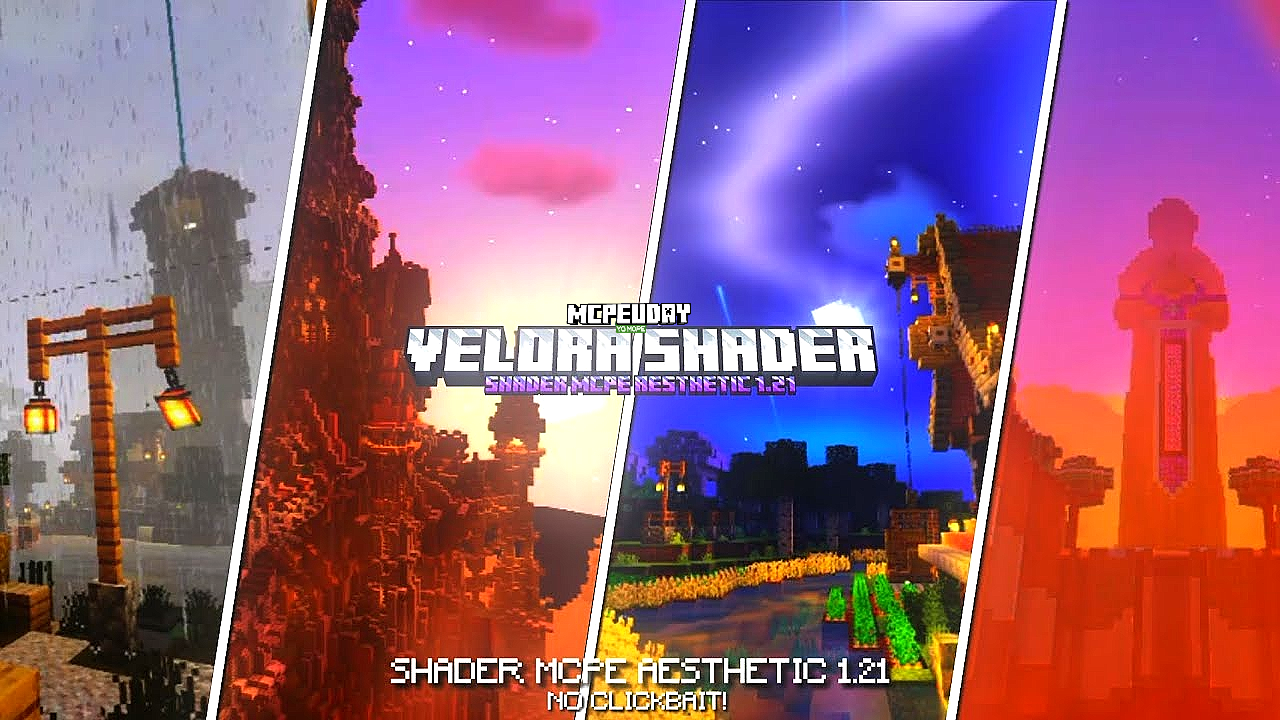
Velora Shader for Minecraft PE is designed to completely transform the game’s visuals without sacrificing performance. Whether you enjoy survival, creative building, or exploration, this shader makes every block, sky, and shadow look more natural and cinematic.

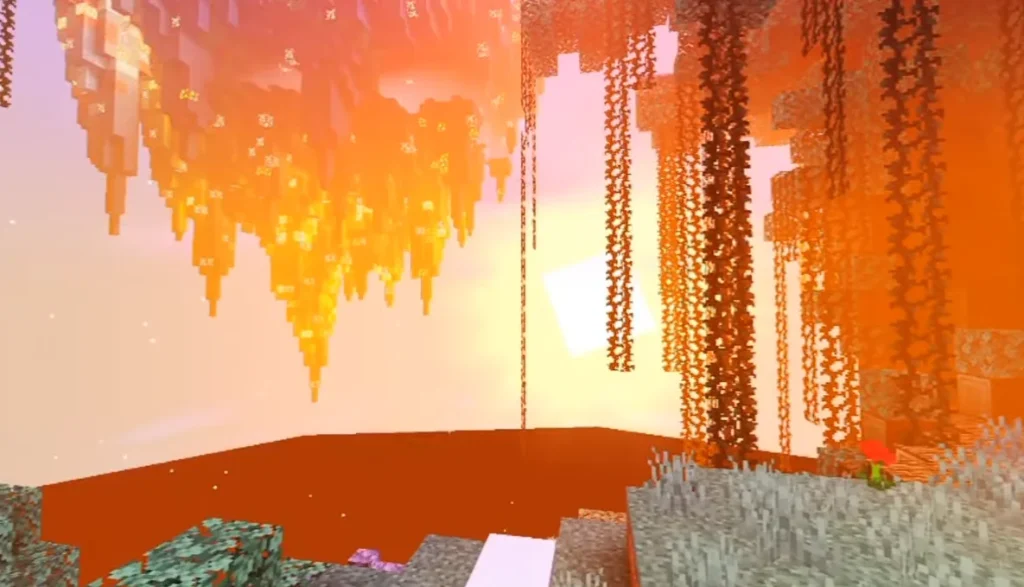
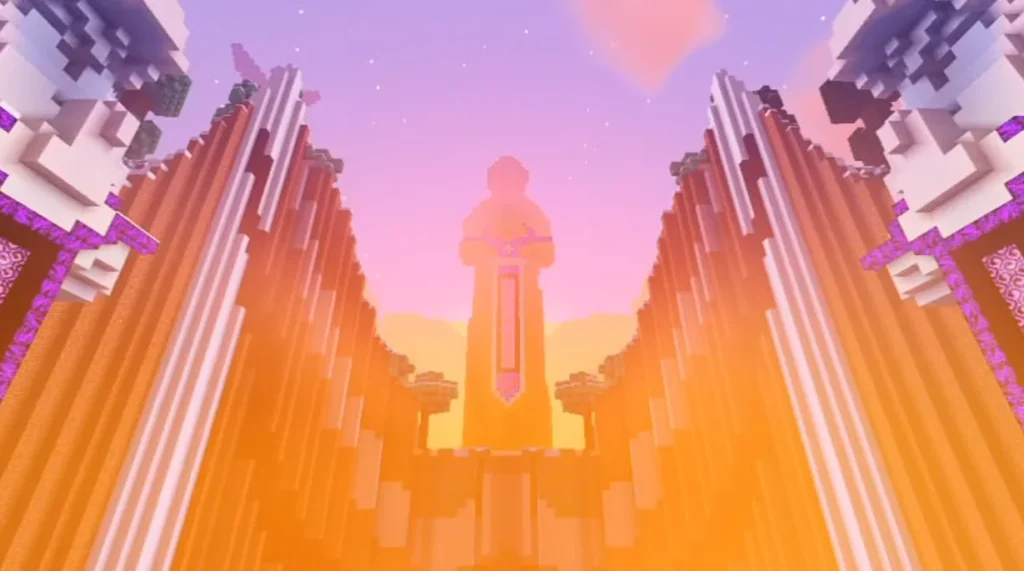
Velora Shader focuses on realistic lighting, smooth shadows, enhanced water reflections, and vibrant colors, making it one of the best shader packs available for MCPE players.
Key Features of Velora Shader
🌅 Realistic Lighting System
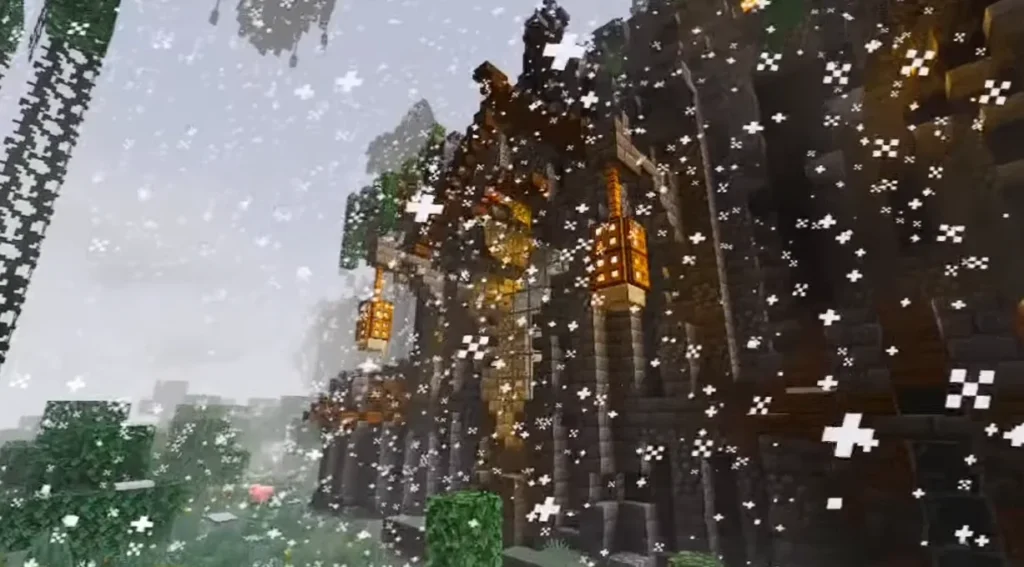
Velora Shader introduces dynamic lighting that reacts naturally to sunlight, torches, lava, and other light sources, creating a more immersive environment.
🌊 Enhanced Water Reflections
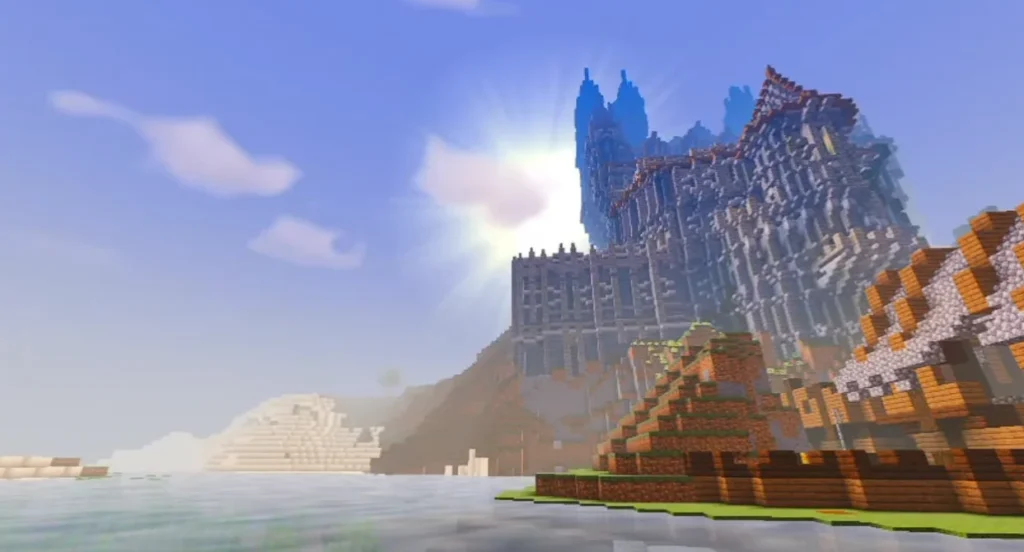
Water surfaces look cleaner and more realistic with smooth reflections and subtle movement effects.
☁ Improved Sky & Clouds
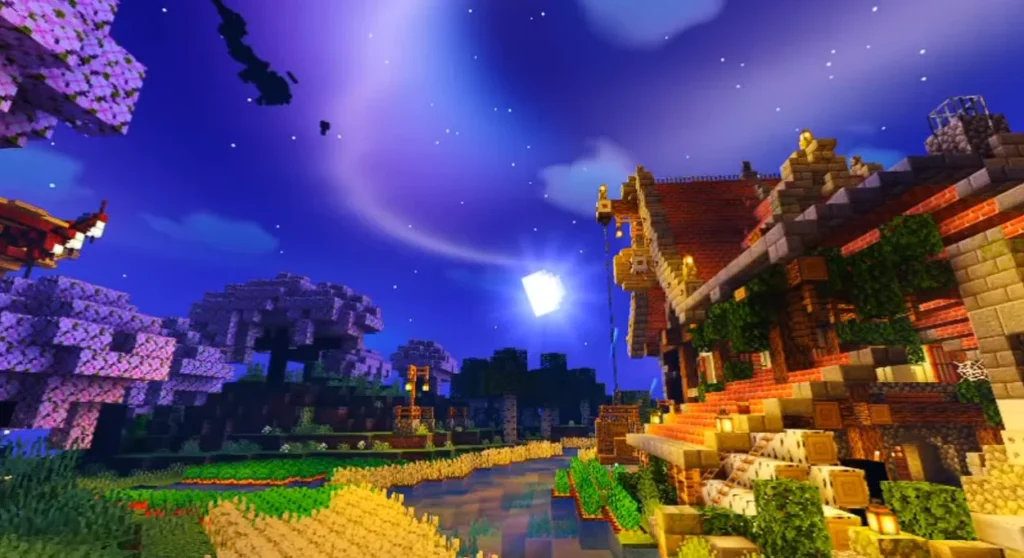
Enjoy cinematic skies with soft clouds, beautiful sunsets, and realistic day-night transitions.
🌳 Natural Colors & Textures
Colors are balanced to look vibrant but not over-saturated, making forests, deserts, oceans, and caves visually pleasing.
📱 Optimized Performance
Velora Shader is lightweight and optimized, ensuring smooth gameplay on both low-end and high-end Android devices.
Screenshots:-
Why Choose Velora Shader for MCPE?
- No heavy lag or FPS drops
- Works well with most texture packs
- Simple installation process
- Compatible with multiple Minecraft PE versions
- Ideal for survival and creative gameplay
Compatibility & Requirements
- Minecraft PE / Bedrock Edition
- Supports most recent MCPE versions
- Android & iOS supported
- Recommended: 2GB+ RAM for best experience
How to Install Velora Shader in Minecraft PE
- Download the Velora Shader (.mcpack file)
- Open the file using Minecraft
- Minecraft will automatically import the shader
- Go to Settings → Global Resources
- Activate Velora Shader
- Restart the game and enjoy enhanced graphics
Gameplay Experience
With Velora Shader enabled, Minecraft feels more alive. Sunlight softly reflects off water, shadows move realistically, and nighttime becomes atmospheric rather than flat. It enhances immersion without changing the core gameplay mechanics.
Is Velora Shader Safe to Use?
Yes, Velora Shader is safe when downloaded from trusted sources. It does not modify game files illegally and follows Minecraft Bedrock shader standards.
Conclusion
If you want to upgrade Minecraft PE graphics without installing heavy mods, Velora Shader is an excellent choice. It delivers realistic visuals, smooth performance, and easy installation, making it perfect for every Minecraft player.
Velora Shader – Frequently Asked Questions (FAQ)
❓ What is Velora Shader?
Velora Shader is a visual enhancement shader pack for Minecraft PE that improves lighting, shadows, water, and sky effects.
❓ Is Velora Shader free to use?
Yes, Velora Shader is completely free and available for MCPE players.
❓ Does Velora Shader work on low-end devices?
Yes, it is optimized for performance and runs smoothly on most low-end devices.
❓ Is Velora Shader compatible with texture packs?
Yes, Velora Shader works well with most Minecraft texture and resource packs.
❓ Does Velora Shader support multiplayer?
Yes, you can use Velora Shader in multiplayer worlds, but effects may be client-side only.
1 thought on “Velora Shader for Minecraft PE (MCPE) – Ultra Realistic Graphics, Smooth Lighting & Stunning Visuals”