NEWB Complementary Unbound Shader upgrades Minecraft with realistic lighting, dynamic shadows, water reflections, smooth performance, and high customization for low-end and high-end PCs.
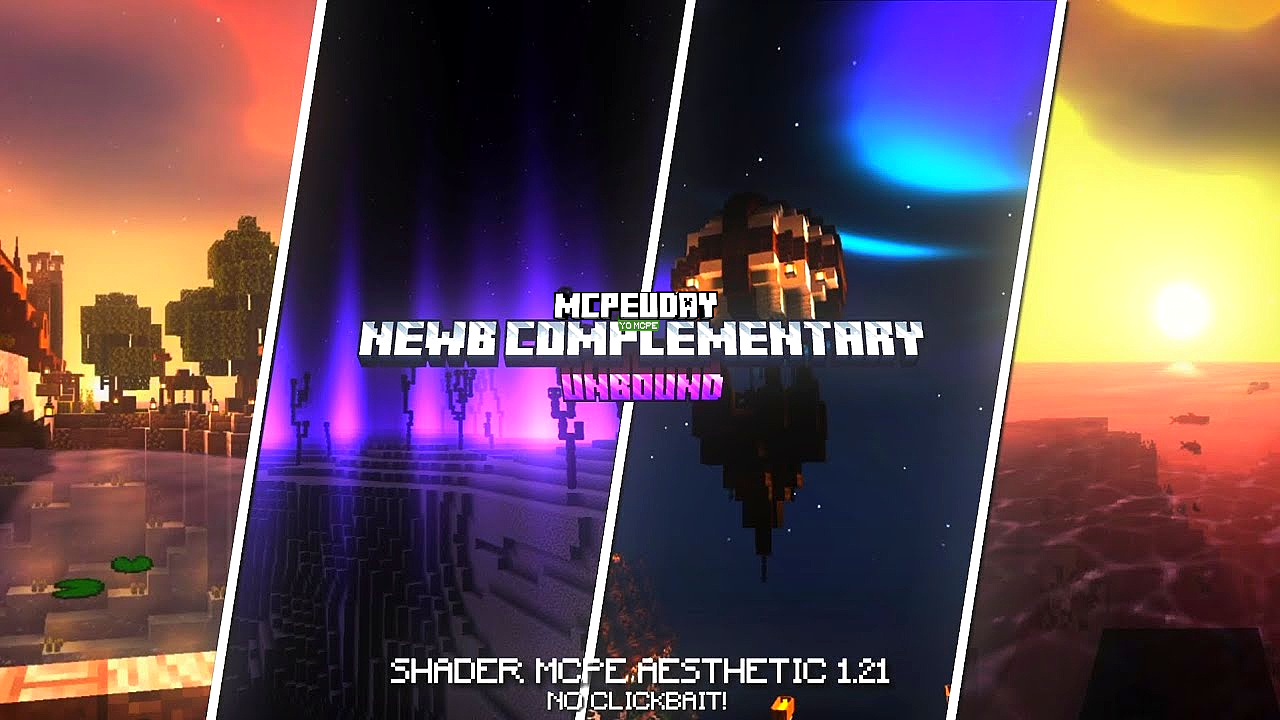
Minecraft is an amazing sandbox game, but its default graphics feel outdated in today’s gaming world. That’s where NEWB Complementary Unbound Shader comes in. This shader completely changes how Minecraft looks by adding realistic lighting, dynamic shadows, volumetric clouds, and beautiful reflections—without destroying performance.

Unlike heavy shaders that lag on mid-range systems, this shader is optimized for both low-end and high-end PCs, making it one of the best Minecraft shaders available right now.
✨ What is NEWB Complementary Unbound Shader?
NEWB Complementary Unbound Shader is an advanced graphical shader pack based on the popular Complementary shader framework. The “Unbound” version removes limitations and offers maximum visual freedom, deeper color balance, and more control over lighting and atmosphere.
It is specially designed for players who want cinematic visuals, realistic environments, and smooth gameplay at the same time.
🚀 Key Features of NEWB Complementary Unbound Shader
🌞 Realistic Lighting System
- Natural sunlight and moonlight
- Smooth day-night transitions
- Soft global illumination
🌊 Advanced Water Effects
- Realistic water reflections
- Dynamic wave movement
- Clear underwater visuals
☁️ Volumetric Clouds & Fog
- 3D moving clouds
- Distance fog for realism
- Weather-based atmosphere
🌳 Enhanced Shadows
- Dynamic soft shadows
- Real-time shadow movement
- High shadow accuracy
🎮 Performance Optimized
- Works smoothly on low-end PCs
- FPS-friendly settings
- Adjustable quality modes
⚙️ Full Customization
- Change brightness, saturation, and contrast
- Toggle effects individually
- Presets for different systems
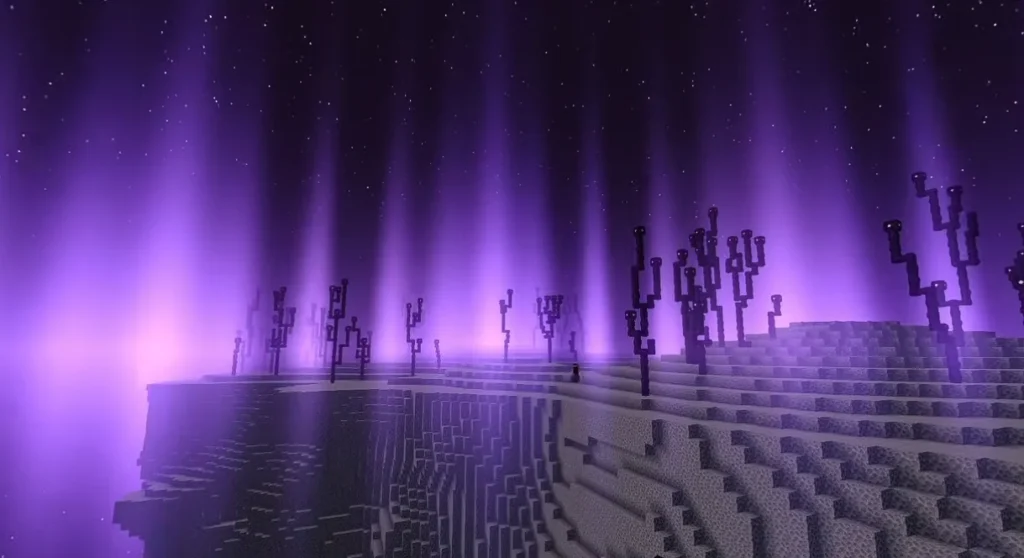
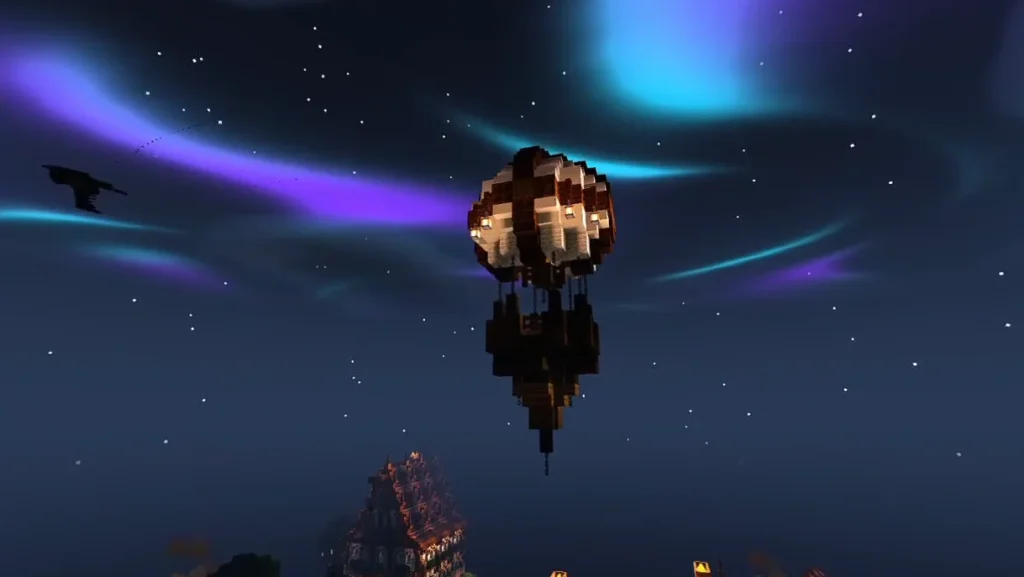
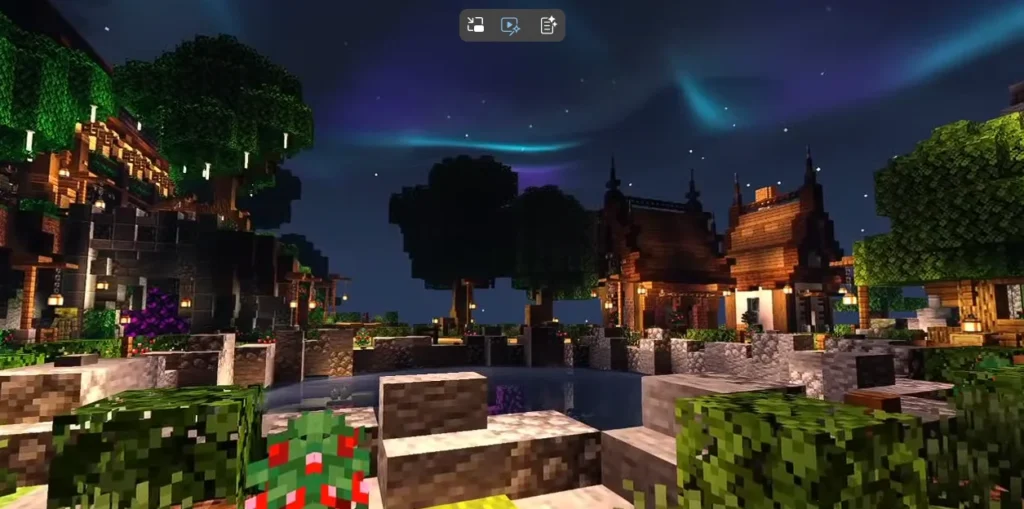
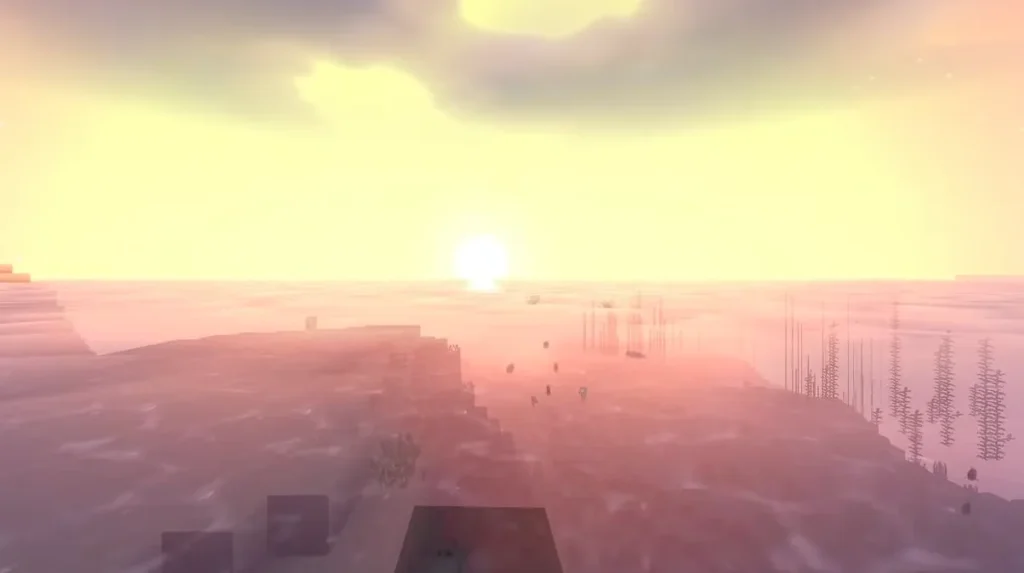
Screenshots:-
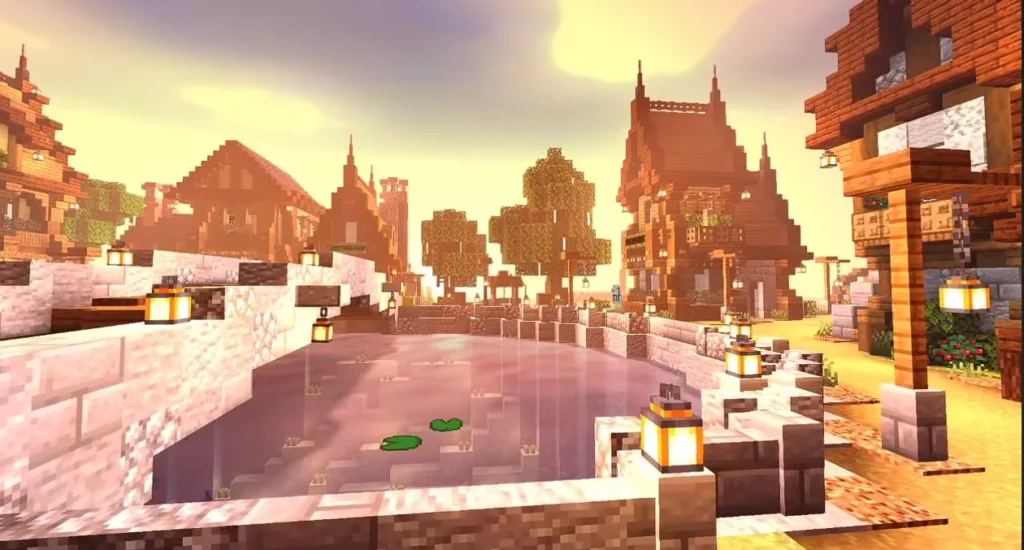
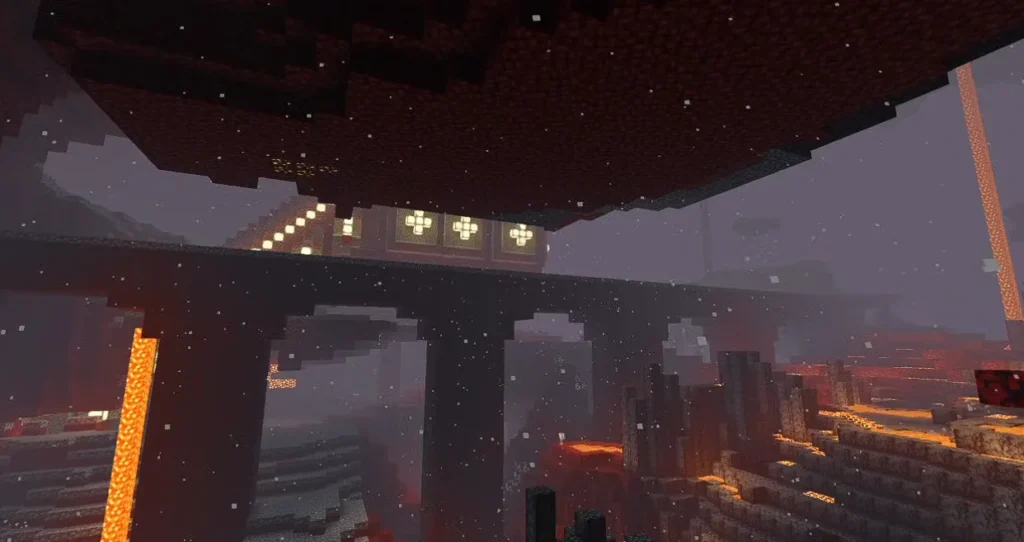
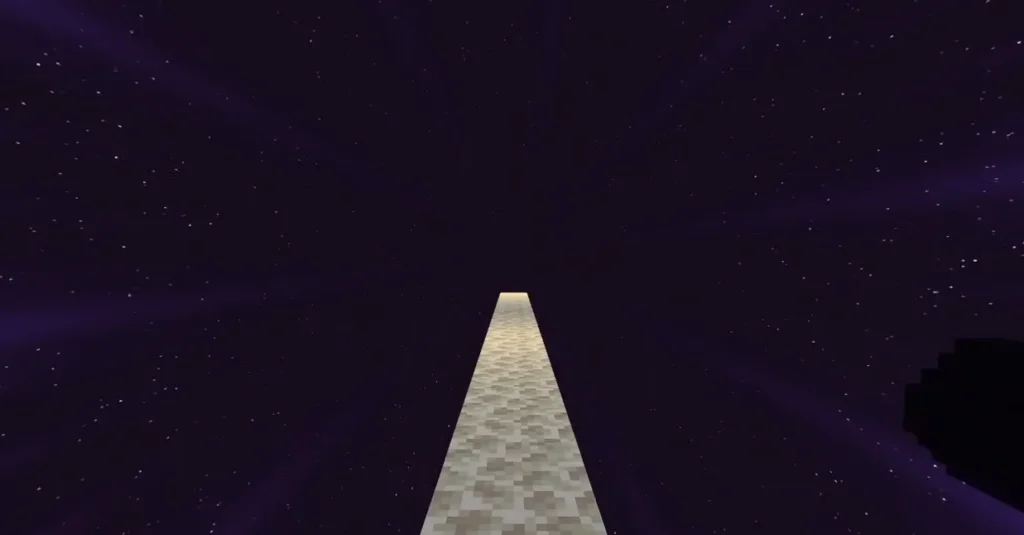
🖥️ Compatibility & Requirements
✅ Supported Minecraft Versions
- Minecraft Java Edition
- Works best with latest versions
🛠 Required Mods
- OptiFine or Iris Shaders
- Shader-compatible launcher
💻 System Requirements
- Minimum: Integrated GPU (Low settings)
- Recommended: Dedicated GPU for Ultra visuals
📥 How to Install NEWB Complementary Unbound Shader
- Download OptiFine or Iris Shaders
- Launch Minecraft once
- Open Options → Video Settings → Shaders
- Click Shaders Folder
- Paste the shader
.zipfile - Select NEWB Complementary Unbound Shader
- Enjoy stunning visuals 🎉
🎯 Why This Shader is Better Than Others
Most shaders focus only on looks or only on performance. NEWB Complementary Unbound Shader balances both, making it perfect for survival, building, PvP, and cinematic content creation.
It’s ideal for:
- YouTubers
- Builders
- Survival players
- Low-end PC users
🧠 EEAT & Safety Notes
- No malware
- No scripts
- Safe for Minecraft Java
- Trusted shader framework
- Community-approved visuals
✅ Pros & Cons
✔ Pros
- Ultra-realistic graphics
- Smooth FPS
- Highly customizable
- Regular updates
❌ Cons
- Java Edition only
- Needs OptiFine/Iris
🏁 Final Verdict
If you want to turn Minecraft into a next-generation game without sacrificing performance, NEWB Complementary Unbound Shader is a must-try. It delivers realism, beauty, and stability in one powerful shader pack.
❓ Frequently Asked Questions (FAQ)
Q1. Is NEWB Complementary Unbound Shader free?
Yes, it is completely free to use.
Q2. Does it work on low-end PCs?
Yes. You can lower settings for smooth FPS.
6 thoughts on “NEWB Complementary Unbound Shader – The Most Realistic Shader That Transforms Minecraft Completely (2026)”