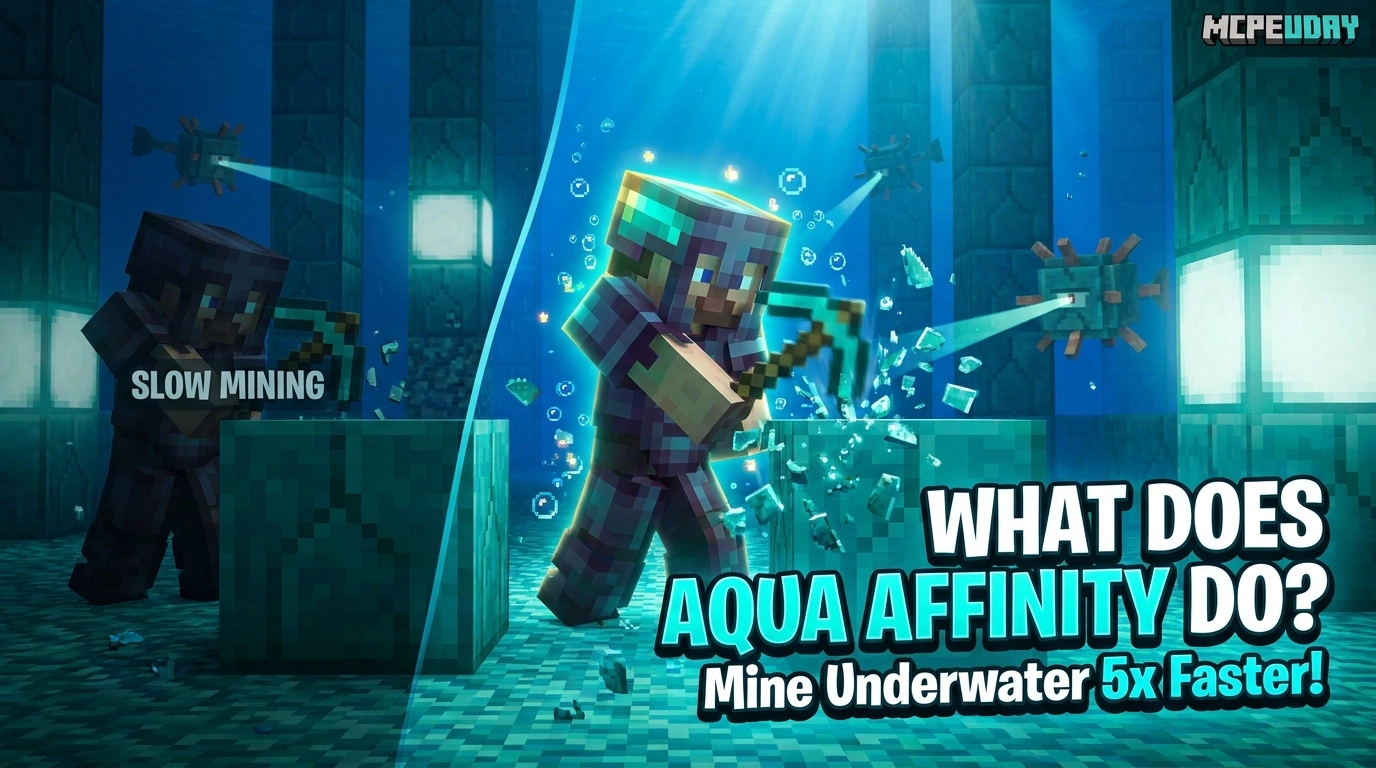
Why Aqua Affinity Is a Must-Know Enchantment for Underwater Mining
If you’ve ever wondered what does Aqua Affinity do in Minecraft, here’s the short answer:
That’s it. One enchantment. One job. And it does it very well.
Quick Answer:
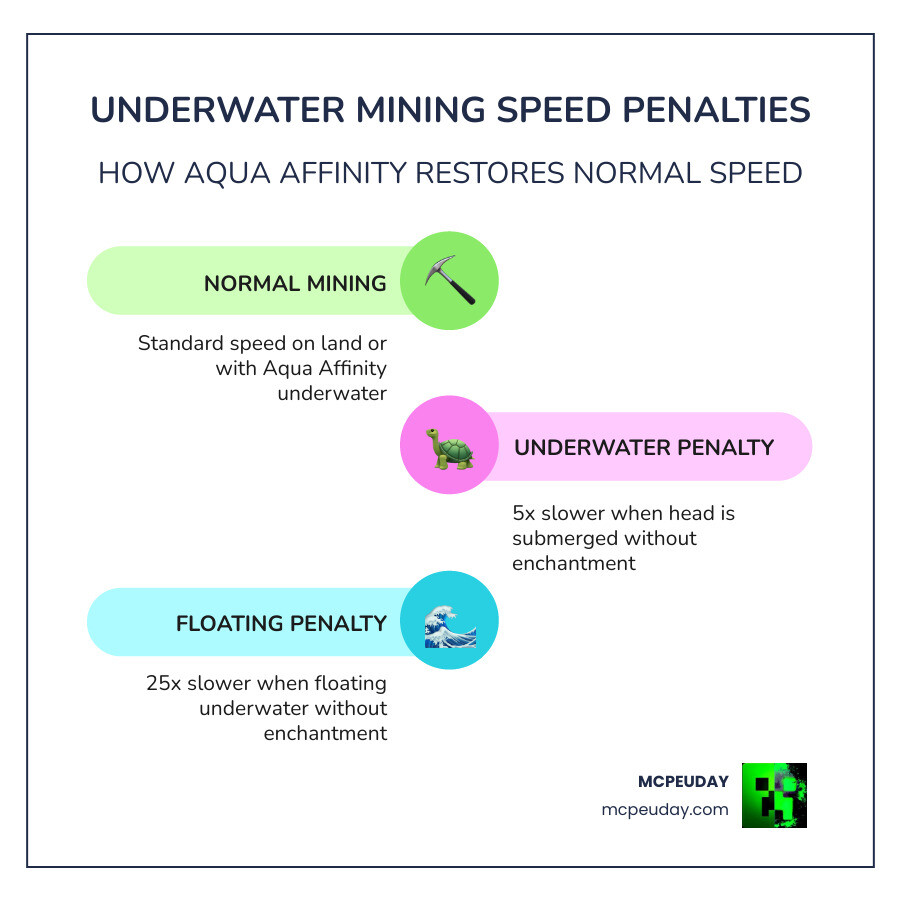
- Without Aqua Affinity: mining underwater is 5x slower than on land
- While floating and underwater: mining is 25x slower
- With Aqua Affinity (standing on the ground): mining speed returns to normal
- It only goes on helmets (including Turtle Shells)
- Max level: I — there is no Aqua Affinity II in Survival mode
Most players notice the problem before they know the fix. You dive into an Ocean Monument, swing your pickaxe at a Prismarine block, and it feels like mining through concrete in slow motion. That’s the underwater mining penalty in action — and it’s brutal if you’re not prepared.
Aqua Affinity is the direct solution to that frustration.
What Does Aqua Affinity Do in Minecraft?
To truly grasp what does aqua affinity do in minecraft, we have to look at the game’s physics engine. Minecraft is designed to simulate the resistance of water. When your character’s head is submerged, the game applies a massive “drag” to your arm’s swinging speed. Specifically, it takes five times longer to break any block.
When you apply Aqua Affinity to your headgear, you gain what the Aqua Affinity – Minecraft Wiki describes as a 400% submerged mining speed increase. In simpler terms, it completely negates that 5x penalty. If a block takes 1 second to mine on land, it will take 1 second to mine underwater with this enchantment, rather than the 5 seconds it would take without it.
This is a game-changer for anyone trying to clear out an Ocean Monument or even just gather clay from a riverbed. According to Aqua Affinity in Minecraft: Uses, Obtainment, & More, this enchantment is considered essential for mid-to-late game exploration because it brings efficiency to the depths.
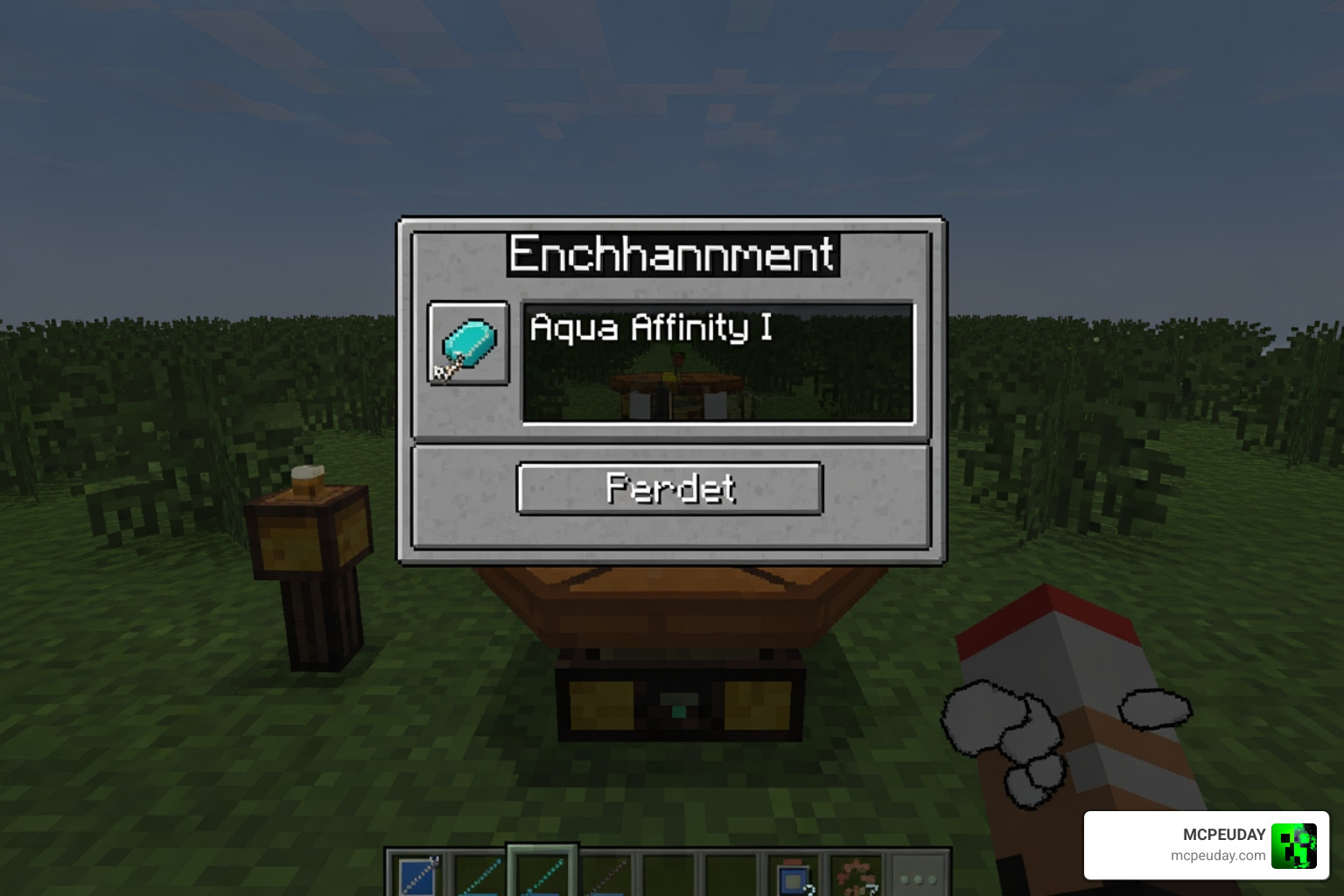
Understanding what does aqua affinity do in minecraft while floating
There is a very important catch that many players miss: the “Floating Penalty.” In Minecraft, mining while your feet are not touching a solid block (swimming/floating) carries its own 5x speed penalty.
Here is how the math breaks down:
- Underwater + Standing on ground: 5x slower than land.
- Floating on land (jumping): 5x slower than standing.
- Underwater + Floating: 25x slower (5x times 5x).
Aqua Affinity only removes the underwater penalty. It does not remove the floating penalty. If you are swimming in the middle of the ocean and trying to break a block, even with Aqua Affinity, you will still mine 5x slower than normal because you are floating. To get 100% full speed, your feet must be touching the sea floor.
| Condition | Mining Speed Penalty | With Aqua Affinity |
|---|---|---|
| On Land (Standing) | None (1x) | 1x (No change) |
| Underwater (Standing) | 5x Slower | 1x (Normal Speed) |
| Underwater (Floating) | 25x Slower | 5x Slower |
Compatible armor and items
You might be tempted to try and put this on your pickaxe or your boots, but Aqua Affinity is strictly a helmet-only enchantment. We have found that it is compatible with every type of helmet available in the game as of May 2026:
- Leather Caps
- Chainmail Helmets
- Iron Helmets
- Golden Helmets
- Diamond Helmets
- Netherite Helmets
- Turtle Shells (The ultimate choice for underwater work!)
While you are out exploring to find the materials for these helmets, you might want to use our Minecraft Structure Finder Guide 2026: Locate Any Structure Instantly to track down the nearest Ocean Monument or Shipwreck where this enchantment is most useful.
How to Obtain Aqua Affinity in 2026
Getting your hands on this enchantment isn’t too difficult if you know where to look. It has an “enchantment weight” of 2. In Minecraft’s code, weight determines rarity; a weight of 2 means it is relatively uncommon compared to something like Protection, but you will still see it fairly often in an Enchanting Table.
To get it via the table, you’ll need:
- An Enchanting Table.
- At least 15 Bookshelves (to reach level 30 enchants).
- Lapis Lazuli.
- A Helmet or a Book.
Interestingly, some experts suggest using only a single bookshelf if you are specifically hunting for Aqua Affinity. Because it is a “lower-tier” utility enchantment, it often appears more frequently at lower level requirements. While you’re setting up your base for enchanting, you might also be interested in our guide on How to Get Honeycomb in Minecraft 2026 Guide: Fast & Safely to help craft those decorative honey blocks for your enchanting room.
Trading and Looting Strategies
If the Enchanting Table isn’t giving you what you want, trading is your best friend. Librarian Villagers are the most reliable source for specific books. You will typically need to level a Librarian up to the Expert level (Level 4) to have the best chance of seeing Aqua Affinity in their trade window.
If you prefer adventuring over trading, you can find Aqua Affinity in loot chests across the world. According to What does the Aqua Affinity enchantment do in Minecraft?, the best places to check are:
- Ocean Ruins: High chance for water-themed loot.
- Ancient Cities: Often contain high-level enchanted books.
- Strongholds: Library chests are packed with books.
- Desert and Jungle Pyramids: Random enchanted loot.
Fishing and Anvils
For those who enjoy a slower pace, fishing is a viable (though RNG-dependent) method. By using a fishing rod—ideally one with Luck of the Sea—you can pull up “Treasure” items, which include enchanted books.
Once you have an Aqua Affinity book, simply head to an Anvil. Place your helmet in the first slot and the book in the second. It will cost a small amount of Experience Levels to combine them. If you find your game stuttering while you’re working at your base, check out our guide on Why is Minecraft Bedrock so Laggy? Fix FPS Drops, Stuttering & Lag Spikes (2026 Guide) to smooth out your performance.
Aqua Affinity vs. Respiration: Key Differences
A common question we hear is: “Is Aqua Affinity the same as Respiration?” The answer is no, but they are the “dynamic duo” of the ocean.
As explained in What Does Aqua Affinity Do in Minecraft? – Aqua Affinity Explained – Prima Games, here is the breakdown:
- Aqua Affinity: Purely about speed. It helps you mine faster. It does nothing for your oxygen bar.
- Respiration: Purely about survival. It extends your breathing time by 15 seconds per level (up to 45 extra seconds at Level III) and helps you see better underwater.
If you have Respiration but no Aqua Affinity, you can stay underwater for a long time, but you’ll spend that entire time struggling to break a single block. If you have Aqua Affinity but no Respiration, you can mine very fast, but you’ll have to surface every 15 seconds for air. You really need both for a functional setup.
Maximizing efficiency: what does aqua affinity do in minecraft when paired with Respiration
When you pair these two, you become an underwater specialist. The absolute “God-tier” setup for 2026 is applying both Aqua Affinity and Respiration III to a Turtle Shell.
Turtle Shells provide a built-in “Water Breathing” status effect for 10 seconds whenever you enter the water. When combined with the mining speed of Aqua Affinity and the extended lungs of Respiration, you can complete massive projects—like digging down to find the Best Y-Level for Diamonds in Minecraft: Ultimate Guide to Finding Diamonds Fast in flooded ravine systems—without ever feeling the panic of drowning.
Strategic Benefits for Underwater Projects
Why bother with all this? Because the ocean floor is one of the most resource-rich areas in the game. Here is where we find Aqua Affinity most useful:
- Ocean Monuments: If you want to harvest Prismarine or Sea Lanterns, you have to break blocks. Without this enchantment, mining a single Sea Lantern while being attacked by Guardians is a nightmare.
- Conduit Preparation: To build a Conduit, you need to set up a frame of Prismarine. Aqua Affinity lets you place and adjust these blocks with the same precision you have on land.
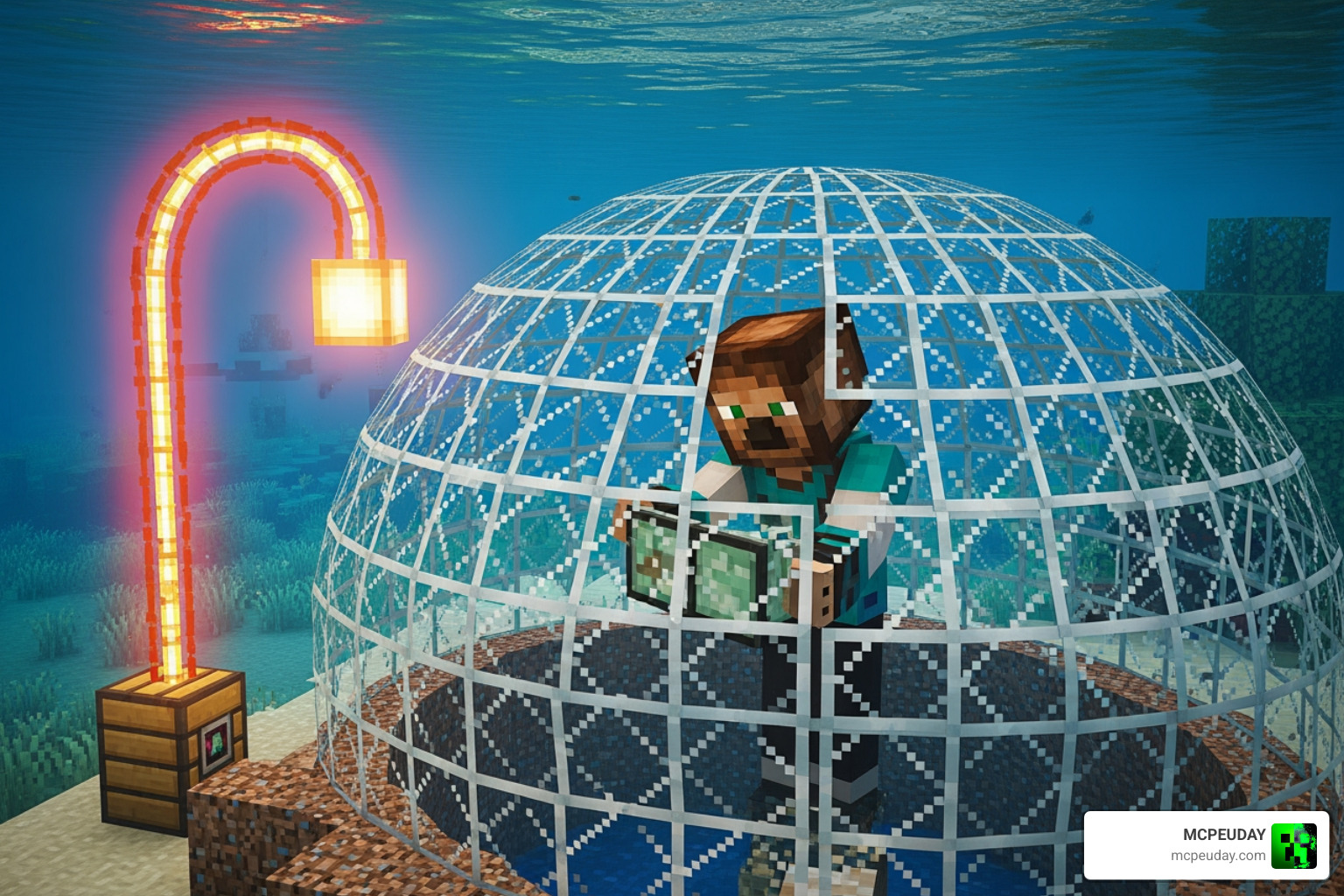
- Underwater Bases: Building a “Submerged City” is a popular 2026 trend. Clearing out large areas of sand, gravel, or dirt to make room for glass domes is 5x faster with the right helmet.
- Gathering Clay and Sand: If you need bricks or glass for a massive build, the ocean floor is the best place to find sand and clay. Aqua Affinity makes this a quick chore rather than a day-long grind.
Frequently Asked Questions about Aqua Affinity
Is there an Aqua Affinity II or higher?
In standard Survival gameplay, no. Aqua Affinity only goes up to Level I. While Java Edition players can use commands to create an “Aqua Affinity II” helmet, it is technically redundant in most cases. The Level I enchantment already restores your speed to 100%. However, technical data suggests that in Java, higher levels (via commands) can technically increase speed by an additional 400% per level, though this is rarely necessary for normal blocks.
Does Aqua Affinity help you breathe longer?
No. This is a strictly mechanical enchantment for mining speed. To breathe longer, you need the Respiration enchantment, a Turtle Shell, or Water Breathing Potions. We always recommend carrying a few potions as a backup, even with an enchanted helmet.
Does Aqua Affinity work in lava?
Surprisingly, yes! The game treats lava as a fluid similar to water regarding mining penalties. If your head is submerged in lava (and you have Fire Resistance, hopefully!), Aqua Affinity will negate the mining speed penalty just like it does in water. It’s a niche use case, but great for clearing debris in the Nether!
Conclusion
At MCPEUDAY, we believe that understanding the technical side of enchantments is what separates a beginner from a pro. Knowing what does aqua affinity do in minecraft allows you to stop fighting the water and start using it to your advantage.
Whether you are raiding an Ocean Monument for its treasures or building a sprawling underwater base, that single level of Aqua Affinity on your helmet is the difference between a frustrating slog and a productive session. Pair it with Respiration, grab a Turtle Shell, and you’ll be the master of the deep in no time.
For more tips on how to optimize your game, check out our More Minecraft Bedrock resources and addons to find the latest tools for your next adventure!