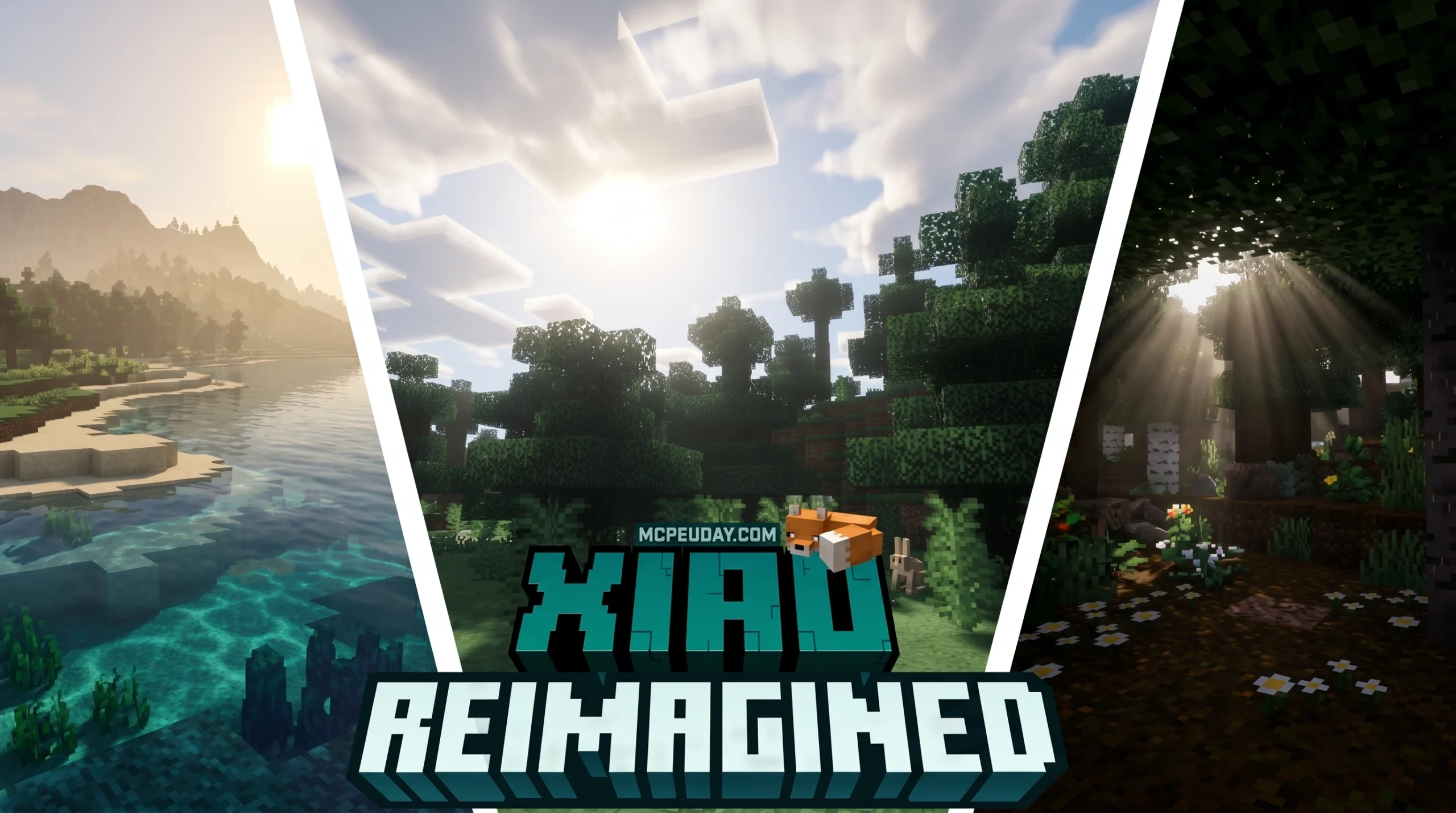
What You Need to Know About the Xiao Reimagined Shader
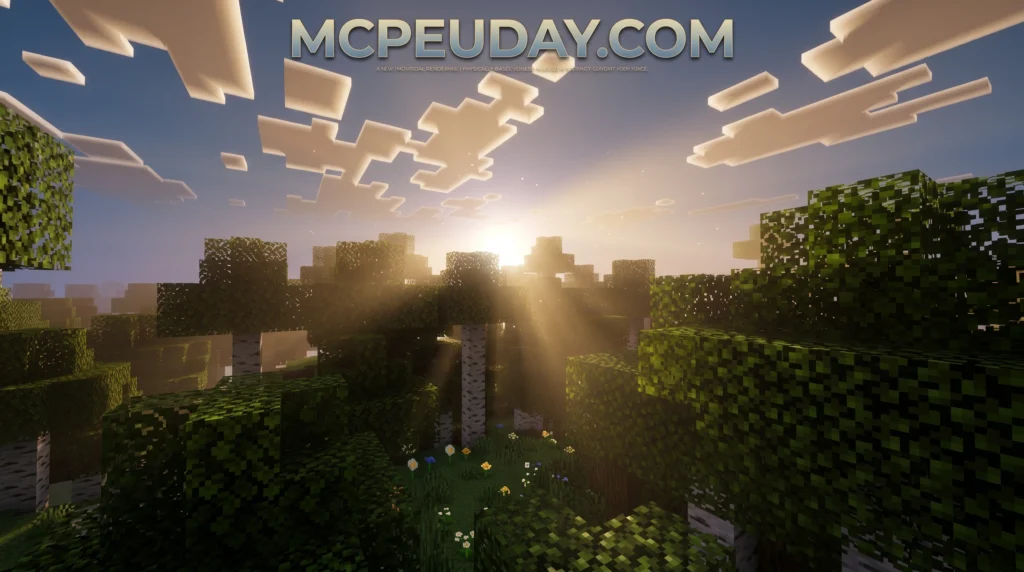
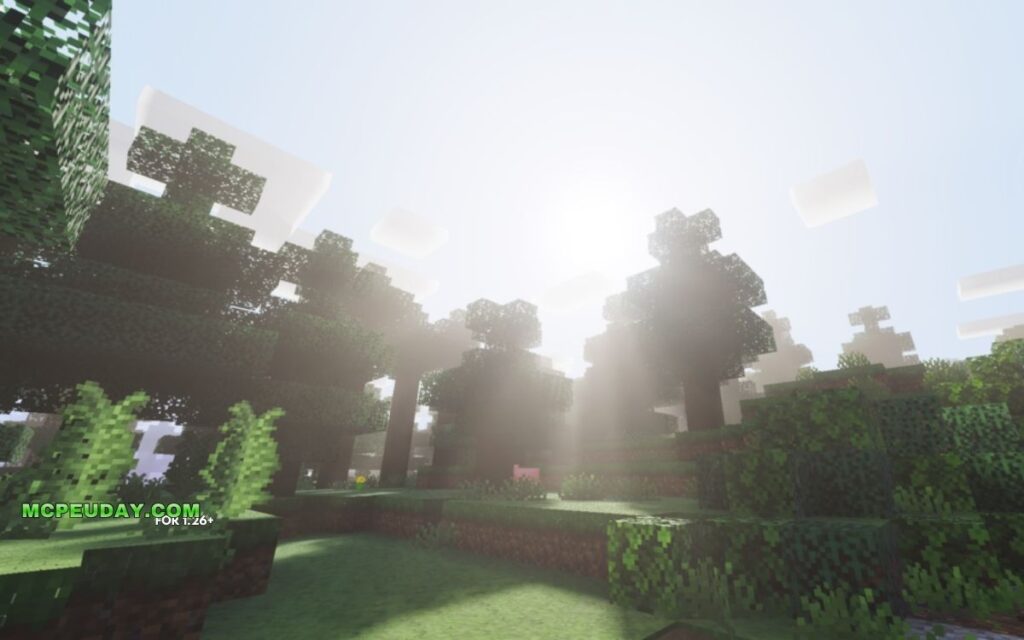
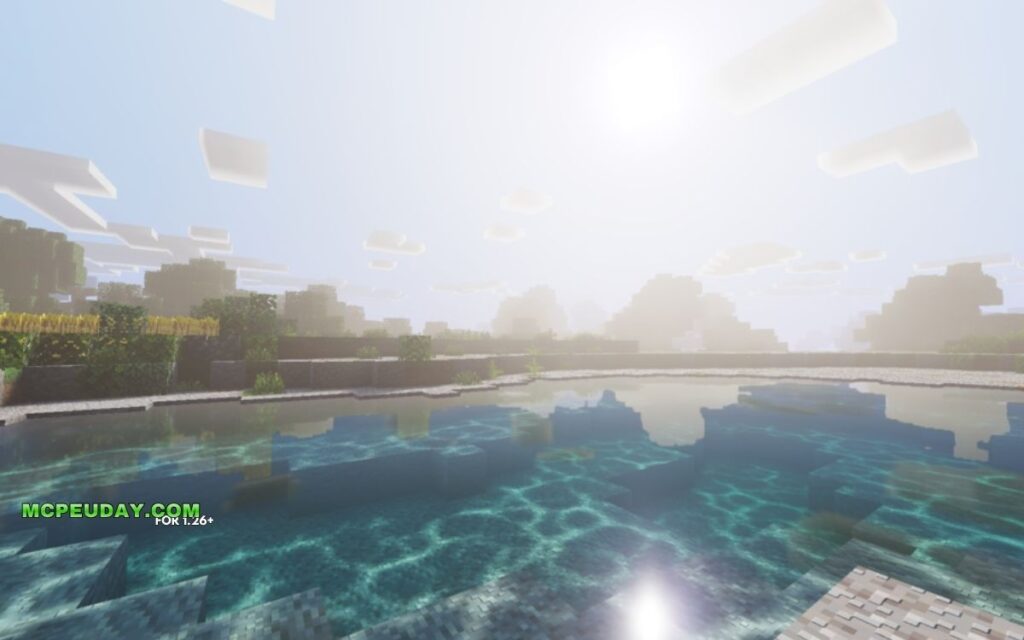
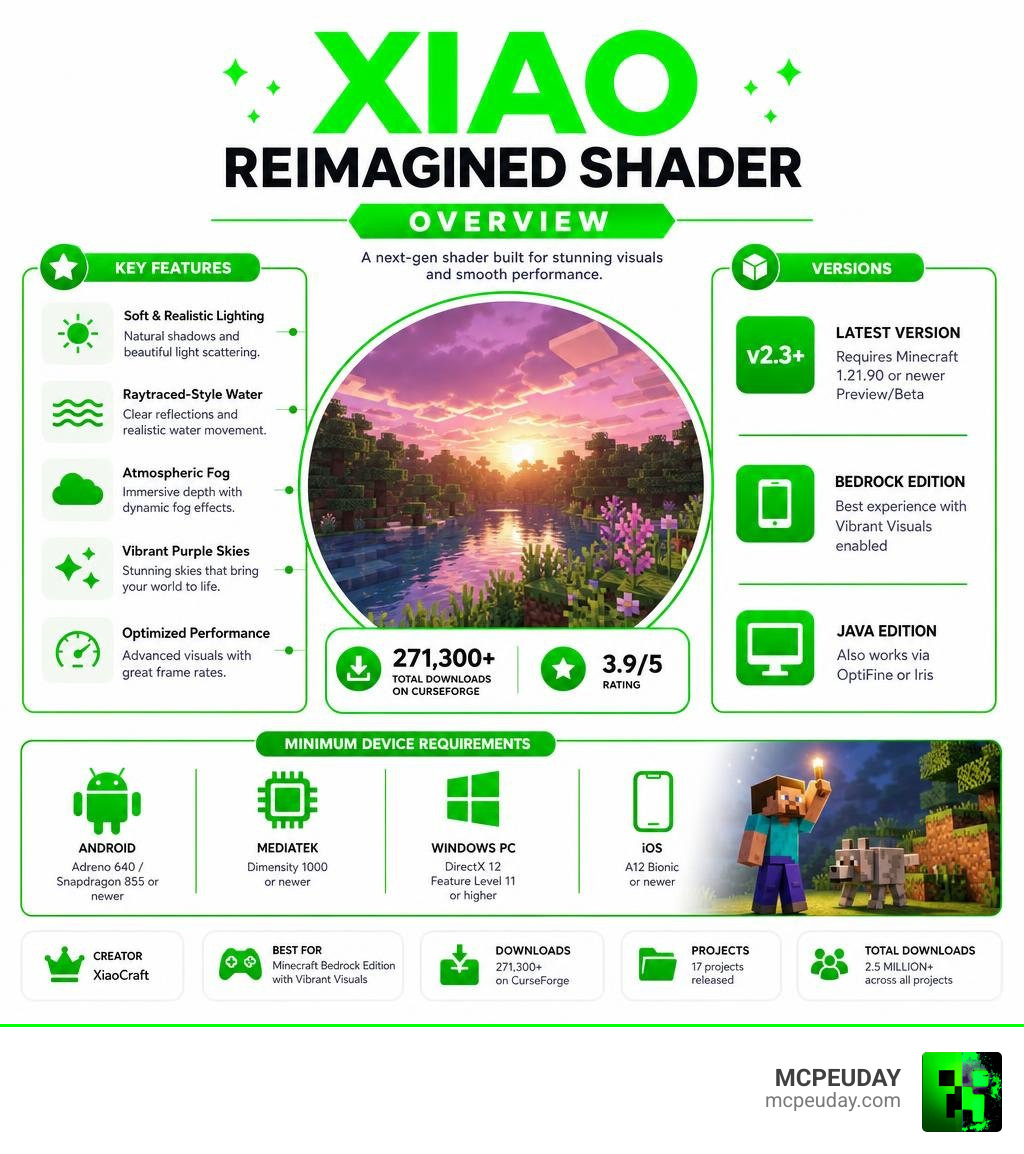
The Xiao Reimagined Shader is a free Minecraft shader pack created by XiaoCraft that upgrades your game’s visuals with soft lighting, raytraced-style water, atmospheric fog, and purple-tinted skies — without destroying your frame rate.
Here’s a quick overview:
- Creator: XiaoCraft
- Best for: Minecraft Bedrock Edition (MCPE) with Vibrant Visuals enabled
- Also works on: Java Edition (via OptiFine or Iris)
- Minimum device: Adreno 640 / Snapdragon 855, MediaTek Dimensity 1000, or DirectX 12 FL11 on PC
- Latest version: v2.3+ (requires Minecraft 1.21.90 or newer Preview/Beta)
- Downloads: 271,300+ on CurseForge
- Rating: 3.9 out of 5
It’s one of the most downloaded shaders in XiaoCraft’s catalog, which has racked up over 2.5 million total downloads across 17 projects.
The shader is inspired by the popular BSL Shaders, but it’s built specifically for Bedrock’s modern rendering pipeline — meaning it takes full advantage of Minecraft’s newer Vibrant Visuals mode rather than just porting a Java-style shader over.
Whether you’re playing on an Android phone, Windows PC, or iOS device, this guide covers everything: features, performance, installation steps, and known issues.
What is the Xiao Reimagined Shader?
The Xiao Reimagined Shader (often released as part of the “Reborn” series) is a highly optimized graphics and lighting modification designed by the well-known developer XiaoCraft. While traditional shaders often struggled to run on Minecraft Bedrock Edition due to engine limitations, this pack is built from the ground up to utilize Bedrock’s modern rendering pipeline.
By targeting the official “Vibrant Visuals” (Deferred Rendering) pipeline, we get to experience advanced visual effects that were previously locked behind high-end Java Edition setups. Best of all, it keeps your game running smoothly without the massive performance drops associated with raw ray-tracing hardware.
Core Visual Features of the Xiao Reimagined Shader
What makes this shader stand out in a sea of graphic packs? The secret lies in its custom atmospheric calculations and cinematic design choices:
- Advanced Atmospherics System: The shader uses Rayleigh and Mie scattering to calculate realistic sky depth. Instead of a flat blue sky, you get natural color gradients.
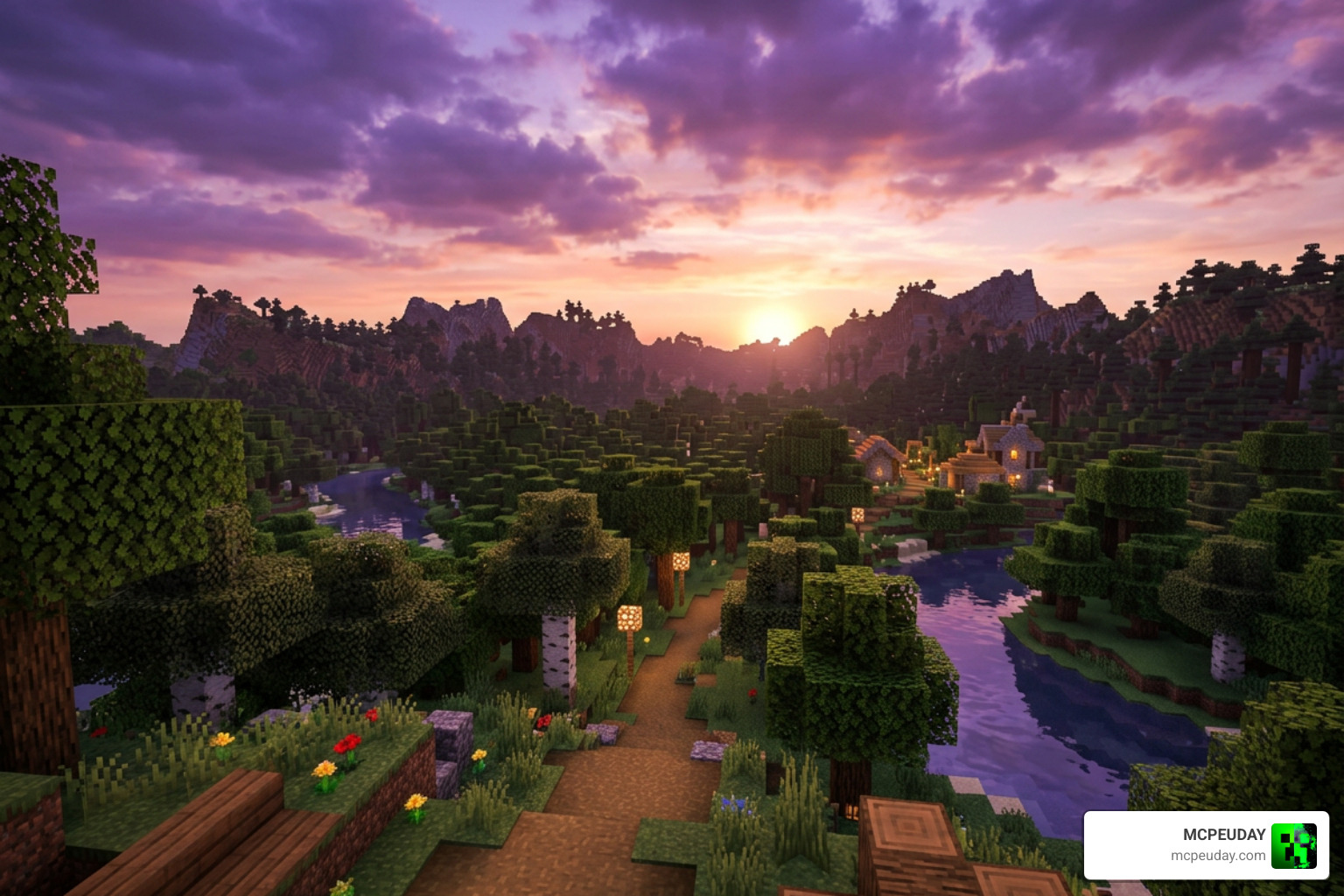
- The Signature Purple-Hued Sky: Rather than choosing basic realism, the creator implemented a dreamy, purple-tinted atmospheric identity. It looks incredibly cozy during twilight hours.
- 15-Keyframe Sky Cycle: The day-night cycle transitions smoothly across 15 distinct color keyframes, giving you gorgeous golden sunrises and deep, fiery orange sunsets.
- Volumetric Sun Rays & Lighting: Sunbeams filter through leaves and structures dynamically. The sun’s illuminance ramp is carefully calibrated, and nights feature a serene, blue-tinted moonlight.
- Raytraced-Style Water: You do not need an expensive RTX graphics card to enjoy beautiful water. This shader simulates path tracing to deliver soft, glassy water reflections and smooth wave movements.
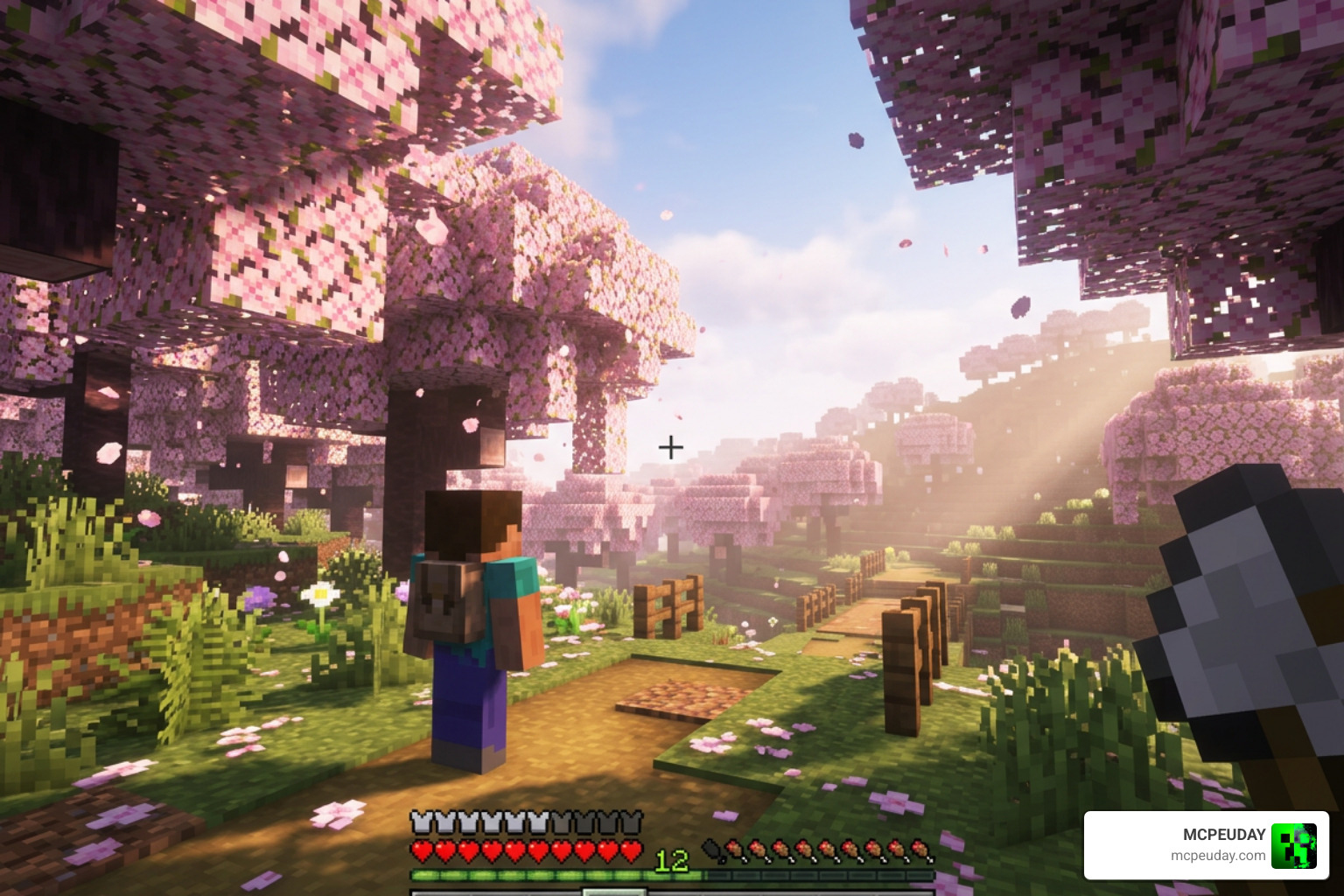
- Biome-Aware Volumetric Fog: The fog adapts dynamically to where you are standing. Whether you are exploring the Cherry Groves, navigating the Deep Dark, or wandering through the Pale Garden, the fog transitions elegantly using Henyey-Greenstein scattering.
- ACES Tone Mapping & 6400K White Balance: The color grading is tuned to a natural 6400K white balance. This prevents the “over-edited” or overly saturated look common in other shaders, balancing warm highlights with cool blue shadows.
Supported Minecraft Versions and Platforms
The Xiao Reimagined Shader is uniquely versatile, but its requirements differ based on which edition of Minecraft you play:
- Minecraft Bedrock / MCPE: The shader is optimized for version 1.21.90 and the latest Beta/Preview builds. It requires a device that supports the “Vibrant Visuals” technical preview. If you are running older versions of MCPE, you may want to check out our list of the Best Render Dragon Shaders for MCPE 1.21 for compatible alternatives.
- Minecraft Java Edition: While primarily celebrated on Bedrock, there are Java-compatible files available that can be loaded using OptiFine or Iris.
Performance, System Requirements, and Known Issues
One of our favorite aspects of this pack is how well it balances visual fidelity with playability. It is designed to be highly accessible, allowing players on mid-range mobile devices to enjoy a premium visual upgrade.
Performance Comparison: Xiao Reimagined Shader vs. Traditional Shaders
How does it stack up against heavy hitters like BSL or Complementary? Let’s look at how it runs:
| Feature / Metric | Xiao Reimagined Shader | Traditional Java Shaders (BSL / Complementary) |
|---|---|---|
| Primary Platform | Bedrock / MCPE (with Java Support) | Java Edition Only |
| Rendering Engine | Bedrock Deferred Technical Preview | OptiFine / Iris GLSL |
| Performance Impact | Low to Moderate | Moderate to High |
| Minimum Hardware | Adreno 640 / Dimensity 1000 | Dedicated GTX/RTX GPU |
| Water Style | Simulated Raytraced Reflections | Real-time Resource-Heavy Reflections |
| Atmospheric Style | Cinematic Purple & 6400K Warmth | Highly Customizable / Realistic |
Because the Xiao Reimagined Shader focuses on clever math and path-tracing simulations rather than brute-force ray tracing, it runs significantly better on lower-spec hardware. If you want to explore more options that offer realistic lighting without turning your phone into a pocket-sized furnace, check out the Top 5 Best Realistic Shaders for MCPE. For another excellent project by the same creator, you should also take a look at our review of the Xiaocraft Prism Shader for Minecraft.
Known Bugs and Troubleshooting Tips
No shader is completely perfect, especially when working with Bedrock’s evolving Deferred Rendering engine. Here are a few things to keep in mind:
- Black Screen on Load: If your screen goes completely black, make sure you have enabled the “Vibrant Visuals” graphics mode in your video settings.
- Render Dragon Limitations: On some Android devices, the Render Dragon engine restricts custom shader loading. If you encounter issues, ensure your device’s GPU supports DirectX 12 FL11 (for PC) or has a modern Vulkan driver (for mobile).
- Beta/Preview Instability: Since Mojang frequently updates the rendering pipeline in preview builds, minor graphical glitches may occur after game updates. Always keep your shader updated to the latest version.
- For general troubleshooting on mobile graphics packs, browse through our dedicated Minecraft PE Shaders Category.
How to Install the Shader on Android, iOS, and PC
Installing shaders in 2026 is much easier than it used to be, but Bedrock’s rendering engine requires a couple of specific steps to work correctly.
Always make sure you download the official files safely. You can find the creator’s latest uploads on CurseForge via XiaoCraft’s Profile or directly on the XiaoCraft Official Site.
Android and MCPE Installation Steps
If you are playing on an Android device or tablet, follow these steps to get up and running:
- Download the official
.mcpackfile for the Xiao Reimagined Shader. - Open your preferred File Manager app and locate the downloaded file.
- Tap on the
.mcpackfile. Your device should prompt you to open it with Minecraft. Select Minecraft to automatically import the pack. - If the automatic import does not work, manually copy the unpacked shader folder to your game directory:
Android/data/com.mojang.minecraftpe/files/games/com.mojang/resource_packs/. - Advanced Method: If your device struggles to recognize the shader, some community members bypass the restriction by replacing the
tiers.binconfiguration file inside/assets/assets/of the MCPE APK and re-signing the application. However, we recommend using the official.mcpackmethod first. - Launch Minecraft, go to Settings > Global Resources, and activate the shader.
- Go to Video Settings and ensure that Vibrant Visuals (or Deferred Technical Preview) is turned on.
Java Edition Installation Steps
If you are playing on Java Edition, the process uses your standard shader loaders:
- Ensure you have either OptiFine or the Iris Shader Loader installed.
- Download the Java-compatible version of the shader zip file.
- Open Minecraft, go to Options > Video Settings > Shaders (or Shader Packs).
- Click Open Shader Pack Folder and drag the downloaded zip file into this folder.
- Select the Xiao Reimagined Shader from the in-game list, click Apply, and enjoy!
Frequently Asked Questions
Is the Xiao Reimagined Shader compatible with Minecraft 1.21?
Yes! The shader is fully updated and compatible with Minecraft 1.21, specifically targeting version 1.21.90 and the latest Preview/Beta builds. It is designed to work hand-in-hand with the modern Bedrock rendering pipeline.
Does this shader require a high-end device or ray-tracing hardware?
No. Unlike true RTX packs, this shader uses simulated path tracing and clever rendering techniques. It runs beautifully on mid-range mobile devices (like those with an Adreno 640/Snapdragon 855 or MediaTek Dimensity 1000) and standard PCs supporting DirectX 12.
How do I fix black screen or loading issues with the shader?
Make sure your Minecraft client has “Vibrant Visuals” enabled in the Video Settings menu. If the option is greyed out, your device’s hardware or GPU drivers may not support Bedrock’s deferred rendering pipeline yet.
Conclusion
The Xiao Reimagined Shader is an absolute triumph for the Bedrock community. By combining a dreamy, purple-tinted atmospheric aesthetic with highly optimized simulated ray tracing, XiaoCraft has delivered a gorgeous upgrade that does not sacrifice your gameplay performance.
If you want to keep exploring top-tier graphics options for your mobile setup, don’t miss our curated list of the Best Shaders for MCPE 1.21. Happy building, and enjoy your beautiful new Minecraft worlds!
fgpt6c