Pixel Edge Visuals Shader brings realistic lighting, shadows, reflections, and vibrant colors to Minecraft. Lightweight, smooth, and stunning. Perfect for survival, building, and cinematic gameplay with stable FPS.
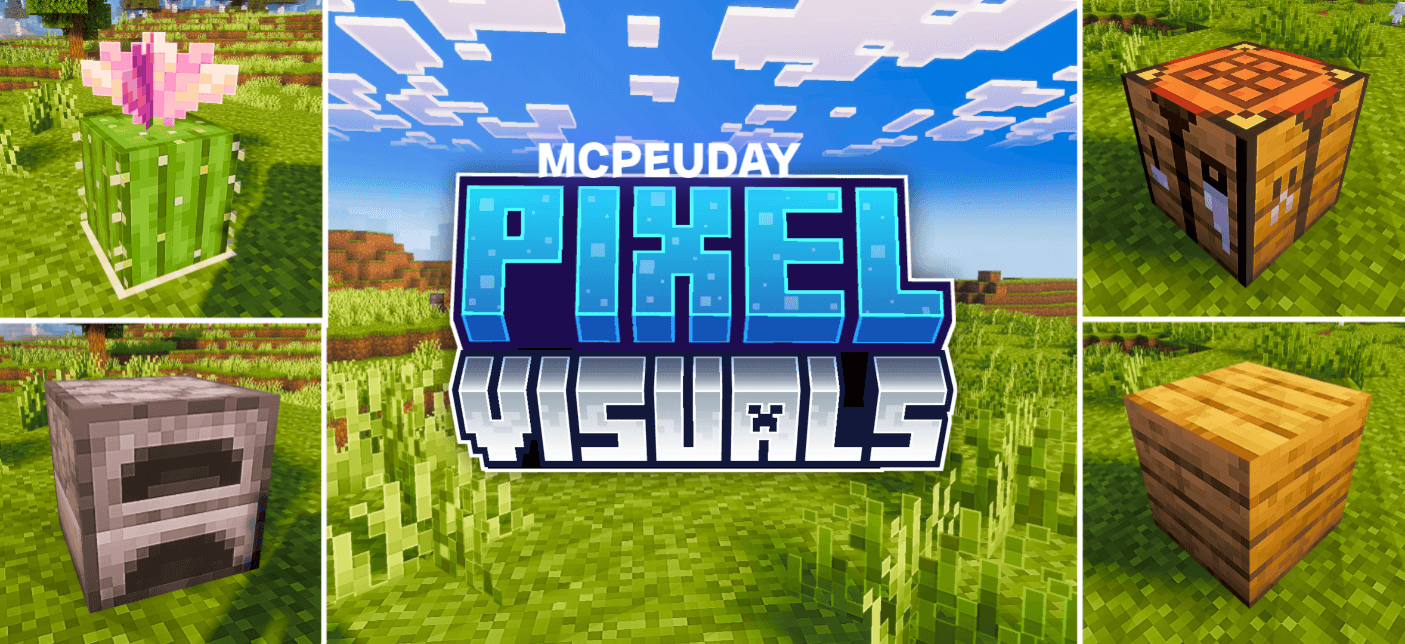
Pixel Edge Visuals Shader For VoxenMC2
What is Pixel Edge Visuals Shader?
Pixel Edge Visuals Shader is a lightweight yet visually stunning Minecraft shader pack designed to enhance your worlds with:
- Beautiful lighting
- Soft shadows
- Dynamic skies
- Natural colors
Whether you play survival, creative, or build showcase maps, this shader instantly makes everything look more immersive and cinematic.
⭐ Key Features of Pixel Edge Visuals Shader
🔥 1. Realistic Lighting & Shadows
This shader completely transforms the game lighting system.
You get:
- Soft, natural sunlight
- Smooth shadows that move with time
- Real night darkness for survival challenge
Sunrise and sunset look absolutely incredible.
🔥 2. Stunning Water Reflections
Lakes, oceans, and rivers come alive with:
- Subtle wave animations
- Real reflections of sky and trees
- Crystal-like transparency
Perfect for beaches, lakeside builds, and aquatic biomes.
🔥 3. Vibrant Colors & Visual Clarity
Pixel Edge Visuals Shader adds beautiful, rich, yet natural colors:
- Grass looks fresh
- Leaves glow in the sun
- Blocks look sharp and clean
No oversaturation — everything stays realistic.
🔥 4. High Performance – Smooth FPS
One of the biggest highlights:
✔ Works on low-end & old devices
✔ Lag-free experience
✔ Stable FPS during gameplay
The shader is optimized for performance, not just beauty.
🔥 5. Dynamic Skies & Weather Effects
The sky is no longer flat.
You get:
- Dynamic moving clouds
- Realistic storms
- Beautiful night stars
- Moonlight reflections on water
The atmosphere feels alive.
⭐ Perfect for Every Minecraft Style
✔ Survival players get beautiful scenery
✔ Builders get cinematics for screenshots
✔ SMP players enjoy smooth visuals
✔ Adventure maps become immersive
It looks amazing without killing performance.
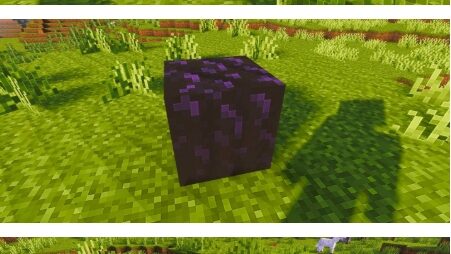
Screenshots:
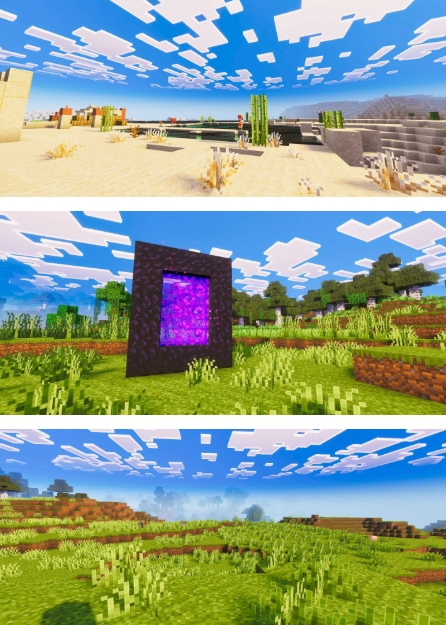
⭐ Compatibility
- Works with most Minecraft versions
- Supports Bedrock & Java (depending on release)
- Compatible with:
✔ Texture packs
✔ Resource packs
✔ Add-ons & mods
No visual conflicts or glitches.
⭐ How to Install Pixel Edge Visuals Shader
👉 Step-by-step:
- Download the shader file (.zip/.mcpack)
- Open Minecraft
- Go to Settings → Global Resources
- Click Import / Activate
- Apply the shader to your world
- Restart Minecraft for best results
Enjoy upgraded visuals instantly.
⭐ Why Pixel Edge Visuals Shader is Popular
Players love this shader because:
- It looks beautiful
- It runs smoothly
- It works on most devices
- It makes your world feel alive
No extreme PC required — anyone can use it.
-Pixel Edge Visuals Shader Dawnload-
⭐ Conclusion
Pixel Edge Visuals Shader is one of the best Minecraft shader packs for players who want:
✔ Realistic lighting
✔ Beautiful shadows
✔ Smooth performance
✔ Vibrant, natural visuals
It upgrades the game without changing its original Minecraft charm
