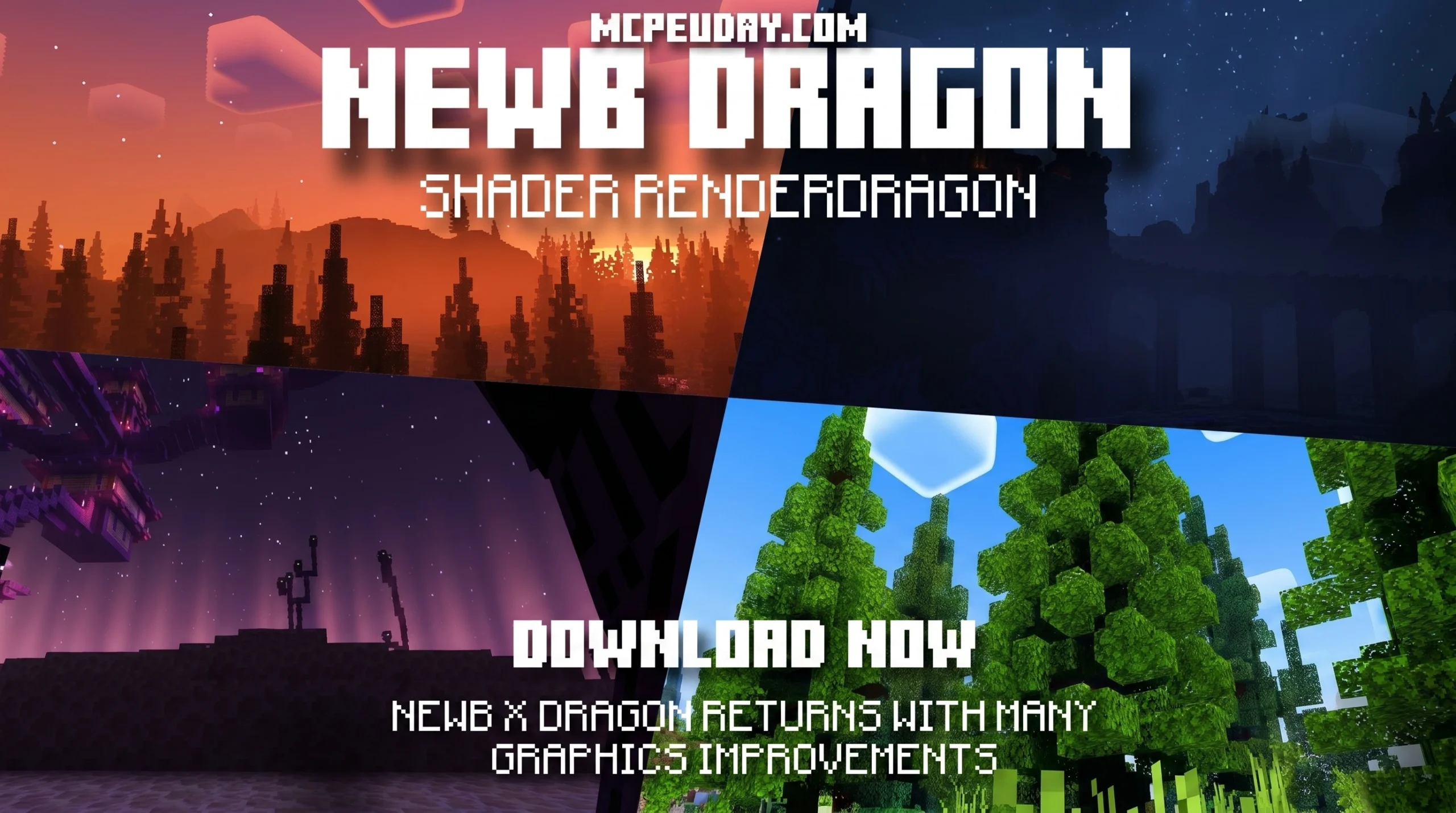
The Newb X Dragon Shader Transforms Minecraft Bedrock Into a Java-Like Visual Experience
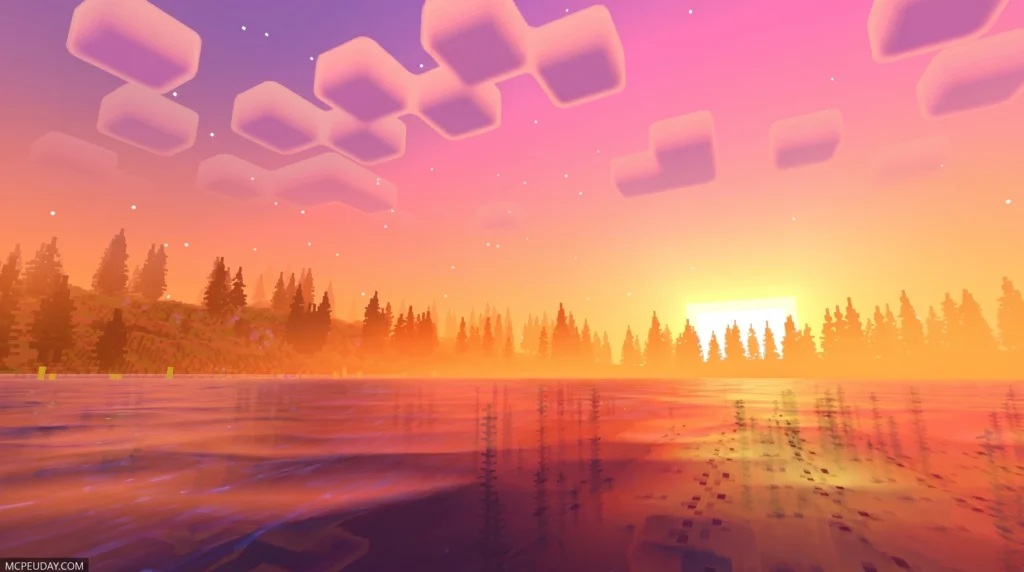
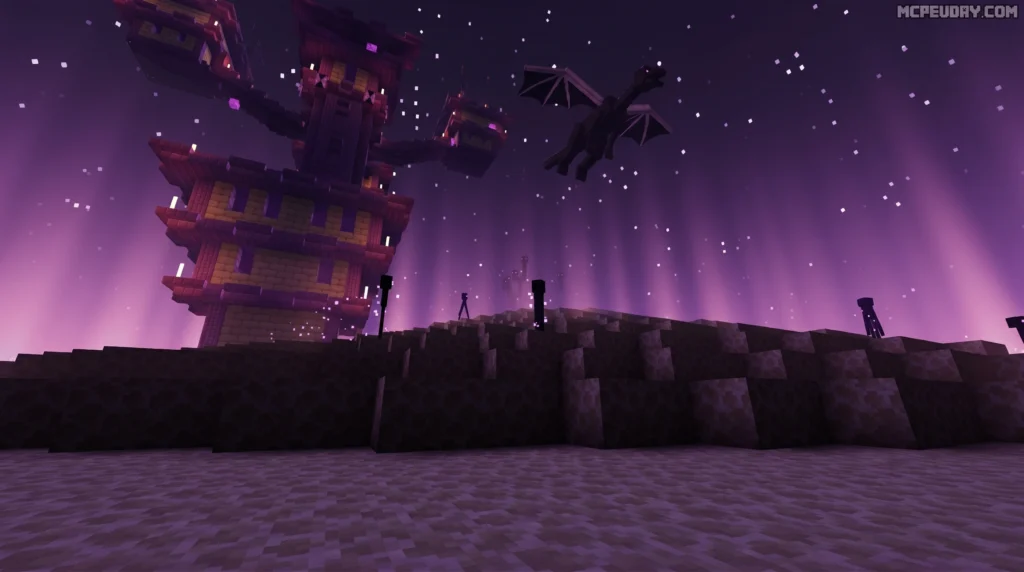
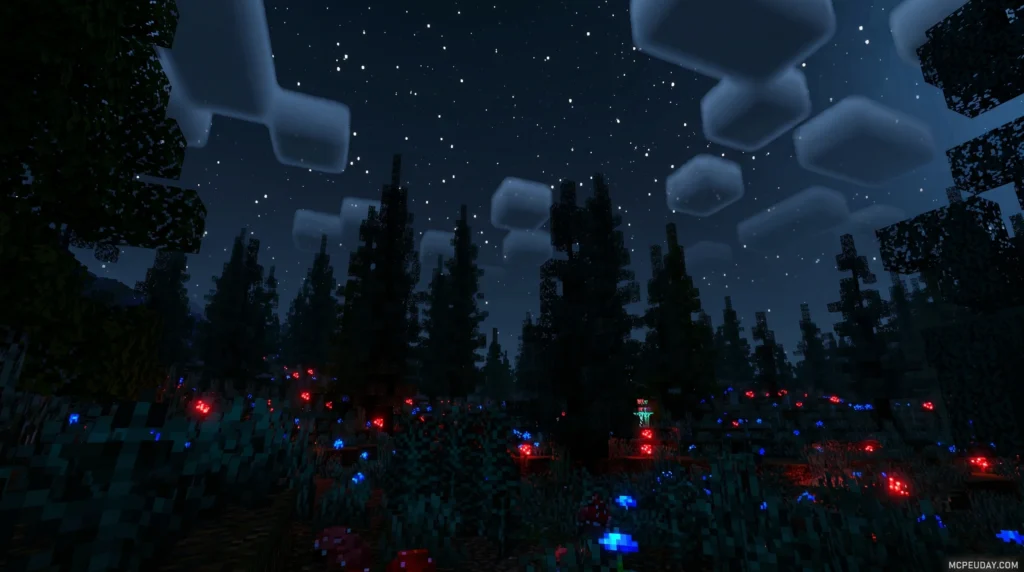
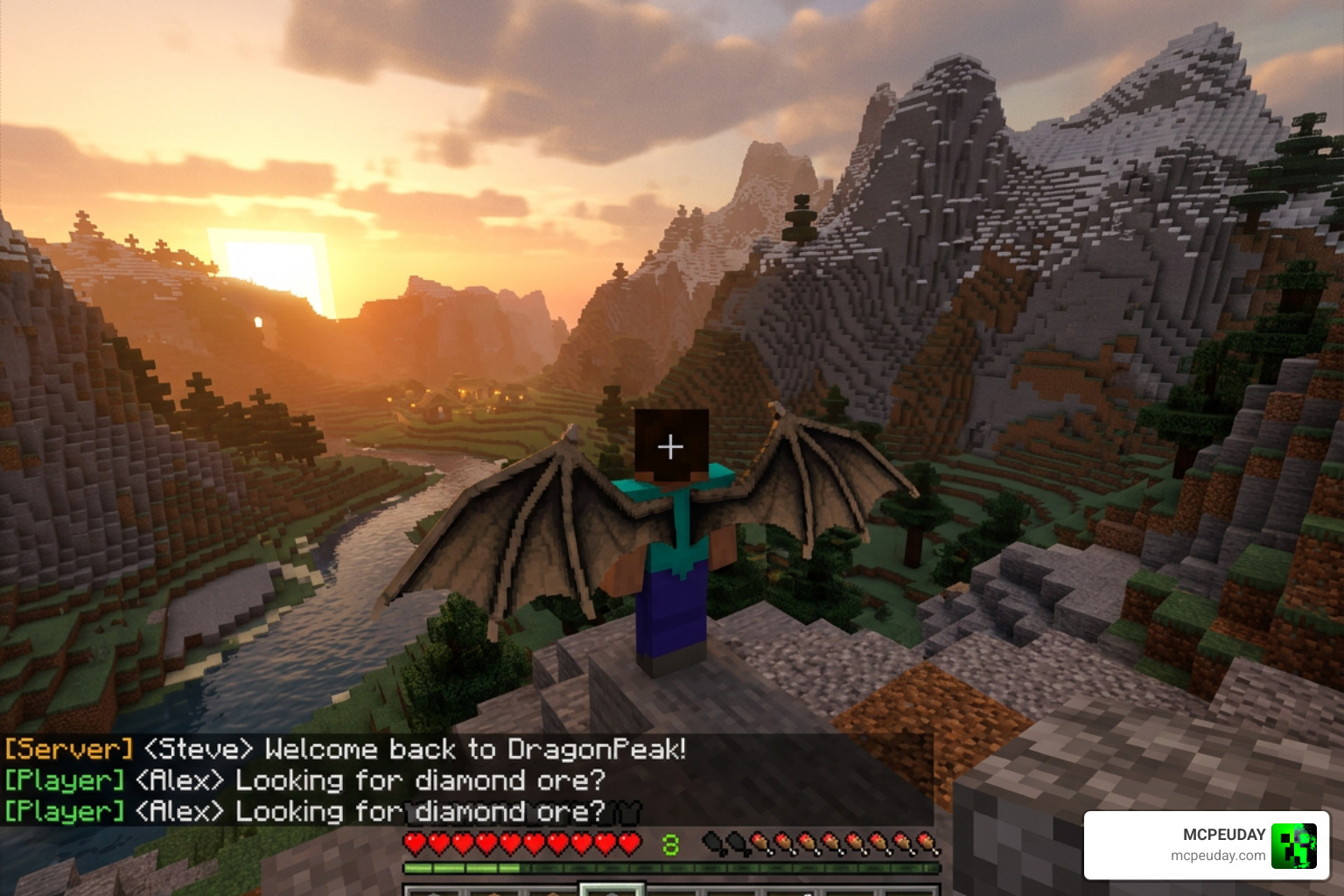
The Newb X Dragon Shader is one of the most downloaded Bedrock shaders available right now, pulling in over 820,000 downloads on MCPEDL and more than 622,000 on CurseForge — and it’s easy to see why.
Here’s a quick snapshot of what you need to know:
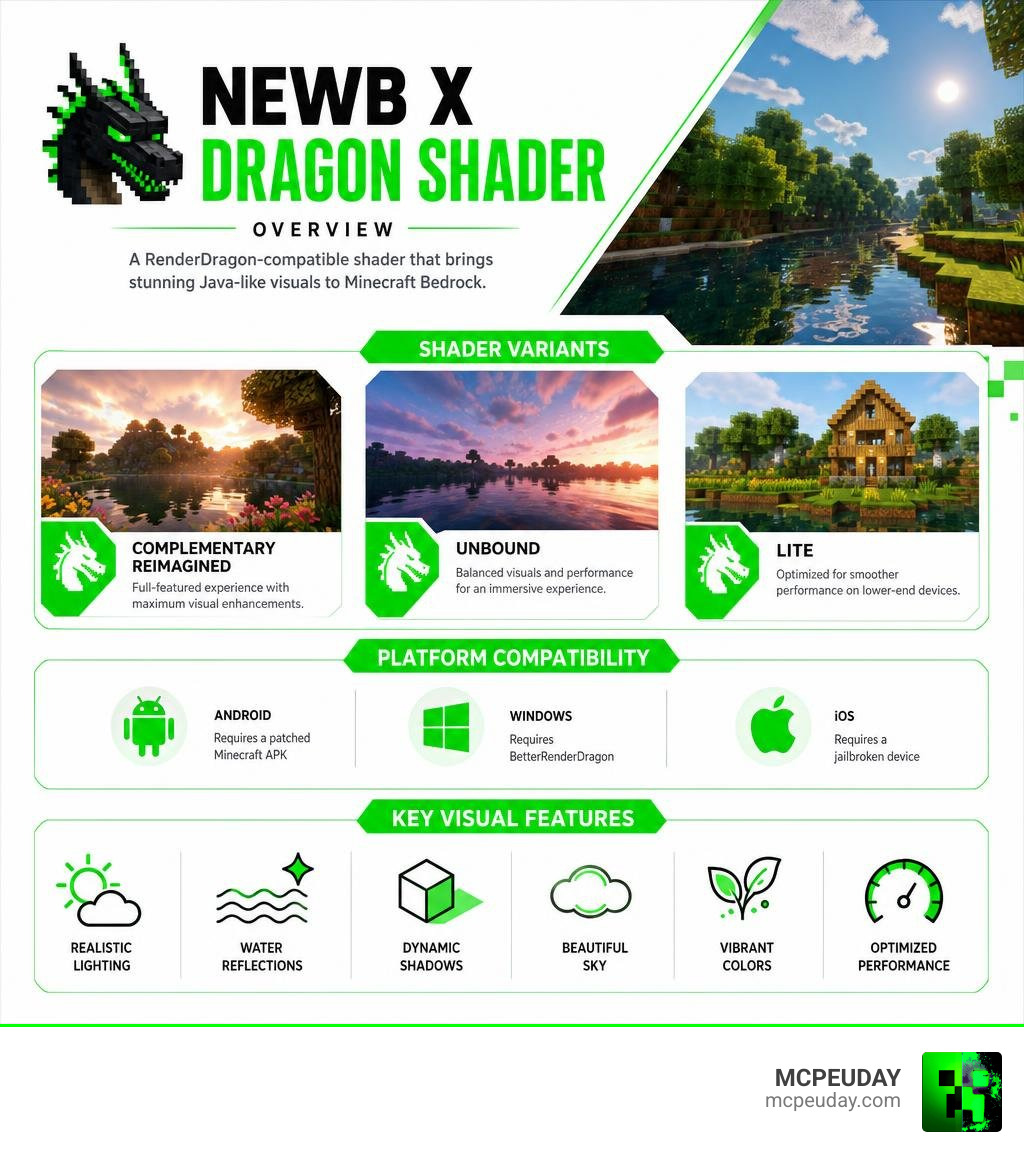
- What it is: A RenderDragon-compatible shader for Minecraft Bedrock Edition that mimics the look of Java Edition’s Complementary Shaders
- Who made it: A creator known as Deven, building on the open-source Newb X Legacy codebase
- Platforms supported: Android, Windows, and iOS
- Compatible versions: Minecraft v26.20 and 1.21.80.25 and above
- Main variants: Complementary Reimagined, Unbound, and Lite
- Special requirement: Needs a patched Minecraft APK (Android), BetterRenderDragon (Windows), or a jailbroken device (iOS) to work
If you play Minecraft Bedrock and want realistic lighting, water reflections, dynamic shadows, and a sky that actually looks beautiful — this shader is built for you.
But there are a few things to know before you download it. Installation isn’t plug-and-play on every platform, and some versions have quirks worth understanding before you dive in. This guide covers everything: features, variants, platform-by-platform setup, and common fixes.
What is the Newb X Dragon Shader?
At its core, the Newb X Dragon Shader is a highly optimized, community-driven graphics modification designed specifically for Minecraft Bedrock’s RenderDragon engine. Developed by the talented creator Deven, this pack aims to achieve what many thought was impossible: bringing the gorgeous, high-end aesthetic of Java Edition’s Java Complementary Shaders straight to mobile phones, tablets, and Windows PCs.
If you are looking to download the pack directly, you can grab the Newb X Dragon Shader | Compatible with Minecraft v26.20 to get started.
Historically, Bedrock players had to settle for flat lighting and static skies due to engine limitations. But with this shader, we get a complete visual overhaul that retains the classic charm of Minecraft while adding modern graphical bells and whistles. If you prefer a more vanilla-aligned aesthetic, you might also want to check out the Newb X Super Vanilla Shader For Minecraft Best Vanilla Shader 2026, but for those who want that jaw-dropping realistic flair, the Dragon variant is unmatched.
Evolution from Newb X Legacy to Newb X Dragon Shader
To understand why the Newb X Dragon Shader is such a big deal, we have to look back at its roots. The original Newb X Legacy was an open-source, lightweight shader pack praised for its soft vanilla aesthetics and excellent performance. It ran beautifully on almost any device because it worked with the older Bedrock rendering engine.
When Mojang introduced the RenderDragon engine, it broke traditional shaders completely. The community was left in the dark—literally—with flat, uninspiring graphics.
That is where the evolution began. Deven took the open-source Legacy codebase, completely refactored it for RenderDragon compatibility, and introduced the “Dragon” variant. Instead of just trying to fix what was broken, the project evolved to target high-end Java-like features. Through smart optimization and community-driven updates, the Newb X Dragon Shader emerged as a powerhouse that delivers dynamic shadows, waving foliage, and realistic water without melting your device.
Key Visual Features and Performance Variants
The visual changes this shader introduces are nothing short of breathtaking. If you are tired of the static, lifeless default look of Bedrock, this pack will make you feel like you are playing an entirely new game.
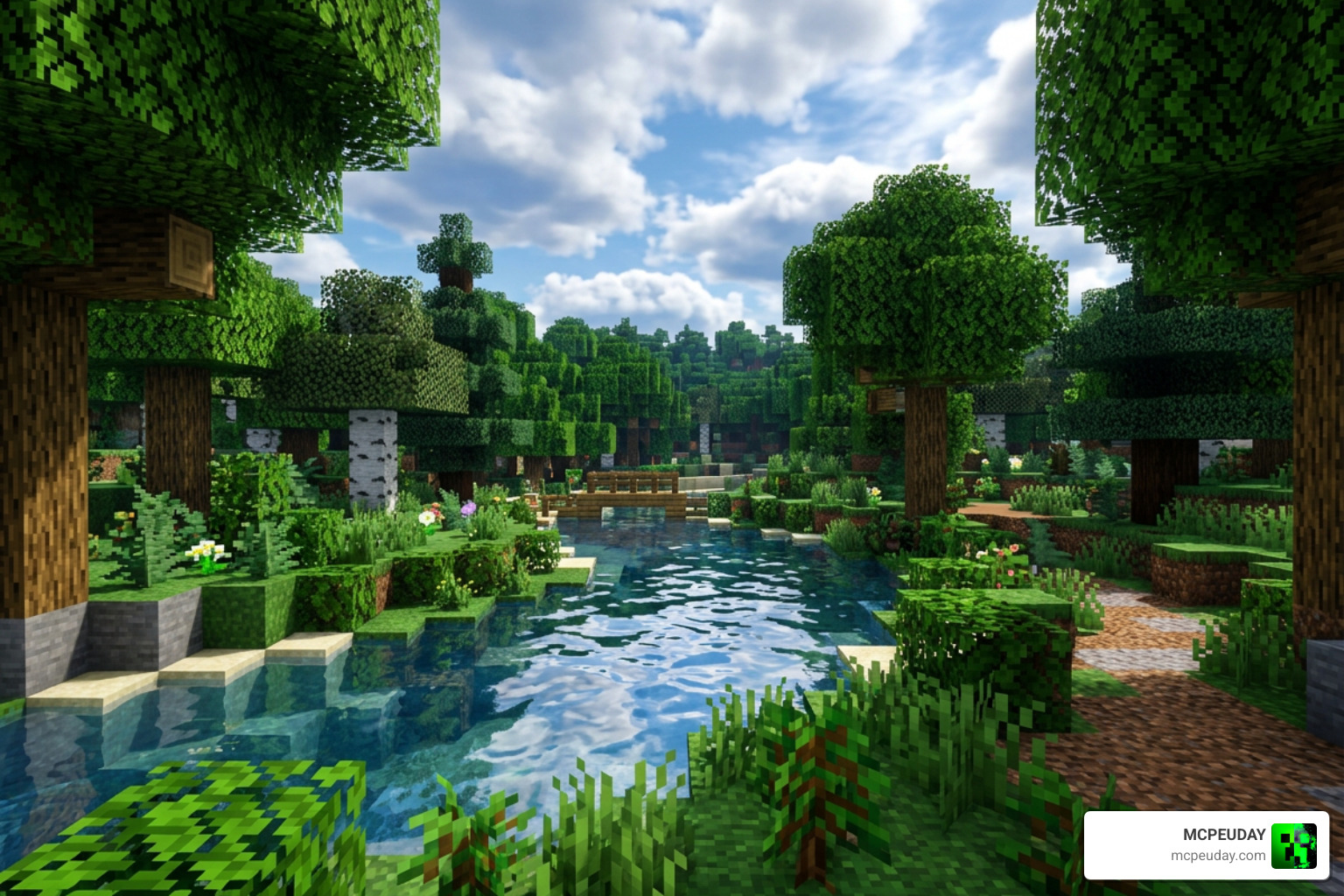
Here is a quick look at the core visual enhancements:
- Dynamic Water Waves & Reflections: Water is no longer a flat blue texture. It waves gently, reflects the clouds, and realistically distorts blocks underneath.
- Plant & Leaf Movement: Trees, grass, and crops sway softly in the wind, making forests feel alive.
- Upgraded Weather Effects: Rain creates a “wet” surface effect on blocks, reflecting light sources beautifully.
- Realistic Shadows: Soft, directional shadows that move dynamically with the sun and moon.
To help you choose the right version for your device, here is a quick breakdown of the available performance variants:
| Variant Name | Target Devices | Key Visual Features | Performance Impact |
|---|---|---|---|
| Lite | Low-end mobile / Budget PCs | Basic water waving, soft lighting, optimized clouds | Very Low (FPS Friendly) |
| Complementary Reimagined | Mid-range to High-end | Java-like lighting, cloud reflections, realistic plant movement | Medium |
| Unbound | High-end mobile / Gaming PCs | Ultra-realistic shadows, complex water physics, volumetric rays | High |
Lighting and Atmospheric Effects in Newb X Dragon Shader
The lighting system is where the Newb X Dragon Shader truly shines. During the day, you will experience gorgeous sun rays slicing through tree canopies. Sunset and sunrise paint the sky in warm, blended hues of orange, pink, and purple.
Once night falls, the atmosphere shifts completely. The shader features a stunning galaxy night sky filled with realistic stars and even glowing northern lights (aurora borealis) in cold biomes.
The Nether and the End dimensions also get massive upgrades. The End portal features custom volumetric illumination, while the Nether glows with a dense, atmospheric fog and improved lava textures that actually emit a warm, realistic light.
Quick Tip: If you find the daylight or lava a bit too bright on your screen, simply go into your Minecraft settings and slide your in-game brightness down slightly to achieve the perfect contrast!
Complementary Reimagined vs. Unbound and Lite Subpacks
Choosing the right subpack depends entirely on your gameplay style and device power.
If you want the absolute closest match to Java’s legendary graphics, we highly recommend reading up on the Newb X Dragon Complementary Shader The Ultimate Minecraft Shader For Realistic Graphics. It balances high-fidelity visuals with solid frame rates.
For players with beefy hardware who want to push Bedrock to its absolute limits, the Newb X Dragon Unbound Shaders For Minecraft offers unmatched atmospheric depth, though it will tax your frame rate.
On the other hand, if you are playing on an older phone or tablet, don’t worry! You don’t have to miss out on the fun. Check out the Newb X Ale Shader For Minecraft Pe Bedrock Best Realistic Shader For Low End Devices or use the Lite variant of the Dragon shader to keep your gameplay buttery smooth.
Platform Compatibility and Installation Guide
Because Mojang’s RenderDragon engine restricts third-party shaders by default, installing the Newb X Dragon Shader requires a few extra steps depending on what device you are playing on. It is compatible with Minecraft versions up to v26.20 and 1.21.80.25+.
Before you begin, if you want to explore other options, take a look at our list of the 3 Best Shaders For Minecraft 1 21 Ultra Realistic Smooth Fps Stunning Graphics to see how the Dragon shader stacks up against the competition.
Android Installation Requirements
On Android, the standard vanilla Minecraft app will not load custom RenderDragon shaders. To bypass this, you must use a patched client or a loading tool.
- Download the patched APK or MBLoader: You will need a patched version of Minecraft (v1.21.20+) or MBLoader to allow custom material loading.
- Download the Shader: Grab the
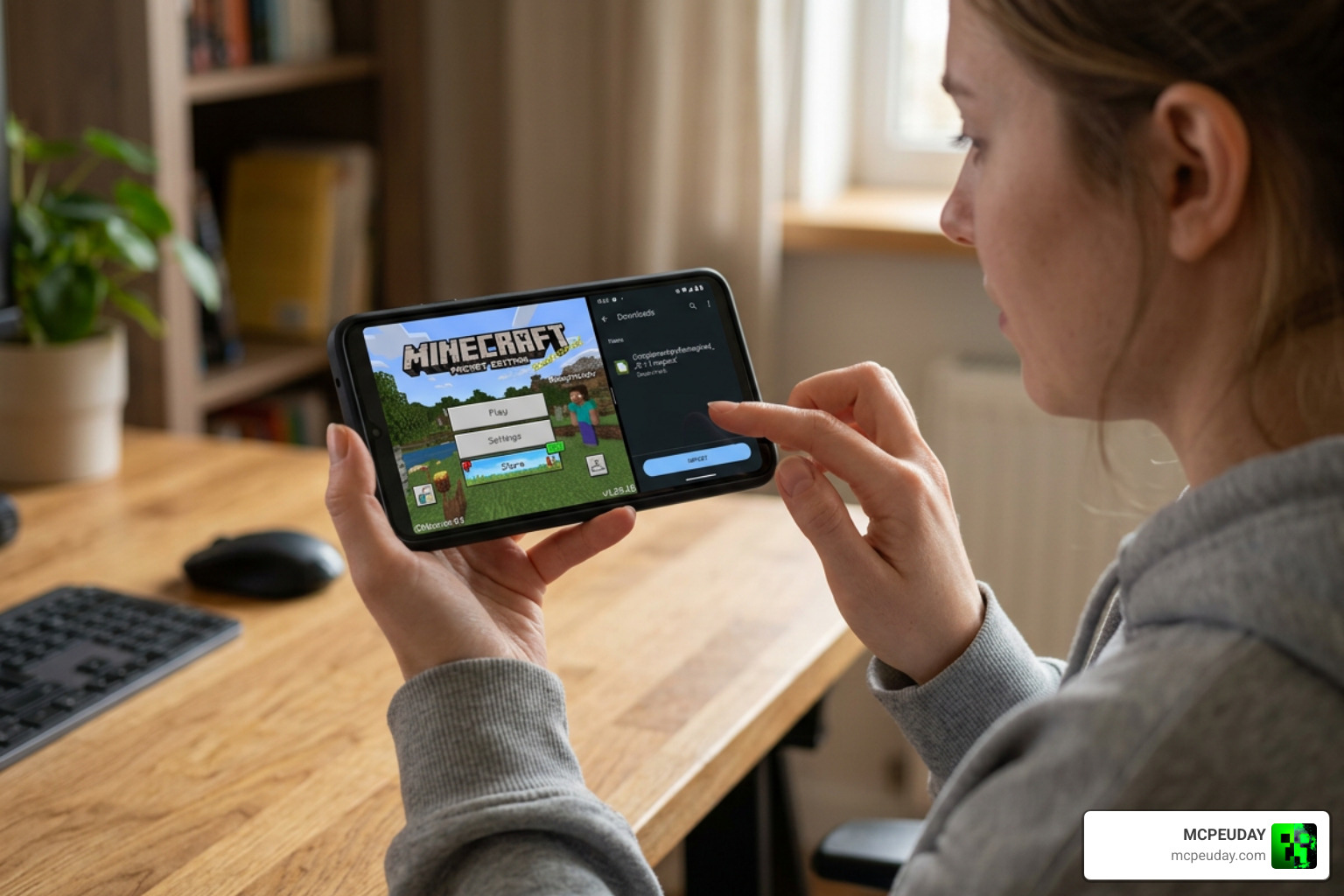
.mcpackfile for the Android version of the shader. - Install the Pack: Open the
.mcpackfile using a file manager, which will automatically import it into Minecraft. - Activate and Play: Go to your Global Resources in Minecraft, activate the Newb X Dragon Shader, and select your desired subpack (Lite, Reimagined, or Unbound).
Windows and iOS Setup
If you are playing on a PC or an Apple device, the steps are slightly different.
Windows (PC) Installation:
- BetterRenderDragon: You will need the BetterRenderDragon tool (v1.4.4 or newer) to load custom shaders on Windows.
- Material.bin Replacement: Alternatively, you can use the Matject tool to replace the
material.binfiles in your Minecraft directory. - Import: Once your RenderDragon is patched, simply double-click the downloaded
.mcpackfile to install it.
iOS Installation:
- Jailbreak/IPA File: Because iOS is highly sandboxed, running custom RenderDragon shaders generally requires a jailbroken device or a sideloaded, patched Minecraft
.ipafile. - Import: Once your patched game is ready, import the iOS-specific
.mcpackfile and activate it in your global resources.
Important Note: Always delete any older versions of the shader from your storage settings before installing a new update to prevent resource pack conflicts and weird sky glitches!
Frequently Asked Questions
Is the shader compatible with Minecraft v26.20?
Yes! The latest versions of the Newb X Dragon Shader have been fully updated to support Minecraft Bedrock v26.20, as well as versions 1.21.80.25 and above. The creator frequently updates the pack to ensure compatibility with Mojang’s latest engine tweaks.
How do I fix sky glitches or high brightness issues?
If you experience a glitched sky (like a solid gray box) or extreme brightness, try these quick fixes:
- Adjust Brightness: Lower your in-game Minecraft brightness setting to around 50% or lower.
- Reinstall: Delete the shader from your storage, restart your game, and reinstall the latest
.mcpack. - Material Match: Ensure your
material.binfiles are correctly patched if you are using BetterRenderDragon on Windows.
Do I need a patched APK to run this shader on Android?
Yes. Due to RenderDragon’s security protocols, standard retail versions of Minecraft Bedrock on Android will not render the shader effects. You must use a patched APK or a tool like MBLoader to enjoy the enhanced graphics.
Conclusion
At MCPEUDAY, we believe that the Newb X Dragon Shader is an absolute must-have for any Bedrock player looking to elevate their gameplay. It successfully bridges the gap between Bedrock and Java, proving that mobile and console players don’t have to settle for basic graphics. Whether you want to explore a glowing Nether, watch the sunset over waving oceans, or simply enjoy stable frames on a budget phone, this shader has a variant tailored just for you.
Ready to find the perfect look for your world? Head over to our ultimate hub of the best shaders for MCPE 1.21 to compare more options, grab your downloads, and start your next visually stunning Minecraft adventure today!