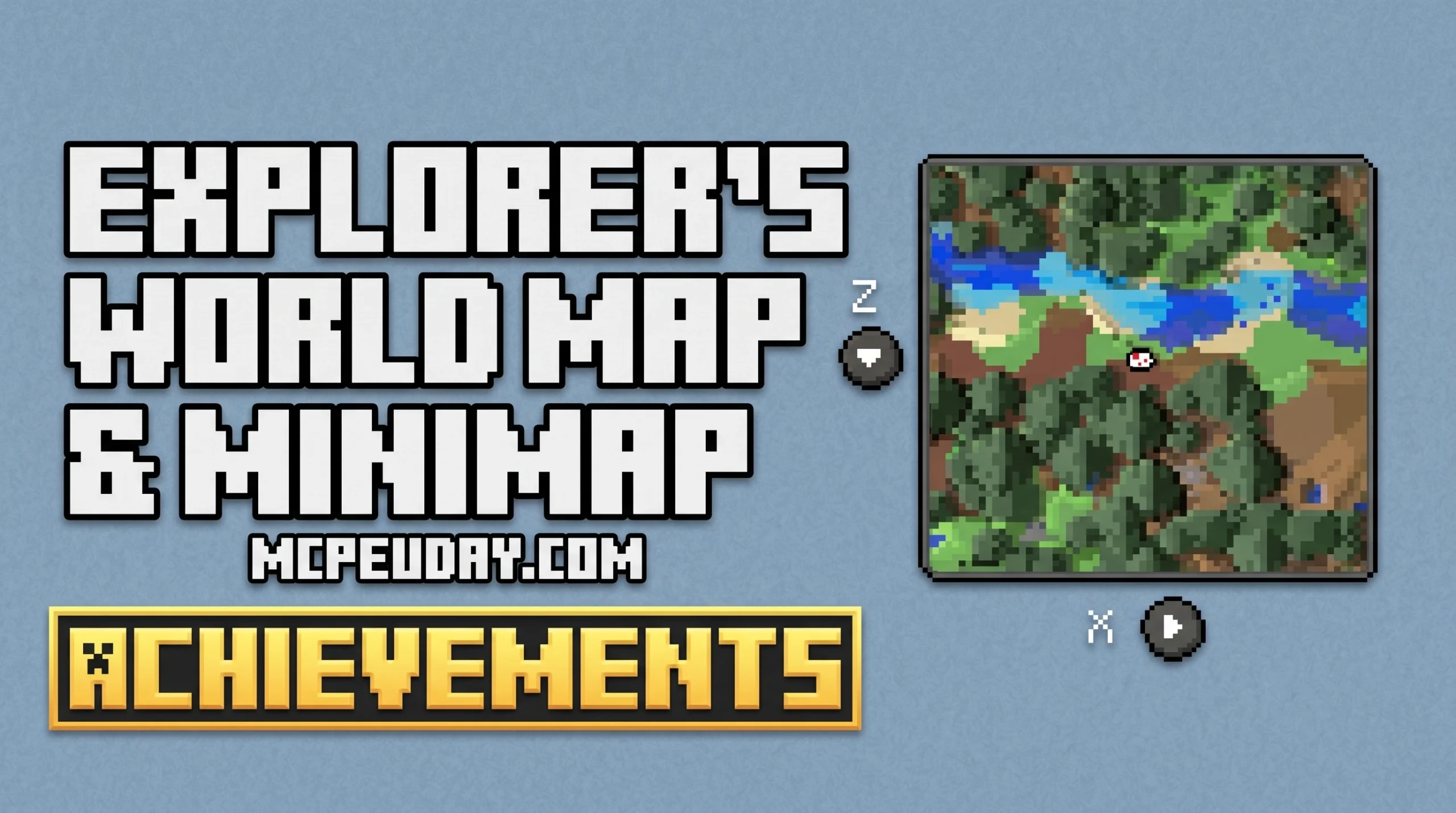
Never Get Lost Again: The Explorer’s World Map & Minimap ADDON Explained
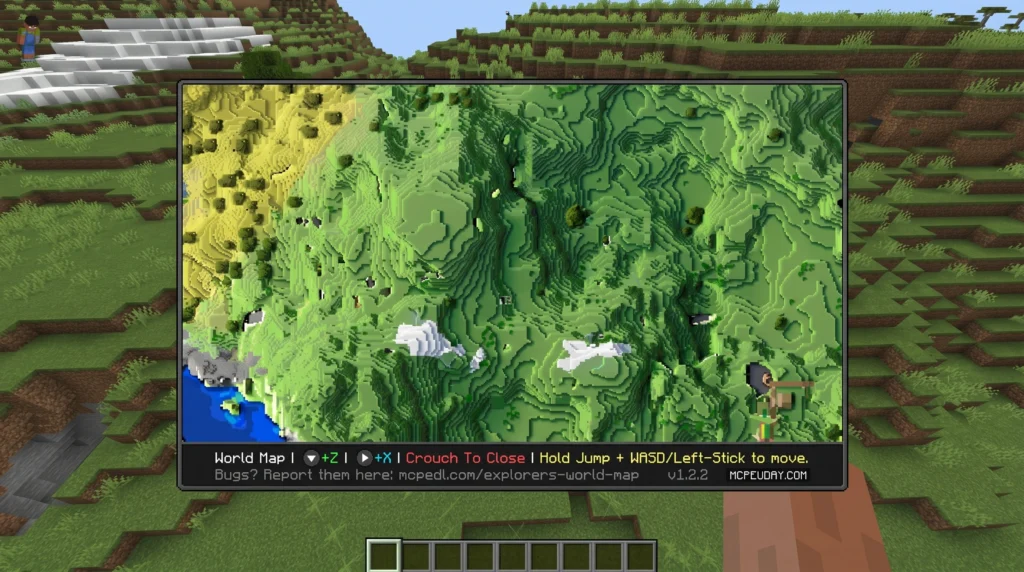
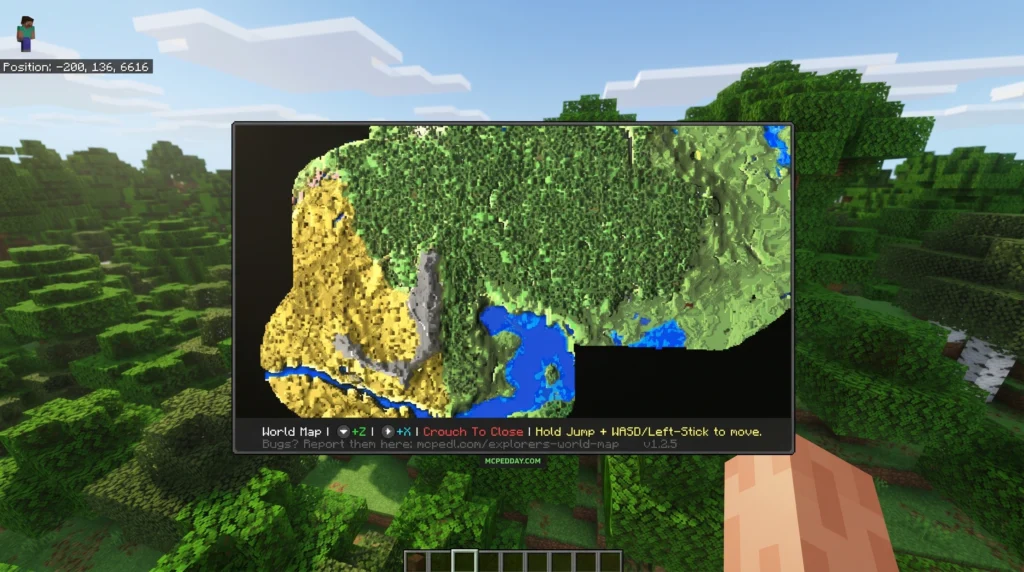
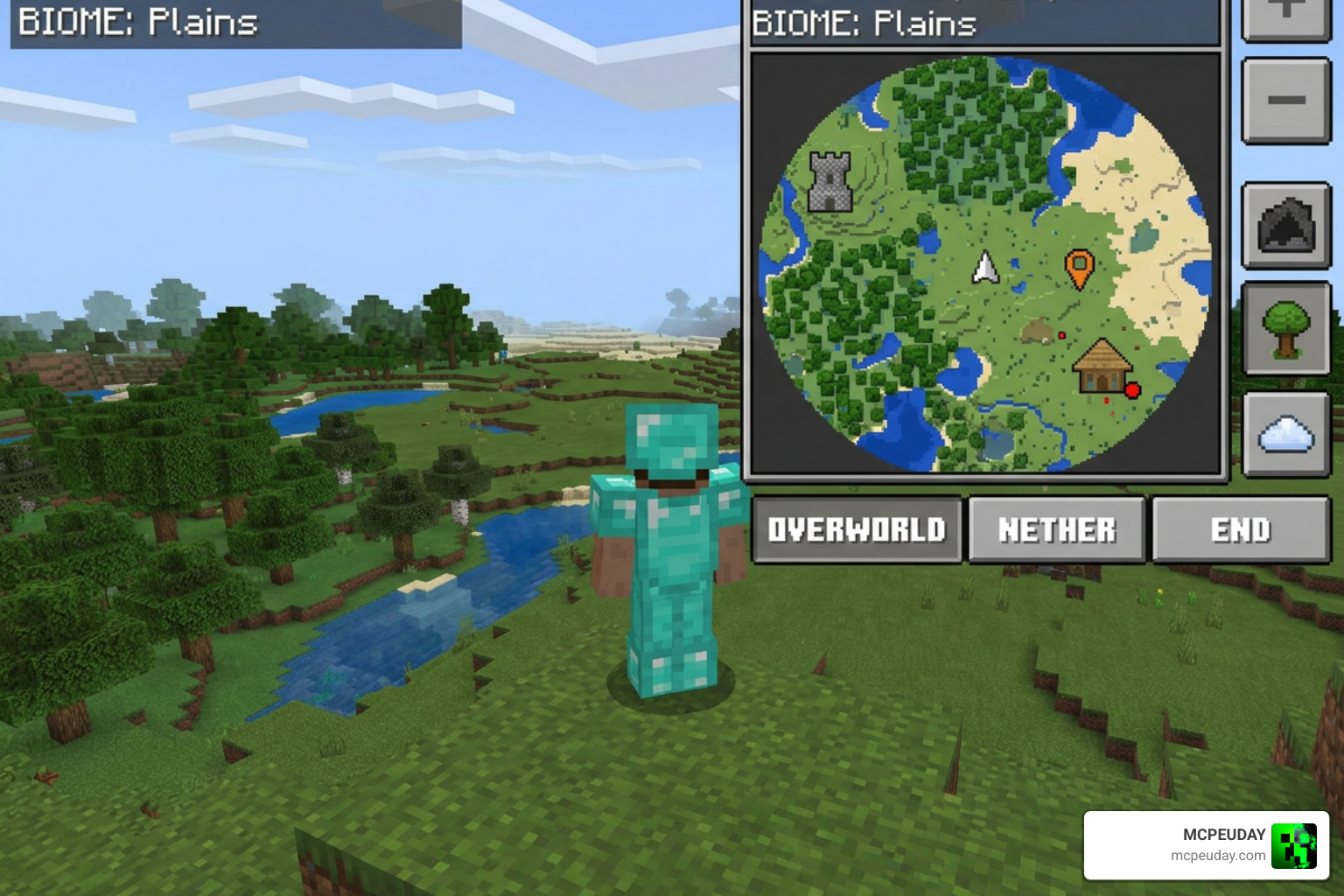
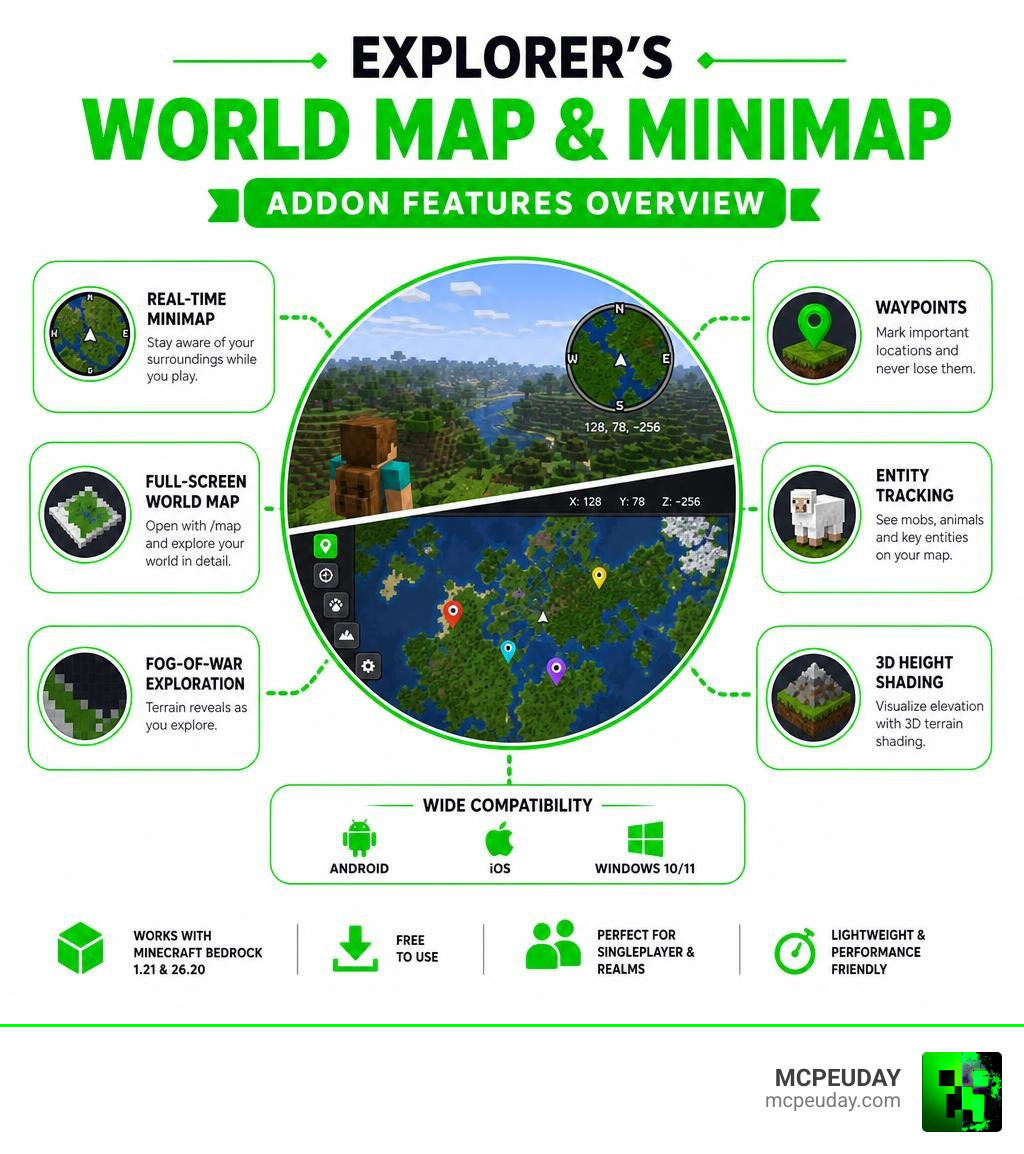
The Explorer’s World Map & Minimap ADDON is a Minecraft Bedrock Edition addon that adds a real-time minimap and a full-screen world map to your game — helping you explore, navigate, and never lose your base again.
Quick answer — here’s what it does:
- Displays a real-time minimap in the corner of your screen while you play
- Opens a full-screen world map with the
/mapcommand - Reveals terrain as you explore, using a fog-of-war system
- Supports waypoints, entity tracking, and 3D height shading
- Works on Android, iOS, and Windows 10/11 with Minecraft Bedrock 1.21 and version 26.20
- Has over 1.2 million downloads and is free to use
Navigating Minecraft Bedrock’s massive worlds can be thrilling — but getting lost deep in a jungle or far from your base is genuinely frustrating. Unlike Java Edition, Bedrock doesn’t come with a built-in minimap. That’s exactly the gap this addon fills.
It’s one of the most downloaded Bedrock map addons available, and for good reason. Whether you’re playing solo or exploring a Realm with friends, it gives you the spatial awareness that vanilla Bedrock simply doesn’t offer.
What is the Explorer’s World Map & Minimap ADDON?
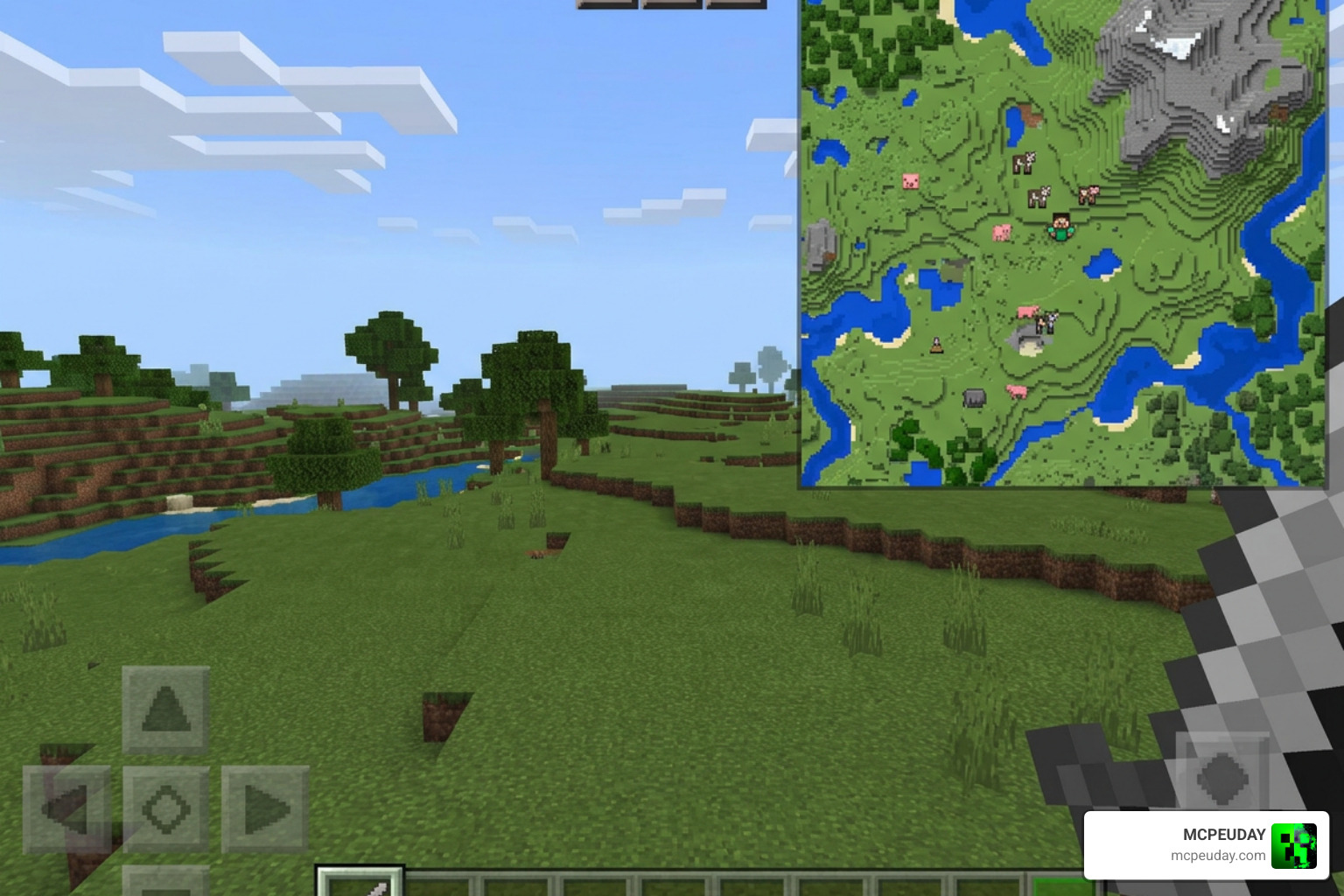
The Explorer’s World Map & Minimap ADDON is a highly optimized, fully customizable navigation mod designed specifically for Bedrock players. Available directly through Explorer’s World Map & Minimap V2, this addon bridges the feature gap between Bedrock and Java’s famous mapping mods.
When you load up your Minecraft PE world, you are greeted with a circular or square overlay showing your immediate surroundings. But this is not just a static image. It is a live, rendering representation of your world, complete with terrain heights, biomes, and moving entities.
Core Features of the Explorer’s World Map & Minimap ADDON
Our exploration experience is completely transformed by the core mechanics of this addon:
- Fog of War (Unlockable Terrain): You do not start with a fully revealed map. To map your world, you must physically travel through chunks, peeling back the fog of war to permanently unlock areas on your shared map.
- Waypoints and Markers: Easily mark down coordinates for your base, Nether portals, or dangerous dungeons so you can navigate back to them effortlessly.
- Entity Locator: Keep track of nearby passive mobs, hostile monsters, and other players in real-time.
- Chunk Rendering & Custom Map Size: The full-screen world map features a default size of 432×168 chunks (roughly 6912 x 2688 blocks), giving you an expansive canvas to document your travels.
Minimap Functionality and Player Advantages
The minimap runs directly on your active HUD, meaning you do not have to pause your game or hold a physical paper map item in your hand. This yields immediate survival advantages. You can track your precise coordinates and current biome in real-time, allowing you to quickly determine if you are in the right environment for specific resources.
Furthermore, the real-time hostile mob tracking helps you avoid surprise creeper explosions or unexpected skeleton snipers when navigating dark forests at night.
What is New in the Explorer’s World Map & Minimap ADDON V2?
The transition to version V2 brought massive performance improvements and design overhauls. Below is a comparison of what changed between the older versions and the optimized V2 release:
| Feature | Version 1 (Legacy) | Version 2 (Current) |
|---|---|---|
| Height Shading | Basic flat colors | Advanced 3D depth effect with height shading |
| Map Controls | Static viewport only | Interactive movement using Jump + WASD / Left-Stick |
| Performance | High rendering lag on mobile | Highly optimized with customizable pixel scaling |
| Multiplayer | Localized individual mapping | Shared multiplayer mapping across Realms |
| Waypoints | Standard text coordinates | Full waypoint menu with icons and custom presets |
These enhancements make version 2 run incredibly smooth, even when paired with massive world-generation overhauls like the Biomes O’ Discovery Addon.
Supported Versions and Platforms
The developer has actively updated the addon to ensure it is compatible with modern Minecraft. It fully supports Minecraft Bedrock version 1.21 up to the current version 26.20.
Because it is built using Bedrock’s ScriptAPI framework, it works flawlessly across multiple platforms, including Android, iOS, and Windows 10/11.
How to Install and Configure the Addon
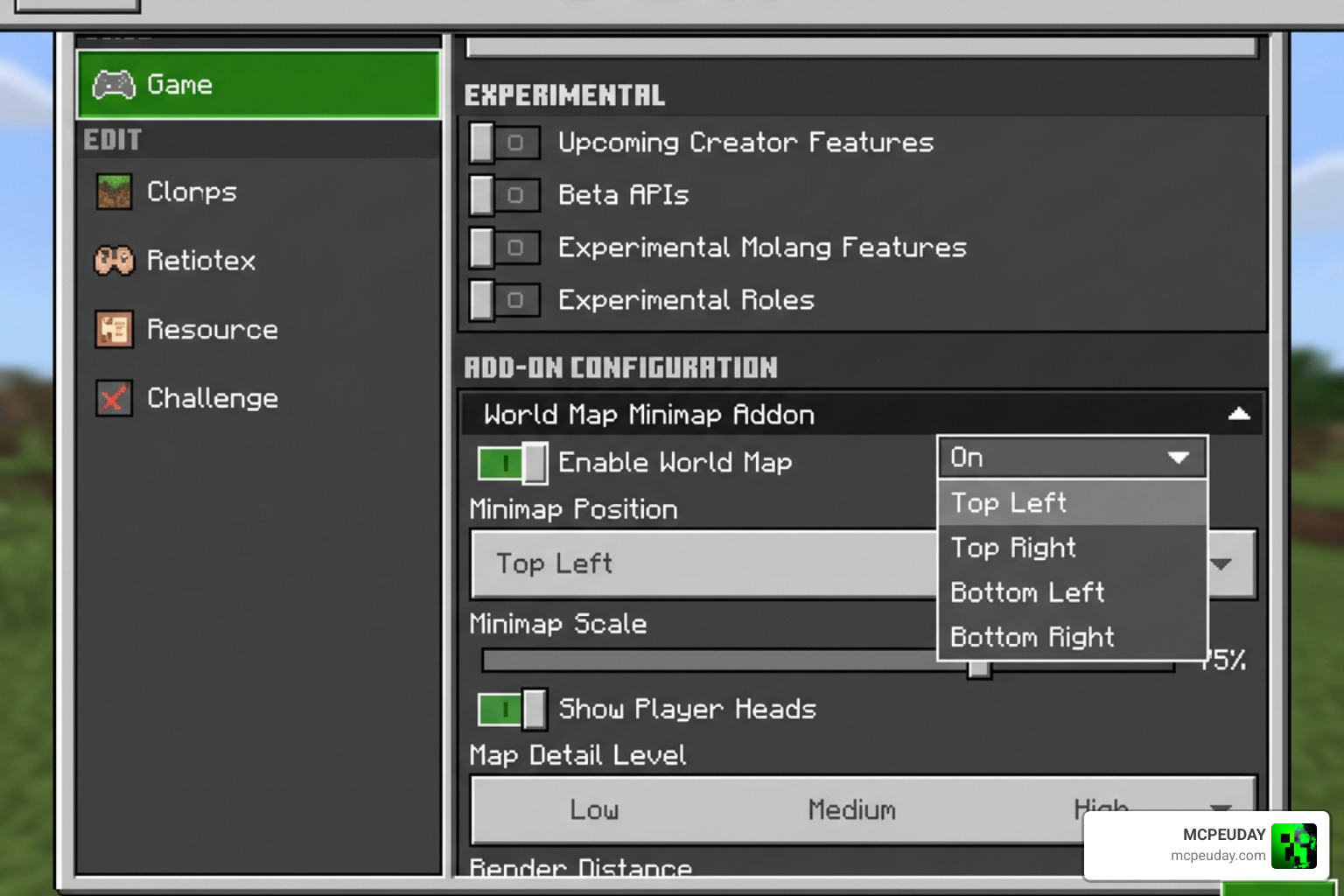
Getting the addon up and running requires a few specific steps because of how Bedrock handles custom scripting. If you want to turn your game into a true RPG adventure, combining this map with the Bedrock Reimagined Addon makes for an incredible gameplay loop.
Step-by-Step Installation Guide
- Download the .mcaddon file directly to your device.
- Open the downloaded file to automatically import it into Minecraft.
- Create a new world or go to the settings of an existing world.
- Navigate to the Behavior Packs section and activate the Explorer’s World Map behavior pack.
- Navigate to the Resource Packs section and ensure the matching resource pack is active.
- Crucial Step: Go to the “Experiments” tab in your world settings. You must toggle on Beta APIs and Scripting for the addon to load.
Essential Commands and Configuration Settings
Once you load into your world, you can interact with the addon using several chat commands.
- Opening the Map: Type
/mapin the chat to bring up the full-screen interface. - Toggling the Minimap: Type
/minimap showor/minimap hideto toggle the HUD display. - Personal Customization: Type
/settingsto adjust your personal view, change map precision, or alter the scale of the minimap. - Global Configuration: Server hosts can type
/configto change global settings, such as forcing a lower render resolution to prevent lag for players on budget mobile devices. - Quick Presets: Use
/presetto quickly cycle through pre-configured visual styles. - Waypoint Management: Use
/waypointto open the interactive waypoint creation and editing menu.
Compatibility, Limitations, and Comparisons
Before you install the addon on your primary survival world, there are a few technical realities of Bedrock modding you should keep in mind.
Known Issues and Compatibility Concerns
Because this addon relies heavily on Minecraft’s experimental ScriptAPI to detect biomes and draw custom UI elements, it has a few inherent limitations:
- No Achievements: Enabling the Beta APIs and Experimental toggles will permanently disable achievements in that world.
- UI Conflicts: The addon customizes the default HUD. It may not be compatible with other heavy UI overhaul addons.
- Performance Impact: On low-end mobile devices, rendering a high-precision real-time map can cause frame drops. We highly recommend using the
/settingsmenu to lower the map precision (which skips blocks to render faster) and reduce the map pixel size.
If you are hunting for diamonds using our guide on the Best Y Level for Diamonds in Minecraft, using the minimap’s coordinate display makes tracking your depth absolute child’s play, even if achievements are turned off! You can download the latest stable version at Explorer’s World Map & Minimap V2 Download.
How It Compares to Other Bedrock Map Addons
While there are other map packs on the market, the Explorer’s World Map & Minimap ADDON stands out due to its unmatched optimization and cooperative features. With over 1.2 million downloads and a solid 3.6 average rating, it has been field-tested by a massive player base.
Unlike older map mods that only show static structures, this addon dynamically updates as you build, mine, or burn down forests, and it allows players on Realms to share their exploration progress in real-time.
Frequently Asked Questions
How do I open the full-screen world map?
You can open the map by typing the /map command in your chat box. Once open, you can scroll around and explore the revealed terrain by holding the Jump button while using your WASD keys or the left analog stick on your controller.
Why are achievements disabled when using this addon?
Minecraft Bedrock automatically disables achievements whenever “Experiments” or custom scripting APIs are turned on. Because this addon requires the Beta API to read biome and terrain data, achievements cannot be earned while it is active.
Does this addon work on multiplayer Realms?
Yes! The addon features shared multiplayer mapping. When active on a Realm or server, all players contribute to uncovering the same world map. If your friend explores a distant biome, that terrain will instantly unlock on your map too!
Conclusion
The Explorer’s World Map & Minimap ADDON is an absolute game-changer for anyone who loves exploring the infinite horizons of Bedrock. It turns aimless wandering into structured, strategic adventuring.
We at MCPEUDAY are dedicated to bringing you the best, most up-to-date resources to elevate your Minecraft experience. If you are looking to add some extra thrill to your newly mapped worlds, check out our curated list of the Best Minecraft Horror Mods for Java & Bedrock (2026 Guide) and start charting your next adventure today!
1 thought on “Explorer’s World Map & Minimap Addon (26.x, 1.21) – MCPE/Bedrock Mod”