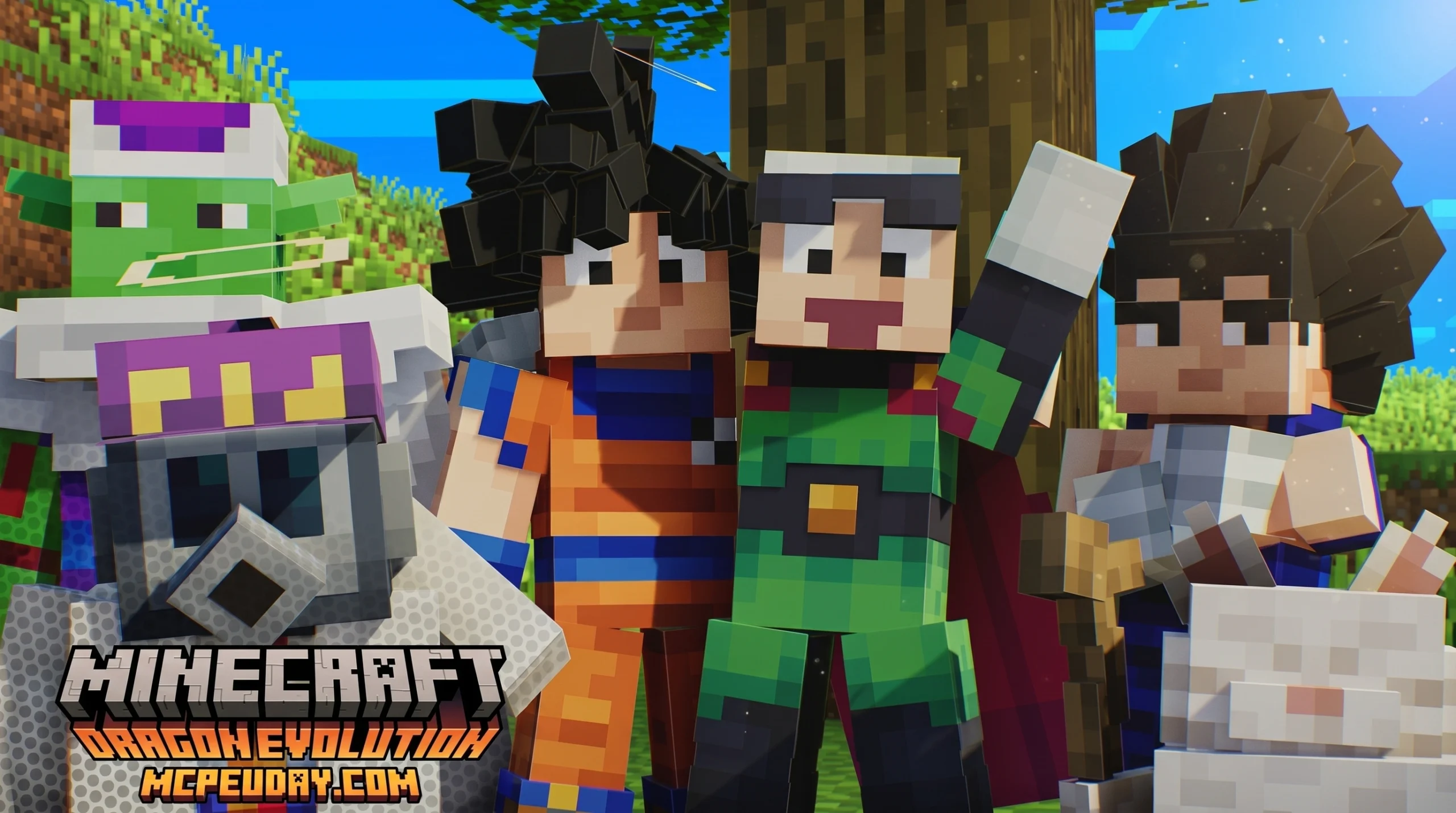
What Is the Dragon Evolution Addon for Minecraft Bedrock?
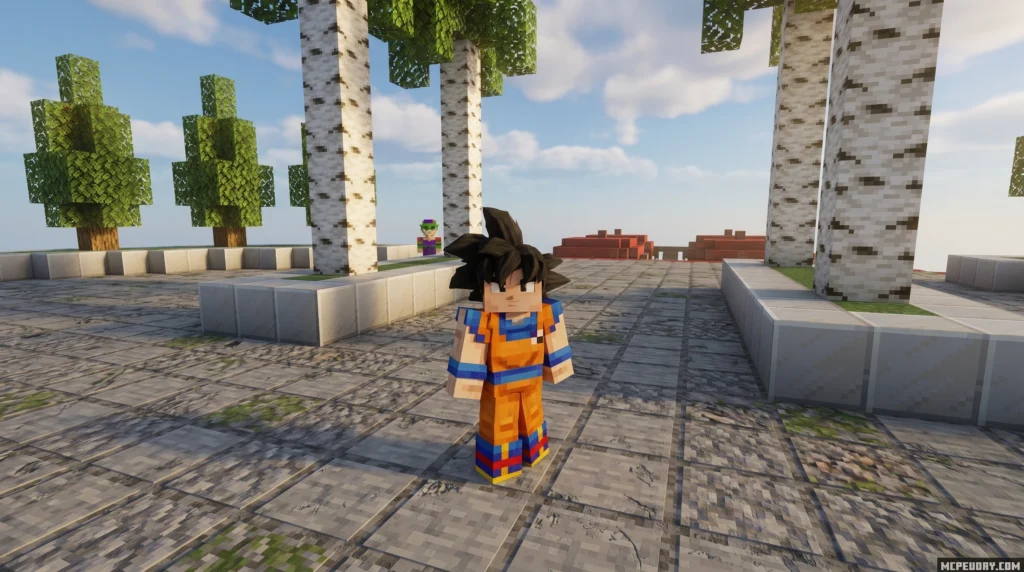
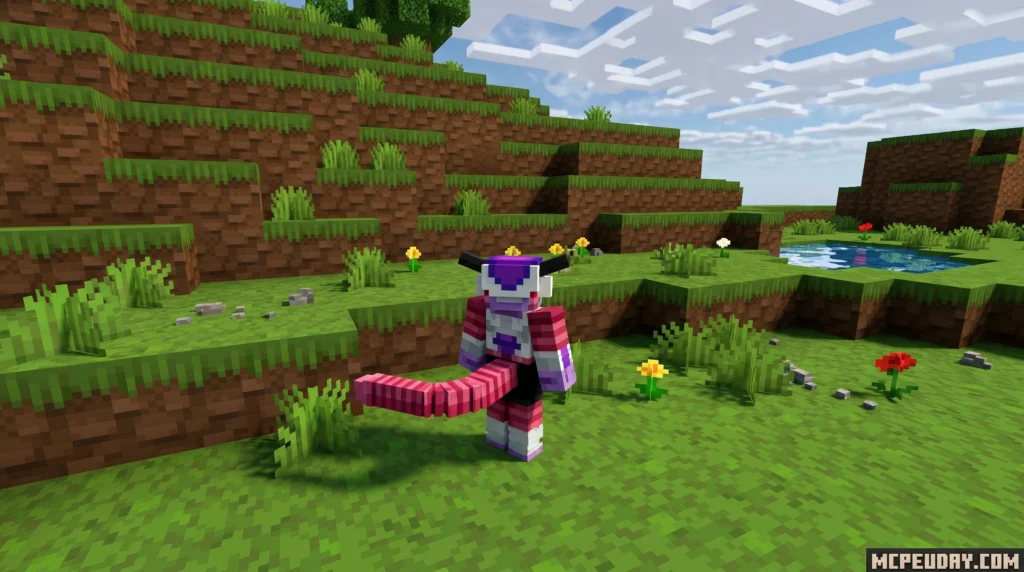
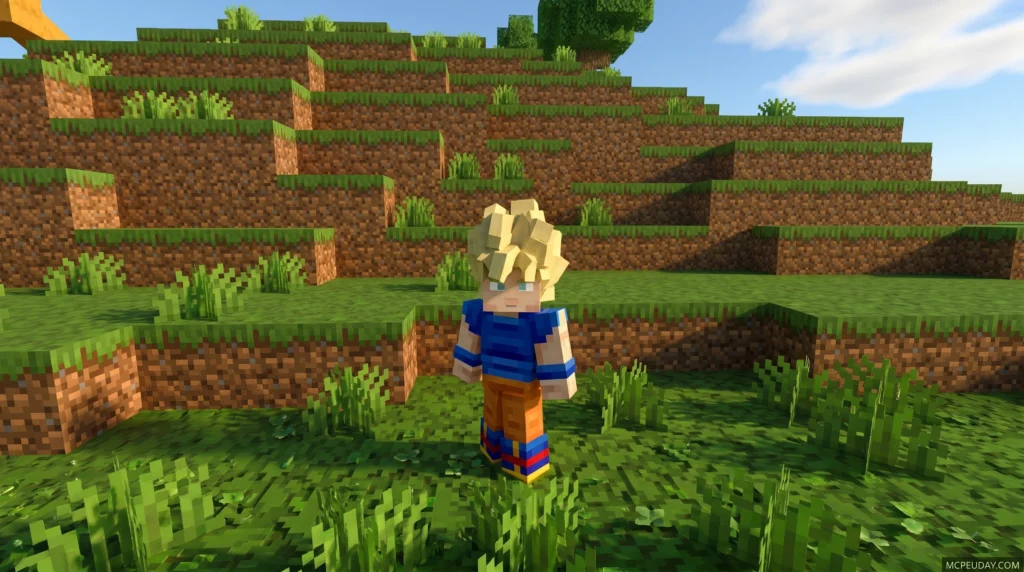
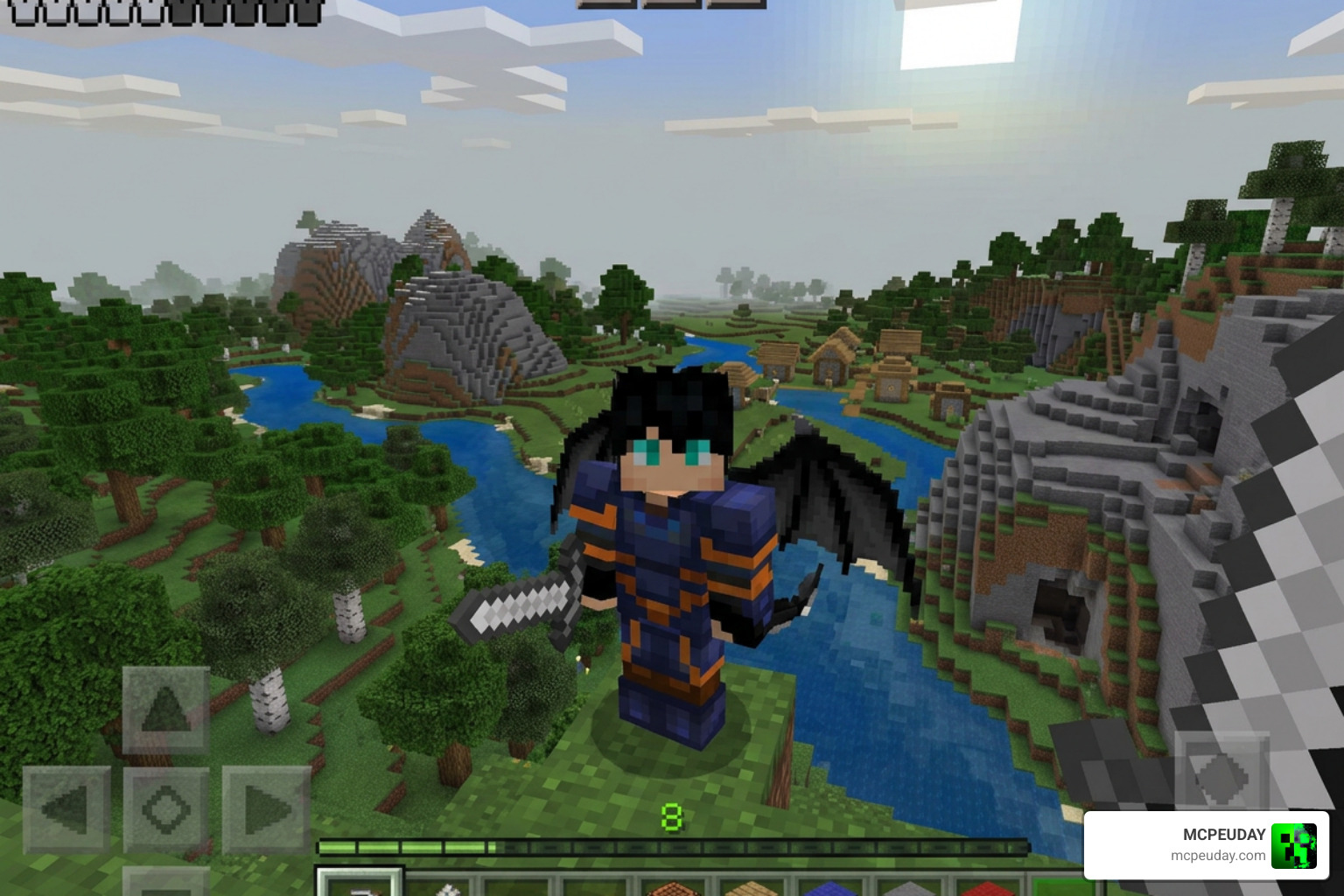
The Dragon Evolution Addon is a Dragon Ball-themed modification for Minecraft Bedrock Edition that lets you pick a race, train with legendary masters, collect Dragon Balls, and unlock powerful transformations — all inside your Minecraft world.
Quick answer for what you get:
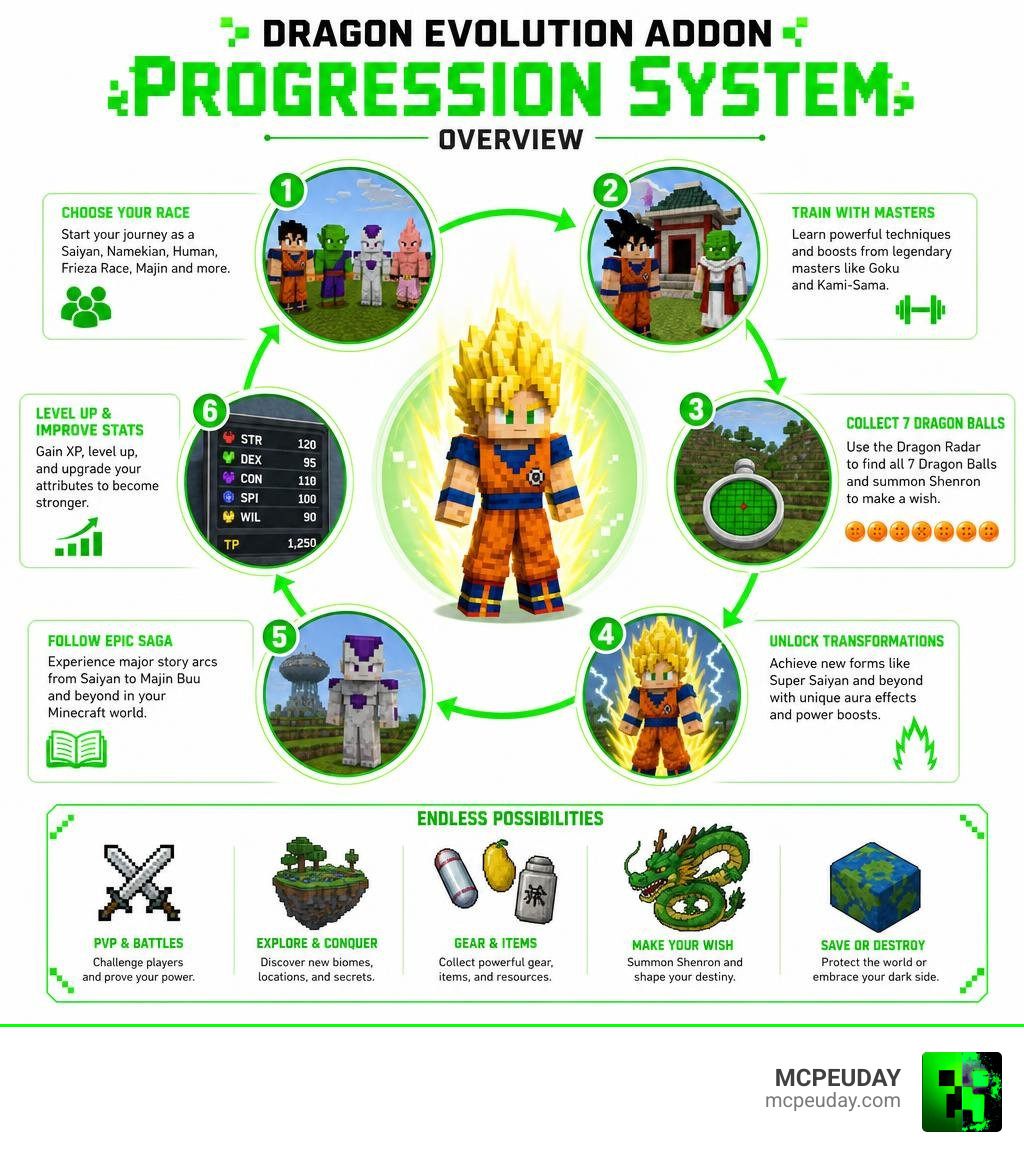
- Choose your race — Saiyan, Namekian, Human, Frieza Race, Majin, and more
- Train with masters like Goku and Kami-Sama to learn new skills
- Collect all 7 Dragon Balls using a Dragon Radar and make a wish
- Unlock transformations like Super Saiyan with full aura effects
- Follow major Dragon Ball story arcs — Saiyan, Frieza, Android, Majin Buu, and beyond
- Supports Minecraft Bedrock 1.21.x and 26.x (mobile, tablet, Windows)
The addon is around 71 MB in size, carries a 4.2 out of 5 rating from user reviews, and has racked up tens of thousands of downloads. It works by adding new NPCs, biomes, items, and a full attribute system (STR, DEX, CON, SPI, WIL) on top of normal Minecraft survival.
Whether you want to be a hero or destroy everything after summoning Shenron — that choice is yours.
Core Features of the Dragon Evolution Addon
The Dragon Evolution (Dragon Ball Add-on) completely reshapes Minecraft Bedrock into an interactive anime RPG. Instead of just mining diamonds and fighting the Ender Dragon, we get to embark on a massive power-scaling journey.
One of the coolest aspects of this addon is the built-in alignment system. Depending on your actions, dialogue choices, and quests, you can walk the path of Good, Neutral, or Evil. This moral choice dictates how NPCs interact with you and determines if you will protect the world or bring about its absolute destruction.
Gameplay Mechanics in the Dragon Evolution Addon
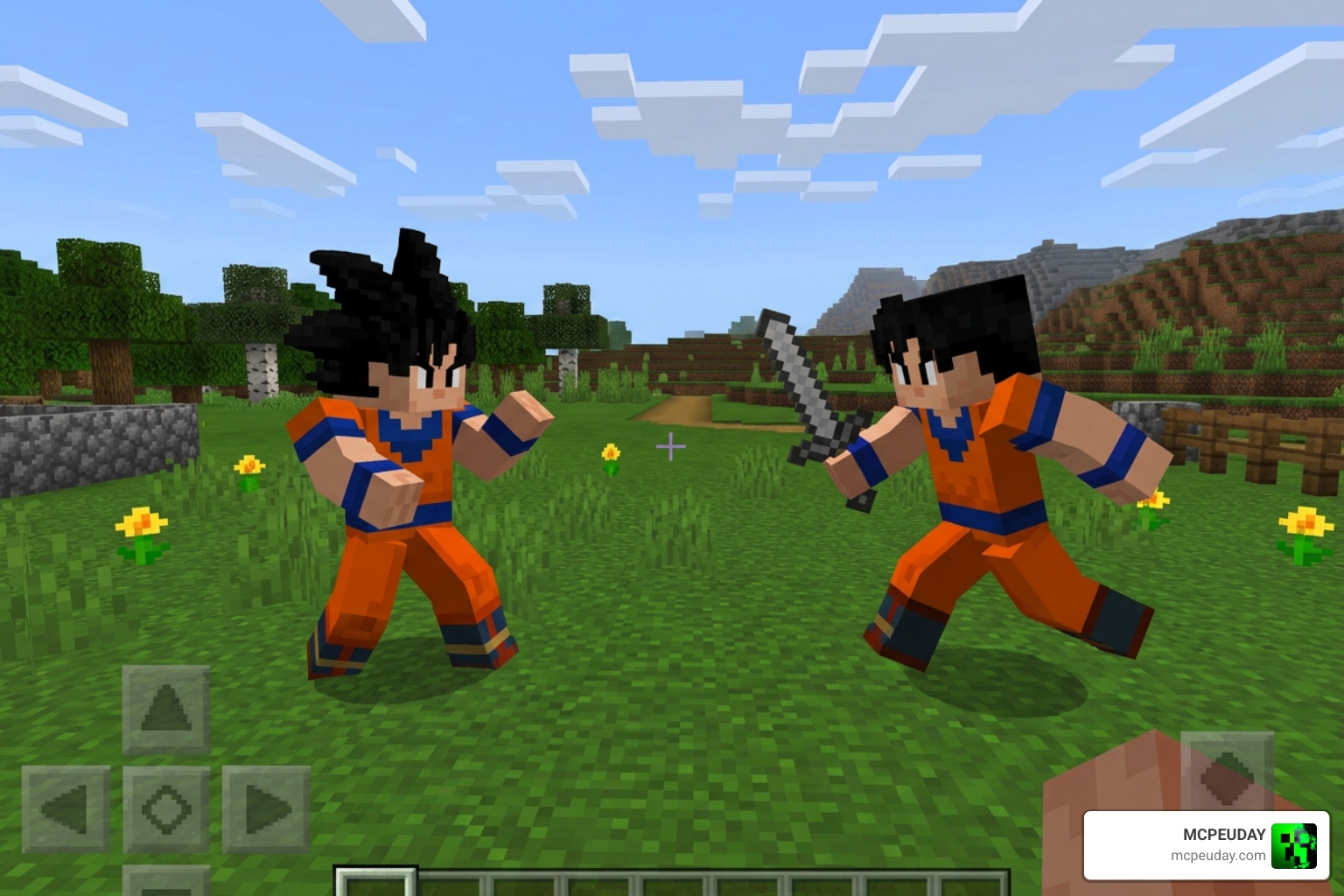
To survive the threats introduced by this addon, you have to master several unique gameplay mechanics:
- Ki Energy System: Your primary resource for casting iconic energy blasts, flying, and maintaining powerful transformations.
- The Flying Nimbus: A legendary yellow cloud that serves as your early-game aerial mount, letting you navigate terrain with ease.
- Dragon Radar & Dragon Ball Hunting: Craft a custom Dragon Radar to track down the 7 Dragon Balls scattered across Earth and Namek. Once collected, you can make game-changing wishes.
- RPG UI & HUD: The addon integrates seamlessly with your screen, but we highly recommend pairing it with a clean custom client or HUD to keep your screen clear of clutter while tracking your Ki aura and quest prompts.
If you enjoy turning your standard survival world into a deep role-playing experience, you should also check out our guide on the Bedrock Reimagined Addon 1 21 1 26 Transform Minecraft Bedrock Into An Rpg Adventure to see how you can stack RPG mechanics even further.
Training and Attribute Progression
You do not start as an all-powerful deity. You begin as a weak survivor who must build up five core attributes:
- Strength (STR): Increases physical melee damage.
- Dexterity (DEX): Boosts movement speed and attack speed.
- Constitution (CON): Expands your maximum health pool and physical defense.
- Spirit (SPI): Increases your maximum Ki capacity and energy attack damage.
- Willpower (WIL): Enhances your Ki recovery rate and defensive shields.
To train these stats, you must seek out legendary masters scattered across the world, such as Goku and Kami-Sama. Completing their training regimens unlocks signature skills and multiplies your power level.
Gameplay, Races, and Story Arcs
When starting your adventure, your first major decision is selecting your race. Much like the popular Origins Mod 1 21 26 X Best Rpg Race Mod For Minecraft, choosing a race in the Dragon Evolution Addon grants you specific passive traits, starting stat biases, and exclusive evolutionary lines.
Playable Races and Unique Abilities
Each race caters to a different playstyle. Here is a quick comparison of the playable races:
| Race | Key Specialty | Primary Transformations | Unique Passive Trait |
|---|---|---|---|
| Saiyan | Raw Physical Power | Super Saiyan 1-4, Blue | Zenkai Boost (gets stronger after surviving low health) |
| Namekian | High Defense & Regeneration | Giant Form, Red-Eyed | Passive health regeneration & stretchable limbs |
| Half-Saiyan | High Potential & Burst Damage | Super Saiyan, Beast | High initial Spirit and Willpower scaling |
| Human | Balanced Stats & Skill Mastery | Potential Unleashed | Faster skill cooldowns and lower Ki costs |
| Frieza Race | High Speed & Energy Attacks | Golden Form, Black Frieza | High base Dexterity and powerful death beams |
| Majin | Extreme Durability & Chaos | Kid Majin, Super Majin | Passive damage reduction and high Constitution |
Unlocking Transformations
Transformations are the highlight of the Dragon Evolution Addon. Once you meet the required attribute thresholds and story milestones, you can trigger forms like Super Saiyan or Golden Form.
Activating these forms unleashes custom 3D glowing auras, custom charging animations, and massive stat multipliers. However, maintaining these transformations drains your Ki, meaning you must balance your Willpower and Spirit stats to keep your powers active during long boss battles.
Story Arcs and Legendary Bosses
The quest system takes you directly through the legendary sagas of the Dragon Ball franchise:
- Saiyan Saga: Defend Earth from Raditz, Nappa, and Vegeta.
- Frieza Saga: Travel to Namek to stop Frieza and his elite forces.
- Android Saga: Survive the onslaught of Cell and the deadly Androids.
- Majin Buu Saga: Prevent the resurrection of Majin Buu, or face his chaotic forms.
- Beerus & Universe 6: Push past mortal limits to face Gods of Destruction.
If you love challenging boss runs and narrative-driven progression, you will find this addon matches the epic scale of major Java RPG setups. For a similar fantasy flavor, take a look at our guide on the Dawncraft Minecraft Mod 2026 Download System Requirements Rpg Features.
Exploring the Namek Biome and Custom Structures
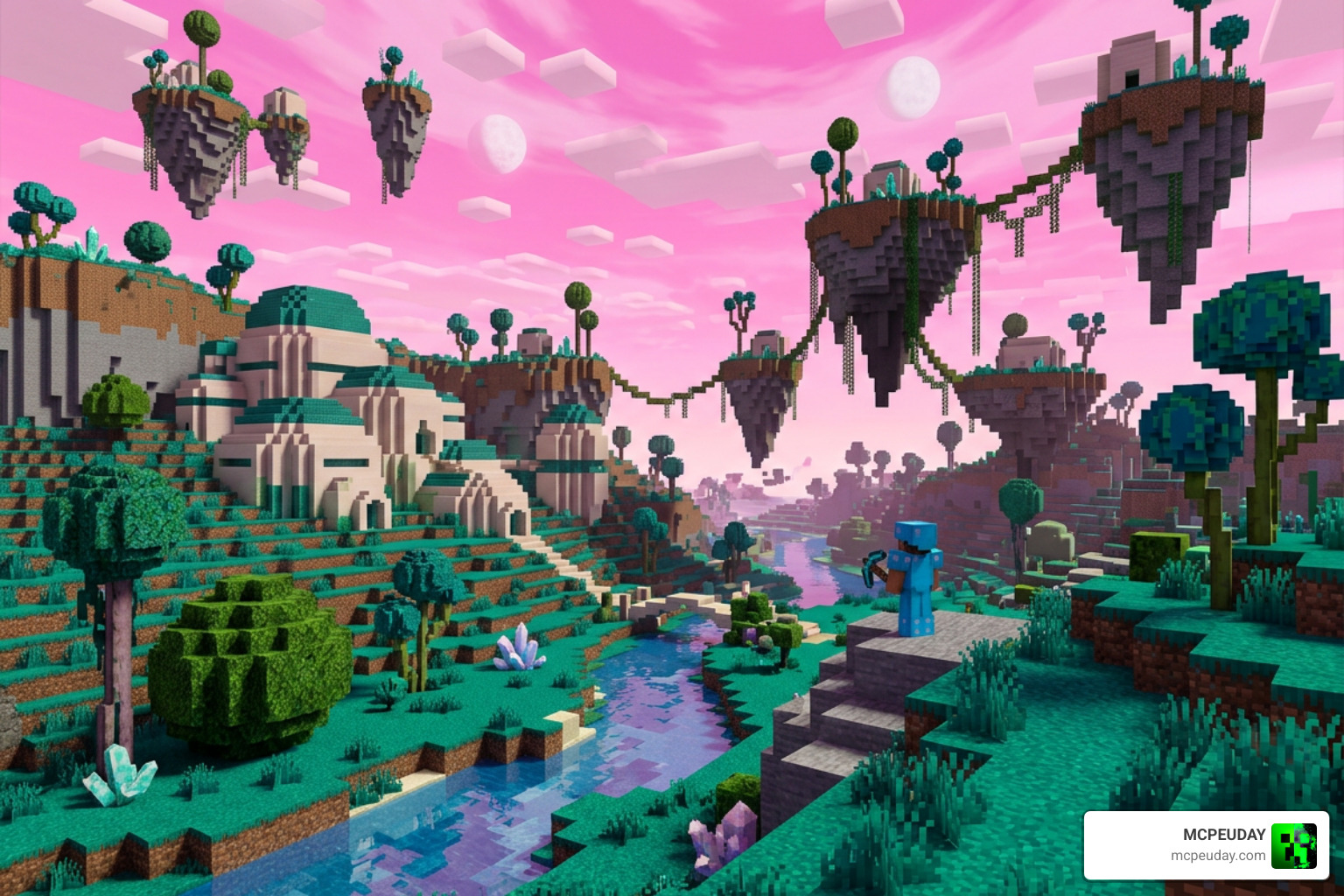
The addon does not just change your character; it transforms your world. You can find custom structures like the Gravity Machine (perfect for high-intensity training) and entirely new biomes like the Namek biome.
When you step into Namek, the sky turns a vibrant neon-pink, and the landscape is filled with custom Namekian trees, Namekian villages, and valuable Evolitium ore. To see how custom structures can enrich your world generation even further, check out the Better Structures Addon.
Installation and Troubleshooting
Installing the Dragon Evolution Addon is straightforward, but it does require you to enable specific experimental settings in Minecraft Bedrock for all custom behaviors, entities, and UI elements to work correctly.
Step-by-Step Installation of the Dragon Evolution Addon
- Download the latest
.mcaddonfile (such as version 5.9.5 for Minecraft Bedrock 1.21.100+). - Double-click or tap the downloaded file to automatically import it into Minecraft Pocket Edition / Bedrock.
- Create a new world or go to the settings of an existing world.
- Navigate to the Resource Packs tab and activate the Dragon Evolution Resource Pack.
- Navigate to the Behavior Packs tab and activate the Dragon Evolution Behavior Pack.
- Scroll down to the Experiments tab and enable the settings shown below.
If you are using alternative platforms or older setups, you can also refer to the Dragon Evolution for Minecraft Pocket Edition 1.21 guide for platform-specific installation tips.
Troubleshooting and Compatibility
- Missing Textures or UI elements? Ensure that both the Resource Pack and Behavior Pack are active and that your world has “Beta APIs” and “Upcoming Creator Features” toggled on in the Experimental settings.
- Performance Lag: Because of the high-quality 3D Ki auras and custom animations, older mobile devices might experience frame drops. We recommend reducing your render distance or disabling fancy graphics if you experience lag during intense boss fights.
- Naming Clarification: This addon is based on the Dragon Ball franchise. It is completely distinct from the famous Java technical mod, Draconic Evolution , which focuses on high-tier energy storage and Draconium tools. Additionally, it has absolutely nothing to do with the infamous live-action film Dragonball Evolution —thankfully, this addon is actually incredibly fun!
Frequently Asked Questions
How do you collect Dragon Balls in the addon?
You can craft a Dragon Radar using redstone, iron, and glass. Use the radar to scan your surroundings on Earth or Namek. Once you locate and collect all seven Dragon Balls, place them down to summon Shenron (or Porunga on Namek) to make wishes for stat boosts, rare items, or legendary weapons.
What Minecraft Bedrock versions are supported?
The addon supports 26 different versions across Minecraft Bedrock 1.21.x and the latest 26.x releases. This includes Pocket Edition on Android and iOS, as well as Windows 10/11.
Can you play this addon in multiplayer?
Yes! You can host a local multiplayer world or install the addon on a Bedrock server. Make sure all players have downloaded the resource pack upon joining and that experimental settings are enabled on the server configuration.
Conclusion
The Dragon Evolution Addon is one of the most complete and thrilling anime-themed additions available for Minecraft Bedrock in June 2026. It perfectly blends the progression of an RPG with the sandbox freedom of Minecraft.
Whether you are flying across the neon-pink skies of Namek on a Flying Nimbus, training under Goku to surpass your limits, or wishing for ultimate power, this addon guarantees hundreds of hours of fresh gameplay.
For more incredible Bedrock addons, RPG mods, and world-enhancing resource packs, explore our extensive library over at the MCPEUDAY Bedrock Category. Get out there, start training, and unleash your inner Super Saiyan!
2 thoughts on “Dragon Evolution Addon (26.x, 1.21) – MCPE/Bedrock Mod”