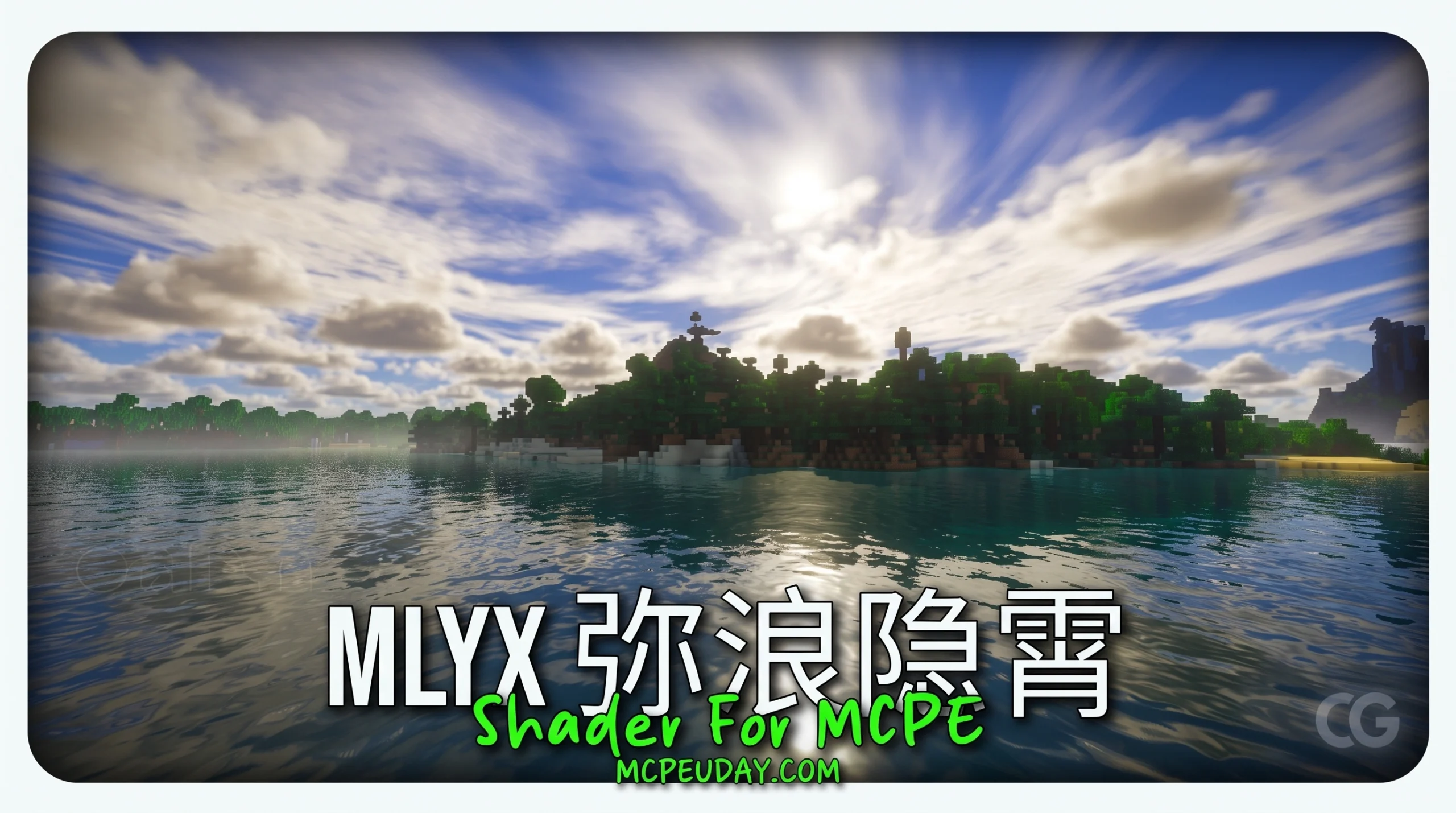
What MLYX Shader Does for Minecraft Bedrock
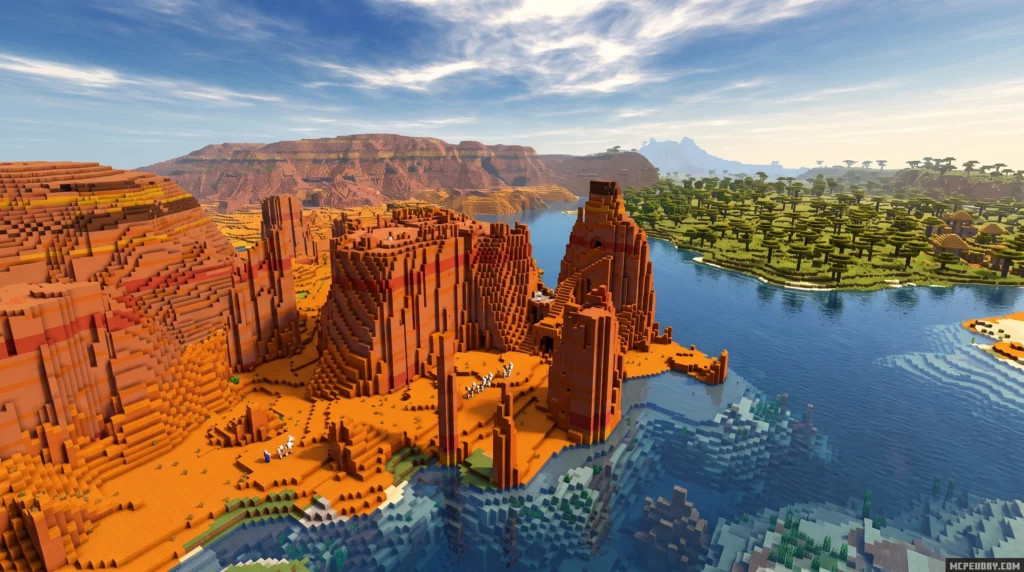
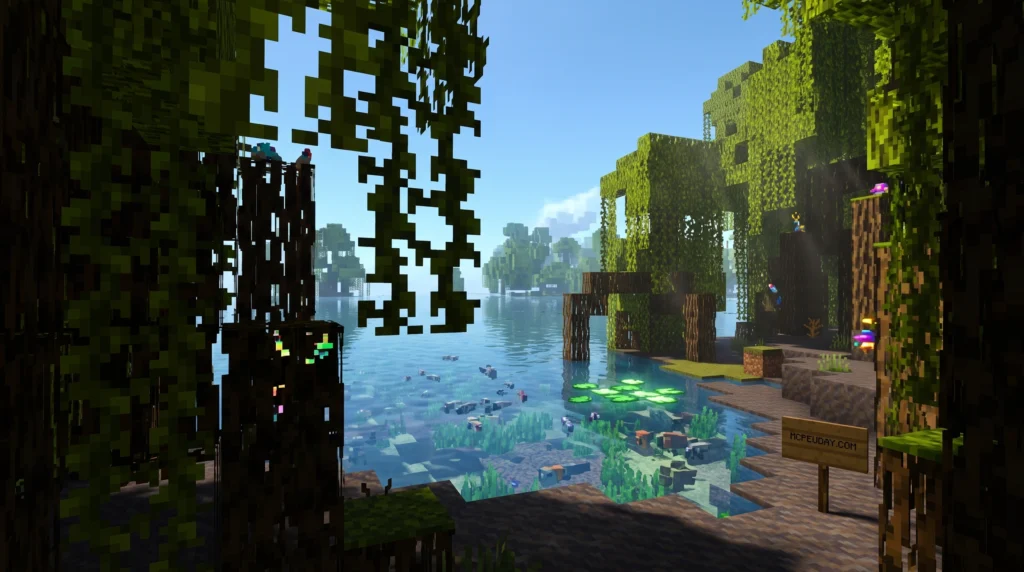
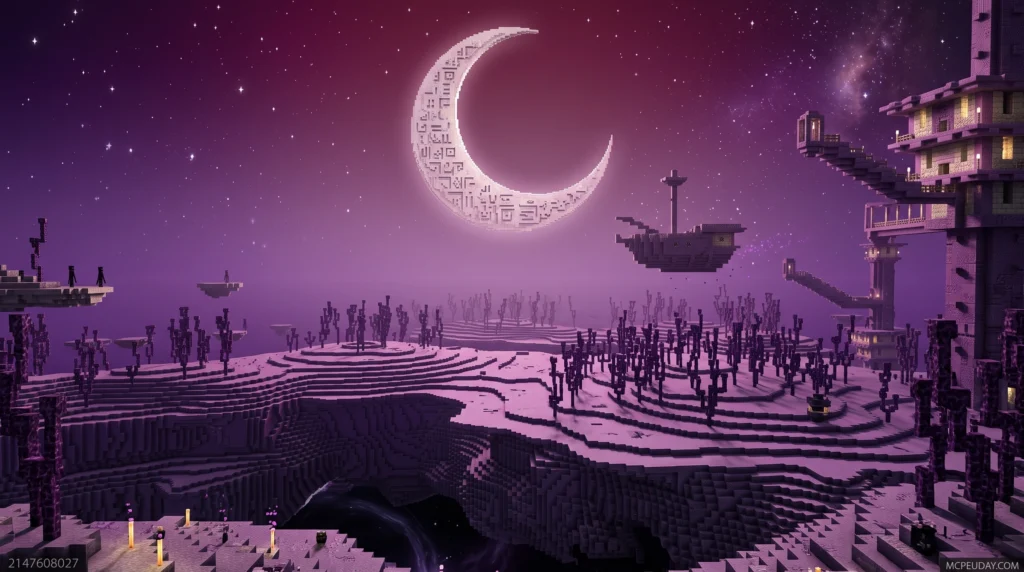
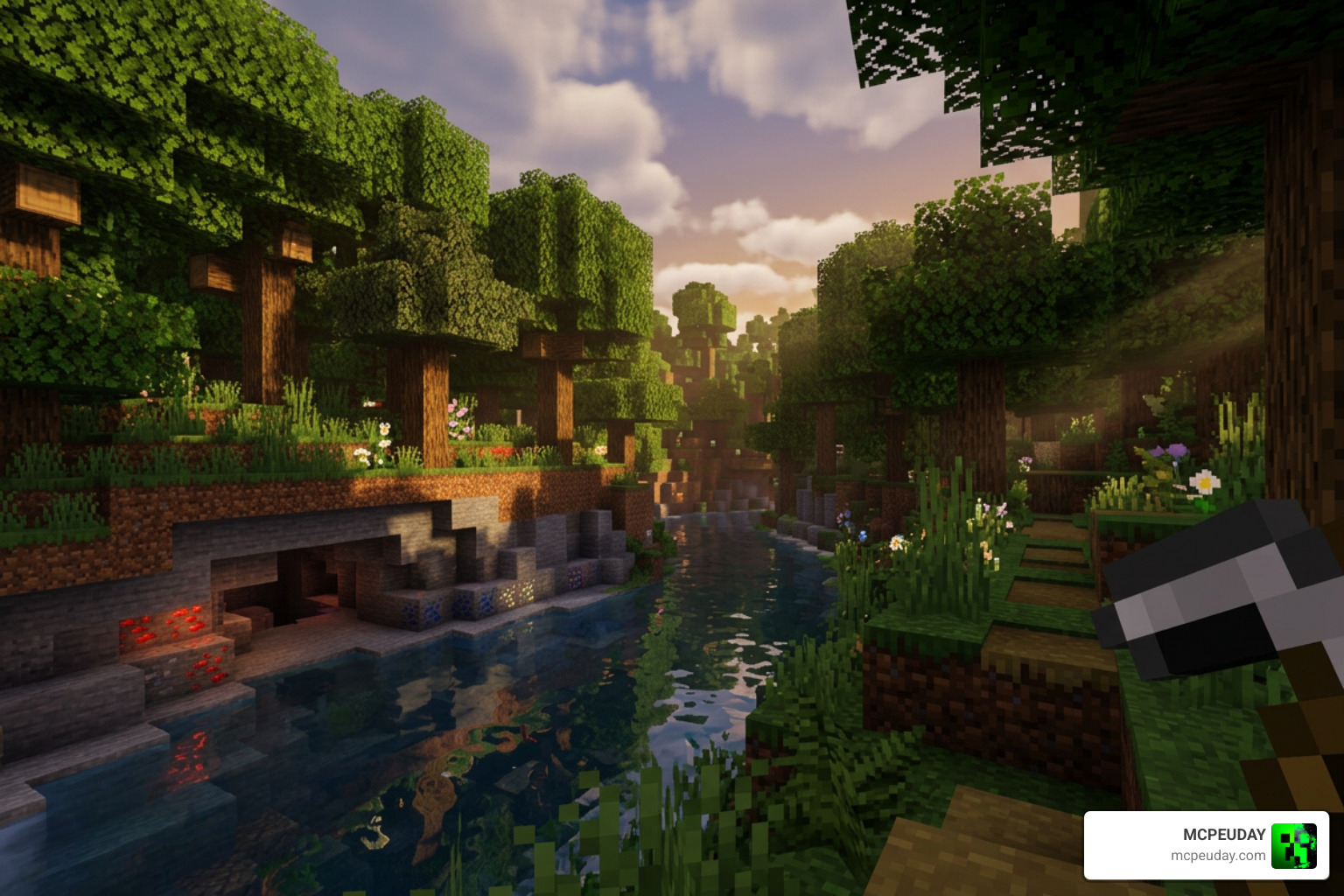
MLYX Shader is a visual enhancement pack for Minecraft Bedrock Edition that transforms how the game looks — adding realistic lighting, animated leaves, glowing ores, and stunning water effects. If you have ever felt that the default graphics of Minecraft Bedrock feel a bit flat, sterile, or lacking in atmosphere, this shader is designed to completely revitalize your gaming experience.
Here’s a quick summary of what you need to know:
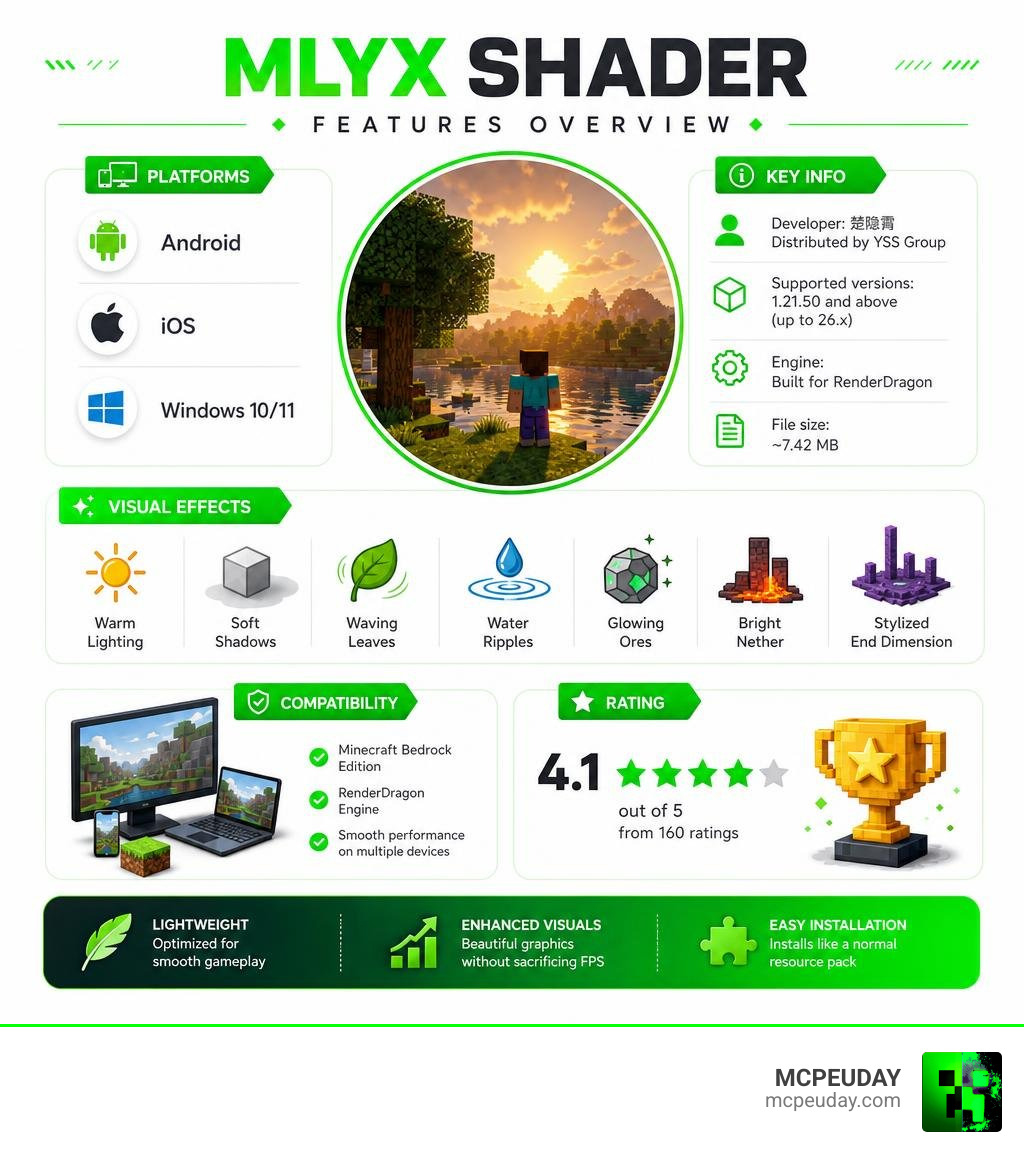
- Developer: 楚隐霄, distributed by YSS Group
- Supported versions: Minecraft Bedrock / MCPE 1.21.50 and above (up to 26.x)
- Platforms: Android, iOS, and Windows 10/11
- Engine: Built for the RenderDragon rendering engine
- Rating: 4.1 out of 5 from 160 ratings
- File size: ~7.42 MB
- Key features: Warm lighting, soft shadows, waving leaves, water ripples, glowing ores, bright Nether, stylized End dimension
If you want your Minecraft world to look dramatically better without destroying your frame rate, MLYX Shader is one of the most popular lightweight options available right now. It strikes a perfect balance between high-end visual fidelity and performance optimization, making it accessible to a wide range of players.
It works on phones, tablets, and PC. It installs like a normal resource pack on most platforms. And it’s designed to stay smooth even on lower-end devices, ensuring that you do not have to sacrifice your gameplay performance just to enjoy beautiful scenery.
There are a few platform-specific quirks — like needing a patched APK on Android and an extra resource pack for correct sky rendering on iOS and Windows. We’ll walk through all of that step by step below to make sure you get the absolute best setup possible.
What is the MLYX Shader and Who Developed It?
The MLYX Shader (often referred to in the community as the 弥浪隐霄 Shader) is a highly optimized graphics modification designed specifically for Minecraft Bedrock Edition. It was created by the developer 楚隐霄 (sometimes translated as 楝隐霄) and is officially distributed by the YSS Group, a team well-known in the Bedrock community for pushing the boundaries of mobile and cross-platform game graphics. The YSS Group has a long-standing reputation for creating tools and shaders that bypass the typical limitations of mobile rendering, making them a household name among MCPE enthusiasts.
To understand why MLYX is such a big deal, we have to look at how Bedrock handles graphics. A few years ago, Mojang introduced the RenderDragon rendering engine, replacing the older OpenGL/DirectX systems. This transition broke almost all traditional shader packs, leaving players with flat, vanilla graphics and very few options for customization. For a long time, the community struggled to find ways to bring back the beautiful skies, waving plants, and realistic water that Java Edition players took for granted.
Fortunately, innovative developers found workarounds. Shaders like MLYX are built from the ground up to cooperate with the RenderDragon engine, giving us back the gorgeous visual customization we love without requiring high-end ray-tracing hardware. Whether you are playing on a budget Android phone in India, a tablet in Russia, or a gaming laptop in the USA, MLYX brings high-quality visual customization to your fingertips, proving that the Bedrock community is incredibly resilient and creative.
Key Visual Features of MLYX Shader
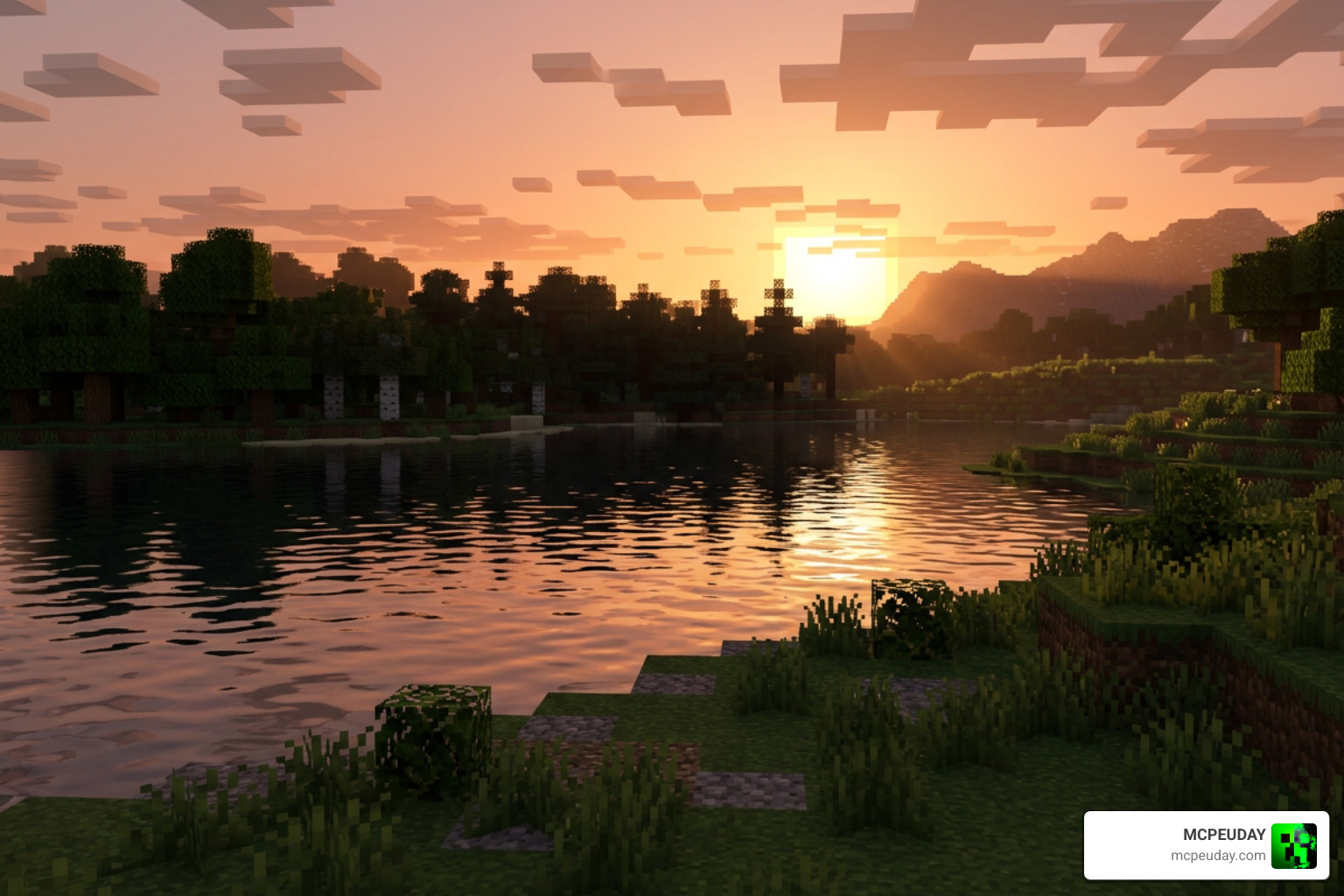
When you activate the MLYX Shader, your entire Minecraft world undergoes a massive qualitative transformation. If you are used to the standard, sterile look of vanilla Bedrock, you are in for a treat. The environment becomes warmer, more inviting, and deeply atmospheric, making every exploration journey feel like a brand-new adventure.
Here are the main visual enhancements that MLYX brings to your game:
- Warm, Natural Lighting: The sunrises and sunsets are painted with gorgeous golden gradients that blend seamlessly across the sky. The moonlight is bright and clear, accompanied by realistic, twinkling stars that make nighttime survival feel incredibly cinematic.
- Soft Shadows and Bloom: Instead of harsh, blocky shadows that look unnatural, you get soft, ambient shading that gives depth to your builds. Torches, lanterns, and glowstone emit a cozy, mild bloom effect that makes indoor spaces feel warm and lived-in.
- Animated Nature: Leaves, grass, and plants sway gently in the breeze. This subtle movement makes forests, jungles, and plains feel alive and dynamic rather than static and frozen.
- Water Ripples and Reflections: Water is crystal clear with subtle surface ripples and realistic light refractions. Underwater scenes are enhanced with volumetric light rays (god rays) that filter down through the surface, creating a stunning aquatic atmosphere.
- Glowing Ores: Finding minerals in dark caves is much easier thanks to a subtle emissive glow effect on ore blocks. This is not just a visual upgrade; it is also a massive quality-of-life improvement for survival players who spend hours mining.
- Dimension Redesigns: The Nether is transformed with a brighter, more atmospheric glow that preserves its eerie essence while making it easier to navigate. Meanwhile, the End features a stylized, cinematic sky that makes the final boss fight feel truly epic.
If you enjoy these kinds of atmospheric upgrades, you should also check out the Newb X Unwind Shader which offers a similarly stunning, ultra-realistic aesthetic for low-end devices, giving you even more options to customize your game.
Platform Compatibility and Installation Requirements
One of the best things about MLYX is its cross-platform support. It is fully compatible with Android, iOS, and Windows 10/11 running Minecraft Bedrock version 1.21.50 and above. However, because of how RenderDragon behaves on different operating systems, there are some specific requirements and installation steps you need to keep in mind to ensure everything loads correctly.
Android Installation
Android users generally need a patched Minecraft APK to load custom RenderDragon shaders successfully. This is because the retail version of Minecraft on Google Play restricts access to the core rendering files. Once you have the patched version installed, simply download the .mcpack file, open it with a file manager, and select Minecraft to import it directly into your game. From there, activate it in your Global Resources.
iOS and Windows Setup
On iOS and Windows, you can import the shader as a normal resource pack without needing a patched client. However, there is a known engine limitation that prevents the custom sky from rendering correctly on these platforms, often resulting in a black or default sky. To fix this, you must download and apply an additional Android-version resource pack alongside the main shader pack in your Global Resources. Make sure the Android-optimized pack is placed above the main pack in your active list to force the custom cubemaps to load.
To safely grab the correct files, you can download the shader directly from trusted community resource hubs or our dedicated download sections. If you are on an Apple device, utilizing helper applications like Shaders for Minecraft Addons – App Store – Apple can make managing and importing your packs a breeze, saving you from having to manually move files through the iOS Files app.
Comparing MLYX Shader to Other RenderDragon Shaders
When looking for the perfect visual style, it helps to compare your options. The RenderDragon shader community has produced some incredible packs over the last few years, each offering a unique take on the game’s graphics. One of the most popular direct competitors to MLYX in terms of performance and aesthetic is the Newb X series, which has set a high standard for Bedrock shaders.
If you are choosing between them, here is a quick breakdown to help you decide which one suits your playstyle:
| Feature | MLYX Shader | Newb X Unwind |
|---|---|---|
| Primary Aesthetic | Warm, vibrant, and atmospheric | Ultra-realistic, clean, and smooth |
| FPS Performance | Extremely lightweight, optimized for long play sessions | Highly optimized with customizable subpacks |
| Dimension Support | Custom bright Nether and stylized End | Balanced vanilla-plus dimensional lighting |
| Special Features | Glowing ores, custom sky rendering workarounds | Dynamic water presets, custom fog |
| Best For | Survival worlds, realms, and low-end phones | Cinematic recordings and high-fps gameplay |
While MLYX focuses heavily on creating a cozy, warm atmosphere with practical features like glowing ores, the Newb X series leans more toward a clean, modern, and highly customizable look. Both shaders perform exceptionally well on low-end devices, meaning your choice will mostly come down to personal aesthetic preference.
For a deeper dive into the Newb series, read our guides on Newb X Unwind Shader For Minecraft Pe Mcpe Best Realistic Shader For Low End Devices and the updated Newb X Unwind Shader For Minecraft Pe Mcpe 1 21 to see which style fits your world best.
Frequently Asked Questions about MLYX Shader
Here are some of the most common questions we get from players trying to set up MLYX in their worlds, along with quick troubleshooting tips to get you back into the game.
What Minecraft Bedrock versions support MLYX Shader?
The shader is built for modern RenderDragon versions. It officially supports Minecraft Bedrock / MCPE version 1.21.50 and above. If you experience issues where the shader does not load or looks completely vanilla, make sure you have activated Experimental Game Mode in your world settings, as this helps the game process custom resource packs and rendering pipelines correctly.
How do I fix the sky rendering issue in MLYX Shader on iOS or Windows?
Because of platform-specific RenderDragon restrictions, the sky might appear black or completely vanilla on iOS and Windows. To fix this, download the Android-optimized resource pack version of the shader and apply it above your main MLYX pack in your Global Resources list. This forces the custom cubemaps to load correctly, giving you the beautiful clouds and stars you expect.
Can I use this shader on public multiplayer servers?
Yes! Since MLYX is a client-side resource pack, you can safely use it on public multiplayer servers, private realms, and local worlds. It will not affect other players’ gameplay, and it will not get you banned, making it perfect for showing off your builds during community survival sessions or playing with friends without forcing them to download the same pack.
Conclusion
The MLYX Shader is a fantastic choice for anyone looking to elevate their Minecraft Bedrock graphics. By combining warm lighting, beautiful water effects, and animated nature with incredible performance optimization, it proves that you do not need an expensive ray-tracing card to enjoy a gorgeous game. Whether you are building a cozy cottage or exploring deep caves, this shader makes every moment in Minecraft feel special.
Ready to explore even more ways to upgrade your game? Check out our curated list of the Best Shaders for MCPE 1.21 2026 to find the absolute best graphics mods available today!
Download
Android: Download from server 1 – Download from server 2
iOS: Download from server 1 – Download from server 2
Windows: Download from server 1 – Download from server 2
MORE SHADERS- Shaders – MCPEUDAY