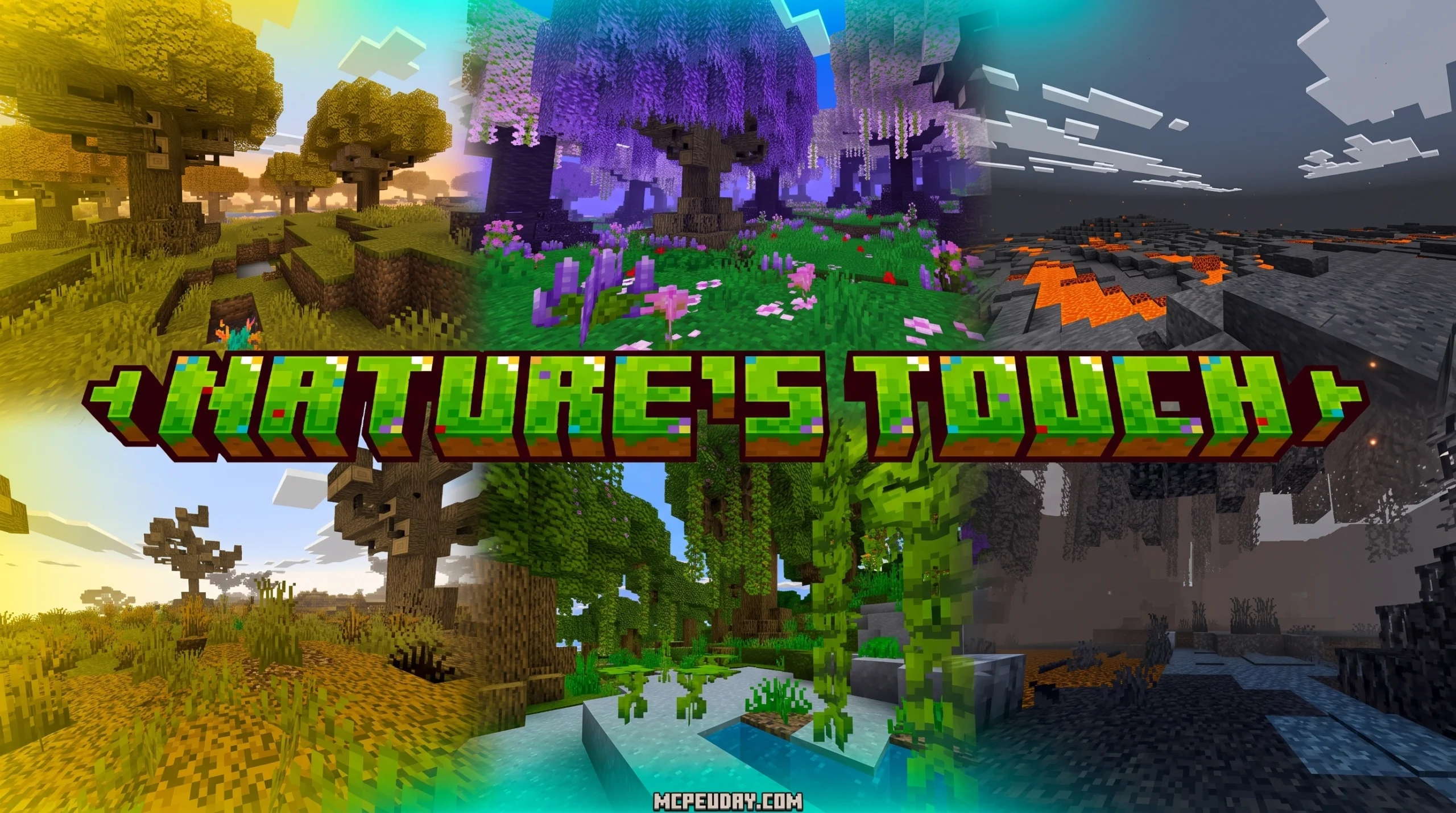
Why the Nature’s Touch Addon for MCPE Is Worth Installing
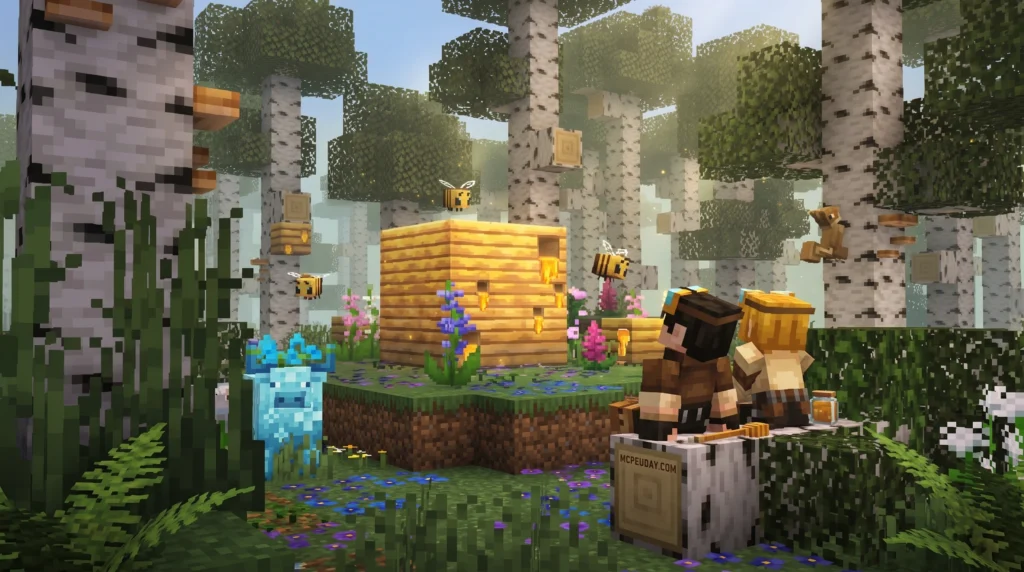
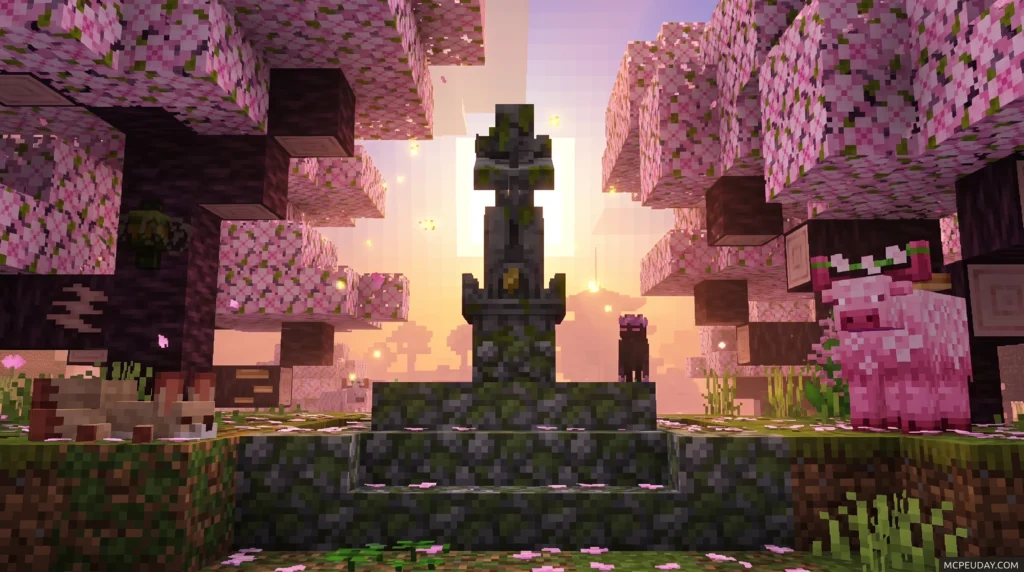
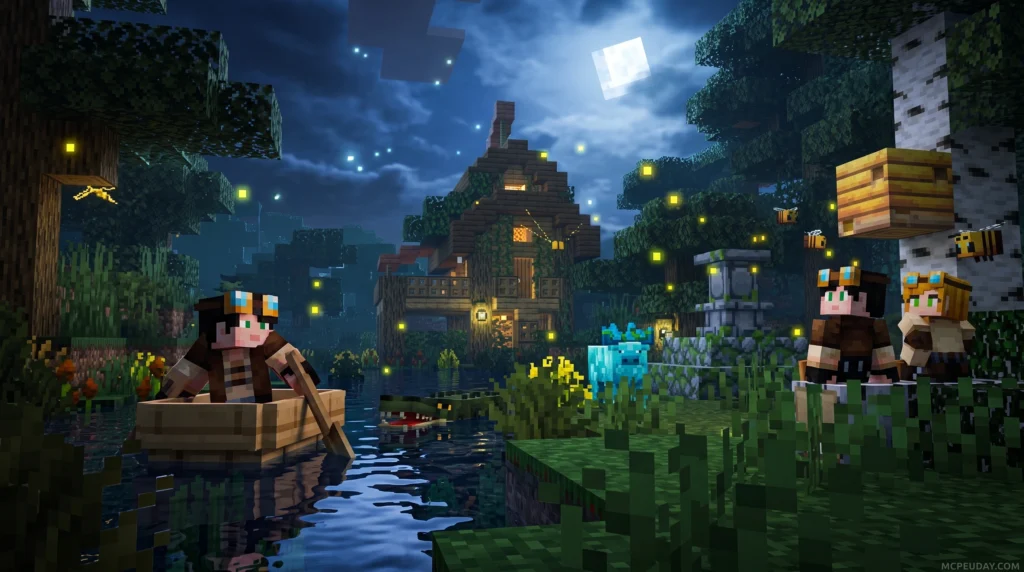
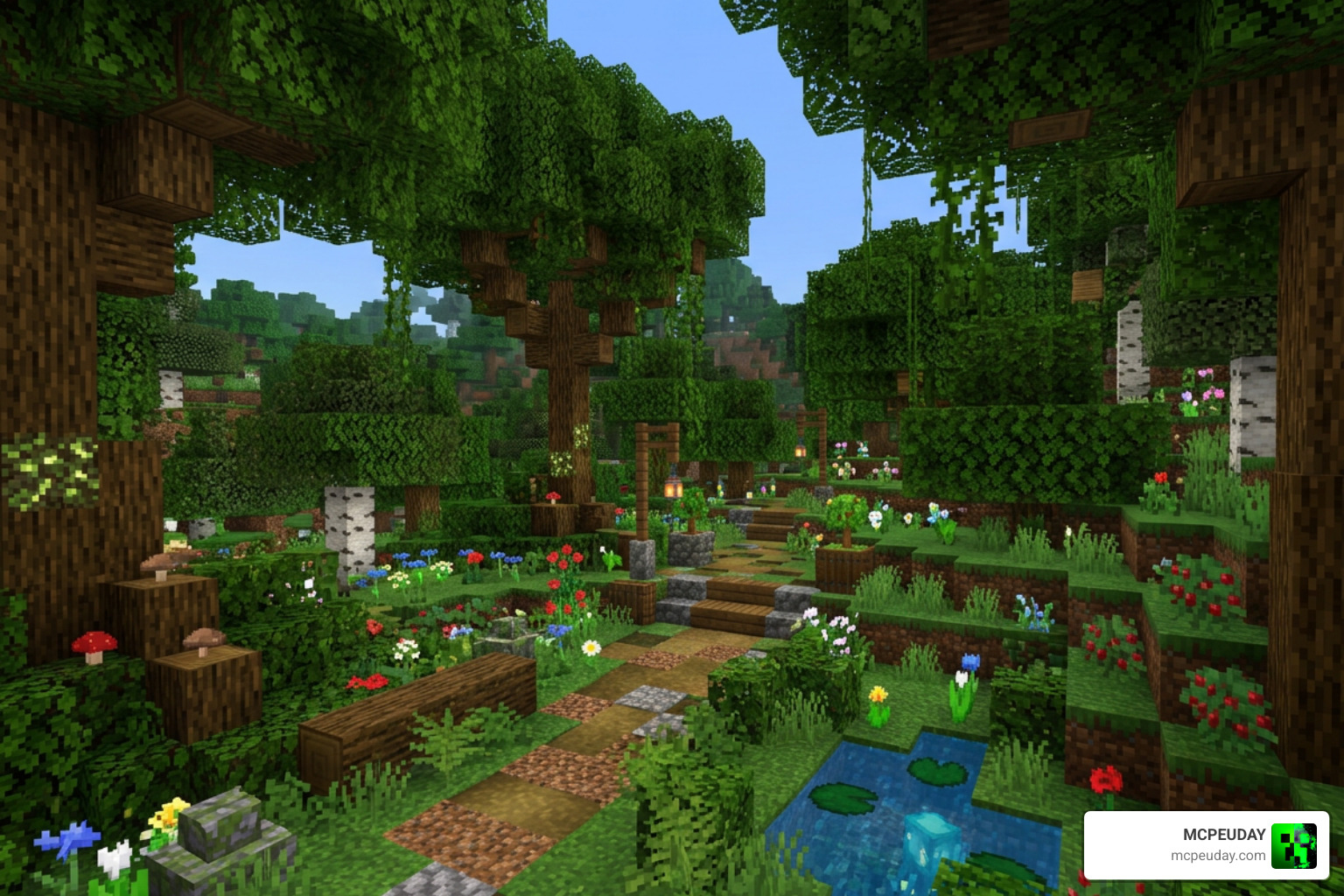
The Nature’s Touch Addon for MCPE is a biome overhaul addon that adds 20+ brand-new biomes and reworks existing ones — transforming your Minecraft Bedrock overworld with new plants, flowers, decorative blocks, and resin-based tools and weapons.
Quick answer for what it includes:
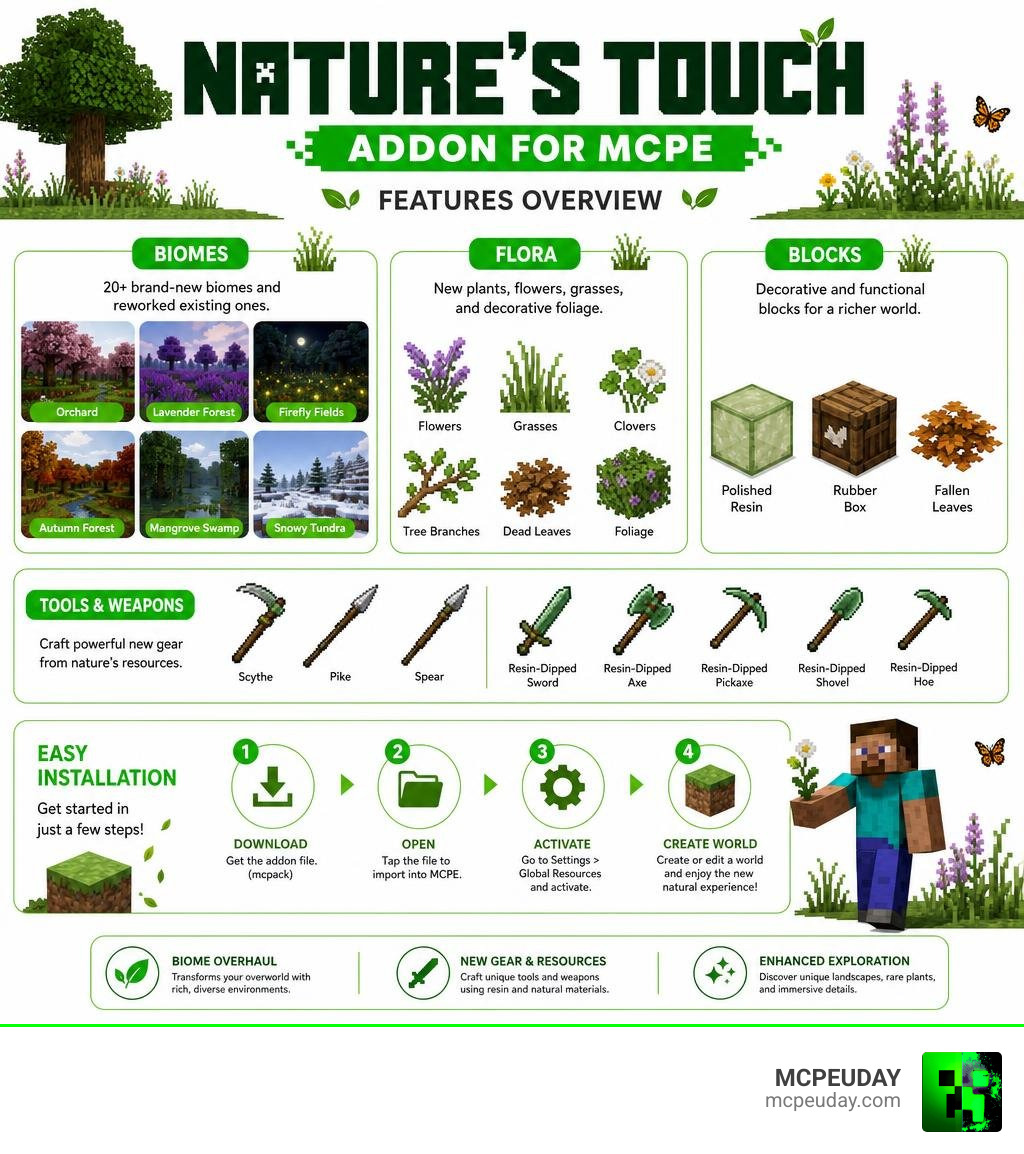
- 20 new biomes (Orchard, Lavender Forest, Firefly Fields, Autumn Forest, and more)
- New flora: flowers, grasses, clovers, tree branches, dead leaves, and decorative foliage
- New blocks: Polished Resin, Rubber Box, fallen leaves
- New weapons and tools: Scythes, Pikes, Spears, and Resin-Dipped Items
- Reworked existing biomes with updated visuals and vegetation
- Compatible with Minecraft Bedrock 1.21 and 26.x (latest hotfix: v2.6, May 2026)
- 207.9k downloads and a 4.0 average rating
If your Minecraft world feels a bit too plain — same green plains, same flat forests — this addon gives every biome a real identity. Different areas actually feel like different places, not just the same terrain with a color swap.
It works without breaking core gameplay. You still mine, build, and survive the same way. But the world around you looks and feels a lot richer.
What is the Nature’s Touch Addon FOR MCPE?
When we look at the vanilla overworld generation in Minecraft Bedrock, it is easy to feel like something is missing. The landscapes can feel static, and the vegetation often lacks depth. This is where the Nature’s Touch Addon FOR MCPE comes in to completely transform your survival experience.
Rather than just adding a few random blocks, this addon introduces a complete biome expansion and visual overhaul. It alters how the overworld generation behaves, dynamically spreading vegetation across blank areas so that forests feel denser, plains feel livelier, and deserts feel more atmospheric. By enhancing exploration mechanics, it rewards players who love to travel across their worlds to find unique building spots and collect rare natural resources.
Key Features of the Nature’s Touch Addon FOR MCPE
The addon is packed with content designed to make your Minecraft world feel alive. Here is a quick breakdown of what you can expect once you activate it:
- 20 Brand-New Biomes: From peaceful flower fields to desolate, ash-covered plains, exploration feels endlessly fresh.
- Dynamic Vegetation: Custom vegetation like tree branches, roots, clovers, and unique grasses spread naturally across the terrain.
- Resin-Based Gameplay: Collect resin to craft custom blocks, tools, and weapons.
- Visual Reworks: Classic biomes like plains, savannas, and jungles receive major visual updates with multicolored tree crowns (red, golden, and purple) instead of standard green.
If you want to take your world’s visual quality even further, we highly recommend pairing this with the Better Foliage Addon to get ultra-realistic leaves and grass that complement the new biomes perfectly.
Supported Bedrock Versions and Performance
We know how frustrating it is when an addon breaks after a game update. Fortunately, the creators of this addon keep it highly optimized. Currently, in July 2026, the addon fully supports Minecraft Bedrock 1.21 and the 26.x versions.
With a modest file size of just 2.53 MB for the latest hotfix version (v2.6 Hotfix 1, updated in May 2026), it is incredibly lightweight. This small footprint means you can enjoy massive world-generation changes without destroying your device’s frame rate or taking up gigabytes of storage space.
New Biomes, Flora, and Resin Equipment
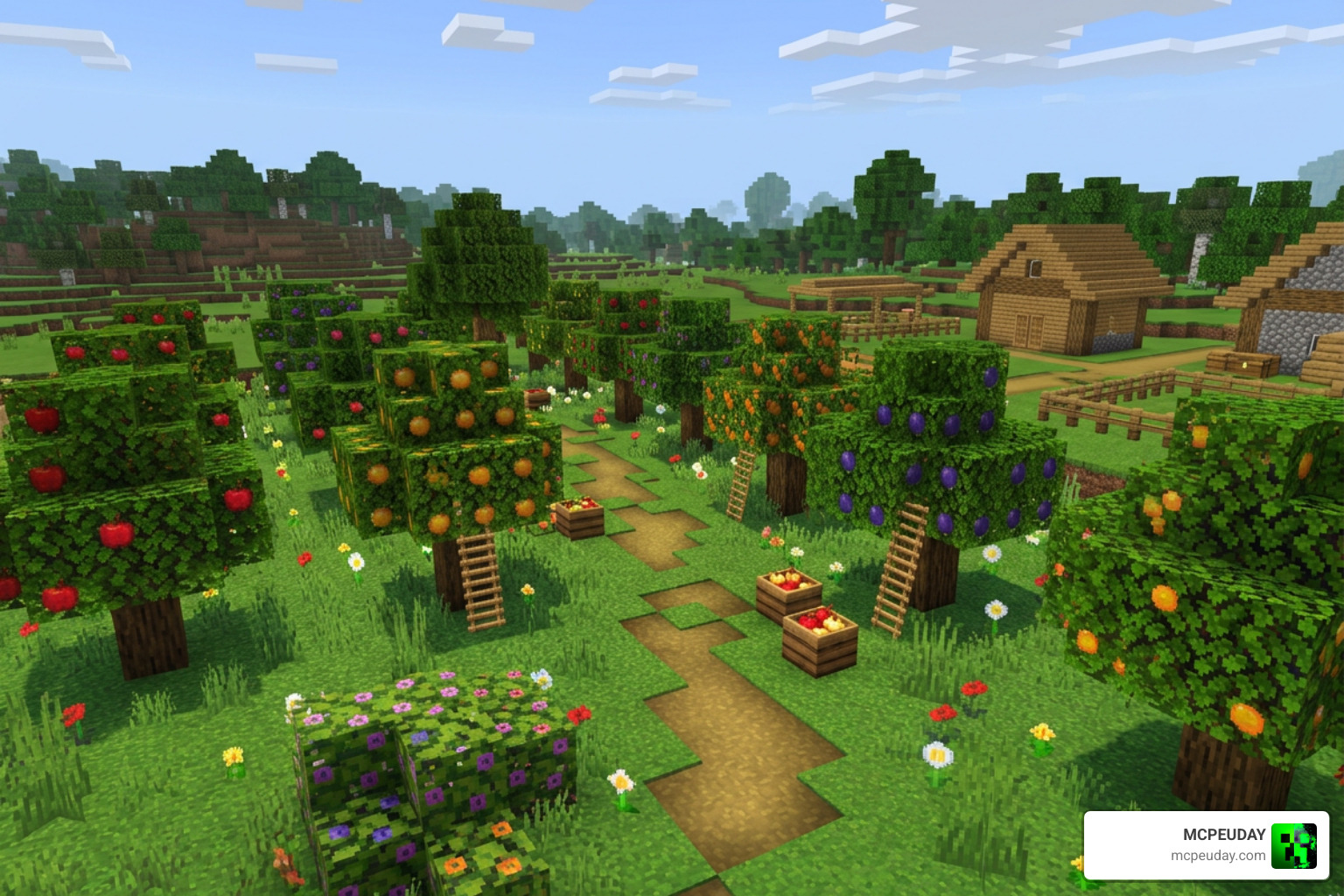
The magic of this addon lies in how it changes the world generation. Instead of just painting existing biomes with different colors, it builds entirely new ecosystems. If you love discovering new terrain, you might also enjoy checking out the Biomes O Discovery Addon to make your world feel even more diverse.
Brand-New Biomes and Reworked Zones
The overworld becomes a massive canvas of colors. Here are some of the standout biomes and zones you will encounter:
- Orchard Biome (Warm & Cold variants): Filled with beautiful flowering trees and lush ground cover.
- Sunflower Fields: Vast open plains covered in towering sunflowers that follow the sun’s path, creating a bright and cheerful environment.
- Lavender Forest: A stunning purple-hued woodland that smells like adventure (metaphorically, of course).
- Azalea Forest: A dense, vibrant forest filled with blooming azalea bushes and lush green mossy ground.
- Stoney Forest & Grasslands: Perfect areas for builders who want realistic terrain with plenty of space.
- Cotton Fields: Soft, white fields of wild cotton plants that sway gently in the wind, offering a unique resource for crafting.
- Sandy Jungle & Sandy Savanna: Reworked dry areas that make survival in hot climates feel distinct.
- Firefly Fields & Rose Garden: Magical, romantic areas that look absolutely incredible during the night cycle.
- Clover Fields: Lush green meadows filled with lucky clovers and soft grass, perfect for building a peaceful cottage.
- Flowerfall: A breathtaking biome where colorful petals seem to drift through the air, creating a dreamlike atmosphere.
- Wasteland & Ashfall: Barren, atmospheric zones that offer a stark, dramatic contrast to the lush forests.
- Autumn Forest: Features warm red, orange, and golden tree crowns that bring a cozy, seasonal vibe to your game.
- Savannah Rework & Reworked Jungles: Classic biomes updated with denser foliage, custom tree shapes, and richer ground vegetation.
- Giant Birch Forest: A majestic woodland featuring towering birch trees with thick trunks and dense leaf canopies.
- Red Tree Forest: A striking biome dominated by vibrant red foliage that stands out dramatically against the landscape.
- Pale Garden Update: An expansion of the spooky Pale Garden, complete with custom Polished Resin blocks.
Custom Flora, Blocks, and Resin Equipment
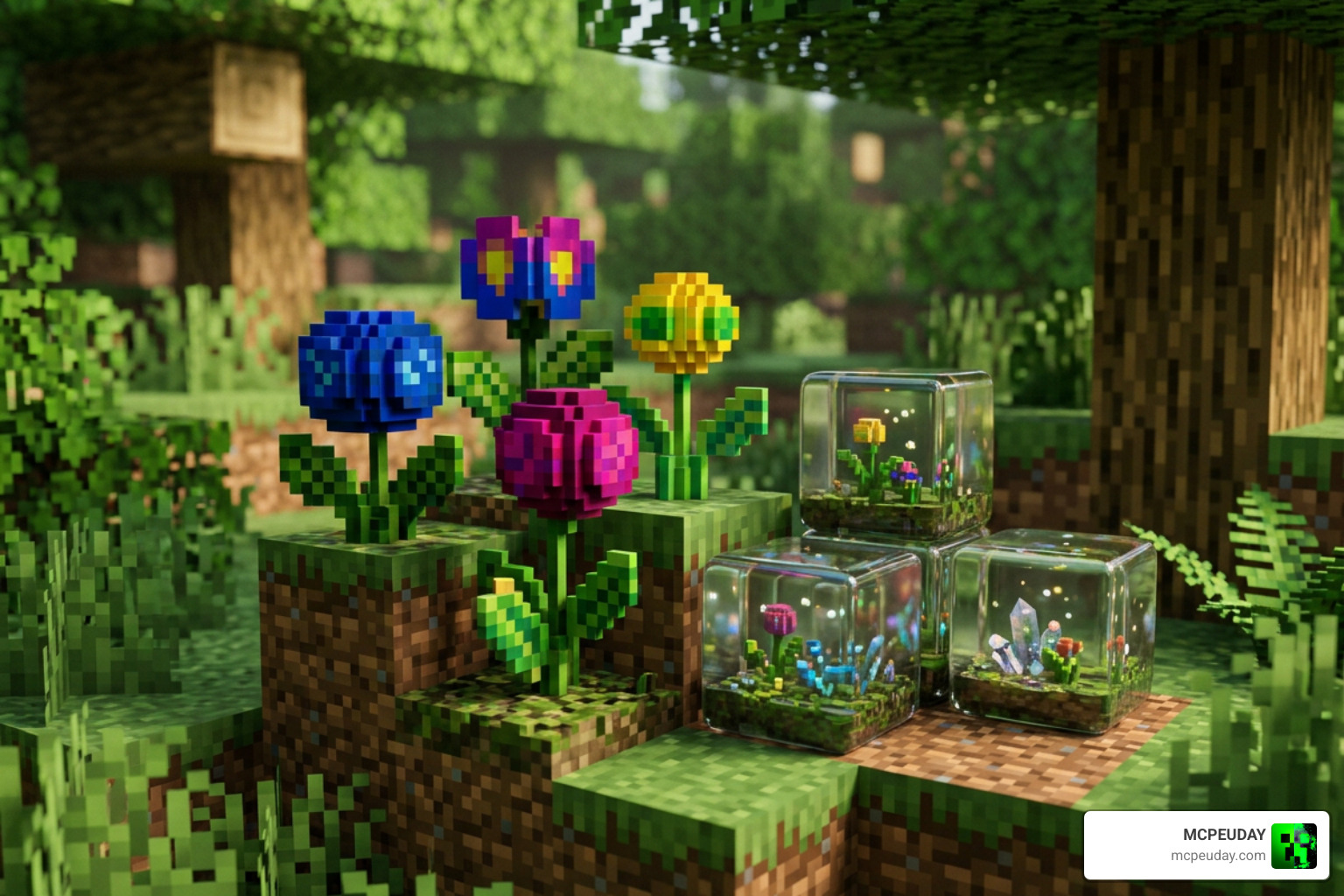
Every single one of these biomes is packed with unique plant life and decorative blocks. You will find tree branches and roots extending from trunks, clovers growing in the grass, and fallen dead leaves carpeting forest floors.
One of the coolest additions is the Rubber Box and Polished Resin blocks. Resin is a valuable new material that can be harvested and processed into decorative building blocks or functional crafting components. It adds a whole new progression loop to your early-game survival!
Custom Weapons and Tools
Who says a nature addon can only be about flowers? Nature’s Touch introduces a brilliant suite of custom tools and weapons made from resin:
- Scythes: Perfect for clearing out large patches of grass quickly, but they also double as weapons that deal periodic damage over time to enemies.
- Spears & Pikes: If you prefer keeping your distance from creepers, these weapons allow you to strike targets from 3 to 4 blocks away with a ranged line attack.
- Resin-Dipped Items: Tools coated in resin are stronger than Diamond tools, though they share the durability of Iron. This makes them fantastic high-performance items for mid-game players.
Step-by-Step Installation and Troubleshooting Guide
Ready to jump in? Installing the addon is straightforward, but because it alters world generation, you must follow the setup steps carefully to avoid empty worlds or missing textures. If you are new to Bedrock addon files, the Minecraft Wiki overview of add-ons is a helpful external reference for understanding how resource packs and behavior packs work together.
Activating the Nature’s Touch Addon FOR MCPE in Your World
- Download the Files: Get the latest
.mcaddonfile (which contains both the Resource and Behavior packs). - Import to Minecraft: Open the downloaded file on your mobile device or PC. Minecraft will launch automatically and import the packs.
- Configure Your World: Create a new world or edit an existing one. Go to the world settings menu.
- Enable Experimental Settings: This is crucial! Toggle on the “Beta APIs”, “Upcoming Creator Features”, and “Custom Biomes” options under the Experiments tab.
- Activate the Packs: Go to Resource Packs and activate Nature’s Touch. Then, go to Behavior Packs and ensure it is activated there as well (they must be active together to work).
- Start Your World: Load up the game and set out to find your first new biome!
Troubleshooting Common Installation Issues
If you experience pack conflicts or notice missing blocks, try disabling other world-generation mods. Sometimes, multiple addons that modify the overworld generation can conflict, leading to missing textures or vanilla biomes loading instead of the custom ones.
To resolve this, ensure that Nature’s Touch is placed at the top of your active resource and behavior pack lists. If you still encounter issues, double-check that all experimental toggles are fully enabled, as the custom biome generation relies heavily on these beta features to function correctly. You can always find the latest updates, bug fixes, and community discussions directly on our main download page.
Frequently Asked Questions about Nature’s Touch
Does Nature’s Touch lag Minecraft Bedrock?
No, the addon is highly optimized. Because it only uses a 2.53 MB file size, it runs smoothly on most modern mobile devices and consoles. However, if you are playing on an older phone, you might notice minor frame drops when first generating a massive chunk of new biomes.
Can I use this addon with other biome mods?
Yes, but with caution. It works beautifully alongside dimensional overhauls like the Betterend Addon or structure additions like the Better Structures Addon. Just make sure that Nature’s Touch is placed high up in your active pack list so its custom overworld generation loads correctly.
Where can I download the latest hotfix?
You can grab the latest v2.6 Hotfix 1 directly from our resource library at Nature’s Touch Download on MCPEUDAY.
Conclusion
The Nature’s Touch Addon FOR MCPE is an absolute must-have for anyone looking to breathe new life into their Minecraft Bedrock exploration. It strikes the perfect balance between high-quality visual upgrades and fun, vanilla-friendly gameplay mechanics like resin tools and long-range pikes.
If you want to turn your world into a grand fantasy realm, try pairing these biomes with the beautiful structures from the Medieval Structures Addon. And if you need some modern firepower to defend your new lavender fields from monsters, check out our guide on the 5 Best Minecraft Bedrock Gun Mods. Happy exploring, and we will see you in the next update!
1 thought on “Nature’s Touch Addon (26.x, 1.21) – MCPE/Bedrock Mod”