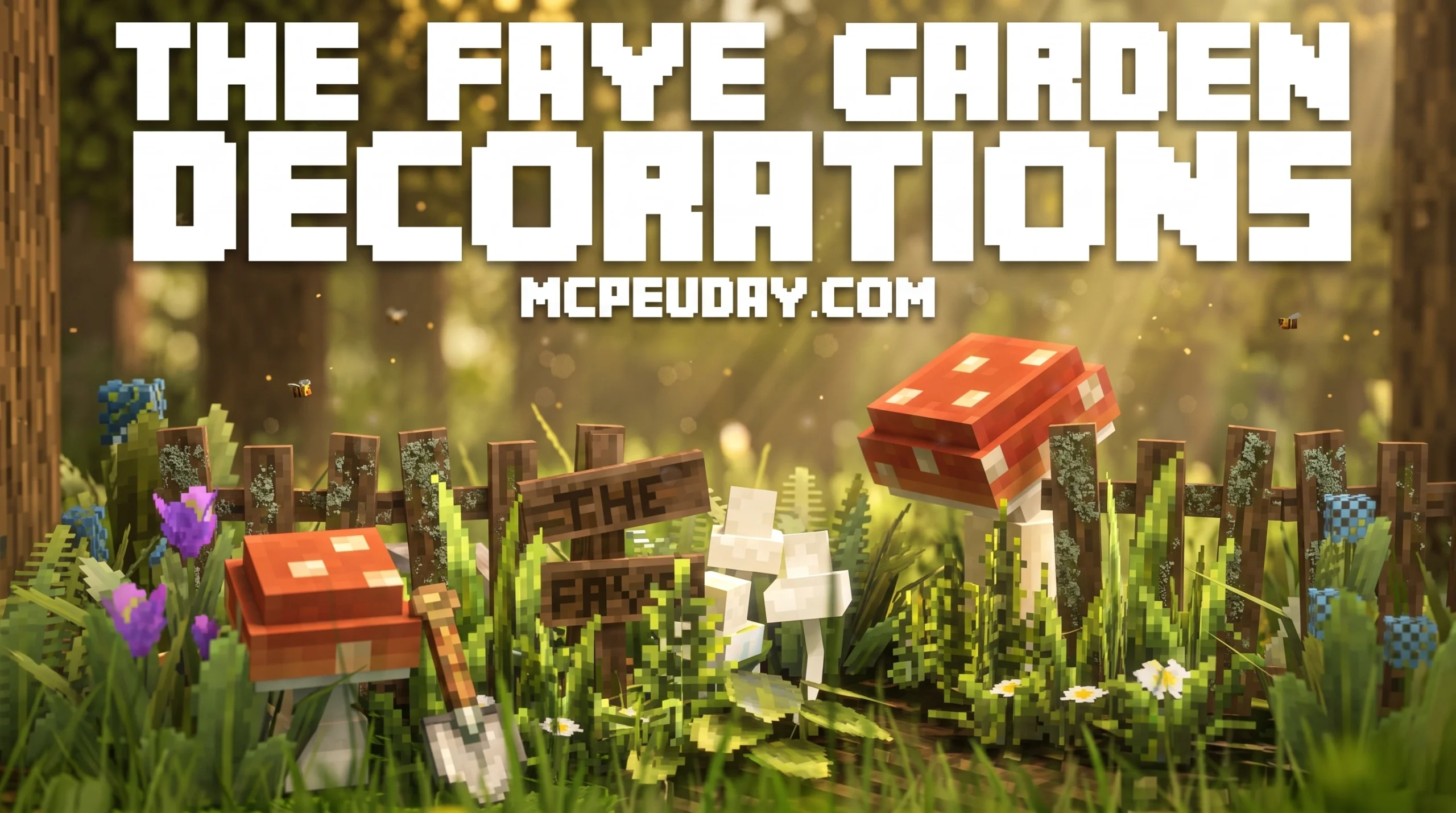
What Is The Faye Garden Decorations Pack?
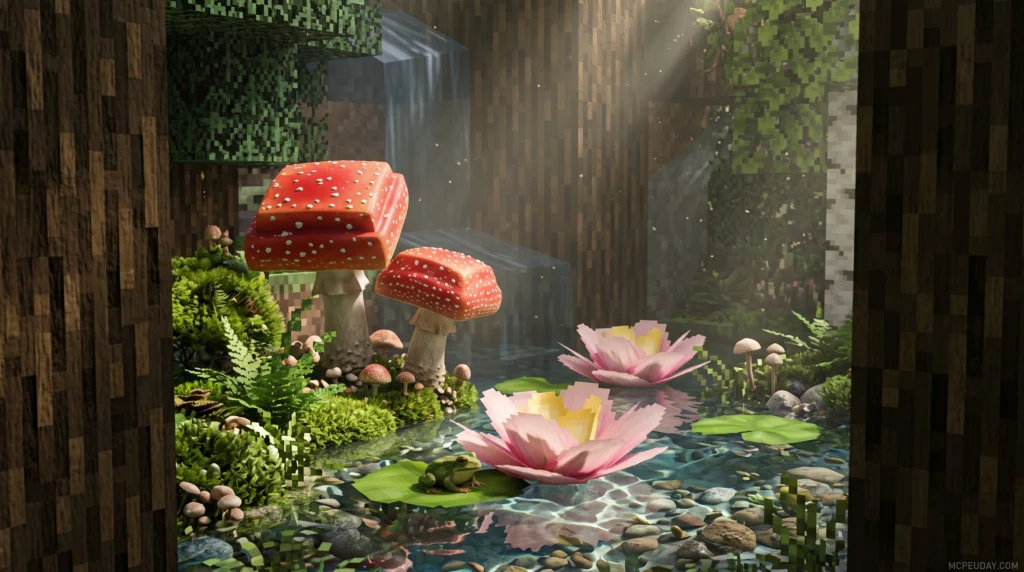
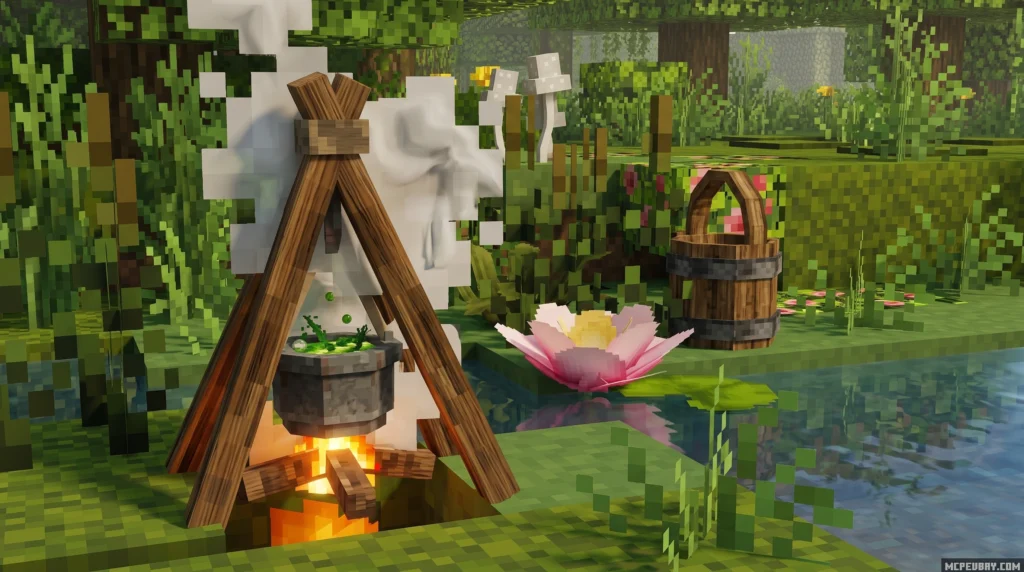
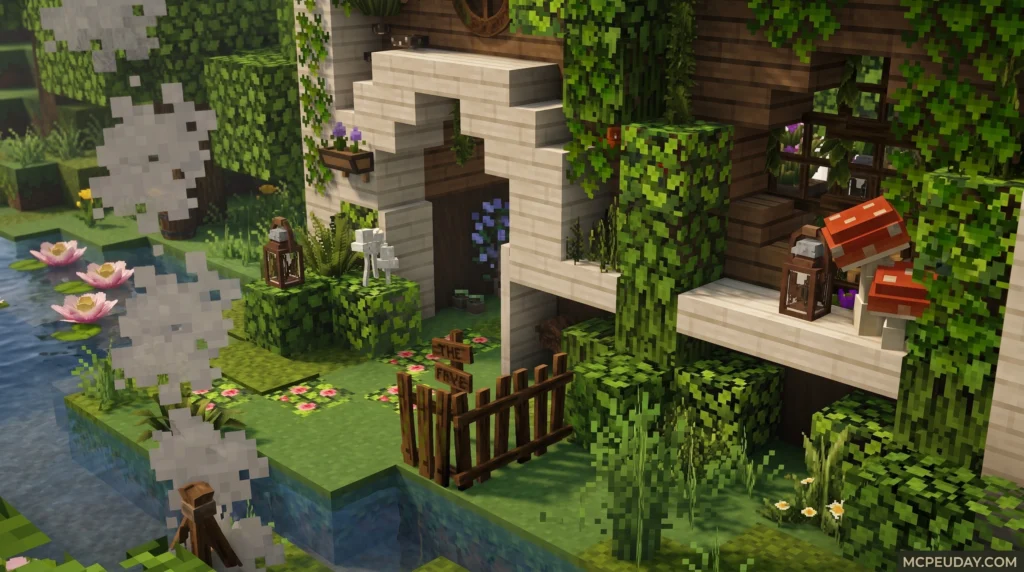
The Faye Garden Decorations Pack is a Minecraft add-on that brings 29 new decorative items into your game, designed for garden-themed builds across both Bedrock and Java Edition.
Here’s a quick summary of what you need to know:
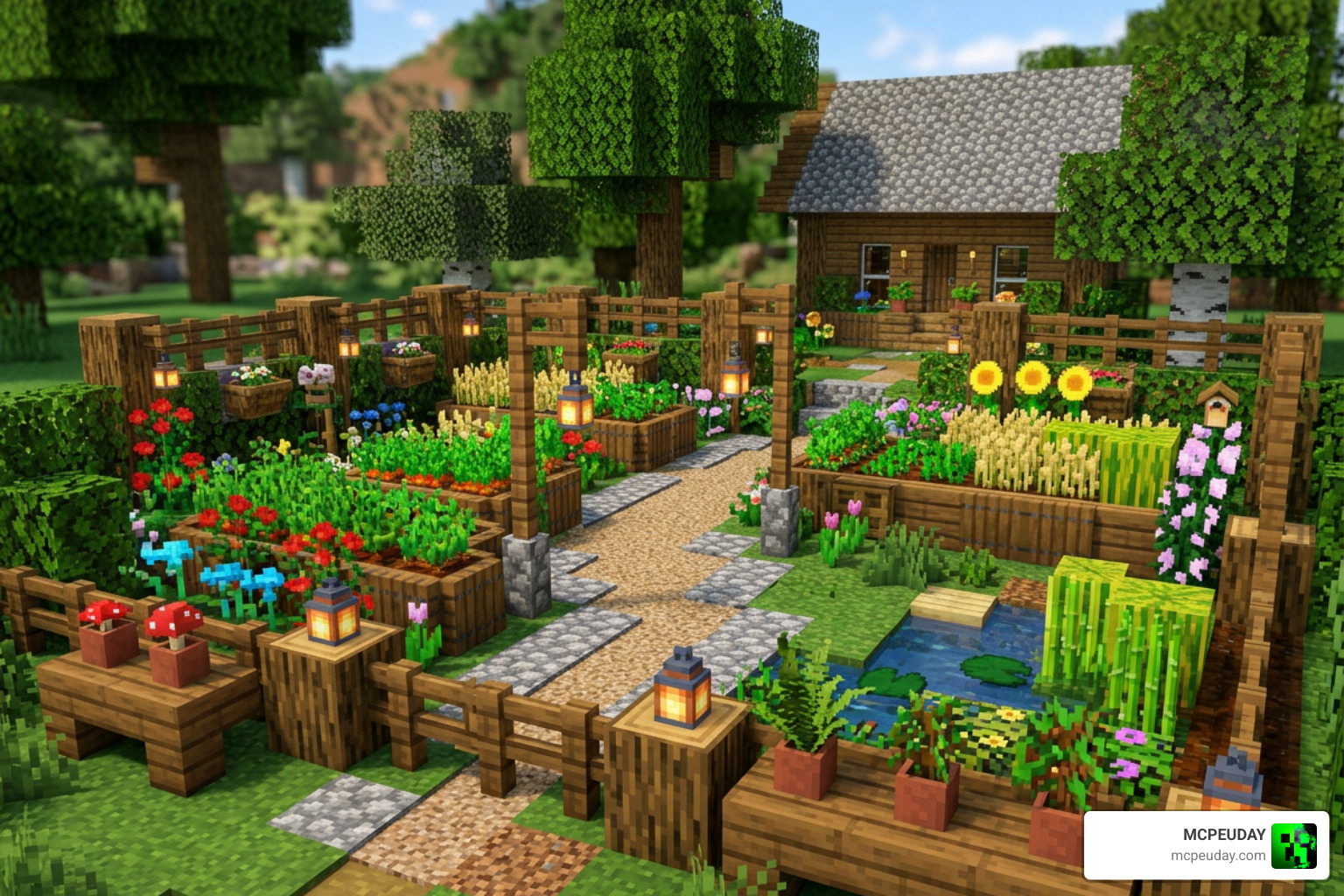
- Items included: 29 new garden decorations
- Supported versions: Minecraft 1.19, 1.20, and 1.21
- Platforms: Bedrock Edition and Java Edition (via OptiFine or NeoForge)
- How to get items in Bedrock: Activate both the resource and behavior packs, then find items in the creative inventory or use the stonecutter
- How to get items in Java (OptiFine): Rename an Oak Log to the specific model name using an anvil
- How to get items in Java (NeoForge): Use a red mushroom or sunflower in the stonecutter, or search by tag in the creative inventory
- Experimental features required? No — as of the 1.21 update, experimental gameplay is no longer needed
This pack is part of the broader Faye Project, which also includes creature packs, furniture sets, and a full garden world map. It’s a solid choice if you want to level up your Minecraft builds with detailed, nature-inspired decor.
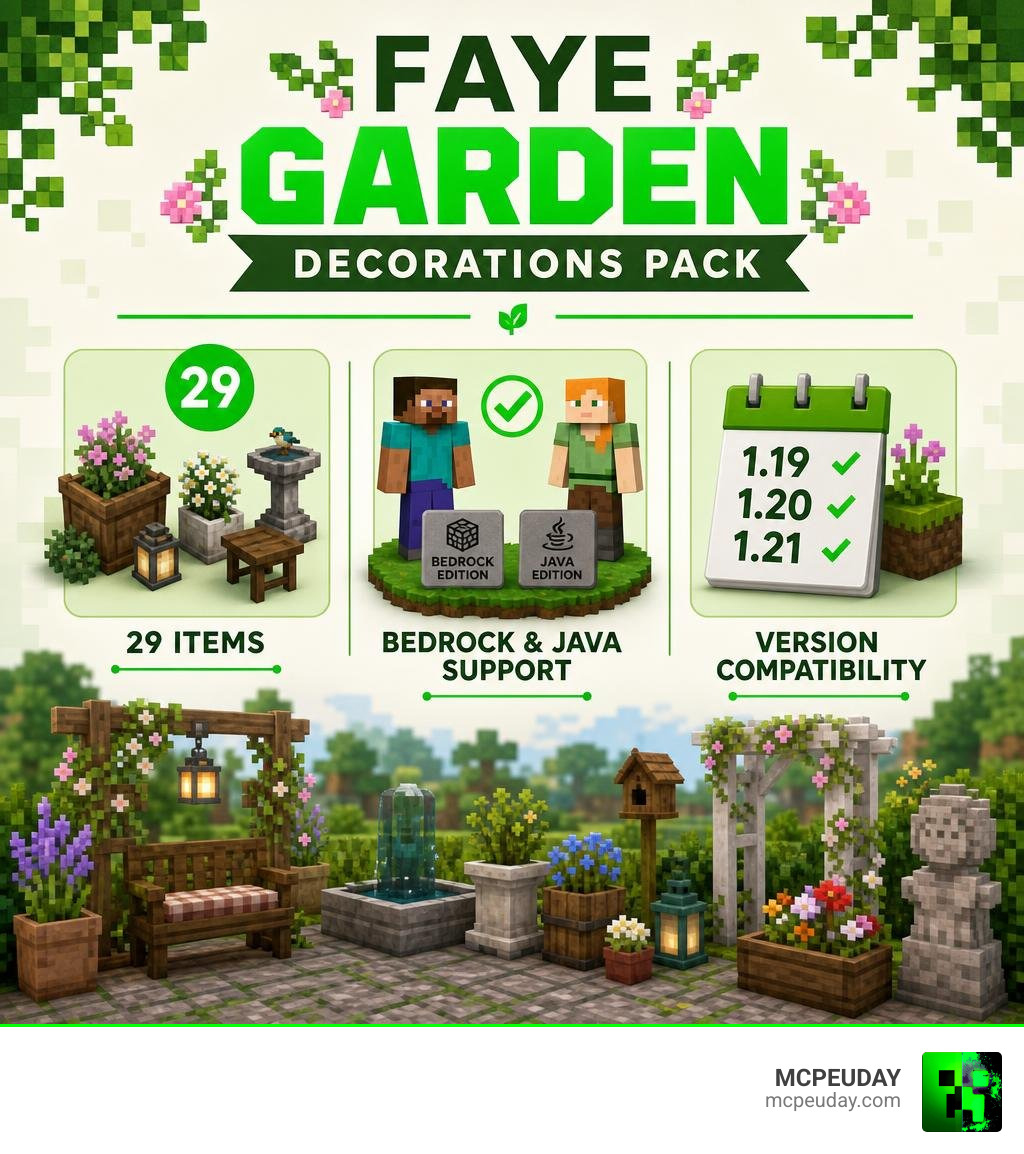
Overview of The Faye Garden Decorations Pack
If you have ever felt that Minecraft’s vanilla flowers, pots, and foliage options leave your outdoor spaces looking a bit sparse, you are not alone. We always want more ways to breathe life into our virtual backyards. That is exactly where The Faye Garden Decorations Pack shines. This aesthetic add-on provides 29 high-quality, garden-themed decorative items that instantly transform any plain grassy yard into a whimsical sanctuary.
The pack includes incredibly detailed assets such as custom planters, delicate blossoms, rustic outdoor ornaments, and fairy-tale-esque props. These blocks are designed to blend seamlessly with natural surroundings, allowing you to design cozy pathways, secret forest clearings, or structured estate gardens.
To help you understand how this pack behaves depending on your platform of choice, we have put together a quick comparison table:
| Feature | Bedrock Edition | Java Edition (OptiFine CIT) | Java Edition (NeoForge) |
|---|---|---|---|
| Total Items | 29 decorative items | 29 decorative items | 29 decorative items |
| Access Method | Creative inventory / Stonecutter | Renaming Oak Logs in Anvil | Creative inventory / Stonecutter |
| Dependencies | Resource & Behavior Packs | OptiFine (or CIT Resewn) | NeoForge & GeckoLib |
| Rotation Limits | Full 360-degree rotation | Limited rotation angles | Standard Java rotation limits |
| Experiments Required? | No (since 1.21 update) | No | No |
Whether you are building on a mobile device, a console, or a high-end PC, you can access these gorgeous custom models. To learn more about the developers and check out their official updates, you can visit The FAYE Project .
Compatibility and Installation Guide
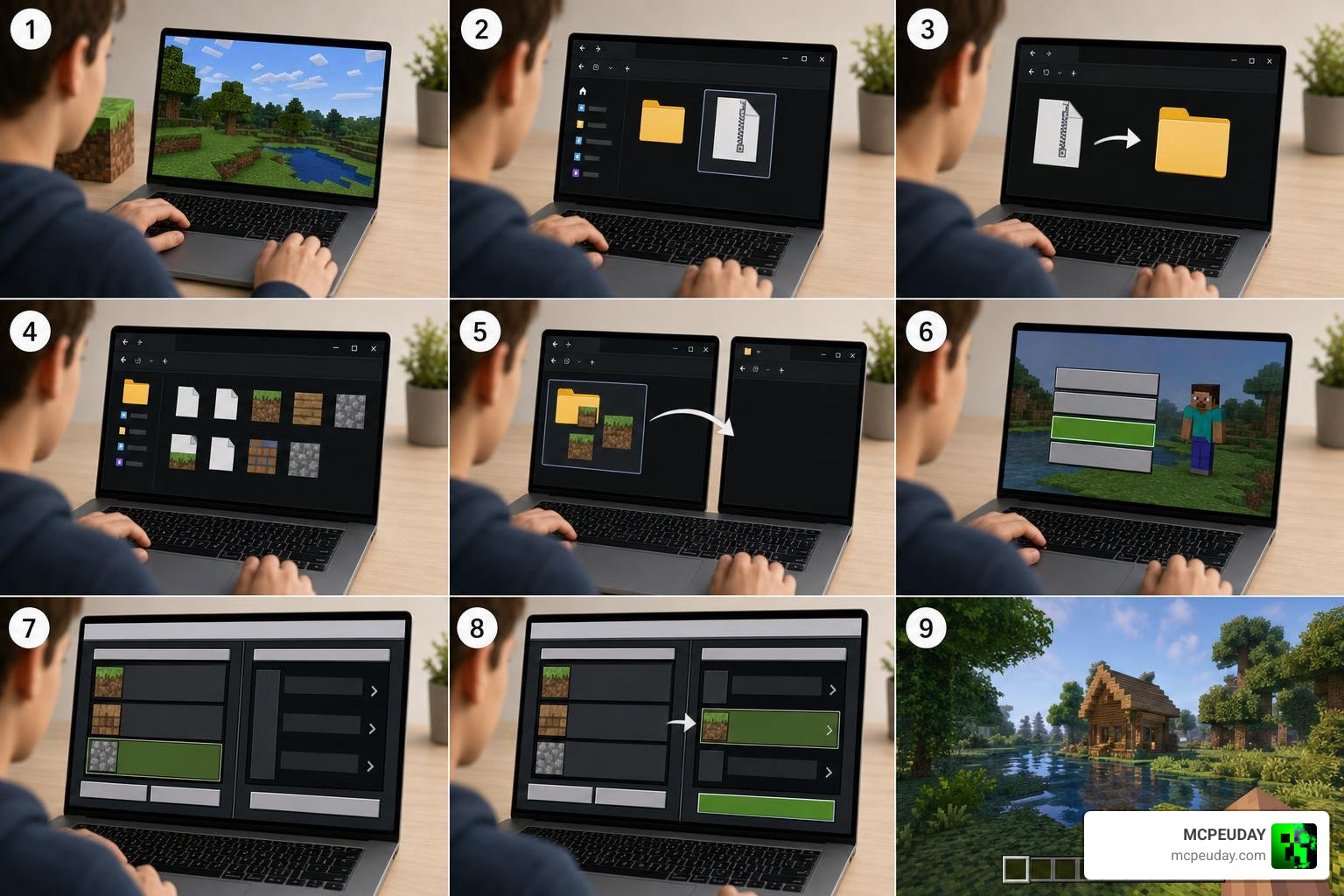
Setting up custom decoration packs in Minecraft can sometimes feel like trying to solve a Redstone puzzle blindfolded. Fortunately, the installation process for The Faye Garden Decorations Pack is relatively straightforward, provided you match the files with your current game version.
This pack is fully compatible with Minecraft versions 1.19, 1.20, and the latest 1.21 update. For the ultimate outdoor overhaul, we highly recommend pairing this pack with other nature-focused mods. For instance, you can combine these beautiful props with the Better Foliage Addon For Minecraft Ultra Realistic Leaves Grass Nature Upgrade to create a truly immersive, lush environment.
Let us break down the specific requirements and steps for each major platform.
Bedrock Compatibility for The Faye Garden Decorations Pack
For our Bedrock players on mobile, Windows, or consoles, the 1.21 update brought a massive quality-of-life improvement. In the past, players had to toggle on multiple clunky experimental gameplay options in their world settings just to get custom blocks to render.
With the release of Minecraft 1.21, those experimental toggles are a thing of the past! You can now run the pack safely in your standard worlds. To get started, you must download both the Resource Pack and the Behavior Pack.
When creating or editing your world:
- Navigate to the Resource Packs tab and activate the Faye Garden resource file.
- Navigate to the Behavior Packs tab and ensure the corresponding behavior file is active.
- Launch your world, and the custom garden items will be ready to craft using a standard stonecutter.
Java Edition Requirements for The Faye Garden Decorations Pack
Java Edition handles custom items a bit differently due to the core architecture of the game. Depending on your setup, you have two primary ways to run this pack: the OptiFine CIT (Custom Item Textures) method or the NeoForge mod loader.
If you prefer to play close to vanilla without heavy mod loaders, the OptiFine CIT method is your best bet. This method uses invisible item frames to display custom 3D models. To use this method, you must have OptiFine (or an equivalent CIT mod like CIT Resewn) active. You simply take a standard Oak Log to an anvil and rename it to the specific model name of the garden item you want to place (such as renaming it to blue_flower).
If you are a modpack enthusiast who uses the NeoForge loader, you can install the pack as a standard mod. Please note that the Java mod version relies on the GeckoLib dependency to handle custom animations and complex models correctly. Ensure you have the correct version of GeckoLib installed in your mods folder alongside the Faye Garden file.
Step-by-Step Installation and In-Game Access
Once you have successfully loaded the files into your game, finding your new decorations is easy.
- In Bedrock Edition: Open your creative inventory and scroll down to the nature section, or look at the very bottom of your search tab. Alternatively, you can search for items using the faye tag in your command bar. If you are playing in survival mode, simply pop a base item into a stonecutter to craft any of the 29 decorative blocks instantly.
- In Java Edition (NeoForge): You can search your creative inventory tabs or use a red mushroom or sunflower inside a stonecutter to select your desired garden model.
- In Java Edition (OptiFine): Place your renamed Oak Log into an invisible item frame to display the gorgeous 3D garden model in your world.
For official download links and the latest documentation, head over to The FAYE Project .
Integration with Other Faye Project Content
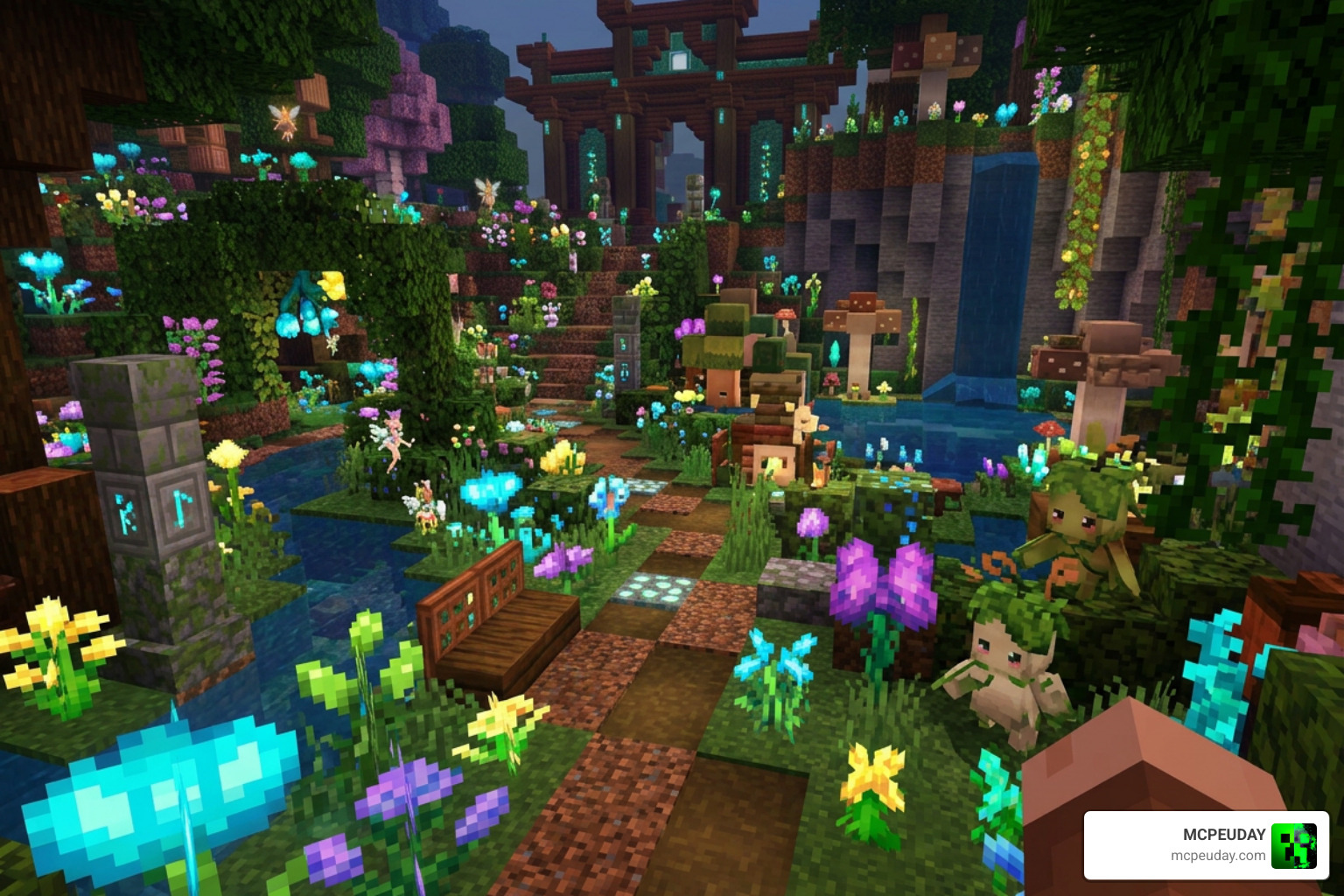
One of our favorite aspects of The Faye Garden Decorations Pack is how beautifully it plays with other releases from the same creator. The Faye Project is designed as a modular ecosystem of fantasy-inspired content.
If you want to build a fully realized magical realm, you can download the official Faye Garden World Map. This custom map comes with all of the decoration packs pre-installed, offering a stunning pre-built landscape to explore and expand.
To populate your new garden, you can integrate the Faye Garden Creatures Pack, which introduces 5 unique fantasy entities like the Fairy NPC, the Plant Man, the Faye Cow, the tiny Shroomy, and the Fairy Fly.
For interior design, you can seamlessly transition your outdoor aesthetic indoors using the Faye Pixies Furniture Pack (which adds 30 cozy furniture items) or the Faye Kitchen Clutter Set (featuring 15 essential kitchen props). You can also mix these assets with other top-tier community additions, such as the Modern Furniture Addon 1.21 26 X Best Mcpe Decoration Mod to create a striking contrast between modern architecture and wild, magical nature.
To keep up with the latest releases and updates, make sure to check out The FAYE Project .
Frequently Asked Questions
Do I need to enable experimental features in Minecraft 1.21?
No! Thanks to the engine updates introduced in Minecraft 1.21, players no longer need to toggle on experimental gameplay options to enjoy custom blocks and items in Bedrock Edition. Simply activate the resource and behavior packs, and you are good to go.
Why do some items look different on Java compared to Bedrock?
Because of the natural engine differences between Java and Bedrock, Java Edition has stricter block and item rotation limitations. While Bedrock allows for smooth, 360-degree placement of custom 3D models, some Java items might have fixed angles or slightly different visual behaviors when placed in world spaces.
What are the terms of use for redistributing the pack?
The creators of the Faye Project have strict guidelines to protect their hard work. You are not allowed to redistribute the textures, models, or add-on files on other websites without permission. If you feature this pack in a video or showcase, you must provide proper attribution and link back to the official site. If you generate revenue from content featuring these packs, you must include the official distribution name and URL.
Conclusion
The Faye Garden Decorations Pack remains one of the most delightful and visually polished decoration mods available in July 2026. Whether you are running a simple Bedrock world on your phone or a heavily modded Java client on your PC, these 29 items will bring unparalleled charm to your building projects.
We at MCPEUDAY are committed to bringing you the absolute best resources, guides, and download links for your favorite Minecraft experiences. If you are ready to discover even more incredible ways to customize your game, head over to our dedicated mod and addon category and start building your dream world today!
2 thoughts on “Faye Garden Decorations Pack (26.x, 1.21) – MCPE/Bedrock Pack”