Scroll down to D0vvnl0ad
Download Pat Your Fellas Addon for Minecraft PE/Bedrock
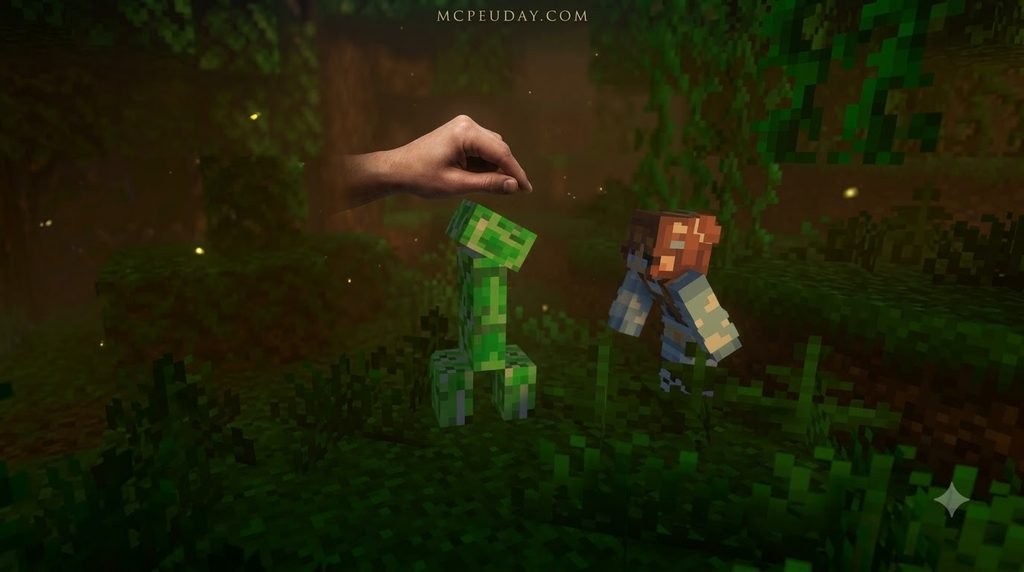
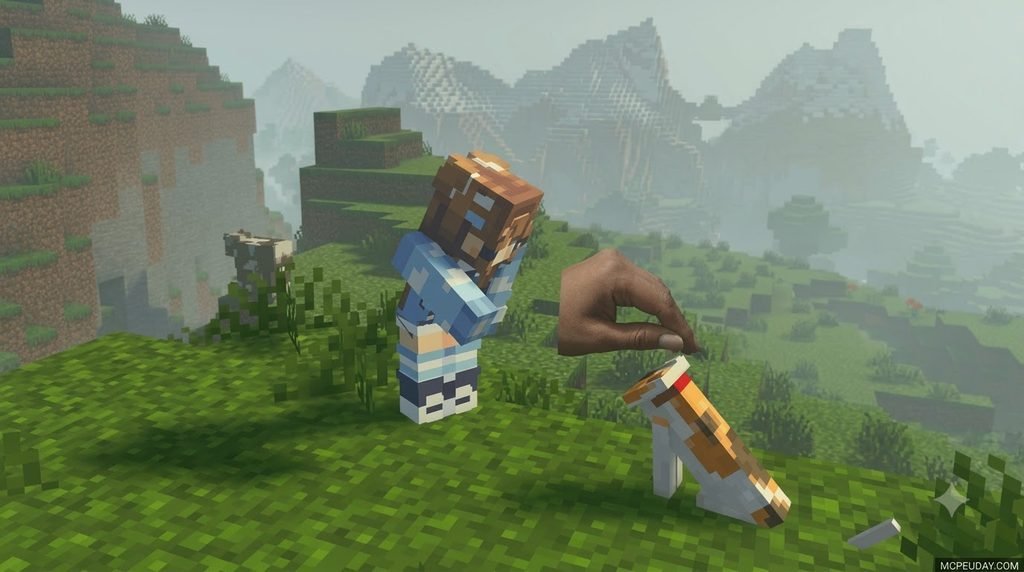
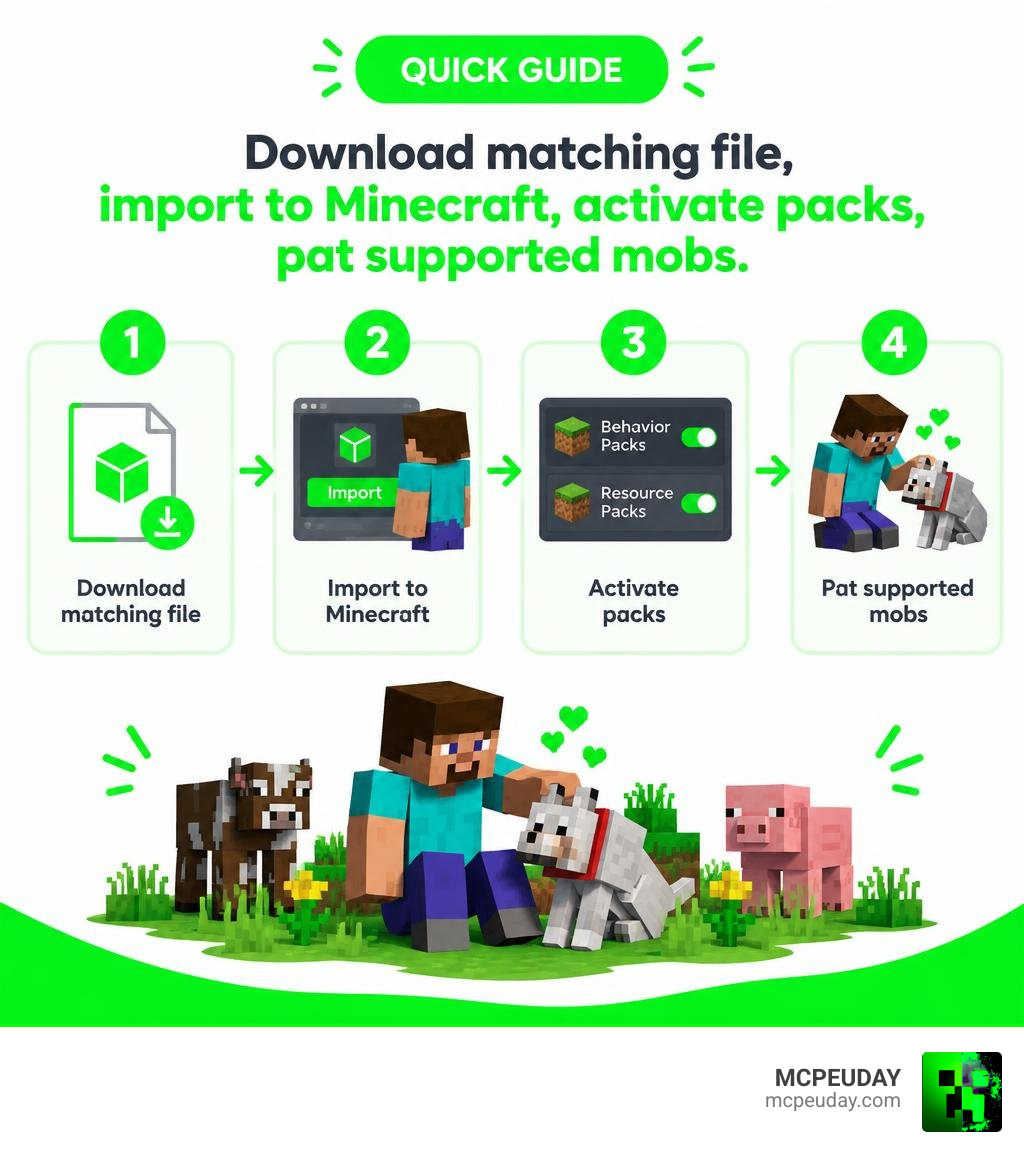
Pat Your Fellas Addon for Minecraft PE/Bedrock adds a simple petting interaction to your world. Download the add-on file that matches your Bedrock version, open it with Minecraft to import it, then activate its behavior and resource packs in your world’s settings. Once enabled, you can use the add-on’s interaction method to pat supported mobs and make pet companions feel more alive.
This is a lightweight add-on built around fun mob interactions rather than complex survival overhauls. It is best suited to players who want more personality, warmth, and charm from tamed animals, farm creatures, and friendly wildlife. Instead of treating your loyal pets like decorative statues or simple guard dogs, this system lets you reward them after a long mining trip or an adventurous trek through nearby biomes. Before installing, make sure to back up important worlds and check that the listed Minecraft version matches your game, since Bedrock updates can occasionally alter entity interaction scripts.
I am UDAY GAMER, and next I will break down what this add-on does before showing you how to install it safely across mobile devices and PC. The add-on works seamlessly alongside other popular Minecraft PE mods and addons without replacing core game files, so you can keep your existing survival builds, redstone contraptions, and custom world setup intact while adding a delightful new layer of companion interaction.
Features and Mechanics of Pat Your Fellas Addon for Minecraft PE/Bedrock
We love seeing small details breathe life into survival worlds. While Mojang has added dozens of animals over the years, interacting with them has mostly been limited to feeding them breeding items, holding leads, or ordering them to sit in place. This addon bridges that gap by introducing custom animations, responsive entity triggers, and immersive petting mechanics.
Instead of treating your companions like living storage containers or static guards, you can finally give them the affection and attention they deserve. When you incorporate cozy base builds and design dedicated animal resting spots using a pet furniture set, this interaction system completes the whole domestic atmosphere.
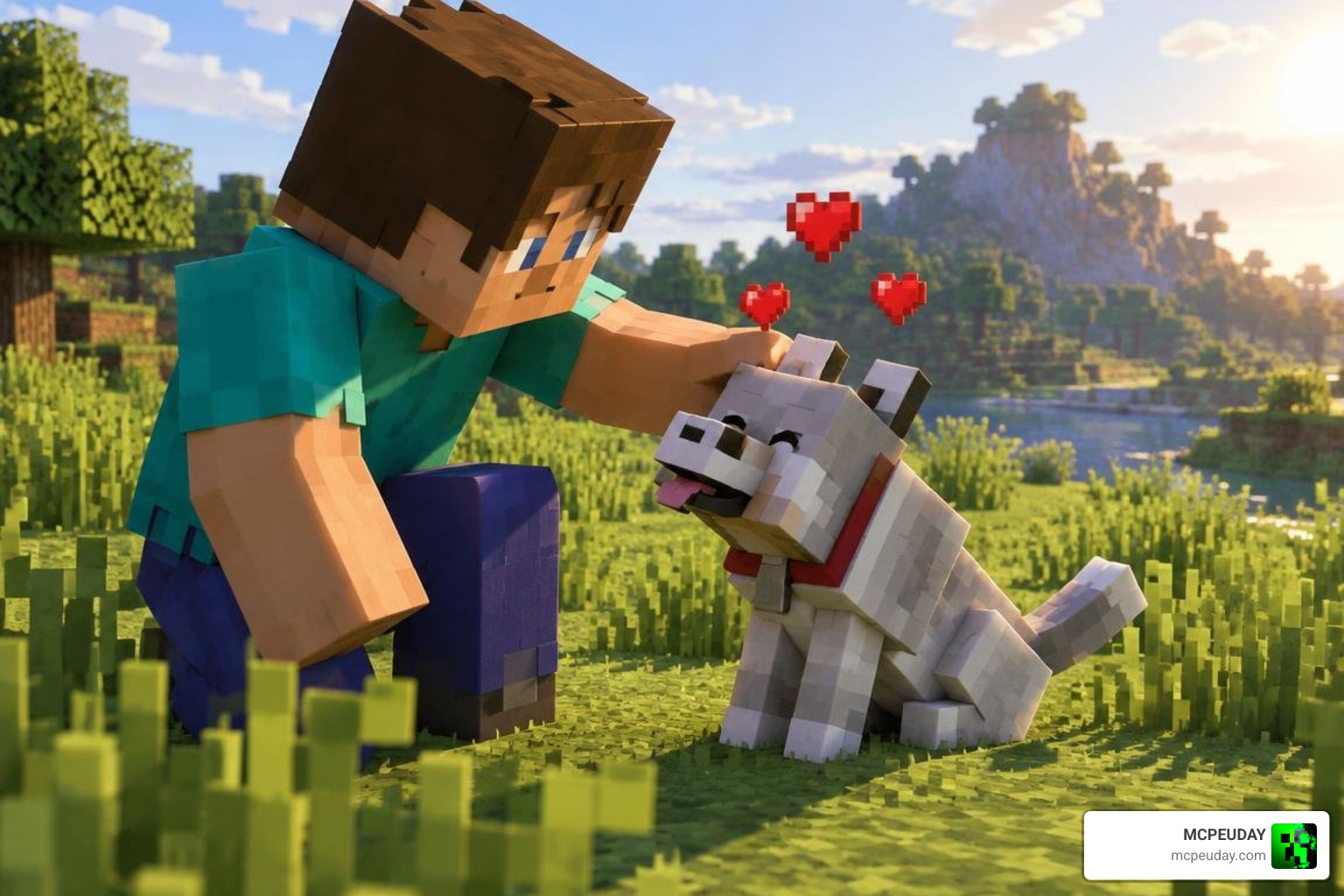
Core Petting Animations and Triggers
Triggering the interaction is straightforward, intuitive, and natural across all input types. On touchscreen mobile devices, approach your mob with an empty main hand, crouch (sneak), and tap the contextual interaction prompt or press and hold directly on the entity. For keyboard and mouse players on Windows 10 and 11, holding the sneak key while right-clicking triggers the exact same behavior.
When activated, your character model executes a smooth first-person and third-person hand-patting motion while the target animal reacts with delightful visual feedback, including heart particles, happy subtle animations, and friendly body cues. Because the file size is remarkably compact—typically well under 400 KB—it introduces zero input delay, tick lag, or framerate drops even during crowded multiplayer sessions on busy servers.
Supported Mobs and Custom Entity Behavior
The pack covers a wide range of vanilla domestic animals, including tamed wolves, ocelots, cats, and horses. Beyond standard household pets, you can interact with various passive farm animals such as sheep, cows, pigs, and chickens, and even test your luck on certain neutral creatures. The underlying code checks for standard game components like the tamed entity state, ensuring smooth compatibility across standard entities without modifying essential loot tables or health attributes.
| Mob Category | Primary Interaction | Entity State Checked | Visual Feedback | Platform Support |
|---|---|---|---|---|
| Tamed Pets (Wolves, Cats) | Sneak + Interact | is_tamed Component | Heart Particles & Custom Pose | Android, iOS, Windows 10/11 |
| Equine Mobs (Horses, Donkeys) | Sneak + Right Click / Tap | Tamed & Saddle Ready | Contentment Particles | Android, iOS, Windows 10/11 |
| Passive Farm Mobs (Cows, Sheep) | Crouch + Tap / Interact | Standard Passive State | Gentle Animation & Hearts | Android, iOS, Windows 10/11 |
| Select Neutral Wildlife | Crouch + Empty Hand | Non-Hostile / Neutral | Ambient Visual Cues | Android, iOS, Windows 10/11 |
Step-by-Step Installation Guide for Bedrock Platforms
Installing custom packs on Minecraft Bedrock has never been easier thanks to packaged .mcpack files. You do not need complex third-party tools, root access, or manual directory extractions to get everything working properly in your game.
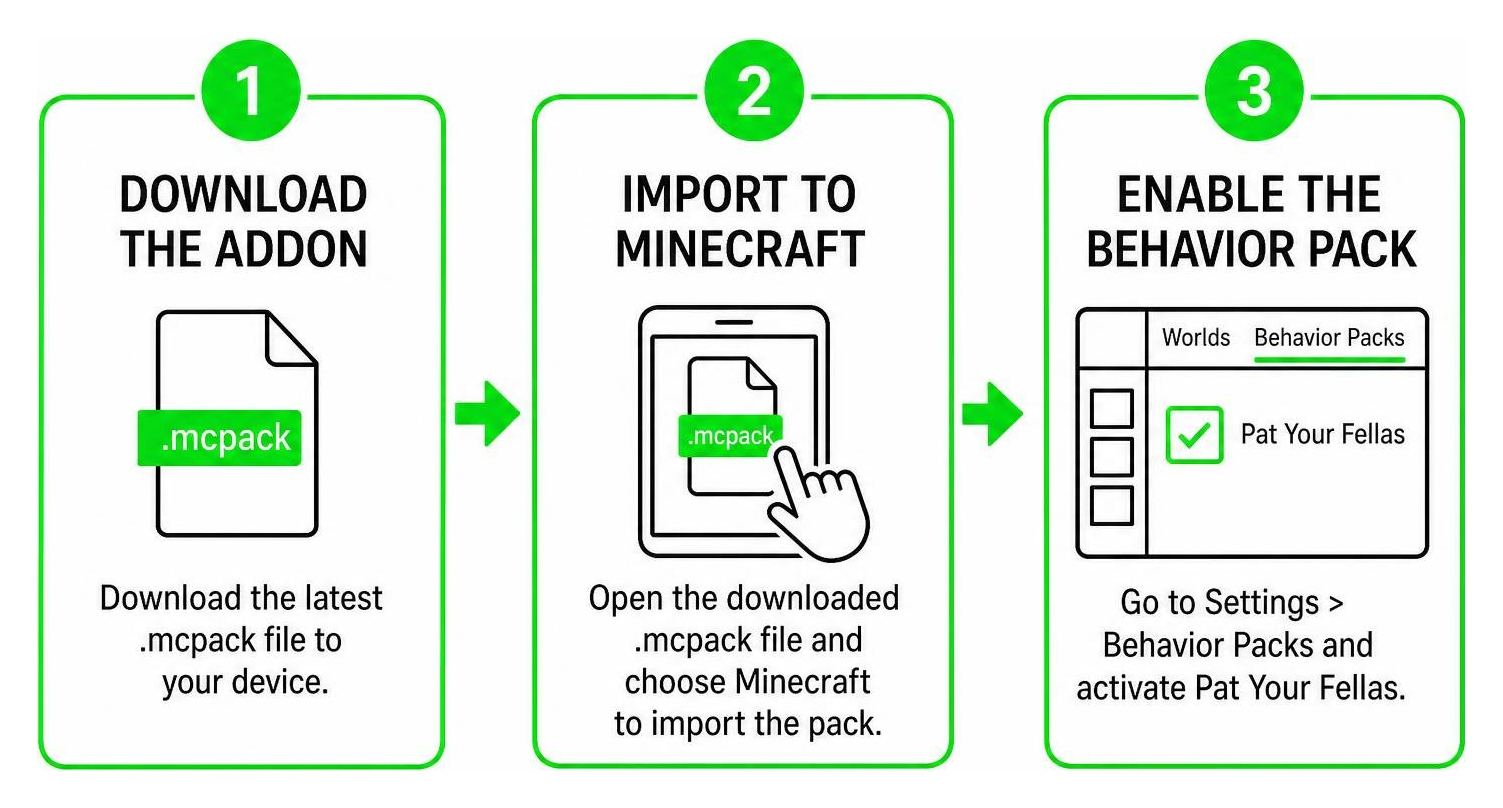
How to Download Pat Your Fellas Addon for Minecraft PE/Bedrock on Mobile
- Download the latest
.mcpackfile from a verified source directly to your mobile storage. - Open your device’s file manager (the default Files app on iOS or your preferred file explorer on Android).
- Locate the downloaded file, tap on the
.mcpackfile, and choose Minecraft when prompted to select an application. - Launch Minecraft and watch for the top notification banner confirming “Import Started” followed by “Import Successful.”
- Open your world’s settings menu, scroll down the left sidebar to Resource Packs, locate the pack under “My Packs,” and click Activate.
- Switch to the Behavior Packs section in that same menu and verify that the corresponding behavior component is active.
- Enter your world and test the petting mechanic on a tamed pet or farm animal.
Installing on Windows 10 and Consoles
On Windows 10 and 11, the installation process is practically instantaneous and requires just a few clicks:
- Double-click the downloaded
.mcpackfile from your Downloads folder. Windows will launch Bedrock Edition automatically and import the resource and behavior files into your internal client. - Open your world edit screen, enable the pack in both the Resource and Behavior tabs, and load into your game.
- If you are managing a multiplayer Realm or dedicated server, activate the pack on your local PC world first, then upload the world directly to your Realm so connecting players on mobile, PC, or console download the assets automatically upon joining.
- Direct browser downloads on standalone PlayStation, Xbox, or Nintendo Switch hardware are restricted by console file system boundaries, but console players can easily enjoy the addon by joining a hosted Realm or local LAN game hosted from a PC or mobile device.
For more background on how Bedrock Edition handles custom content, you can review the official Minecraft Bedrock Edition documentation.
Compatibility, Mob Support, and Gameplay Setup
To guarantee smooth performance and avoid animation glitches across your worlds, always make sure your pack load order is properly organized. If you use decorative mods like a modern furniture addon or cozy landscaping sets like a garden decorations pack, keep Pat Your Fellas near the top of your behavior pack hierarchy to avoid interaction overlaps.
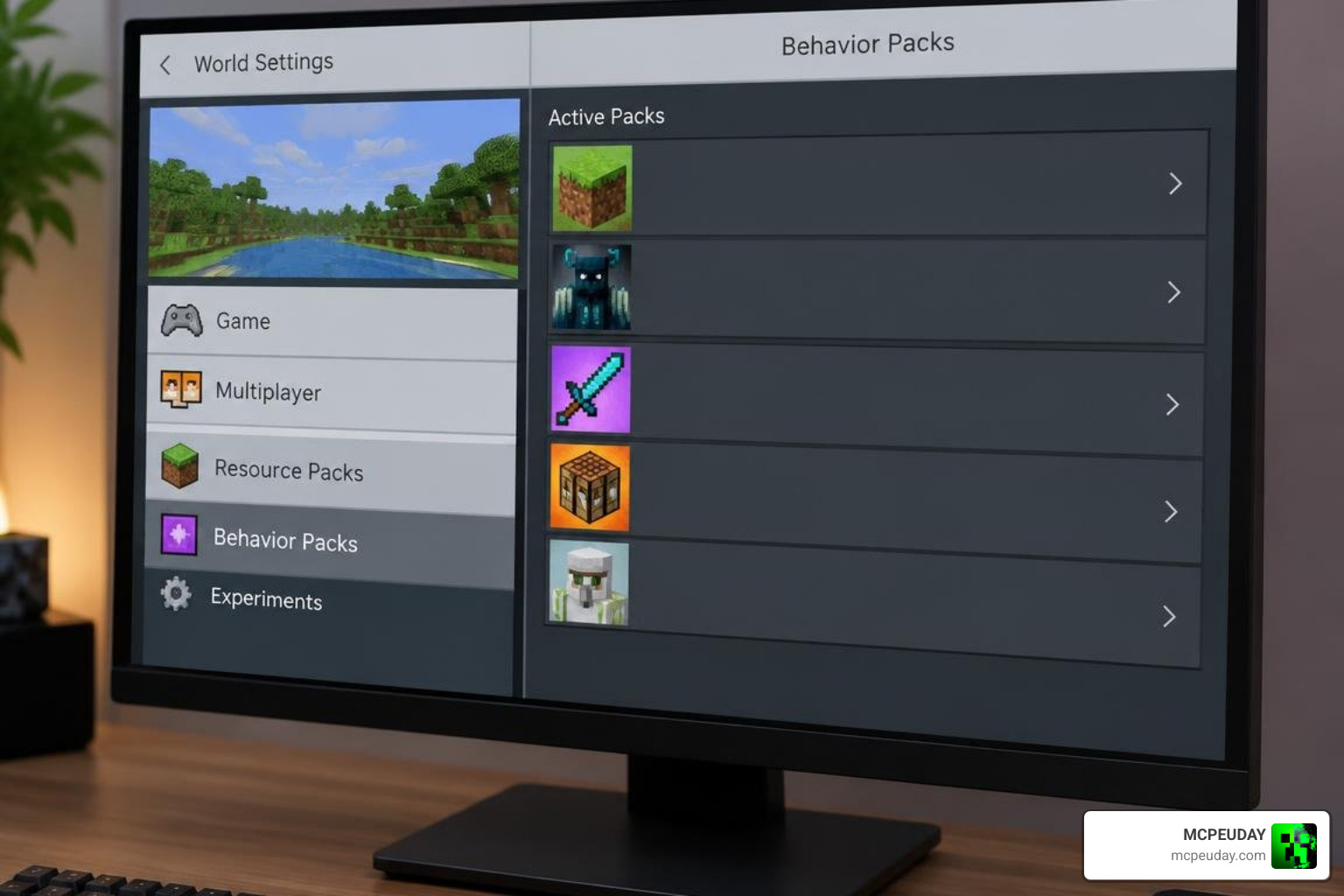
Experimental Toggles and Version Requirements
Modern Bedrock builds often require specific toggle settings when running custom entity behaviors and hand animations. When creating a new world or editing an existing save file, head to the Experiments tab in world settings and check the following toggles:
- Beta APIs (Turn ON if your specific add-on build utilizes custom scripting engines)
- Holiday Creator Features (Recommended for seamless animation and interaction compatibility)
- Molang Features (Ensures visual render queries and custom hand models display correctly)
- Upcoming Creator Features (Ensures newly updated Bedrock interaction components load smoothly)
Troubleshooting Pat Your Fellas Addon for Minecraft PE/Bedrock on Bedrock Edition
If you encounter missing animations, unresponsive prompts, or particle errors, work through these practical troubleshooting checks:
- Check Hand Status: Make sure your main hand is completely empty before attempting to pet an animal, as holding items will trigger feeding, placing, or attacking instead.
- Taming Verification: For wolves and cats, confirm they are fully tamed and not currently locked into an aggressive targeting state against hostile mobs.
- Pack Priority Ordering: Open your world’s behavior pack menu, ensure Pat Your Fellas is placed above generic entity overhauls, and re-apply the pack.
- Clear Cached Data: If textures appear broken or pink, clear your Minecraft resource cache via Settings > Storage > Cached Data and re-import the pack files.
- World Backup Routine: Always duplicate your favorite survival worlds before enabling experimental gameplay settings to preserve your progress.
Frequently Asked Questions about Pat Your Fellas Addon
How do you trigger the petting animation in Minecraft PE?
To pet an animal on mobile touch controls, empty your main hand completely, crouch (sneak) next to the mob, and tap the contextual interaction prompt that appears on screen or tap and hold directly on the animal.
Does Pat Your Fellas work on tamed wolves and cats?
Yes, it works seamlessly with any tamed wolf, cat, or horse carrying the standard vanilla is_tamed component tag. The addon checks for this state and displays heart particles during the animation.
Is the addon compatible with Minecraft Bedrock 1.21?
Yes, the current version is fully compatible with recent Minecraft Bedrock 1.21 updates, maintaining stable scripts, smooth frame rates, and zero conflicts with standard vanilla gameplay.
Can I use Pat Your Fellas with other mob interaction addons?
It is best to run only one mob petting add-on at a time in a single world. Multiple interaction packs can conflict because they may both attempt to modify identical mob behavior files. If you want to switch add-ons, deactivate the old pack in world settings before enabling the new one.
Does the addon affect game performance on low-end devices?
No. The pack is under 400 KB and uses lightweight animations and particle effects. It does not spawn heavy entity clusters or resource-intensive background loops, so it runs smoothly on budget Android and iOS devices.
Can I use this addon in multiplayer Realms and servers?
Yes. When the host player activates the behavior and resource packs in the Realm world settings and enables “Require players to accept resource packs to join,” all connecting friends will automatically download the required files.
Conclusion
The Pat Your Fellas Addon is one of the most charming ways to bring warmth, personality, and emotional connection into your daily Minecraft survival routines. Whether you are returning home from an intense mining expedition, tending to your crop fields, or simply relaxing around your base with friends, being able to pat your furry companions makes every pet feel truly special.
At MCPEUDAY, we pride ourselves on providing tested, high-quality content for Bedrock and PE players worldwide. Explore more Minecraft PE mods and addons to customize your world with the best community creations available today!