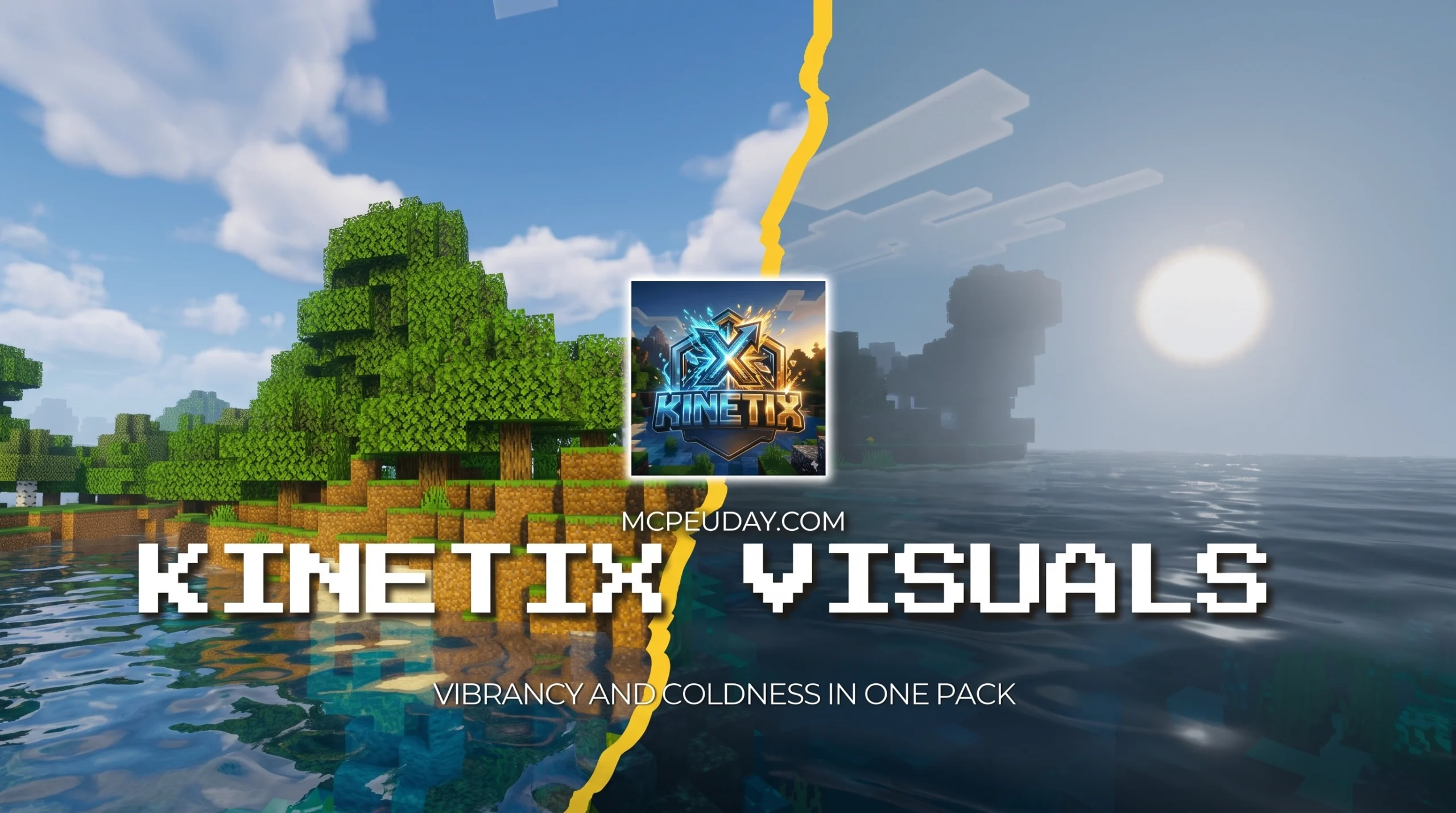
What the Kinetix Visuals Shader Does for Minecraft Bedrock
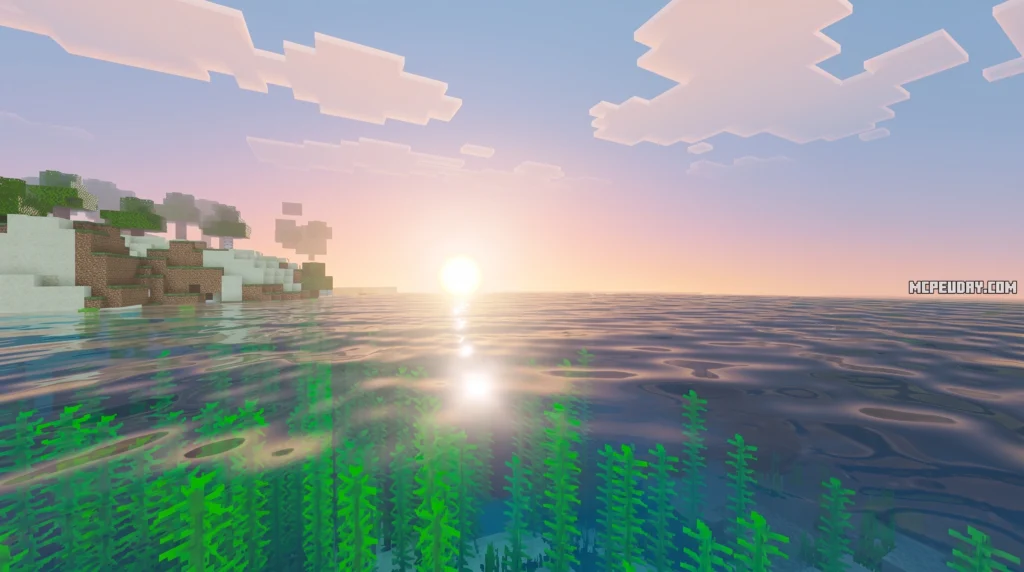
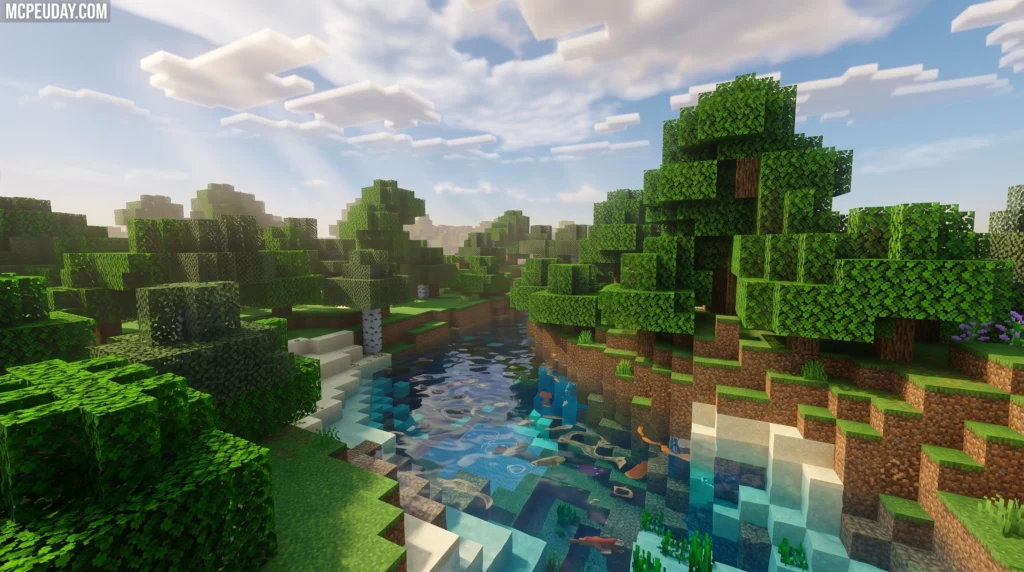
The Kinetix Visuals Shader is a graphics enhancement pack for Minecraft Bedrock Edition 1.21 that upgrades the game’s visuals with more realistic lighting, shadows, and atmospheric effects — all compatible with the RenderDragon engine.
Quick facts at a glance:
- What it is: A RenderDragon-compatible shader pack for Minecraft Bedrock Edition 1.21
- File size: 6.93 MB (.mcpack format)
- Published: May 3, 2026 — updated June 19, 2026
- Downloads: 75 (direct), 16.3k views on listing pages
- Rating: 3.1 out of 5
- How to install: Download the .mcpack file, open it, and select it in your Minecraft texture/shader settings
- Cost: Free to download
If you just want to make your Minecraft Bedrock world look more realistic without a complicated setup, this shader is worth checking out. It’s a lightweight pack that works on modern Bedrock builds — no legacy GLSL hacks needed.
The broader Kinetix name also connects to a deeper world of AI-powered 3D motion tools used by developers and filmmakers. That makes this shader interesting beyond just pretty graphics — but more on that below.
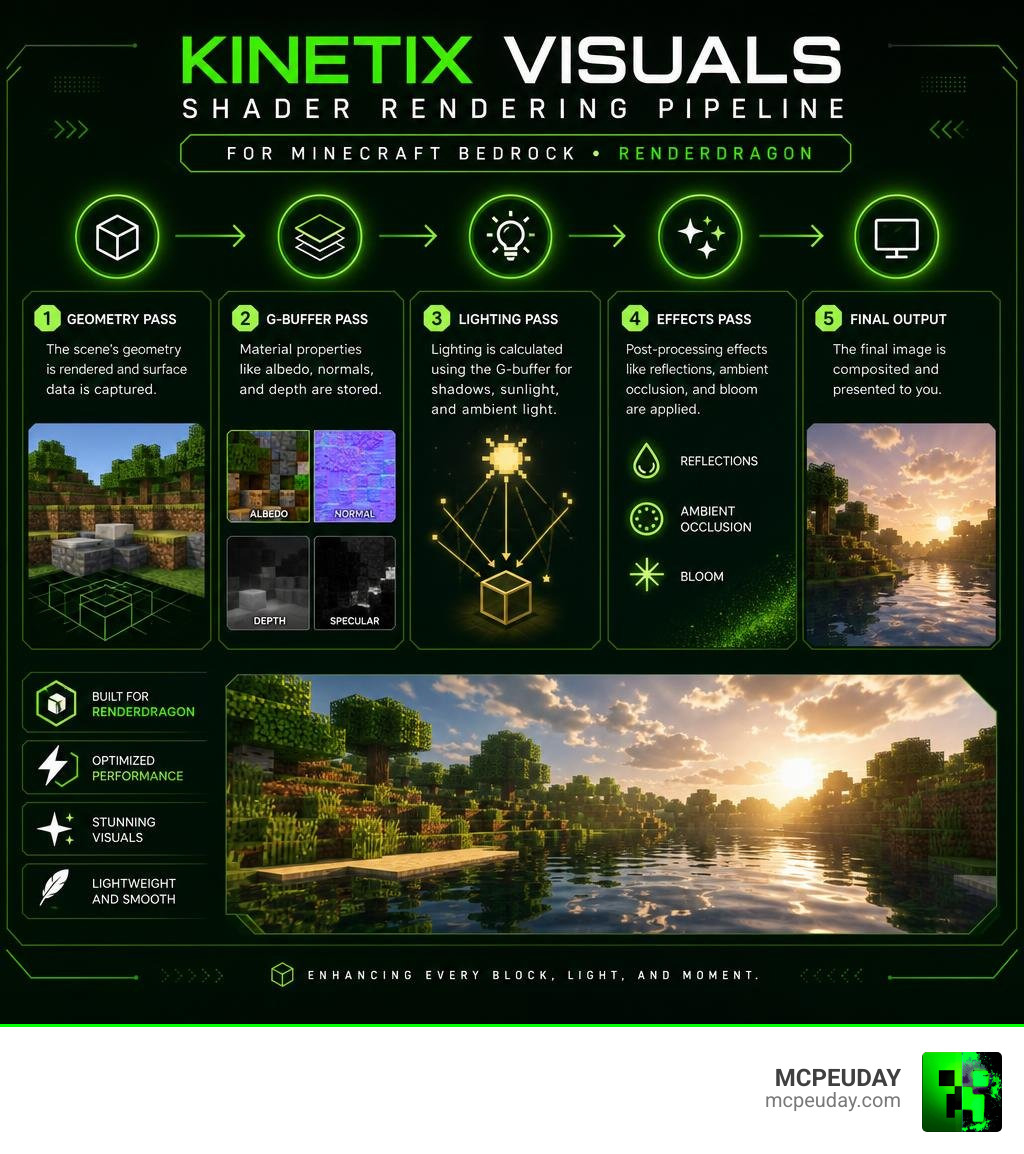
What is the Kinetix Visuals Shader?
To understand why the Kinetix Visuals Shader is making waves in 2026, we have to look at how Minecraft rendering has changed. A few years ago, Mojang introduced the RenderDragon engine. While this was great for game stability, it completely broke traditional GLSL-based shaders. Players who wanted beautiful skies, waving leaves, and realistic water were suddenly left in the dark.
This is where deferred rendering comes into play. Instead of calculating lighting on the fly for every single pixel, modern shaders use deferred rendering pipelines to handle lighting, shadows, and atmospheric effects as a post-processing step.
But the Kinetix Visuals Shader is not just another standard texture pack. It represents a unique bridge between pure gaming aesthetics and advanced visual technology. The core technology behind the name comes from Kinetix , a pioneer in frontier 3D and human motion intelligence.
While the Bedrock-focused .mcpack file gives everyday mobile and console players an easy way to enjoy boosted graphics, the broader framework integrates with machine learning models. It acts as an active interpreter of 3D motion data, translating coordinates into physically grounded visual scenes. Whether you are a player looking for a vibrant world or a creator wanting to build cinematic videos using tools like CineShader , this shader offers a stunning balance of performance and beauty.
Key Technical Features of Kinetix Visuals Shader
What makes this shader stand out from other options on the market? It comes down to how it handles the interaction between light, camera tracking, and physical space. Here are the standout features:
- 3D-Native Conditioning: Unlike traditional shaders that render post-processing effects purely based on 2D screen space, Kinetix uses true 3D coordinate mapping. This ensures that light sources and shadows remain anchored to their actual 3D positions, preventing visual warping when you move your camera.
- Physically Grounded Camera Trajectory: When generating cinematic sequences, the shader works alongside camera paths to ensure that motion feels heavy, realistic, and physically grounded. No more floaty, artificial camera pans.
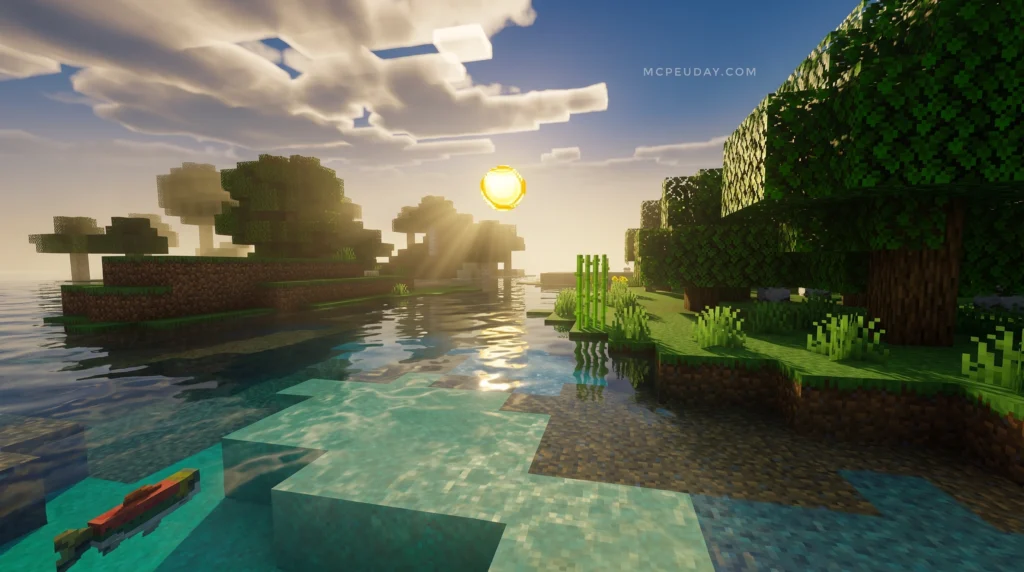
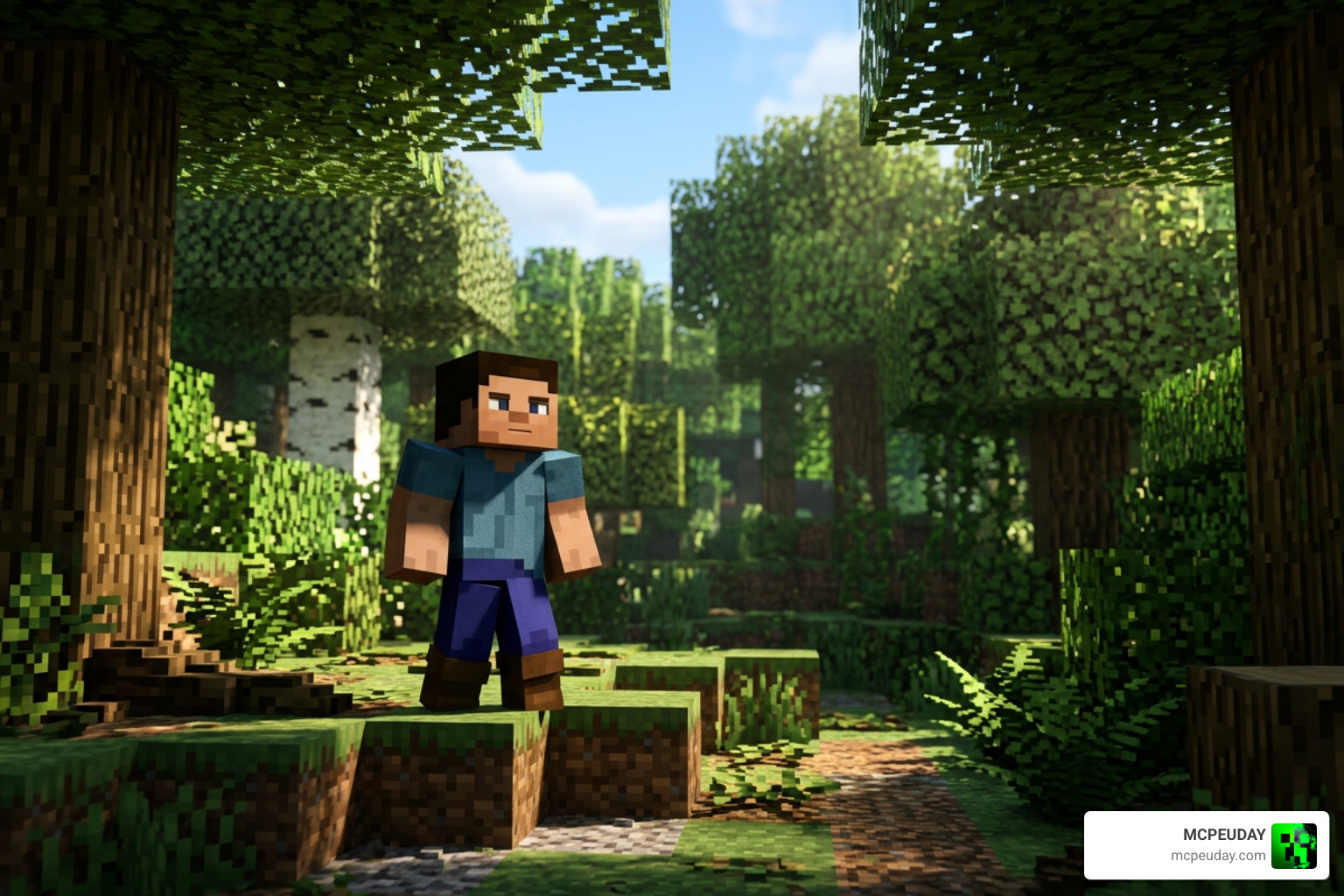
- Dynamic Lighting & Shadow Mapping: The shader calculates real-time directional lighting. Sunlight filters through leaves realistically, and torches cast warm, flickering glows on nearby surfaces.
- Physical Grounding for Characters: By anchoring character feet to the virtual ground plane using collision data, the shader prevents the “sliding” effect often seen in AI-generated animations or low-quality visual renders.
To see how the Kinetix Visuals Shader compares to other popular visual tools and shaders on the market, take a look at our comparison table below:
| Feature / Detail | Kinetix Visuals Shader | kShading | KinoDatamosh | KinoMotion |
|---|---|---|---|---|
| Primary Use Case | Bedrock Graphics & AI 3D Motion | High-end PC Lighting | Glitch & Datamosh Effects | Motion Blur & Physics |
| Platform | Minecraft Bedrock / Unity | Unity / PC | Unity | Unity |
| File Size / Weight | 6.93 MB (Very Lightweight) | Heavy | Medium | Medium |
| AI Integration | Yes (Via Kinetix SDK) | No | No | No |
| Render Engine | RenderDragon / Deferred | Custom URP/HDRP | Post-Processing | Post-Processing |
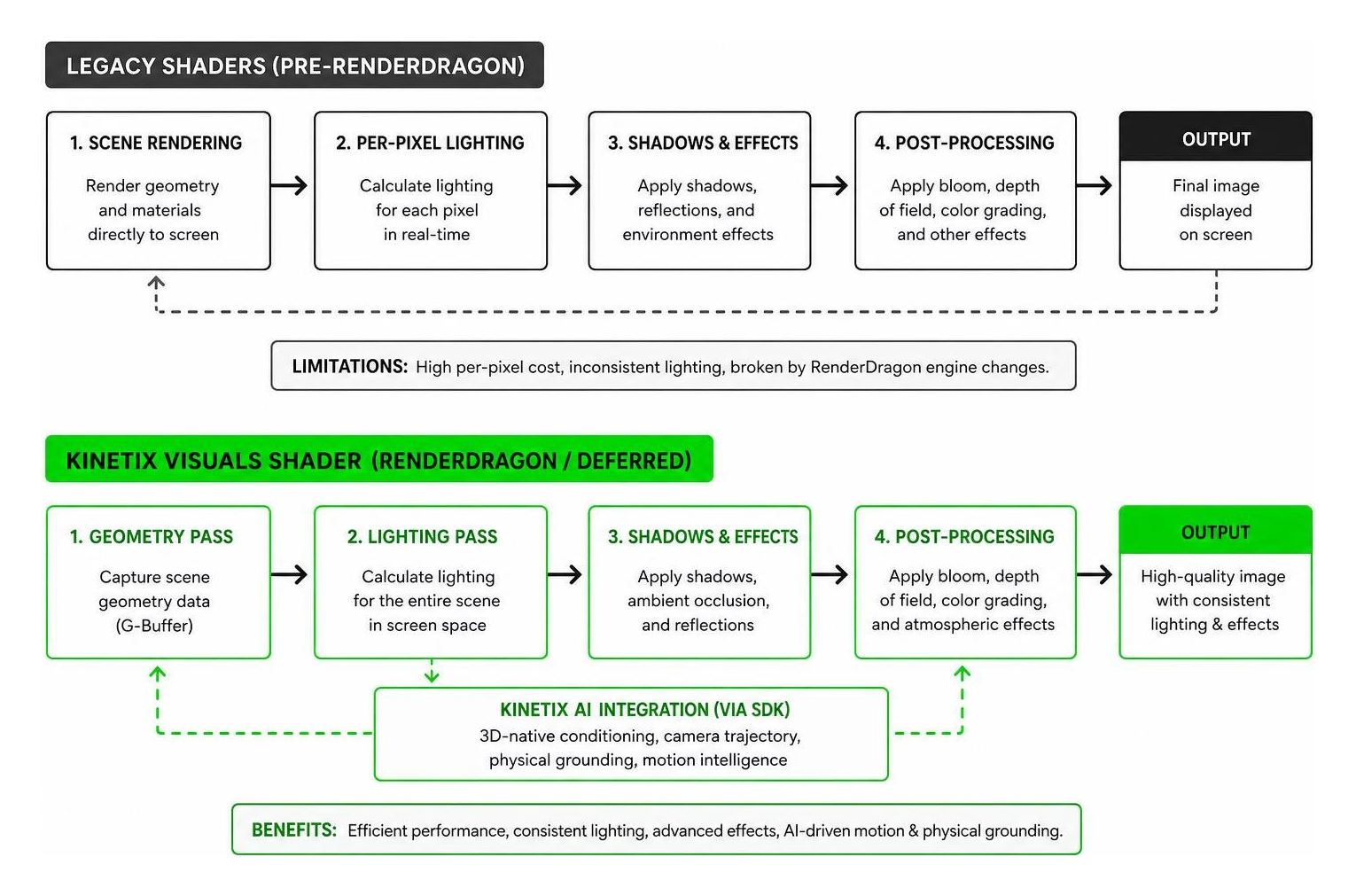
How to Install and Integrate the Shader
Getting the Kinetix Visuals Shader up and running in your Minecraft Bedrock game is incredibly straightforward. Since we specialize in keeping you updated with the absolute best resources, we have simplified the process for you.
Step-by-Step Minecraft Bedrock Setup:
- Download the Pack: Grab the
Kinetix VV V1.0.mcpackfile (which is a comfortable 6.93 MB). - Import to Minecraft: Double-click or tap the downloaded
.mcpackfile. Your device will automatically launch Minecraft and import the pack. - Enable Creator Experiments: Before loading your world, go to the world settings, scroll down to the Experiments tab, and toggle on Render Dragon Features for Creators. This is crucial for deferred rendering to work!
- Activate the Pack: Go to Resource Packs, locate Kinetix Visuals, and click Activate.
- Adjust In-Game Settings: Once inside your world, go to video settings and adjust your deferred rendering strength to match your device’s performance capability.
If you are new to this process and want to make sure you do not miss a step, check out our comprehensive How to Turn On Shaders in Minecraft 2026 Guide.
For those who want to compare this pack with other top-tier options currently active in 2026, we highly recommend reading our curated list of the Best Render Dragon Shaders for MCPE 1.21. If you want a different style altogether, the Newb X Stars Shader for Minecraft PE is another fantastic option for starry night skies, or you can browse our list of the 10 Top Minecraft PE Shaders June 2026.
For professional creators and developers who want to integrate the deeper AI-powered side of Kinetix into Unity, the pipeline is slightly different:
- Export your target animation using the Kinetix platform to convert your video into a 3D motion file.
- Import the 🤩 Kinetix SDK into your Unity project.
- Assign the specialized shader to your character models to replace standard URP materials.
- Configure your camera trajectory and run the rendering pipeline for cinematic results!
Frequently Asked Questions about Kinetix Visuals Shader
What are the system requirements for Kinetix Visuals Shader?
For mobile players on Bedrock, we recommend at least Android 10+ or iOS 14+ with 4GB of RAM. For the best deferred rendering performance without lag, a device with 8GB of RAM running Android 12+ or iOS 16+ is ideal. Developers using the Unity integration will need a modern PC equipped with a dedicated NVIDIA RTX series graphics card to handle the real-time 3D processing.
How does Kinetix Visuals Shader handle AI-powered 3D motion?
The shader works hand-in-hand with the 🤩 Kinetix SDK and their specialized machine learning models (like Kamo-1). Instead of just guessing where pixels should go, it uses 3D-native conditioning to map human motion from standard RGB videos directly into a true 3D coordinate system. You can explore the open-source development behind these physics environments on the official FLAIROx/Kinetix GitHub repository.
Is there a free version of Kinetix Visuals Shader available?
Yes! The Minecraft Bedrock resource pack (.mcpack) is completely free to download and use for your personal survival worlds or creative builds. For game developers and professional animation studios looking to use the advanced SDK features for commercial projects, Kinetix offers premium licensing tiers alongside their free entry-level developer tools.
Conclusion
Whether you are a casual Minecraft Bedrock player looking to breathe new life into your blocky worlds or an indie filmmaker exploring the cutting edge of AI-driven visual effects, the Kinetix Visuals Shader has something incredible to offer. By blending lightweight rendering optimization with advanced 3D motion intelligence, it represents the exciting future of real-time game graphics in 2026.
Ready to completely transform your gaming experience? Head over to our ultimate guide on the Best Shaders for MCPE 1.21 2026 and download the perfect graphics upgrade for your device today! Also, don’t forget to watch this helpful video on the Top 5 Vibrant Visuals Shaders For Minecraft Bedrock 2026! – YouTube to see these packs in action.