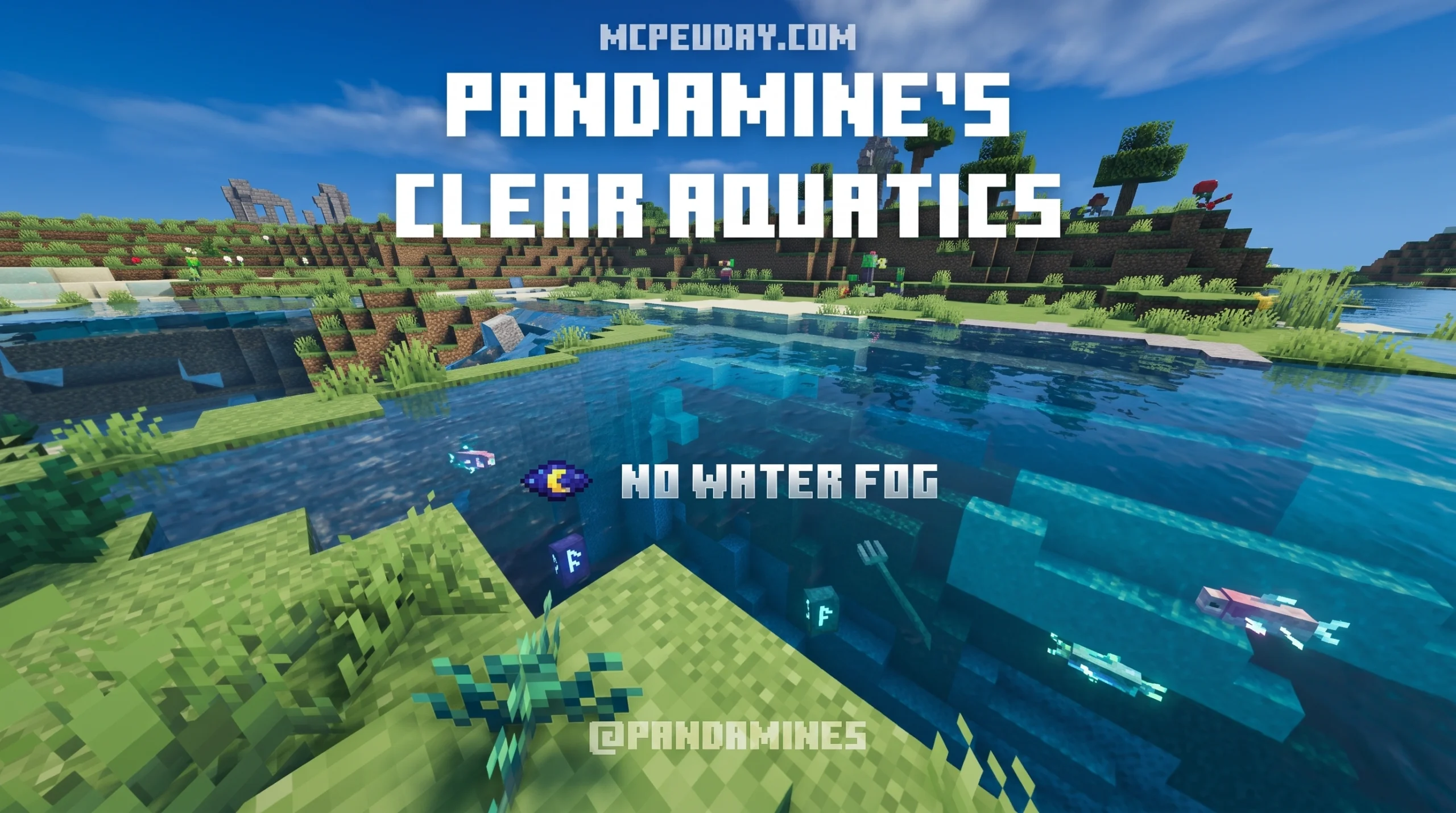
Why PandaMine’s Clear Aquatics Shader Is the Best Clear Water Pack for Bedrock in 2026
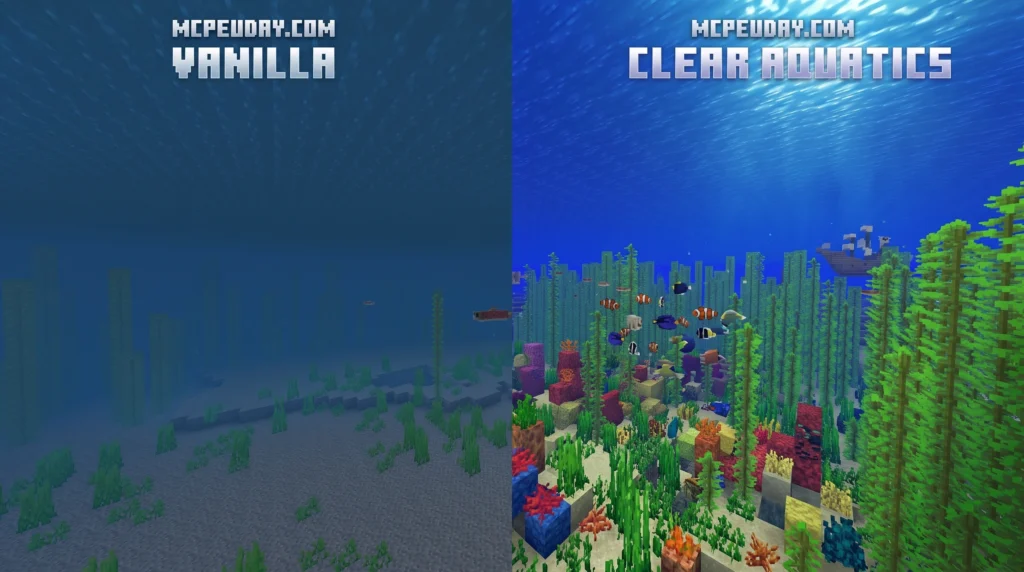
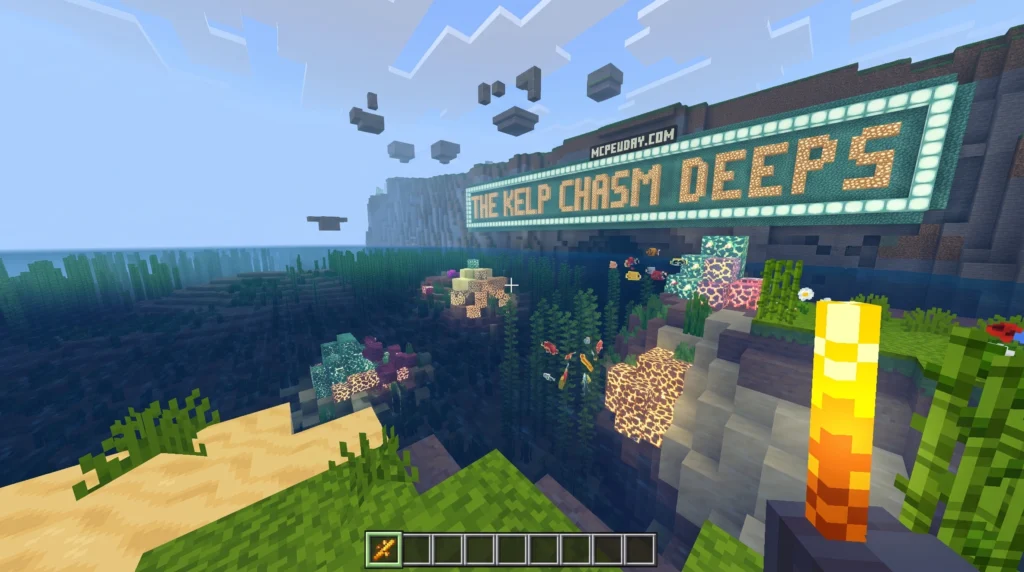
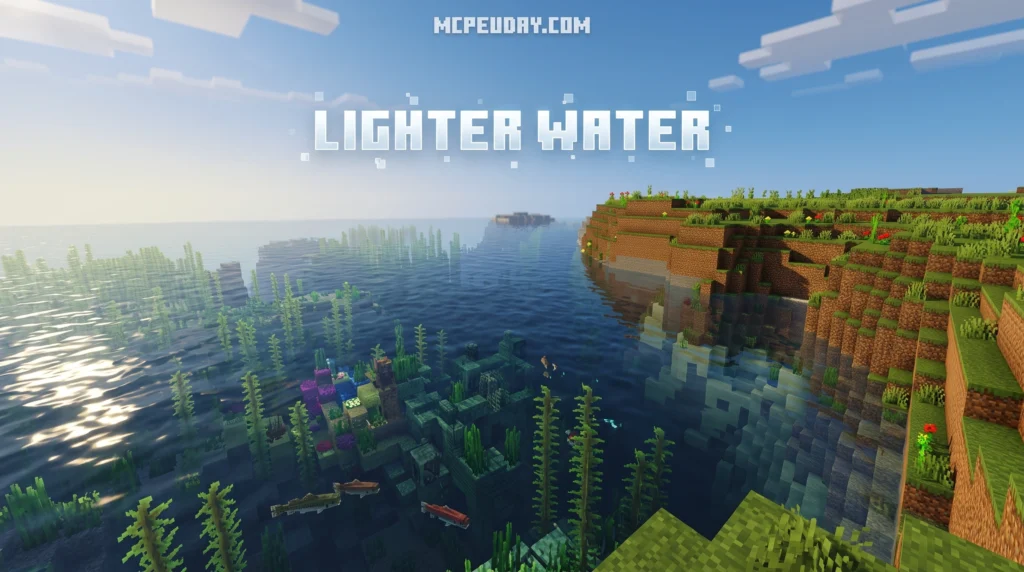
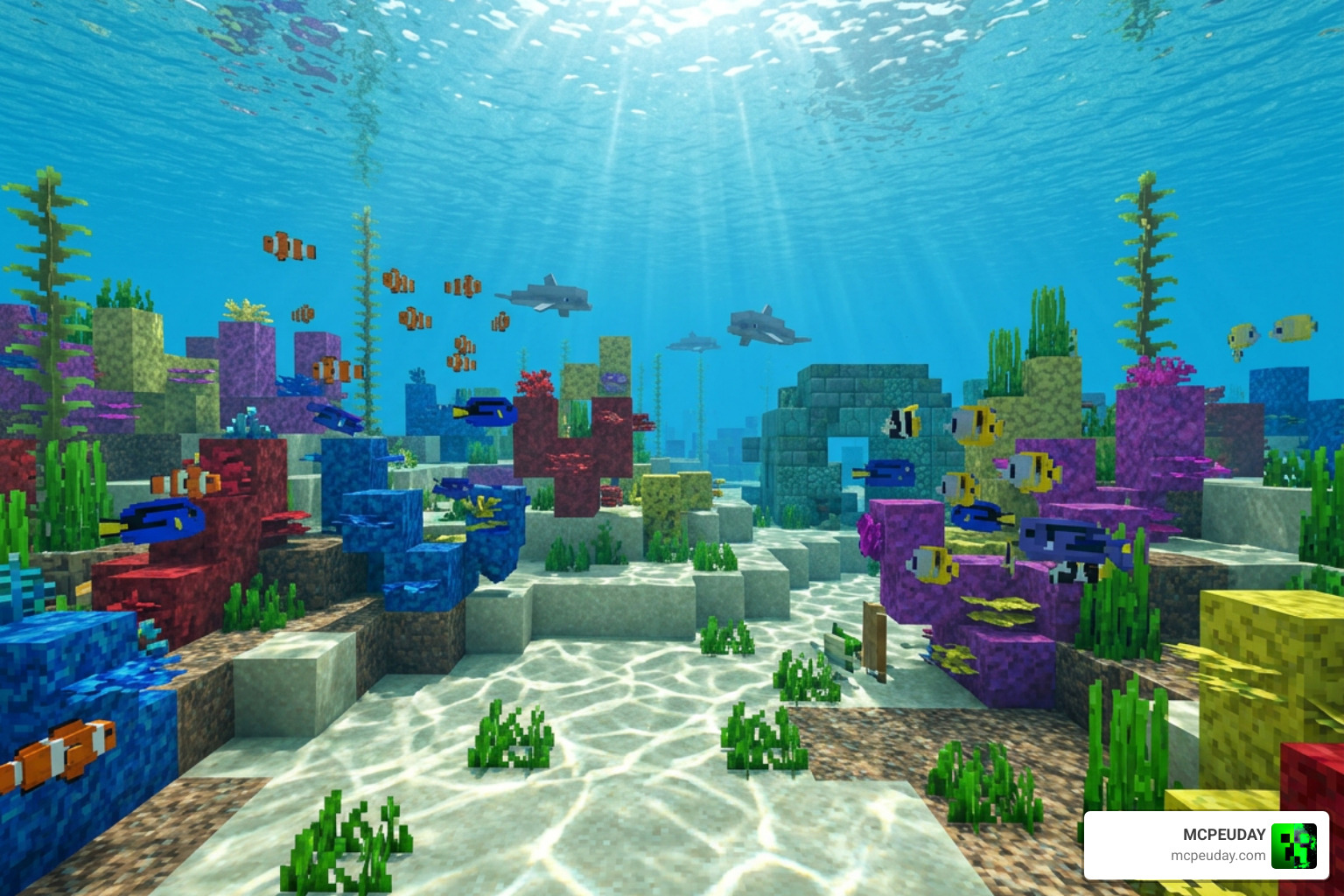
PandaMine’s Clear Aquatics Shader is a lightweight texture pack for Minecraft Bedrock Edition that removes underwater fog and makes water completely clear — giving you visibility similar to having Night Vision active at all times.
If you just want the quick facts:
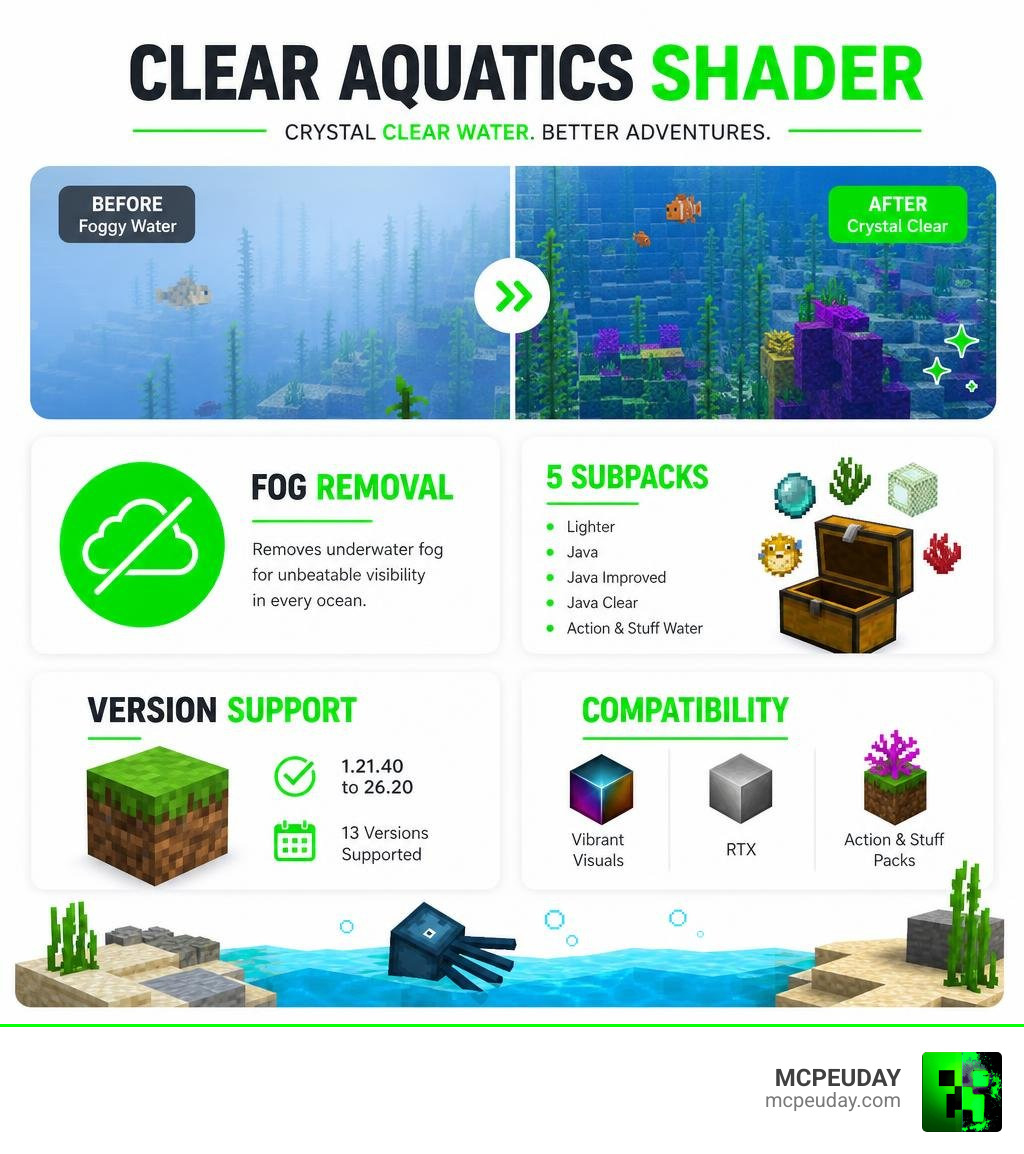
- What it does: Removes underwater fog and makes water transparent
- Subpacks: 5 options — Lighter, Java, Java Improved, Java Clear, and Action & Stuff water
- Compatible with: Vibrant Visuals, RTX, and Action & Stuff packs
- Supported versions: Minecraft Bedrock 1.21.40 through 26.20 (13 versions)
- Downloads: 16,200+ with a 4.2 rating from 1,917 ratings
- File size: Under 200 KB — very lightweight
- Where to place it: Above all other texture packs in your resource stack
Swimming underwater in vanilla Minecraft Bedrock can feel frustrating. The murky fog cuts your visibility short, making ocean exploration and underwater builds feel clunky. Clear Aquatics fixes exactly that — no mods, no Night Vision potions needed.
What is PandaMine’s Clear Aquatics Shader
At its core, PandaMine’s Clear Aquatics Shader is a highly optimized visual enhancement pack designed to rescue Bedrock players from the dreaded muddy, white-hazed water rendering. With over 16.2k downloads and a stellar 4.2-star rating from thousands of players, it has quickly become one of the top-rated community resources for ocean explorers. It addresses one of the most persistent complaints in the Bedrock community: the lack of clear underwater visibility.
While Mojang’s modern Render Dragon engine has made traditional shaders difficult to run on mobile devices and consoles, this pack acts as a lightweight shader-texture hybrid. Render Dragon changed how Minecraft processes graphics, locking down many of the old rendering techniques that community developers used to rely on. This left players with default, murky water that severely limits exploration. PandaMine’s pack bypasses these limitations by altering the way water and underwater fog are rendered directly within Bedrock’s engine.
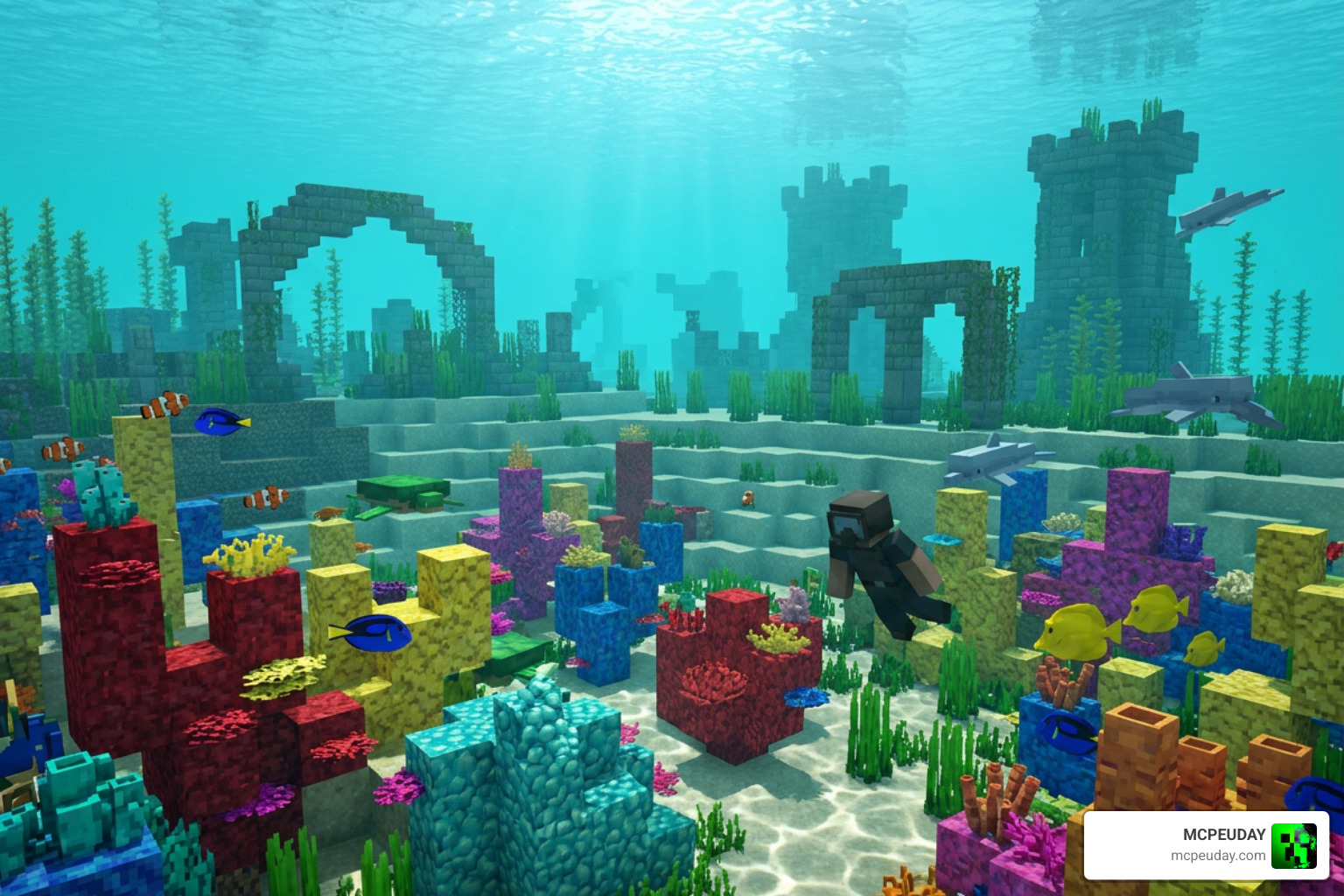
Instead of forcing your GPU to render heavy, performance-destroying volumetric waves or complex lighting calculations, it strips away the thick underwater fog and customizes the water surface texture. The result is crystal-clear visibility that lets you see reefs, ruins, shipwrecks, and drowned enemies from chunks away. This is incredibly useful for survival players who want to locate ocean monuments or gather resources without constantly needing to resurface or consume valuable potions.
Whether you are playing on a high-end PC, a console, or a budget mobile device, we at MCPEUDAY highly recommend adding this to your global resources to instantly modernize your game’s aquatic aesthetics and improve your overall gameplay experience.
Key Features and Subpacks of Clear Aquatics
What makes PandaMine’s Clear Aquatics Shader stand out from basic clear-water texture packs is its incredible flexibility. Instead of forcing a single aesthetic on every player, it features five distinct subpacks and supports unique environmental biomes like sulfur caves, ensuring that your underwater world looks exactly how you want it to.
Visual Enhancements of PandaMine’s Clear Aquatics Shader
The primary visual enhancement is the complete removal of the underwater “white haze” and murky fog. In vanilla Minecraft, swimming deeper into the ocean gradually decreases your visibility, replacing vibrant coral reefs with a dull, monochromatic blue or grey screen. By stripping these fog layers, the shader gives you a permanent, passive night-vision effect whenever you submerge.
This makes underwater block placement, monument raiding, and deep-sea mining a breeze. You can easily spot diamond veins in flooded caves or navigate complex underwater ravines without getting lost. Best of all, it does this without distorting the colors of your surrounding blocks, preserving the natural beauty of the game’s textures. If you want to combine this with other visual overhauls, you can check out our curated list of Minecraft Shaders Download for Android to find the perfect companion pack.
The 5 Subpacks of PandaMine’s Clear Aquatics Shader
When you activate the pack, you can click the gear icon (settings) in your Global Resources menu to cycle through five custom water styles, allowing you to tailor the visual experience to your personal preference:
- Lighter Water: A bright, tropical tint that keeps the classic Minecraft feel but opens up visibility significantly. It is perfect for players who still want to feel like they are swimming in water while enjoying enhanced clarity.
- Java Water: Matches the exact color and transparency profile of Minecraft Java Edition. This is ideal for players who prefer Java parity and want their Bedrock worlds to look identical to the PC version.
- Java Improved Water: Takes the standard Java water style and adds a touch of modern clarity and color correction. It bridges the gap between classic Java aesthetics and modern high-definition rendering.
- Java Clear Water: The ultimate transparency profile. It removes almost all water surface texture, making the water look like polished glass. From above, it looks like there is no water at all, which is fantastic for showcasing underwater builds.
- Action & Stuff Water: Specifically configured to match the visual style and animations of the incredibly popular “Action & Stuff” resource pack, ensuring seamless compatibility and a unified aesthetic.
Compatibility and Performance Impact
Many players worry that changing water rendering will tank their frame rates, especially on mobile devices or older consoles. Fortunately, PandaMine’s Clear Aquatics Shader has virtually zero performance cost, making it an excellent choice for low-end devices.
Because it works by removing rendering elements (like heavy fog layers, complex opacity calculations, and dense particle effects) rather than adding complex lighting scripts or heavy shaders, many players actually experience a slight, stable boost in FPS when swimming underwater. Instead of struggling to render the murky depths, your device only has to render the clear blocks and entities, reducing the overall graphical load.
It is fully compatible with Minecraft’s modern Render Dragon engine, ray tracing (RTX) setups, and other popular graphics enhancers like Vibrant Visuals. This means you can run it alongside your favorite resource packs without worrying about crashes or visual glitches. To see how it stacks up against heavier graphics engines, take a look at our Best Render Dragon Shaders for MCPE 1 21 Tested on Real Devices 2026 Guide.
Subpack Performance & Aesthetic Comparison
Below is a detailed breakdown of how each subpack performs and what visual style it offers, helping you choose the perfect option for your device:
| Subpack Name | Transparency Level | Performance Impact | Best Suited For |
|---|---|---|---|
| Lighter Water | Medium-High | None (0% FPS drop) | Casual survival play |
| Java Water | Medium | None (0% FPS drop) | Java parity purists |
| Java Improved | High | None (0% FPS drop) | Modern, clean look |
| Java Clear | Maximum | Minor FPS Improvement | Underwater builders & miners |
| Action & Stuff | High | None (0% FPS drop) | Users of the Action & Stuff pack |
How to Install Clear Aquatics on Android, Windows, and iOS
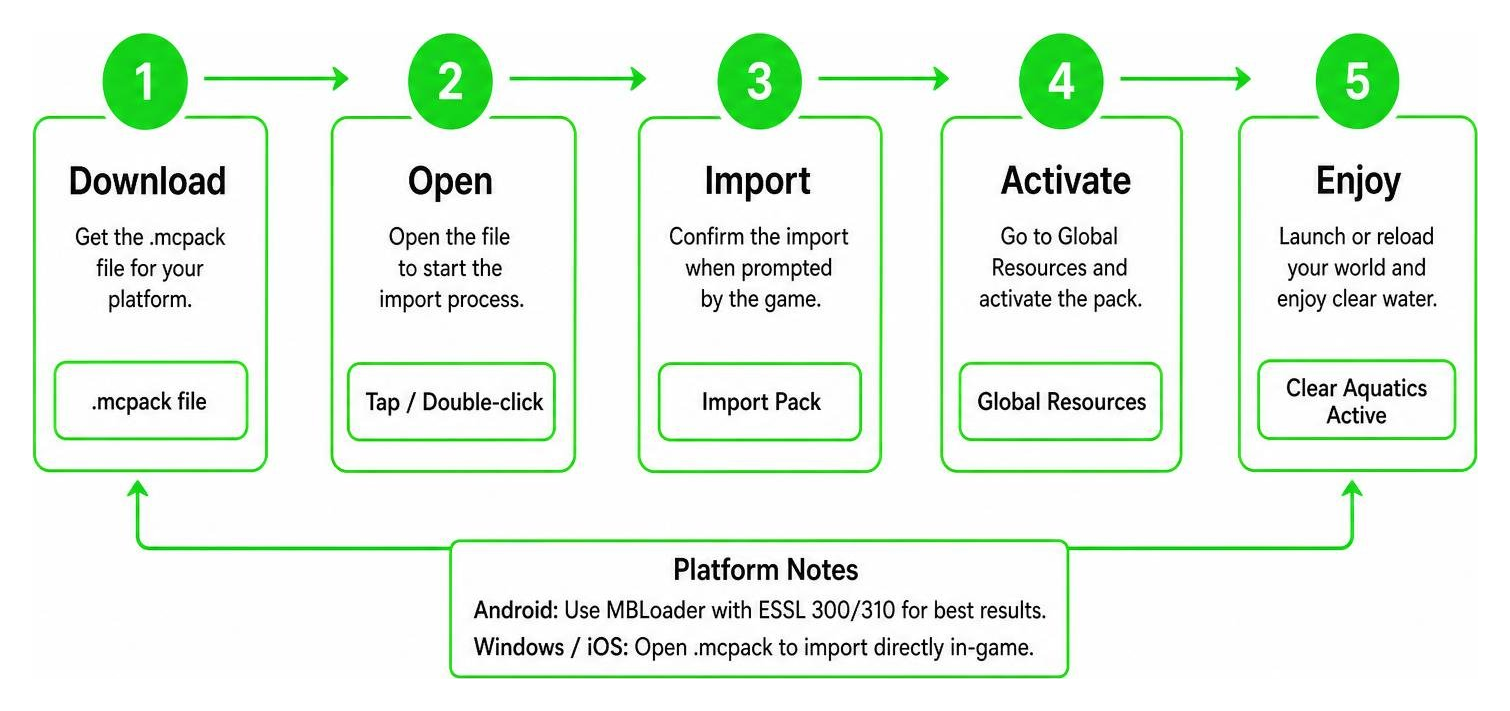
To get this pack running smoothly on your device in 2026, follow our simple step-by-step installation pipeline. Because of Bedrock’s Render Dragon engine, some platforms may require a specialized loader to achieve the best results.
Step-by-Step Installation Guide
For Android Users:
- Download the
.mcpackfile from the official PandaMine’s Clear Aquatics – (Clear Water + No Underwater Fog) page. - For the absolute best experience (and to avoid Render Dragon restrictions), we recommend using a patched APK or MBLoader with ESSL 300/310 support.
- Open the downloaded file using your device’s file manager to automatically import it into Minecraft.
- Go to Settings > Global Resources, activate the pack, and click the gear icon to choose your preferred subpack.
- Crucial Step: Ensure this pack is placed at the very top of your active resource packs list!
For Windows Users:
- Download the pack.
- Double-click the
.mcpackfile to launch Minecraft and import the resource automatically. - If you want advanced shader features alongside clear water, use tools like BetterRenderDragon or Matject.
- Activate the pack in your global settings and move it to the top of your list.
For iOS Users:
- Download the pack to your Files app.
- Share/Open the file with Minecraft to import it.
- Note: If you are using advanced shader configurations on iOS, jailbreaking or utilizing custom third-party launchers may be required depending on your OS version.
Need more help setting up your graphics? Check out our complete How to Turn on Shaders in Minecraft 2026 Guide Java Bedrock MCPE Setup Fast MCPEUday for a deep-dive tutorial.
Frequently Asked Questions about Clear Aquatics
Which Minecraft Bedrock versions are supported?
The pack officially supports 13 major Bedrock versions, spanning from 1.21.40 all the way up to 26.20. The creator regularly updates the pack to ensure future compatibility with major Mojang releases, meaning you won’t have to worry about your water breaking after a game update. Whether you are playing on the latest stable release or testing out experimental beta builds, this pack is designed to remain stable and functional.
Is PandaMine’s Clear Aquatics compatible with RTX?
Yes! It is fully compatible with Vanilla RTX and other ray-tracing setups. When paired with RTX, it strips away the muddy white haze while allowing ray-traced light rays to penetrate deep into the ocean floor, creating breathtaking underwater vistas. You will be able to see realistic light shafts dancing across the ocean floor with absolute clarity, combining the best of realistic lighting and perfect visibility.
What are the licensing and usage terms for this pack?
PandaMine5 has clear guidelines regarding how this pack can be used, and as a community, we should respect these terms:
- Allowed ✅: You are free to use this pack in your personal worlds, modify it for your own private use, and showcase it in YouTube videos (provided you link back to the official PandaMine’s Clear Aquatics – Minecraft PE Texture Packs page to support the original creator).
- Not Allowed ❌: You cannot steal the code, distribute modified versions publicly, or upload the files to third-party distribution sites. Always share the official download links to ensure players get the safe, updated version of the pack!
Conclusion
If you are tired of swimming blindly through murky oceans, PandaMine’s Clear Aquatics Shader is an absolute must-have upgrade for your Minecraft Bedrock setup in 2026. It is incredibly lightweight, offers five gorgeous subpack styles, and costs zero frames per second to run.
Ready to completely transform your Minecraft world’s atmosphere? Head over to our ultimate list of the Best Shaders for MCPE 1 21 2026 Top 3 Realistic Minecraft PE Shaders to discover more amazing graphics packs curated by our team at MCPEUDAY!
клен