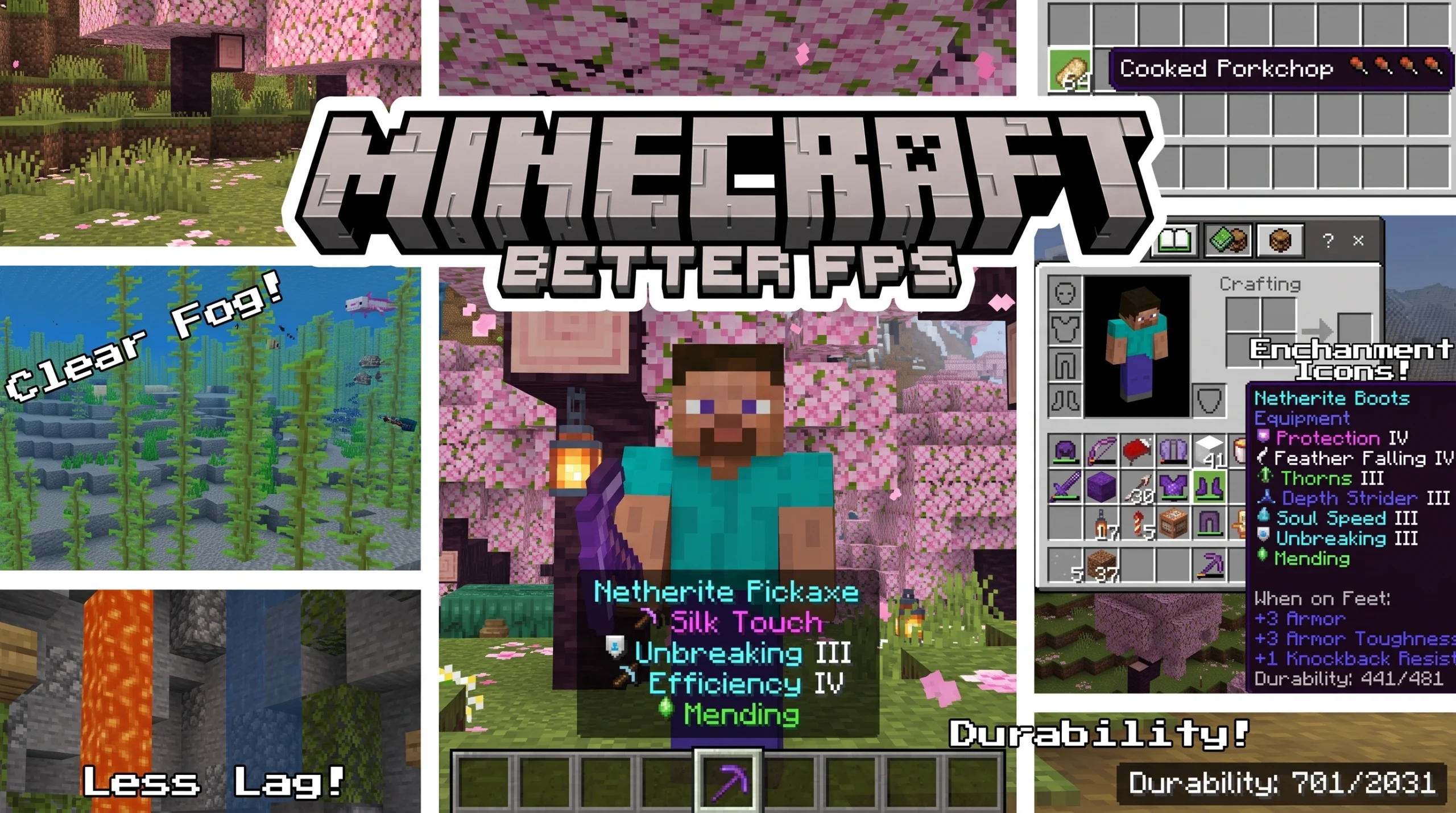
Why Every Minecraft Bedrock Player Needs a Better FPS Addon
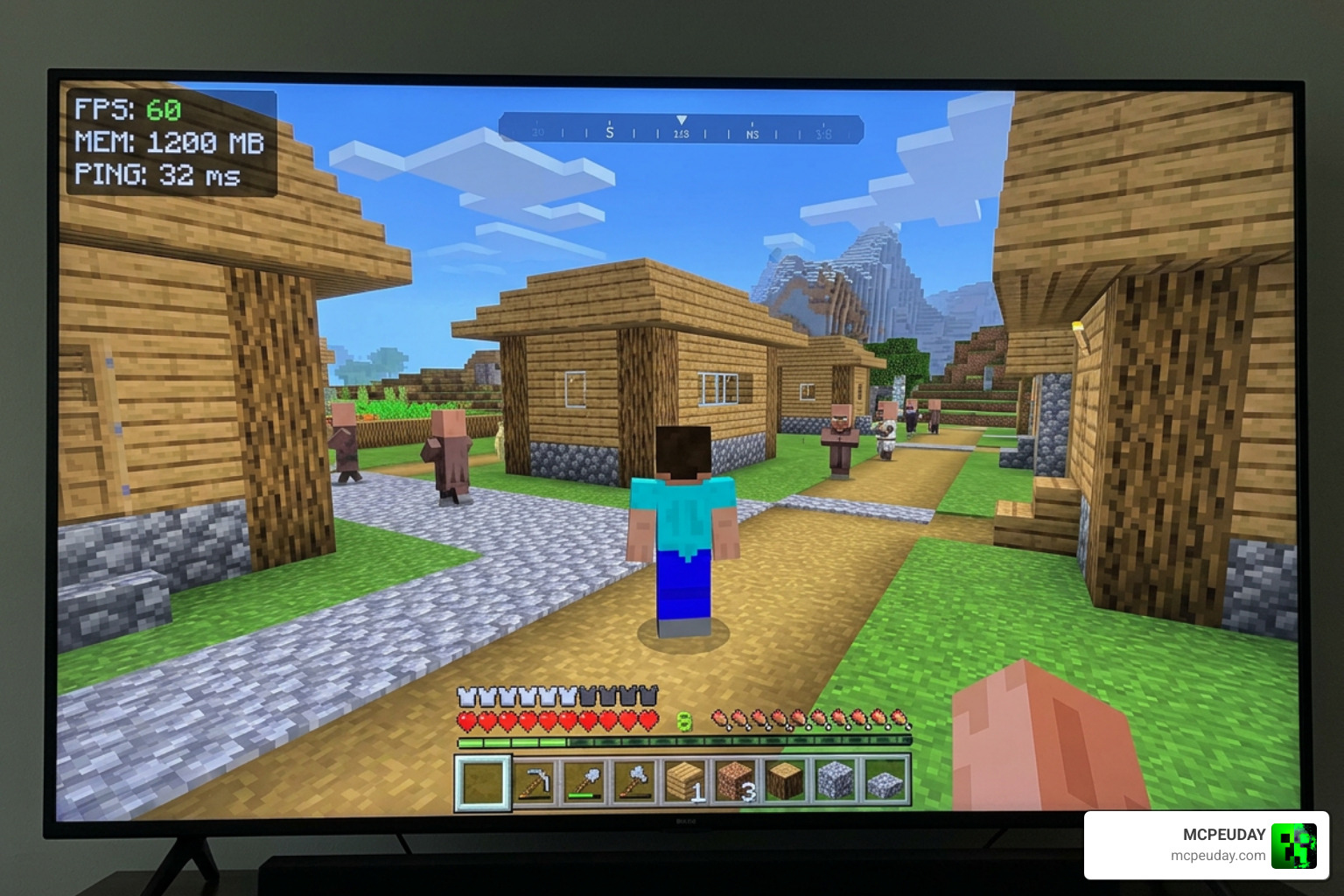
A Better FPS Addon is a texture pack or resource pack for Minecraft Bedrock Edition that improves game performance by removing or simplifying visual effects that slow your device down.
Quick answer — what does a Better FPS Addon do?
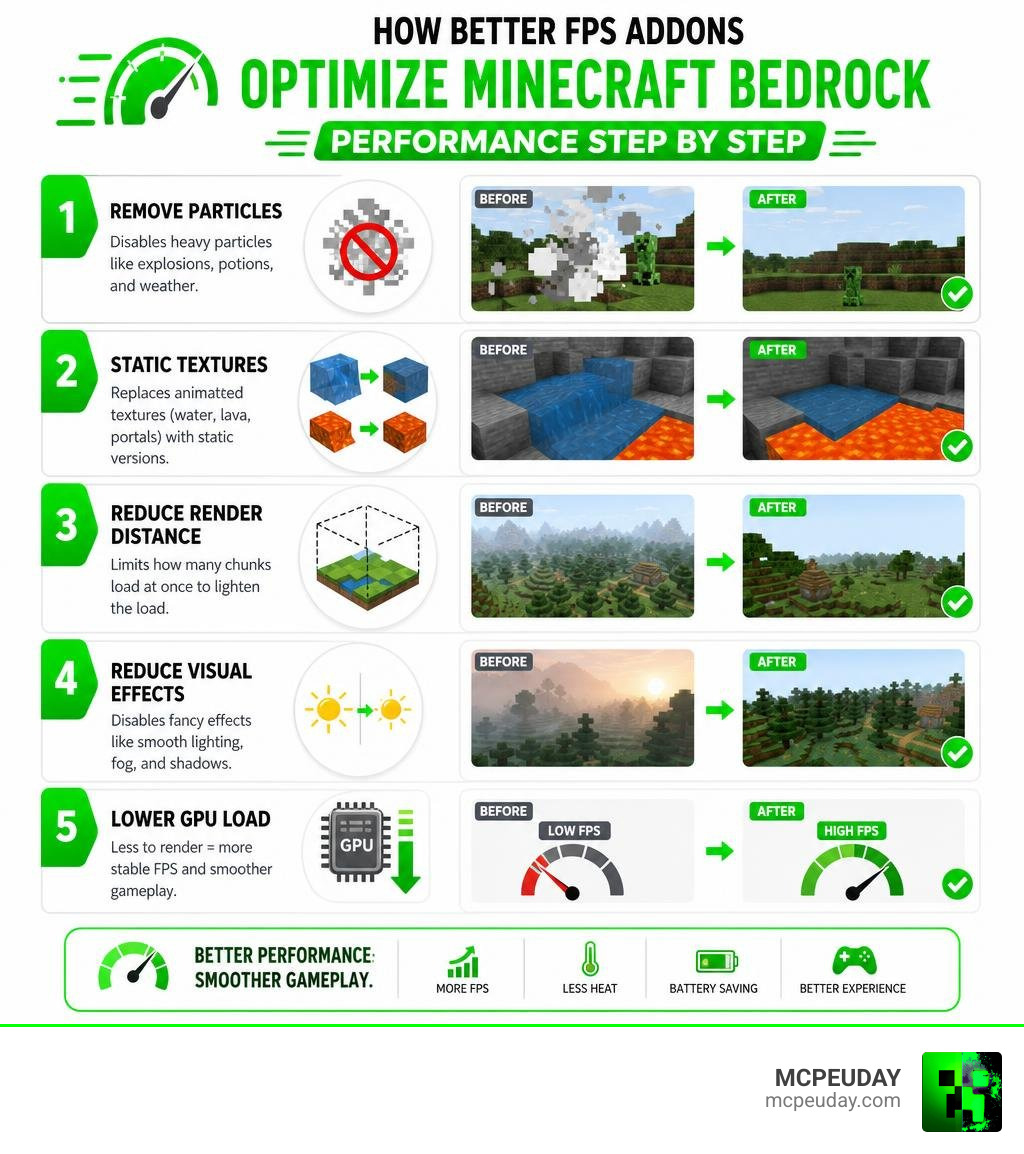
- Removes particle effects (explosions, potions, weather)
- Replaces animated textures (water, lava, portals) with static versions
- Reduces render distance to limit how many chunks load at once
- Lowers GPU load so your game runs smoother on weak hardware
You don’t need to install mods or third-party apps. These packs come as simple .mcpack files that work directly in Minecraft Bedrock.
If your game stutters, drops frames, or overheats your phone — this type of addon is the fastest fix you can try.
Minecraft Bedrock renders particles, animated textures, and fog all at the same time. On a low-end phone or older PC, that adds up fast. Popular FPS booster packs tackle this by stripping out the effects your GPU struggles with most, without changing the core look of the game.
The results can be significant. Packs like these have racked up hundreds of thousands of downloads on platforms like CurseForge — because they actually help.
What is a Better Fps Addon and How Does It Work?
In Minecraft Bedrock Edition, performance optimization often comes down to how efficiently your hardware can process what is on screen. Unlike Java Edition, which relies heavily on deep code-modifying engines, Bedrock is built on a highly optimized C++ codebase. However, integrated graphics cards, older mobile devices, and console processors still struggle under heavy GPU loads.
This is where a Better Fps Addon comes in. Instead of modifying the game’s core binary files, these performance tools are packaged as lightweight resource packs or addons. They work by intercepting and optimizing the visual assets that the game engine renders.
For instance, our highly popular Better Fps Texture Pack simplifies how textures are loaded, drastically lowering memory usage. By using optimized resource configurations, players can enjoy a much smoother experience. If you are looking for a comprehensive performance boost, downloading a dedicated Fps Optimizer pack is one of the easiest ways to clean up cluttered rendering pipelines and eliminate sudden frame drops.
Key Features of Bedrock FPS Booster Packs
The primary goal of any Bedrock FPS booster pack is to remove unnecessary visual elements that eat up processing power. When you are running around a busy multiplayer lobby or exploring a dense jungle, thousands of micro-elements are processed simultaneously.
To combat this, a high-quality Better Fps Addon implements several crucial optimizations:
- Particle Removal: Reduces or completely deletes over 110 different particle effects, including potion splashes, critical hit sparks, explosion smoke, and campfire embers.
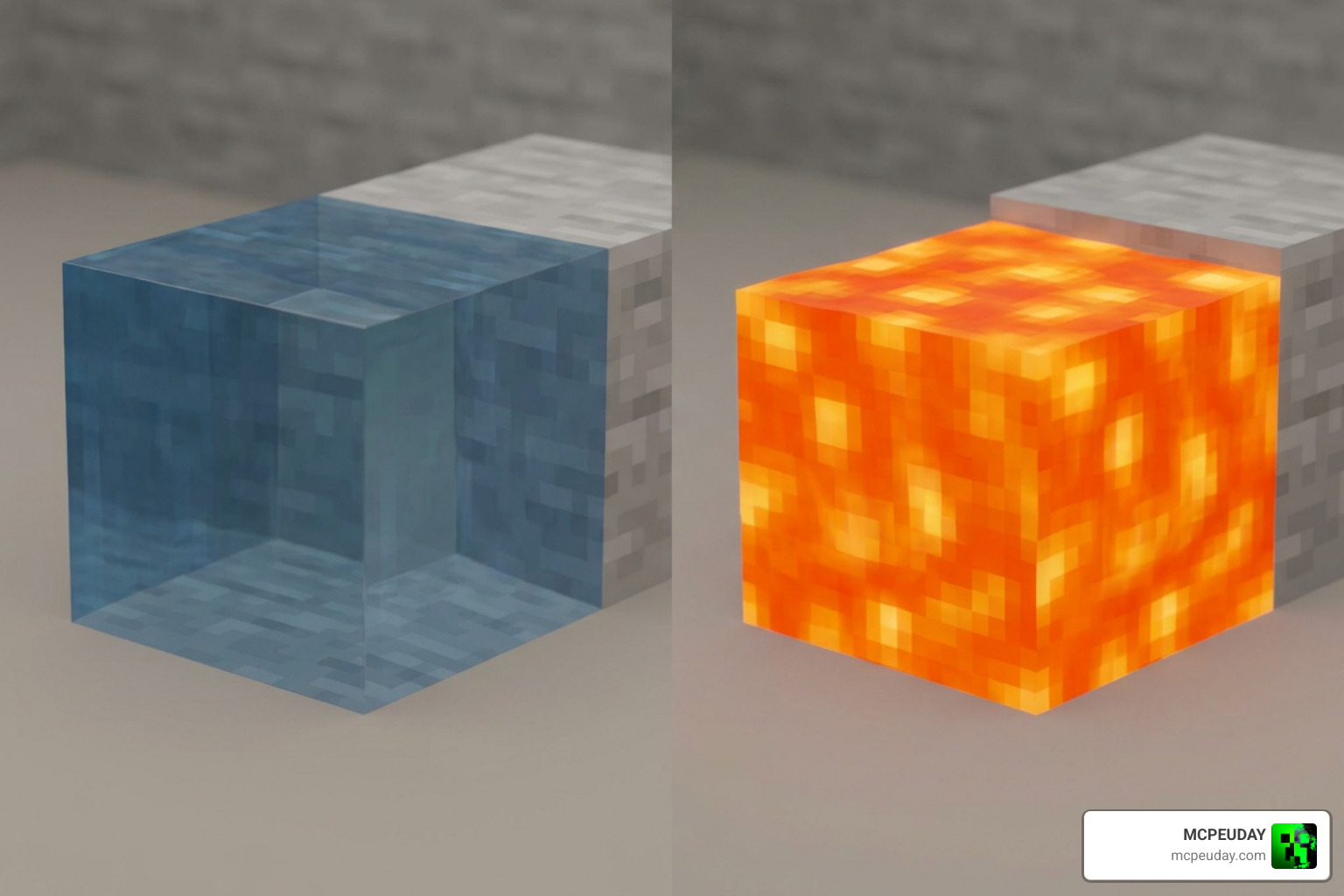
- Static Textures: Swaps out complex animated blocks for high-performance static alternatives.
- Optimized Fog and Skybox: Adjusts up to 71 biome fog settings for cleaner rendering, making it easier on your GPU while actually improving visibility.
- Render Distance Limiters: Features built-in subpacks that cap render distances at 2, 3, or 4 chunks for extremely low-end mobile devices.
These combined adjustments prevent your device from choking during intense activities. For a deeper dive into why Bedrock experiences these bottlenecks in the first place, check out our Why Is Minecraft Bedrock So Laggy Fix Fps Drops Stuttering Lag Spikes 2026 Guide.
How a Better Fps Addon Reduces Animation Lag
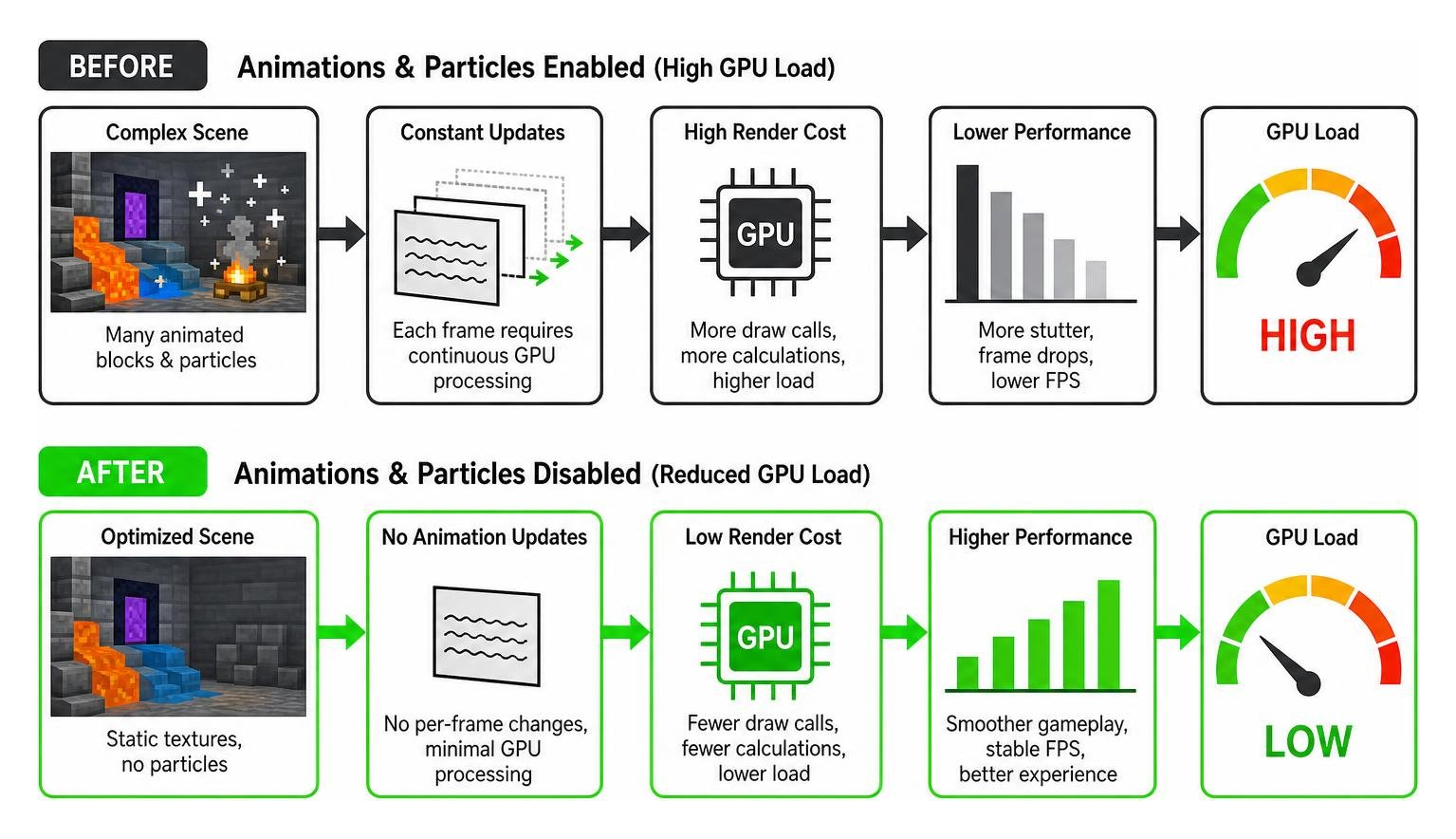
Animated blocks are silent frame-killers. Every single frame of an animated block—like a swirling Nether Portal, bubbling water, flowing lava, or flickering campfire—requires the GPU to continuously update texture coordinates in real-time.
When you apply a performance-focused Better Fps Texture Pack, it replaces these multi-frame animations with single-frame static textures. A static nether portal or motionless water block looks slightly different, but it frees up vital GPU cycles. This change prevents the rapid stuttering often felt when entering a portal room or walking past a massive kelp farm.
Quality of Life Features in a Better Fps Addon
Modern performance packs do not just cut features; they also add incredibly helpful quality-of-life (QoL) upgrades to the user interface. Popular options like the Better Fps (Fps Boost) – Minecraft Bedrock Texture Packs resource pack on CurseForge (which has over 28,000 downloads) seamlessly blend optimization with gameplay enhancements:
- Durability Viewer: Displays the exact remaining durability of your tools, weapons, and armor directly on your HUD and inventory tooltips, complete with low-durability warnings.
- Food Stats Display: Shows the exact hunger points restored by 41 different vanilla foods directly on their item names using custom drumstick icons (or skull icons for harmful foods like rotten flesh).
- Color-Coded Enchantment Icons: Adds custom pixel art next to enchantment names, color-coded by category (e.g., green for protection, red for damage) across 42 different enchantments.
- Clear Glass & UI: Removes annoying lines from glass blocks and streamlines the HUD for an unobstructed view of the battlefield.
Bedrock Texture Packs vs. Java Edition Mods
When comparing performance upgrades, it is essential to look at the differences between Minecraft Bedrock and Java Edition. Java Edition relies heavily on community-made, open-source performance mods like OptiFine, Sodium, and the classic BetterFps mod.
To understand how these systems differ, let us look at the technical mechanics:
| Feature / Metric | Bedrock FPS Addons (Texture Packs) | Java Edition Performance Mods |
|---|---|---|
| How It Works | Simplifies visual assets, removes particles, and limits rendering. | Rewrites rendering pipelines, optimizes math, and changes game logic. |
| Installation | Single-click .mcpack import (no third-party software needed). | Requires mod loaders like Forge, NeoForge, or Fabric. |
| Multiplayer Safety | 100% safe. Runs entirely client-side without triggering anti-cheat. | Generally safe, but some server-side logic changes can cause issues. |
| Render Distance | Caps render distance or simplifies environment textures. | Uses custom algorithms like 3D circular radius rendering. |
In Java Edition, mods like the classic BetterFps (which has over 100 million downloads on CurseForge) optimize internal mathematical algorithms. As detailed in the BetterFps – Official Feed The Beast Wiki, the mod allows players to benchmark and choose different Sin/Cos algorithms (like Riven’s or Taylor’s) to speed up calculations. It also optimizes hoppers, beacons, and creative searches.
Similarly, mods like Better FPS – Render Distance (with over 23 million downloads) change how the game loads chunks. Instead of rendering chunks in a standard square or cylinder, it uses a 3D circular radius that can be stretched horizontally and vertically, as explained in the someaddons/betterfpsdistances repository. This smart rendering technique results in about 10% to 35% fewer chunk sections being rendered, leading to massive performance gains.
While Bedrock addons cannot rewrite the game’s C++ rendering code in this manner, they achieve highly comparable results on mobile devices and consoles simply by optimizing what is drawn on screen.
Performance Gains, Safety, and Device Compatibility
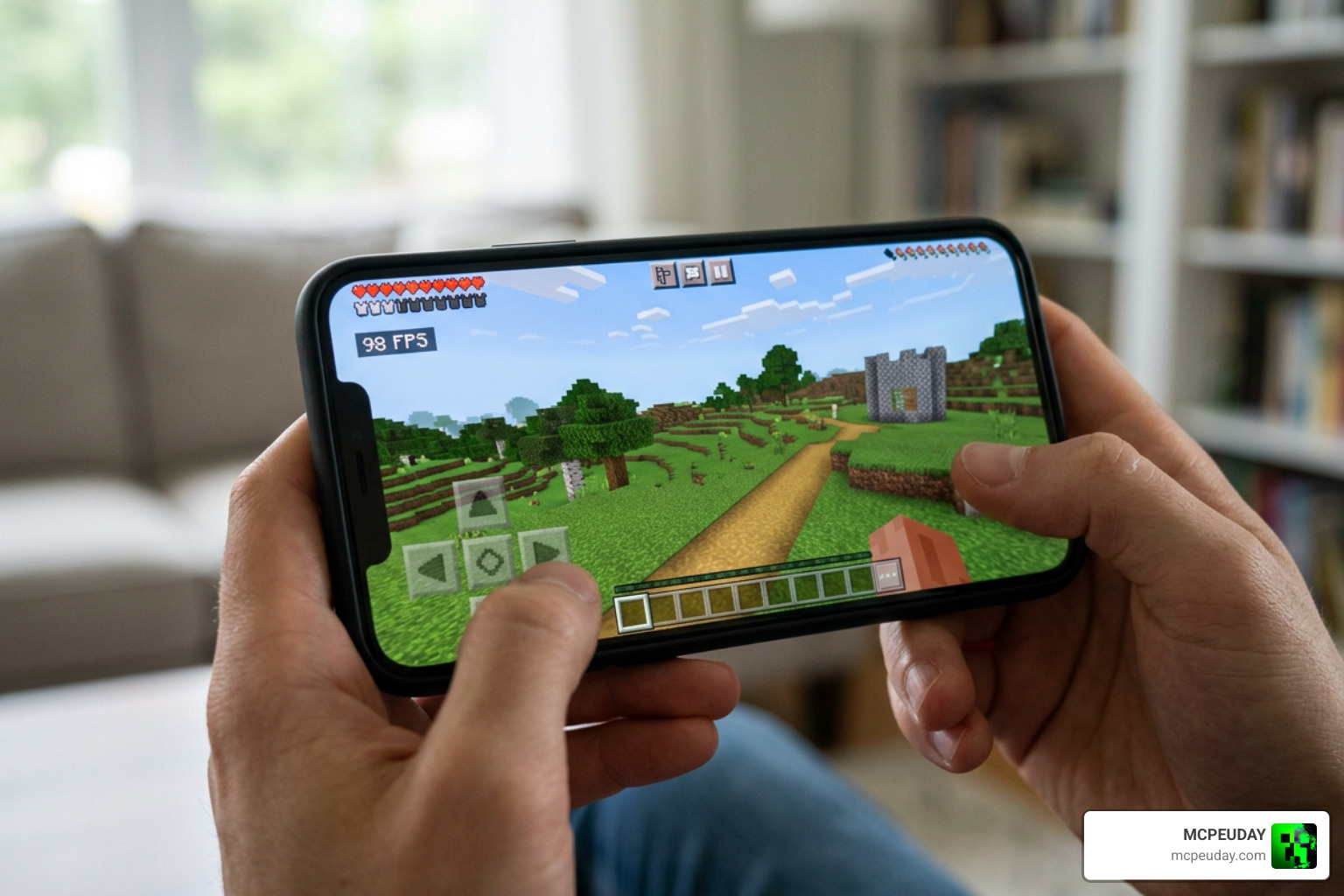
Do these packs actually deliver measurable results? Yes! On lower-end mobile devices and older PCs, disabling animated textures and heavy particle effects can easily yield a 15% to 40% increase in frame rates. More importantly, they drastically reduce thermal throttling. By lowering the GPU load, your phone or tablet stays cooler, preventing the sudden lag spikes that happen when your device gets too hot during long gaming sessions.
If you are looking to push your performance even further while maintaining a beautiful aesthetic, pairing a performance pack with a lightweight shader can yield incredible results. Check out our Newb X Ambient Shader My Honest Test On A Low End Pc Real Fps Results Setup Guide to see how we managed to balance visuals and performance on low-end hardware.
For PC players who want to optimize their system settings beyond Minecraft itself, web-based tools like BetterFPS — AI Game Settings Optimizer | Boost FPS by 30-50% can help analyze hardware bottlenecks and suggest ideal driver-level tweaks.
When it comes to safety, Bedrock FPS addons are incredibly secure. Because they function as resource packs, they do not modify core game files or inject code. You can safely use them on official featured servers, realms, and local worlds without any risk of account bans or violating Minecraft’s Terms of Service.
Frequently Asked Questions about FPS Boosters
Are FPS booster texture packs safe to use on multiplayer servers?
Yes, they are completely safe. Because these addons function as client-side resource packs, they only change how the game looks on your screen. They do not alter game data sent to servers, meaning you can play on any multiplayer server or Realm without worrying about anti-cheat triggers or account bans.
What are the main downsides of using these performance packs?
The primary downside is the visual compromise. To achieve higher frame rates, you will have to play with static water, static lava, and no potion or explosion particles. For some players, this can make the game feel a bit less lively. However, for competitive PvP or survival worlds where performance is key, most players find this trade-off highly worthwhile.
How do texture pack boosters differ from third-party optimization apps?
Texture pack boosters are official Minecraft resource packs (.mcpack files) that run safely inside the game’s sandbox. Third-party optimization apps, on the other hand, often claim to boost your FPS by changing system settings or modifying game files. Many of these apps contain intrusive ads, and some may even carry malware risks. We always recommend sticking to trusted, community-vetted resource packs rather than downloading external executables or apps. For a massive selection of high-quality, verified performance guides and video reviews, check out resources like this Top 10 BEST FPS Boost Mods for Minecraft 2026 (1000+ … – YouTube video.
Conclusion
Maximizing your performance in Minecraft Bedrock does not require an expensive hardware upgrade. By installing a reliable Better FPS Addon, you can eliminate frame drops, keep your device running cool, and enjoy a competitive edge in multiplayer matches.
At MCPEUDAY, we are dedicated to bringing you the absolute best resources to elevate your gaming experience. Whether you are looking to boost your frames to the absolute limit or want to find the perfect visual balance, we have you covered. Ready to transform how your game looks and runs? Explore Minecraft Shaders on MCPEUDAY today and find the perfect match for your device!