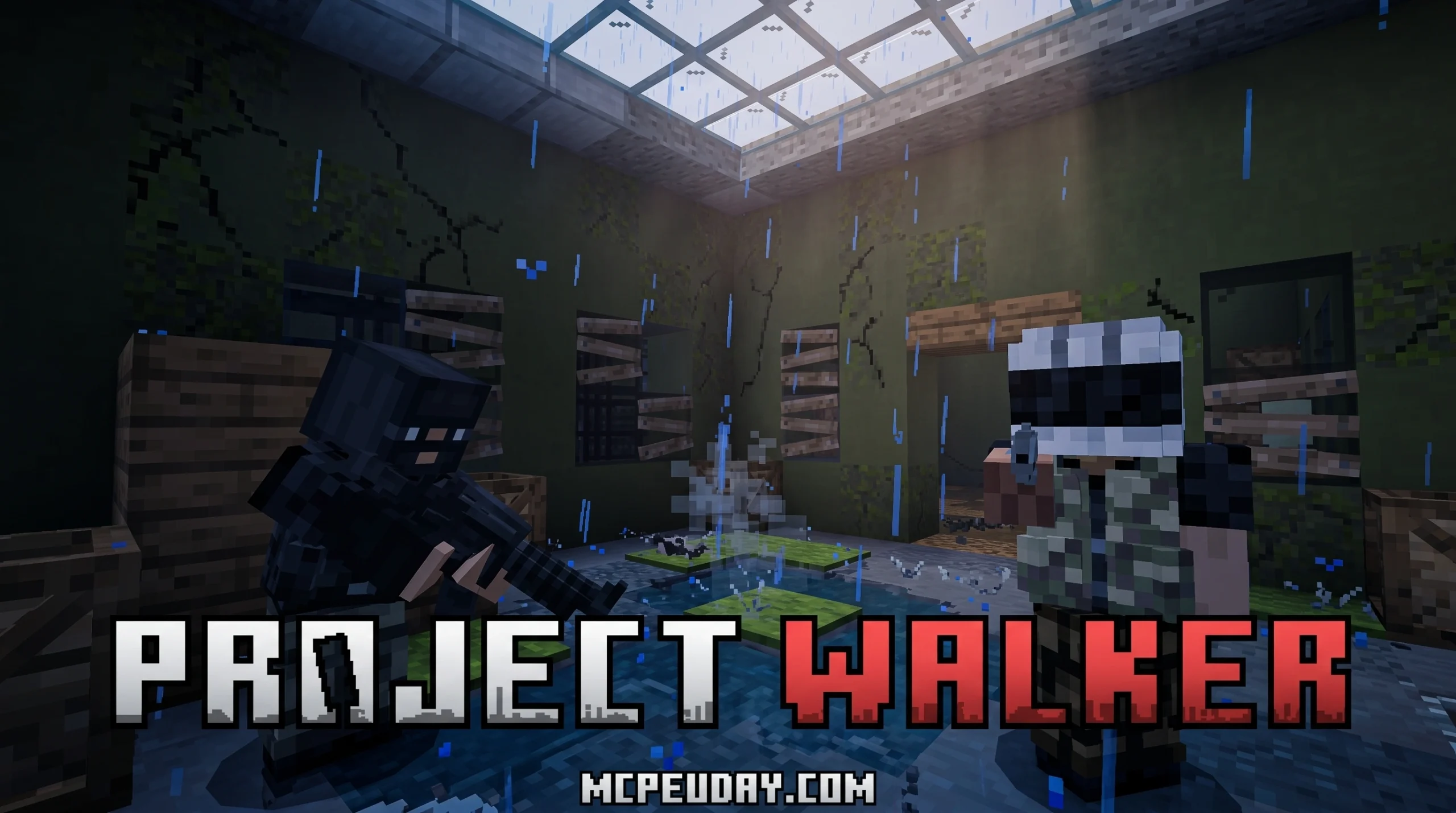
What the Project Walker Addon Does to Your Minecraft World
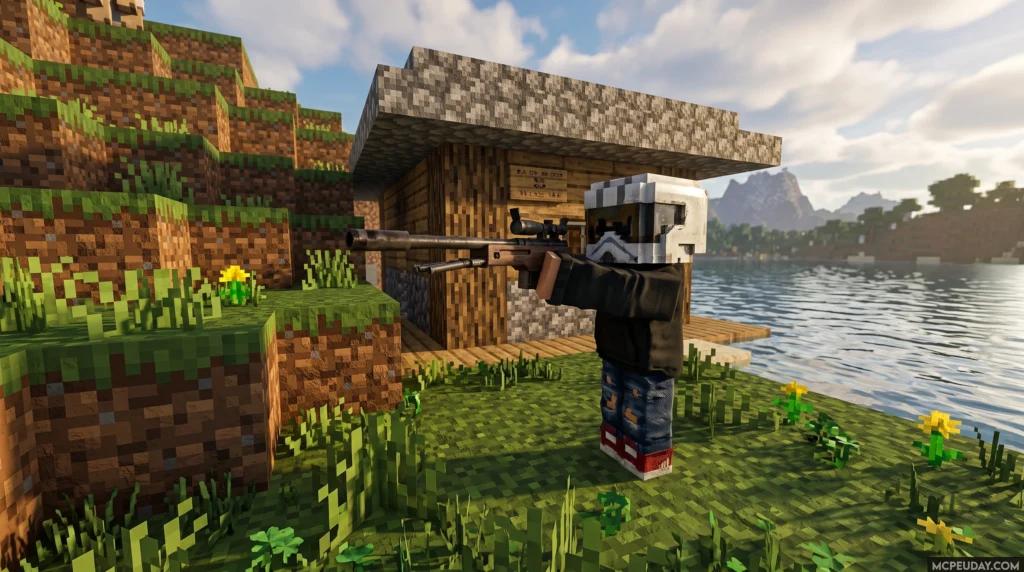
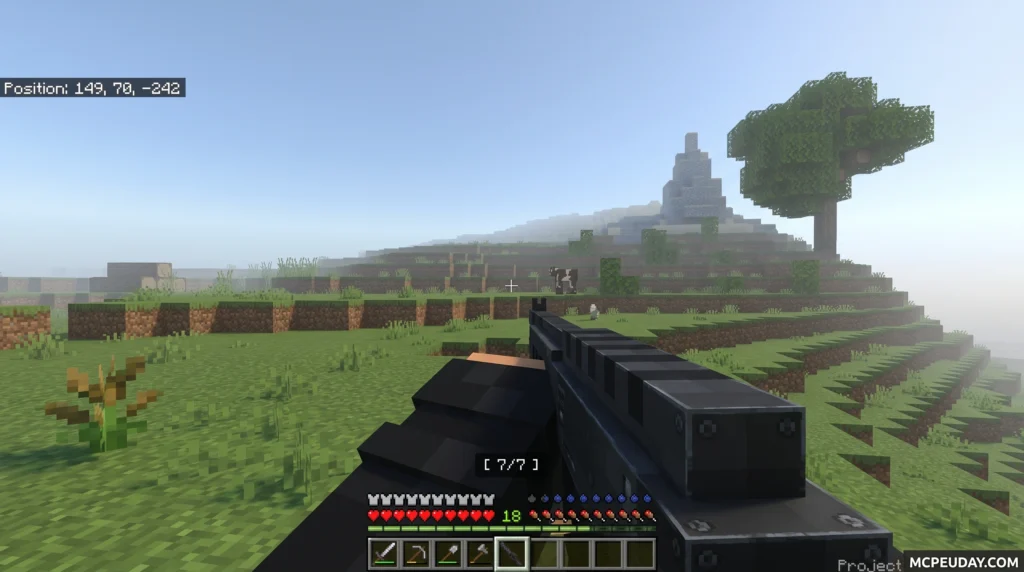
The Project Walker Addon is a post-apocalyptic survival overhaul for Minecraft Bedrock Edition that transforms your world into a zombie-infested wasteland — complete with guns, vehicles, injuries, and a thirst system.
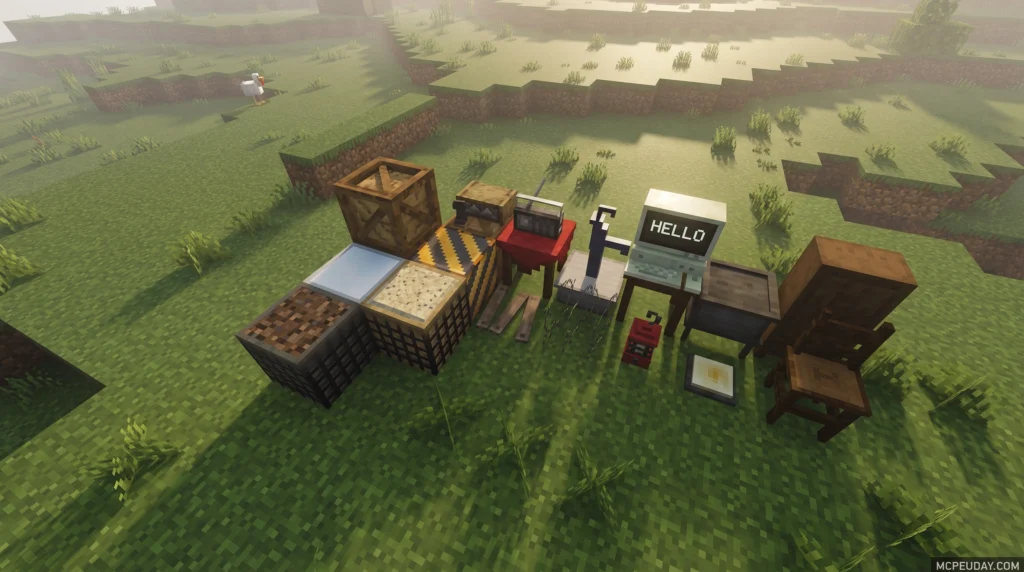
Quick answer for players looking it up:
- What it is: A large-scale zombie apocalypse addon for Minecraft Bedrock (MCPE)
- Who made it: Gabriel Aplok and Mano Galo
- Latest version: v1.8.13, compatible with Minecraft 1.21.70
- Downloads: Nearly 1.2 million on MCPEDL alone, with close to 1 million more on CurseForge
- Requires experimental settings: Yes — enable the Custom Biomes toggle
- Works on: Android, iOS, and Windows
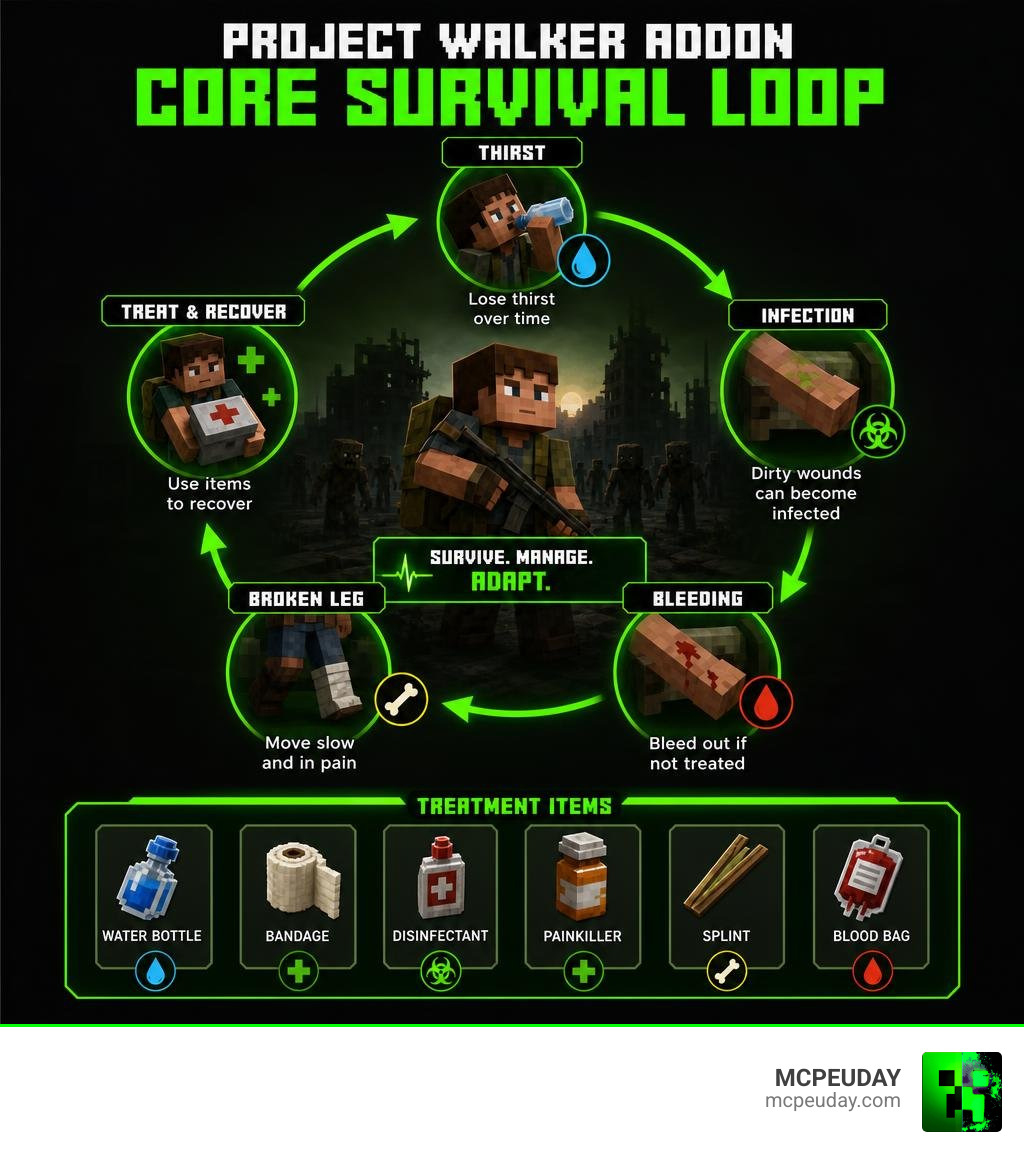
Vanilla Minecraft survival can start to feel easy after a while. Project Walker flips that. You are not just fighting zombies — you are managing thirst, treating infected wounds, setting broken legs with a splint, and deciding whether to fire your gun knowing the noise will draw a horde.
It is one of the most downloaded zombie addons in the entire Bedrock community, and for good reason. Every decision feels like it matters.
What is the Project Walker Addon?
The Project Walker Addon is a complete gameplay overhaul that strips away the cozy, green, predictable world of vanilla Minecraft and replaces it with a gritty, overgrown, decaying landscape. It is designed specifically for Minecraft Bedrock Edition, offering a console-quality survival experience on mobile devices, Windows, and consoles alike. With over a million downloads across major platforms, it stands as one of the highest-rated zombie survival expansions ever built.
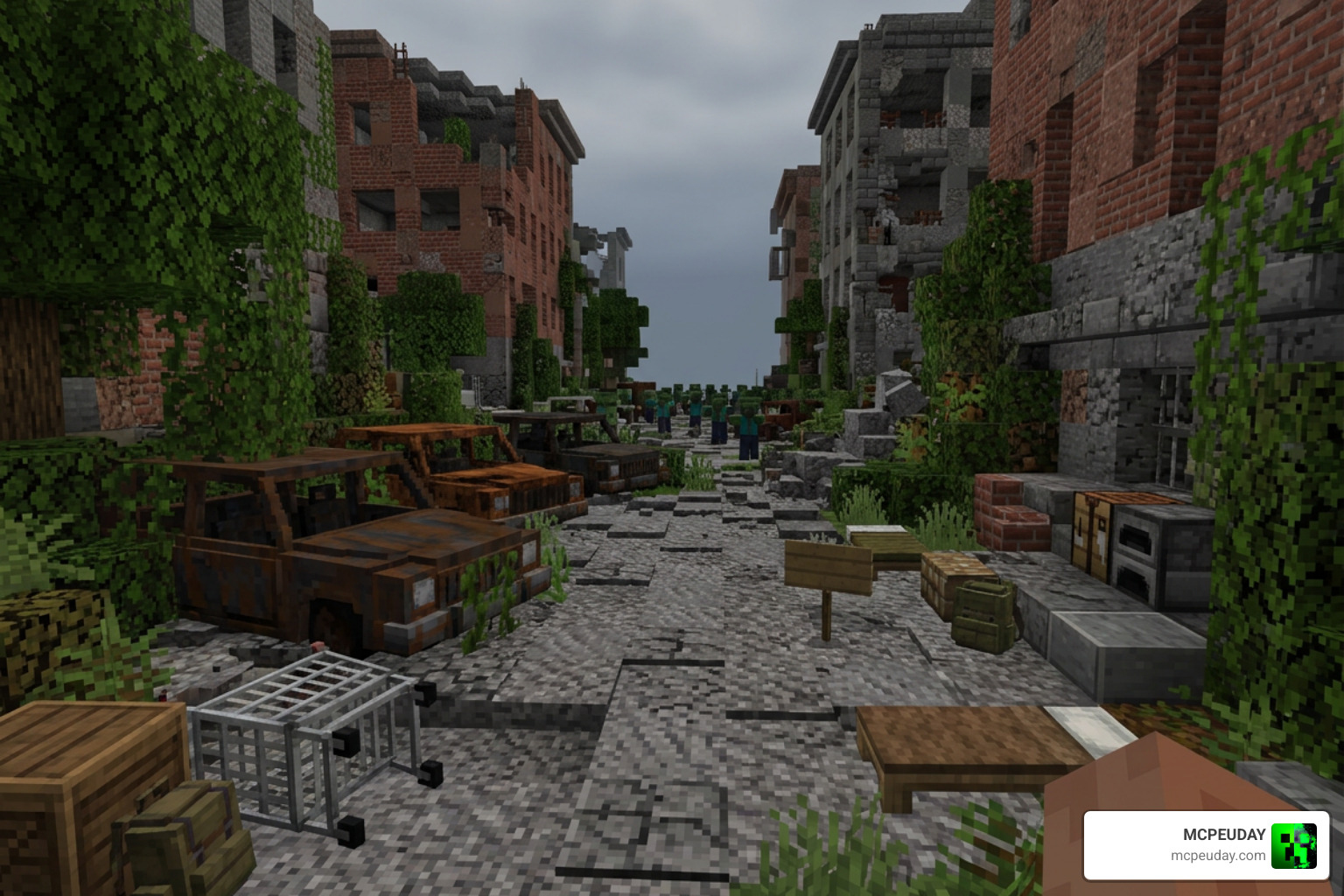
This addon doesn’t just change how zombies look; it fundamentally alters how you interact with the environment. Resources are scarce, nature has reclaimed abandoned cities, and danger lurks behind every corner.
Key Features of the Project Walker Addon
If you are looking to completely transform your Bedrock experience, this addon provides an incredible suite of new systems:
- Thirst and Dehydration: A fully functional thirst bar that depletes over time.
- Realistic Injury System: Includes bleeding, bone fractures (broken legs), and zombie virus infections.
- 3D Firearms and Melee Weapons: High-quality guns with smooth animations, custom reload sounds, and realistic recoil.
- Functional Vehicles: Craftable and drivable cars to help you traverse the ruined world.
- NPC Bandits and Survivors: Friendly survivors who can help you, and hostile bandits who will shoot you on sight.
- Atmospheric World Gen: Weathered ruins, abandoned military camps, and decaying structures filled with loot.
If you enjoy these kinds of deep world overhauls, you can find more amazing creations in our Category/Mod Addons section.
Why the Project Walker Addon is a Must-Play in 2026
As we look at the state of Bedrock modding in 2026, the Project Walker Addon remains a gold standard for survival gameplay. Unlike many heavy Java mods that require a high-end gaming PC, this addon is masterfully optimized for low-end devices. The developers have carefully balanced detailed 3D models, smooth muzzle flashes, and custom animations without causing major performance drops on mobile phones or tablets.
Furthermore, the visual style maintains a “vanilla-friendly” feel. The textures feel native to Minecraft, ensuring that the apocalyptic elements blend seamlessly into the blocky world you already love.
Hardcore Survival Mechanics and Medical Treatments
In Project Walker, your health bar is only half the story. To survive the apocalypse, you must actively manage several status effects. If you ignore a broken leg or a bleeding wound, your run will end incredibly quickly.
Here is a quick reference table showing how these injuries work and what you need to cure them:
| Injury / Status | Cause | Effect on Player | Primary Cure Items |
|---|---|---|---|
| Dehydration | Thirst bar hitting zero | Weakness effect | Clean Water, Canned Drinks |
| Infection | 50% chance on zombie hit | Gradual health loss until death | Cure Syringe, First Aid Kit |
| Bleeding | Physical damage / attacks | Continuous damage over time | Rag, Bandage, First Aid Kit |
| Broken Leg | 50% chance from fall damage | Drastically slows movement | Morphine Syringe, Splint, First Aid Kit |
Thirst and Temperature Management
Your thirst is represented by a custom water drop icon on your action bar. This bar decreases by 1 point every minute. If it reaches zero, you will immediately suffer from a severe weakness effect, making it incredibly difficult to fight off walkers.
To stay hydrated, you must scavenge for canned drinks, soda, or clean water. Be careful with what you drink; untreated water sources can lead to further sickness. You will also need to keep an eye on environmental temperature mechanics, as running around in hot biomes will deplete your hydration much faster.
Infection, Bleeding, and Broken Legs
Getting hit by a zombie carries a 50% chance of transmitting the virus. Once infected, you have a limited amount of time to find and use a Cure Syringe or a First Aid Kit. If you fail to do so, the virus will take over, resulting in your death.
Bleeding is another common status effect caused by combat. It causes you to slowly lose health. You can stop the bleeding by crafting a simple Rag, using a medical Bandage, or applying a First Aid Kit.
Finally, watch your step! Falling from high places carries a 50% chance of breaking your leg. A broken leg reduces your movement speed to a crawl, making you easy prey. You can temporarily numb the pain with a Morphine Syringe, or fully repair the bone using a craftable Splint or a First Aid Kit.
Weapons, Vehicles, and World Generation Changes
Survival in the wasteland requires firepower and mobility. Fortunately, the Project Walker Addon provides plenty of both.
3D Firearms, Melee Weapons, and Stealth
The firearms in this addon are built using systems similar to the famous Aplok Guns framework (which has over 2.3 million downloads). You will find pistols, shotguns, and rifles, all featuring beautiful 3D models and realistic muzzle flashes.
However, firing a gun is a double-edged sword. Noise attracts zombies. If you fire a loud weapon in a ruined town, every walker in the area will sprint toward your location.
For a quieter approach, you can craft various melee weapons. Melee weapons have limited durability but allow you to clear out small groups of zombies silently. To aid your night-time scavenging, you can also find and equip Night Vision Goggles (NVGs) to navigate dark structures without relying on torches that might give away your position.
Custom Vehicles and Exploration
Walking everywhere in a massive, ruined world can be exhausting. To solve this, you can craft functional vehicles.
To operate a vehicle, you must craft it at a crafting table and place a Car Key into its saddle slot. This allows you to drive across the landscape, run over zombies, and transport your loot safely back to base. If you enjoy deep survival expansions that add vehicles and new crafting progression, check out our guide on the Better On Bedrock Addon 1 21 Best Survival Expansion For Mcpe.
Ruined World Generation and Zombie Spawning
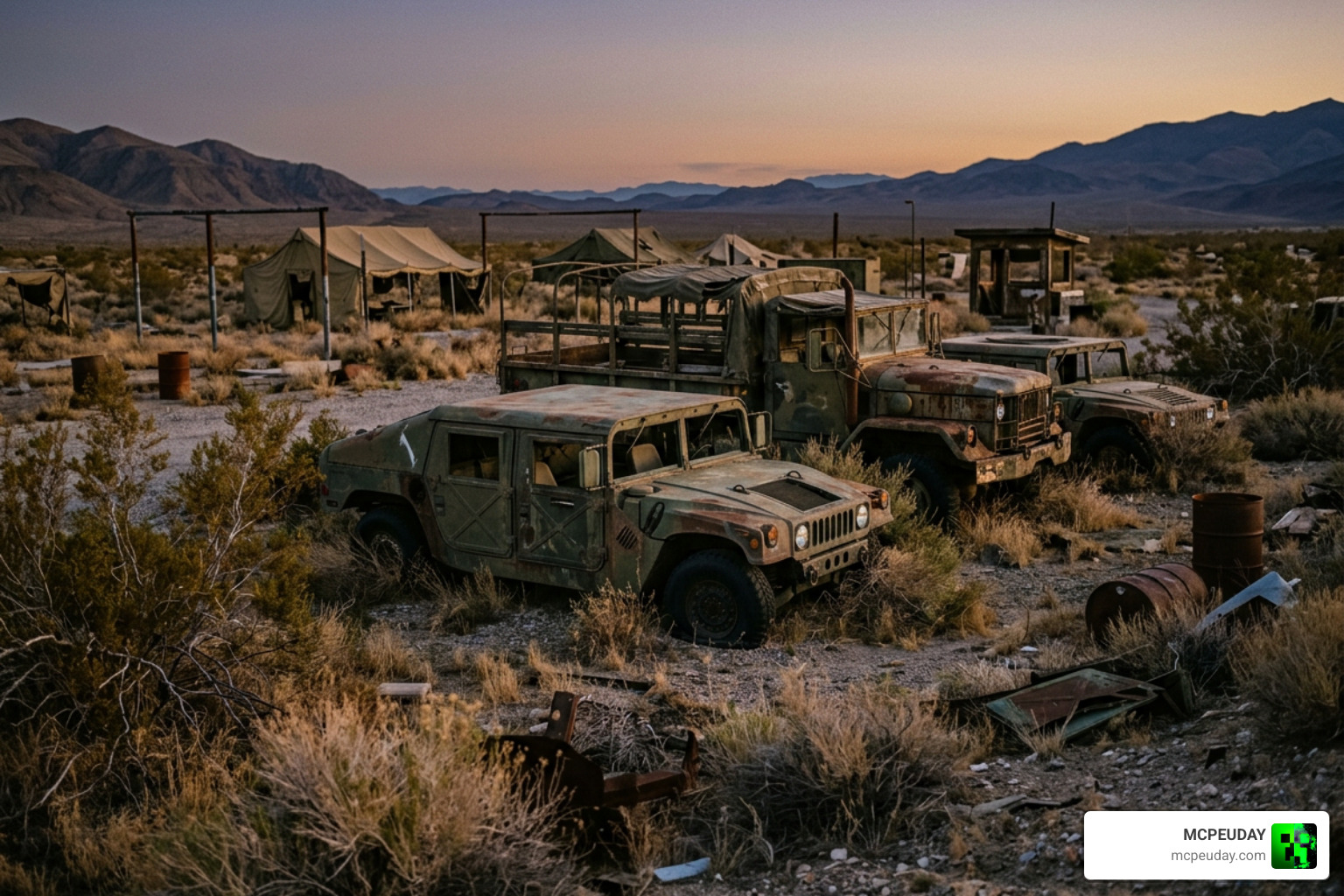
The world generation is completely transformed. You will encounter overgrown biomes, abandoned military camps, medical outposts, and weathered ruins. These structures are your primary source of loot, which is color-coded in supply boxes:
- White Boxes: Contain medical supplies.
- Green Boxes: Contain ammunition and weapons.
- Yellow Boxes: Contain food, drinks, and basic survival gear.
Zombie spawning is also highly customized. To keep the atmosphere realistic, walkers only spawn on specific block types, including stone, grass, dirt, sand, and wood planks. You will encounter various zombie variants, from slow-crawling walkers to terrifying sprinters. Keep an eye out for rare human NPCs as well; while some survivors are friendly, bandits will attack you on sight!
Installation Guide and Technical Requirements
Ready to jump into the apocalypse? Follow these steps to ensure a smooth setup. If you want to pair this with other incredible Bedrock modifications, check out the Bedrock Reimagined Addon 1 21 1 26 Transform Minecraft Bedrock Into An Rpg Adventure for inspiration on building the ultimate RPG pack.
How to Install the Project Walker Addon
- Download both the Behavior Pack (BP) and Resource Pack (RP) files. You can find official download links on the Project Walker CurseForge Page.
- Open the
.mcpackfiles on your device to automatically import them into Minecraft. - Create a new world and navigate to the Behavior Packs and Resource Packs tabs to activate both files.
- Go to the world settings and enable the Custom Biomes experimental toggle.
- Create your world and start surviving!
Note: Avoid mixing Project Walker with other addons that modify the player.json file, as this can cause major conflicts and break the custom thirst or injury systems.
Known Bugs and Multiplayer Limitations
While Project Walker is highly optimized, there are a few known limitations to keep in mind:
- Multiplayer Gun Performance: In multiplayer worlds, high ping can occasionally cause minor delays or desync with gun reload animations.
- Vehicle Malfunctions: When riding vehicles, your scope, crosshair, and Night Vision Goggles may temporarily malfunction or fail to render correctly.
- Licensing: The addon is protected under the CC BY-NC-ND 4.0 license. You are welcome to play and showcase it, but you cannot redistribute the files or claim them as your own.
Frequently Asked Questions
How do you cure the zombie infection in Project Walker?
You can cure the infection by using a Cure Syringe or a First Aid Kit before your health bar fully depletes. If you die, the infection will reset, but you will lose all your hard-earned loot!
Does Project Walker require experimental gameplay settings?
Yes. You must enable the Custom Biomes toggle in your world settings for the custom structures and world generation to load correctly.
Can you play Project Walker in multiplayer?
Yes, it is compatible with multiplayer and local networks. However, players should be cautious as custom weapons and vehicles can sometimes experience minor visual bugs when multiple players are active in the same area.
Conclusion
The Project Walker Addon completely redefines what it means to survive in Minecraft Bedrock. By combining realistic medical systems, a high-stakes thirst mechanic, beautiful 3D firearms, and immersive world generation, Gabriel Aplok and Mano Galo have created a masterpiece that every survival fan should experience.
If you are ready to turn your game into a terrifying, atmospheric struggle for survival, head over to our list to Explore the Best Minecraft Horror Mods of 2026 and build your perfect horror loadout today!