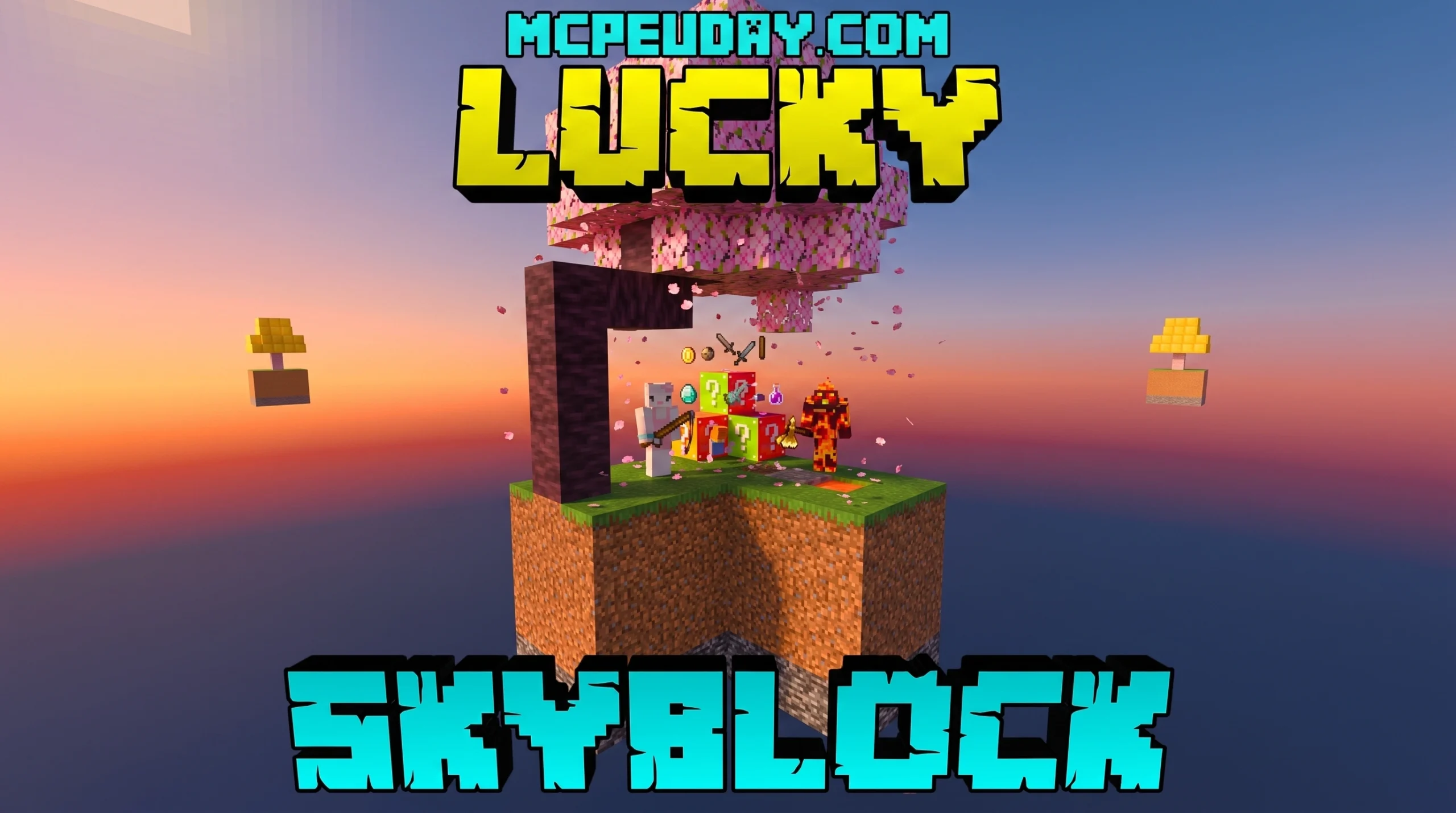
What Is a Lucky Skyblock Map (and Why Everyone Is Playing It in 2026)
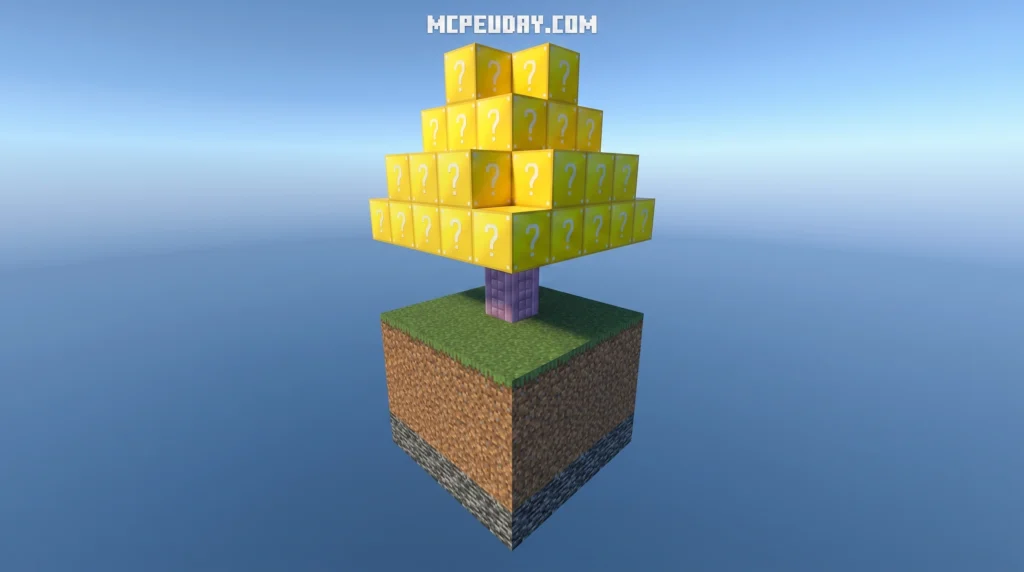
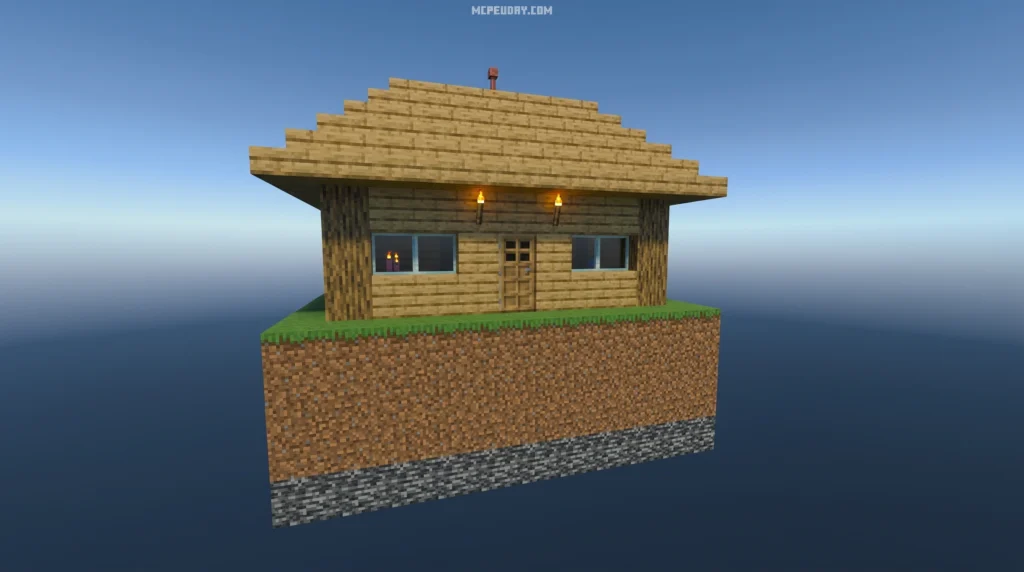
The Lucky Skyblock Map is one of the most exciting custom survival experiences in Minecraft right now. It takes the classic Skyblock formula — starting on a tiny floating island with almost nothing — and throws in Lucky Blocks that drop completely random rewards or disasters every time you break them.
Quick answer for what you’re looking for:
- What it is: A Minecraft survival map where you start on a floating island and use Lucky Blocks as your main resource
- Platforms: Available for Java Edition (PC), Bedrock Edition, and Pocket Edition (MCPE)
- Popular versions: Lucky Skyblock V5.13, Lucky OneBlock (2.3M+ downloads), LuckyTree SkyBlock (50M+ downloads), and Lucky-Skyblock (1.20+ FIX)
- Play style: Solo or co-op multiplayer
- Where to download: Right here on MCPEUDAY
One moment you crack open a Lucky Block and get diamond armor. The next, a boss spawns on your tiny island with nowhere to run. That’s exactly what makes this map so addictive.
Whether you’re playing solo or teaming up with a friend, every session plays out differently. No two runs are ever the same.
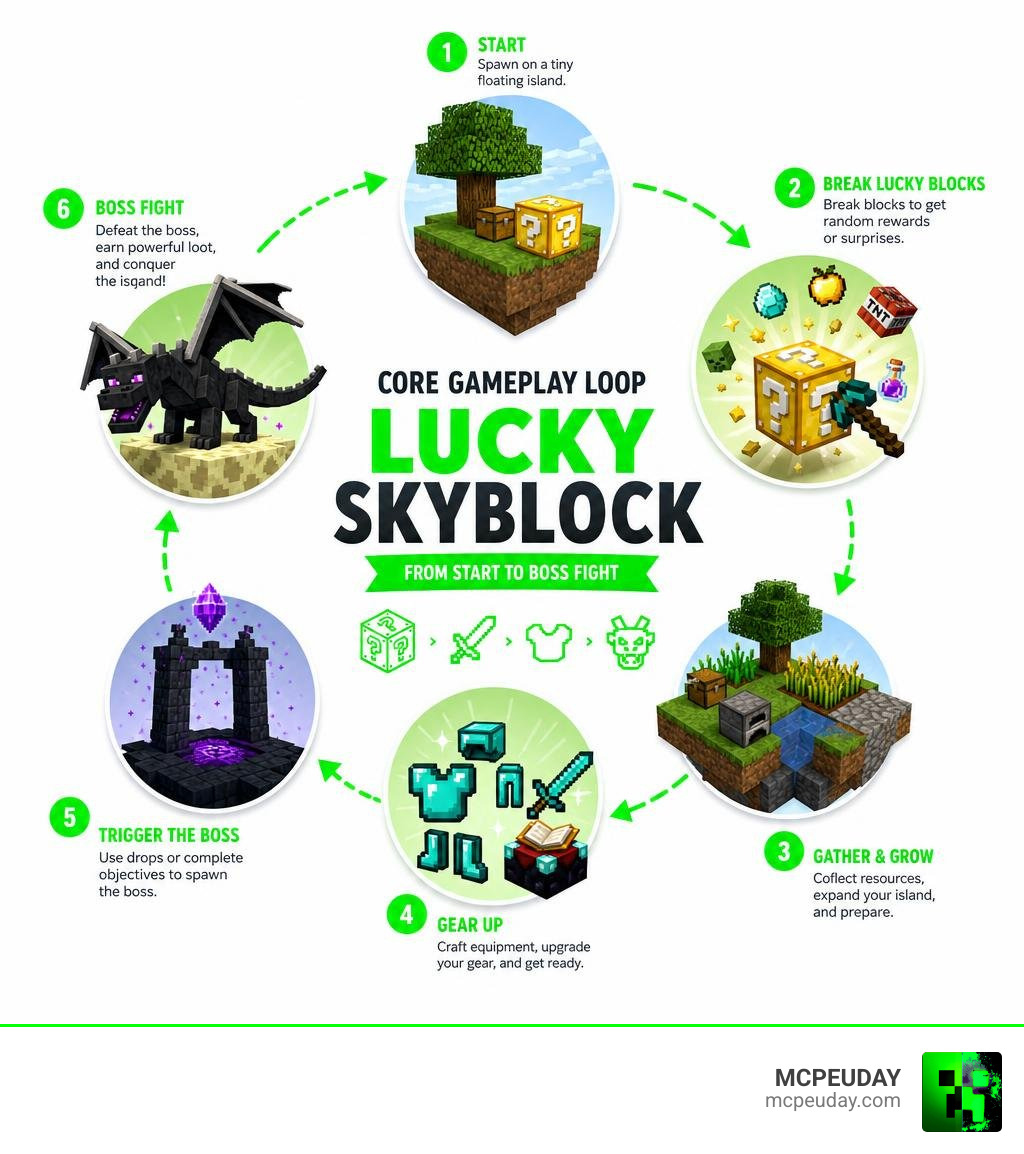
What is the Lucky Skyblock Map?
At its core, the Lucky Skyblock Map is a hybrid game mode. It merges the resource-scarcity challenge of traditional Skyblock with the absolute chaos of the Lucky Block mod.
In a standard Skyblock world, you rely on a single tree, a bucket of water, and a bucket of lava to build a cobblestone generator and slowly expand your empire. In Lucky Skyblock, your progression is fueled by luck. Breaking a lucky block might give you a stack of building blocks, a legendary weapon, or a fully formed house. However, it is just as likely to drop primed TNT, spawn a horde of hostile mobs, or unleash a deadly boss.
This map is universally loved for its high-stakes gameplay. It forces you to adapt constantly. If a lucky block destroys your cobblestone generator, you have to find alternative ways to survive. It is incredibly fun when played as a cooperative experience, where you and a friend must manage these unpredictable outcomes together.
Comparison: Classic Skyblock vs. Lucky Skyblock
| Feature | Classic Skyblock | Lucky Skyblock Map |
|---|---|---|
| Starting Resources | 1 Tree, Lava Bucket, Water Bucket, Dirt | 1 Tree, Chest, and Lucky Blocks (or a Lucky Tree) |
| Resource Gathering | Manual farming, cobblestone generator | Breaking Lucky Blocks, trading, custom drops |
| Progression | Highly predictable, linear steps | Highly unpredictable, chaotic, and RNG-based |
| Danger Level | Low (mostly falling or standard mob spawns) | Extreme (instant boss spawns, explosions, traps) |
| Economy | None (unless playing on a public server) | Built-in shops, traders, and marketplace systems |
Core Features of the Lucky Skyblock Map
While different creators have built their own versions of this concept, most high-quality Lucky Skyblock maps share several key features:
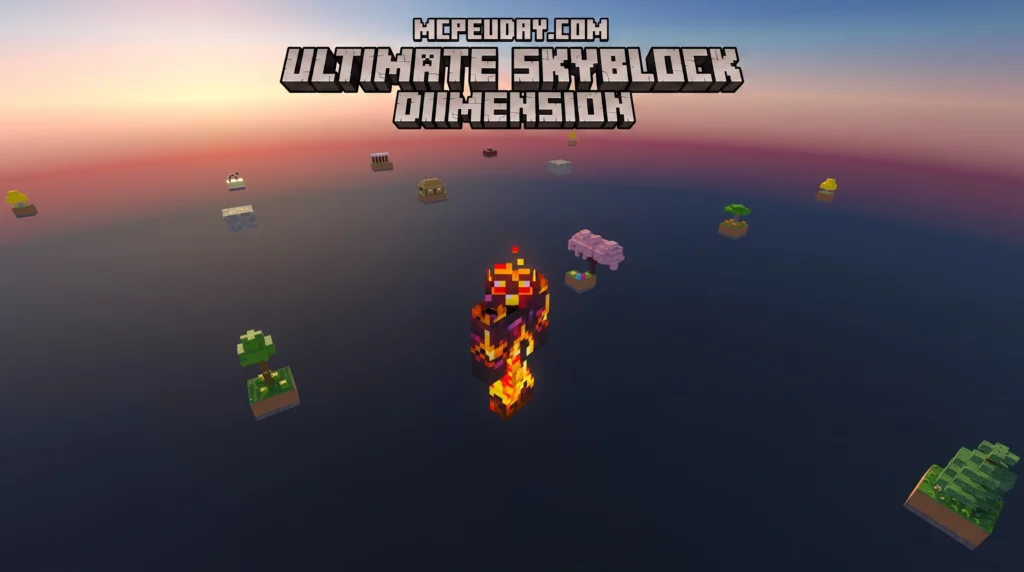
- Multiple Floating Islands: You do not just stay on your starting island. The map features specialized islands suspended in the void, such as the Desert Island, Lucky Island, and Stronghold Island.
- Diverse Biomes: Many maps pack multiple mini-biomes (like Jungle, Taiga, and Savannah) into small floating structures, allowing you to collect biome-specific resources.
- Custom Skybox and Visuals: Modern versions feature custom skies and visual enhancements that give the void a beautiful, immersive look.
- Modded Items and Entities: Many versions include over 15 custom modded items, blocks, and entities integrated directly into the map without requiring complex external mod setups.
- Epic Boss Fights: Prepare to battle custom bosses like the Void Protector or dimensional bosses in the Nether and the End.
Popular Map Variants and Versions
If you are looking for the perfect version of this map to download, here are the most popular options available today:
- Lucky OneBlock: Based on the popular OneBlock concept where you stand on a single block that regenerates. Every time you mine it, a random Lucky Block event occurs. This variant has over 2.3 million downloads!
- LuckyTree SkyBlock: A unique spin where your primary source of resources is a “Lucky Tree” that grows lucky blocks instead of fruit. This concept has amassed over 50 million downloads.
- Lucky Skyblock V5.13: The go-to choice for Bedrock and Pocket Edition players. It has over 255,700 downloads and is optimized for modern Bedrock versions, featuring support for Beta-API 2.8.0-beta and compatibility with Vibrant Visual shaders.
- Lucky-Skyblock (1.20+ FIX): A fantastic, updated map for modern Minecraft versions that resolves previous scripting bugs and fully supports multiplayer co-op.
Supported Platforms and Installation Guide
The Lucky Skyblock Map is highly versatile and supports Minecraft Java Edition (PC), Bedrock Edition (consoles and Windows), and Pocket Edition (iOS and Android). If you are unsure which edition you are using or need help managing worlds and files, you can also check the official Minecraft Help Center for general Minecraft support.
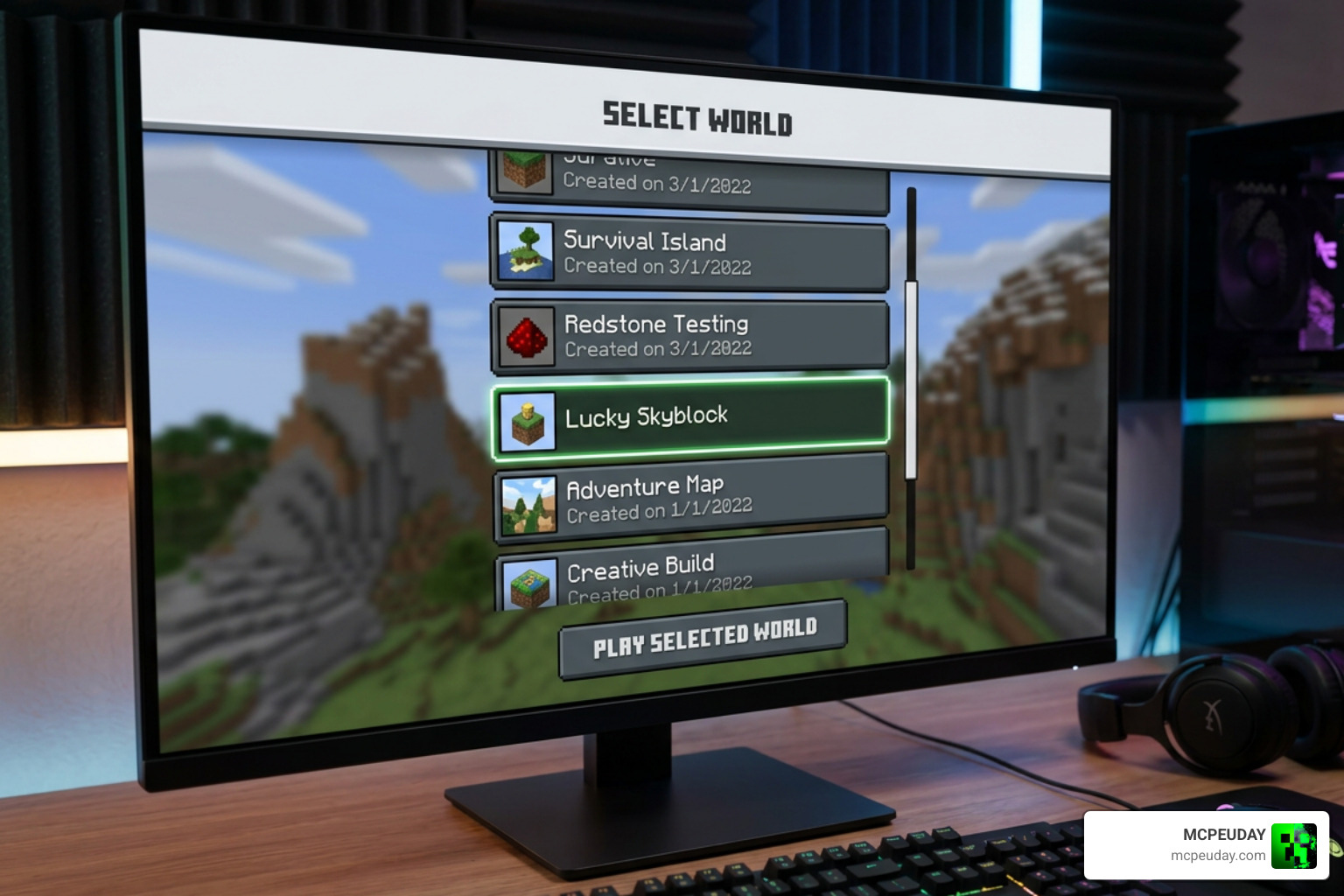
To help you get started, we have put together a step-by-step installation guide for different platforms.
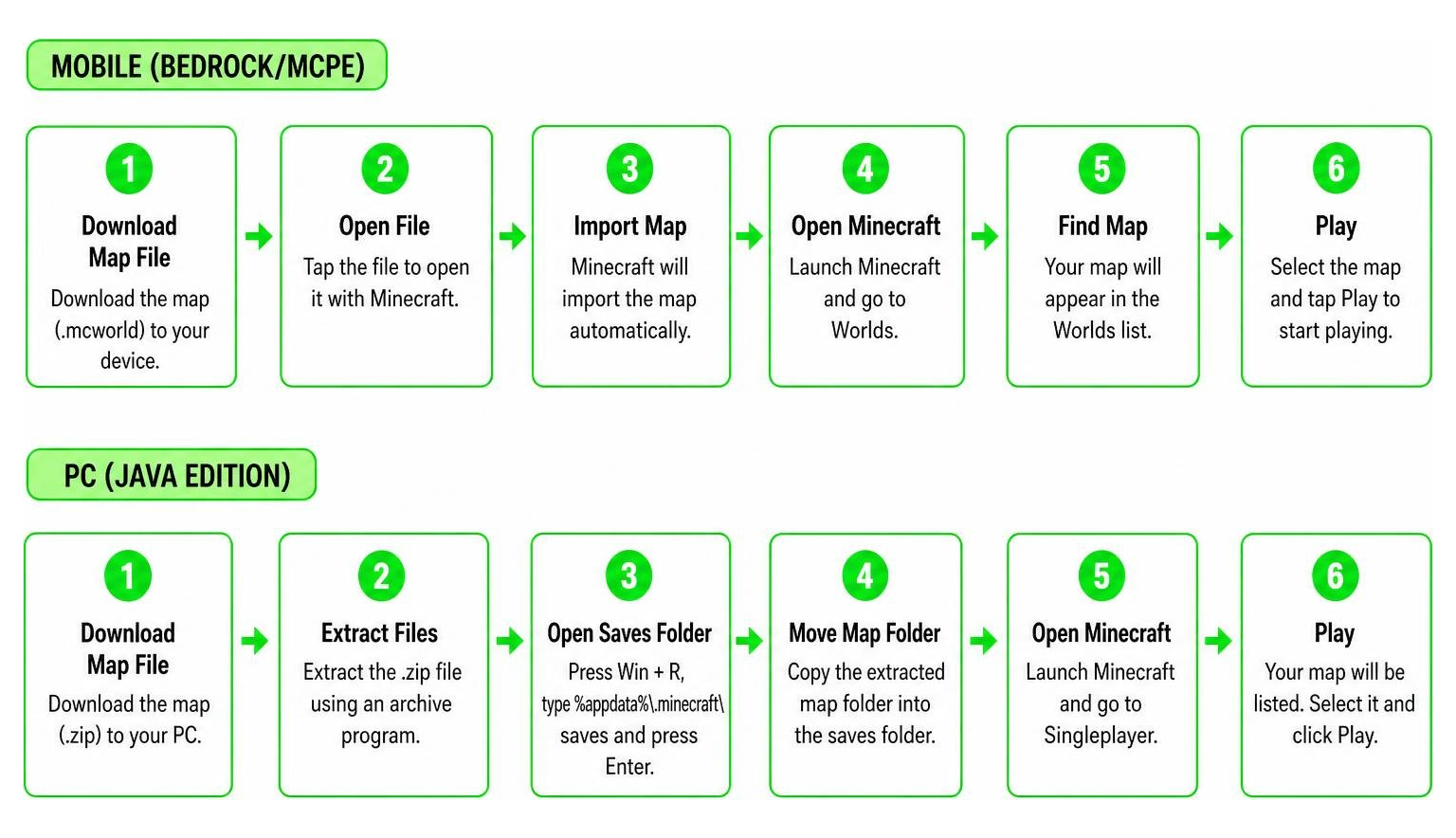
How to Install the Lucky Skyblock Map on Bedrock/MCPE
For mobile players, installing custom maps can sometimes be tricky due to restricted file access on newer Android and iOS versions. Follow these steps to install the map safely:
- Download the map file (usually in
.mcworldor.zipformat) from a trusted source like MCPEUDAY. - For .mcworld files: Simply tap the file using a file manager app. It should automatically launch Minecraft and import the world directly.
- For .zip files (Manual Method):
- Unpack the archive folder on your device.
- Copy the extracted map folder.
- Navigate to your local Minecraft directory path:
/games/com.mojang/minecraftworlds. (If theminecraftworldsfolder does not exist, create it manually). - Paste the folder inside.
- Open Minecraft, go to your world list, select the imported map, and start playing!
Tip: If you prefer an automated setup, you can use mobile companion apps to install the map with a single click.
Installing the Map on Java Edition (PC)
If you are playing on Java Edition, follow these steps:
- Download the Lucky Skyblock map file (it will be a
.ziparchive). - Press
Win + R, type%appdata%\.minecraft, and press Enter. - Locate and open the
savesfolder. - Unzip the downloaded map file and paste the extracted folder directly into the
savesdirectory. - Crucial Step: Most Java versions of this map require the corresponding Lucky Block mod to function. If you load the map without the mod installed in your
modsfolder, you will fall through the void forever. Make sure your Forge or Fabric mod loader version matches the map version (e.g., 1.21.8 or 1.21.11) and that the mod is active.
Gameplay Progression and Survival Strategies
Once you spawn on your floating island, the real challenge begins. Surviving on a Lucky Skyblock Map requires a mix of standard Skyblock knowledge and quick reflexes to handle random events.
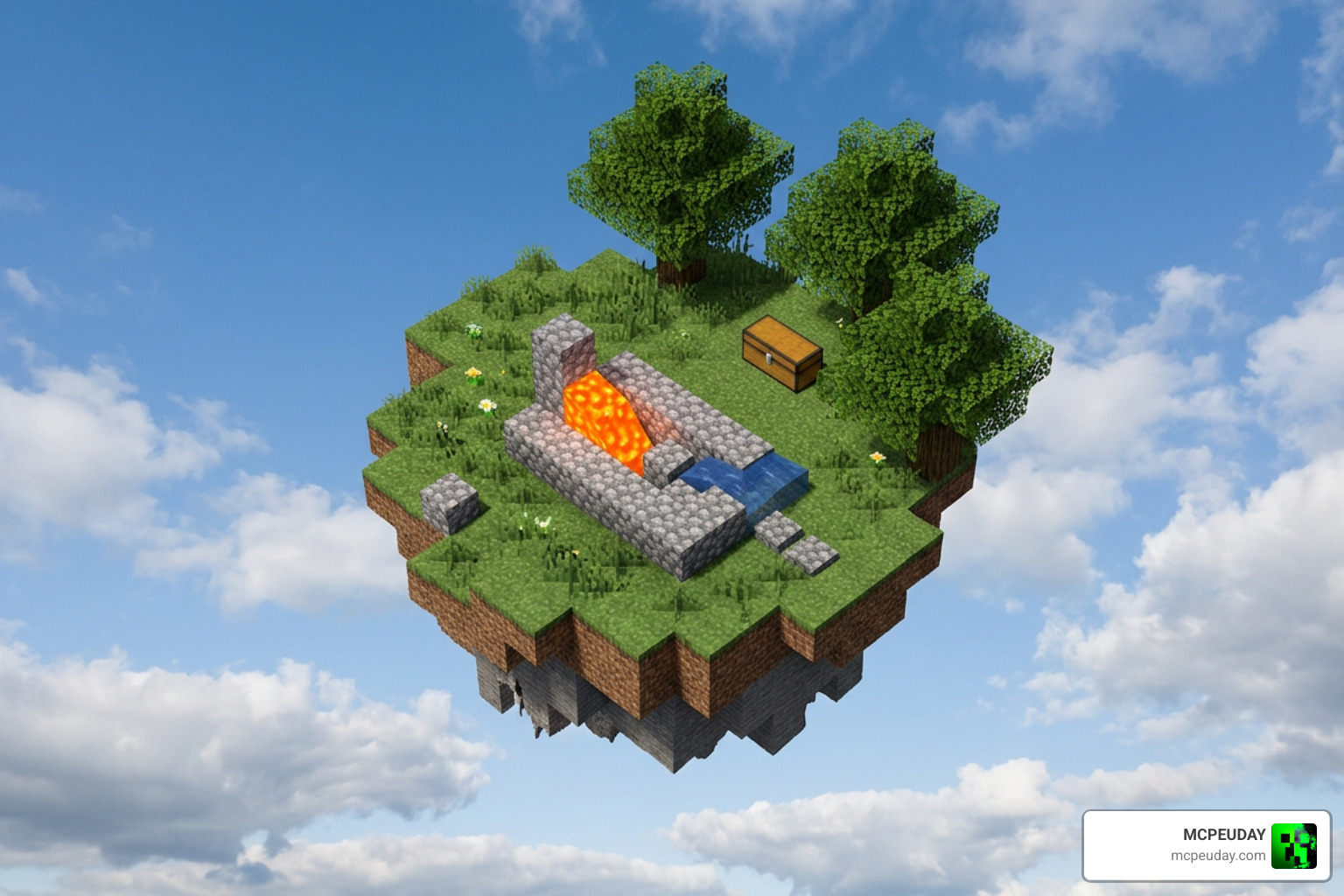
Tips for Surviving the Lucky Skyblock Map
- Secure Your Spawn Point Immediately: Craft and sleep in a bed as soon as possible. If you die before setting your spawn point, you might respawn in the endless void, breaking your game loop entirely.
- Build a Cobblestone Generator First: Do not rely solely on lucky blocks for building materials. Use your starting lava and water to set up a classic cobblestone generator so you can expand your platform safely.
- Protect the Trader Economy: Many maps feature custom traders and marketplaces where you can buy, sell, and enchant items. Keep these traders safe from hostile mob spawns, as they are your main gateway to high-tier gear.
- Never Open Lucky Blocks Near Your Chests: A single explosion event can vaporize your storage chests, destroying hours of progress. Always build a designated “opening platform” at least 15 to 20 blocks away from your main base.
Reaching the Nether and End Dimensions
As you gather resources from lucky blocks and expand your bridges to neighboring islands, your ultimate goal is dimensional progression.
You will need to construct a Nether Portal using obsidian obtained from lucky blocks or trading. In the Nether, you can fight custom bosses to obtain rare loot. Eventually, you must locate the Stronghold Island in the Overworld void, activate the End Portal, and travel to the End to defeat the final bosses of the map.
Frequently Asked Questions about Lucky Skyblock
Why do I keep falling through the world on the Lucky Skyblock Map?
This is the most common technical issue. It happens when you load the world map without having the required Lucky Block mod or behavior pack active. Always ensure that the required mod files are installed in your mods or resource_packs directory and that they match your Minecraft version.
Can I play the Lucky Skyblock Map with friends in multiplayer?
Yes! The map is highly optimized for cooperative play. If you are playing on Bedrock, you can invite friends directly to your world. For Java Edition, you can set up a local server. Just make sure that the server and all connecting players have the exact same version of the map and mods installed.
What are the main differences between Lucky Skyblock and Lucky OneBlock?
In Lucky Skyblock, you start on a small island with a tree and a chest, and you must bridge to other islands. In Lucky OneBlock, you start on a single, infinite block floating in the void. Every time you mine that single block, it changes and drops items, blocks, or spawns monsters directly under your feet.
Conclusion
The Lucky Skyblock Map offers an incredibly fun, chaotic, and rewarding twist on traditional Minecraft survival. Whether you are dodging sudden TNT explosions, trading with custom merchants, or fighting epic bosses in the void, this map will test your survival instincts like nothing else.
If you are ready to start your adventure, download the map files today, back up your worlds, and see if luck is on your side! For more high-quality resources, Explore more Minecraft mods and addons on MCPEUDAY to elevate your gameplay experience.

2 thoughts on “Lucky Skyblock Map (26.x, 1.21) – MCPE/Bedrock Map”