
What the Real Mystery Box Addon Actually Is (Quick Answer)
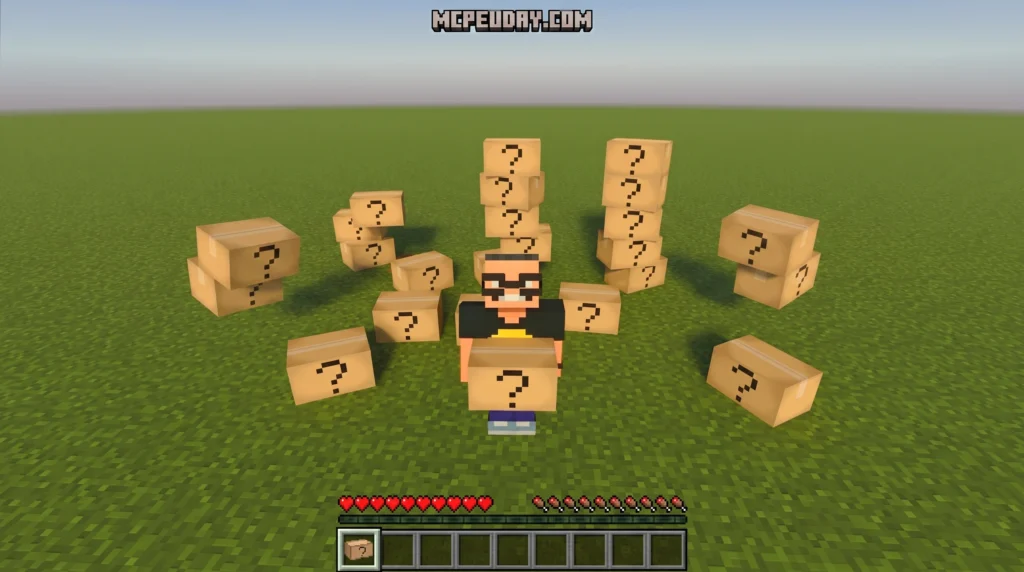
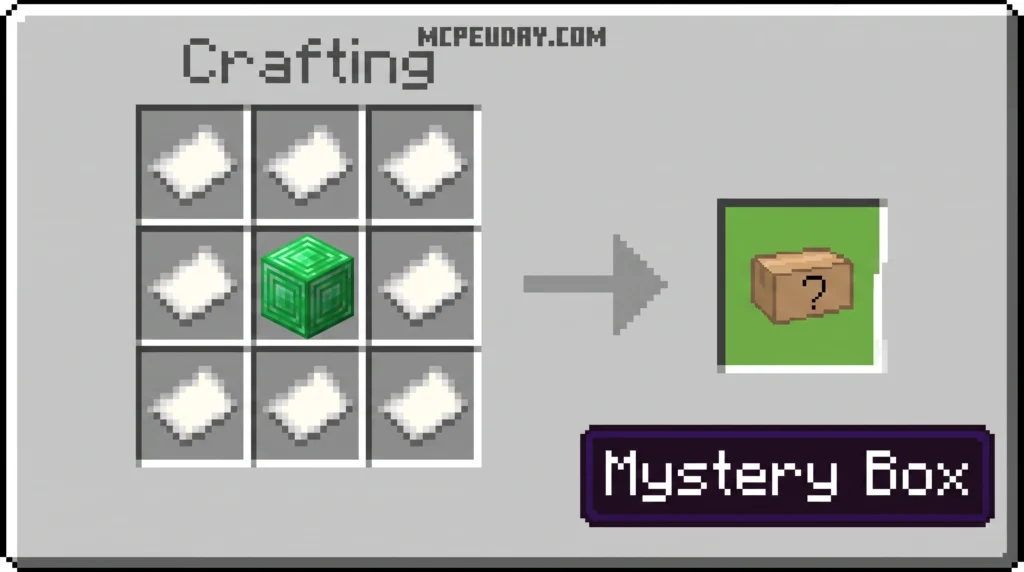
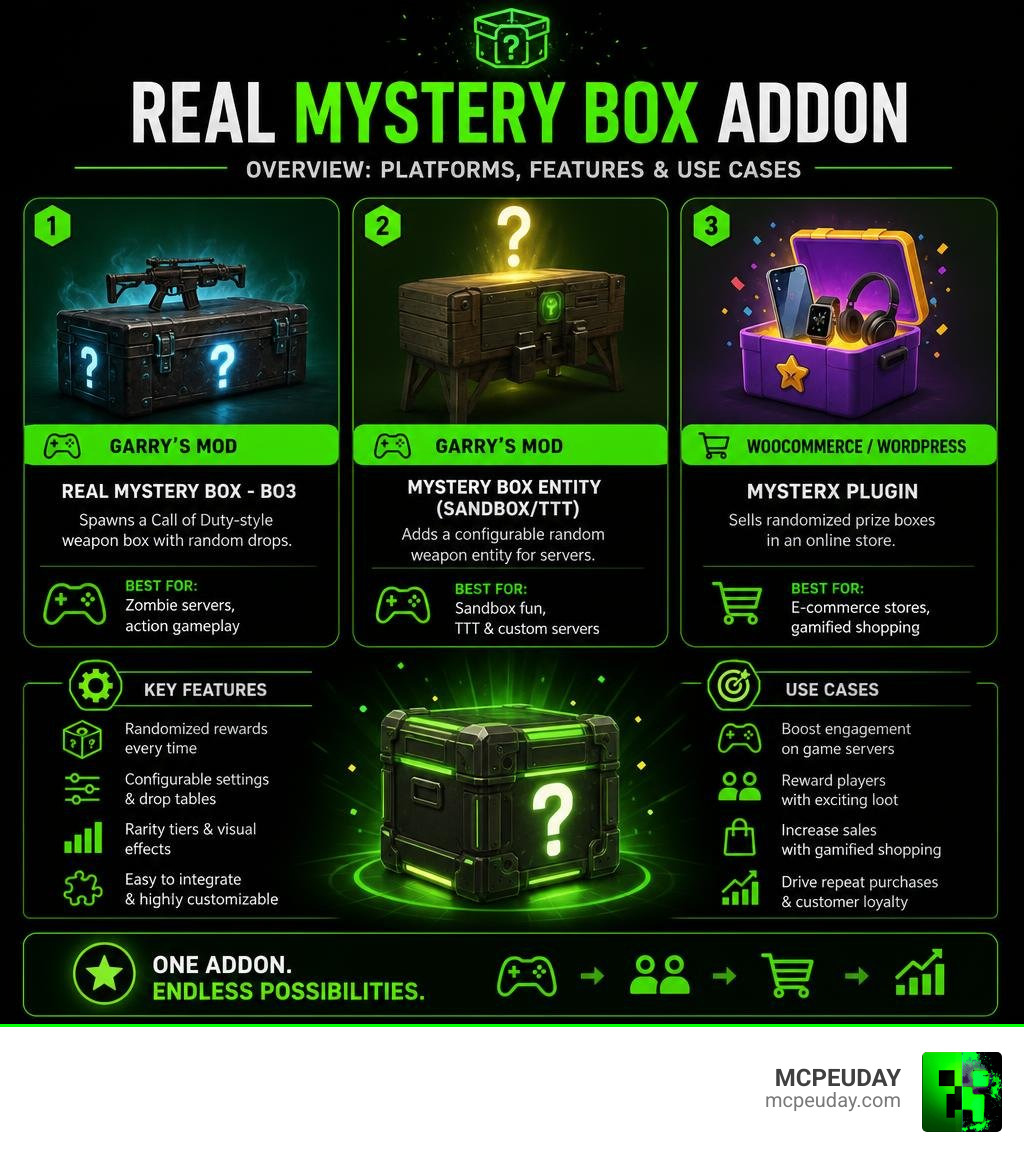
The Real Mystery Box Addon is a randomized loot mechanic available across multiple platforms — most notably as a Garry’s Mod gameplay mod and as a WooCommerce plugin for online stores. Here is a fast breakdown:
| Platform | Addon Name | What It Does |
|---|---|---|
| Garry’s Mod | Real Mystery Box – BO3 | Spawns a Call of Duty-style weapon box with random drops |
| Garry’s Mod | Mystery Box Entity (Sandbox/TTT) | Adds a configurable random weapon entity for servers |
| WooCommerce / WordPress | Mysterx Plugin | Sells randomized prize boxes in an online store |
Whether you are a gamer running a GMod server or a store owner looking to gamify your checkout, there is a version built for you.
Mystery boxes have exploded in popularity because they borrow a mechanic every gamer already loves — the randomized loot drop. From the iconic spinning crate in Call of Duty: Zombies to reward bundles in online shops, the core thrill is the same: you never know what you are going to get.
The Garry’s Mod BO3 replica alone has racked up 379 ratings on Steam Workshop, while the older Sandbox/TTT version has earned over 4,400 ratings — proof that players keep coming back for this mechanic. On the e-commerce side, plugins like Mysterx bring the same dopamine hit to real purchases, complete with spinner animations and rarity tiers straight out of an RPG.
I am UDAY GAMER, and in this guide I will walk you through every version of the Real Mystery Box Addon so you can pick the right one and get it running fast.
What is the Real Mystery Box Addon and Supported Platforms
When people search for a Real Mystery Box Addon, they are usually looking for one of two incredibly popular digital tools.
The first is the gaming community’s favorite: the Garry’s Mod (GMod) scripting addon. This brings the high-stakes weapon cycling of classic shooter games straight into physics sandboxes and custom multiplayer maps. In fact, randomized box mechanics are so popular in gaming that you will find similar concepts across various titles, such as the Russia Map Mystery Box – Unturned Bunker Wiki – Fandom.
The second major platform is WordPress and WooCommerce. Online store owners use the Mysterx plugin to create virtual mystery boxes that customers can purchase to win real-world or digital products. It is an incredibly effective e-commerce gamification tool.
If you are a Minecraft player, you might be wondering how to get this thrill in your blocky worlds. While GMod and WooCommerce have their dedicated plugins, we have you covered at MCPEUDAY with our custom Keys Crates Addon, which you can download directly from our Home page to set up physical reward chests in Bedrock or Pocket Edition.
Garry’s Mod Real Mystery Box Addon: BO3 Replica & Sandbox Entities
If you are running a GMod server, adding a mystery box is one of the fastest ways to boost player engagement. There are two primary files on the Steam Workshop that players use to achieve this: the highly visual Steam Workshop::Real Mystery Box – BO3 (which is a 76.114 MB file featuring custom Call of Duty models) and the lightweight Mystery Box Entity (Sandbox/TTT) which is only 10.545 MB.
How the Real Mystery Box Addon Works in GMod
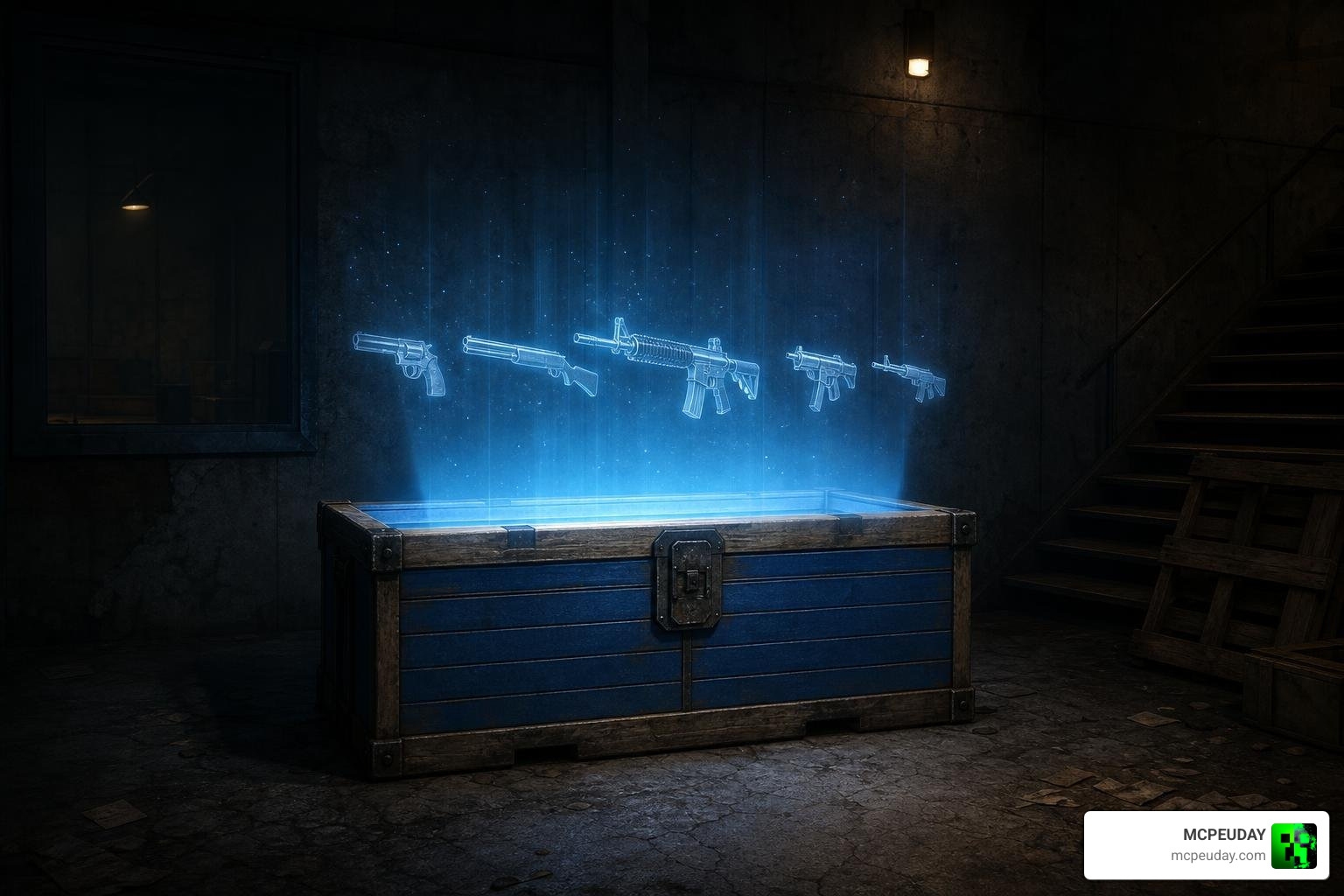
Once spawned on a server, the GMod mystery box operates just like its classic console inspiration. Players approach the box, spend a set amount of points or in-game currency, and watch as weapons cycle rapidly in a glowing holographic animation above the lid.
The addon fully simulates the classic “teddy bear” mechanic. If a player rolls the dreaded teddy bear, the box will slam shut, play a laughing sound effect, and disappear, spawning randomly somewhere else on the map. Server administrators can completely control these behaviors using console variables (ConVars) or by holding the “C” key to bring up the admin context menu to dynamically adjust box health and weapon exchange rules.
Configuring Weapons and Troubleshooting Common GMod Issues
By default, these addons scan your server and include every installed weapon in the mystery box cycle. However, if you want a balanced game, you will want to configure a custom weapon list.
To do this for the BO3 replica, navigate to your server directory at garrysmod/data and look for a text file named bo3mysteryboxravo.txt. For the Sandbox/TTT version, look for mysterybox.txt. If these files do not exist, spawning the box in-game once will automatically generate them.
Here are the best practices for configuring your loot pools:
- Use advanced text editors like Notepad++ or Sublime Text. Standard Windows Notepad can sometimes corrupt the formatting.
- List exactly one weapon class per line (for example, weapon_smg1).
- To make a specific weapon more common, simply duplicate its class name on multiple lines within the text file.
- Do not nest comments inside the configuration files, as this will break the parsing algorithm.
- Set the configuration file to “Read Only” in your file properties to prevent gamemodes like Trouble in Terrorist Town (TTT) from overwriting your custom weapon pools back to default settings upon server restart.
Here is a quick comparison of the two main GMod mystery box options:
| Feature | BO3 Replica Addon | Sandbox/TTT Entity |
|---|---|---|
| File Size | 76.114 MB | 10.545 MB |
| Custom Models | High-quality BO3 replica model | Classic simple crate model |
| Best For | CoD-style Zombie survival modes | Lightweight Sandbox and TTT rounds |
| Customization | ConVars and bo3mysteryboxravo.txt | Admin menu and mysterybox.txt |
Mysterx WooCommerce Plugin: Gamifying E-Commerce
Loot boxes are not just for video games anymore. Modern e-commerce stores utilize gamification to clear out old inventory, reward high-value shoppers, and drive repeat purchases. In the physical retail world, mystery boxes are incredibly popular—from local shops like those found on the Find list of Mystery Box in Jaipur near me directory, to online platforms selling curated surprises like Mystery Box Delights: Discover Exciting Surprises or liquidation returns via USA Mystery Box | Surprise Boxes of Ecommerce Returns | Up to 80% Off ….
With the Mysterx – Mystery Boxes for WooCommerce – WordPress plugin | WordPress.org, you can bring this exact physical retail excitement to your WordPress site.
Free vs. PRO Features of the Real Mystery Box Addon for WordPress
While the free version of Mysterx allows you to set up basic random boxes, upgrading to the PRO version unlocks the true gamified experience. The PRO version introduces weighted rarity classes, which ensure your store remains profitable while still offering exciting high-value grand prizes.
The default probability weights for the PRO version’s rarity classes are:
- Common: 50% chance (Weight: 50)
- Uncommon: 30% chance (Weight: 30)
- Rare: 15% chance (Weight: 15)
- Epic: 4% chance (Weight: 4)
- Legendary: 1% chance (Weight: 1)
In addition to custom item weights, the PRO version includes immersive CSS opening animations, custom sound effects, celebratory confetti explosions, and dedicated premium support.
Step-by-Step Setup Guide for WooCommerce Store Owners
Setting up the Mysterx plugin on your website in July 2026 is simple if you follow these steps:
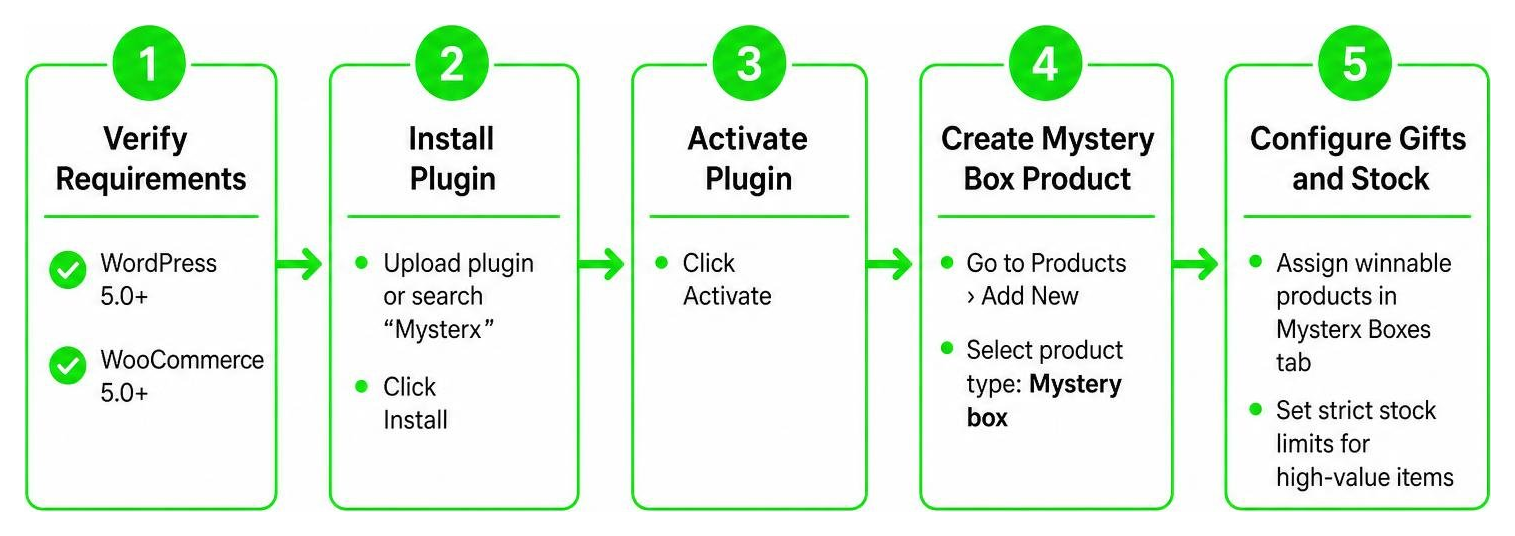
- Verify Requirements: Ensure your website is running at least WordPress 5.0 or greater and WooCommerce 5.0 or greater.
- Install the Plugin: Upload the plugin files to your /wp-content/plugins/ directory, or search for “Mysterx” directly in your WordPress Admin Plugins screen and click install.
- Activate: Click activate on the WordPress plugins page.
- Create a Mystery Box Product: Go to your WordPress Dashboard, navigate to Products, and add a new product. In the Product Data dropdown, select the new “Mystery box” product type.
- Configure Gifts and Stock: In the “Mysterx Boxes” tab, assign the products that can be won. Be sure to set strict stock limits for your high-value items so you do not accidentally give away more inventory than you have.
- Publish and Display: Publish your product. You can use shortcodes like [mysterx] or [featured_mysterx] to display your mystery boxes on any custom landing page.
Frequently Asked Questions about Mystery Box Addons
Why does my Garry’s Mod mystery box show a crowbar error?
The infamous “crowbar error” occurs when the addon’s configuration file points to a weapon class that does not exist on your server, or if the custom weapon lacks a valid world model (SWEP.WorldModel) defined in its code. When the box tries to cycle through a broken weapon, it defaults to displaying a standard GMod crowbar to prevent the script from crashing. Double-check your text config file for typos!
What are the minimum requirements for the Mysterx WooCommerce plugin?
To use the Mysterx plugin to sell mystery boxes on your website, your server must meet the following minimum requirements:
- WordPress version 5.0 or greater.
- WooCommerce version 5.0 or greater.
- A modern version of PHP compatible with your active WordPress installation.
How do I prevent client-side crashes when spawning multiple boxes in GMod?
Spawning too many high-detail mystery boxes can cause client-side performance issues or crashes due to excessive particle counts. To solve this, server administrators can disable all custom particle effects by setting the server console variable (ConVar) to true: bo3ravo_mysterybox_bo3_ravo_disableAllParticlesEffects 1
Conclusion
Whether you want to bring the high-stakes thrill of a Call of Duty weapon spin to your multiplayer server or build a gamified e-commerce store that keeps customers coming back for more, a Real Mystery Box Addon is the perfect tool for the job.
If you are a Minecraft fan looking to bring this exact excitement to your custom worlds, we have plenty of resources for you! Beyond our mystery box alternatives, we offer incredible survival files like our custom Lucky Skyblock Map, the chaotic Lucky Flat World, the rewarding Achievement Unlocked Map, and our compiled list of the Top 25 Village Seeds For Minecraft 26.2.

Ready to take your gameplay to the next level? Explore our ultimate Best Minecraft Horror Mods Guide on MCPEUDAY today to find the absolute best graphics, gameplay, and horror mods available!
