What You Need to Know About the GameHunter Genshin Addon Before You Download
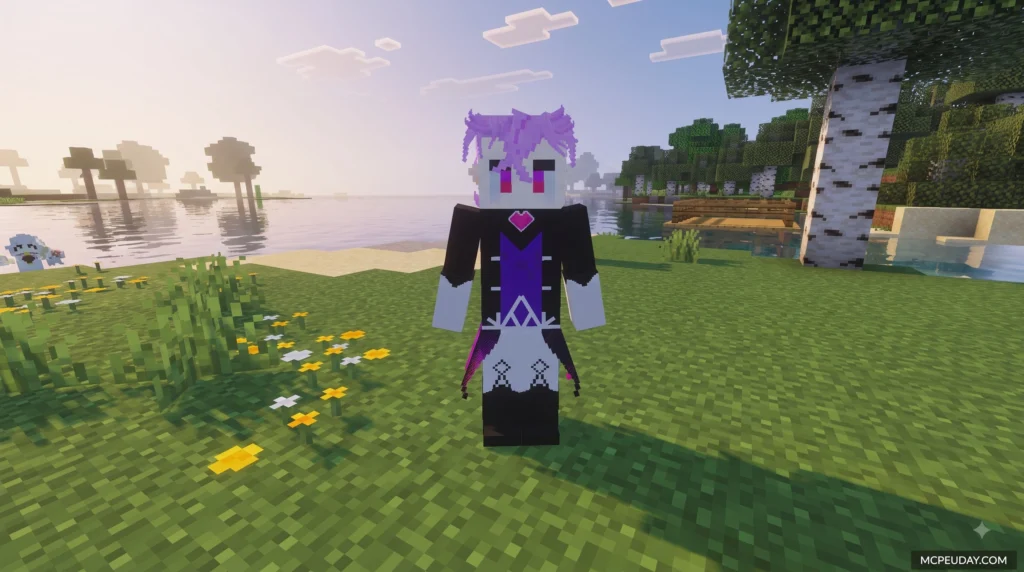
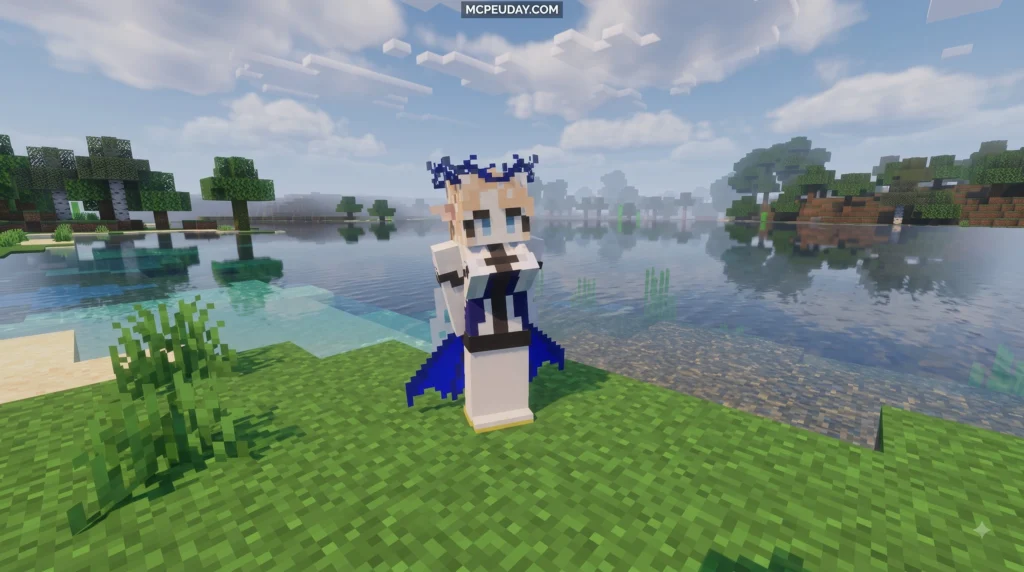
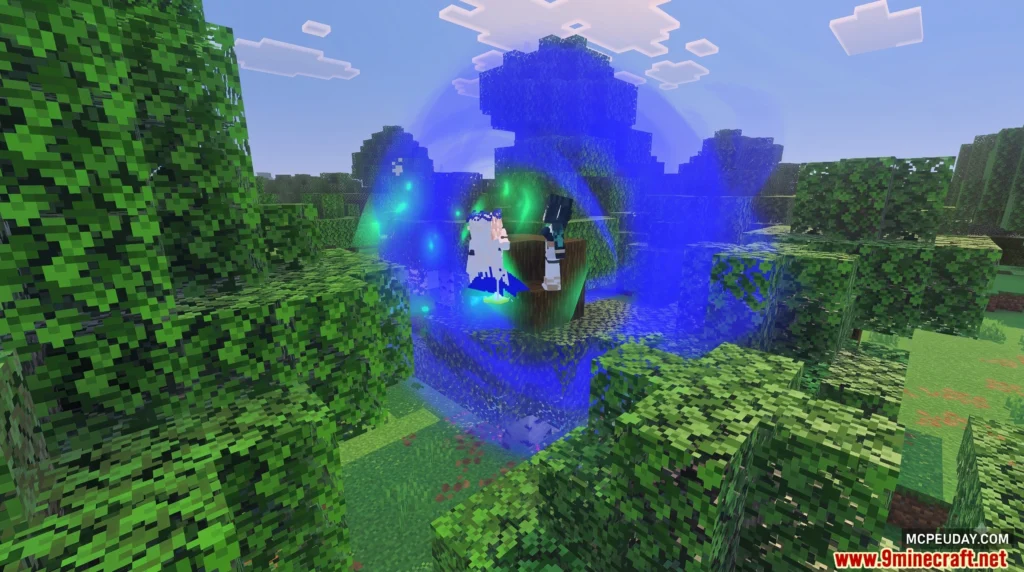
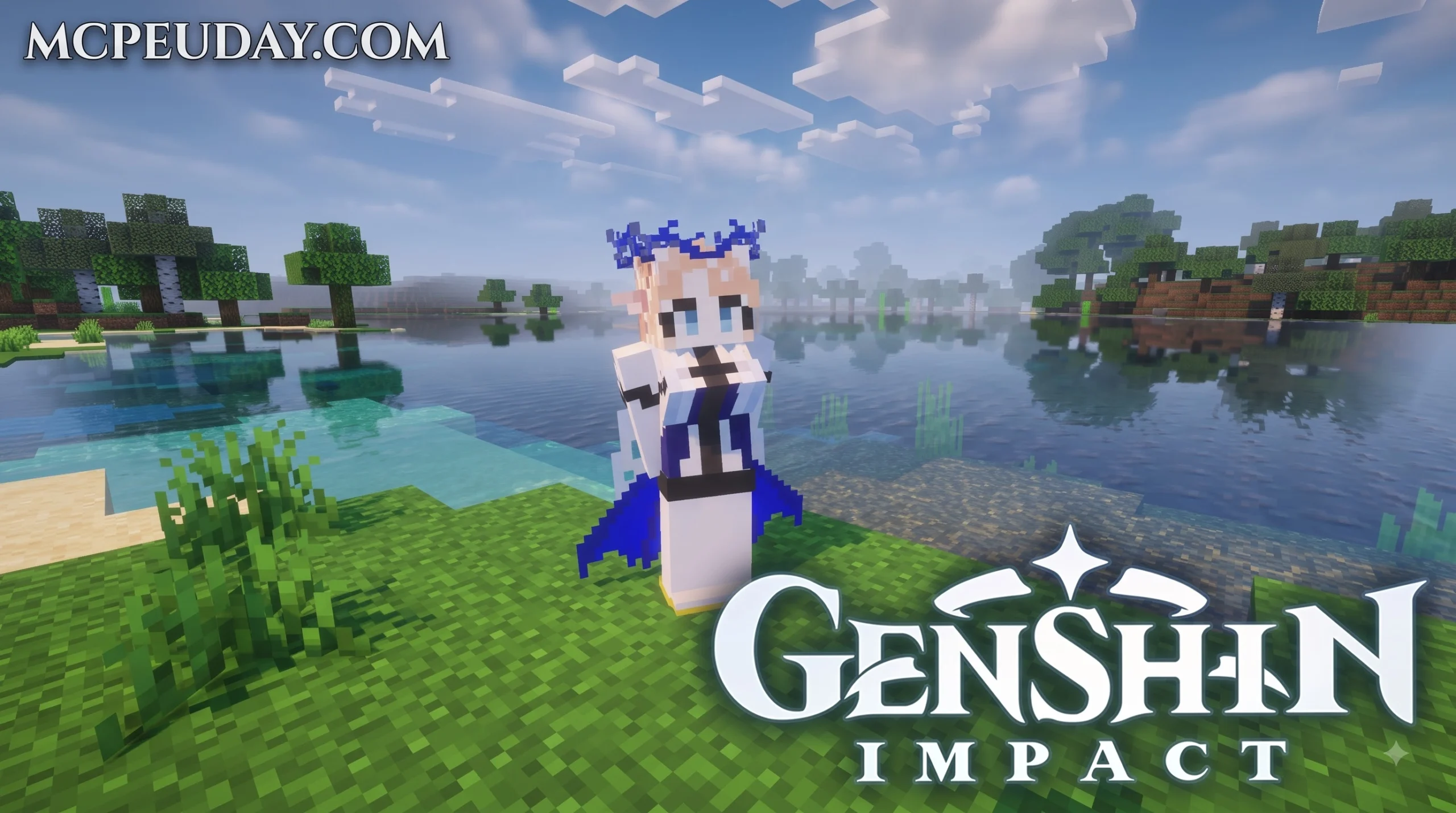
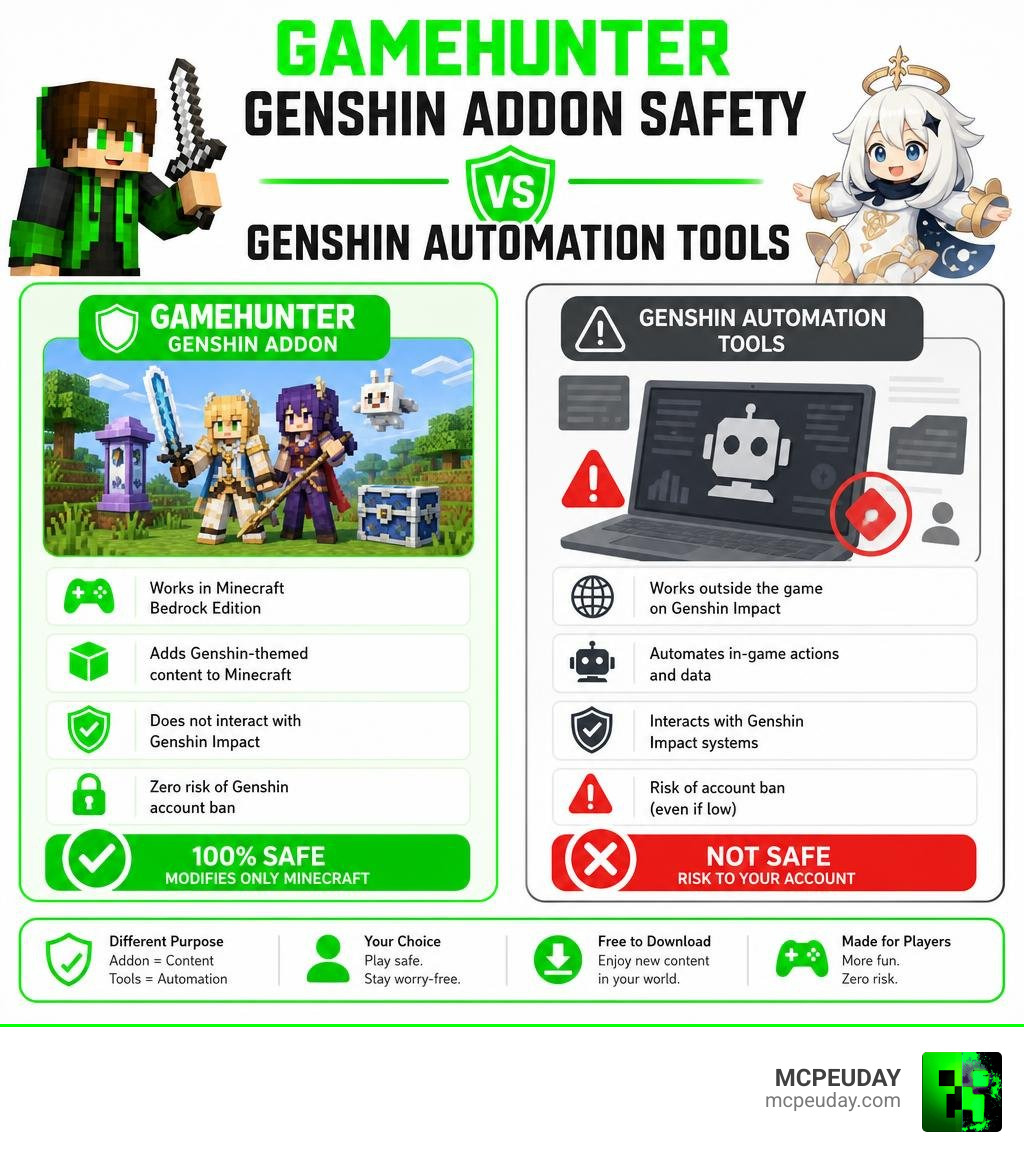
The GameHunter Genshin Addon is a Minecraft Bedrock addon that brings Genshin Impact-inspired content — like weapons, character skins, and Teyvat-themed items — into your Minecraft world. It is not a Genshin Impact automation or hacking tool, which means it carries zero risk of getting your Genshin account banned.
Quick answer at a glance:
| Question | Answer |
|---|---|
| What is it? | A Minecraft Bedrock addon with Genshin Impact content |
| Is it safe? | Yes — it only modifies Minecraft, not Genshin Impact |
| Ban risk for Genshin? | None — it does not interact with Genshin Impact at all |
| Platform | Minecraft Bedrock (Android, iOS, Windows 10/11) |
| Cost | Free to download |
Many players get confused because search results for this addon mix it up with Genshin Impact automation tools like BetterGI, AkashaScanner, and AdeptiScanner-GI. Those tools are a completely different category — and yes, some of them do carry a real (if small) ban risk for your Genshin account.
This guide clears up that confusion and breaks down everything: what the addon actually does, how it compares to those automation tools, and what the real risks look like on each side.
I’m UDAY GAMER from MCPEUDAY, and I’ll walk you through all of it so you can download and play with full confidence.
What is the GameHunter Genshin Addon?
The GameHunter Genshin Addon is a custom modification designed specifically for Minecraft Bedrock Edition. It bridges the gap between the blocky landscapes of Minecraft and the beautiful, anime-inspired world of Genshin Impact – Apps on Google Play. Instead of running a separate program to automate your daily grinding in Teyvat, this addon lets us experience the magic of Genshin directly inside our own Minecraft worlds.
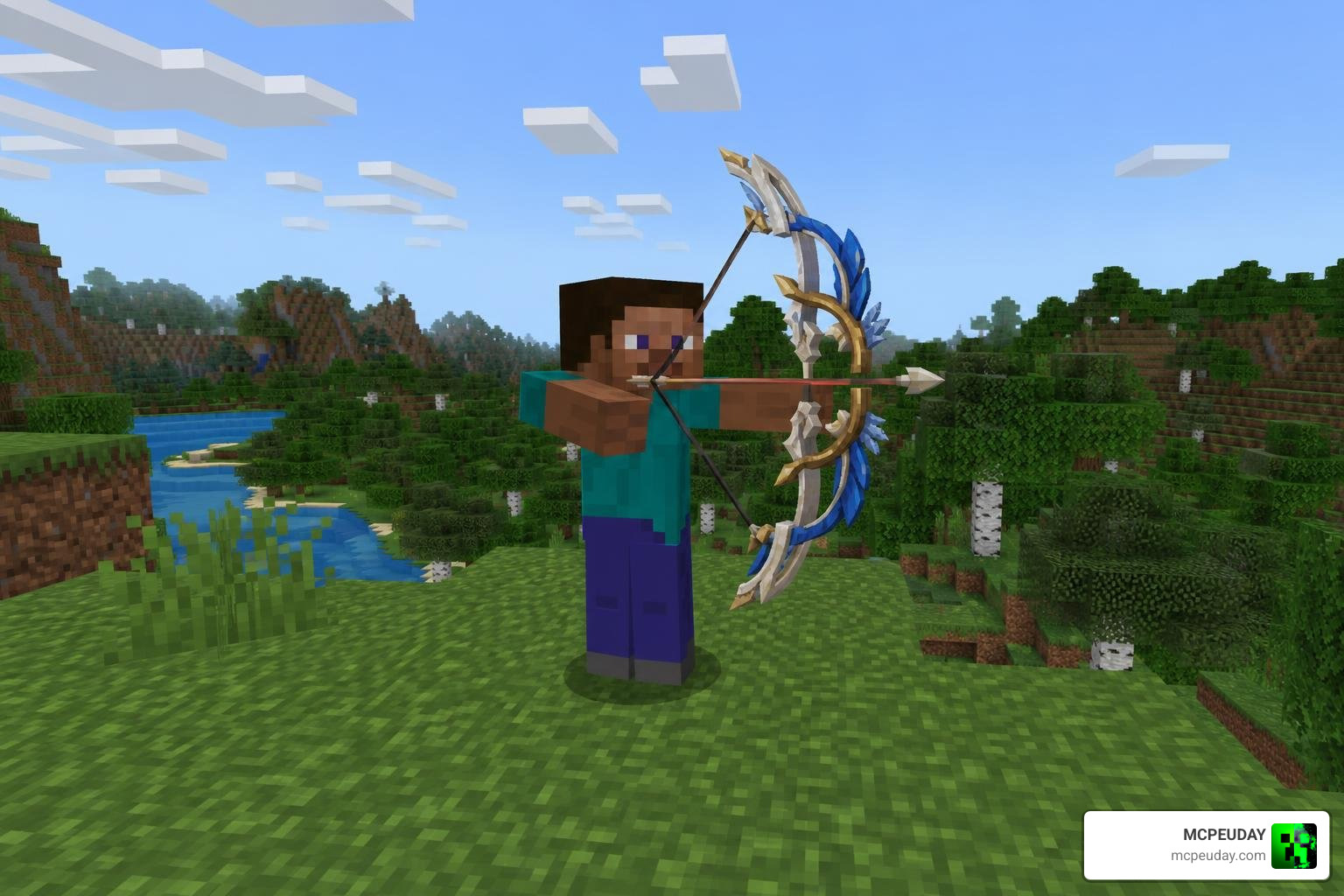
As of our July 2026 updates, the addon has received incredible support, allowing players to wield iconic gear. A prime example is the recreation of the legendary Hunter’s Path – Genshin Impact bow. In the actual game, Hunter’s Path is a rare 5-star weapon with a base ATK of 542 at level 90 and a massive CRIT Rate secondary attribute that scales from 9.6% up to 44.1%. After its historic reruns in August 2022, March 2024, and September 2025, it became one of the most coveted weapons in the game. This Minecraft addon lets us craft and shoot with a blocky version of this exact bow without spending a single Primogem!
Core Features of the GameHunter Genshin Addon
When we install this addon in Minecraft, we unlock a massive chest of Teyvat-inspired features:
- Legendary Weapons: Wield highly detailed 3D models of weapons like the Hunter’s Path, Wolf’s Gravestone, and Mistsplitter Reforged.
- Custom Character Skins: Transform your character to look like your favorite characters from the game.
- Special Abilities: Some weapons feature custom behavior packs that simulate elemental skills, such as summoning mini-tornadoes or dealing area-of-effect elemental damage.
If you love anime-themed content in Minecraft, you should also check out our Anime Characters Addon and the highly popular Anime Waifus Addon to expand your roster of in-game companions!
Technical Requirements and Supported Platforms
Because this is a Bedrock-native mod, it runs seamlessly across multiple devices. The technical requirements are very light:
- Supported Platforms: Android, iOS, and Windows 10/11 (PC).
- Minecraft Version: Compatible with the latest Minecraft Bedrock Edition updates.
- Dependencies: Requires both “Resource Packs” and “Behavior Packs” to be enabled in your world settings.
For players who enjoy combining different anime worlds together, this addon pairs perfectly with the Ryp Animes Craft Addon to create the ultimate anime survival experience.
Safety and Ban Risks: Minecraft Addons vs. Genshin Automation Tools
A common point of confusion for players searching for the GameHunter Genshin Addon is whether using it can get their official game accounts banned. To understand this, we have to separate Minecraft addons from actual Genshin Impact automation software.
Why the GameHunter Genshin Addon is 100% Safe
We can confidently say that the GameHunter Genshin Addon carries absolutely zero ban risk for your Genshin Impact account.
This is because the addon runs entirely inside the Minecraft client. It modifies local Minecraft files (behavior and resource packs) and does not interact with HoYoverse’s servers or game files in any way. You do not even need to have Genshin Impact installed on your device to use it! It is just as safe as playing with our popular GameHunters Solo Leveling Addon.
Understanding Ban Risks in Genshin Impact Automation Tools
On the other side of the fence, we have actual automation tools designed for the official Genshin Impact game, such as HunterRan/better-genshin-impact. These tools automate gameplay actions like auto-pickup, dialogue skipping, and fishing.
While computer-vision-based tools do not inject malicious code directly into the game’s memory, HoYoverse’s Terms of Service (TOS) strictly prohibit any third-party simulation tools. If the anti-cheat system detects automated keyboard or mouse inputs that mimic human play too perfectly, it can still result in an account ban. Therefore, real automation tools always carry a non-zero risk, whereas Minecraft addons are completely safe.
How GameHunter Compares to BetterGI, AkashaScanner, and AdeptiScanner-GI
To make things crystal clear, we have put together a comparison table detailing how our favorite Minecraft addon differs from the actual game helper tools built by the community.
| Feature / Aspect | GameHunter Genshin Addon | BetterGI | AkashaScanner | AdeptiScanner-GI |
|---|---|---|---|---|
| Type of Tool | Minecraft Bedrock Addon | Computer Vision Automation | OCR Inventory Scanner | Color-Value OCR Scanner |
| Primary Purpose | Bring Teyvat items to Minecraft | Automate daily tasks, fishing | Export character/artifact data | Export artifact build data |
| Ban Risk | None (100% Safe) | Low to Medium (TOS Violation) | Extremely Low | Extremely Low |
| Method Used | Minecraft Behavior Packs | Computer Vision (OpenCV) | Tesseract OCR & OpenCV | Color-Value Recognition |
| Open Source? | Yes | Yes | Yes | Yes |
These tools serve completely different audiences. While we use Minecraft addons for creative fun, players use repositories like GitHub – Gajan-L/better-genshin-impact at upstream-main · GitHub to skip the daily grind. Meanwhile, programs like akrios-d/AkashaScanner and openaitx-system/AdeptiScanner-GI are used purely to scan artifact stats so players can optimize their builds on external websites.
Data Extraction Methods: OCR and Computer Vision vs. Minecraft Behavior Packs
The technical difference in how these programs work is fascinating. While Minecraft addons rely on simple JSON-based behavior packs to tell Minecraft how an item should behave, real game tools use highly advanced screen-reading algorithms.
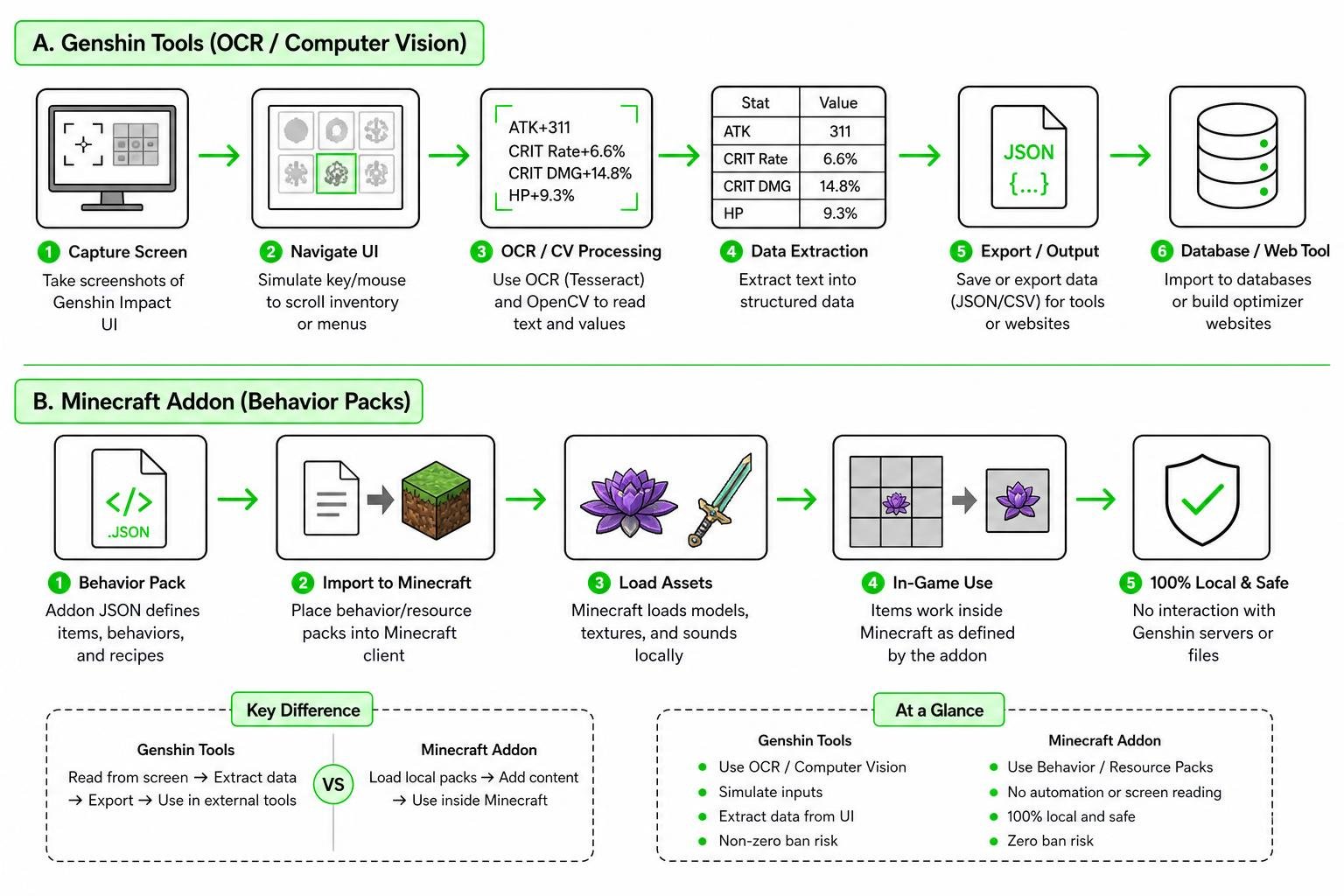
Tools like AkashaScanner use Tesseract OCR (Optical Character Recognition) and OpenCV (Open Computer Vision) to read text directly from your screen. They simulate keyboard presses to scroll through your inventory, take screenshots, and extract the stats.
Similarly, developers use tools like the Masterain98/ghhw-genshin-spider crawler (a Python-based Selenium spider) to scrape character metadata and clean up image assets (converting WebP to PNG) to populate database tools. Minecraft addons, however, require none of this complex automation — they simply load pre-made 3D models and textures.
Recommended Settings and Performance Optimization
If you do decide to use scanner tools alongside your Minecraft sessions, they require very specific system configurations to read your screen accurately:
- Screen Resolution: Must be set to a 16:9 aspect ratio, with 1920×1080 windowed mode highly recommended.
- Game Brightness: Must be kept at default levels.
- Screen Filters: You must disable all custom screen filters, HDR, Windows Night Light, or Nvidia filters. These filters alter color values, which can break image recognition.
If you want to make your Minecraft world look as gorgeous as Genshin Impact itself without messing up your system settings, we highly recommend installing a Genshin Impact Shader to get those beautiful, vibrant anime skies!
Frequently Asked Questions about Genshin Tools and Addons
Is the GameHunter Genshin Addon open-source?
Yes! The Minecraft addon community thrives on shared knowledge. Much like the developer tools we mentioned earlier — such as the ghhw-genshin-spider project on GitHub created by Masterain98, which allows developers to scrape and format character data under open-source licenses — many Minecraft addons are distributed freely. This allows the community to contribute translations, fix bugs, and add new weapons over time.
How do I import scanned Genshin data into Paimon.moe or Genshin Optimizer?
If you use AkashaScanner or AdeptiScanner-GI, these tools will generate a file in the GOOD (Genshin Open Object Description) format. To import this data:
- Open the scanner and complete your inventory scan.
- Locate the exported JSON file in your “ScannedData” folder.
- Go to the settings page of Paimon.moe or Genshin Optimizer.
- Click on Import/Export Data, upload your JSON file, and your entire character and artifact list will sync instantly!
What are the limitations of computer-vision-based tools like BetterGI?
Computer-vision tools are incredibly clever, but they have distinct limitations:
- UI Obstructions: In-game weather effects (like falling snowflakes in Dragonspine) can occasionally cover text, causing OCR scanning errors.
- Resolution Limits: They generally do not support ultra-wide resolutions or non-16:9 aspect ratios.
- Simulated Input Blocks: Some antivirus software may flag the simulated mouse clicks used by these tools, requiring you to run them with administrator privileges.
Conclusion
Whether you are looking to automate your daily commissions or simply want to explore Teyvat in a blocky new way, understanding how these tools work keeps your accounts safe. The GameHunter Genshin Addon is a fantastic, completely risk-free way to bring your favorite anime universe into Minecraft Bedrock.
We at MCPEUDAY are dedicated to bringing you the safest, most exciting mods, shaders, and resources. Head over to our MCPE Bedrock Addons category to download the latest mods and start your next blocky adventure today!
