What is the Bedrockmon Addon and How Do You Get It?
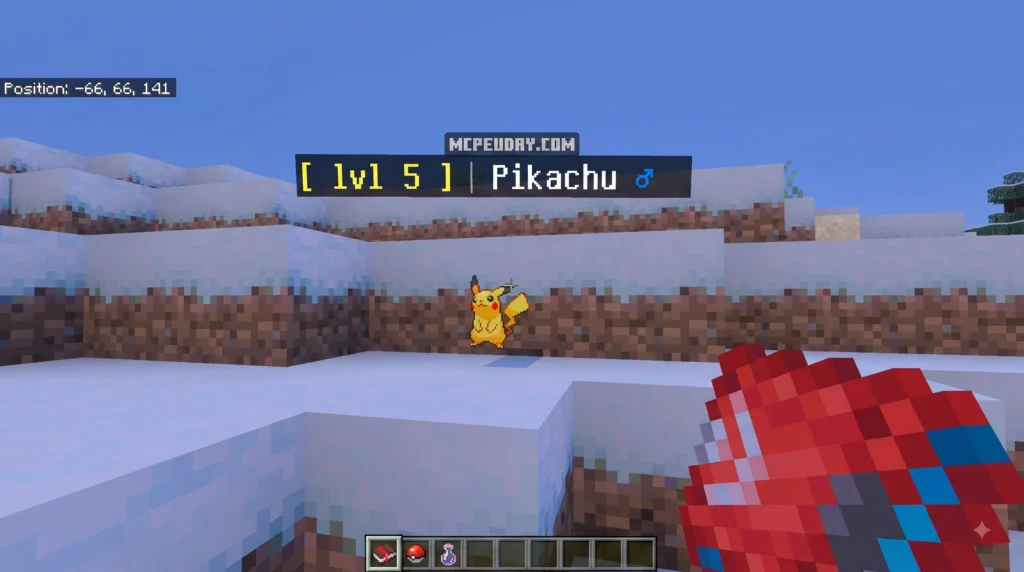
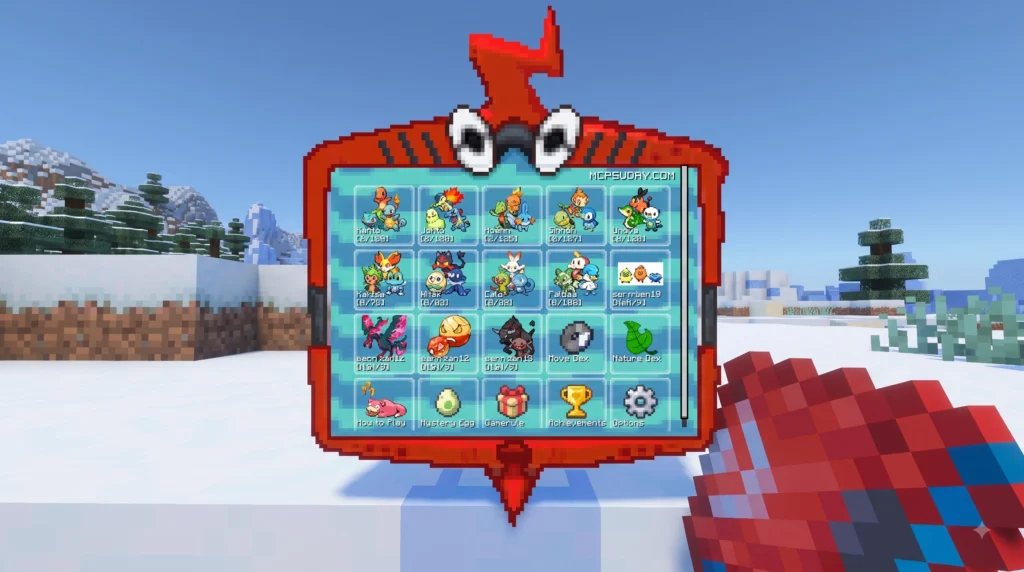
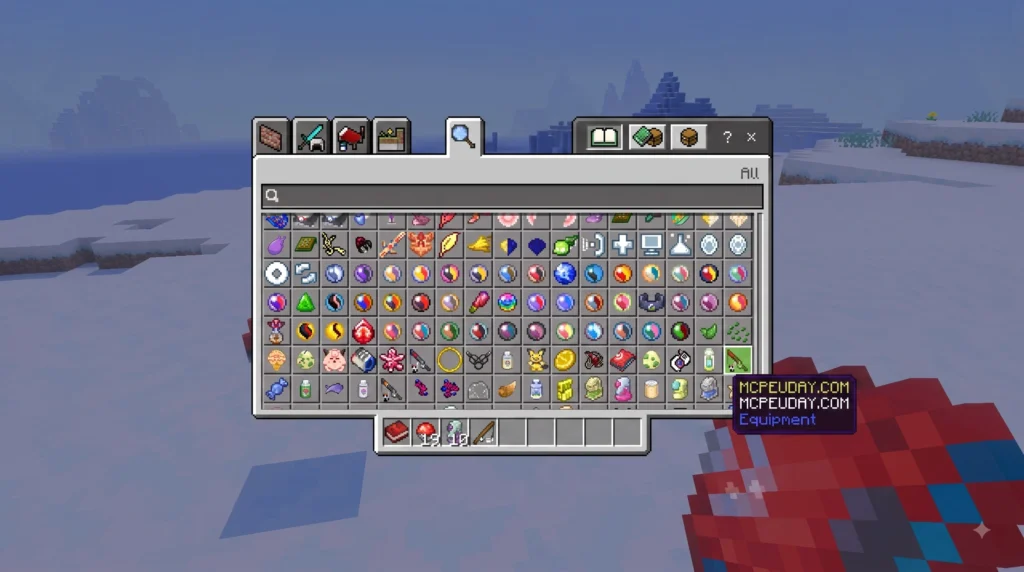
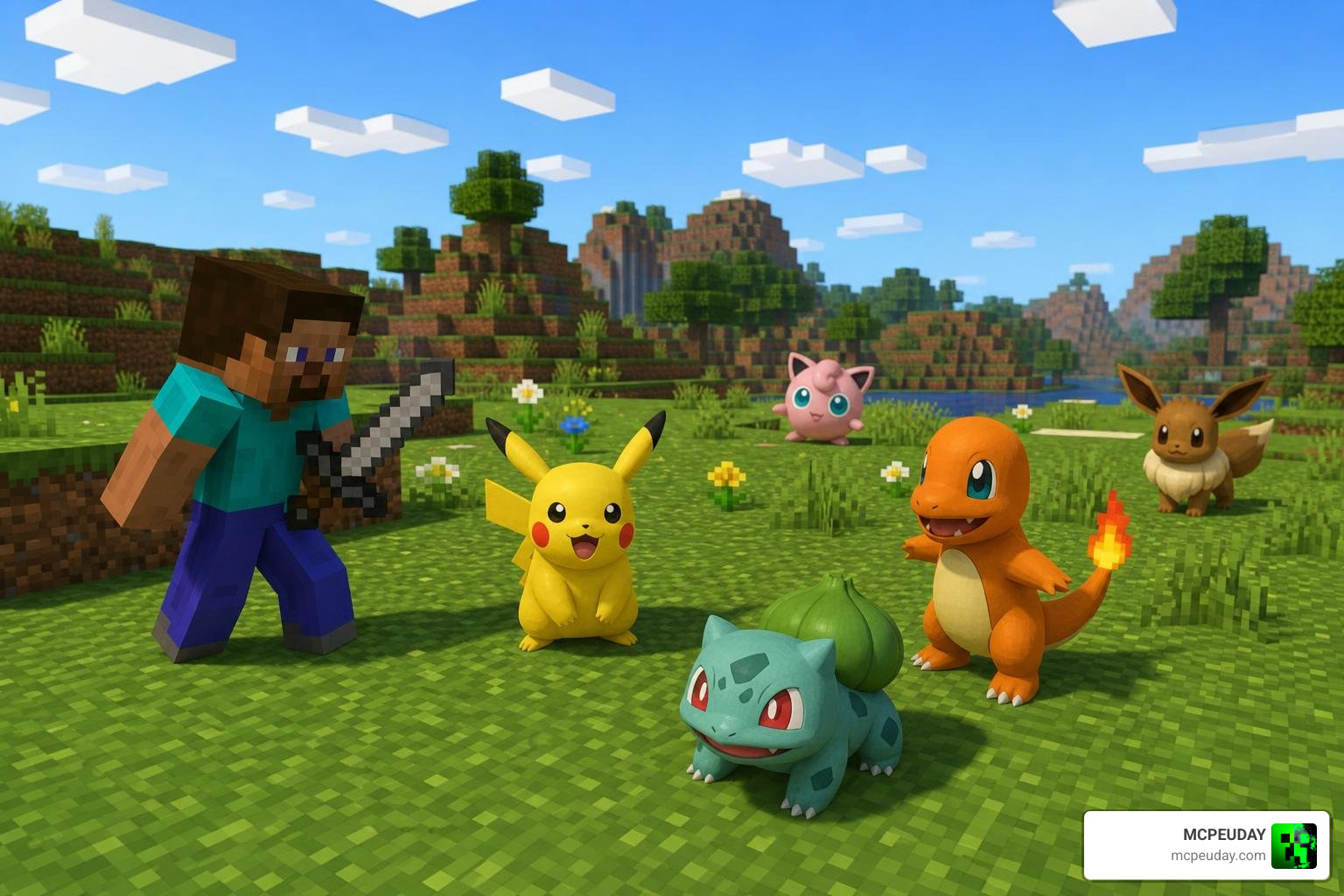
The Bedrockmon Addon is an open-source experimental port that brings the popular Java Edition Cobblemon Pokémon mod to Minecraft Bedrock Edition — and you can download and install it in under an hour.
Here’s a quick overview of what you need to know:
- What it is: A fan-made addon that adds Pokémon models, animations, and basic behaviors to Minecraft Bedrock Edition
- Who made it: Developer kirbycope, available on GitHub (created December 19, 2023)
- How to install: Download the
.mcaddonfile to double-click to import to enable in your world settings - Current state: Roughly 10% complete — Pokémon walk around but there are no Pokéballs or battle mechanics yet
- Install time: Less than an hour for most players
It has already pulled in over 110,000 views and nearly 29,000 downloads on Planet Minecraft, so clearly a lot of Bedrock players want this experience.
The honest truth? This addon is early-stage and experimental. The Pokémon behave like wolves and evolve by eating Rotten Flesh — it’s quirky, but it’s a real, working proof of concept with real Cobblemon models running on Bedrock.
I’m UDAY GAMER, and in this guide I’ll walk you through everything from downloading the file to understanding what the addon can (and can’t) do right now.
What is the Bedrockmon Addon?
We often get asked if it is possible to experience the stunning art style of Java’s Cobblemon mod on Minecraft Bedrock Edition. While the official Java development team hasn’t released a cross-platform version, the open-source community has stepped up. The Bedrockmon Addon is an experimental port designed specifically to bridge this gap.
Created by developer kirbycope on December 19, 2023, this project serves as a technical bridge. It pulls high-quality assets directly from official open-source community repositories to recreate these pocket monsters in Bedrock’s engine. As of July 2026, the project has gained steady traction on GitHub, boasting 17 stars, 7 forks, and 17 watchers, with over 44 contributions from its top developer.
While there are other complete options available on our platform, such as the Cobblemon Addon, the Bedrockmon project is highly regarded for its developer-centric, open-source approach. It exists primarily as an educational exercise in model conversion, proving that Java’s complex entity structures can live and breathe inside Bedrock Edition.
How to Install and Configure the Addon
Step-by-Step Guide to Install the Bedrockmon Addon
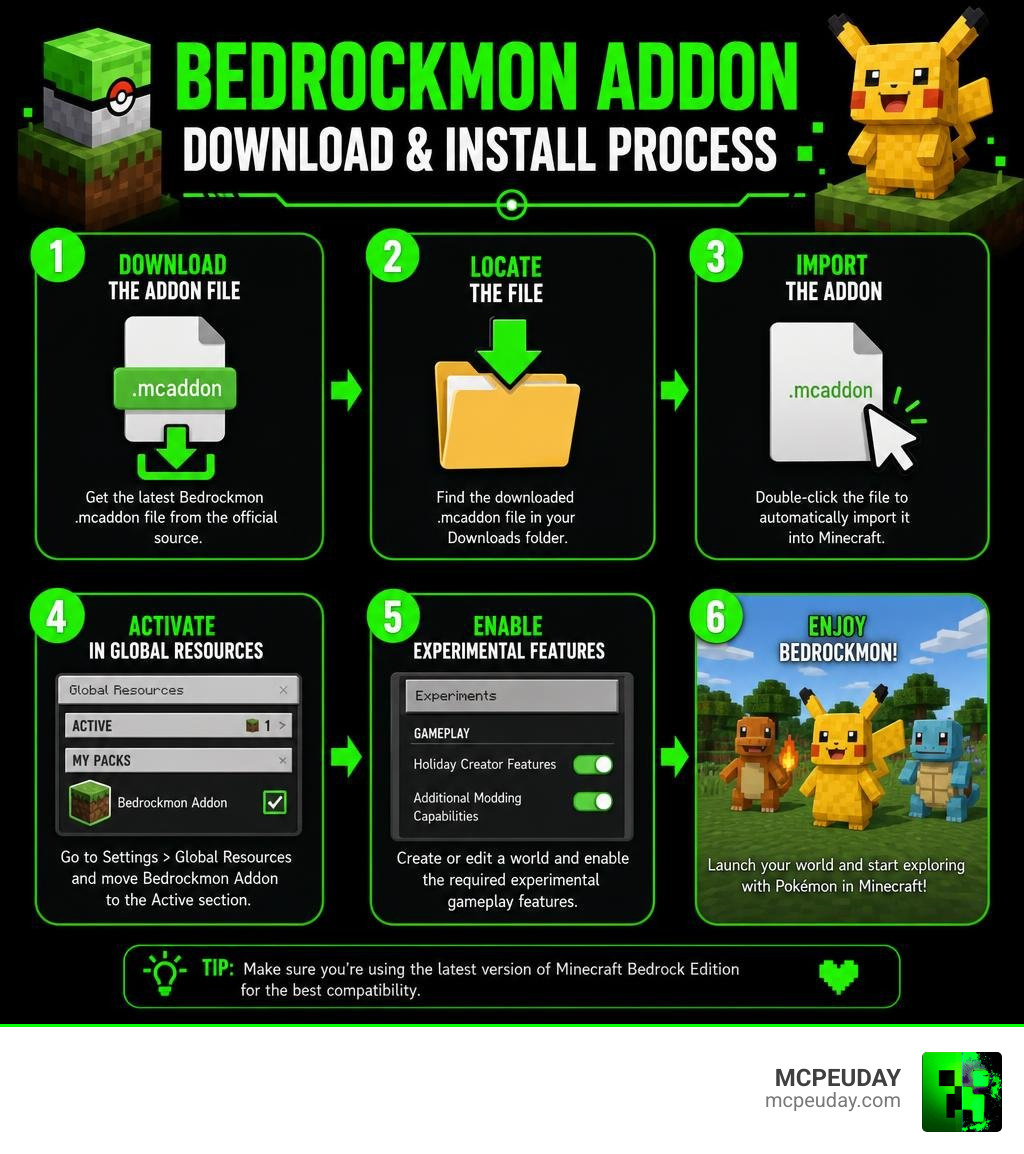
Getting the Bedrockmon Addon up and running in your single-player world takes less than ten minutes. Because Bedrock uses the convenient .mcaddon format, the installation is incredibly straightforward.
- Download the File: Navigate to the official GitHub repository releases page and download the latest
.mcaddonfile to your device. - Import to Minecraft: Double-click or tap the downloaded file. Minecraft Bedrock will launch automatically and import both the behavior and resource packs.
- Create or Edit a World: Go to your world settings menu.
- Activate the Packs: Scroll down to the Active Packs section. You must activate the Bedrockmon Resource Pack and Bedrockmon Behavior Pack.
- Enable Experiments: Because this port is highly experimental, ensure that you toggle Beta APIs and Holiday Creator Features to ON in your world settings.
If you enjoy this visual style but want a more feature-complete survival gameplay loop with active battles, we also highly recommend checking out the Pokemon Revival Addon on our site.
Managing the Bedrockmon Addon on Dedicated Servers
If you run a dedicated server, managing addons requires a bit more technical oversight. Using tools like the Bedrock Server Manager API, server administrators can automate how packs are installed and updated.
To programmatically install the addon, the manager utilizes the import_addon function. This function copies the .mcaddon or .mcpack files directly into the server’s directory structure. To prevent file corruption during this process, the system uses a thread-safe lock called addonlock.
When updating or installing, the server lifecycle manager can automatically stop the server, apply the addon, and restart it only if the import succeeds. Administrators can also utilize functions like enableaddon, disableaddon, and uninstall_addon. Disabling an addon is incredibly useful because it removes the pack from the active world’s load order while preserving the actual files on the server for future use. For a deeper dive into these developer tools, check out the Addon API Documentation — Bedrock Server Manager 3.7.0 documentation .
Technical Insights: Porting Java Assets to Bedrock
Automated Asset Conversion with Python
The magic behind the Bedrockmon Addon lies in its automated asset pipeline. Rather than rebuilding every Pokémon model from scratch, the developer uses a custom Python script named port.py.
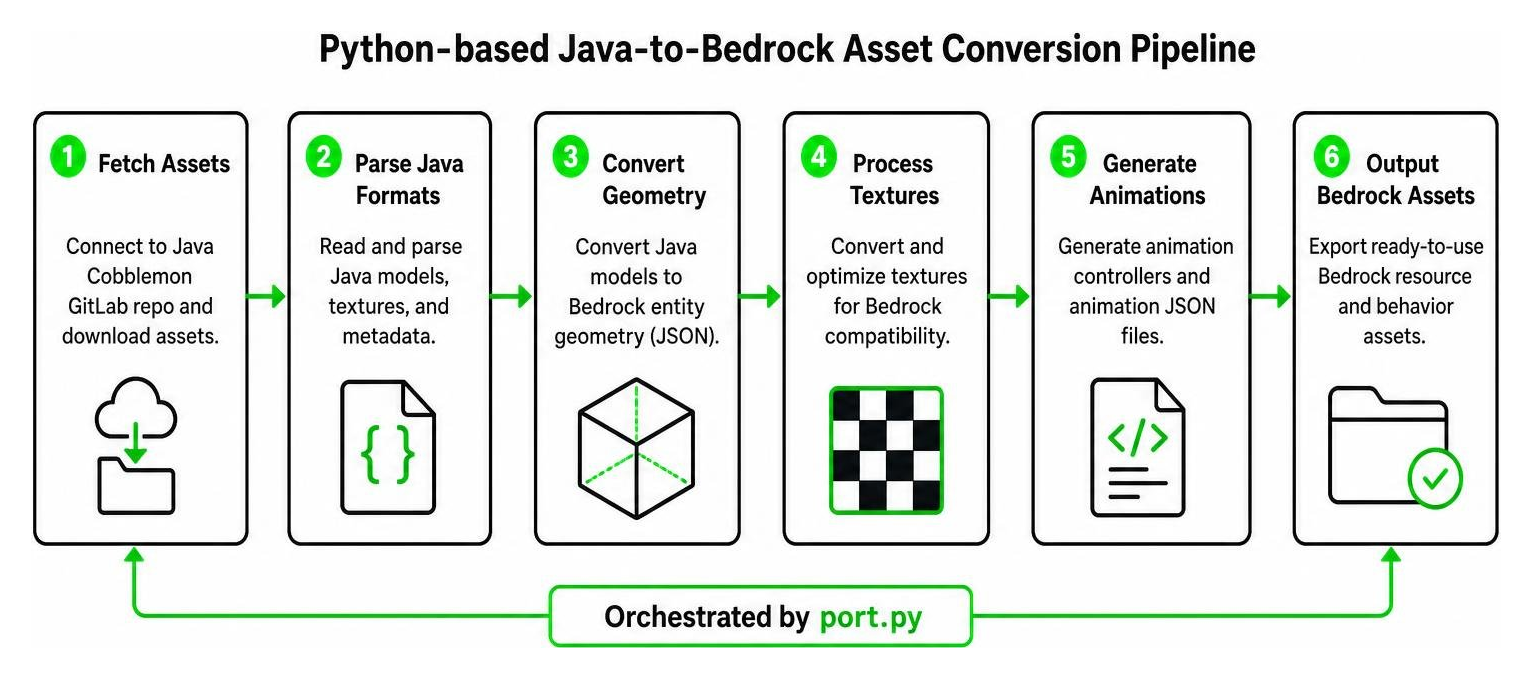
This script automates the tedious parts of mod porting:
- It connects to the Java Cobblemon GitLab repository to fetch the official asset files.
- It parses Java’s model and texture formats.
- It outputs Bedrock-compatible entity geometry JSON files and resource textures.
- It generates the necessary animation controllers so the models can move smoothly in Bedrock.
Developers working on this project often use VS Code extensions designed for Minecraft Creator to quickly test and debug the generated files, ensuring the animations translate perfectly to Bedrock’s render engine.
Mapping Block States and Aux-Values
In Bedrock addon development, handling custom blocks and structures requires mapping legacy metadata to modern formats. Minecraft Bedrock historically relied on numerical Aux-Values to define block variations.
Modern Bedrock development uses string-based Block-States and Block-Traits. When porting structures or custom blocks associated with Pokémon environments, developers must map legacy Aux-Values to their corresponding Block-States (such as direction, active status, or signal strength). Understanding these mappings is crucial for any creator looking to expand this addon. You can find the complete technical index of these mappings in the Addons Documentation | bedrock.dev .
Current Features, Limitations, and Future Roadmap
Gameplay Features and Wolf-Like Behaviors
Because the Bedrockmon Addon is an experimental port, its gameplay features are currently limited but highly entertaining. The Pokémon models are fully animated and can be spawned using spawn eggs in Creative Mode.
However, because the complex Java battle engine has not been ported, the entities currently use modified vanilla wolf behaviors. They will wander your world, look at you with adorable eyes, and can even be tamed.
Perhaps the most humorous feature is the evolution mechanic. Since there are no evolutionary stones or level-up triggers coded yet, you can evolve your Pokémon simply by feeding them Rotten Flesh!
For a quick comparison of how this experimental port stacks up against the original Java mod:
| Feature | Java Cobblemon Mod | Bedrockmon Addon (Experimental) |
|---|---|---|
| Pokémon Models | Fully supported | Supported (Ported via Python) |
| Animations | Smooth, custom | Basic walking & idle animations |
| Battle System | Turn-based RPG battles | None (Wolf-like behaviors) |
| Evolution Method | Leveling, items, trading | Feeding Rotten Flesh |
| Catching Mechanics | Throwing Pokéballs | None |
If you are looking for a Bedrock option that already features custom spawn systems and interactive behaviors, you can also explore the Pokebedrock Pokemon Addon.
Known Issues and Experimental Limitations
As the project is currently listed as roughly 10% complete, players should expect several experimental limitations. The developer created this project primarily as a learning exercise, meaning active bug-fixing is limited.
Some of the known issues include:
- Flashing Textures: Some models may occasionally flash or display missing texture patterns.
- Missing Models: Not all Pokémon from the Java mod have been successfully ported yet.
- No Battles or Pokéballs: There are no items to craft, and you cannot capture wild creatures.
- Typo-Induced Asset Failures: Minor file path errors in the automated script can occasionally cause specific entity models to fail to load.
If these visual bugs are a dealbreaker for your survival world, we recommend checking out the highly stable Serp Pokedrock Addon as an alternative.
Frequently Asked Questions about Bedrockmon
Why are there no Pokéballs or battle mechanics in the Bedrockmon Addon?
The addon is currently in an early, experimental phase (10% complete). It was developed primarily as a technical showcase to demonstrate how Python scripts can convert Java entity models and animations into Bedrock formats. It currently lacks the complex scripting required to run a custom turn-based battle engine.
How do you evolve Pokémon in this experimental port?
Because traditional evolution triggers are not yet implemented, the developer mapped the evolution trigger to vanilla wolf feeding behaviors. You can evolve your spawned Pokémon by feeding them Rotten Flesh.
Does this addon work on Minecraft Realms or Dedicated Servers?
Yes, but with caveats. While it works on local worlds and Bedrock Dedicated Servers (BDS), you must ensure that Beta APIs are toggled ON. Standard Minecraft Realms often restrict advanced scripting addons.
If you are setting up a dedicated server for your community, you might also want to look into map tools like the Live Player Tracking & Markers Guide | BedrockMap and learn how to Install the Premium BedrockMap Addon | BedrockMap to easily track your players as they explore.
For more inspiration on what addons to run on your server, check out these community showcases of the Top 10 Minecraft Bedrock ADDONS For Survival (Marketplace) and the Top 10 BEST FREE Minecraft Bedrock Addons .
Conclusion
The Bedrockmon Addon is a brilliant testament to what the Minecraft modding community can achieve. Even as an early 10% complete experiment, seeing high-fidelity Cobblemon models running natively on Bedrock Edition is incredibly exciting. Whether you want to use it as a visual showcase, a learning tool for asset porting, or just want to run around a world with wolf-like Pokémon, it is well worth the quick installation.
We at MCPEUDAY are committed to bringing you the absolute best resources, guides, and downloads for your Minecraft worlds. We would love to hear your feedback on this port!
Ready to discover more game-changing additions for your world? Explore more Minecraft Bedrock mods and addons on our platform today!
