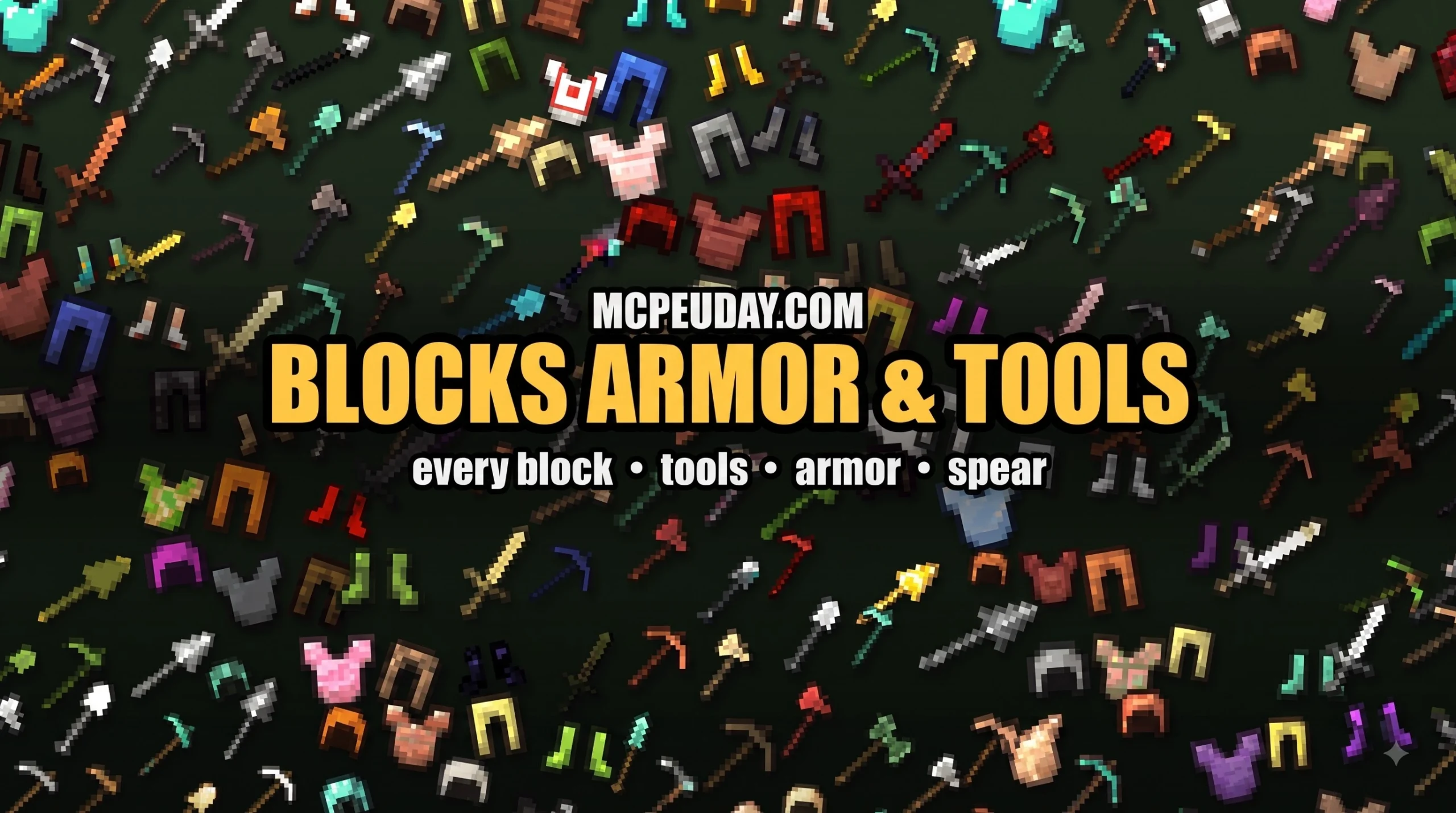
What the Blocks Armor & Tools Addon Actually Does (And Why It’s Worth It)
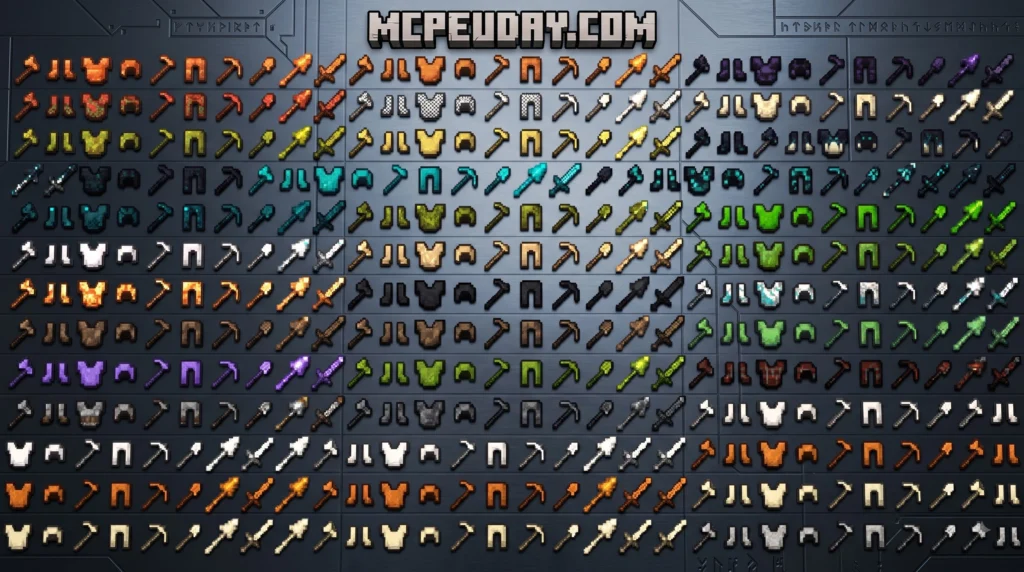
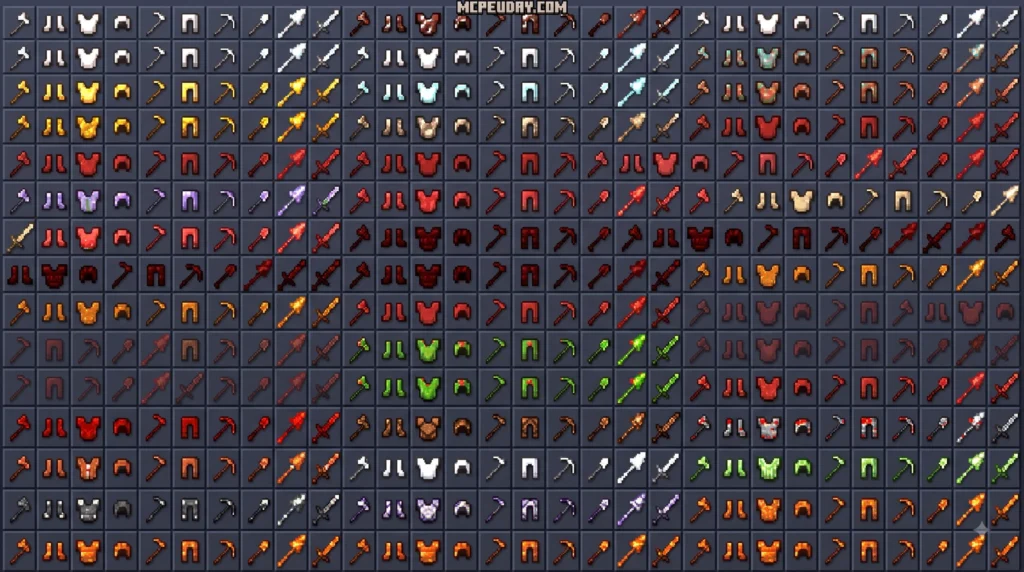
The Blocks Armor & Tools Addon transforms nearly every block in your Minecraft world into craftable armor and gear. Here’s a quick breakdown of what it offers:
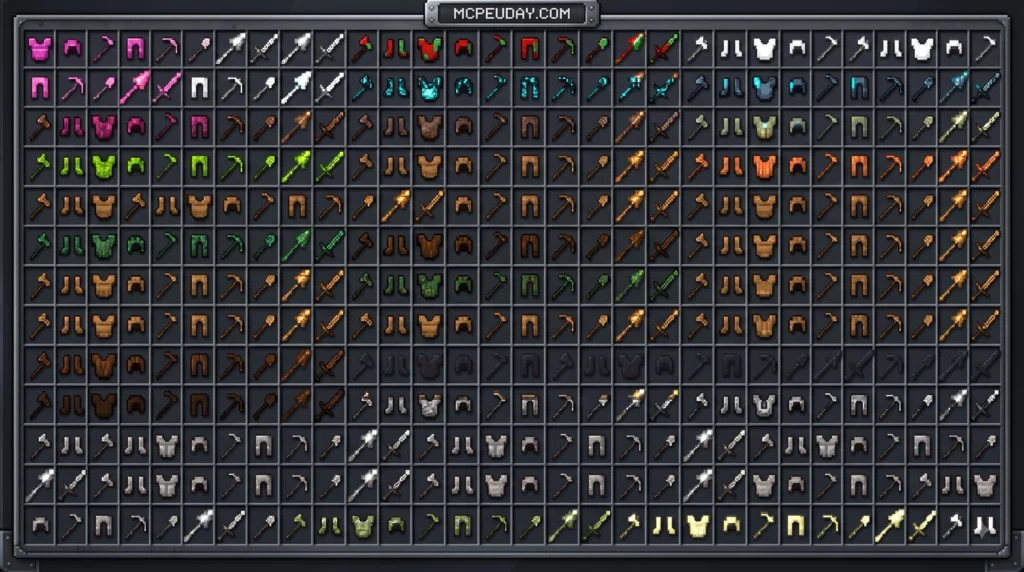
- 234+ armor sets available in the Bedrock Edition
- Unique set effects — like Ice Armor freezing water under your feet or Magma Armor retaliating against attackers
- Dynamic stats calculated automatically from each block’s hardness value
- Compatible with most texture packs and other addons
- Available for both Java Edition and Bedrock/MCPE
Vanilla armor progression gets stale fast. You grind through leather, iron, diamond, and netherite — and then what? The Blocks Armor & Tools Addon blows that ceiling wide open. Suddenly, blocks like obsidian, cactus, lapis lazuli, and even ice become legitimate gear materials with real combat value.
The Java Edition mod alone has racked up over 3.77 million downloads on CurseForge. That’s not a niche experiment — that’s a proven, community-loved addition to the game.
And it’s not just armor. The addon also expands into custom tools and weapons, giving you a full gear system built from the blocks you already collect.
I’m UDAY GAMER from MCPEUDAY, and in this guide I’ll walk you through everything — features, crafting recipes, set abilities, installation, and more.
Complete Guide to the Blocks Armor & Tools Addon
As of July 2026, the Blocks Armor & Tools Addon stands out as one of the most innovative gear overhauls in Minecraft history. Whether you play on Java Edition or Bedrock Edition, this system completely redefines how you view survival resources. Instead of tossing extra blocks into storage chests, every material you mine becomes a potential upgrade for your defense or utility.
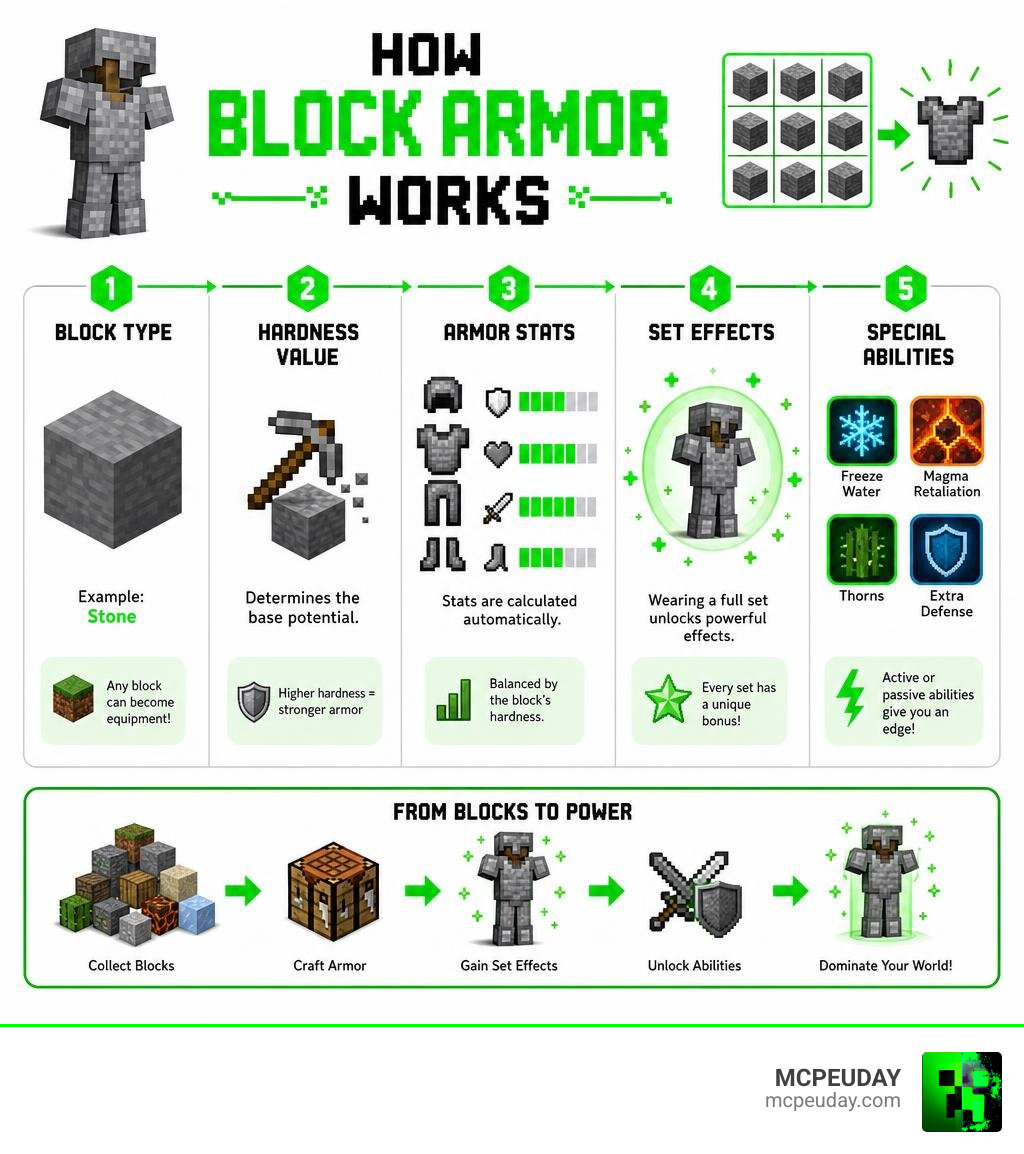
The addon bridges the gap between basic defense and ultimate power. By using a dynamic algorithm that calculates armor stats based on block hardness, the game balances itself naturally. Soft blocks provide lightweight, utility-focused gear, while dense blocks turn you into an immovable tank.
Core Mechanics of Block Armor
At the heart of the Java Edition mod is a procedural generation system. When you load up your world, the mod dynamically scans your game’s block registry. It checks every block available—including those added by other heavy mods like Applied Energistics 2 or Apotheosis—and automatically generates matching armor sets.
The textures are generated dynamically by pulling from the base block’s assets. This means if you use a high-definition resource pack, your new custom armor sets will automatically update to match those high-res textures. The mod’s algorithm calculates protection and durability on the fly by reading the block’s native hardness value.
Expanding Gameplay with Custom Weapons and Tools
We cannot talk about defense without mentioning offense. To get the absolute most out of your survival world, players often pair this system with the Weapons + Tools Add-On. This expansion adds 15 new ores and complete tool sets to Bedrock Edition.
If you want to see these incredible tools in action, check out this WEAPONS + TOOLS ADDON Adds 15 NEW Ores to Minecraft… video guide. Combining custom block armor with these specialized weapons turns your standard Minecraft survival run into a deep, RPG-style adventure.
Key Features and Special Abilities of Custom Armor Sets
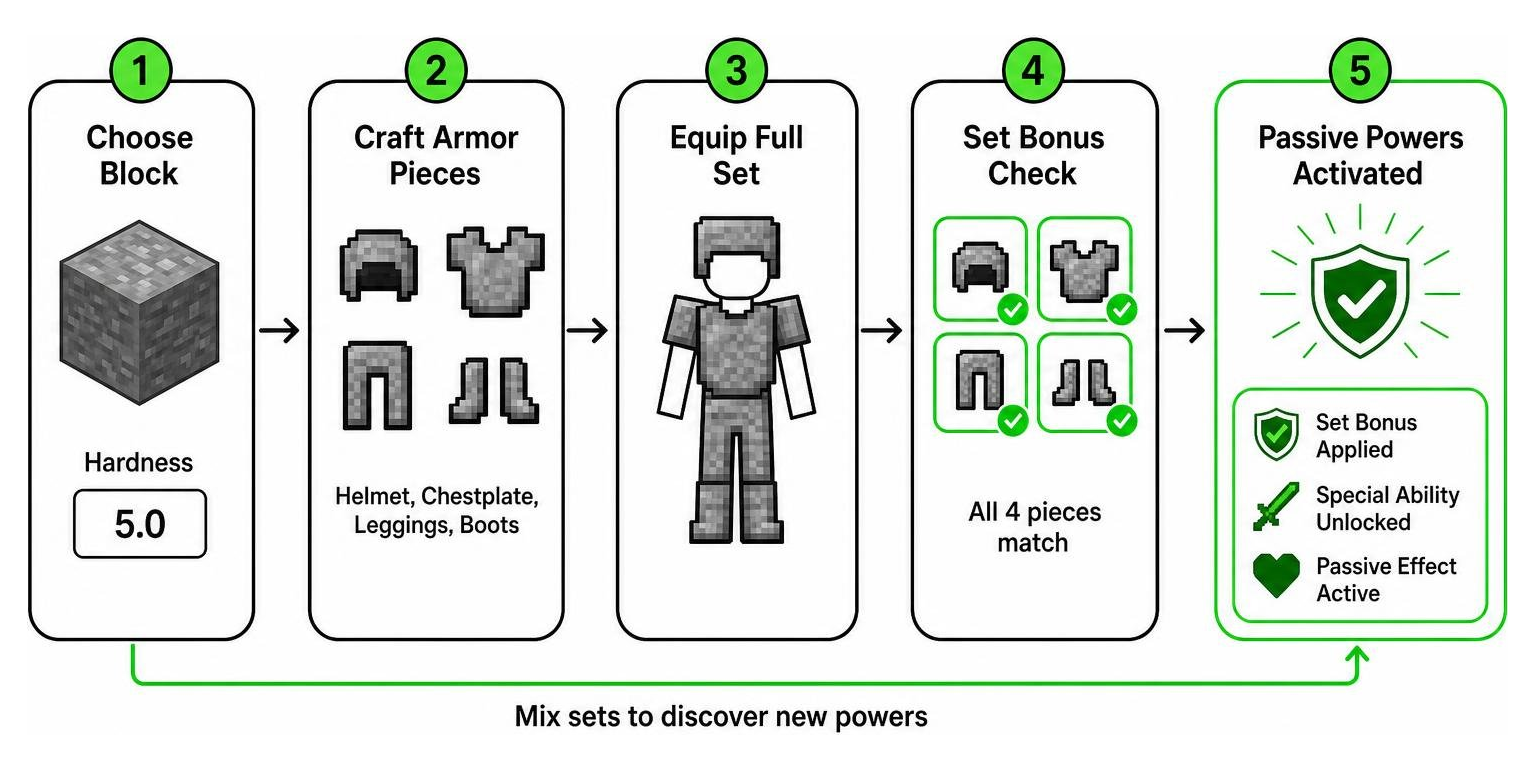
What makes this addon incredibly fun isn’t just the visual variety—it’s the superpowers. Wearing a full set of four matching pieces (helmet, chestplate, leggings, and boots) activates unique set effects that completely change how you interact with the environment.
Popular Armor Sets and Their Unique Powers
Some armor sets have become legendary within the community due to their game-changing abilities:
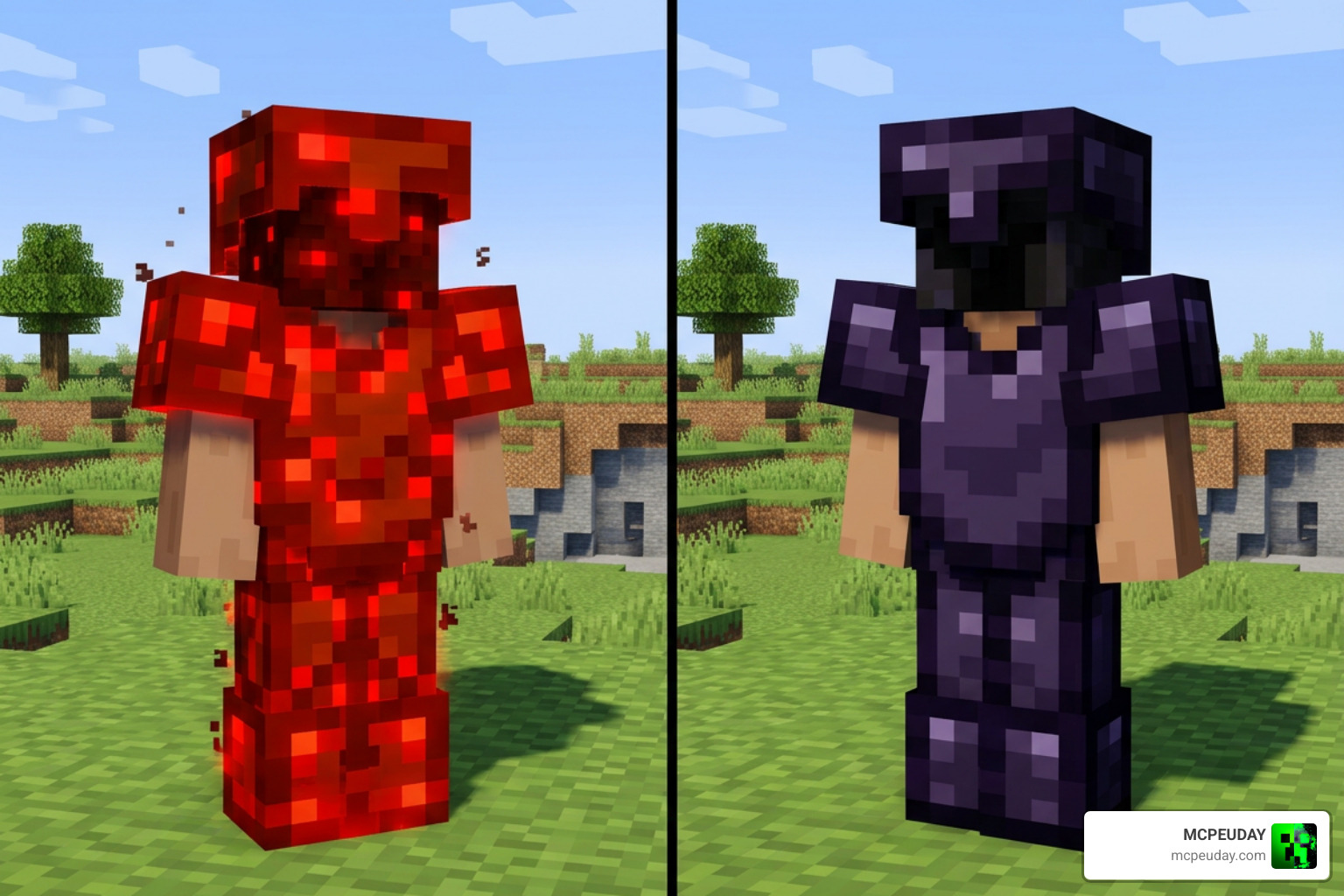
- Obsidian Armor: Extremely heavy protection and high durability, granting you permanent fire resistance.
- Bedrock Armor: Virtually indestructible, offering maximum defense stats, though it is incredibly difficult to acquire.
- Ice Armor: Turns water blocks beneath your feet into ice dynamically, allowing you to run across vast oceans.
- Magma Armor: Sets attacking monsters on fire automatically, dealing heavy retaliation damage during close-quarters combat.
- Cactus Armor: Gives you a built-in Thorns effect. To activate this on Bedrock, simply hold the item and right-click (or long-press on mobile screens) to initialize its special enchantments before equipping it.
There are even fun community suggestions floating around, like bookshelf armor having low durability but dropping random enchanted books when it breaks!
Dynamic Textures and Resource Pack Compatibility
One of our favorite things about the Blocks Armor & Tools Addon is how beautifully it handles graphics. Because the textures are rendered dynamically, they adapt seamlessly to any active resource packs you have installed. If you use animated textures for blocks like prismarine or crying obsidian, your armor will actually animate on your character model.
To prevent rendering issues or visual glitches with these animated textures, we highly recommend keeping your graphics drivers and Java environment updated to the latest versions.
Crafting Recipes and Block Stats
Crafting your custom gear follows the traditional Minecraft progression flow, making it incredibly intuitive for survival players.
Crafting Gear with the Blocks Armor & Tools Addon
To craft a full set of block armor, you will need 24 blocks of your chosen material. Head over to your crafting table and arrange the blocks in the standard vanilla templates:
- Helmet: 5 blocks placed in an upside-down U-shape.
- Chestplate: 8 blocks filling every slot except the top-middle.
- Leggings: 7 blocks placed in an arch shape.
- Boots: 4 blocks placed in two parallel vertical columns.
Armor Durability and Hardness Calculations
The durability and protection of your gear depend entirely on the block’s natural hardness. For example, dirt has a very low hardness value, resulting in armor that breaks after a few hits but is incredibly cheap to replace. Obsidian, on the other hand, features massive protection points and high durability.
If you find certain blocks to be too overpowered or too weak, you can easily open up the mod’s configuration file to manually toggle specific armor sets or adjust their individual effects to suit your playstyle.
Java Edition Mod vs. Bedrock Edition Addon
While both versions share the same core concept, they operate differently under the hood due to engine differences between Java and Bedrock.
Procedural Generation vs. Pre-configured Models
The Java Edition mod uses dynamic scanning to generate armor on the fly. This allows it to support thousands of modded blocks automatically.
The Bedrock Edition addon is engineered differently to ensure smooth performance on mobile devices and consoles. Instead of scanning files on the fly, it uses pre-configured, highly detailed models. The Bedrock version includes up to 234+ pre-designed armor sets, ensuring your frame rates remain smooth even during intense multiplayer sessions.
Achievements and Compatibility in Bedrock Edition
A major benefit of the Bedrock addon is how it handles compatibility. The addon avoids modifying the standard player.json file. This is crucial because modifying that file often breaks other mods.
Furthermore, if you use the specialized rock-material versions of the addon, you do not need to enable experimental gameplay toggles. This means your survival achievements remain fully active while you play!
Installation and Troubleshooting Guide
Getting the Blocks Armor & Tools Addon up and running is straightforward, but there are a few best practices to keep in mind.
Step-by-Step Installation for Java and Bedrock
For Java Edition:
- Download the latest version of the mod from CurseForge (compatible with legacy versions like 1.10.2, 1.11.2, and 1.12).
- Place the downloaded .jar file into your Minecraft “mods” folder.
- Launch the game using the correct Forge profile.
For Bedrock Edition:
- Download the resource and behavior packs from our trusted files.
- Double-click or tap the files to automatically import them into Minecraft.
- Activate both packs in your world settings before loading your save.
Troubleshooting the Blocks Armor & Tools Addon
If you experience startup crashes, it is usually due to version conflicts. For example, a well-known community issue on Minecraft 1.11.2 using version 2.3 of the mod caused severe startup crashes, which was easily resolved by upgrading to version 2.4.3.
Always keep your mod updated. If you run into a crash, copy your crash log, upload it to Pastebin, and share it on community forums for quick help. And remember, if you ever run into a game crash, Mojang’s crash report template has a cute easter egg: “This is a token for 1 free hug. Redeem at your nearest Mojangsta: [HUG]”.
Frequently Asked Questions about Block Armor
Does the Block Armor Addon disable achievements in Bedrock?
No! If you utilize the rock-material versions of this addon, they do not require experimental options or alter the player structure, meaning you can earn achievements in your survival world.
Can I use this addon with other texture packs?
Yes, the Bedrock addon is fully compatible with external resource packs. The custom armor models will dynamically adapt to your active visual settings.
How do I activate special abilities on Bedrock armor?
Most set effects are completely passive and activate as soon as you put the gear on. For specific sets like Cactus Armor, you must hold the item in your hand and right-click (or long-press the screen on mobile) to initialize its special enchantments before equipping it.
Conclusion
The Blocks Armor & Tools Addon is easily one of the most creative ways to upgrade your Minecraft gear. It takes the formulaic, predictable progression of vanilla Minecraft and turns every single block in your world into a potential adventure.
Ready to upgrade your defense? Download the Block Armor mod today, and be sure to Explore more Bedrock addons on MCPEUDAY to take your survival world to the next level!