Why the Better Waving Leaves Addon Makes Bedrock Forests Feel Alive
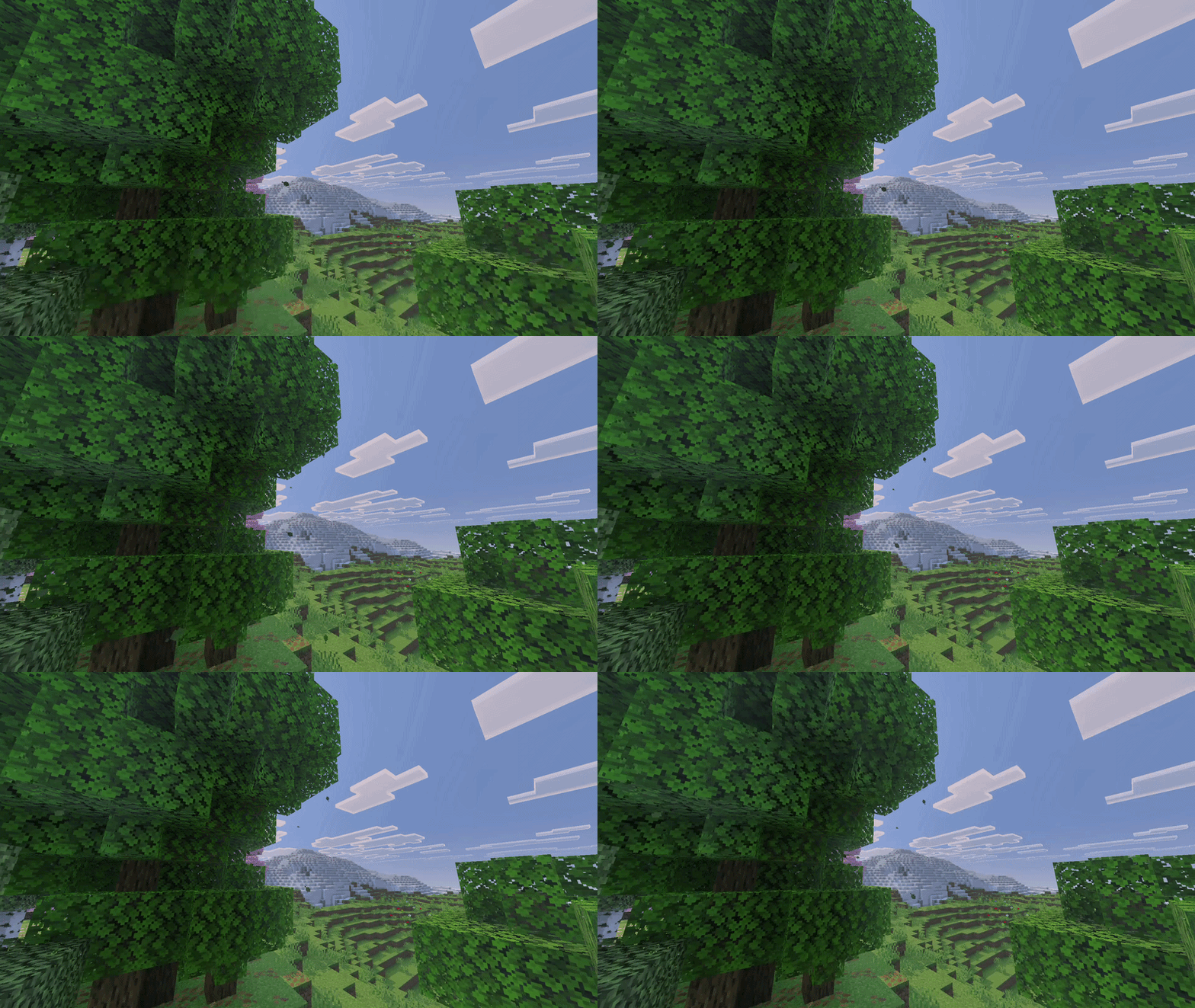
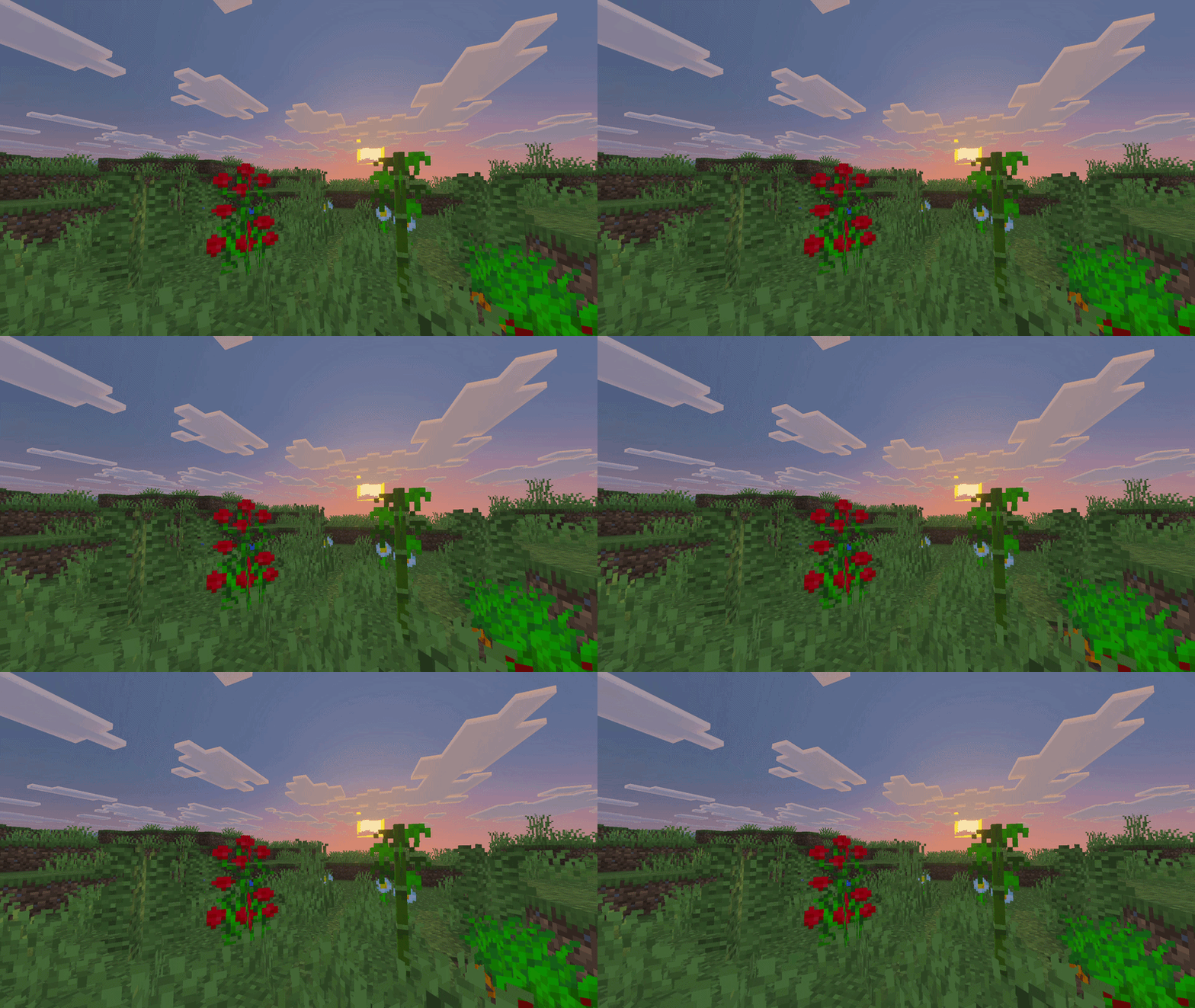
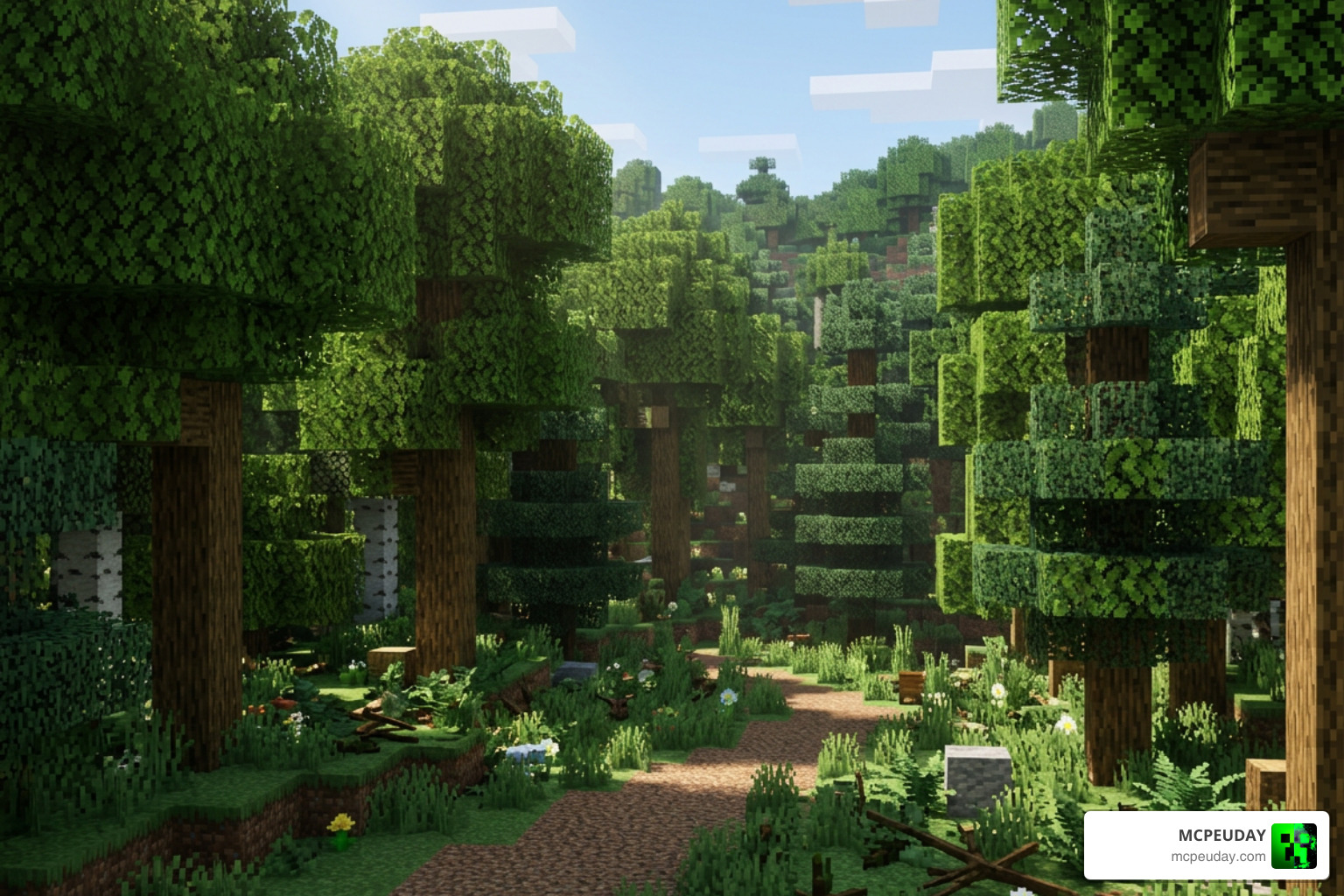
Better Waving Leaves Addon for Minecraft PE/Bedrock is a visual addon that gives tree leaves gentle wind-like movement, making forests feel less static and more atmospheric. It is designed for players who want a more realistic look without replacing the core Minecraft style. When exploring vast ecosystems in Minecraft, static trees can detract from the feeling of a living, breathing world. By adding smooth motion to tree leaves, this addon dramatically improves overall visual quality and atmospheric depth.
| Quick answer | What it means |
|---|---|
| Main effect | Leaves appear to sway instead of staying completely still |
| Best use | Survival worlds, scenic builds, nature maps, and shader setups |
| Compatibility concern | Check your exact Bedrock version and test it with other texture packs or foliage addons |
| Installation | Bedrock visual addons may need resource packs, behavior packs, or both, depending on the release |
| Performance | Dense forests and high-resolution textures can reduce FPS or use more battery on mobile devices |
Vanilla Minecraft forests have always had one strange weakness: there is no real sense of wind. A waving-leaves addon adds subtle motion and depth, so an oak forest, jungle canopy, or mangrove swamp can feel far more alive while you explore. Modern hardware on mobile devices, consoles, and PCs can easily process these ambient vertex movements, providing an experience comparable to advanced shaders on PC setups.
This guide covers the key rules for choosing, installing, customizing, and running leaf-animation addons safely on Minecraft PE and Bedrock. It also separates true waving foliage effects from falling-leaf particle addons, since they can look similar in screenshots but work very differently in-game. Understanding these differences helps you build a stable, beautiful, and lag-free world.
I am UDAY GAMER, and next we will break down what a Better Waving Leaves Addon actually changes before you add it to your world.
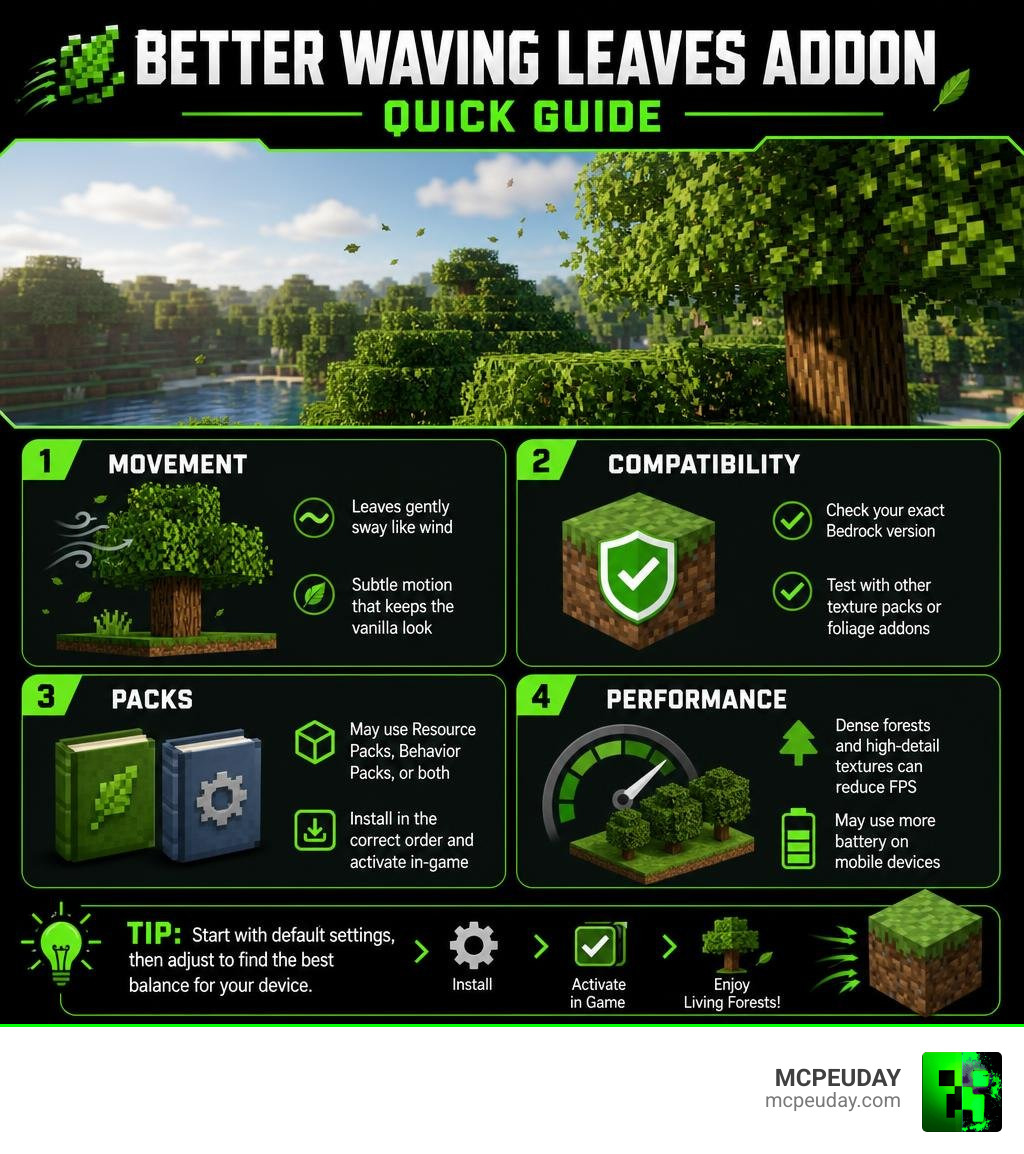
The Core Principles of the Better Waving Leaves Addon for Minecraft PE/Bedrock
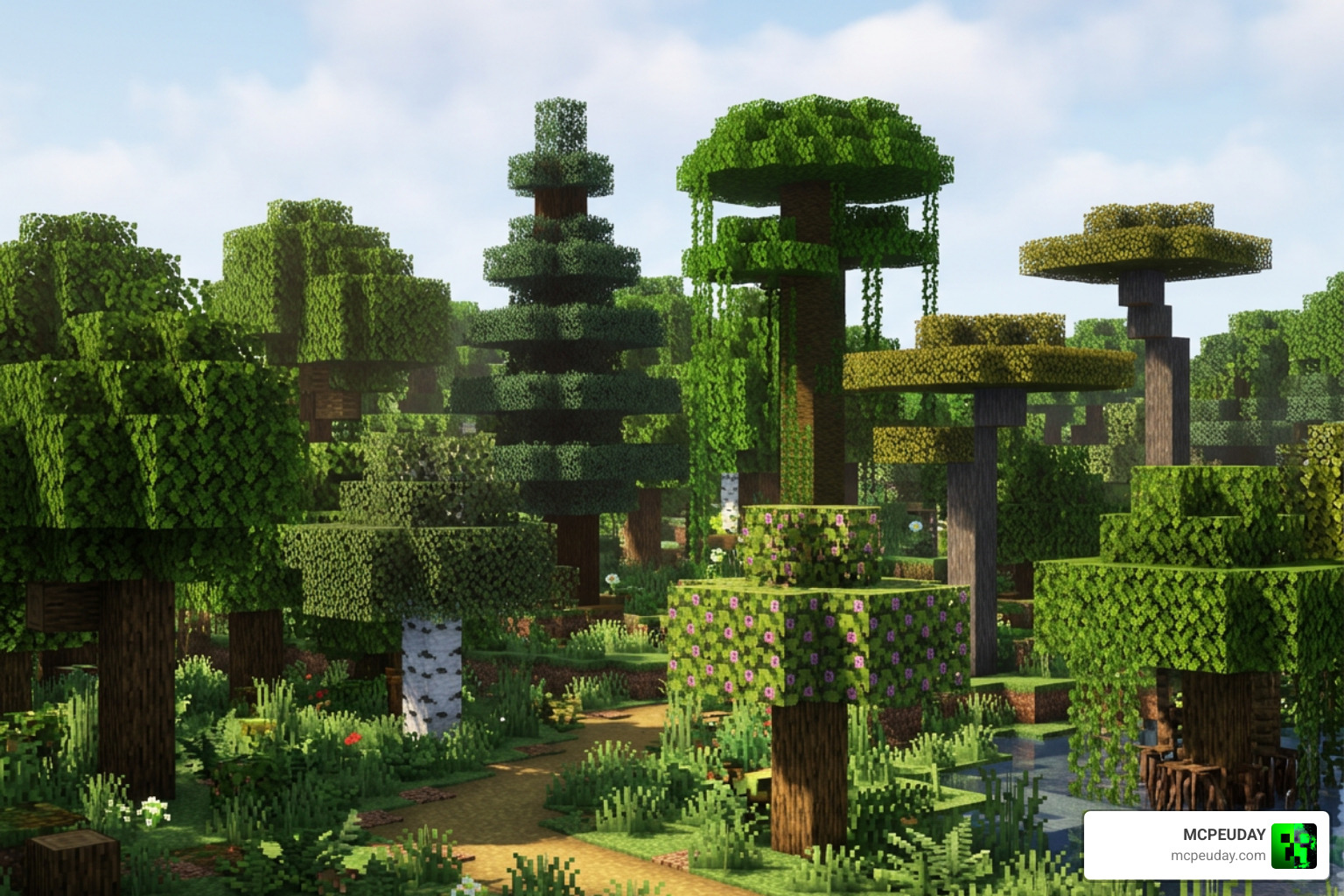
To understand how the Better Waving Leaves Addon for Minecraft PE/Bedrock transforms your world, we have to look at how Minecraft renders foliage. In standard vanilla Bedrock, block models for tree leaves are completely static cubes. By applying dynamic vertex shifting and custom block state animations, community creators bring gentle ambient motion to nature without requiring heavy third-party shaders.
The addon elevates every tree biome across the game. When walking through an oak foliage canopy, a dark oak forest, or a birch canopy, you immediately notice gentle wind vectors simulating swaying leaves. The spruce needles gently twitch with rigid micro-animations, jungle leaves move with higher humidity density and wider sway amplitudes, acacia trees mimic dry savanna breezes, azalea blooms shift smoothly alongside flowering vines, and tangled mangrove roots feel immersed in a coastal ecosystem. Each leaf block type utilizes distinct movement parameters tailored to match the environmental theme of its biome according to standard Minecraft foliage definitions.
Advanced Particle Mechanics in the Better Waving Leaves Addon for Minecraft PE/Bedrock
Beyond swaying animations, modern foliage overhauls frequently pair leaf motion with custom particle physics. The Better Waving Leaves Addon for Minecraft PE/Bedrock handles wind sway speed and particle dynamics simultaneously to deliver full visual immersion across all terrain types.
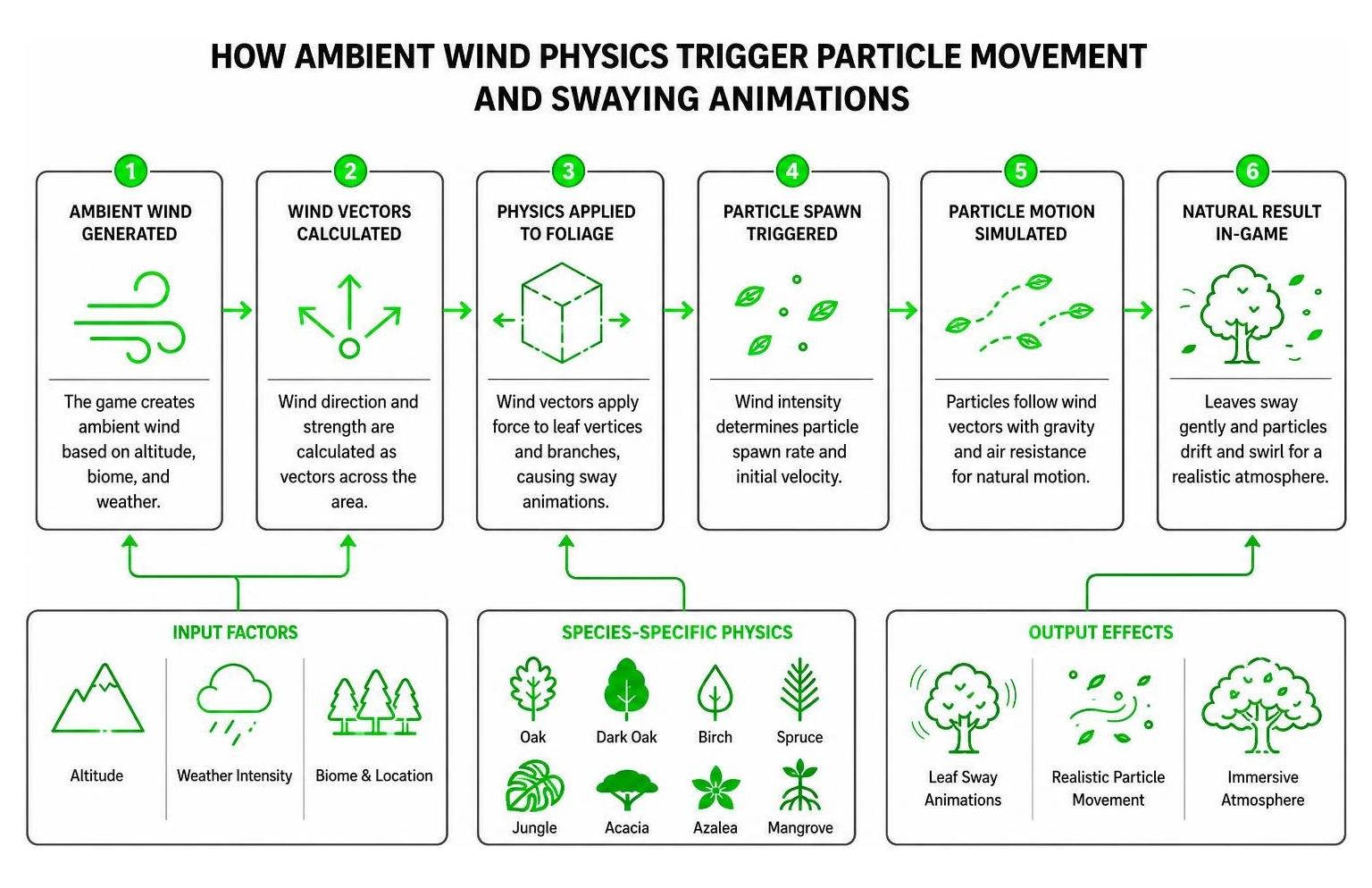
Here is how particle physics work together with leaf motion:
- Wind Vectors: Ambient motion speed scales based on altitude, weather conditions, and atmospheric storm intensity, increasing visual movement during rain or thunderstorms.
- Species-Specific Physics: 8+ core tree species—Oak, Dark Oak, Birch, Spruce, Jungle, Acacia, Azalea, and Mangrove—utilize unique particle shapes, color tints, and sway parameters.
- Realistic Fall Mechanics: When paired with falling leaf particles, individual leaves swirl down with realistic gravity and air turbulence rather than dropping straight down in a robotic line.
Customizing Visuals in the Better Waving Leaves Addon for Minecraft PE/Bedrock
Every player’s mobile hardware and aesthetic preferences are different. Fortunately, you can tailor your foliage experience without breaking your save files or losing world achievements.
- Custom PNG Textures: You can edit texture pack files directly inside the resource pack folder to match your preferred leaf colors, seasonal palettes, or custom painterly styles.
- Block States & JSON Editing: Fine-tune sway intensity and wave cycle speeds by adjusting mathematical offset parameters inside the block state configuration files.
- Density Tuning: Reduce active leaf particles and sway distance in dense jungle or dark forest biomes to protect your mobile frame rate, conserve device memory, and save overall battery life.
Installation Guidelines and Compatibility Rules
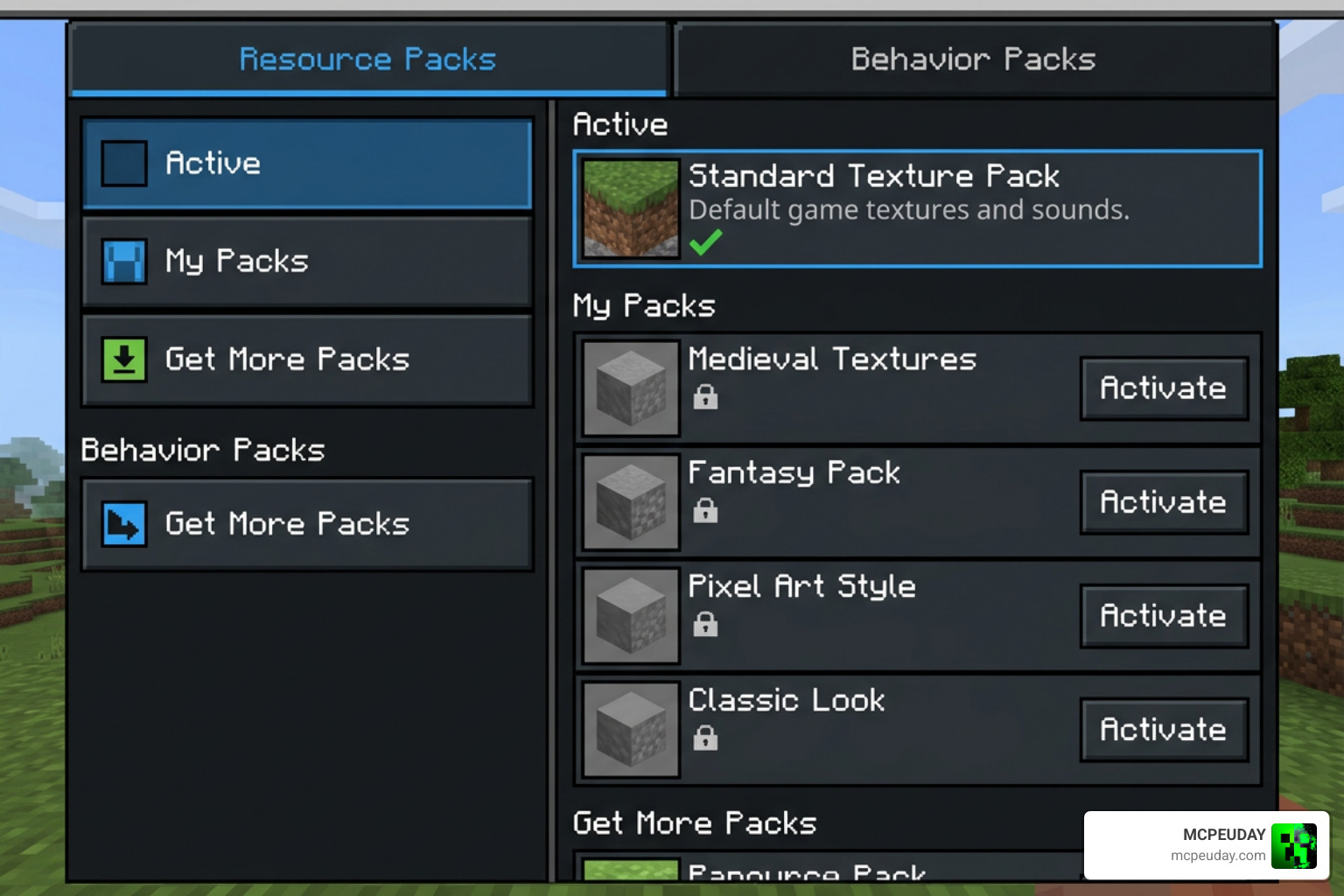
Installing community addons on Bedrock Edition requires a basic understanding of pack structure. On Java Edition, mods often run strictly on the client side. However, Bedrock Edition addons that modify block behaviors, custom models, or spawn dynamic particle entities require paired activation across both local client settings and world behavior lists.
To install the Better Waving Leaves Addon for Minecraft PE/Bedrock safely, follow these essential steps:
- Download both the official Resource Pack (
.mcpack) and Behavior Pack (.mcpack), or the combined.mcaddonbundle. - Open both files with Minecraft Bedrock (versions 1.20.40 through 1.21.51 supported) to import them automatically into your device storage.
- Open your World Settings screen and navigate to Resource Packs.
- Activate the resource pack under active global or world resources to enable custom vertex block models.
- Navigate to Behavior Packs and activate the corresponding behavior file to initialize particle emitters and wind logic.
- Verify that no experimental toggles are strictly required—this ensures long-term world stability, preserves achievement unlocking, and prevents experimental save corruption during future game patches.
Managing Addon and Texture Pack Interoperability
When running complex graphical overhauls alongside other resource packs, pack priority order matters immensely. Always place your waving leaves resource pack near the top of your global resource stack so its custom block states correctly override default vanilla textures.
If you are combining this with bushy leaves shaders, high-resolution texture packs, skyboxes, or custom blocks, ensure that the texture resolution matches across all installed files. Mismatched block registries or conflicting render controllers can occasionally lead to invisible foliage, visual flickering, or missing particle textures on multiplayer servers and dedicated Bedrock Realms.
Performance Benchmarks and Environmental Impact
While waving foliage looks amazing, it does put extra load on your device’s GPU and processor. Mobile devices running iOS and Android process vertex animation and particle rendering differently than desktop computers or game consoles. Community creations for foliage enhancement have achieved massive popularity across global player bases, reaching hundreds of thousands of downloads across major community sharing platforms, while similar Java mods exceed tens of millions of users worldwide.
Understanding why creators update or complete their projects is also vital for long-term world planning. For example, some creators have released final updates for foliage addons because Mojang Studios is gradually implementing native leaf movement, ambient particle physics, and enhanced render capabilities into core vanilla Minecraft updates.
| Feature / Metric | Community Bedrock Addon | Native Mojang Updates | Java Client Mod |
|---|---|---|---|
| Community Platform Downloads | 650,000+ combined | Built into game | 23.36+ Million |
| Setup Requirement | Resource + Behavior Pack | Standard Vanilla | Client-Side (Fabric/Forge) |
| Experimental Toggle Required? | No | No | No |
| Mobile Battery Optimization | Medium (Configurable) | High (Native C++) | N/A (PC Only) |
| Bedrock Version Support | 1.20.40 – 1.21.51+ | Future Releases | Java Versions |
Always adhere to community guidelines and terms of use when using custom foliage addons: enjoy addons for personal use, link directly to official creator project pages when showcasing builds online, and avoid re-uploading modified project files without explicit author permission. To maintain optimal performance on mid-range mobile devices, consider locking your framerate to 60 FPS and lowering render distance in heavily wooded biomes.
Frequently Asked Questions About Minecraft Leaf Addons
Does the Better Waving Leaves Addon require experimental features?
No, the Better Waving Leaves Addon for Minecraft PE/Bedrock does not require enabling experimental feature toggles. Because it operates cleanly using standard Bedrock resource shaders and block state overrides, it is completely safe for long-term survival worlds and realm servers, keeping your world save files free from experimental update bugs or conversion corruptions.
Is the Java Edition leaf mod client-side only compared to Bedrock?
Yes! The Java Fabric and Forge versions run 100% client-side, meaning you can connect to any vanilla Java server while enjoying dynamic falling leaves and foliage sway without requiring server installation. Conversely, Bedrock Edition requires both a Behavior Pack and a Resource Pack synchronized on the world host or server to properly manage custom particle spawning mechanics and block model overrides.
Can players customize leaf textures and particle densities?
On Bedrock Edition, players can easily customize leaf appearance by replacing PNG files inside the resource pack textures folder with their own custom colors or textures. Advanced users can adjust particle density, sway amplitude, and animation wind cycle speeds by editing block states JSON files directly using any standard text editor.
Conclusion
Upgrading static vanilla trees with dynamic swaying motion brings an unprecedented layer of atmospheric depth and realistic beauty to your Minecraft PE/Bedrock experience. Whether you are building an elaborate mountain base, exploring dense jungle canopies, or relaxing in a blossom-filled azalea grove, natural foliage movement makes your world feel vibrant, dynamic, and genuinely alive.
At MCPEUDAY, we love sharing the absolute best tools, shaders, and resource enhancements to elevate your gameplay. If you want to take your world in a completely exciting direction after upgrading your graphics, check out our curated MCPEUDAY Addons Collection for the top-rated graphics, gameplay, and adventure mods!