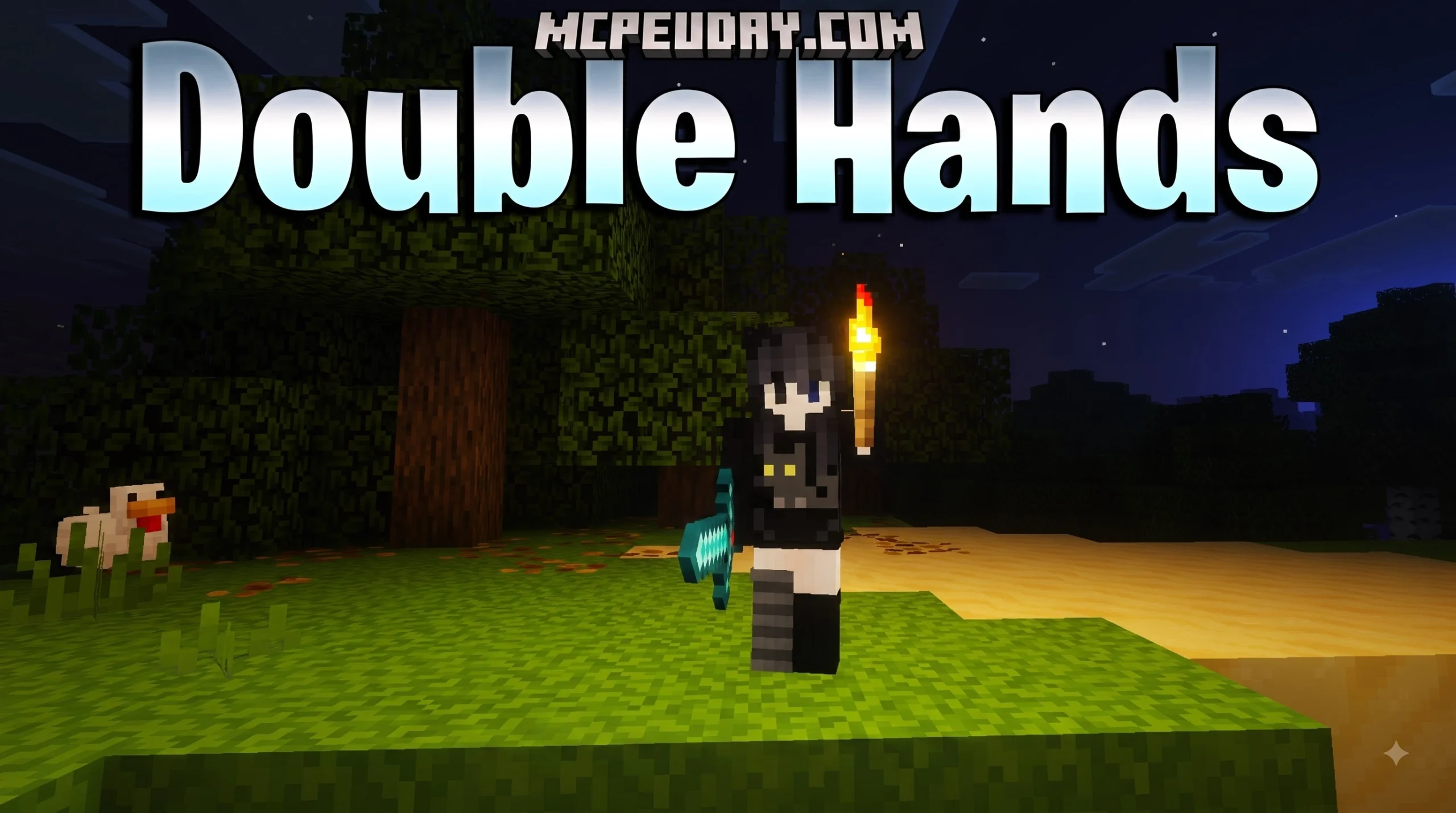
The DoubleHands Addon: Play Minecraft Bedrock Like Java Edition
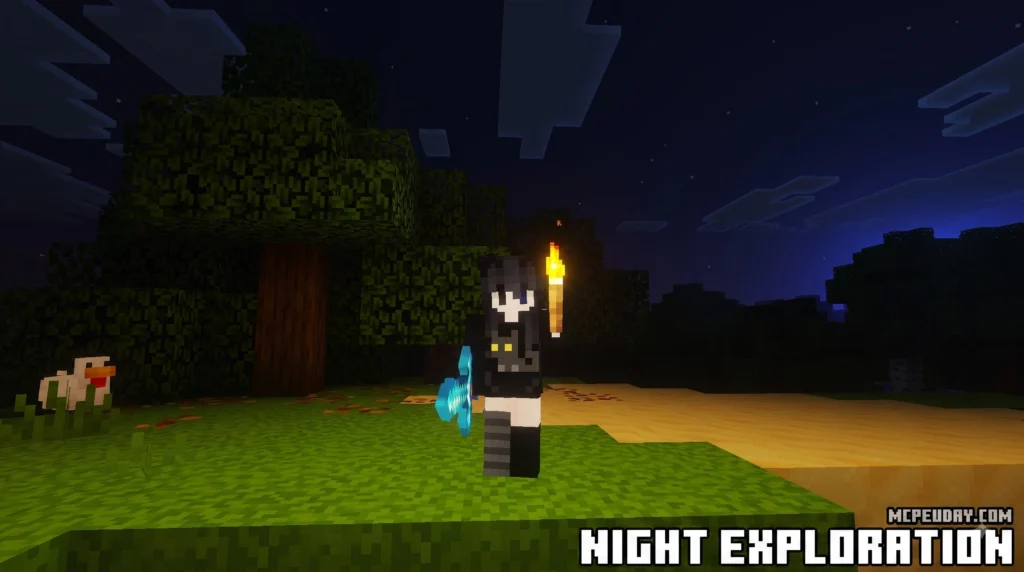
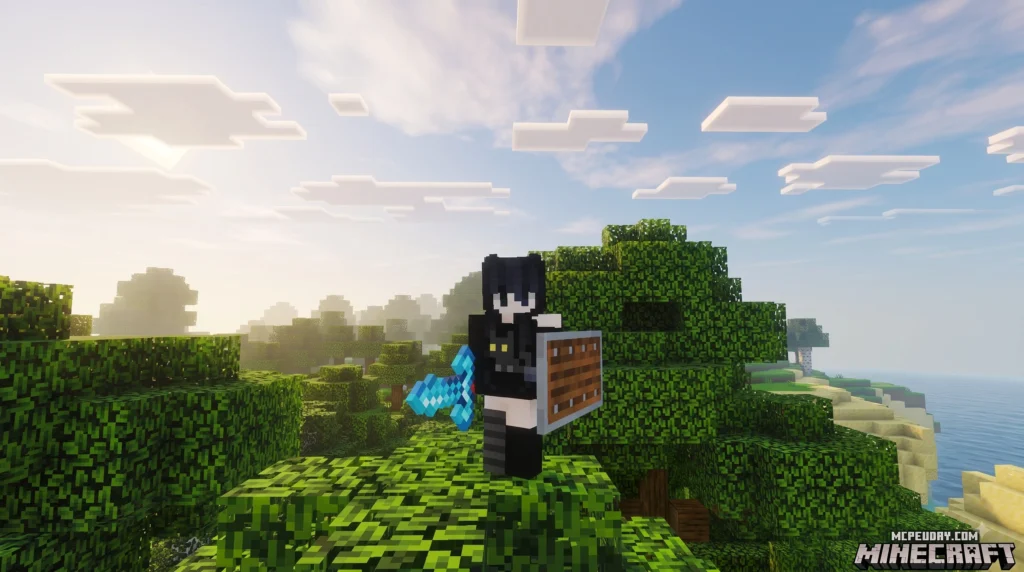
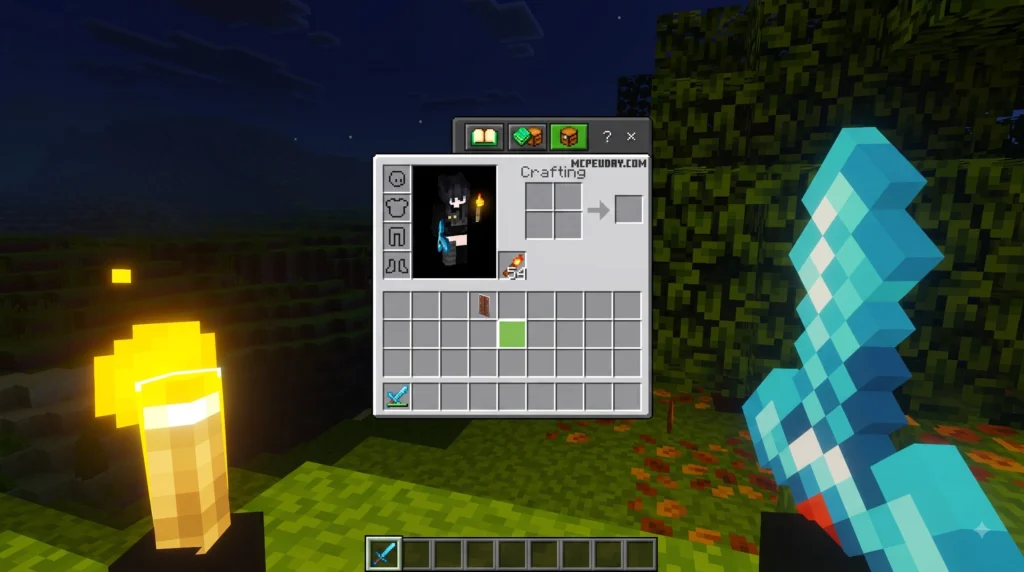
The DoubleHands Addon gives Minecraft Bedrock players a fully functional offhand slot — just like Java Edition — so you can hold torches, shields, maps, and more in your left hand while using your main hand at the same time.
Quick Answer: What does the DoubleHands Addon do?
- Unlocks a working offhand slot in Minecraft Bedrock/PE
- Lets you dual-wield items like torches, food, blocks, and tools
- Brings Java Edition offhand parity to mobile, Windows, and console
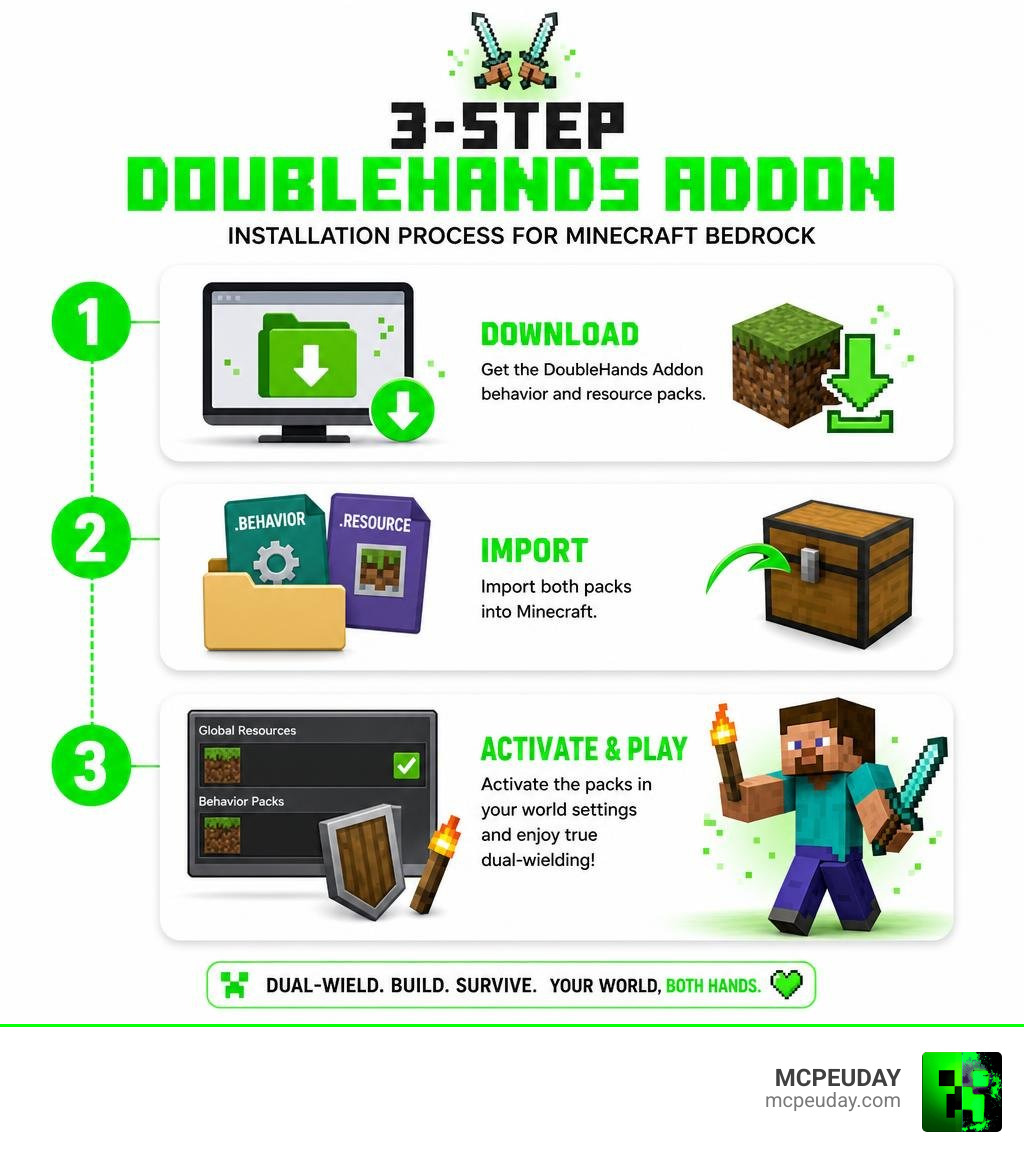
- Installs in 3 simple steps using behavior and resource packs
Bedrock Edition has always had a visible offhand slot — but it barely works. You can hold an arrow or a totem, and that’s about it. Java Edition players get full dual-wielding freedom, and that gap has frustrated Bedrock players for years.
The DoubleHands Addon fixes that. No mods. No PC required. Just a quick addon install and your offhand slot finally does something useful.
Whether you’re placing torches while mining, keeping a shield ready in combat, or just tired of switching items every five seconds — this addon changes how Bedrock feels to play.
I’m UDAY GAMER from MCPEUDAY, and I’ll walk you through exactly how to download and set this up in just 3 simple steps.
What is the DoubleHands Addon and How Does It Work?
The DoubleHands Addon is a game-changing utility designed specifically to bridge the gameplay gap between Minecraft Bedrock Edition and Java Edition. In standard Bedrock, your offhand slot is incredibly restricted. You can only place a shield, totems of undying, maps, or arrows in it. If you want to hold a torch to light up a dark cave while mining with your pickaxe, you are out of luck.
This addon completely rewrites how Bedrock handles the offhand slot. By utilizing modern Bedrock API features, the DoubleHands Functional Offhand Like Java Addon enables true dual-wielding. It allows your character to interact with items placed in the left hand, executing actions like placing blocks, eating food, or lighting up your surroundings dynamically.
The magic behind this addon lies in its custom scripting and event listeners. When you place an item in your offhand, the addon registers its properties and maps them to your secondary interaction button. This means the game treats the offhand item as an active tool rather than just a passive visual asset. It seamlessly intercepts your inputs to trigger the correct item behaviors, giving you a smooth, lag-free experience that feels completely native to the base game.
Why Bedrock Players Need the DoubleHands Addon
Playing Bedrock Edition without functional dual-wielding can feel like playing with one hand tied behind your back. Here is why this addon is an absolute must-have for your survival worlds:
- Mining Workflow Efficiency: No more switching back and forth between your pickaxe and torches. You can hold your pickaxe in your main hand and place torches instantly with your offhand. This saves valuable time and keeps you safe from sudden mob spawns in dark caves.
- Combat Survival: Keep your shield active in your offhand while firing a bow, throwing potions, or swinging a sword without awkward inventory swapping. You can block incoming skeleton arrows and immediately counter-attack without any delay.
- Building Convenience: Place two different types of blocks simultaneously or hold a reference map in your offhand while building complex structures. This is incredibly useful for large-scale creative projects or survival base building.
- Exploration and Survival: Traverse dangerous terrain like the Nether or deep dark biomes with food or a totem in your offhand. You can sprint and eat to regenerate health while keeping your sword drawn to fend off hostile mobs.
Compatibility and Platform Requirements in 2026
As of July 2026, the DoubleHands Addon is highly optimized to run smoothly across the entire Bedrock ecosystem. Because it is built using standard Bedrock resource and behavior pack formats, it is fully compatible with:
- Minecraft PE (Pocket Edition) on Android and iOS mobile devices.
- Windows 10/11 PCs.
- Consoles (Xbox, PlayStation, and Nintendo Switch) via world-hosting or Realm synchronization.
The addon does not require a high-end gaming rig or a rooted mobile device. It runs natively within the game’s engine, ensuring your frame rates remain stable even during intense combat or mining sessions. It has been thoroughly tested to ensure it does not cause memory leaks or performance degradation over long play sessions.
How to Download and Install the Addon in 3 Simple Steps
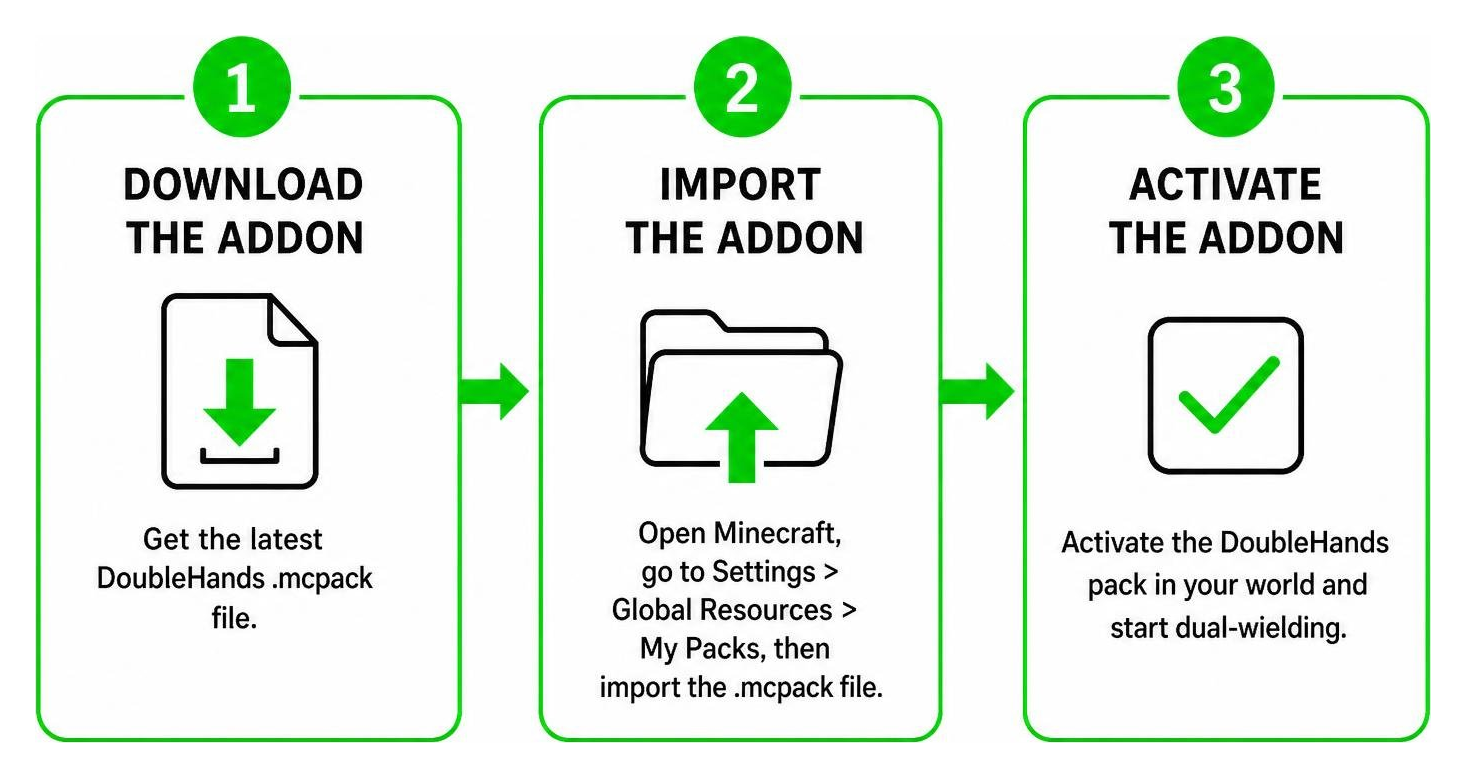
Getting the DoubleHands Addon up and running in your game is quick and straightforward. Follow our easy three-step guide below to start dual-wielding in minutes.
Step 1: Download the Addon Files
First, you need to acquire the correct .mcpack files for the addon. We provide the latest, secure download links directly on our platform.
- Head over to our dedicated page for the DoubleHands Functional Offhand Like Java Addon.
- Download both the Resource Pack and the Behavior Pack files.
- If you are on an Android device, use a file manager app like ZArchiver to locate the downloaded files in your “Downloads” folder. Ensure your device has storage permissions enabled for your file manager and Minecraft.
- If you are on iOS, you can use the native “Files” app to locate the downloaded packs. Make sure they have the
.mcpackextension and are not compressed as.zipfiles.
Step 2: Import to Minecraft Bedrock
Importing packs into Minecraft Bedrock is incredibly simple thanks to the native .mcpack format.
- Open your file manager and tap or double-click the downloaded
.mcpackfiles. - Select Minecraft as the application to open the files.
- Minecraft will launch automatically, and you will see a notification at the top of your screen saying “Import Started” followed by “Successfully Imported.”
- Repeat this process for both the Resource Pack and the Behavior Pack to ensure all assets work correctly. If you encounter an “invalid zip archive” error, try renaming the file extension from
.zipto.mcpackbefore opening it.
Step 3: Enable Experimental Gameplay Settings
Because this addon introduces advanced mechanics that go beyond standard Bedrock limitations, you must enable experimental toggles in your world settings. These toggles allow the custom scripts to run and interface with the game’s internal engine.
- Launch Minecraft and go to your World Settings (either create a new world or edit an existing one).
- Scroll down to the Experiments section in the game settings menu.
- Toggle on Beta APIs and Holiday Creator Features (depending on your specific game version updates). These are absolutely critical for the custom offhand mechanics to function.
- Navigate to the Resource Packs tab on the left menu, find the DoubleHands Addon, and click Activate.
- Go to the Behavior Packs tab and ensure the corresponding behavior pack is also active.
- Launch your world and enjoy true dual-wielding!
For the latest base game updates and troubleshooting your game installation, you can always refer to the Minecraft Official Site.
Key Features and Gameplay Parity
The DoubleHands Addon brings Bedrock closer than ever to the coveted Java Edition gameplay experience. Let’s look at how this addon upgrades your default game:
| Feature | Bedrock Default | With DoubleHands Addon |
|---|---|---|
| Hold Torches in Offhand | No | Yes (Dynamic lighting supported) |
| Place Offhand Blocks | No | Yes (Right-click/tap to place) |
| Eat Food from Offhand | No | Yes |
| Use Shields | Yes | Yes (Enhanced combat mechanics) |
| Use Tools/Weapons | Restricted | Fully functional dual-wielding |
Enhanced Dual-Wielding Capabilities
Once activated, using your offhand is completely intuitive. If you place a usable item (like a torch, block, or food) in your offhand slot, you can use it by performing your secondary action input (right-click on PC, or tapping the “Use” button on mobile).
This allows you to eat a golden apple mid-fight without switching away from your sword, or place blocks to build a bridge while keeping your weapon ready for unexpected mob attacks. The addon also supports dynamic lighting, meaning that holding a torch in your offhand will actually illuminate the area around you as you walk, without needing to place the torch down. This is a massive game-changer for cave exploration and resource gathering.
Troubleshooting Common DoubleHands Addon Issues
If you run into issues while using the addon, don’t worry. Here are the most common fixes:
- Items not working in offhand: Double-check that you enabled Beta APIs in your world’s experimental settings. This is the most common reason the addon fails to run, as the custom scripts rely heavily on these APIs to function.
- Resource conflicts: If you use other UI or gameplay mods, they might conflict with the custom offhand scripts. Try moving the DoubleHands Addon to the top of your active packs list in both the Resource and Behavior pack settings to give it priority.
- Multiplayer sync issues: If friends joining your world cannot use their offhand, make sure you have checked the option “Require players to accept resource packs to join” in your world settings. This ensures all players download the necessary assets upon joining.
- Version Mismatch: Ensure you are running a compatible version of Minecraft Bedrock (1.21 or newer). If the game updates, you may need to download the latest version of the addon from our site to maintain compatibility.
Frequently Asked Questions
Is the DoubleHands Addon free to use?
Yes! The addon is completely free to download and use. We provide safe, direct access to the files on our site with no hidden costs.
Which versions of Minecraft Bedrock are compatible?
The addon is fully compatible with Minecraft Bedrock/PE version 1.21 and newer. We regularly update our links to ensure compatibility with the latest hotfixes.
Does this addon work in multiplayer worlds and realms?
Yes, it works beautifully in multiplayer worlds and dedicated Bedrock Realms. As long as the world host has the behavior and resource packs active with experimental settings turned on, all joining players will be able to dual-wield.
Conclusion
The DoubleHands Addon is a must-have upgrade that makes Minecraft Bedrock feel complete. By bringing true Java Edition dual-wielding parity to your mobile, PC, or console worlds, it removes the frustrating limitations of the default offhand slot and elevates your survival gameplay.
At MCPEUDAY, we pride ourselves on providing the absolute best, tested, and up-to-date resources for the Minecraft community. If you love customizing your gameplay, check out our extensive collection of Bedrock content on our MCPE Bedrock Category Page. Happy mining, and enjoy your newly freed left hand!

1 thought on “DoubleHands Addon (26.x, 1.21) – MCPE/Bedrock Mod”